Week - 9 - Reflecting the geometry
Objective:
Creation of a macro to reflect the FE entities.
Code:
proc nastran {a t} {
set nastran [hm_info templatetype]
if {$nastran=="nastran"} {
set c $a
set d $t
*clearmarkall 1
*createmark comps 1 $c
if {[hm_marklength comps 1 $c]!=0} {
puts [tk_messageBox -message "The component already exists" -icon warning -type ok -detail "" -title prompt]
} else {
*createentity comps includeid=0 name=$c;
*createmark components 1 $c
set compid [hm_getmark comps 1]
*createentity props cardimage=PSHELL includeid=0 name=$c;
*createmark props 2 $c
set propid [hm_getmark props 2]
*setvalue props id=$propid STATUS=1 95=$t;
*setvalue comps id=$compid propertyid=$propid;
}
}
}
proc Reflect {} {
*clearmarkall 1; *clearmarkall 2;
set name [hm_getstring Component_Name "Enter name of reflect component followed by _"]
*createmarkpanel comps 1 "Select the component containing original geometry to be reflected"
set o_geom [hm_getmark comp 1]
*createmarkpanel comps 1 "Select the component containing target geometry"
set t_geom [hm_getmark comp 1]
*createmarkpanel comps 1 "Select the FE component you want to reflect"
set o_fea [hm_getmark comp 1]
puts a
set profile [hm_info templatetype]
foreach i $o_fea {
set t [hm_getthickness comps $i]
set old_n [hm_entityinfo name comps $i]
set n $name$t
$profile $n $t
*createmark elements 1 $old_n
*copymark elements 1 $n
*displaycollectorwithfilter components "off" "$old_n" 1 0
}
*createmark comps 2 "displayed"
*autocolorwithmark components 2
puts b
*clearmarkall 1; *clearmarkall 2;
*createmark surfaces 1 "by collector" $o_geom
set o_cog [hm_getcentroid surfaces 1]
*createnode [lindex $o_cog 0] [lindex $o_cog 1] [lindex $o_cog 2] 0
*createmark node 2 -1
set o_node [hm_getmark node 2]
*createmark surfaces 1 "by collector" $t_geom
set t_cog [hm_getcentroid surfaces 1]
*createnode [lindex $t_cog 0] [lindex $t_cog 1] [lindex $t_cog 2] 0
*createmark node 2 -1
set t_node [hm_getmark node 2]
puts c
#creating intercepts needed to define reflect plane
set intercepts [hm_getdistance nodes $o_node $t_node 0];
*clearmarkall 1;
*createnodesbetweennodes $o_node $t_node 1;
*createmark nodes 1 -1
set m_node [hm_getmark nodes 1];
set m_node_info [hm_nodevalue $m_node]; #getting the co-ordinate of mid node for plane definition {x y z}
puts d
# reflecting the component
*clearmarkall 1;
*createmark elements 1 "displayed"
*createplane 1 [lindex $intercepts 1] [lindex $intercepts 2] [lindex $intercepts 3] [lindex $m_node_info 0 0] [lindex $m_node_info 0 1] [lindex $m_node_info 0 2]
*reflectmarkwithoption elements 1 1 0;
puts e
#equivalence
*clearmarkall 1 ; *clearmarkall 2;
*createmark component 1 "displayed"
*equivalence components 1 0.01 1 0
}
Reflect;
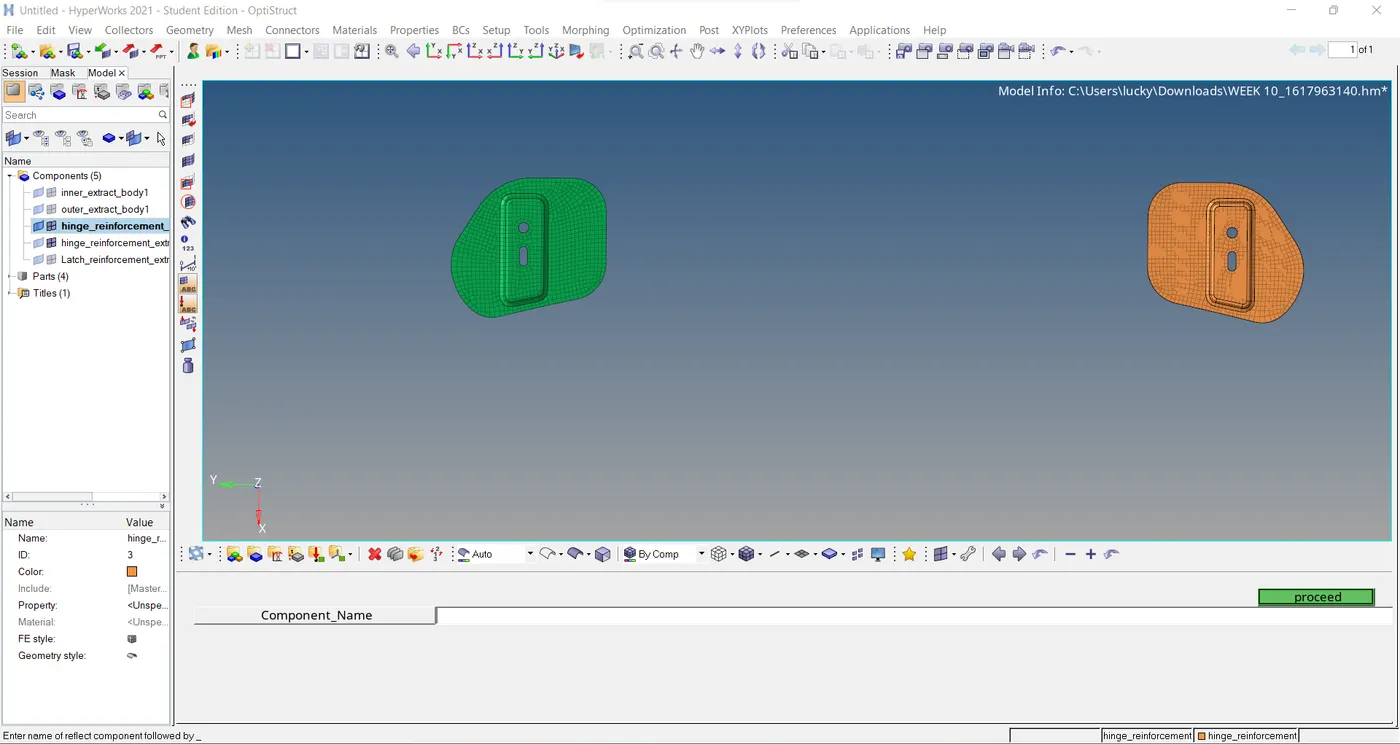
On entering the above tcl codeing to create a macro for reflect the geomentry a window has been displayed as shown.
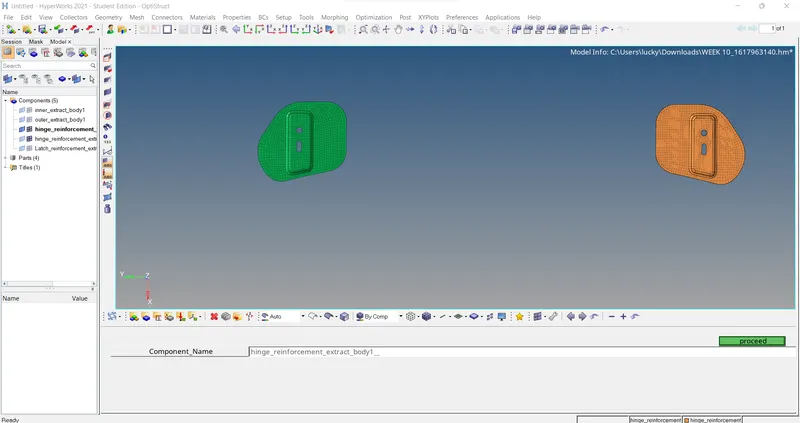
In the componenet name entity enter the name of the reflect component followed by _ .The process is shown in below.
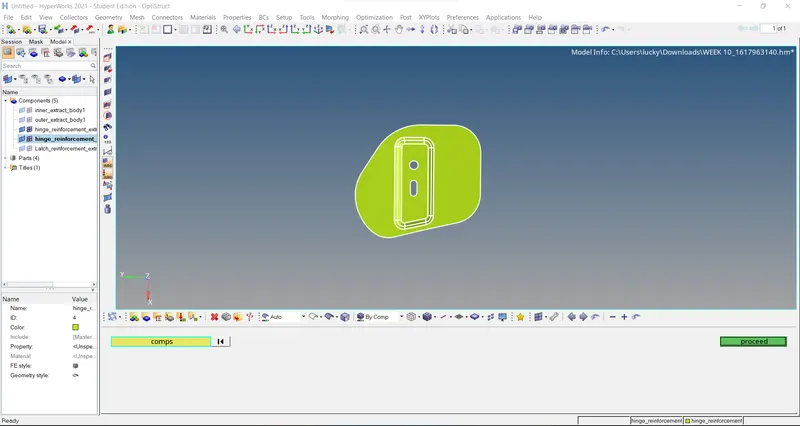
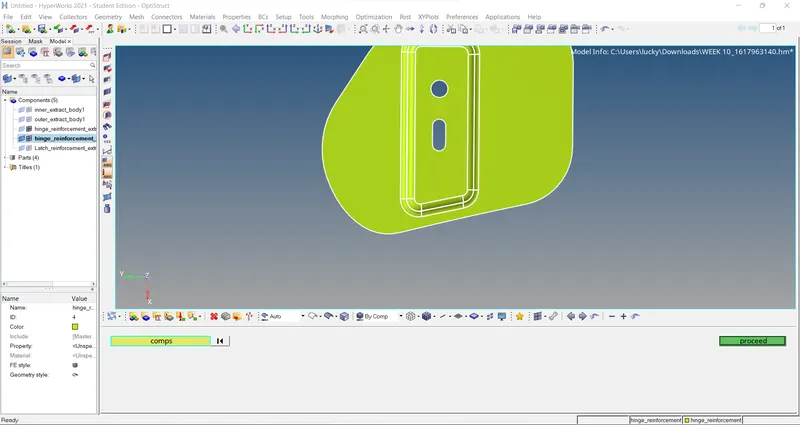
After that it asked to select the component containing original geomentry to be reflected as shown in below fig.
After selecting the reflected component now select the component containing target geomentry as shown in below fig.
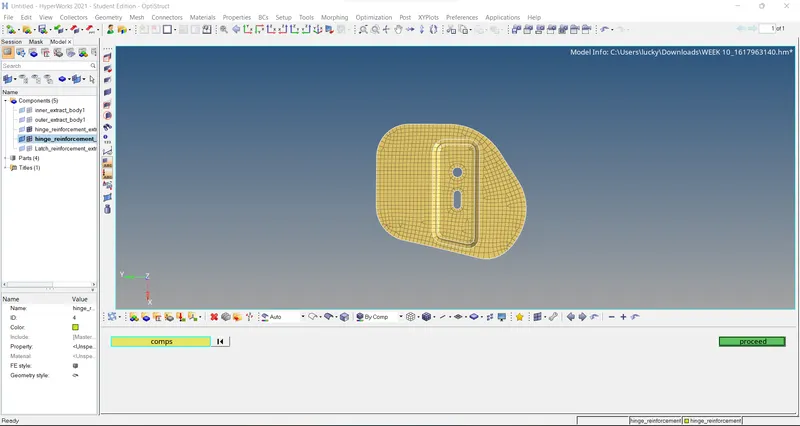
After that now select the FA entities as shown.
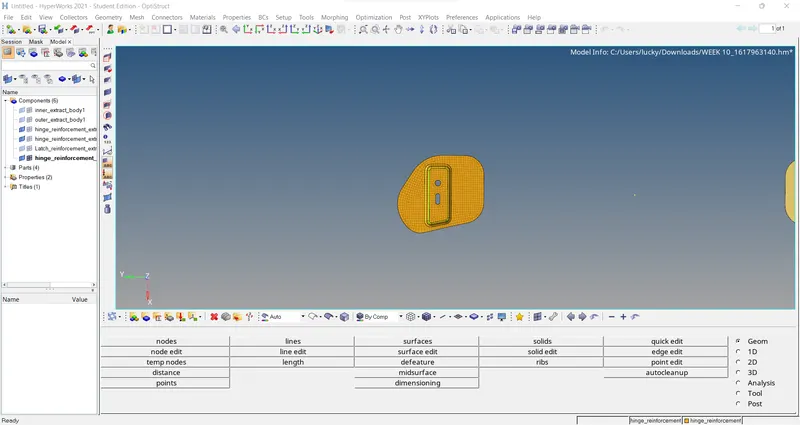
Conclusion:
Simillar components will be automated with this macro successfully.