Week 11 Car Crash simulation
Objective:
For this model we have to perform a parametric study using 3 different values of thickness for the car body.The thickness used in these
models are 0.3,0.45 and 0.6 for the car body.And we need to apply the same conditions as mentioned.
Thickness (0.3,0.45 and 0.6 mm)
Displacement (500 mm)
Procedure And Execution:
1.Firstly open the ansys workbench to perform the analysis for the given model.
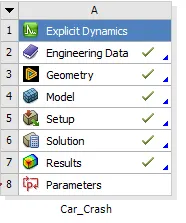
2.After opening the ansys workbench double click on the Explicit_Dynamics and rename it as the Car_Crash_Simulation.
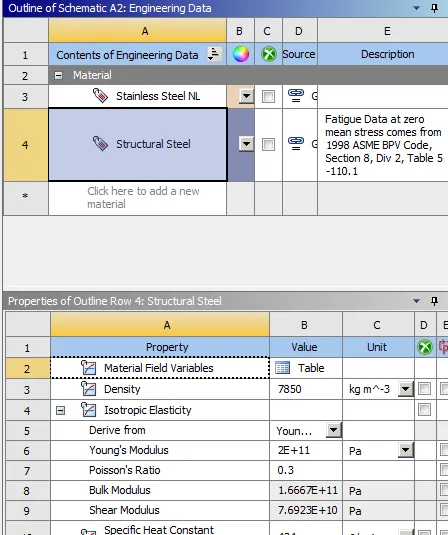
3.After that double click on the engineering data for adding the non linear material for the car body.Here we taking the Stainless_Steel as non
linear material for the car body.
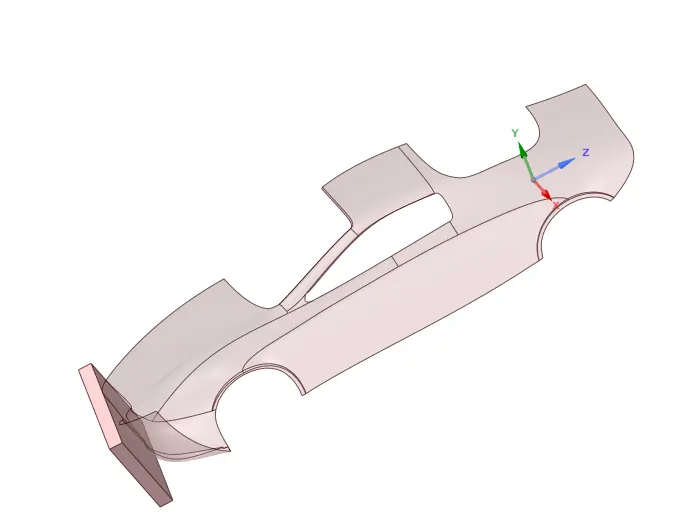
4.After adding of the material close the engineering data,and now import the geomentry from the given challenge to perform the parametric study
of the car crash simulation.
5.Double click on the geomentry to view the model in the space_claim.
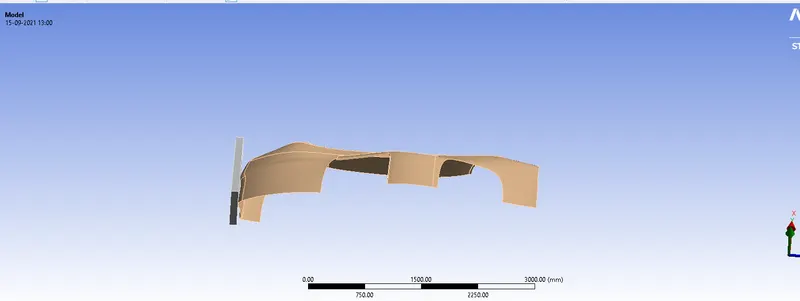
6.Later viewing the model in the space claim close the space claim and double click on the model to start the mechanical module to perform the
Analysis for the given model.
7.After opening the mechanical module,on the left side ofthe screen we can have a tree filter where the rest of the components details are given in
that.
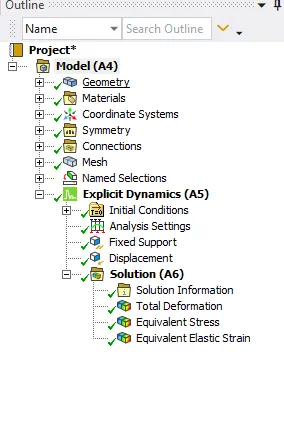
8.In the tree filter,we have geomentry and it consists of four components in it.Rename the parts as based on the model given.If the rest of the
components does not have in the model,just supress that components for further proceed.
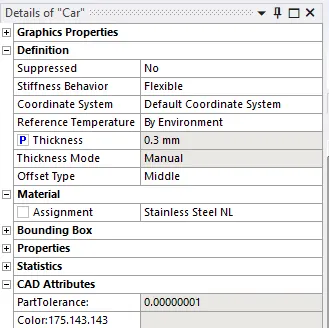
9.In the geomentry,for the car body assign the thickness as 0.3 as for case 1 and arrange the stainless steel for the same car body.And repeat the
same procedure for the remaining two cases.
10.In the connections there are several default contacts have been created by the Ansys.The created contacts should be deleted why because
there is no need of contacts in the explicit dynamics.
11.After that create the symmetry region for both the car and wall as shown in the below fig.
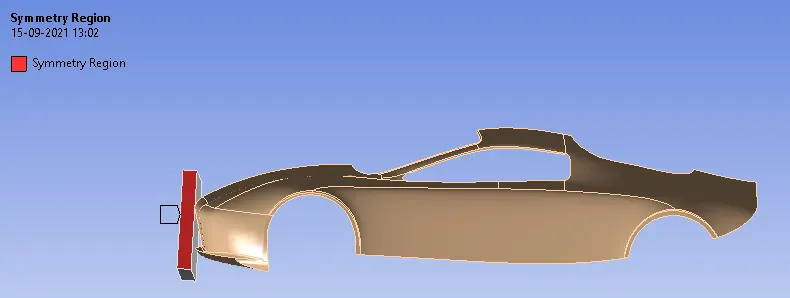
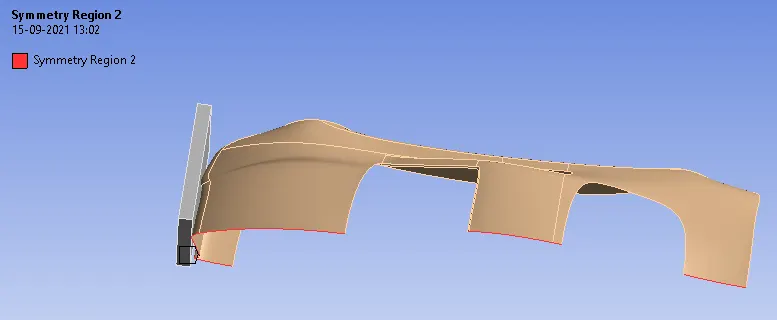
12.Later that generate the mesh that will not includes the 31k elements for the academic version of Ansys.
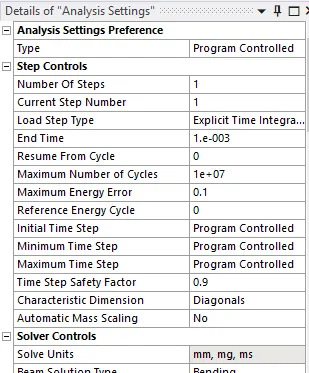
13.In the analysis settings just change the end time to 0.001 and leave the remaining settings as defaults which does not to be changed.
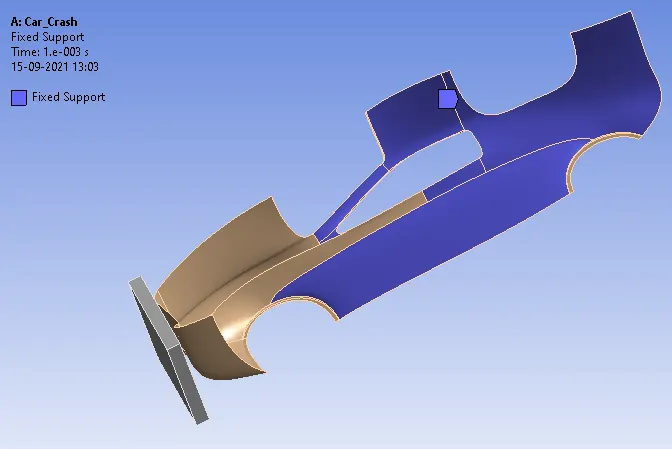
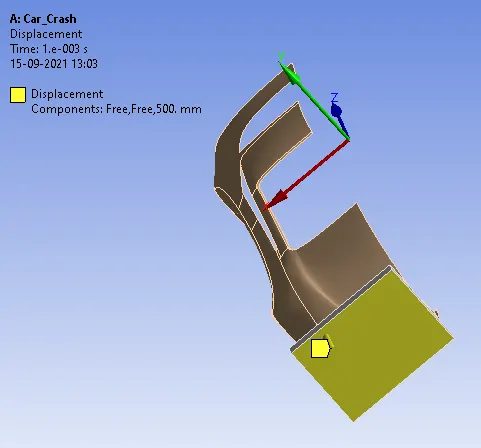
14.Later in the initial conditions,give a fixed support for the car body and give the displacement for the wall as 500mm as shown in the below fig.
15.After creating them just slove the given parameters by clicking on the solution name or siply by clicking on the shortcut key as F5.
Results:
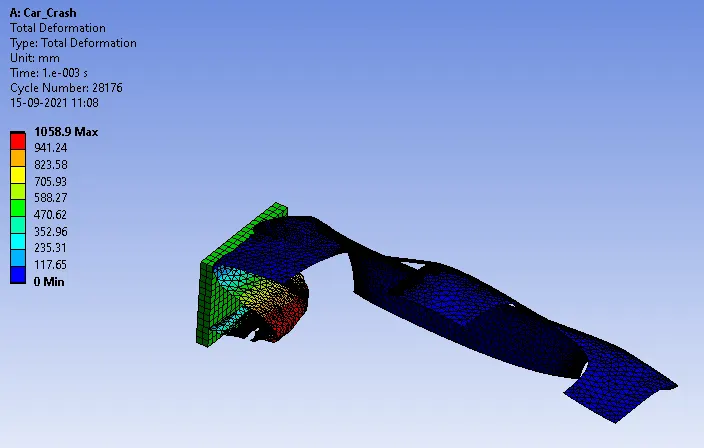
Case 1(For t=0.3mm)
Total Deformation
Equivalent Stresses
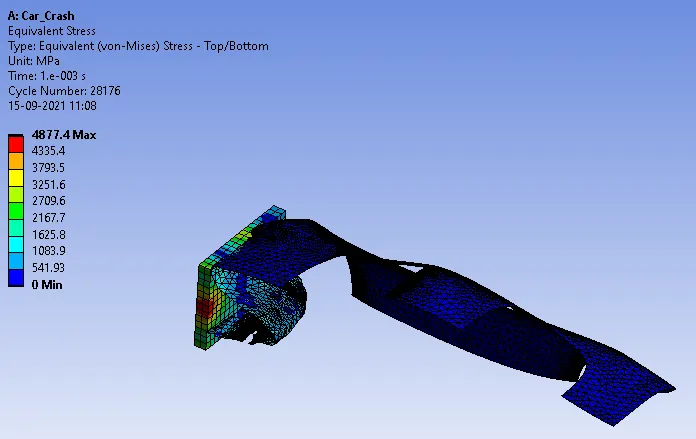
Equivalent Straines
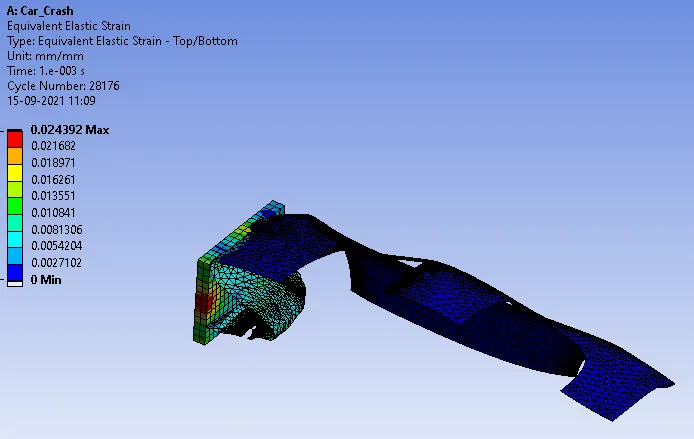
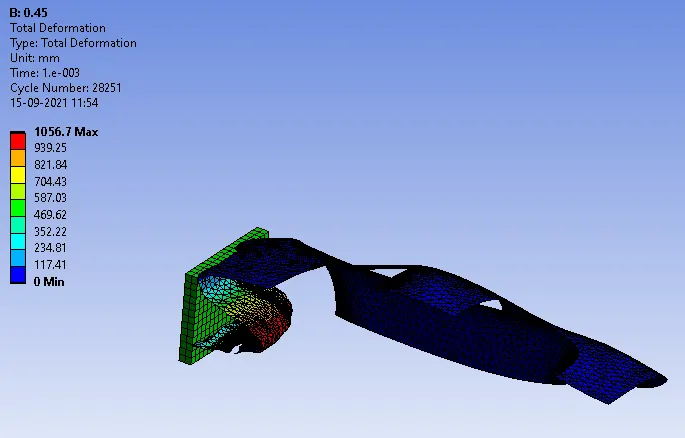
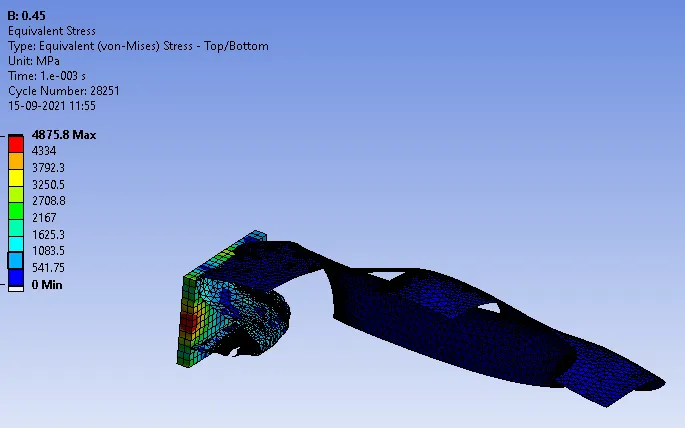
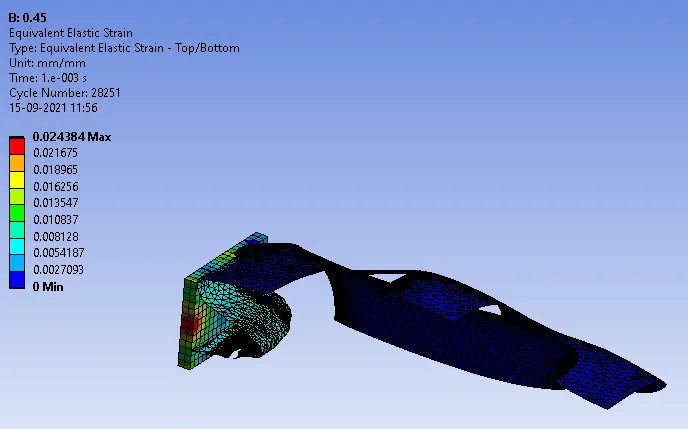
Case 2(For t=0.45mm)
Total Deformation
Equivalent Stresses
Equivalent Straines
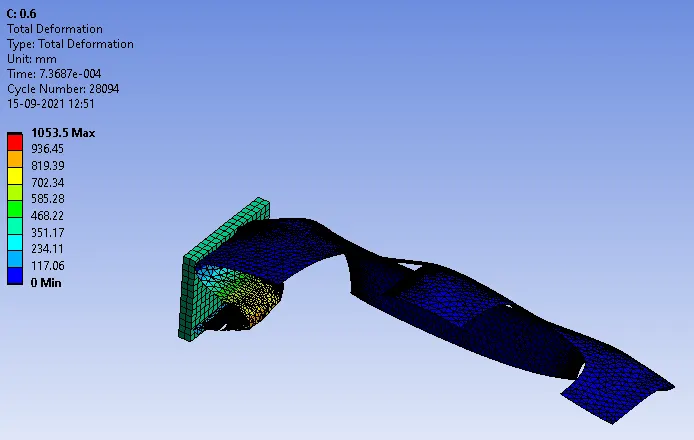
Case 3(For t=0.6mm)
Total Deformation
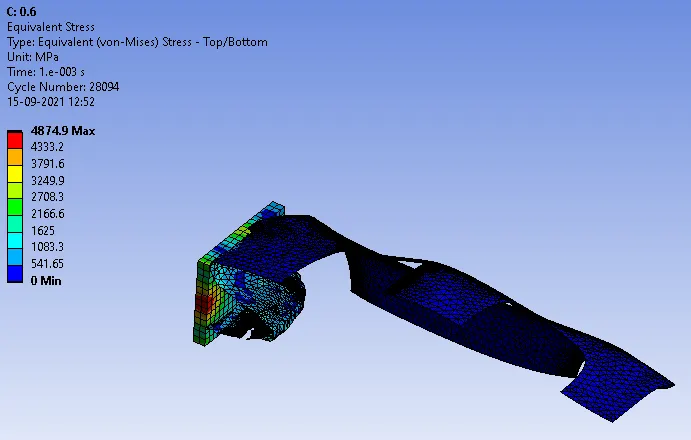
Equivalent Stresses
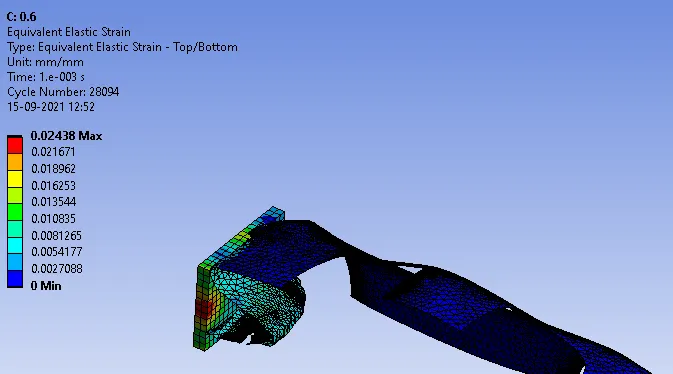
Equivalent Straines
Conclusion:
Thus,i performed a parametric study using 3 different values of thickness for the car body.The max parameters are given below:
| Case No | Total Deformation | Equivalent Stresses | Equivalent Straines |
| Case 1 | 1058.9 | 4877.4 | 0.024392 |
| Case 2 | 1056.7 | 4875.8 | 0.024384 |
| Case 3 | 1053.5 | 4874.9 | 0.02438 |