Week 7-Long Piston With Cam
Objective:
To perform a transient analysis on a piston and cam mechanism model.Torun the analysis with Frictionless contact, Frictional with 0.1
and 0.2 as the frictional contact for a total of 3 cases.
Procedure And Execution:
1.Open the ANSYS workbench in the system.
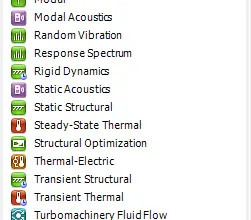
2.After opening the workbench,double click on the Transient structural and rename it as Long_Piston.
3.A table is displayed on the workbench,In it double click on the engineering data to edit for adding the material Structural steel material.
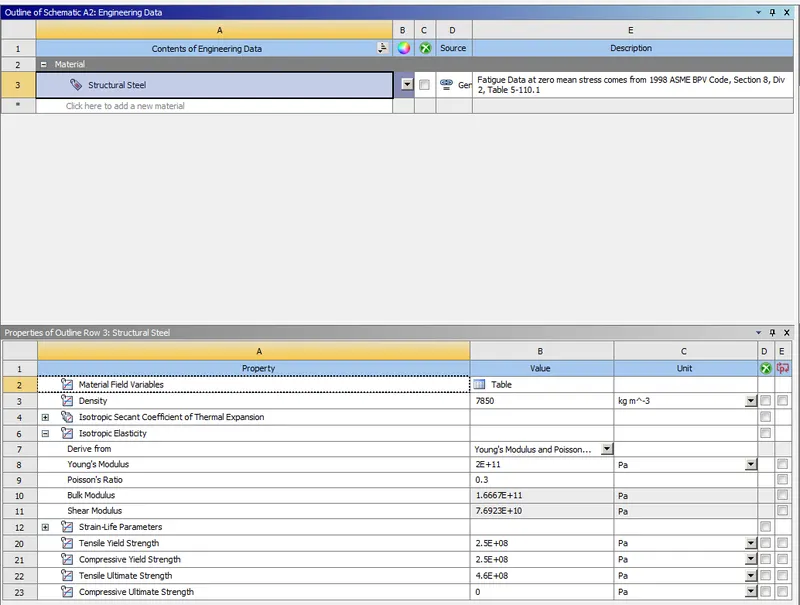
4.After assigning the data,close the engineering data and perform right click on the geomentry.
5.Import the given geomentry as given above and click on update on the model.
6. To check the given geomentry right click on it and it will open into the space claim to view the geomentry.
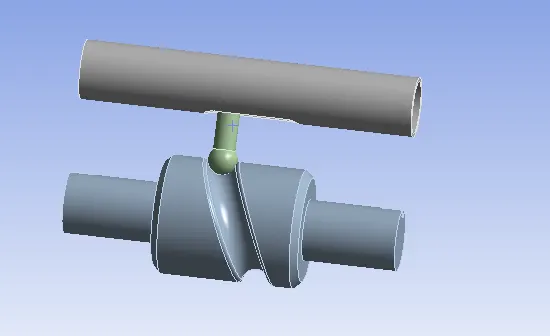
7.After checking the given geomentry close the space claim and open the model by double click on it or it can be opened by right click on the
model and select edit option to start the mechanical module to open.
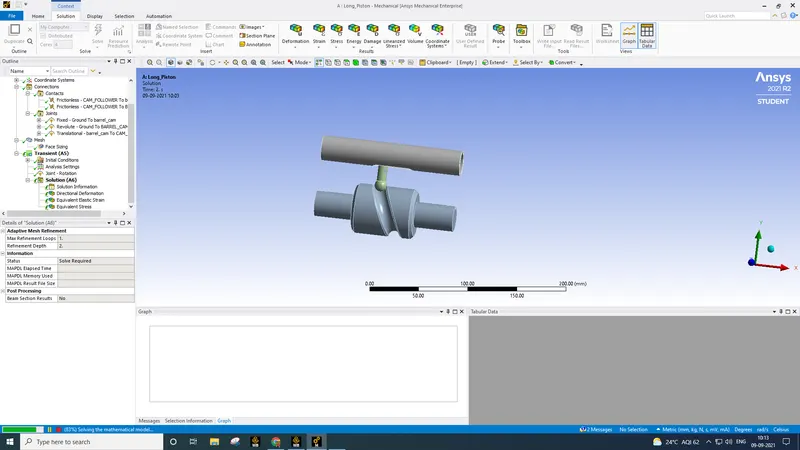
8.After opening the mechanical module,on the left side we can see a tree filter which contains all the components of the geomentry.
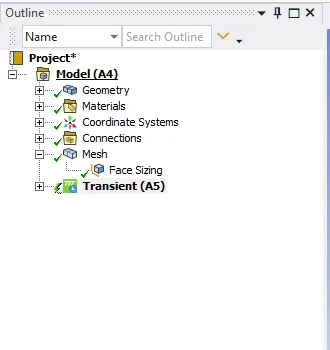
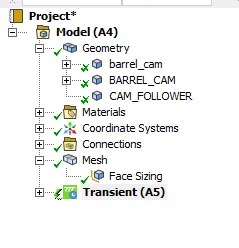
9.In the tree filter,Open the geomentry.In it we can find the three components and rename these components according to the geomentry given.
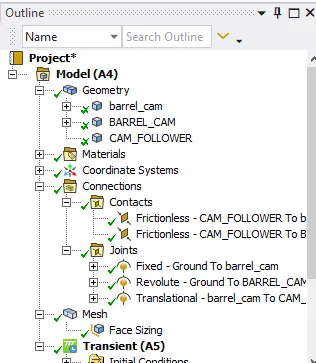
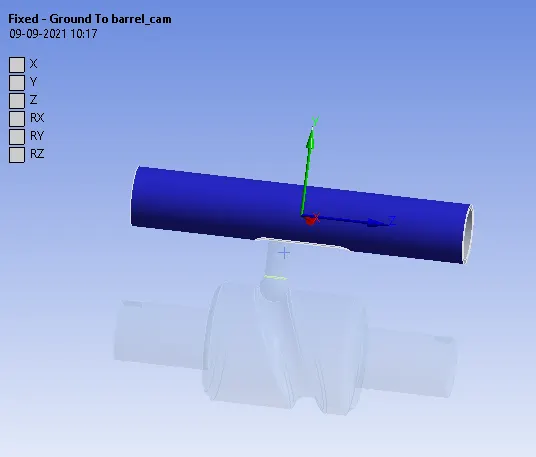
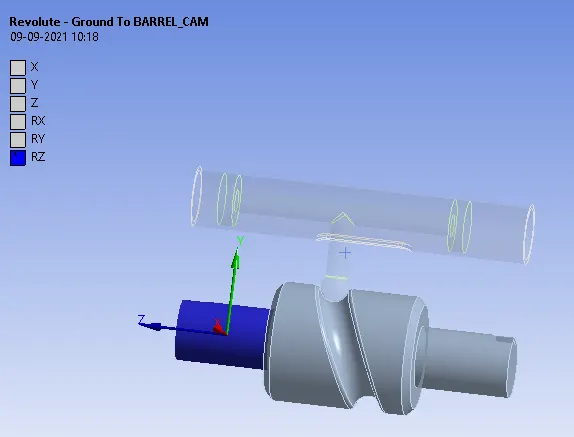
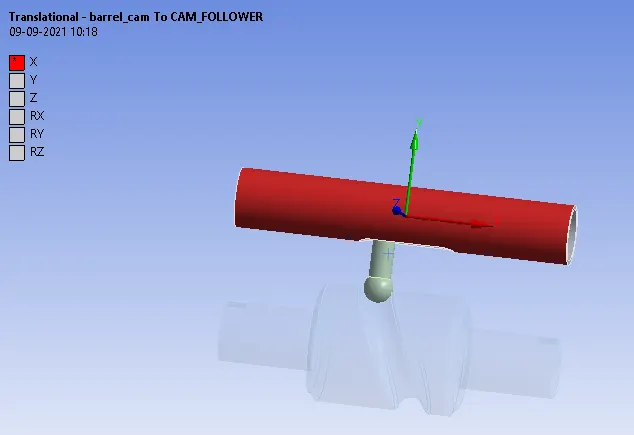
10.Inside the tree filter some contacts have been created by default.Select the both contacts by using the Ctrl button and flip them according to
the geomentry and change it to the frictionless contacts.And also create the joints for the geomentry as given in the below fig.
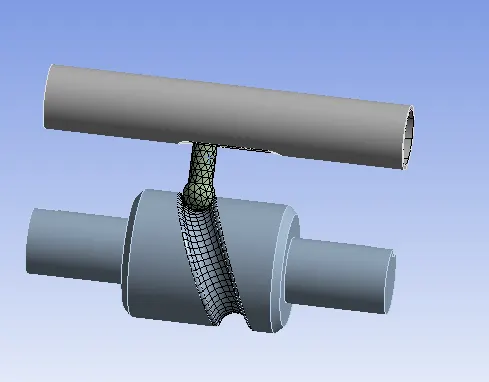
11.Now for meshing select the face sizing from the mesh and select the faces with the contact and give the mesh size as 3mm as shown in below
fig.
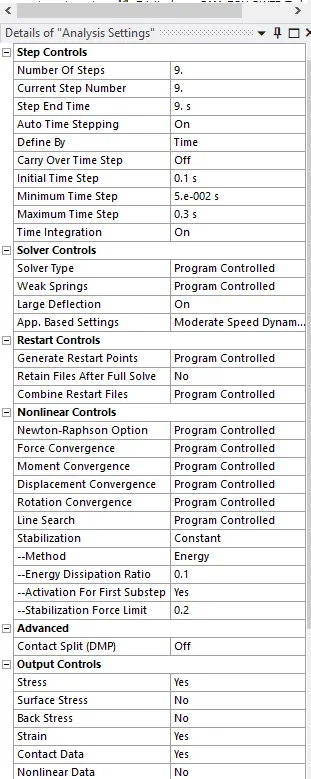
12.In analysis settings we run the steps as 9 and apply the settings as shown in below fig.
13.Now add a joint rotational for the barrel_cam and assign the values as shown in the below fig.
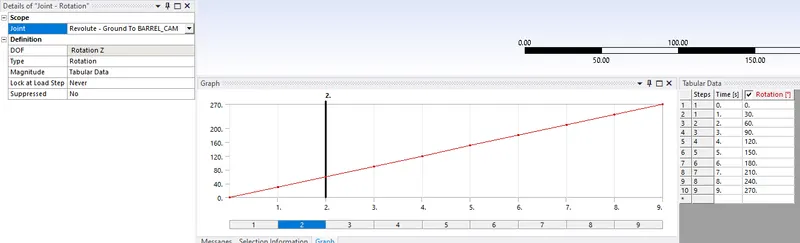
14.After given the above values we are now to solve the analysis for the model by right clicking on the solve or by pressing the shortcut key F5.
RESULTS:
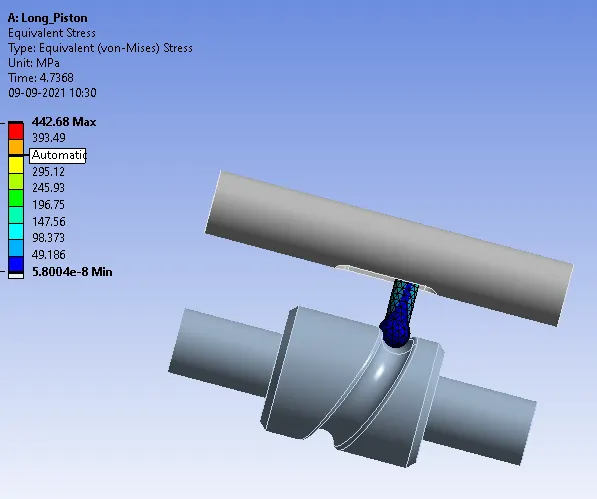
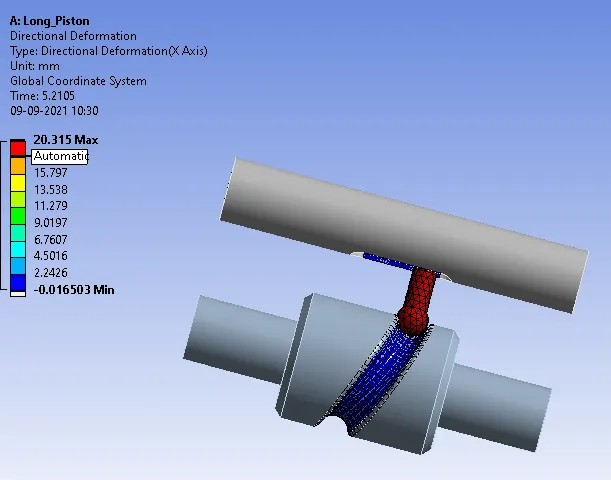
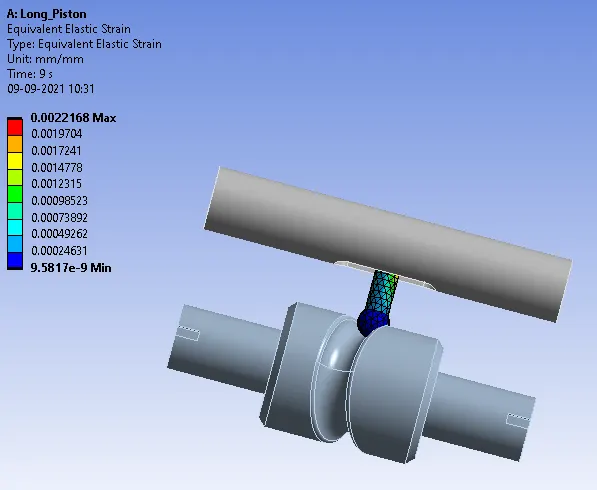
For Frictionless Contacts:
Equivalent Stress
Directional Deformation
Equivalent Elastic Strain
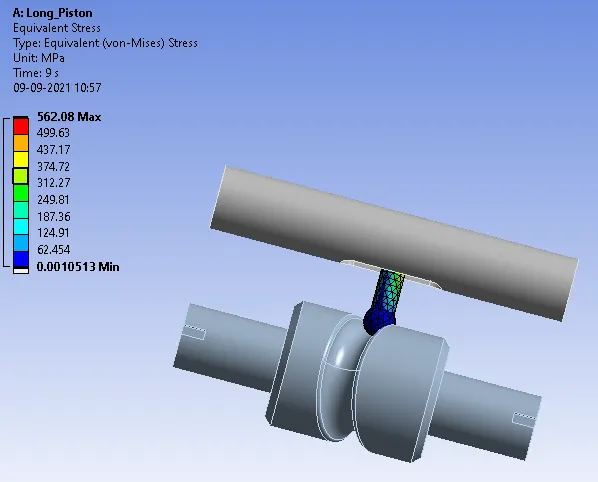
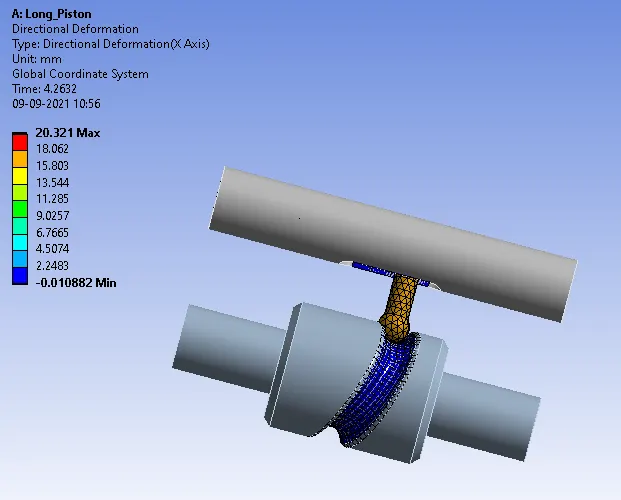
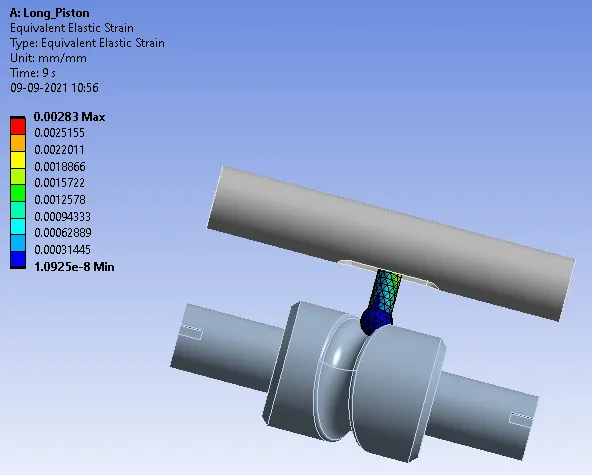
For Friction with 0.1 Contacts:
Equivalent Stress
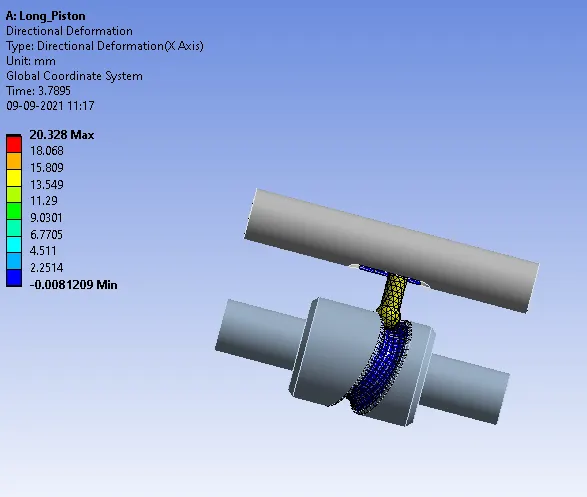
Directional Deformation
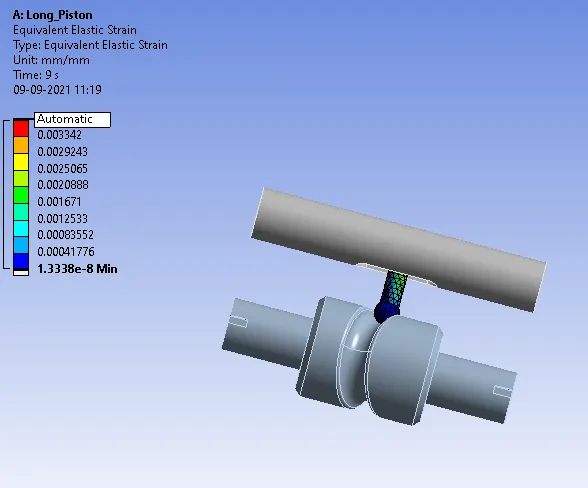
Equivalent Elastic Strain
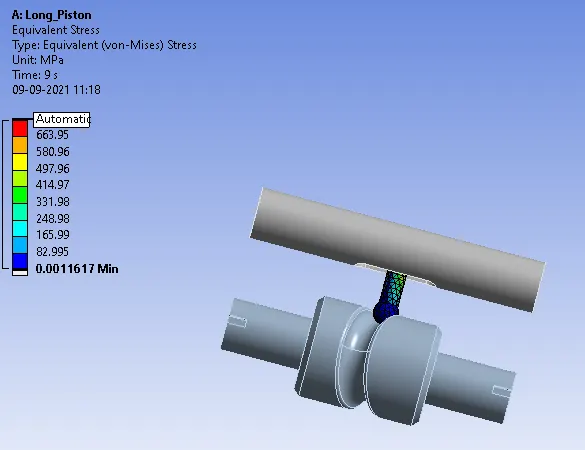
For Friction with 0.2 Contacts:
Equivalent Stress
Directional Deformation
Equivalent Elastic Strain
| CASE NO | Equivalent Stress | Directional Deformation | Equivalent Elastic Strain |
| FRICTIONLESS |
MAX:442.68 MIN:5.8004E-8 |
MAX:20.315 MIN:-0.016503 |
MAX:0.0022168 MIN:9.5817E-9 |
| FRICTION(0.1) |
MAX:562.08 MIN:0.0010513 |
MAX:20.321 MIN:-0.010882 |
MAX:0.00283 MIN:1.0925E-8 |
| FRICTION(0.2) |
MAX:746.95 MIN:0.0011617 |
MAX:20.328 MIN:-0.0081209 |
MAX:0.0037598 MIN:1.3338E-8 |
CONCLUSION:
Equivalent stress- Stress keeps on increasing as we increase the friction coefficient value .As the frictional coefficient value increase it resists
more the movement of the follower and the follower and thus the Stress develops at the stem of the follower
Directional Deformation- it is increasing slight with increasing friction coefficient value.
Equivalent Elastic strain- Also because of the same reason as equivalent stress, Equivalent strain also increases due to more resistance offered.