Week-7 Head Impact
Aim:
To perform the head impact simulation and calculate the criterion(HIC) value for the following cases.
1) Simple head model impacting against a rigid wall (Case-1).
2) Child headform dummy model impacting against a rigid wall (Case-2).
3) Child headform dummy model impacting against the hood (Case-3).
Procedure:
case-1:
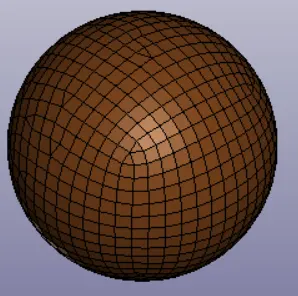
1.Import the keyword file of the simple head which is in the format of .k file into the LS_Dyna software.
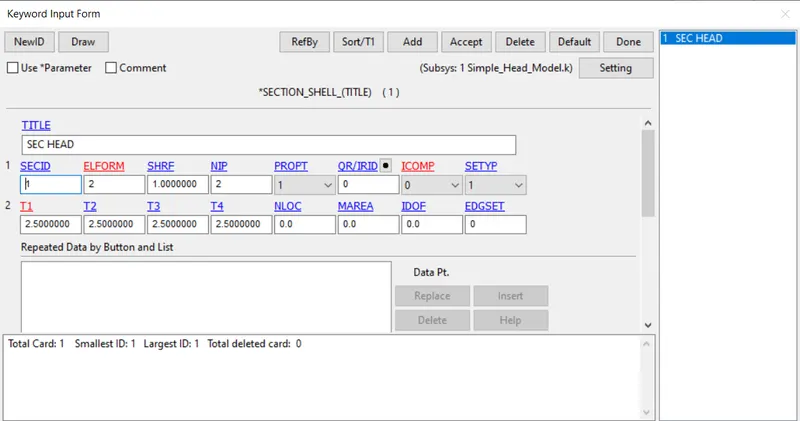
2.Create a section shell card as shown in the below fig.
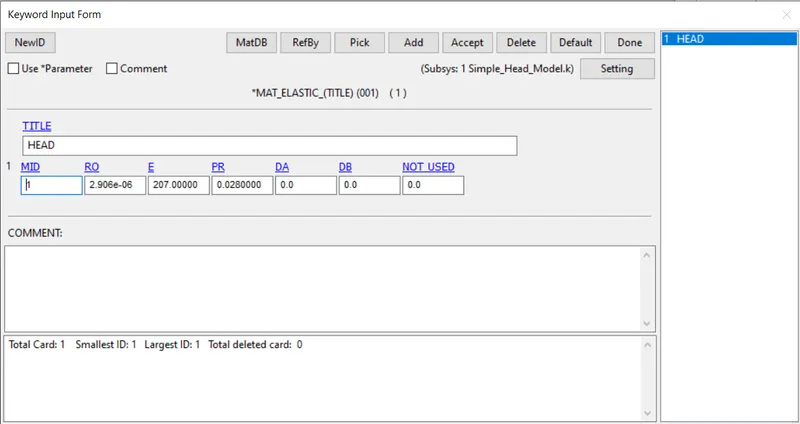
3.Now create a elastic material card and assign the values as shown in the below image.
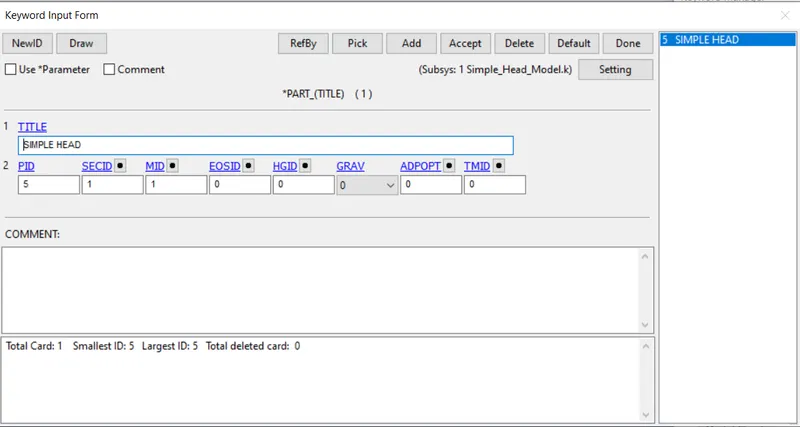
4.Now assign the both material card and section card into the part id as shown in the below fig.
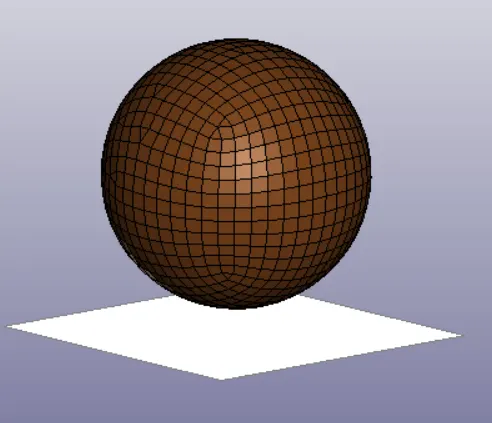
5.After that create a rigid wall at a distance of 15mm below the simple head as shown below.
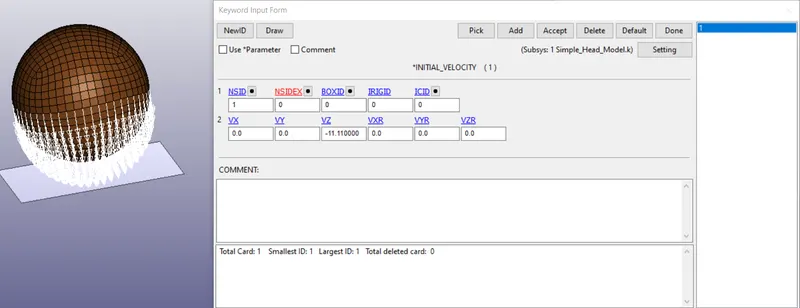
6.Now assume taht the simple head is going to get contact with the rigid wall with the initial velocity of -11.11 mm/ms in the negative z-direction.
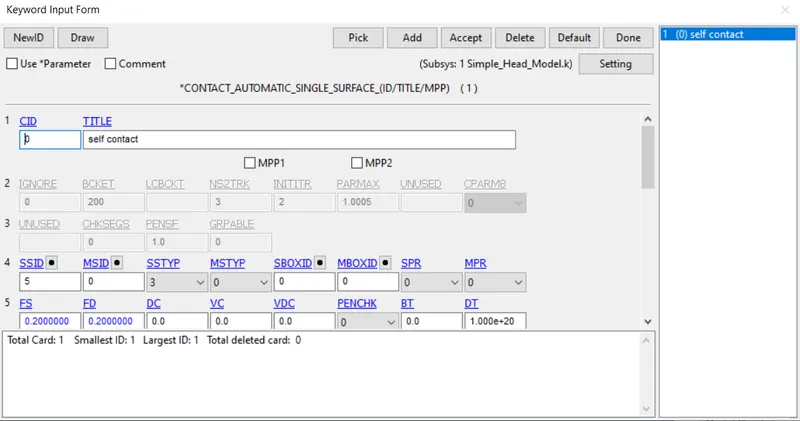
7.Now create a automatic single surface contact and assgin it as given below.
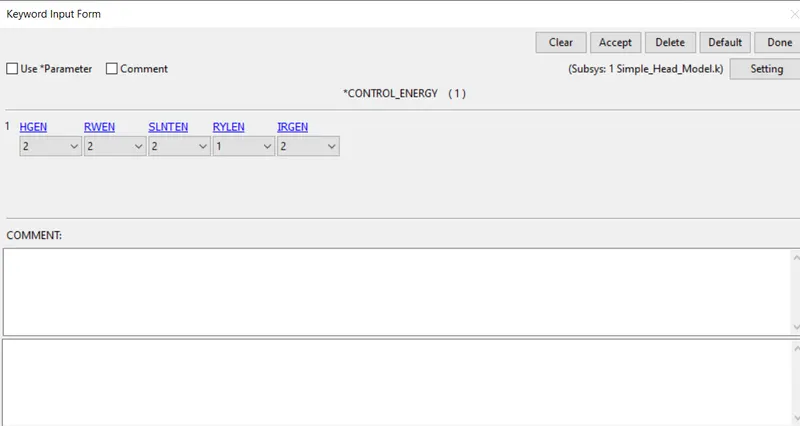
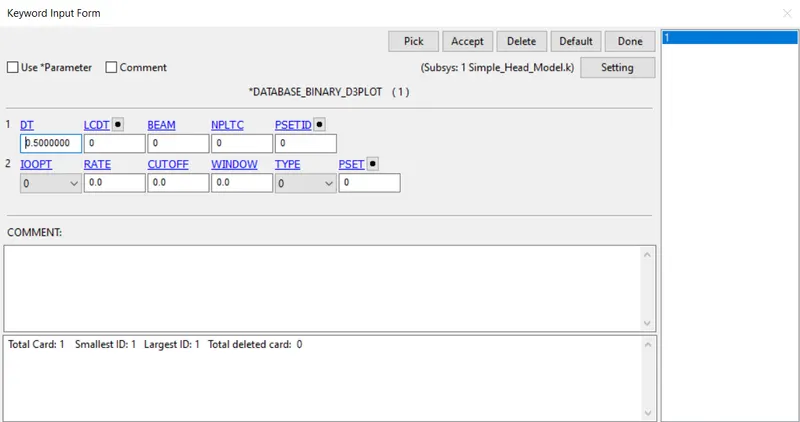
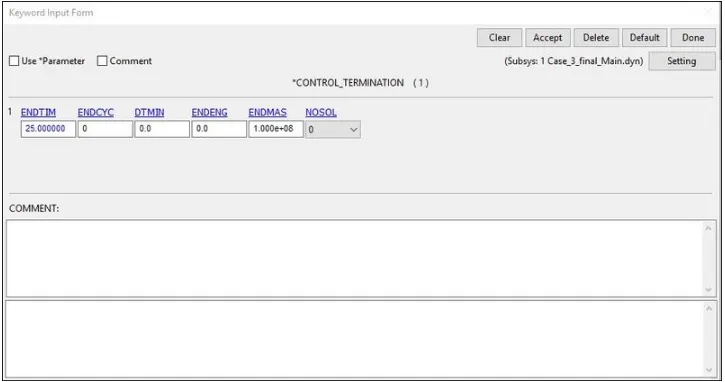
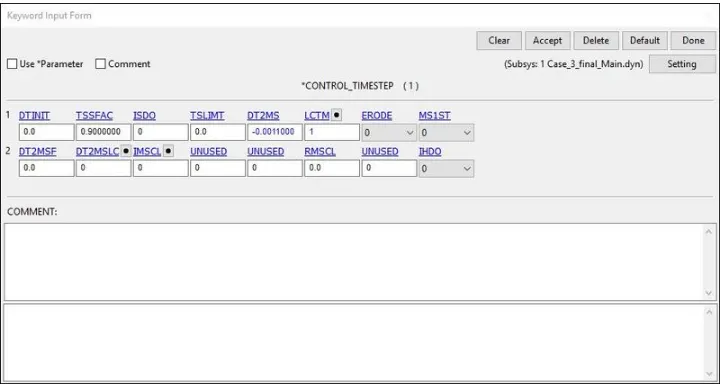
8.Now we have to create some required control cards to run the simulation and the cards are shown in the below fig.
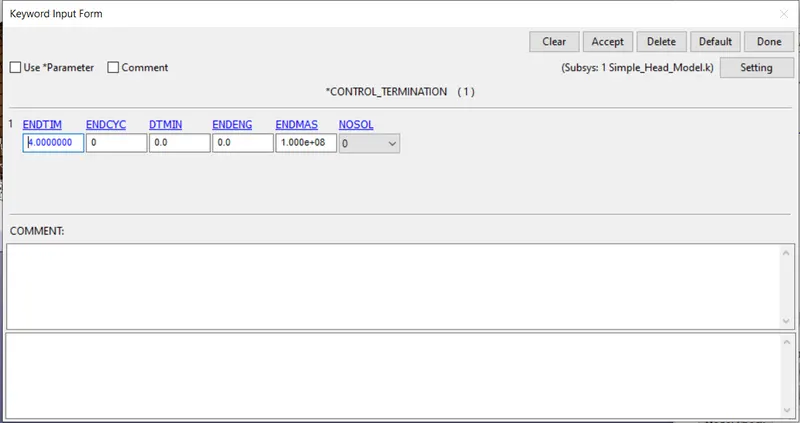
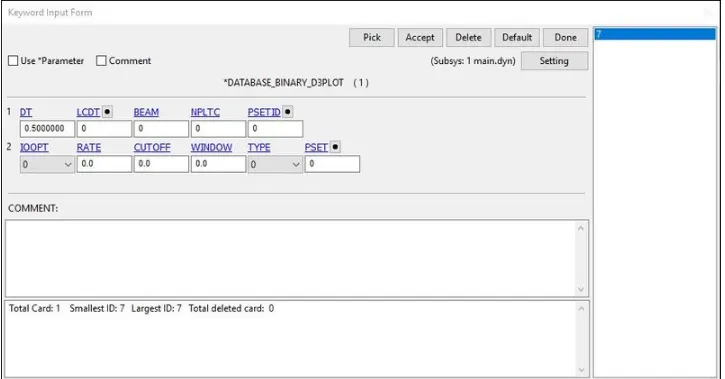
9. The time step value of 0.5 ms is given for the BINARY_D3PLOT and DATABASE_ASCII
option for GLSAT, MATSUM, NODOUT, and RWFORC.
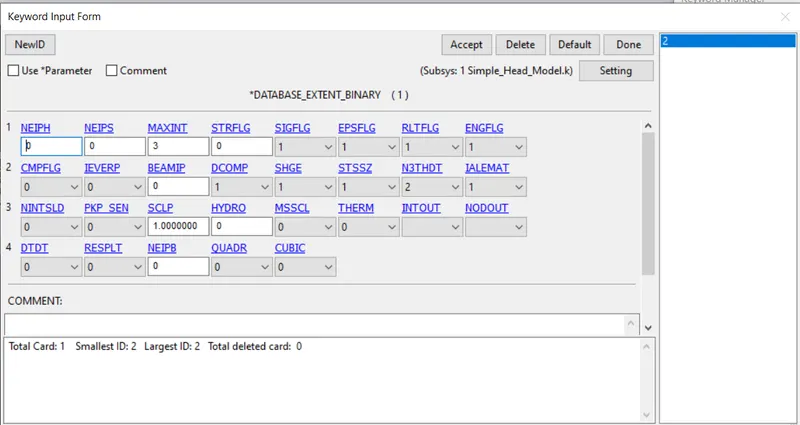
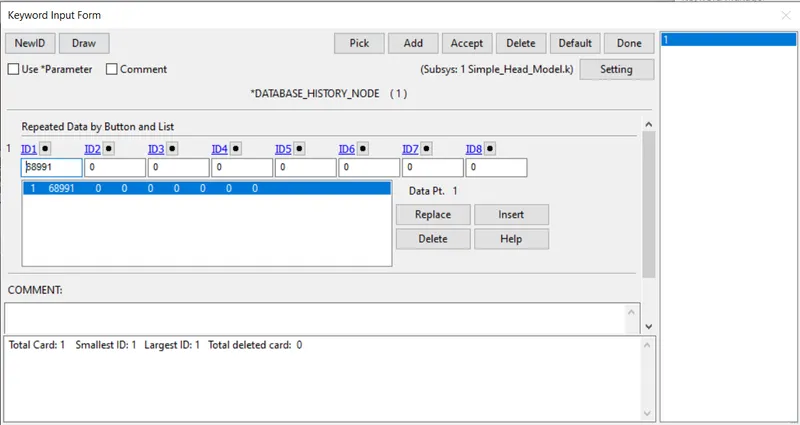
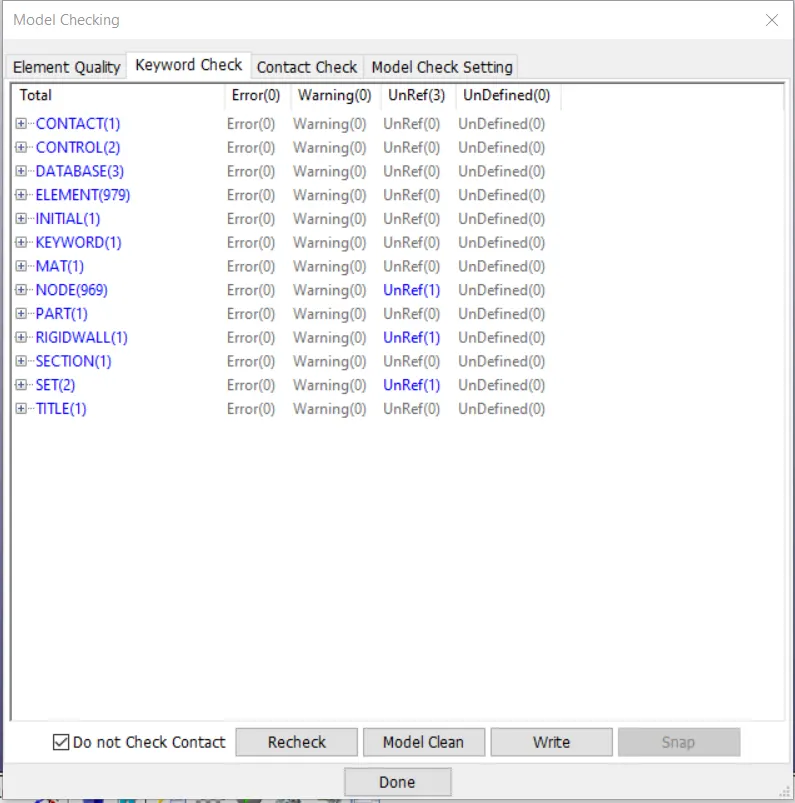
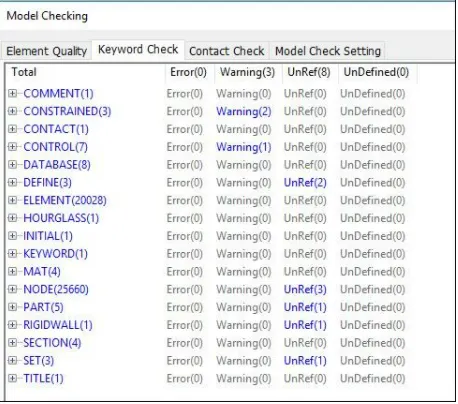
10.After creating and assigning all the cards now we have to check the model by clicking on the model checker as shown in the below.
case 2:
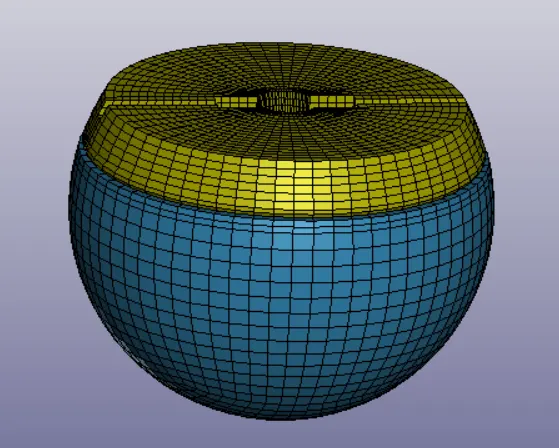
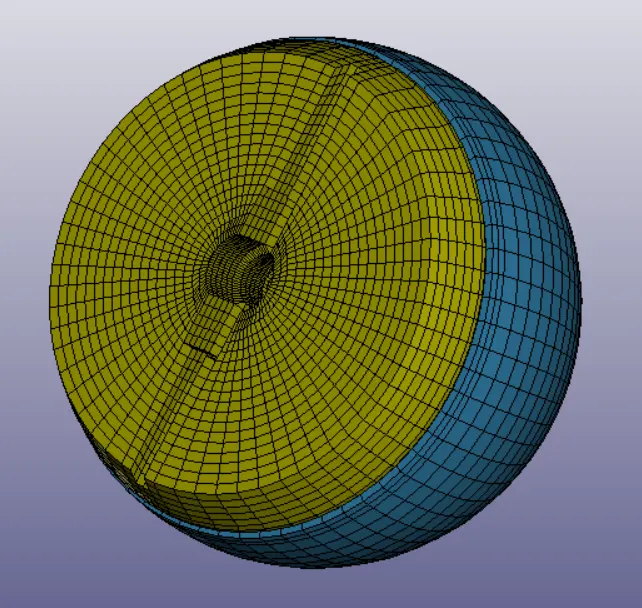
1.The standard dummy model of child headform is provided with the necessary keyword for impact simulation.
2.For case 2 simulation,we have to provide the stanadard dummy moto replicate the Euro NCAP impact simulation, by pulling it into a new
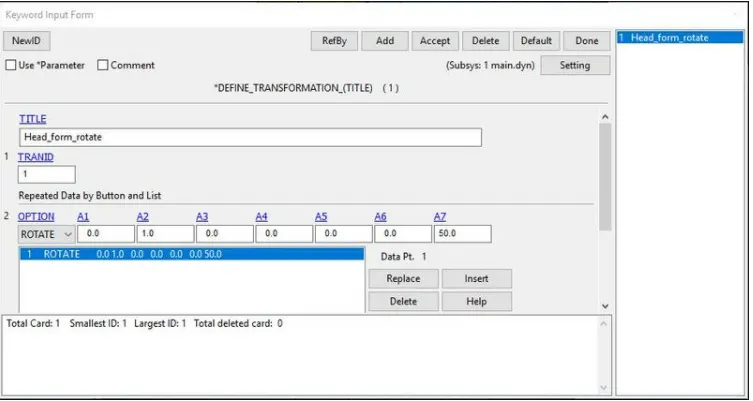
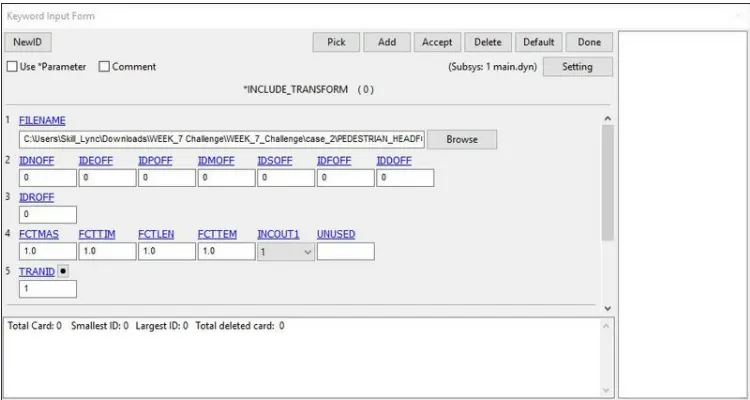
keyword file created by LS-PrePost by using DEFINE_TRANSFORMATION and INCLUDE_TRANSFORM. Using
the DEFINE_TRANSFORMATION card with TRANID=1, the dummy headform model is rotated by OPTION>ROTATE along Y-
axis (A2=1) by 450 (A7=45).del of headform has to be rotated about 45 degrees along the y-axis.
3.Now created a rigid wall as earliear we discussed above.
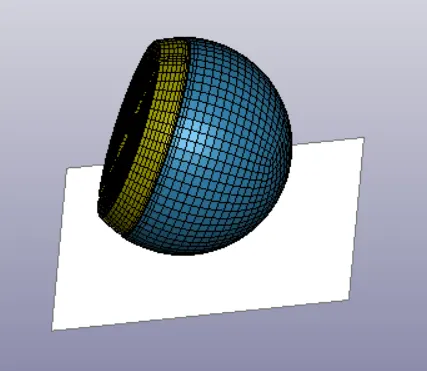
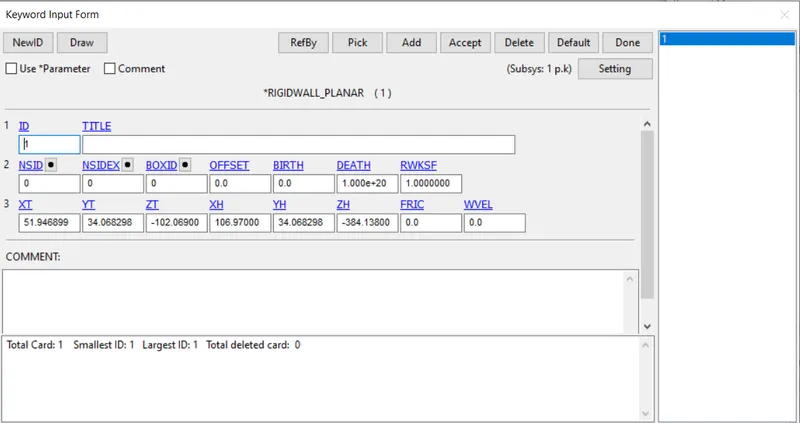
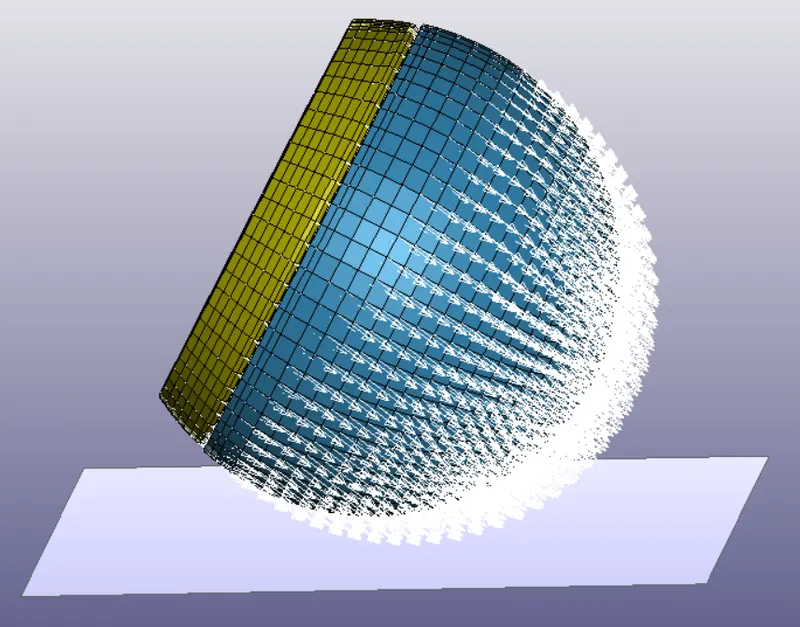
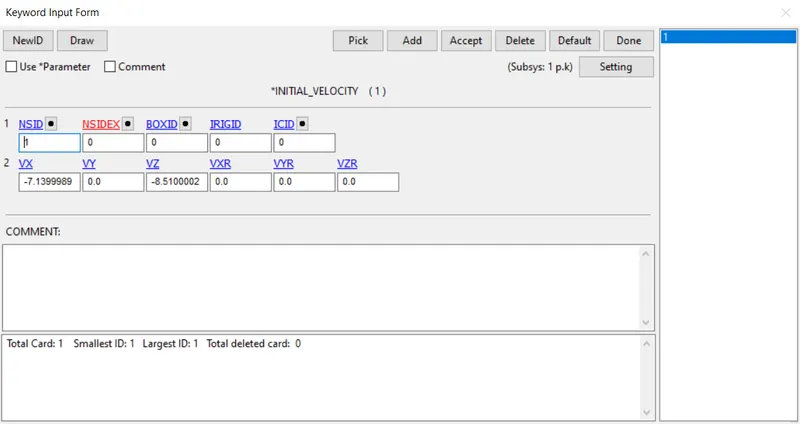
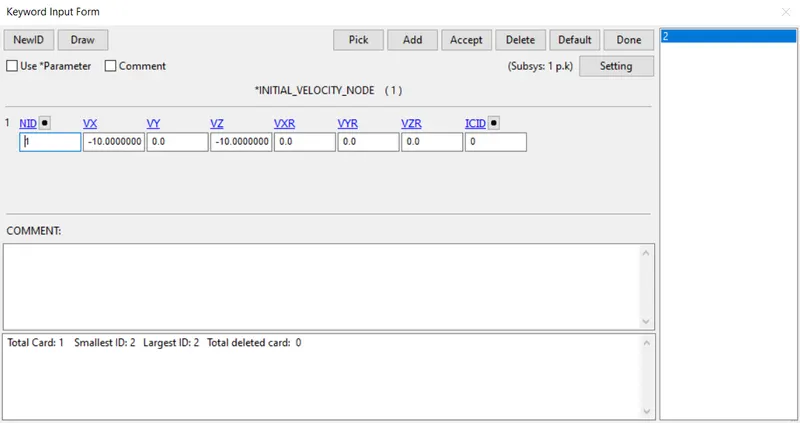
4.As per Euro NCAP standards, the initial velocity is taken as 40 kmph i.e, 11.11 mm/ms at an angle 450. The vertical and horizontal
components i.e. X-axis and Z-axis velocities are taken as -7.78 mm/ms and -7.78 mm/ms respectively.
5.Now we have to create some required control cards to run the simulation and the cards are shown in the below fig.
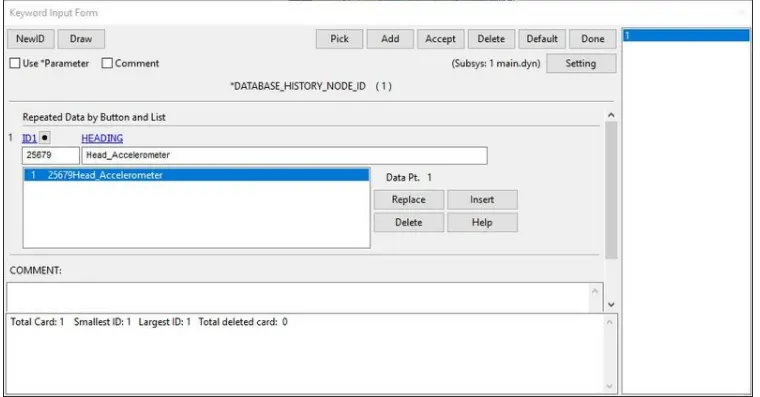
6. The time step value of 0.5 ms is given for the BINARY_D3PLOT and DATABASE_ASCII
option for GLSAT, MATSUM, NODOUT, and RWFORC.
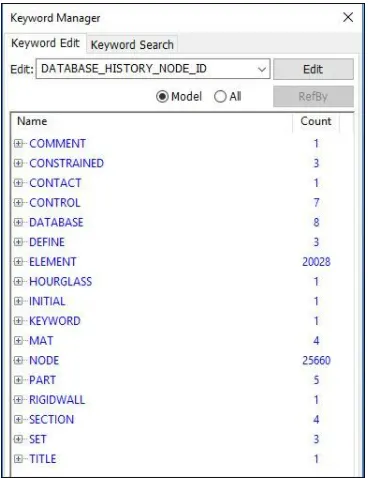
7.After creating and assigning all the cards now we have to check the model by clicking on the model checker as shown in the below.
case 3:
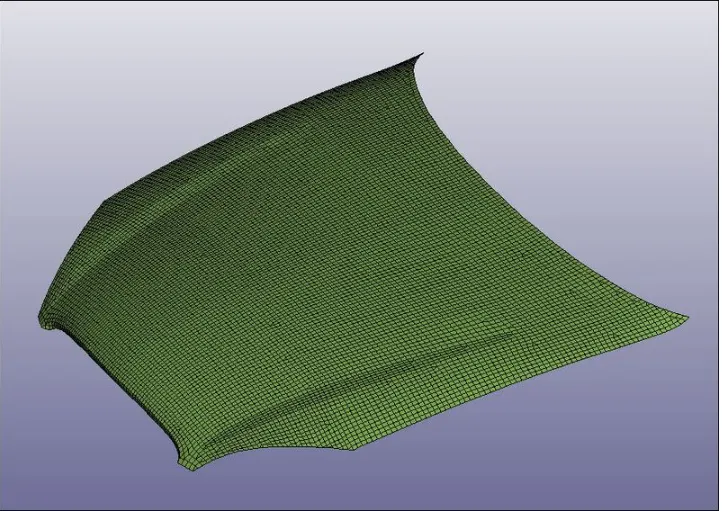
1.Now for case 3 import the hood model in LS-Dyna using the option File>Open>LS-Dyna Keyword File.
2.Now for the hood do the same proceure to rotate the pedistrain in 45 degrees as discussed above.
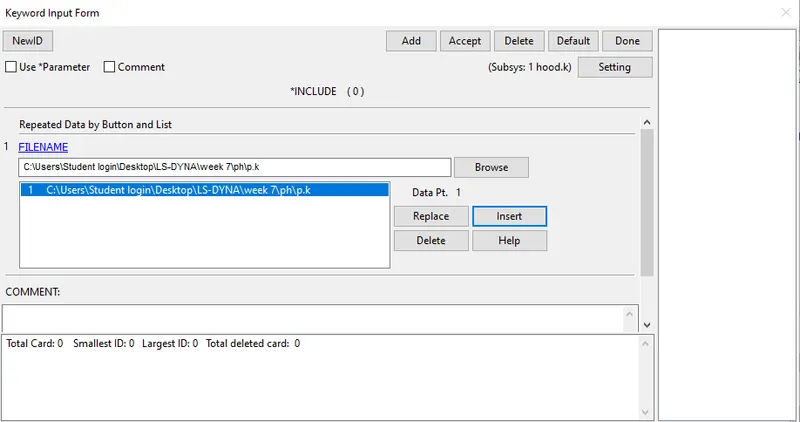
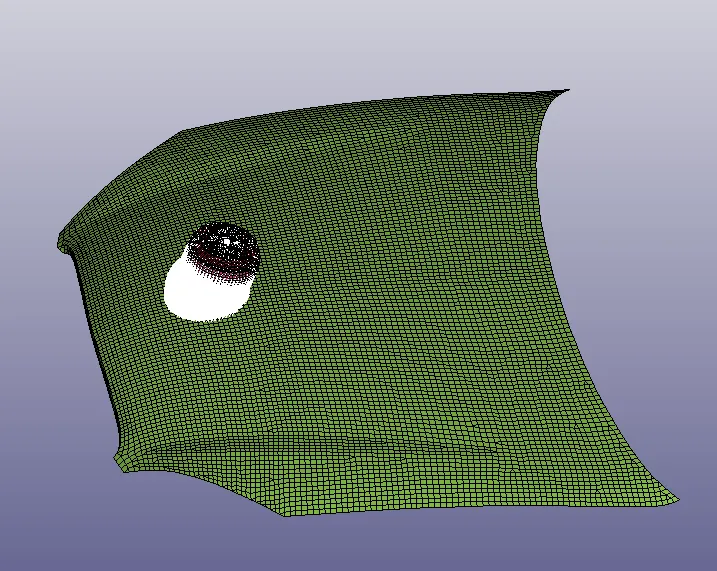
3.After importing the both keyword files into the main keyword file it is shown in the below fig.
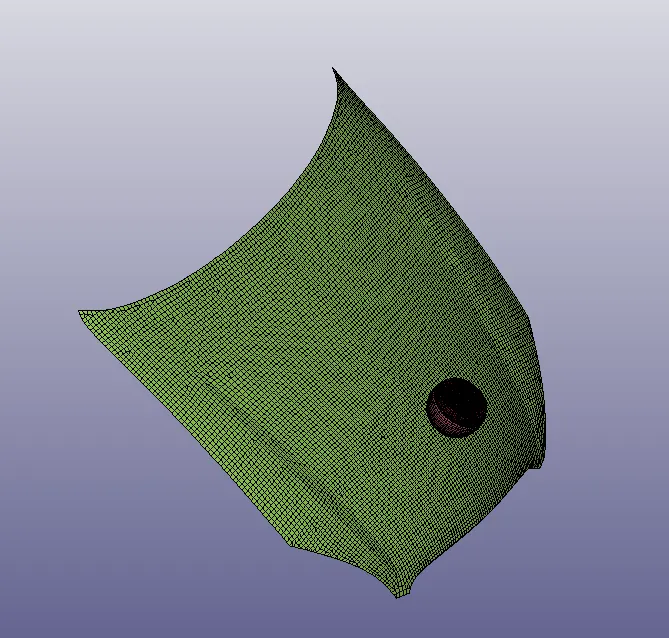
4.After that create one section shell card and one material card to arrange them for the main hood model as shown in the below fig.
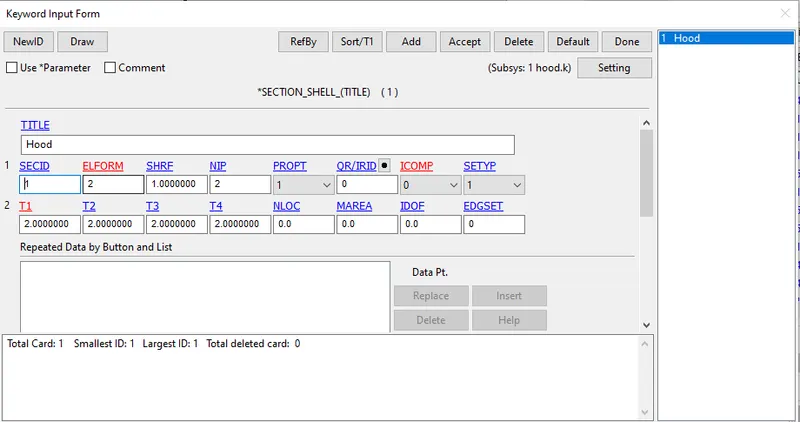
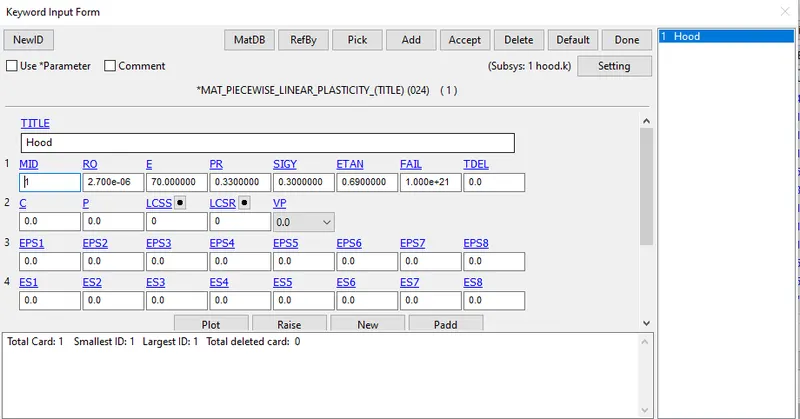
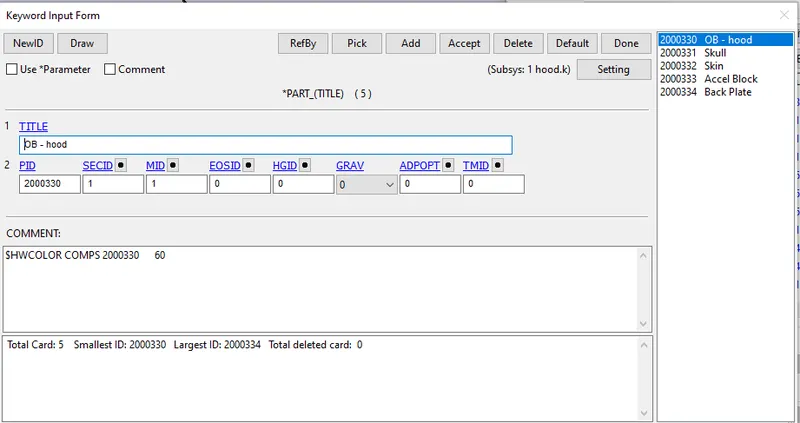
5.Now assign the created mat card and section shell card to the hood part as shown.
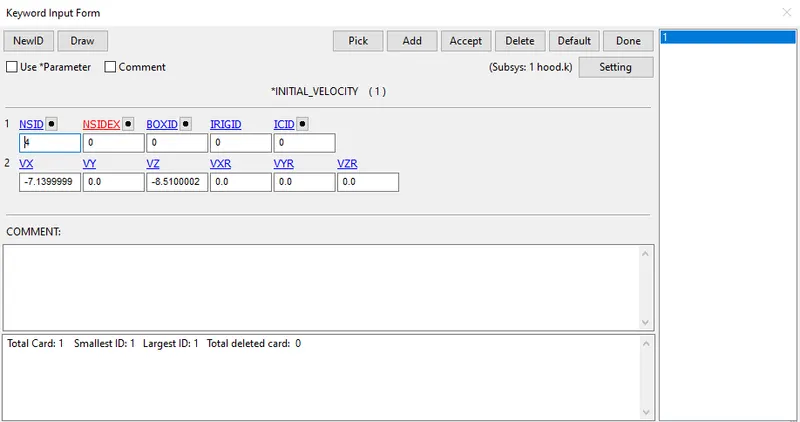
6.Now create the velocity for the headform for impacting it to the hood as shown in the fig.
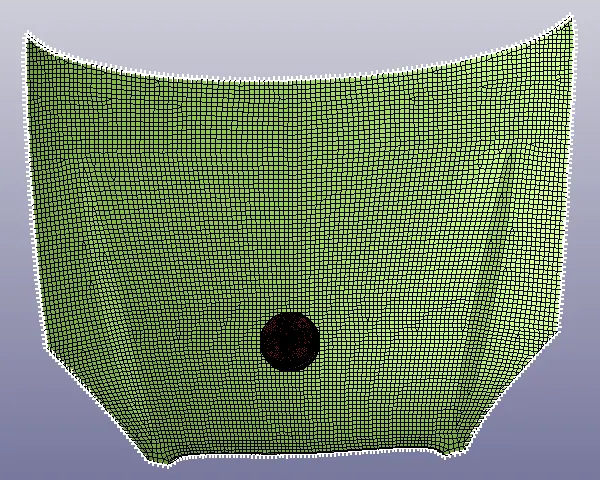
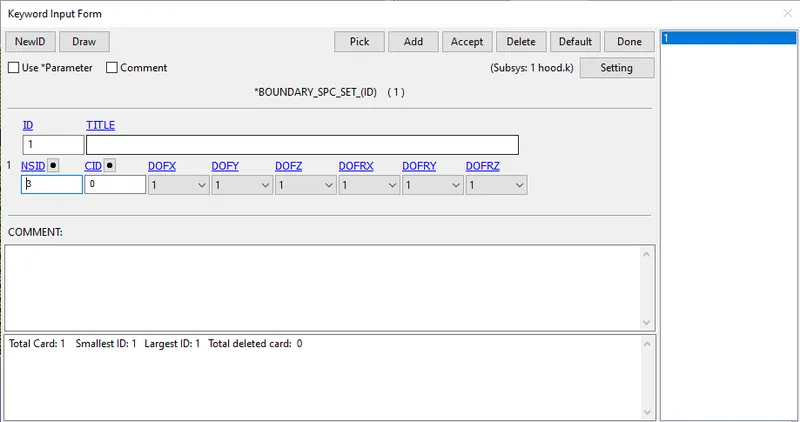
7.Now by using of the entity option on the outer edges of the hood and selected by creating of the spc_set from the boundary conditions as shown.
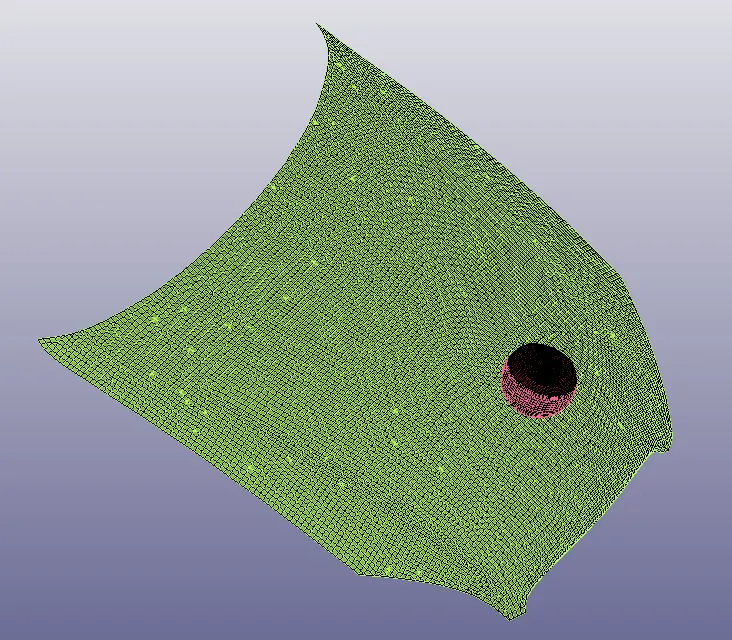
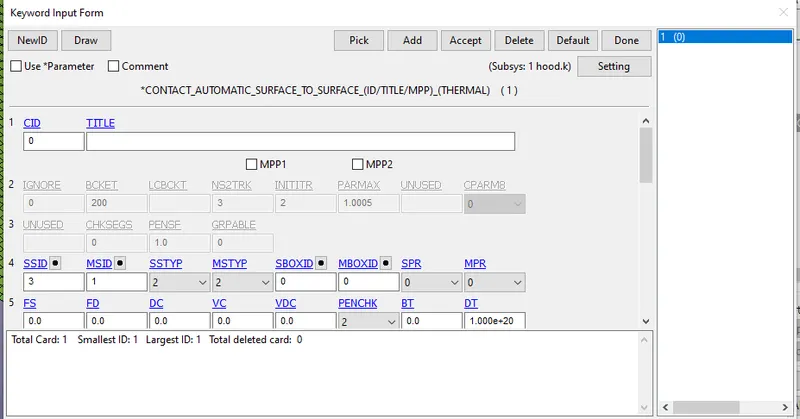
8.Now create a automatic surface to surface contact between the headform and hood.Here take the master as hood and slave as head form as
shown in below fig.
9.Control cards:
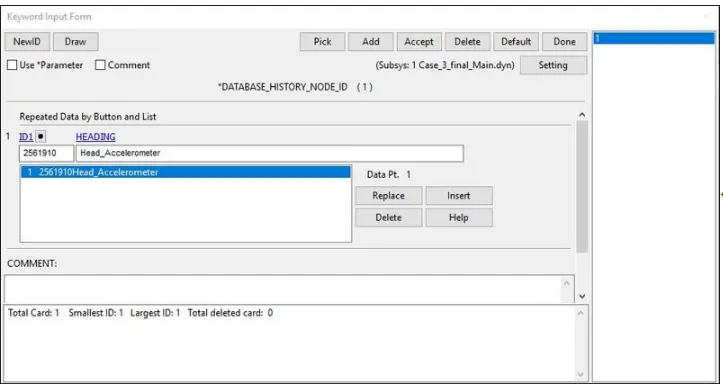
10.Database Creation cards:
11.Finally we are set to ready for running the simulation in LS-Run as we discussed.
Results:
The D3plot output file is opened in LS-PrePost using option File>open>LS-Dyna binary plot.
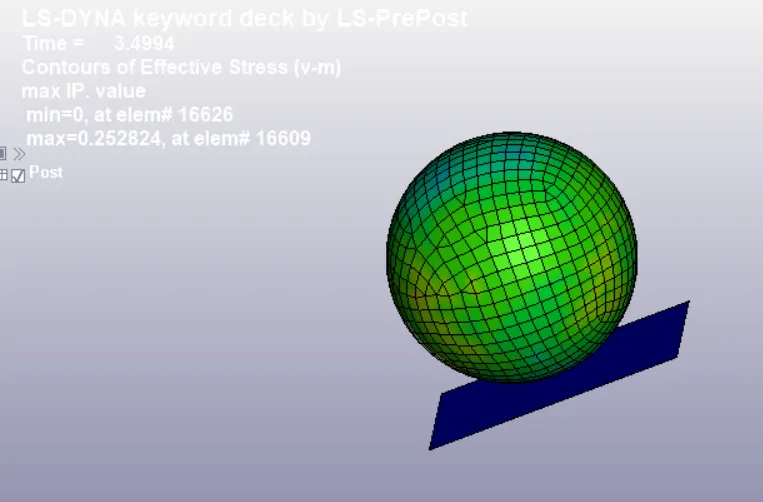
CONTOUR PLOTS OF VON MISES STRESS:
case 1
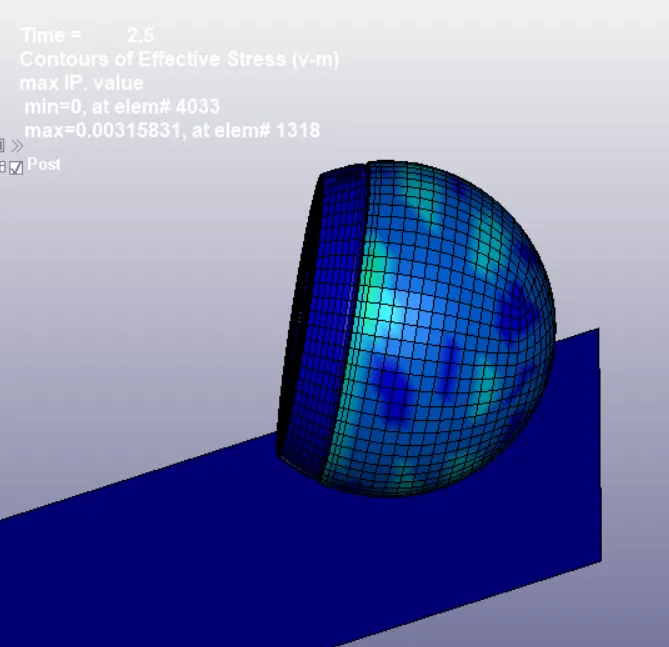
case 2
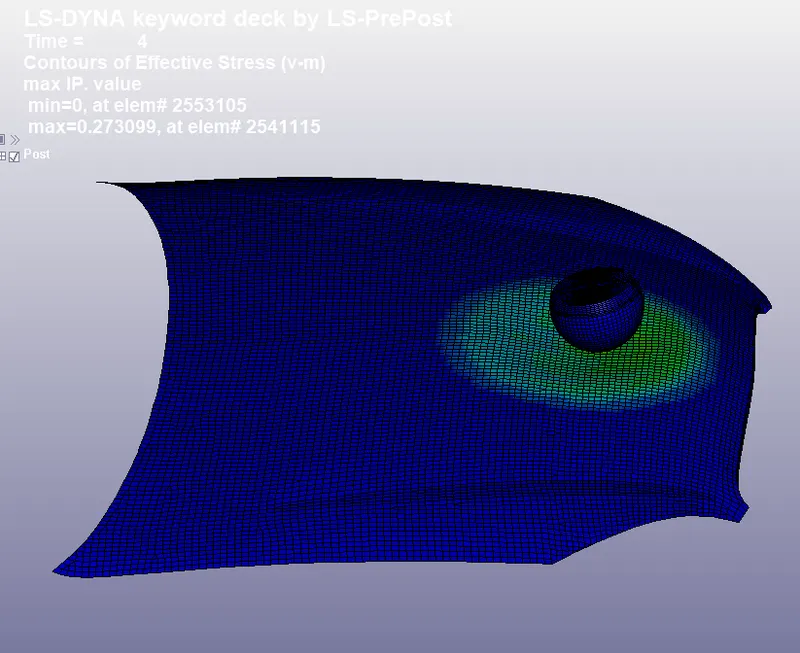
case 3
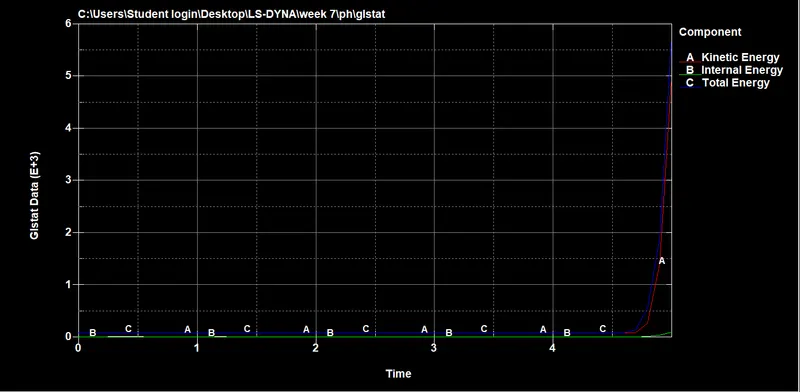
The stress values are higher at the instant of impact and reduce with fluctuations after the impact as the material is purely elastic. There is no
significant deformation in the simple head geometry.
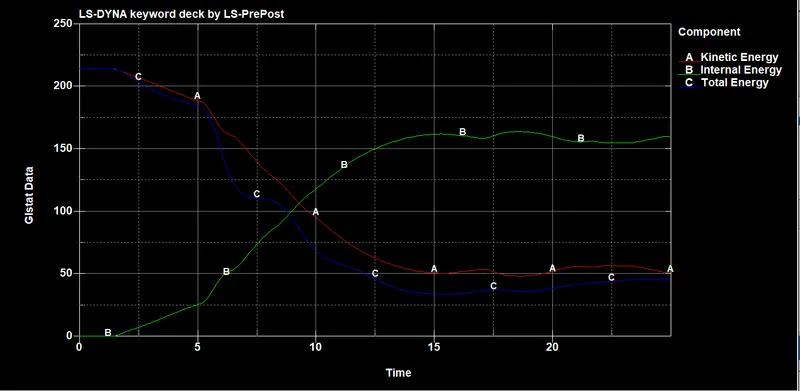
The Case-2 animation and Plot depicts stress behavior in head form geometry after the impact. The material properties for this geometry are pre
defined and different from the simple head so, it shows different behavior. There is significant deformation in the geometry after the impact.
The Case-3 animation and Plot show that the hood deforms after the impact and there is less deformation in the head compared to the second
case. This is because of the elastoplastic material which has been defined to the hood, this material tends to deform elastically till the yield point
and then deforms plastically after that.
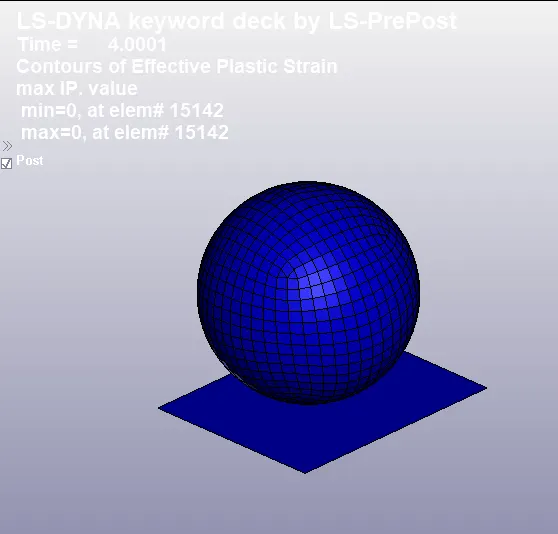
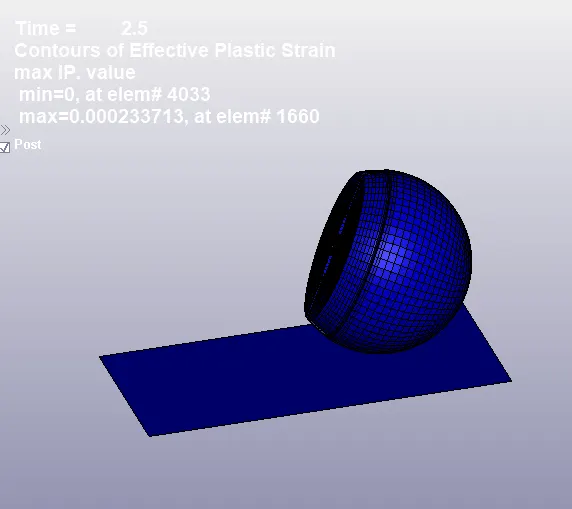
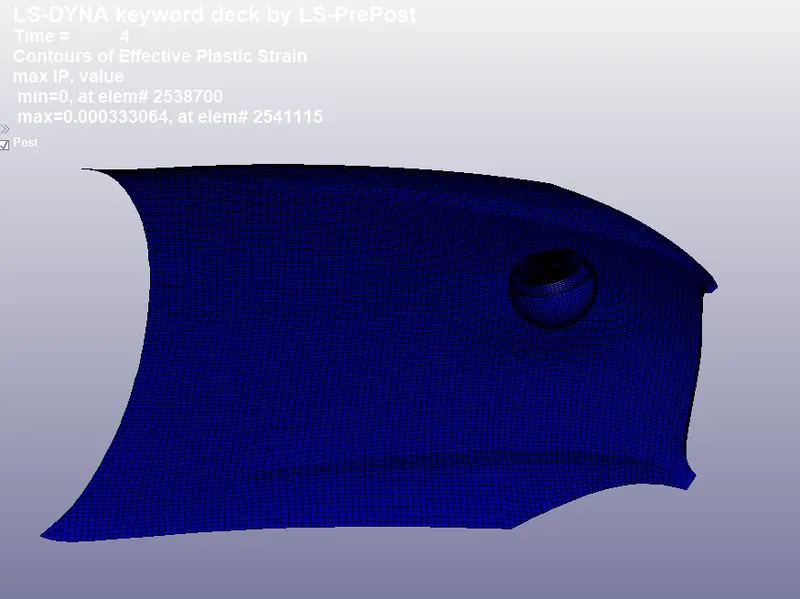
Equivalent plastic strain:
case 1
case 2
case 3
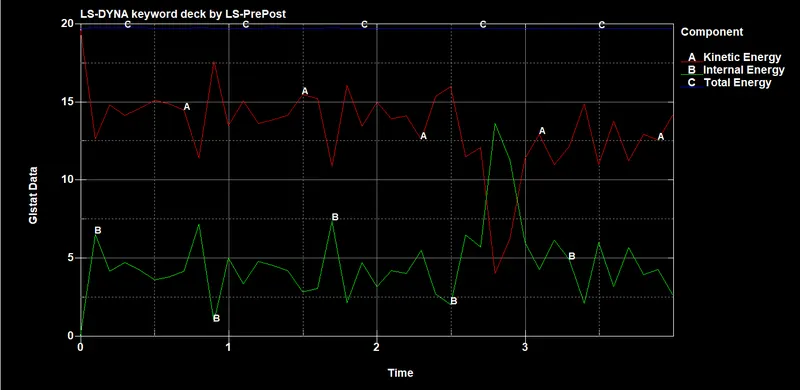
Gslat plotted graphs:
case 1
case 2
case 3
HIC Value and Plots:
HIC value is generally derived from the accelerometer mounted at the center of mass of the crash test dummy.
Case-1:
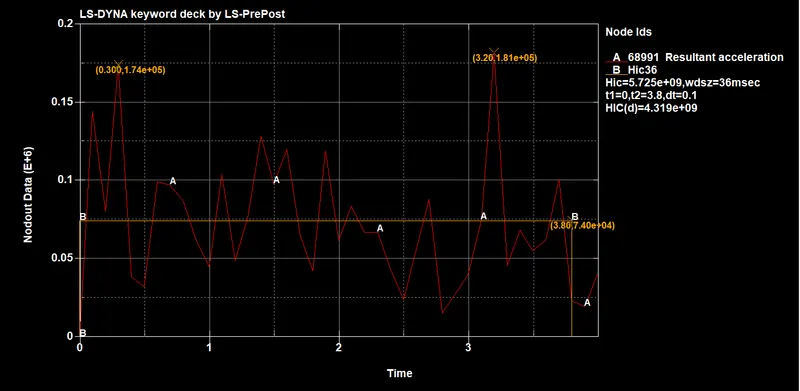
For the simple head impact test, a node on the outer surface was manually selected for result extraction. HIC-36 value is calculated in LS-PrePost
and is basically measured for a time interval less than 36ms duration. From the above image, it can be seen that the HIC-36 value for simple head
impact is 5.725E+09.
Manual calculation of HIC value for Case-1:
The expression to calculate HIC value is,

From the plot,
The average value of acceleration for the time interval of t1=4.4 ms and t2=4.9 ms,
So, the average acceleration from the graph is taken as around 50e3.
HIC = 4.319E+09.
Case 2:
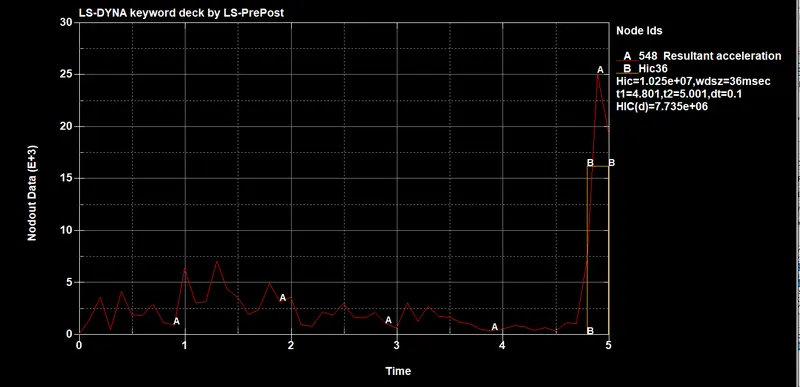
The HIC-36 value for headform impact is measured from an accelerometer place in the geometry. From both cases it can be seen, the resultant
acceleration is increased and then decreased after the impact because the body comes to halt and again bounces back. The HIC-36 value for
headform impact on the rigid wall is 1.025e+07.
Manual calculation of HIC value for Case-2:
The expression to calculate HIC value is,
From the plot,
The average value of acceleration for the time interval of t1=3.2 ms and t2=4.2 ms,
So, the average acceleration from the graph is taken as around 850.
HIC = [850] ^ 2.5 * (4.2-3.2) * e-3
HIC = 7.735E+06.
Case-3:
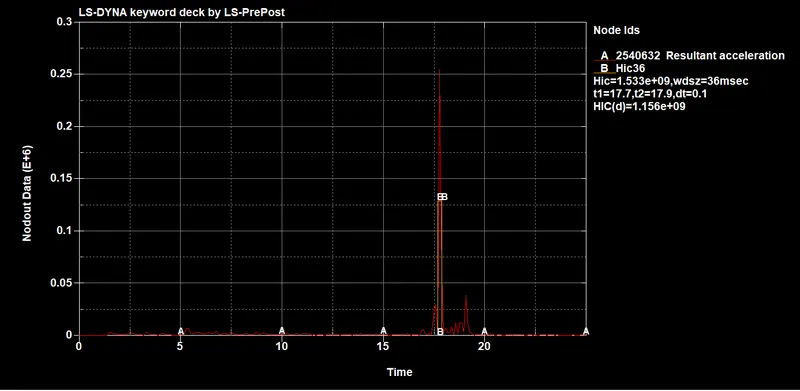
The above Plot shows the HIC-36 value for head and hood impact. If the time interval used to calculate the HIC value is shorter than 15ms, both
HIC15 and HIC36 have the same value. If the time interval is larger than 15ms then HIC36 is higher. The HIC-36 value for headform impact on the
hood is 1.533e+09
Manual calculation of HIC value for Case-3:
The expression to calculate HIC value is,
From the plot,
The average value of acceleration for the time interval of t1=2.5 ms and t2=10 ms,
So, the average acceleration from the graph is taken as around 38.
HIC = 1.158e+09
CONCLUSION:
1. The head impact simulation is performed with all relevant post-processing results.
2. The simple head-model was defined with MAT_ELASTIC material card which implies the material is pure elastic that’s why the max stress is
only there in the time of the impact there is no significant deformation in the simple head geometry. That’s why the HIC values are too high.
3. The standard model of the child head foam with proper material was used, Since the rigid wall is undeformable so the total stress is transferred
to the head and deforms the headform geometry severely the HIC values are lower than case 1.
4. In this, the Headform impacts the car hood to study the real-life situation. The hood was defined with a piecewise linear plastic
MAT_024 material model and with Aluminium as the material which is a deformable model so during the impact the hood deforms significantly
and reduces stress and strain on the head foam and thus reduces HIC values and the value are lower than case 2.
5. HIC value is compared by Simulation and theoretically.