Week 5 Bending of iPhone
Objective:
For this challenge,we have to simulate the bending of iPhone as per the given cases below
Case 1: Simulate the model as it is given in the video
Case 2: Move the bottom fingers from their defined position to the given position X= 22.5mm & Z= 10mm and obtain the results for the simulation.
Also define the S-N curve for the Aluminium Alloy material as per values given below and determine the fatigue life results for the same.
| Stress, MPa | Number of Cycles, N |
| 225 | 10000 |
| 175 | 100000 |
| 143 | 1000000 |
| 110 | 10000000 |
| 80 | 100000000 |
Procedure and Execution:
1.Open the ANSYS workbench in the system.
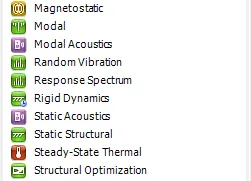
2.After opening the workbench,double click on the static structural and rename it as Bending_Of_Iphone.
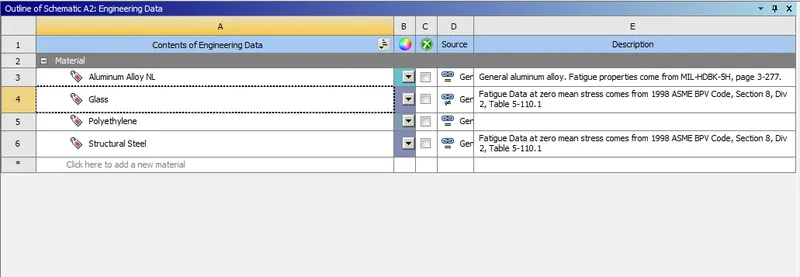
3.A table is displayed on the workbench,In it double click on the engineering data to edit for adding the material Structural steel(Non Linear)
material.
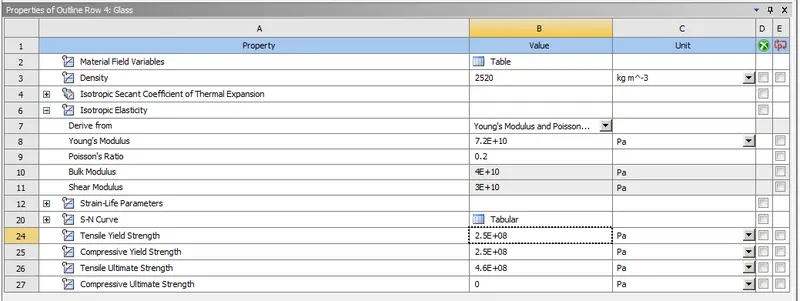
For the glass material firstly duplicate the polythene material and assign the values as shown in below fig.
4.After assigning the data,close the engineering data and perform right click on the geomentry.
5.Import the given geomentry as given above and click on update on the model.
6. To check the given geomentry right click on it and it will open into the space claim to view the geomentry.
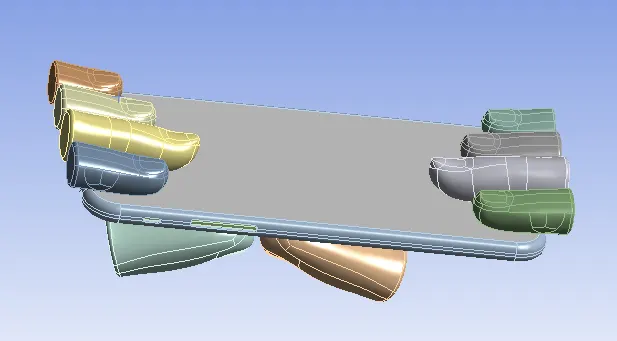
7.After checking the given geomentry close the space claim and open the model by double click on it or it can be opened by right click on the
model and select edit option to start the mechanical module to open.
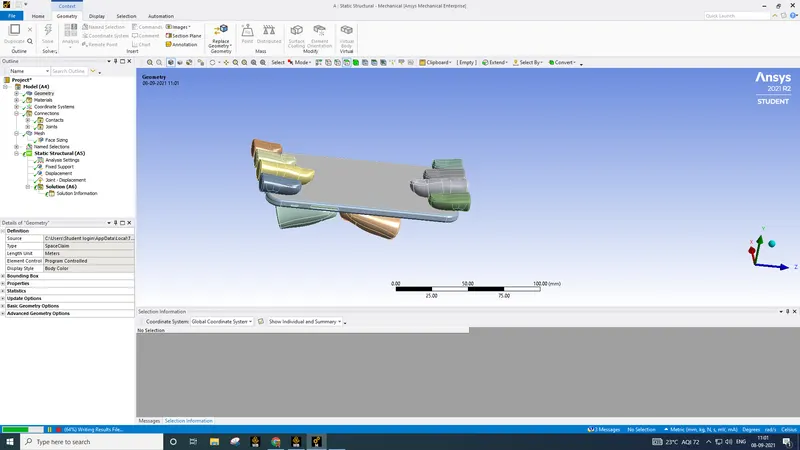
8.After opening the mechanical module,on the left side we can see a tree filter which contains all the components of the geomentry.
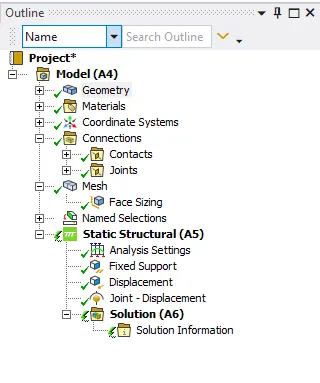
9.In the tree filter,Open the geomentry.In it we can find the two components and rename these components according to the geomentry given.
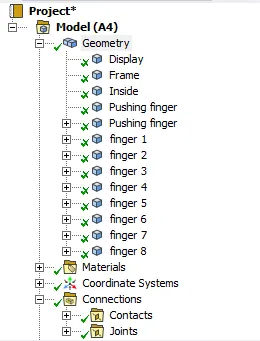
For Display assign the material as Glass and for Frame as Aluminium alloy and for Inside assign the material as polythene and for all the
rest of the components assign the material as structural steel.
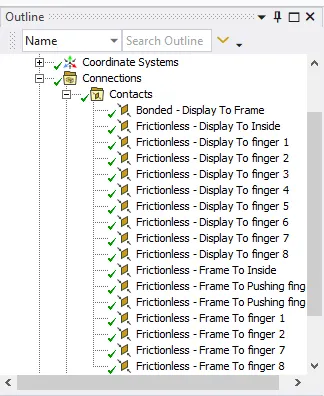
10.Inside the tree filter some contacts have been created by default.The contacts with the question mark has to be deleted and proceed with the
remaining contactss.The contacts is shown in below fig.
11.After the contacts create the fixed joint for the upper 8 fingers and translational joint for the 2 pushing fingers as shown in below.
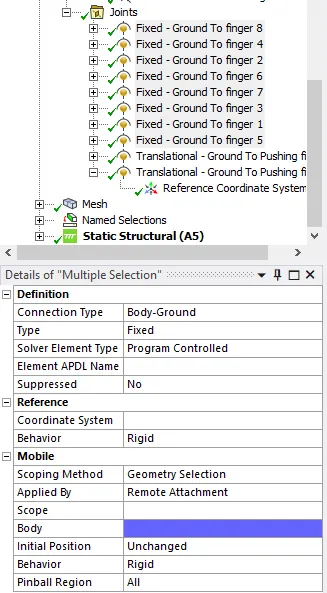
FIG:FOR 8 FINGERS
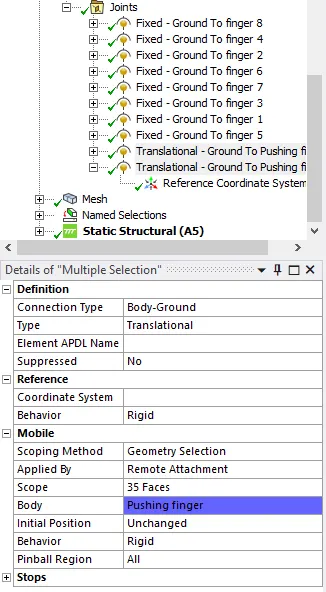
FIG:FOR 2 PUSHING FINGERS
12.In analysis setting change the number of steps to 8 as shown in the below fig..
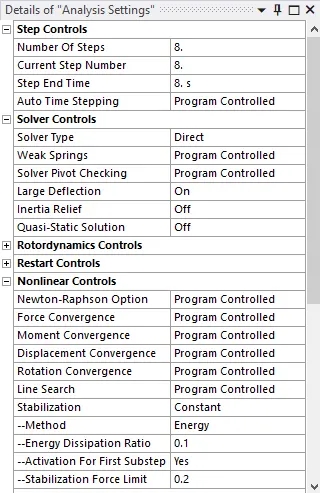
13.In analysis settings create a fixed support for the Inside component of the model.
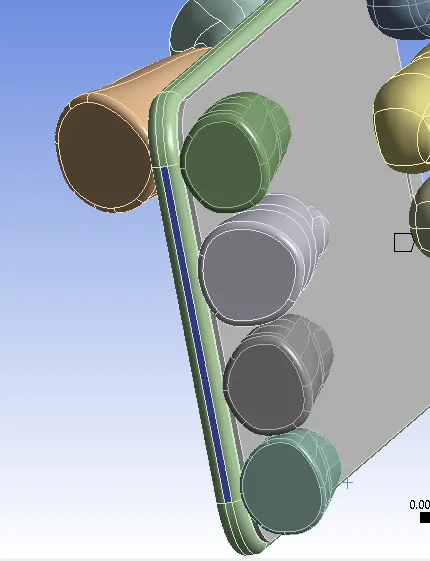
14.After that again in the analysis settings create a displacement for the frame as shown in fig by assinging with these values as well.
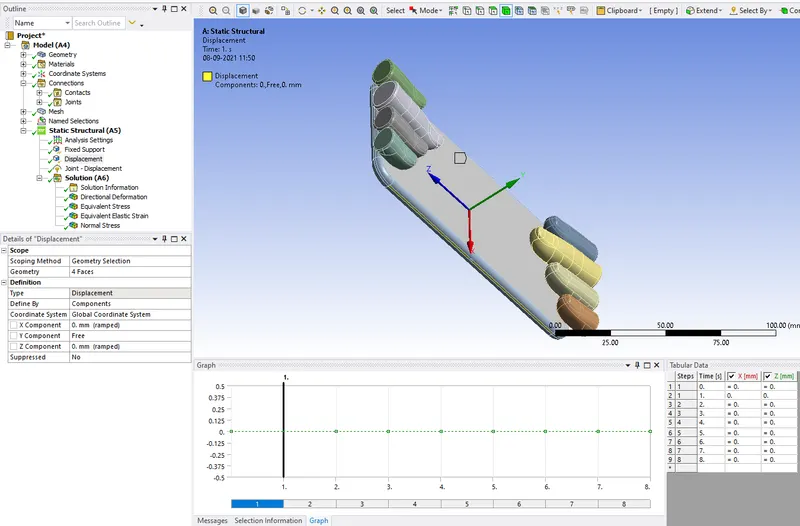
15.After that again create two joint displacement for the two pushing fingers and assign the values as shown.
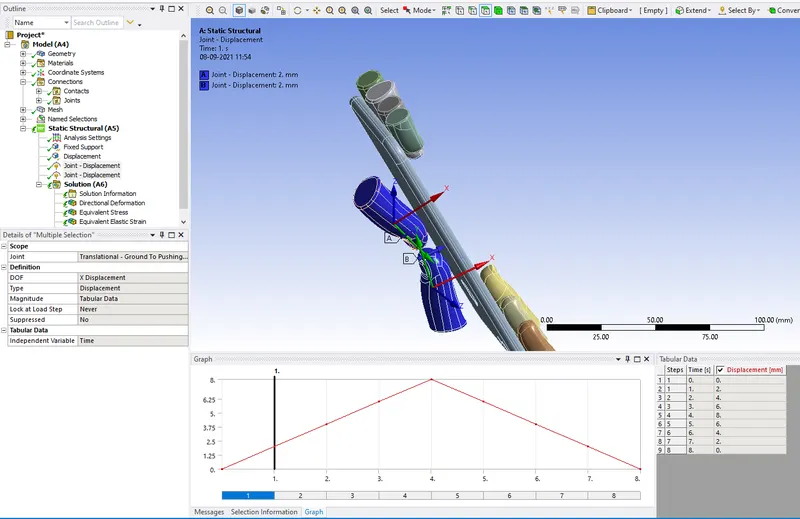
16.After given the above values we are now to solve the analysis for the model by right clicking on the solve or by pressing the shortcut key F5.
RESULTS:
For case 1
Directional deformation in y-axis:
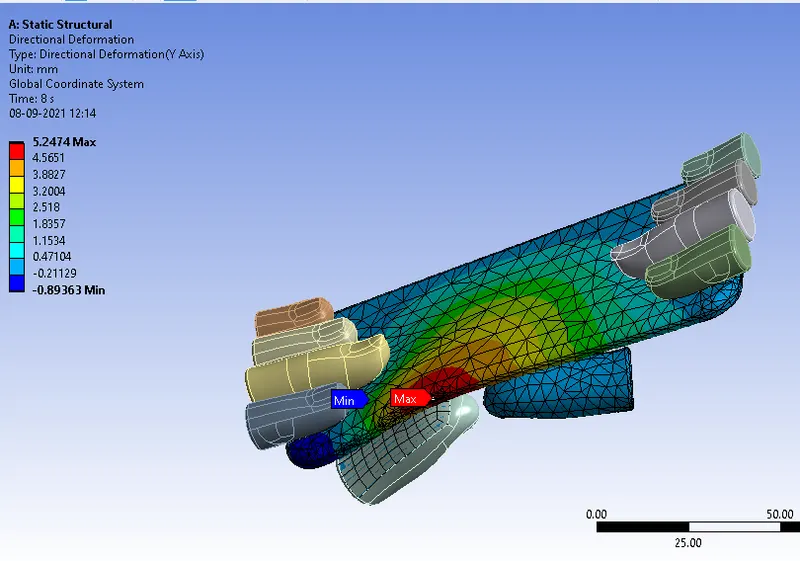
Equivalent stress of all bodies:
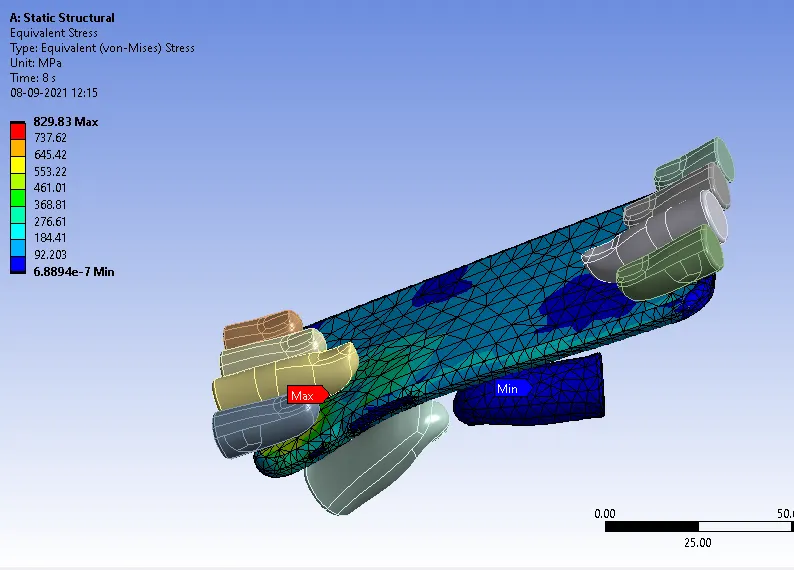
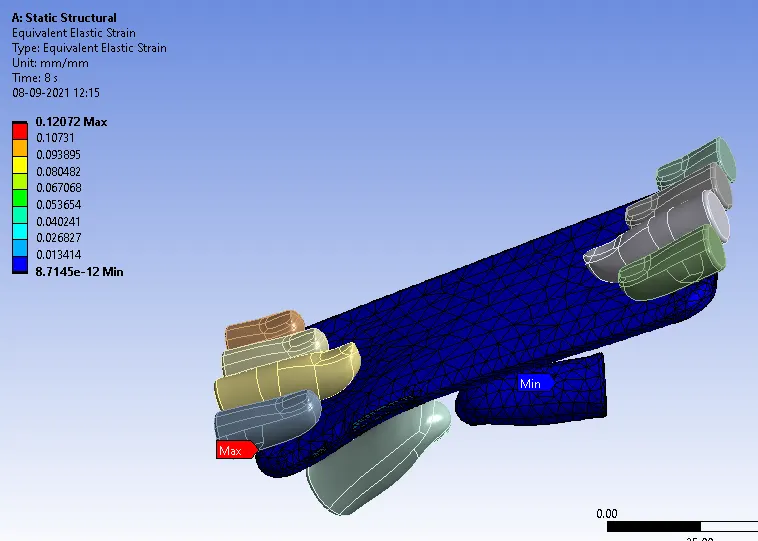
Equivalent strain of all bodies:
For case 2
Directional deformation in y-axis:
Equivalent stress of all bodies:
Equivalent strain of all bodies:
Life
Safety factor
COMPARISON TABELS:
| CASE NO | DEFORMATION | STRESS | STRAIN |
| CASE 1 |
MAX:5.2474 MIN:-0.89363 |
MAX:829.83 MIN:6.8894e-7 |
MAX:0.12072 MIN:8.7145e-12 |
| CASE 2 |
MAX:4.4273 MIN:-0.27469 |
MAX:919.85 MIN:4.4088e-7 |
MAX:0.1074 MIN:9.5024e-12 |
CONCLUSION:
Thus i performed to simulate the bending of iPhone as per the given cases.
Because of the homogeneous distributions of applied load in the middle of the iphone frame, the stress in the second case is decreased to more
than half of the amount of stress in the first case, according to the results obtained. Also, there isn't much of a difference in the deformations
created in the two cases.