Week - 8 - Morphing
Morphing
OBJECTIVE
- Importing the required geometry into ANSA
- Clean up the geometry until no topological error is found
- Use required tools in ANSA and morph the geometry
ABSTRACT
In this ANSA preprocessor is used to morph the given geometry using the required tools .It is basically changing the shape of the model without changing numerical values Transforming the whole shape will take lot of time and effort whereas through morphing changing the shape will be quick and easy process
MORPHING
ANSA encompasses a full fledged morphing menu which is completely integrated with ANsA interface and doesnt require any additional module installation .The function of the morphing menu can be used to efficiently reshape both FE geometry based models
DOMAIN MORPHING
Domain morphing is performed via boxes that are created around a particular part or assembly that the user intends to morph .The movement of the morphing boxes control points defines the morphing operations on the entities inside the morph box.This type of morphing can be applied to both FE and geometry based models
DIRECT MORPHING
ANSA direct morphing features gives the user the ability to efficiently modify a part locally without having to create morphing boxes .This method is extremely useful in creating local modification on single parts .Creation of depression surface fitting certain FE part features to new target geometry moving selected features along the contour of surface and also the ability to freeze elements during the morphing process are some of the direct morphing abilities
PARAMETRIC MORPHING
The desired morphing actions can be saved as parameters which can be accessed in batch mode.Users can enforce desired shape changes by changing numerical input value for the appropriate parameter .This method of morphing is highly utilized for coupling of the morphing operations to a exterior optimizer.The scripting capability can be conjuction with ANSA parametric morphing functionality to deliver faster DOE models
GEOMETRY MORPHING
ANSA brings to the cae world its one of a kind tool for cad geometry morphing .This pioneering concept allows the user to utilize the inventory of the all the familiar FE morphing functions to perform equilavent operations in a cad environment on geometric entities.\
PRODECURE
- Import the CAD geometry and do topo as it done to stitch the surfaces.
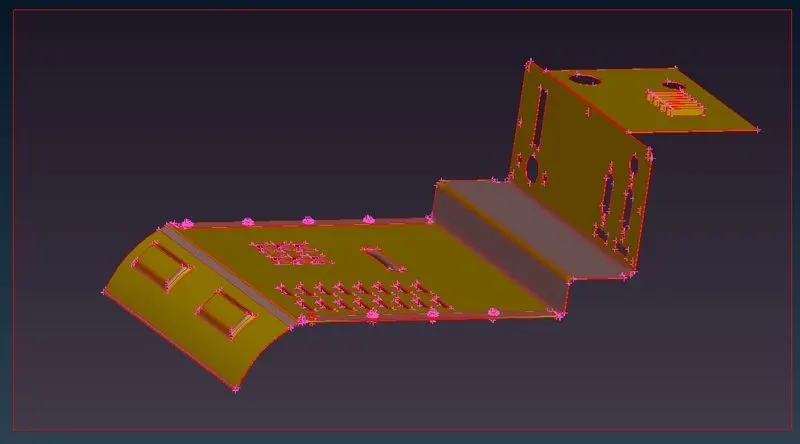
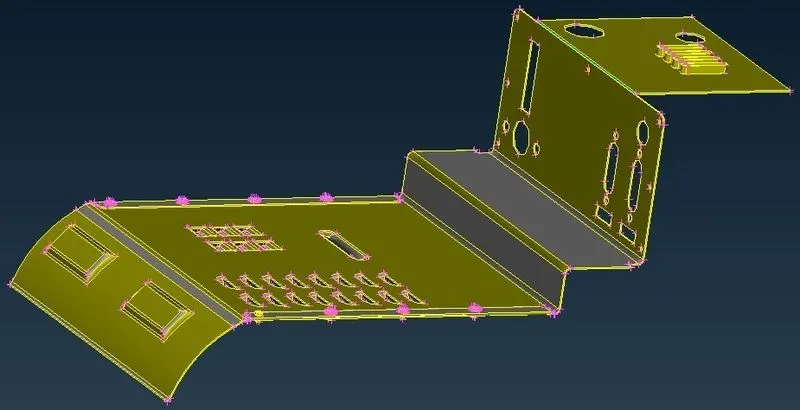
- Box Morphing It canbe done for both FE model and geometry . In this geometry is morphed using different techniques .First switch to morph module and select region which must be morphed using new option
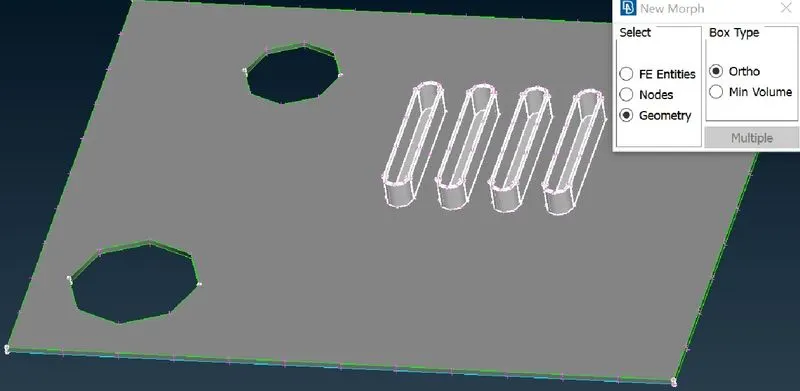
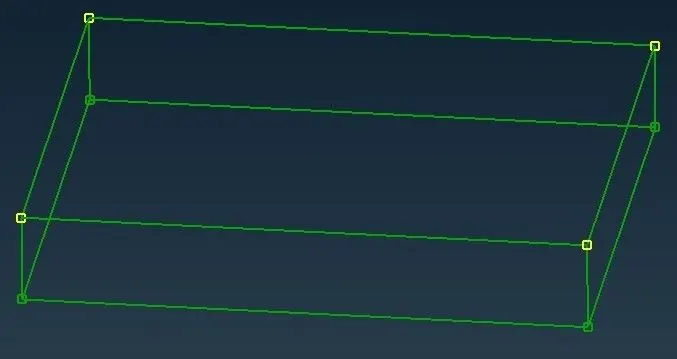
- As a result box type of structure will be formed with control points at the edges.These control points can be moved so that the model can be transformed into different shapes .If you move the control points the entities inside the box only will be affected.
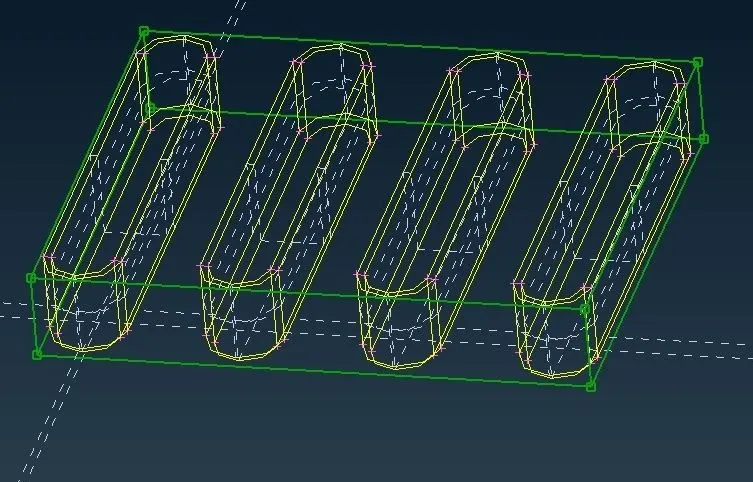
- Now we use Box morphing a move option to transform the entities inside the box in any directions using coordinates axis .Therefore ribs are morphed easily without changing any geometrical values.
- Always select control points before moving
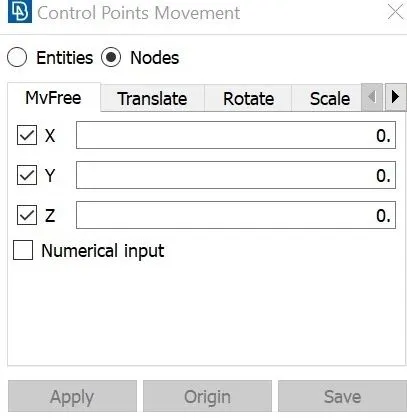
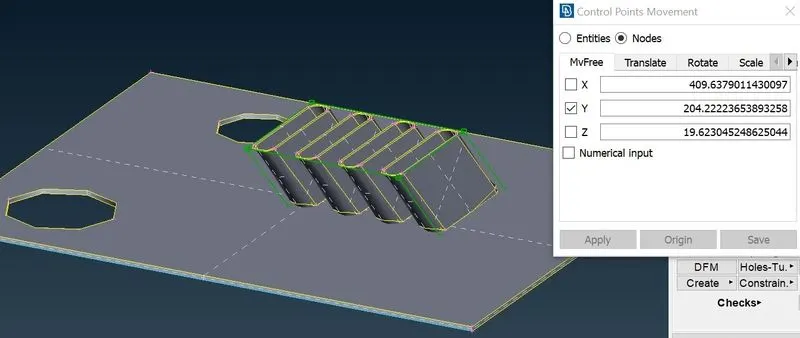
- Similarly for all the features a box type morph can be applied and control points can be moved to generate morphing .This method is very effective for simple modification of the all the features.
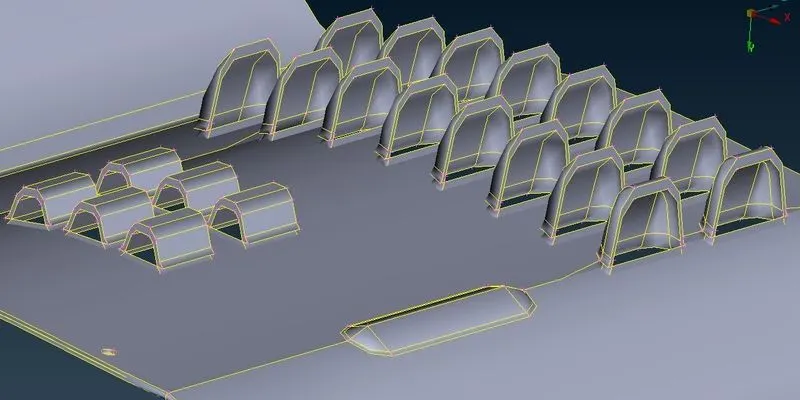
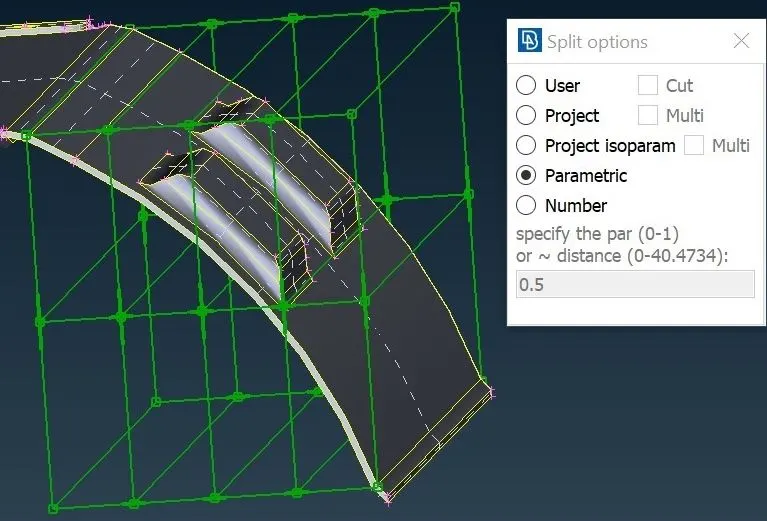
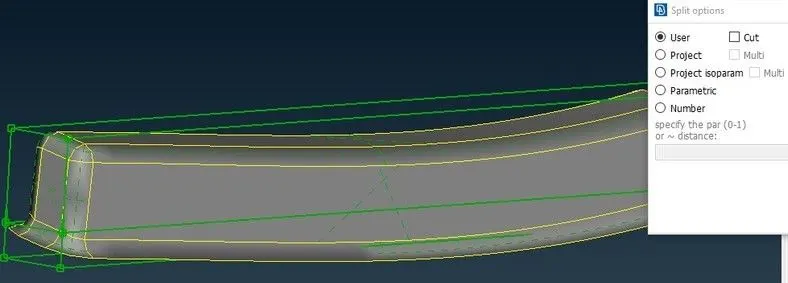
- Using split option one can divide thebox which is created using new moprh option. This can be done in multiple ways
- Using number option ANSA automatically splits the box morph according to the number specified by the user
- By the parametric cut the user can specify the distance of the spilt .The box will be divided according to the value given
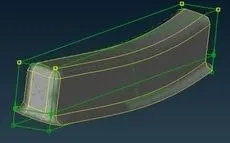
- Whole geometry can be morphed in one shot using box morph and spilt option .Then the control points can be moved according to the required coordinates.
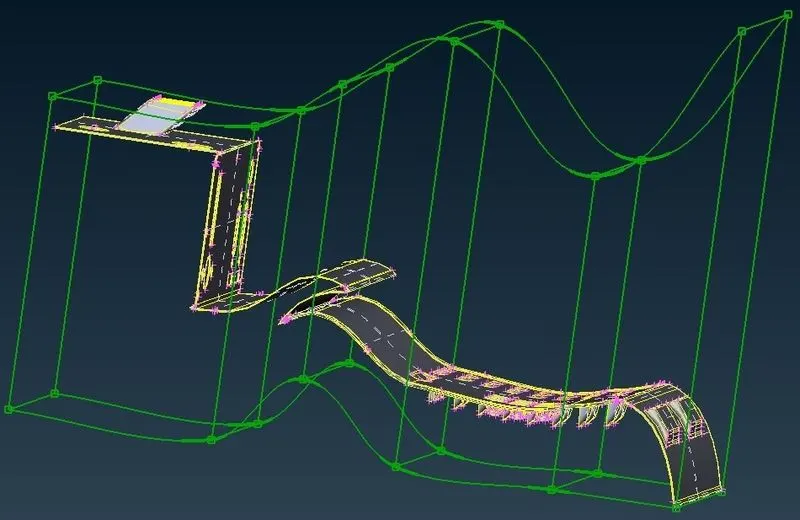
- After morphing one can uses boxes delete option to delete all the box morph the green lines
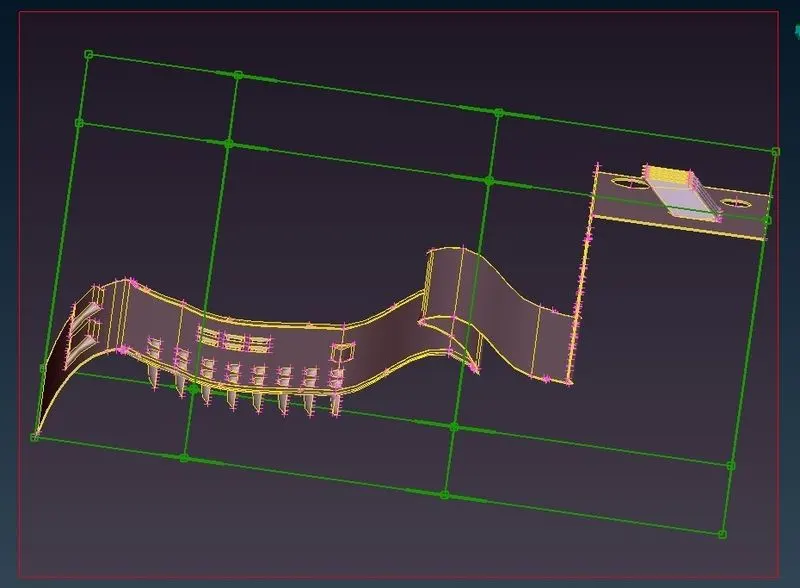
- Therefore morphing can be very effective as it can after the shape of geometry or FE model easily .
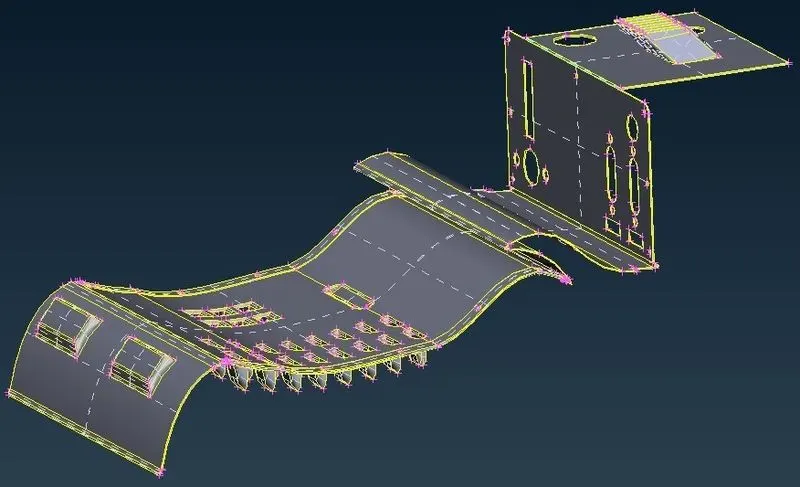
MODEL 2
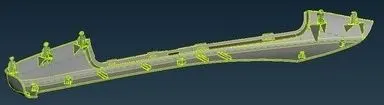
The requirement in this case of model 2 is to increase the height of the dog houses and ribs as shown
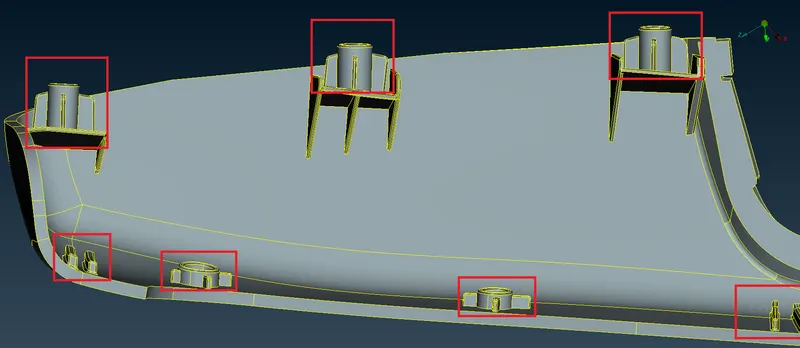
- As we did in the previous component we are to higlight the particular doghouses and ribs using boxes .Since this not a mesh and is a geometry the geometry option is selected .After highlighting the doghouses and ribs the middle mouse is clicked and morph box is formed.
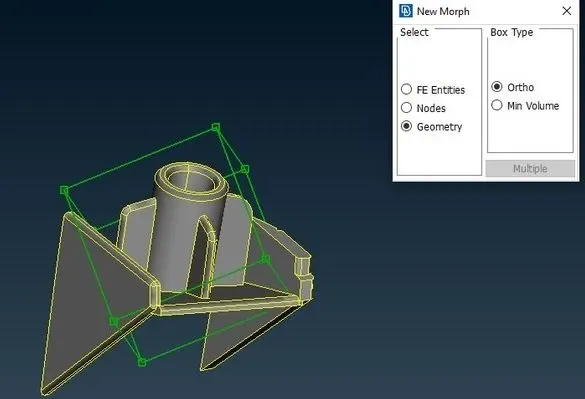
- We need to make use of the box morphing tool to move these control grids on the morph box .We select the node at the highest point and simply middle clicking activates the morphing algorithm .Now we are free to move the doghouse and ribs according to the selected coordinates of course .When done we simply need to middle click again for the algorithm to apply the morph
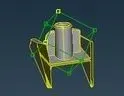
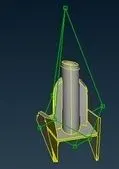
- In other cases such as this rib simply selecting the rib and creating a box doesnt seem to help with providing a more proper morph later on
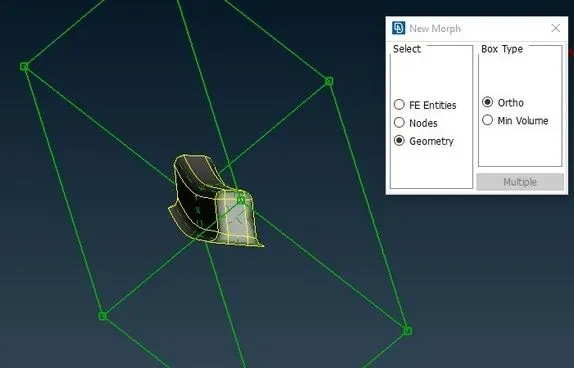
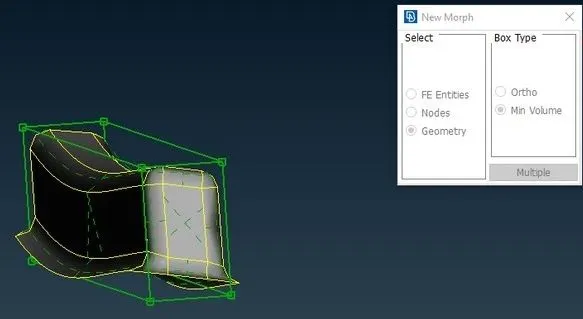
- In these cases using the min volume setting from the morph box options seems to provide a move accurate morph box that facilities the morphing of these ribs
OUTCOME
- Understood concept of morphing
- Used box morph generated spilts moved the model in different coordinates.
- Used different tools in ANSA to transform the given geometry
CONCLUSION
In this successfully imported the model and did the geometry clean uo with no errors and successfully created the box morph and divided it using spilt and moved them in different directions .