Week 6 - Creating connection for Rear door
Creating connection for Rear door
OBJECTIVE
- To give different types of connection for rear door model of car
- These connections are given to the model using ANSA in NASTRAN deck which will be used later for NVH simulation
Door Assembly is very important model in the car as it consists of different types of connections representations .Different mechanism are also present in the door assembly model like door lock mechanism hinge mechanism glass slider mechanism and latch mechansim .
METHODOLOGY
- Import the meshed model
- Assign the Property ID for different regions
- Identify different mechansim and assign various connections for door model
PRODECURE
- Import the model before assigning connections for the model once observe the real car model as it gives idea for the different types of connections used for various mechanism
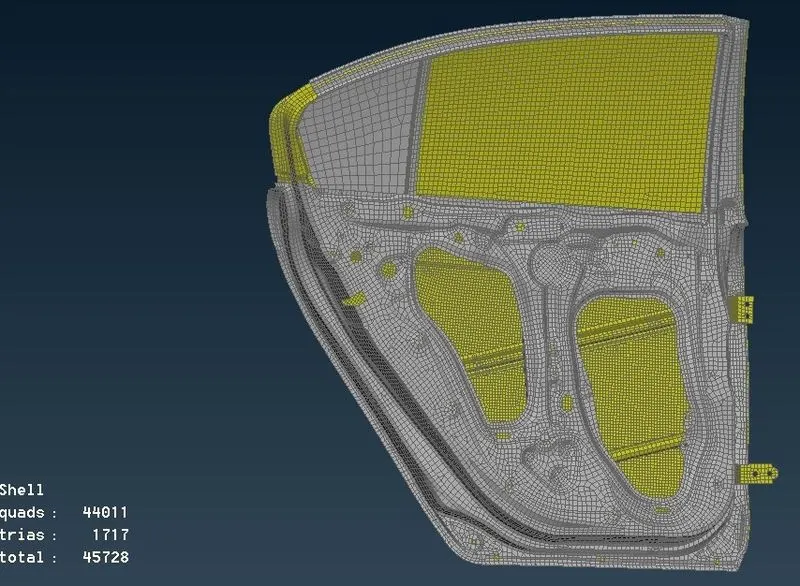
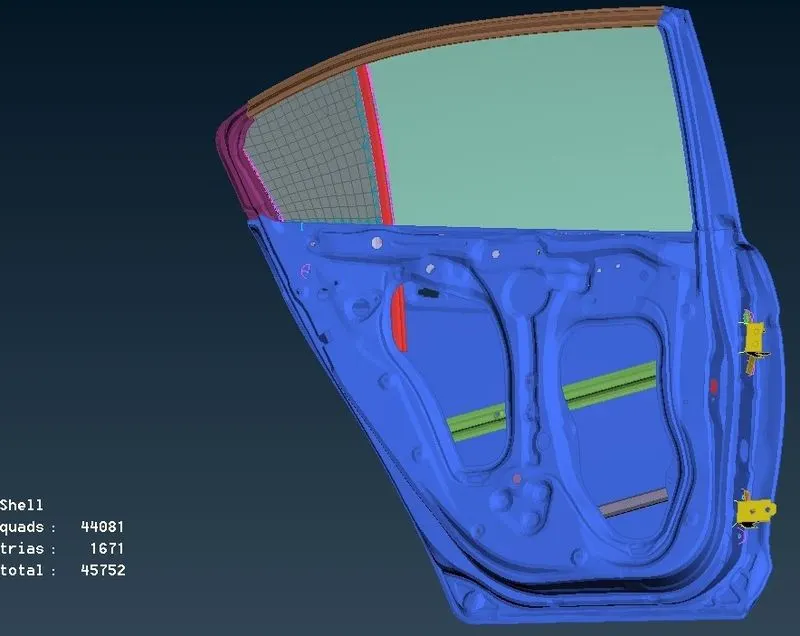
- Assign different PID for glass and the parts which are needed to be welded
- We use different kinds of connections
- RB2 rigid is simply used to rigidize the hole .This type of connection is used where there are no bolts the nodes using loop selection .After selecting all the slave nodes a master node will be formed which connects all the slave nodes
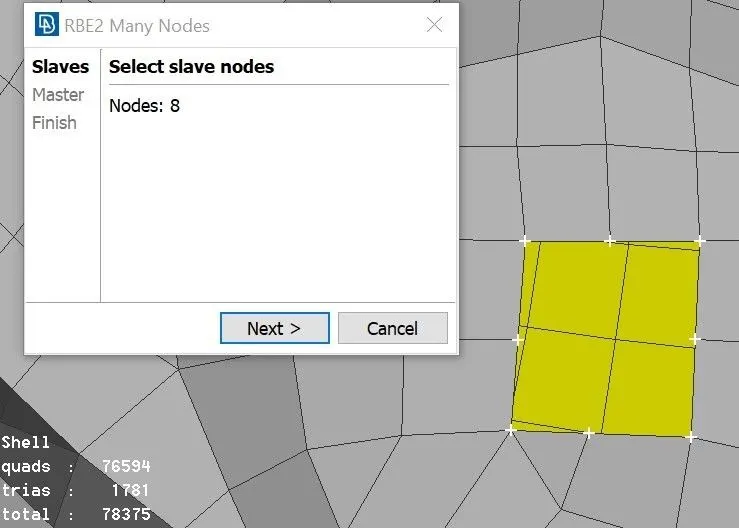
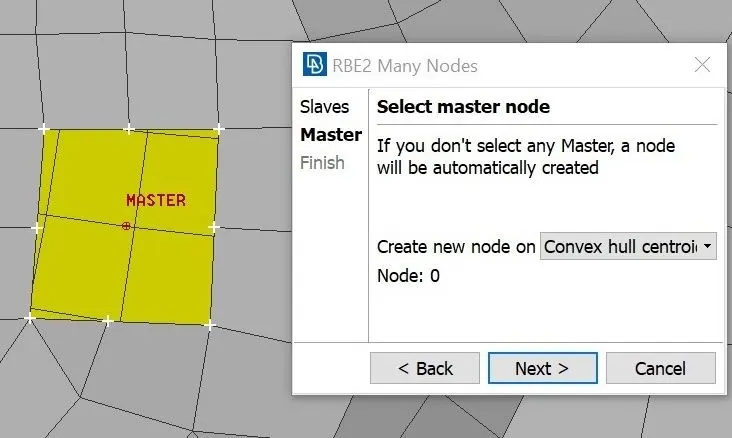
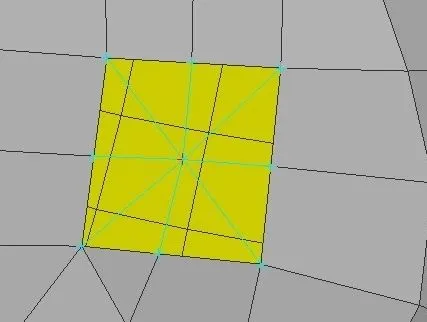
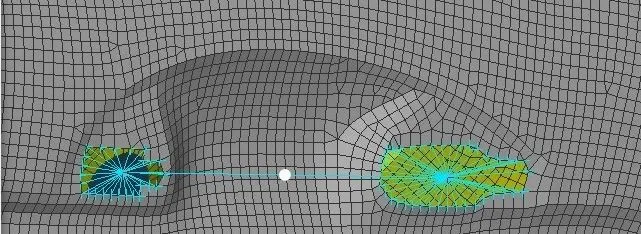
- Zone Cut It is used when an area must be rigidized at a particular region .This region acts a washer element during simulation .Therfore this type of connection is used where bolts exist.One must click on the edge of the circle using loop selection then the whole circle will be selected .Then specify the offset value .Now some area will be reconstructed using the existing mesh parameters in order to form zone cut
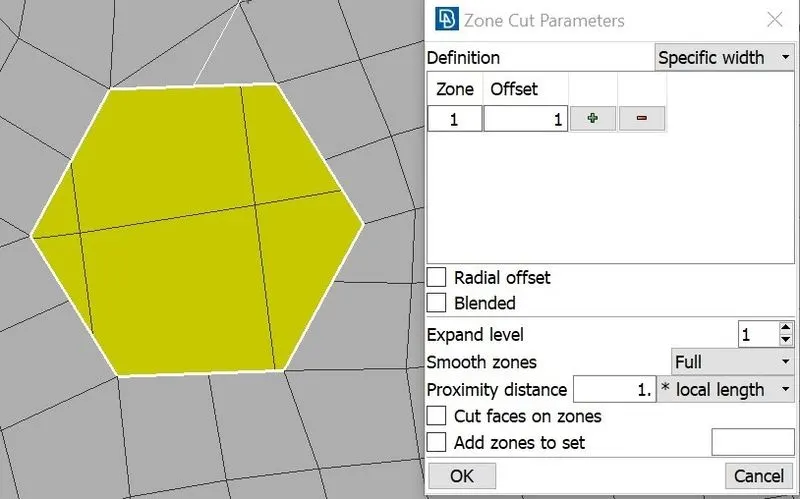
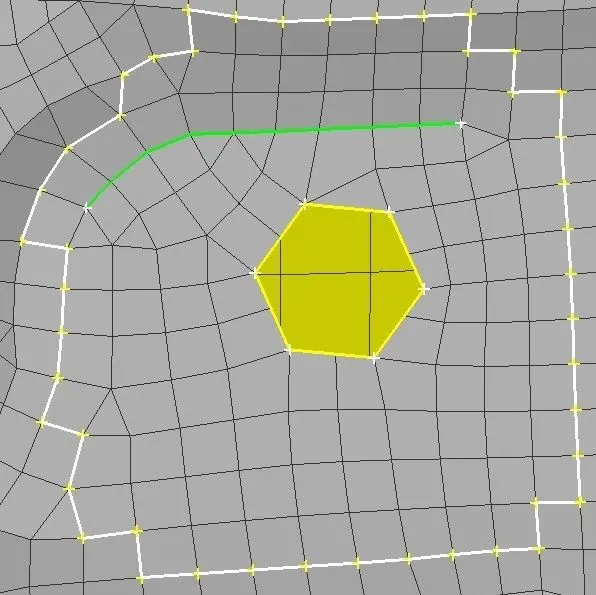
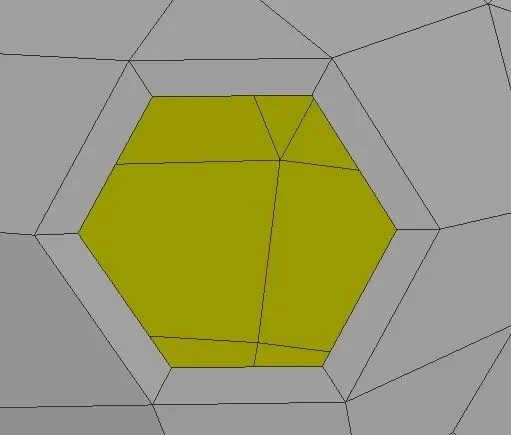
- Now use elements RB2 many nodes select the egion using poly line selection in order to select all the slave nodes easily .Then RB2 connection is deployed along with zone cut
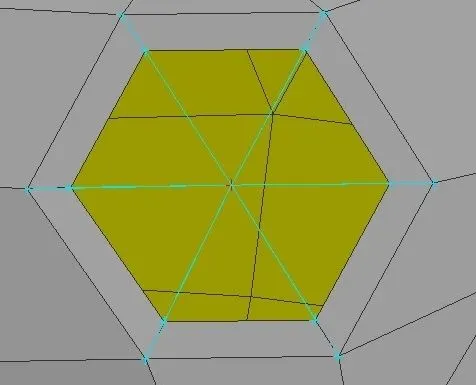
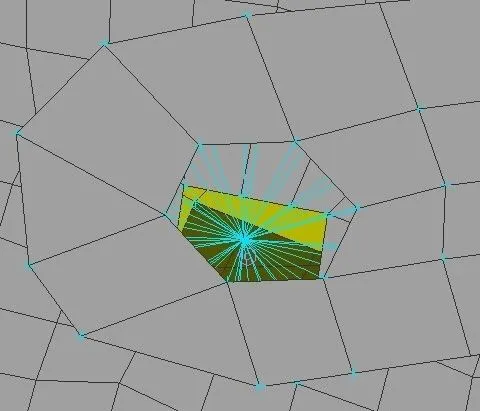
- Cluster This connection is used when a manual bolt connection must be deployed beween two or more surfaces
- For automatic bolt connection one must follow steps create COG for the hole COG is basicially a 3D point convert this 3D point now open connections manager and select the bolt symbol which has created in earlier step then assign p1 p2 p3 select FE type as bolt and give the required values and constraints apply and then realize the connection
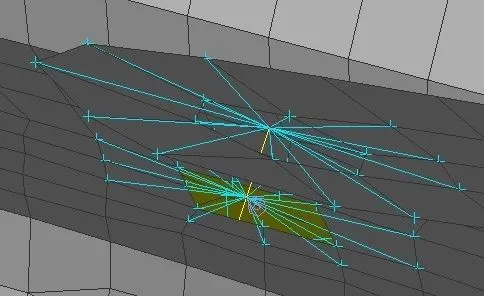
- Hinge connection must be constarined to only five degree of the freedom as this allows the door to open
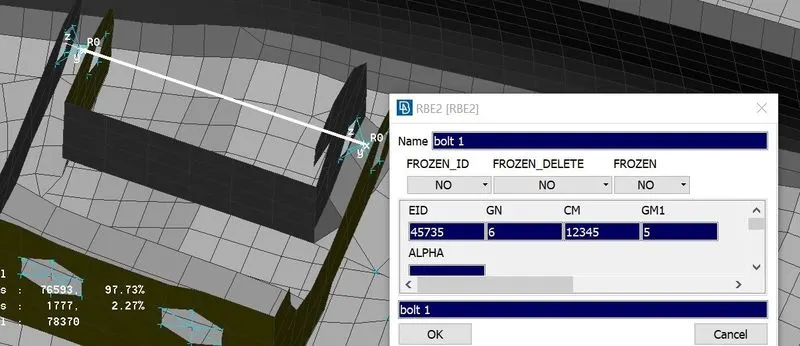
- Spot welds are also parts of connections .In ANSA spot weld can be deloyed between different surfaces .Create curve convert curve to spot weld then open connections manager and select the spot weld curve and then assign p1 p2 p3
- Mostly overlap shell is used when the surface are parallel and y joint shell is used in perpendicular surfaces
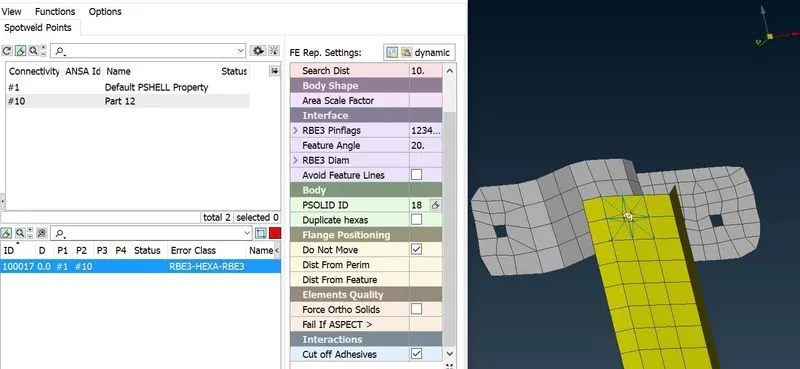
- Spot weld using RBE3 Create COG convert COG to spot welding point use connection manager to generate RBE3 HEXA RBE3
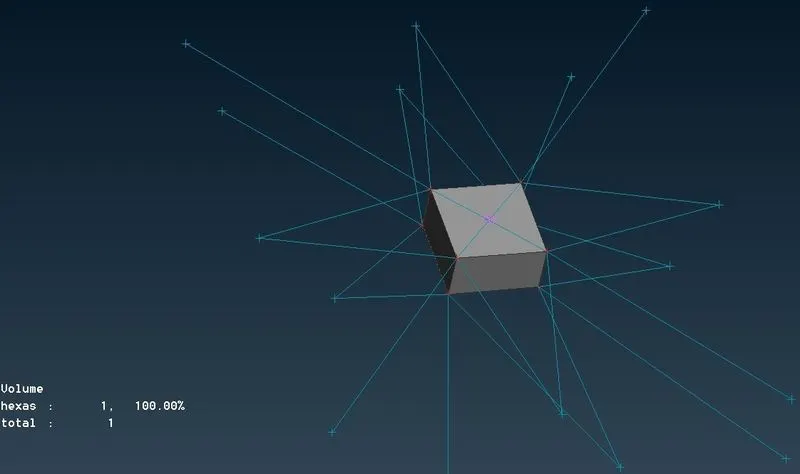
- CONMi It is referred to as con mass. It is basically a concentrated mass connection where a point is created for representing the weight of it .We must give the mas tonnes .
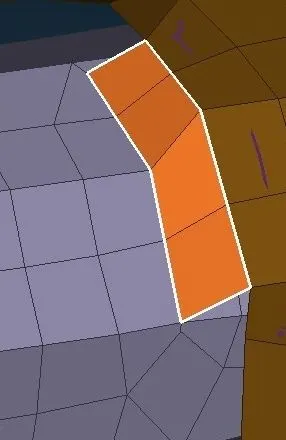
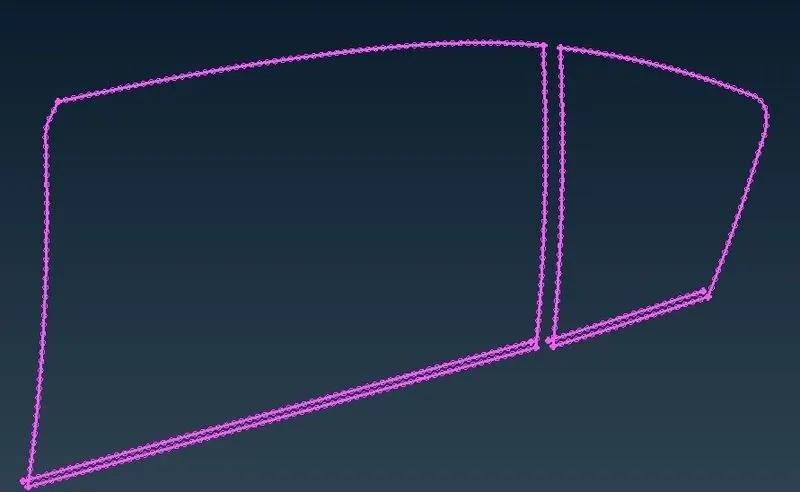
- CRUSH connection This connection for the glass is always given in closed . Create curves using perimeter curve option which is available in mesh mode .Then convert those curves to seam lines .
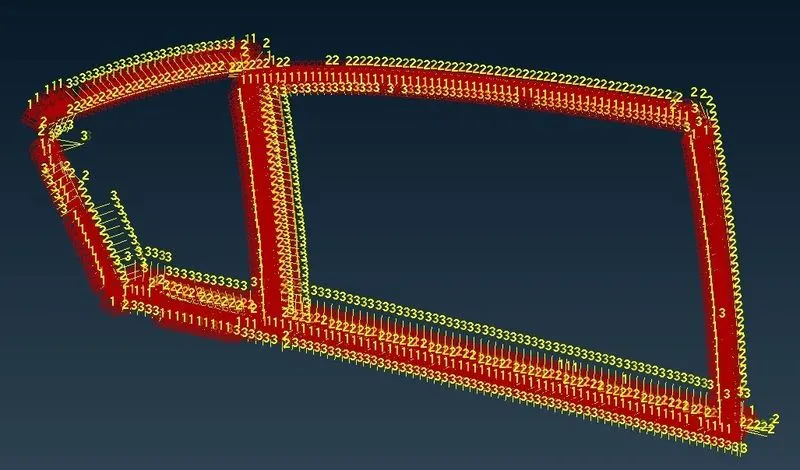
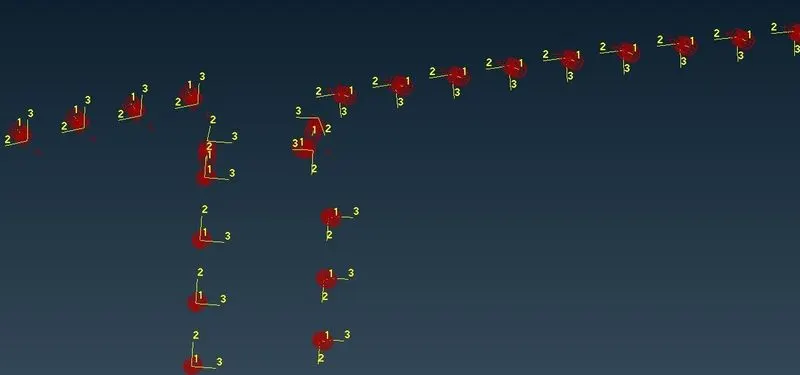
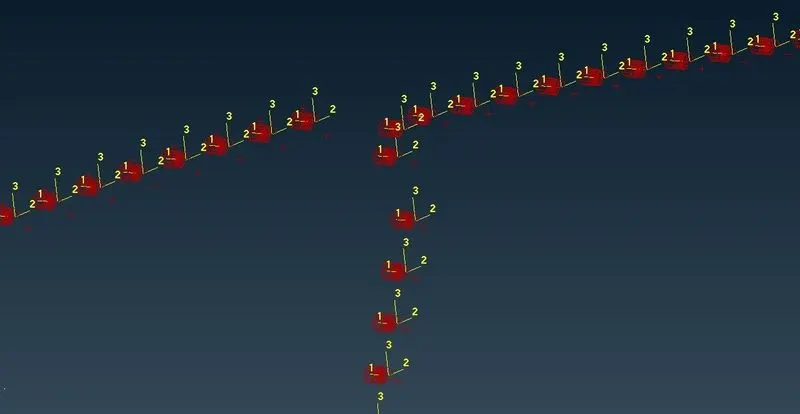
- Generated RBE3 connection has its own local coordinates which are different from each other .This could create some distrubance during simulation . So we need to convert all the CBUSH coordinates to global coordinates .This can be done by changing the CID value to properties
- We can change all the CID values in a single shot using modify option
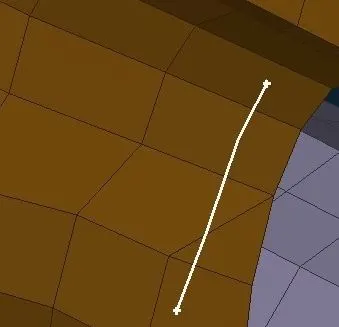
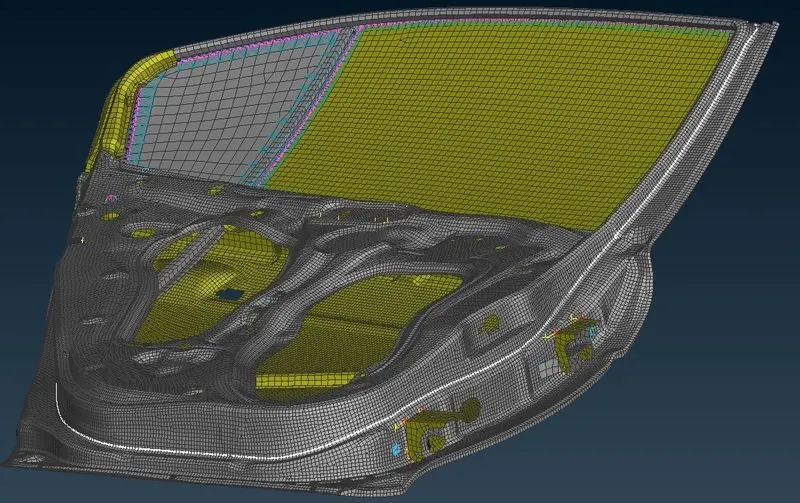
- Atmospheric strip can be assigned in ANSA create curves using perimeter .Then convert those curves to seam line .This acts as a rubber strip during simulation White line in the below indicate rubber strip
CONCLUSION
In this i deployed connection with RB2 and RB3 elements successfully .Constarined the hinges to degree of freedom .Learned different concepts regarding tailored cut Learned all types of connection in ANSA
OUTCOME
- Assigned various connection according to the required mechanism
- Learned and implemented all the connection in ANSA
- Studied different real life concept about connection in car