Assignment 1-2D Meshing Challenge
OBJECTIVE
The main objective of Assignment 1 is to performing the geometry cleanup,Midsurface extarction, Clean midsurface geometry , ignoring holes than 5mm ,Creating a 2D mesh with target length 5mm and assigning proper thickness by creating generic property
PRODECURE
The following steps that have to carried out for performing meshing operation on 2D shell elements
PART 1
IMPORT THE GEOMETRY
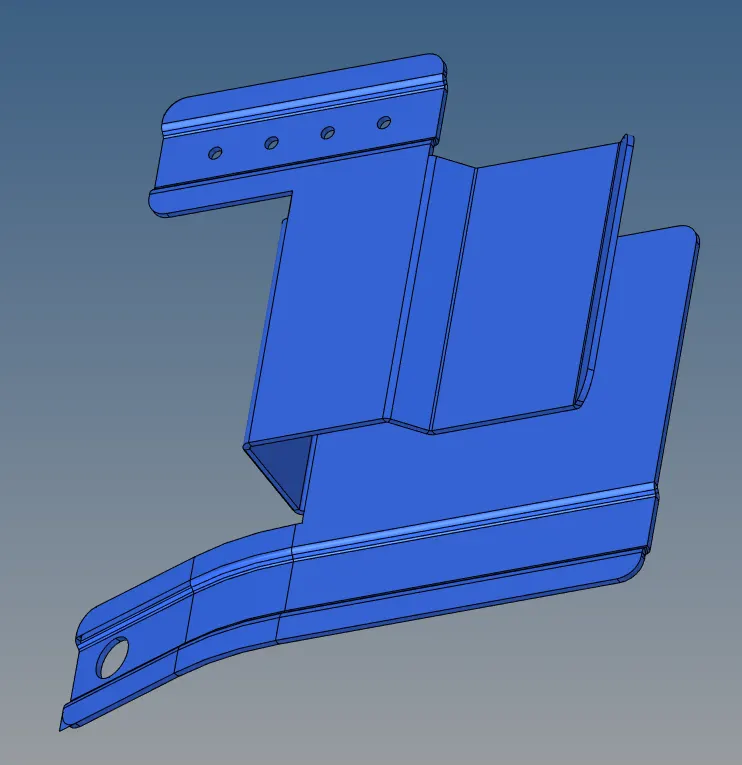
GEOMETRY CLEANUP
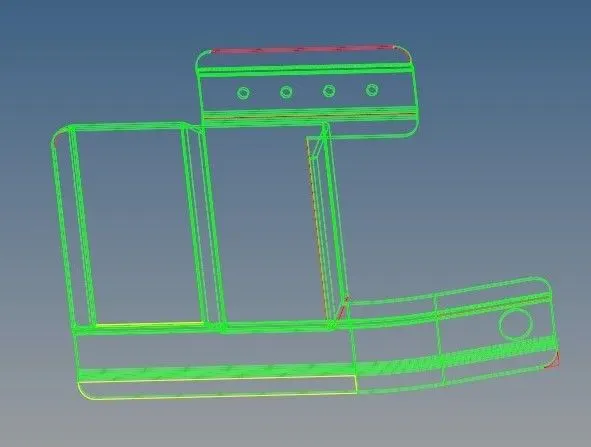
- Here the model is changed from auto to mixed from the the visualization tool bar in order to find the error in model
- The lines which are displayed in the red is taken as error
- Delete the extar surface in the model by using trim with surface command under surface edit
- The small gaps in the model is filled by using the toogle edge and replace points commands under the quick edit
- Overlapping surface which is shown in yellow lines were deleted
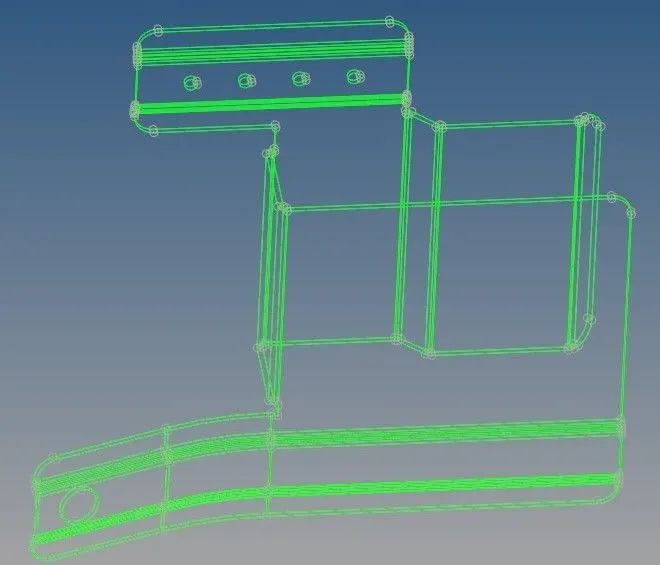
- Use the midsurface command to extarct midsurface where the meshing operation is performed
- Use the filler surf command under quick edit and make the hole filled which was having diameter less than 5mm
MESHING
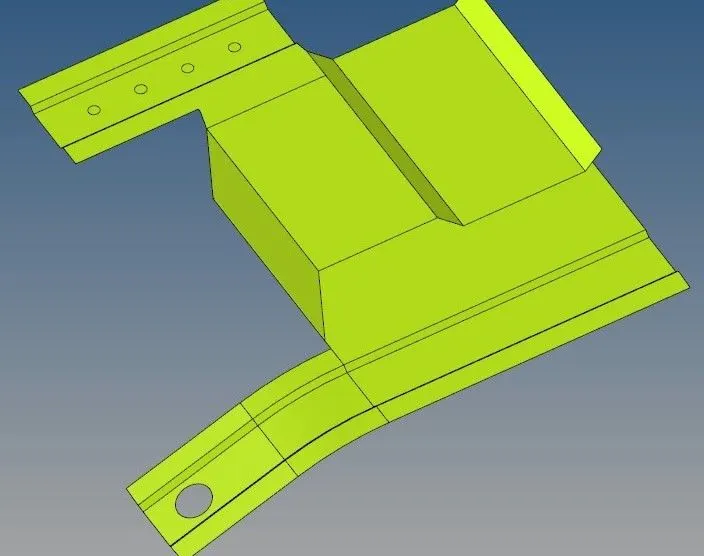
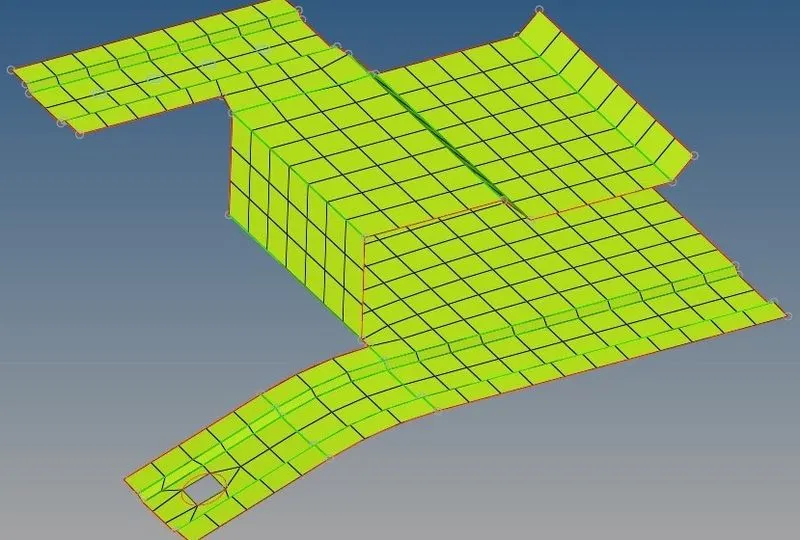
- Meshing operation is performed on the surface by using automesh command with an element target length of 5mm
- Remeshing is done to obtain perfect mesh
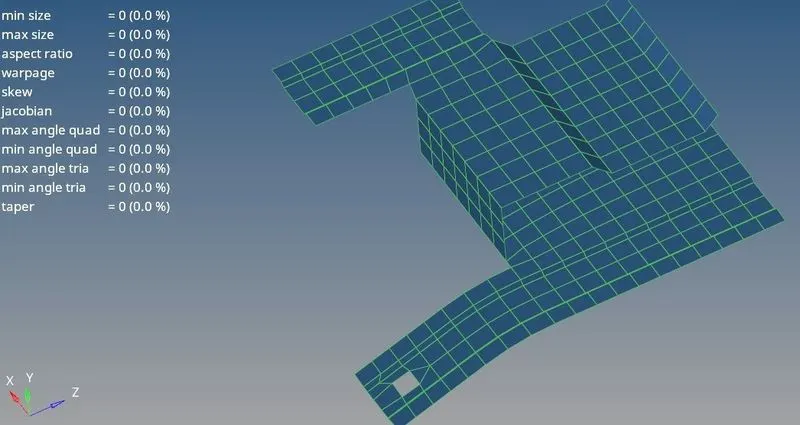
- Assigning maximum length as 7mm and minimum length as 3.5mm under check element command and further values like warpage , jacobian, are also given input as input values
- For optimizing the mesh elements , quality , index command was used

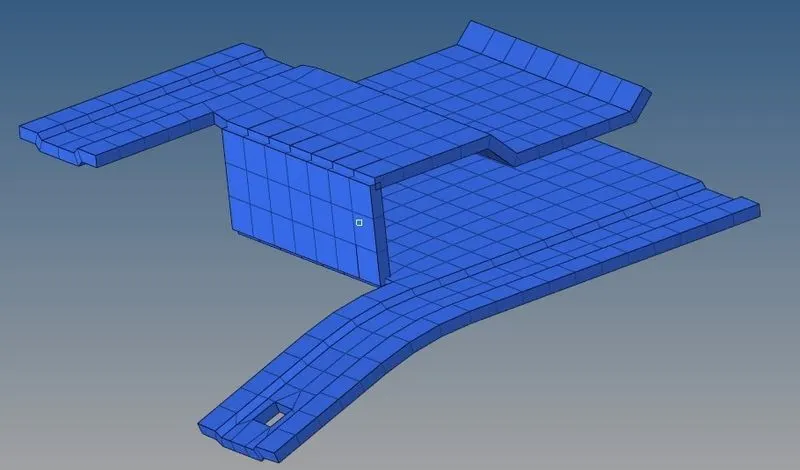
ASSIGNING PROPER THICKNESS
PART 2
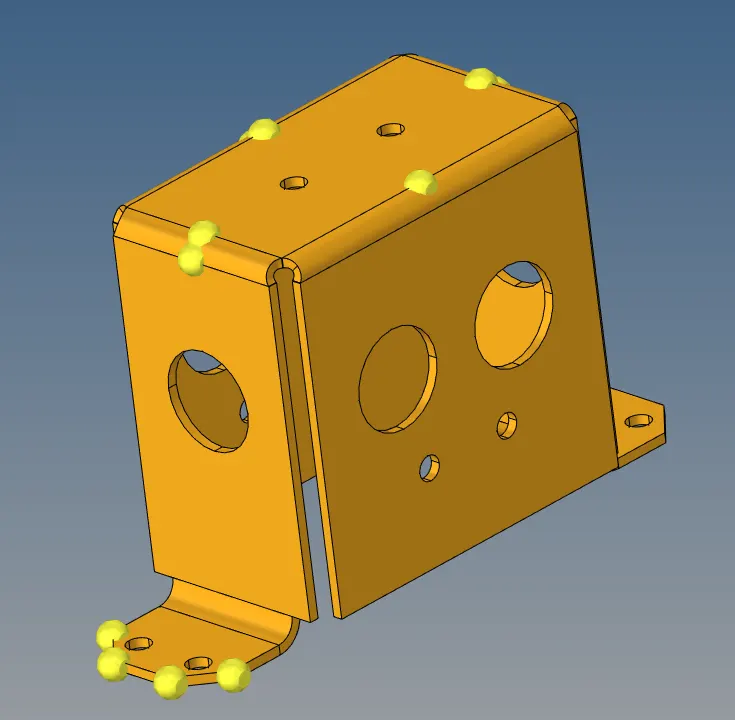
IMPORT THE GEOMETRY
GEOMETRY CLEANUP
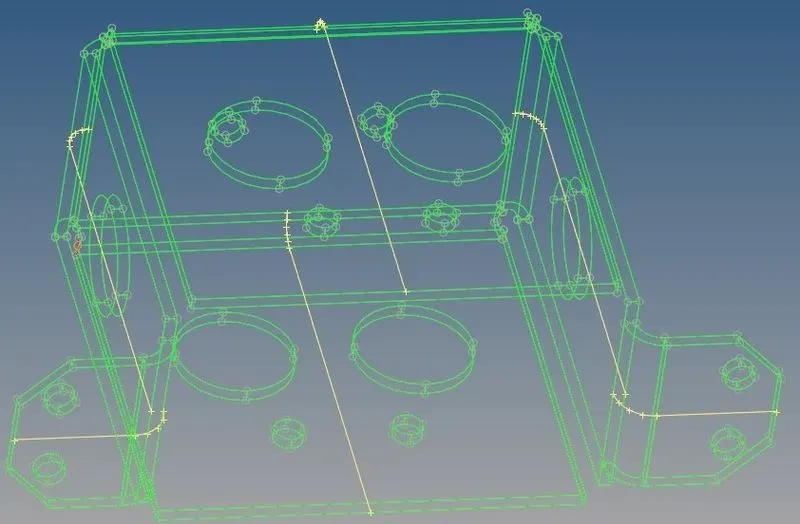
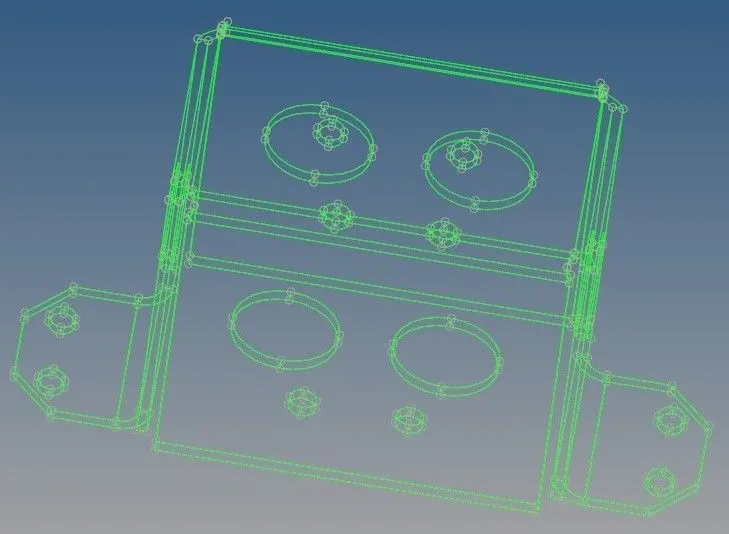
- Here the model is changed from auto to mixed from the visualization tool bar in order to find the error in the model
- The lines which are displayed in the red is taken as error
- The small gaps in the model is filled by using the toggle edge and replace points commands under quick edit
- The unwanted lines in the geometry are deleted
- Use the midsurface command to extarct midsurface where the meshing operation is performed
- Use the surf command under quick edit and make the hole filled which was having diameter less than 5mm
MESHING
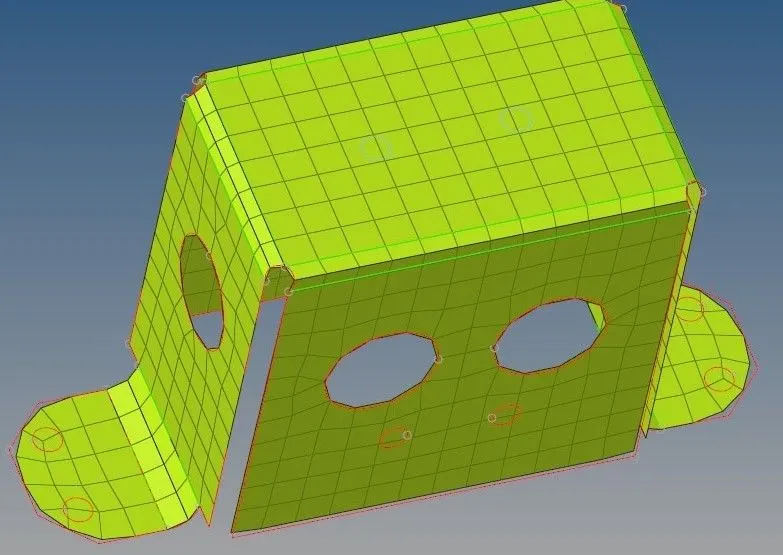
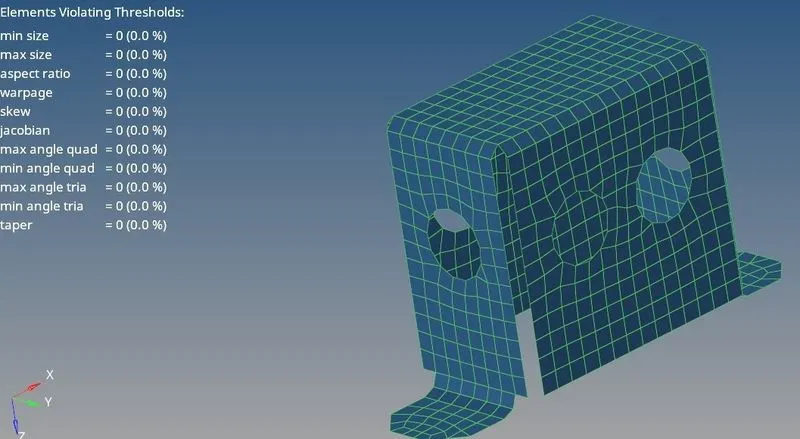
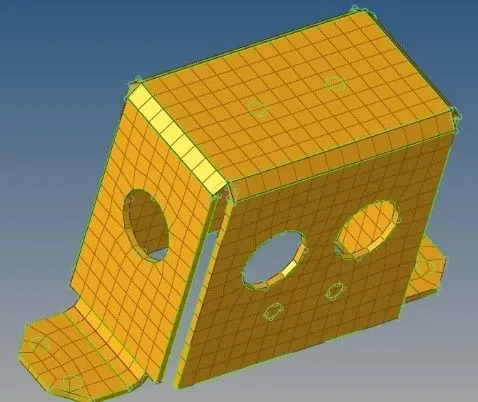
- Meshing is performed on one of the symetric face and other face is mirrored by using reflect command tools
- For mirroring the faces node between command under the measure is used for creating reference nodes'
- Equivalence command is used to connect the elements which are newly formed with the original elements
- Assigining maximum length as 7mm and minimum length 3.5mm under check element command and further values like warpage , jacobian are also given as input values
ASSIGNING PROPER THICKNESS
Before assigining thickness all the elements are moved to its original geometry by using organize command under tools
PART 3
IMPORT THE GEOMETRY
MIDSURAFCE EXTARCTION
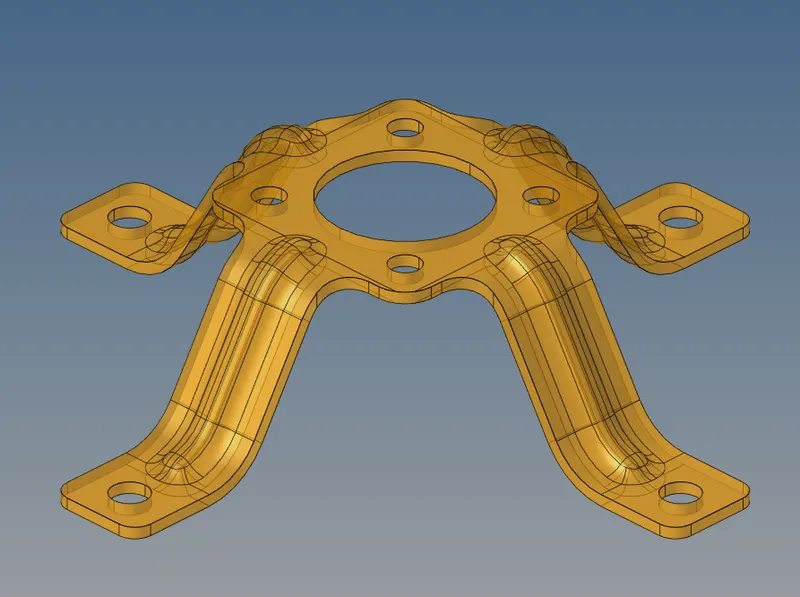
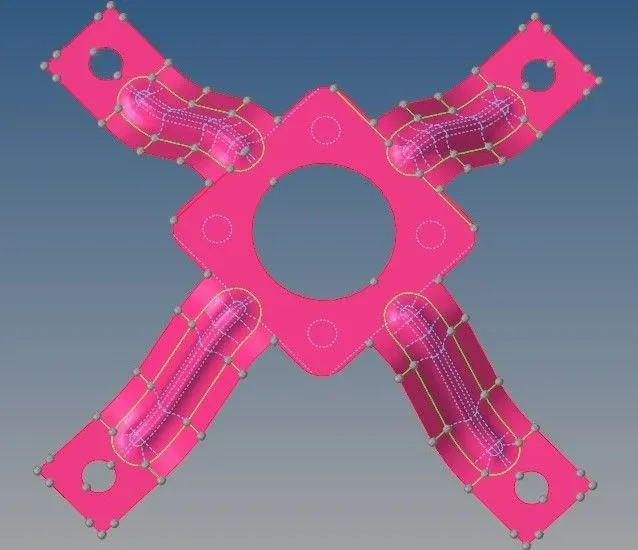
- This geometry was found with the free of errors and after importing the geometry midsurface was generated
- Use the filler surf command under quick edit and make the hole filled which was having diameter less than 5mm
- Remove the edge fillets by using defeature command
- Clean midsurface geometry
MESHING
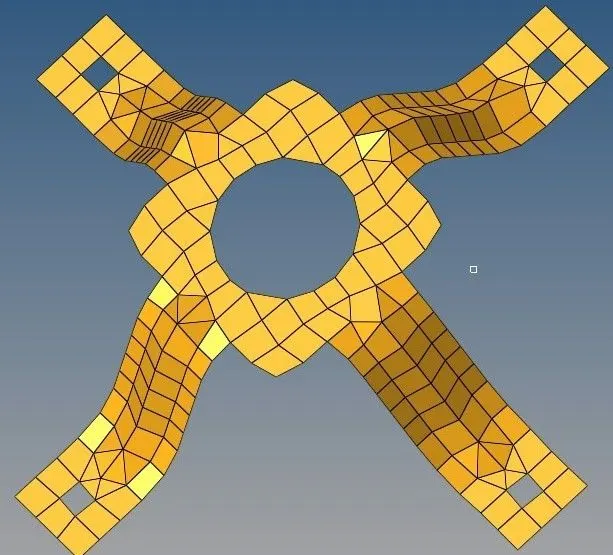
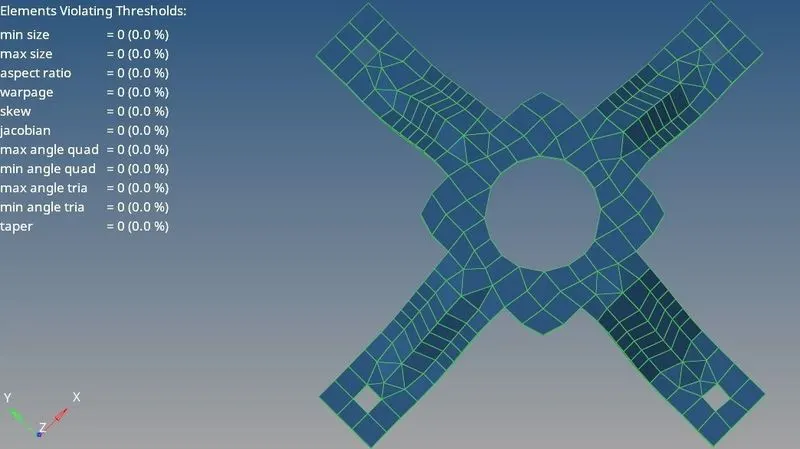
- Meshing operation is performed on the surface b using automesh command with an element target length of 5mm
- Remeshing is done to obtain perfect mesh
- Assigining maximum length as 7mm and minimum length as 3.5mm under check element command and further values like warpage ,jacobian are also given as input values
- For optimizing the mesh elements ,quality,index command was used
ASSIGNING PROPER THICKNESS
RESULTS
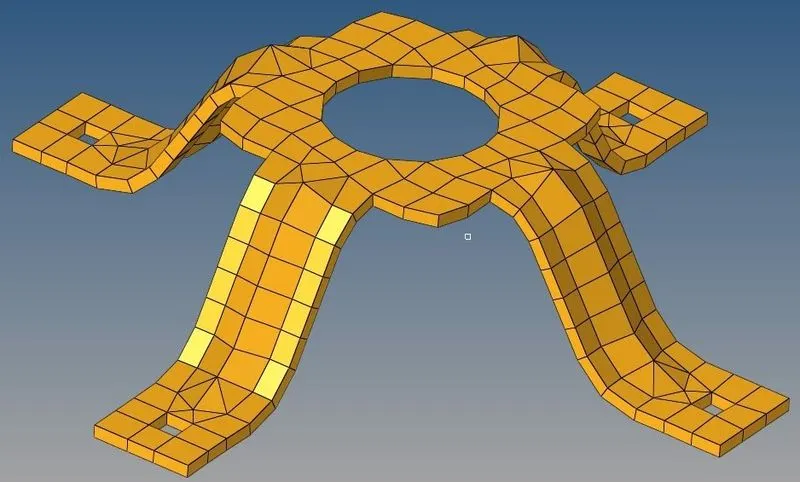
The perfomance of geometry cleanup midsurface extarction ignoring hole less than 5mm dia and creating a 2D mesh with target length of 5mm of various geometry has performed and various diagarm are shown