Project - 2 - Meshing on the suspension Assembly
PROJECT
Meshing on the suspension Assembly
OBJECTIVE
- Importing rear car suspension geometry into ANSA
- Clean up the geometry until no topological error is found
- Generate midsurface for required parts
- Generate volume mesh for hollow parts
- Improve the mesh flow and solve off elements according to given quality criteria
- Give connection for rear suspension for NVH analysis
ABSTRACT
In this project ANSA preprocessor is used to generate midsurface , volume mesh .The quality criteria for some parts are different .Therefore one should carefully apply them while meshing .Clear all off elements on surface mesh and then proceed to volume mesh .Understand about various connections used in rear suspension and deploy them accordingly
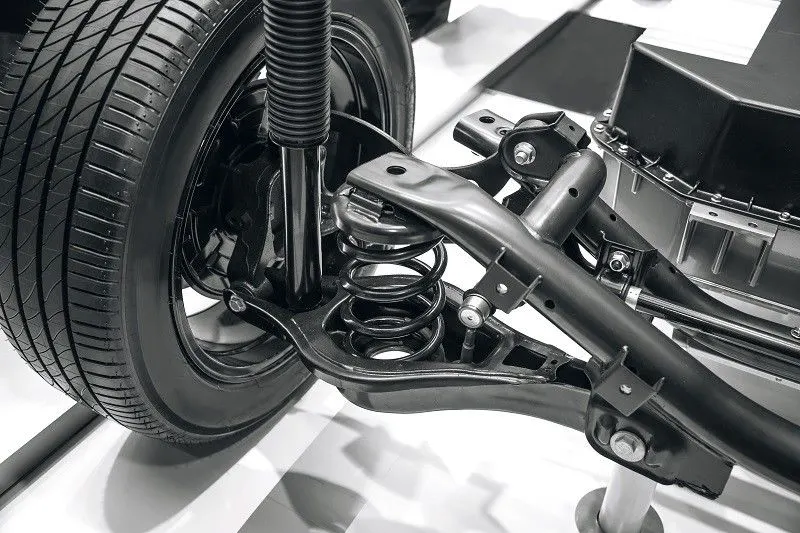
Suspension has been an essential component of automobiles.The rear suspension of a vehicle performs the same general function as front suspension but the specific construction is typically quite different.The ideal suspension for a vehicle depends a lot on the vehicle body style and performance requirements .The most basix purposes of a suspension system are to prevent thebody of a vehicle from hitting the ground and to keep the tires in contact with the road.
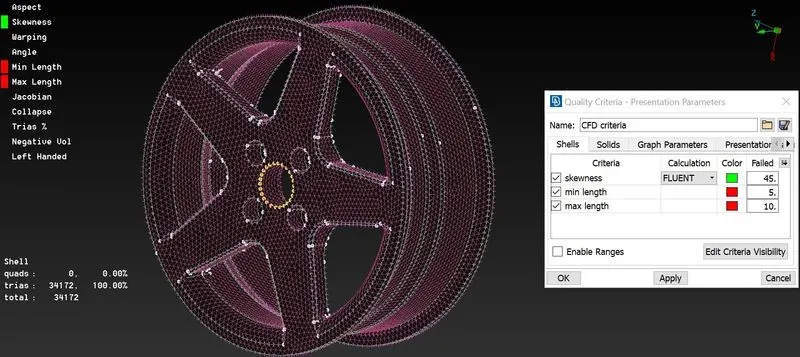
QUALITY CRITERIA
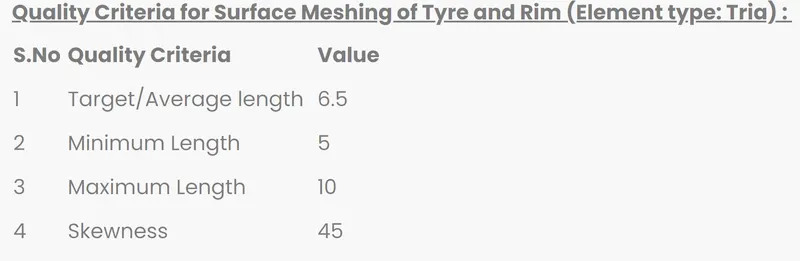
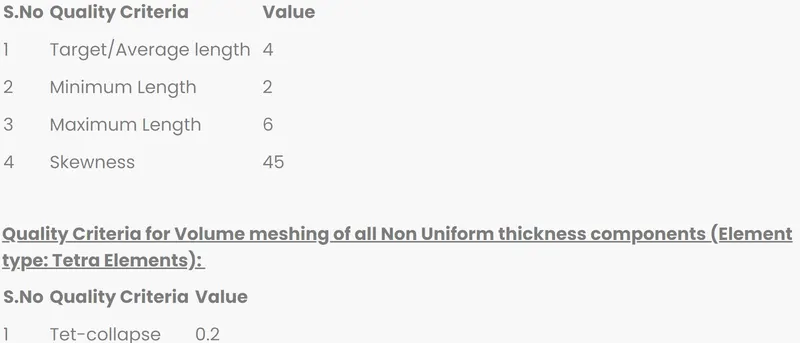
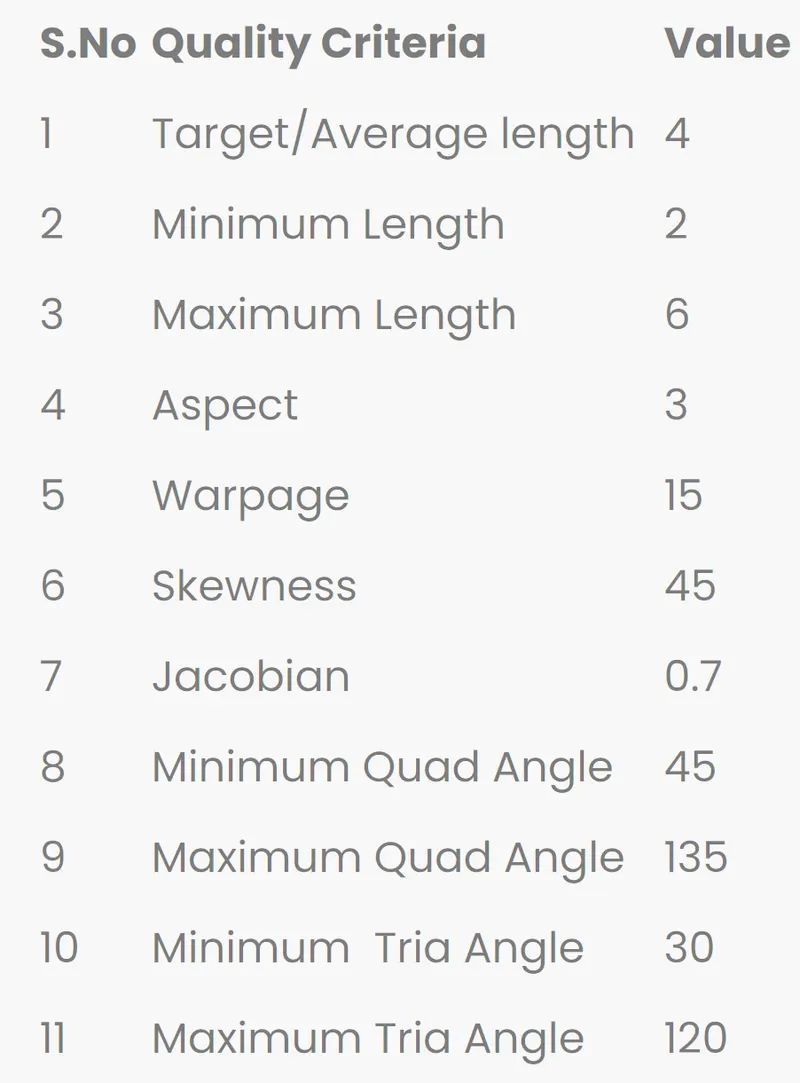
PRODECURE
- Import the geometry into ANSA and topo to stitch the surface .Isolate each part and set PIDs for the rear suspension geometry
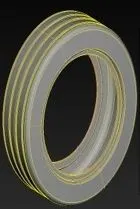
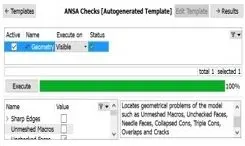
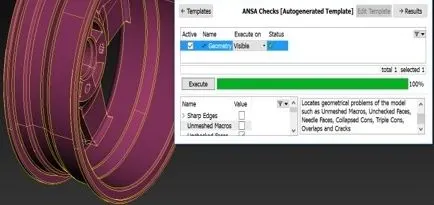
- Clean the geometry using checks manager .Enable unchecked faces ,collapsed cons, triple cons , needle faces, overlapped faces, cracks , single cons .Clear all the eror issues until no error is found.One can use fix option in ANSA clear all the error automatically .However sometimes manual intervetion is required for fixing some errors .Manually we use option like cut, release and delete for topo clean up.
SURFACE MESH GENERATION FOR TYPE AND RIM
- One can do mesh generation for tyre and rim either by meshing them manually using spot mesh or by batch mesh
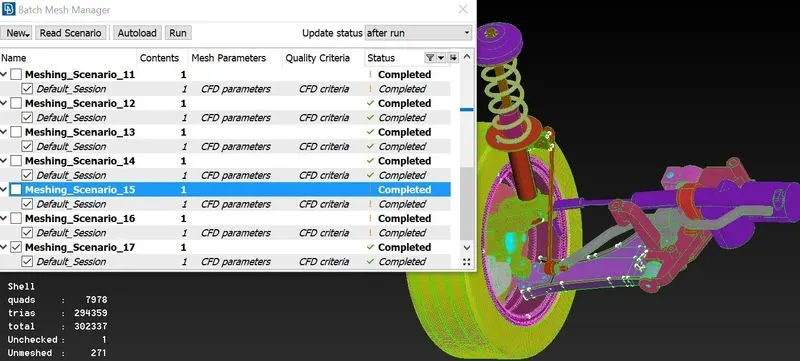
- The advanatge of batch mesh is that ANSA will do topological clean up automatically which is a time savings process .Even throught sometimes we must clear some errors manually after batch meshing too.
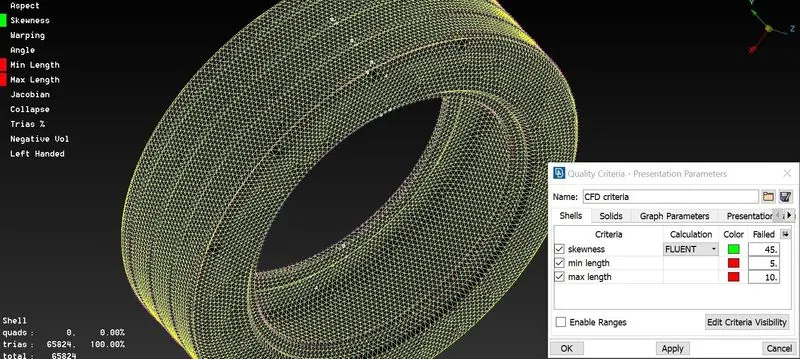
- Mesh generation using batch mesh option.The first step is to create a new part in the model browser and assign the midsurface to that new part .Then open the batch mesh and create a new meshing scenario
- Update the content midsurface and the required mesh parameters and quality criteria .Then click on Run to generate batch mesh.
VOLUME MESH GENERATION FOR TYRE AND RIM
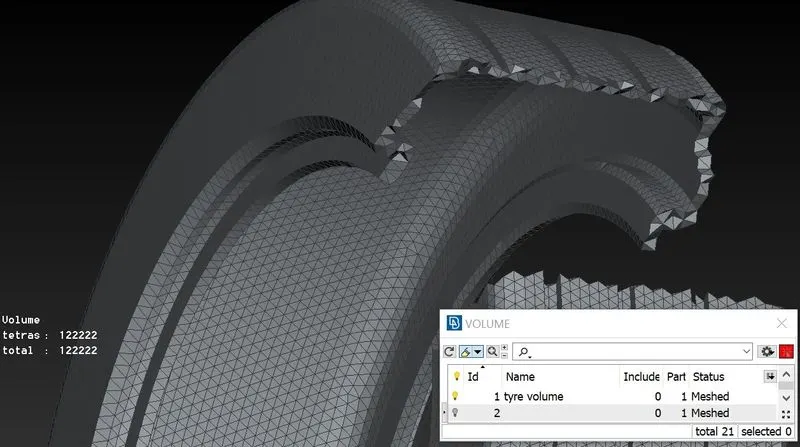
- After cleaning all the off elements on the surface mesh one can proceed further to volume mesh geneartion
- Volume mesh canbe created in ANSA only if it is recognizes the geometry as a closed volume .Therefore we must manually update model to closed volume
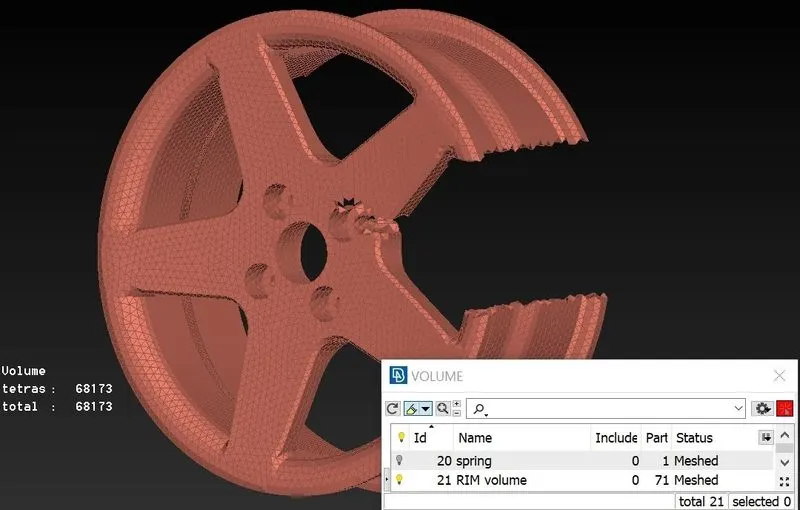
- To convert our model to closed volume one must define volume
- ANSA might crash if you generate volume mesh for the whole geometry .So define individual closed volume for different PIDs
- Defined volume canbe checked under list option under volume dialog box
- One can give either tetra rapid or tetra FEM under unstructed mesh dialog box for closed volume.
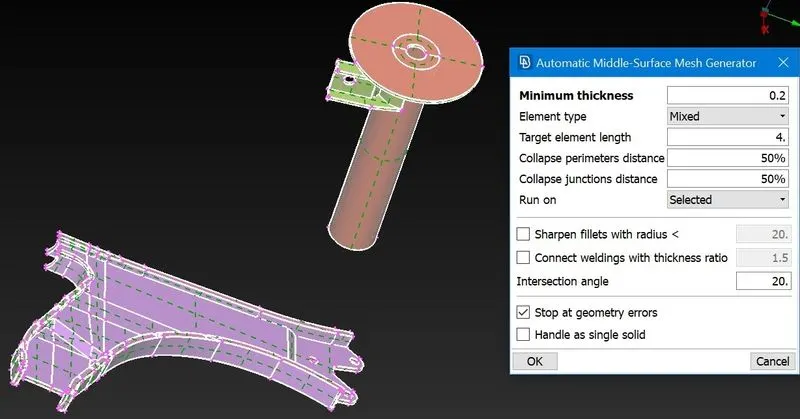
MIDSURFACE GENERATION FOR SUB FRAME AND MACPHERSON STRUT OUTER SURAFACE
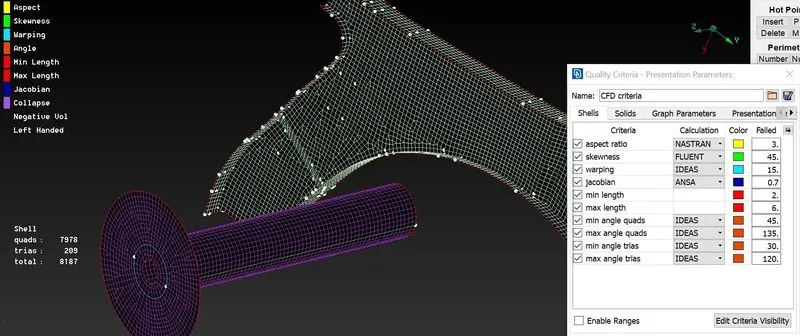
- Used casting option for generating midsurface for subframe and macpherson strut outer surface
- The advantage of using casting is that ANSA generates mesh along with the midsurface .Dont forget to assign the given quality criteria for midsurface
SURFACE MESH GENERATION AND VOLUME MESH GENERATION FOR REMAINING PARTS
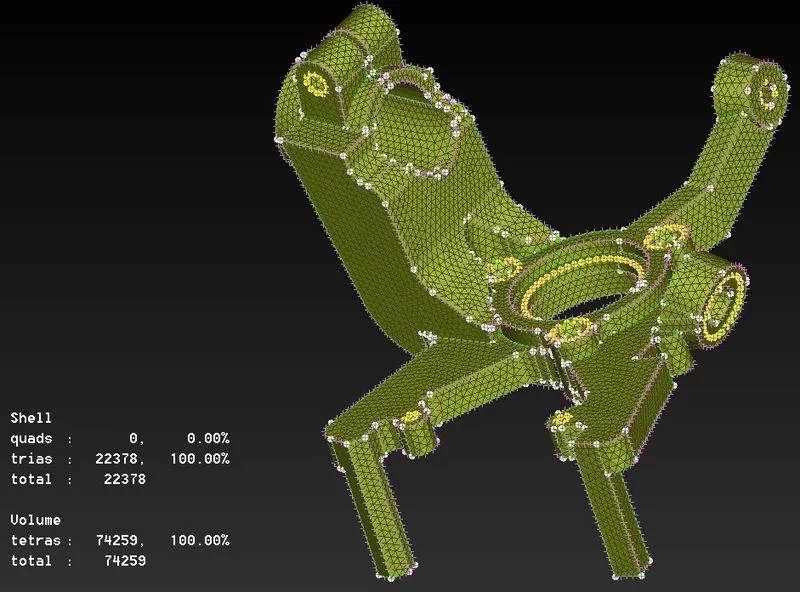
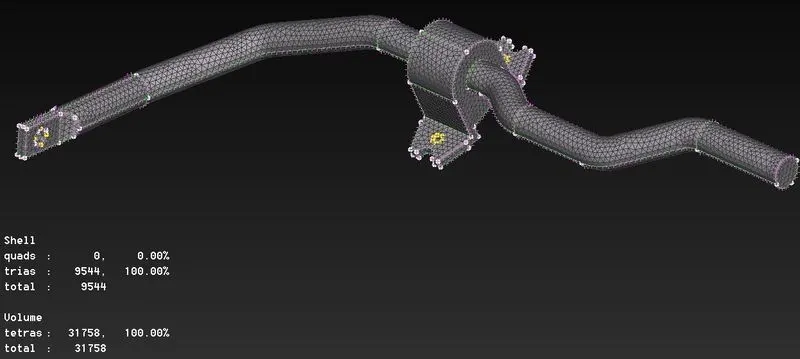
- For remaining all parts have generated batch mesh by isolating each part individually
- After generating batch mesh clear off elements manually
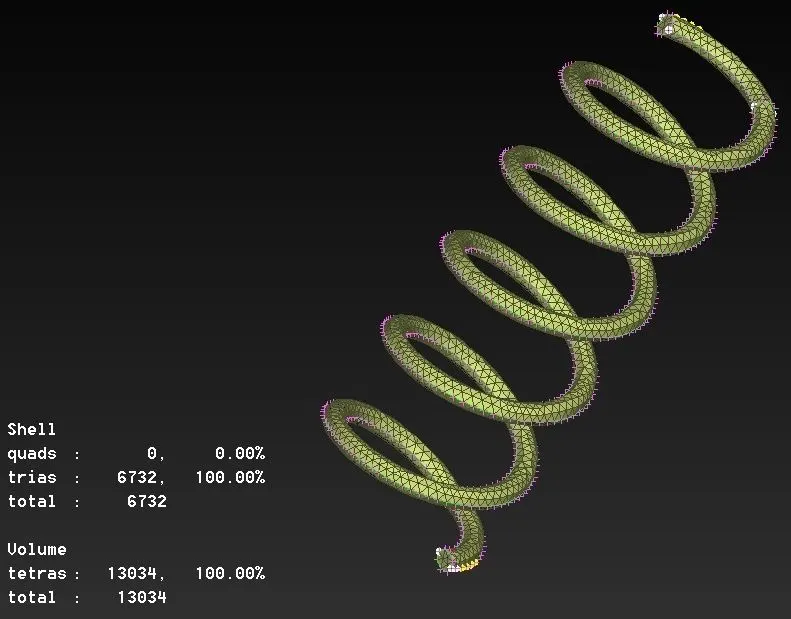
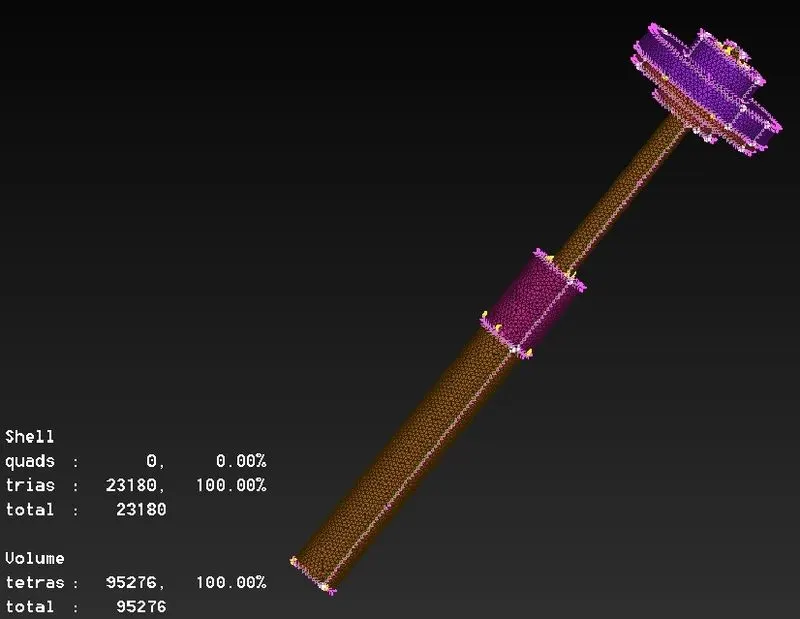
- Trias or ortho trias are used as surface mesh for volume generated parts
- After surface meshing define closed volume individually for each part in NASTARAN deck
- Now a list of volumes will be shown in list dialog box .Generate volume mesh either by tetra rapid or tetra FEM
CONNECTION FOR REAR SUSPENSION
- After completion of midsurface and volume mesh we must connect them by using connection like bolt connection spot weld connection , seam weld connection.
- Bolt connection can be generated using RB 2 option in the NASTRAN deck
CLUSTER
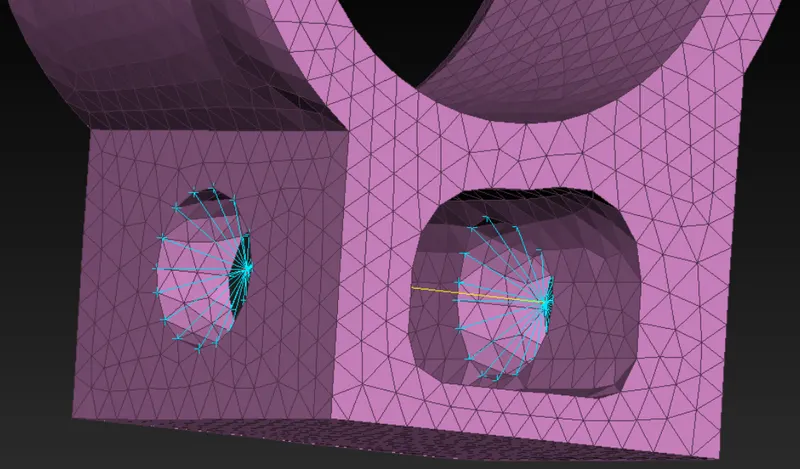
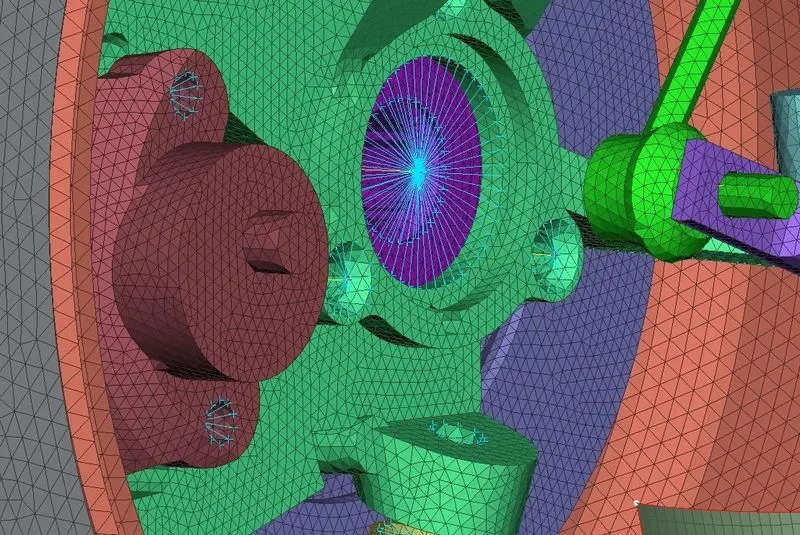
- This connection is used when a manual bolt connection must be deployed between two or more surfaces
- For automatic bolt connection one must follow steps. Create COG for the hole a COG is basically a 3D point convert this 3Dpoint to a bolt now open connections manager and select the bolt symbol which has created in earlier step.Then assign P1 P2 P3 Select FE type as bolt and give the required values and constraints a apply and then realize the connection.
- Have simply given bolt connection by connecting two cluster RB2 with two nodes RB2 as
SPOT WELD
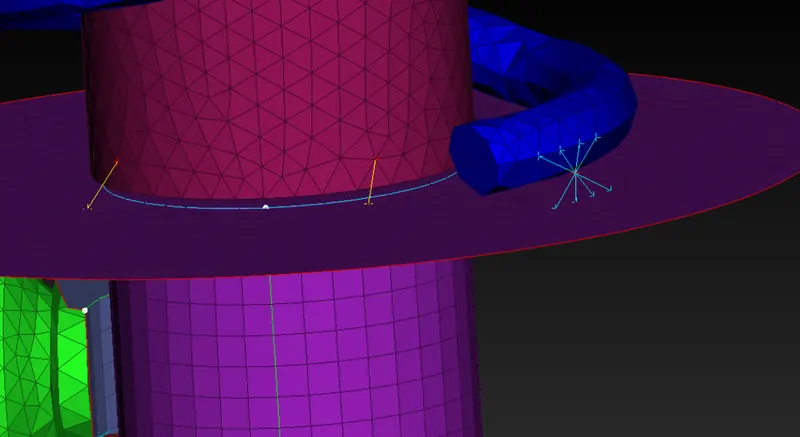
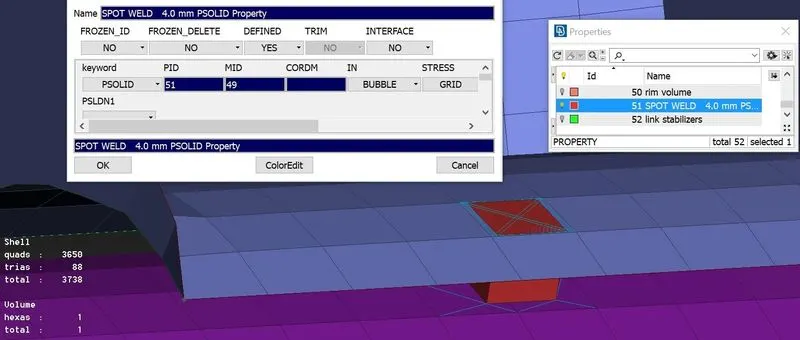
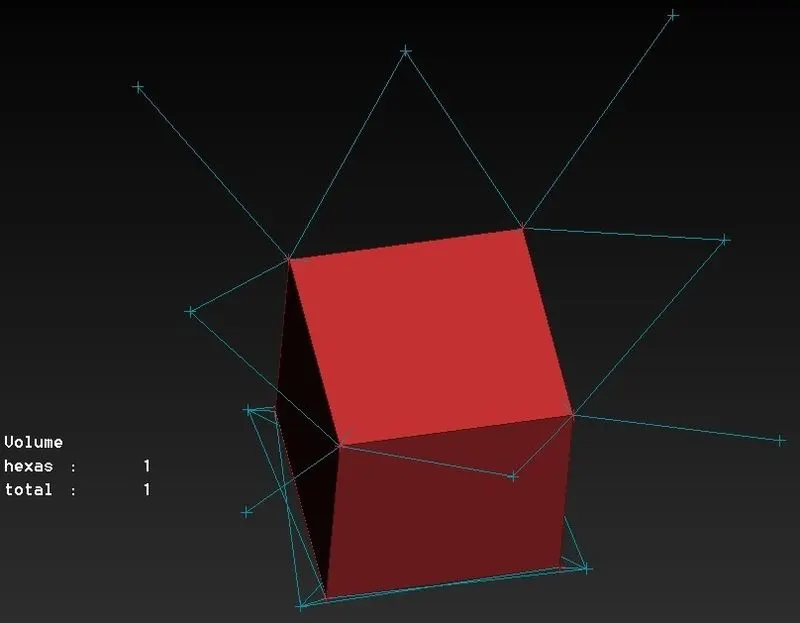
- Spot weld is generally a solid connection deployed between 2 surfaces
- For generation spot weld connection first create a COG point on the FE
- Now convert this 3D COG point into spot weld using convert option
- Then select the generated spot weld point using connection manager .In the connection manager assign P1 P2 for 2 midsurafaces which are to be connected using spot weld.
- Create COG convert COG to spot welding point a use connection manager to generate RBE3 HEXA RBE3
TRANSFORM
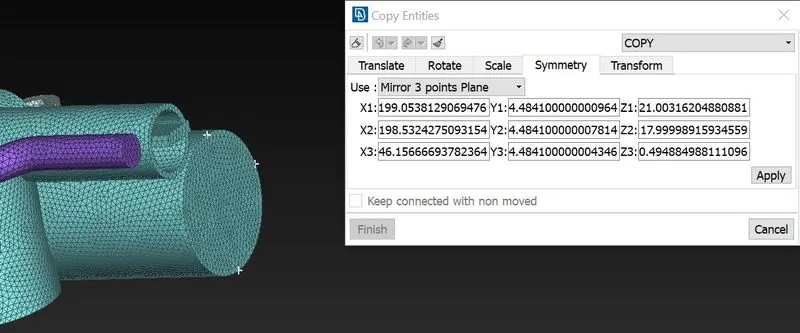
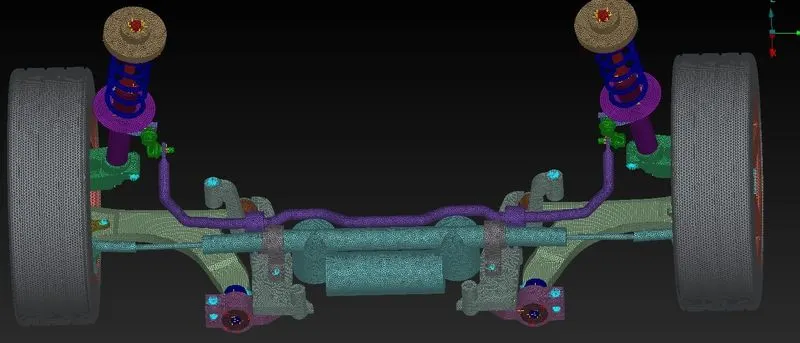
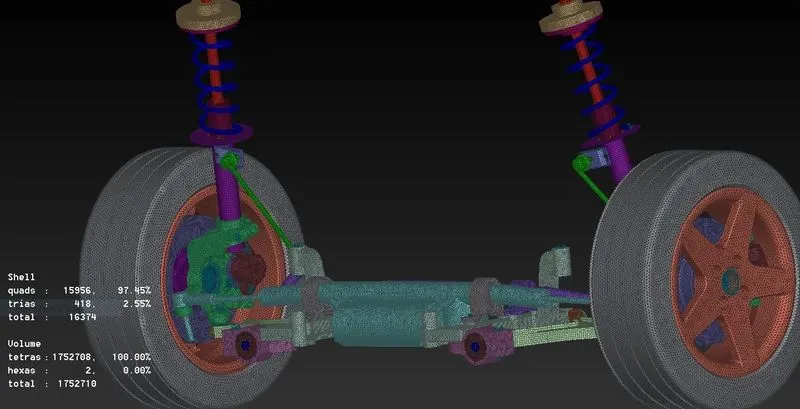
- After completing surface mesh volume mesh midsufacing and connections we have to use transform option in order to create exact mirror of the model on the other side
- Use transform and select all the entities including connections to generate exact replica of the model on the other side.
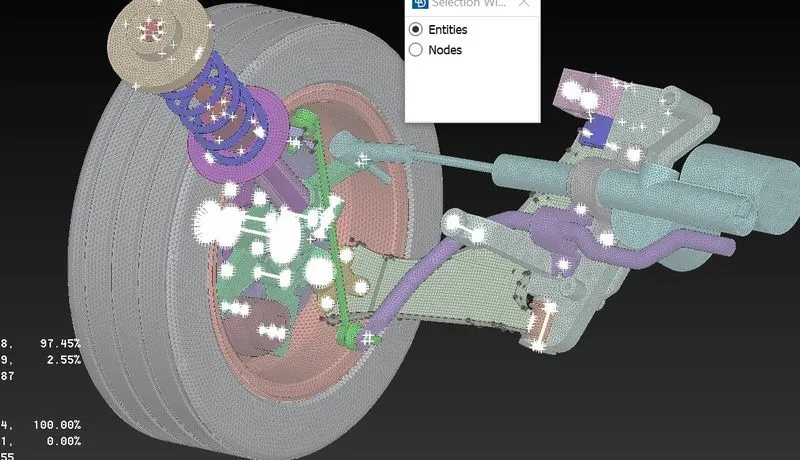
- Now use symetry mirror 3 points plane option and select 3 points on the edge .These 3 points represent all the 3 coordinates .This helps all the enities to transform on the other side.
OUTCOME
- Able to do topological clean up with no errors
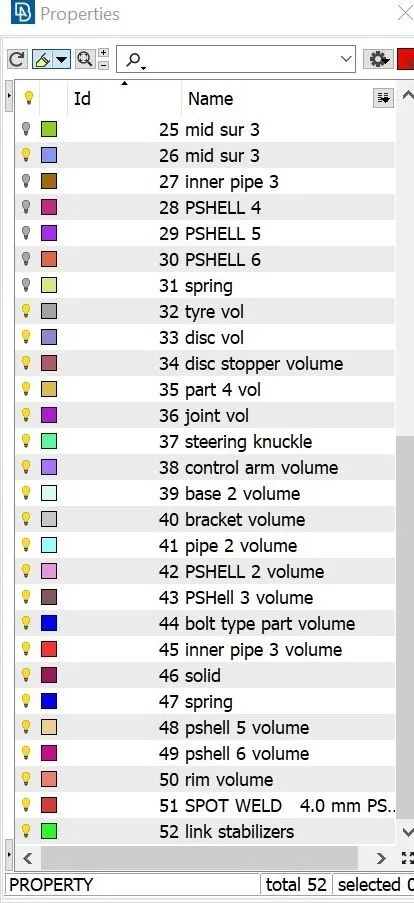
- Assigned seperate PIDs for different surfaces and volumes.
- Able to generate midsurface and volume mesh
- Aware of all quality criteria and mesh parameters during mesh generation
- Improve mesh flow and remove trias to achieve better mesh flow
- Understood all concepts regarding midsurface generation ,volume mesh generation meshing , connection used for NVH analysis in ANSA
CONCLUSION
In this project generated midsurfaces and volume mesh using different options available in ANSA .Did topological clean Up .Able to achieve better mesh flow using smooth reconstruct swap paste move options .ELiminated kinks and raised edges .Successfully applied different quality criteria and mesh parameters for different parts and cleared off elements during mesh generation .Successfully deployed connections for the rear suspension .
LINK:https://drive.google.com/file/d/1kxunQx6DK0ia-m2S0tnjsgdQbR4EMGy5/view?usp=sharing