Tool Test 1
TOOL TEST 1
MIDSURFACING AND MESHING OF SWITCH PANEL AND SHEET METAL
OBJECTIVE
- In this tool test the main objective is to preprocess of 2 models
- Import the CAD geometry of switch panel and simultaneously sheet metal component
- Clean up the geometry until no topological error is found
- Extract midsurface for the geometry
ABSTARCT
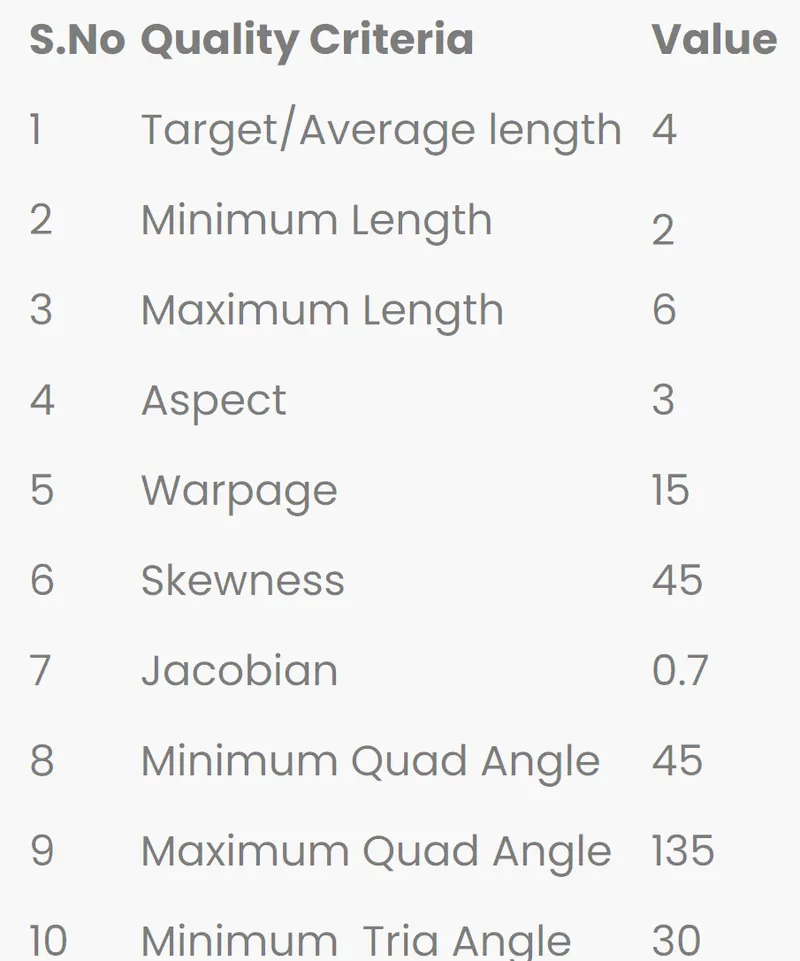
- This tool test consists of 2 models switch component sheet metal component .One can be use different methods for generating midsurface as offsetting the parent geometry using feature area generating skin for whole geometry using casting option to create midsurface also by manual method which will take sometime .In thios tool test going to explore all the options which are available to generate midsurface and mesh the component using the quality criteria mentioned in report
MODEL 1
PRODECURE
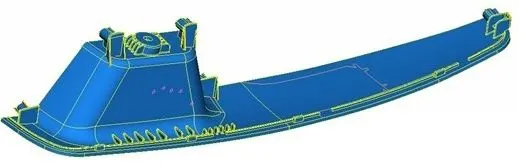
- Import the cad geometry and do geometry clean up with no topological errors.
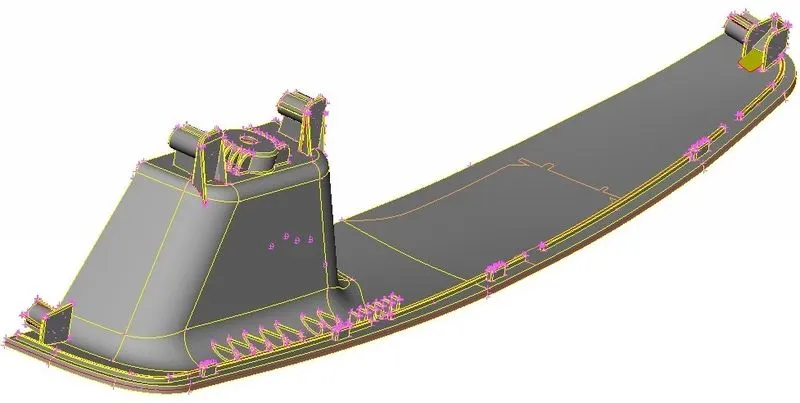
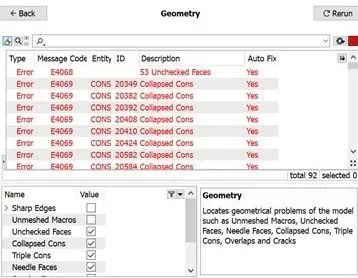
- After importing the geometry into ANSA there will be many topological errors .In order to prevent this we do a geometry clean up which is in the Check manager
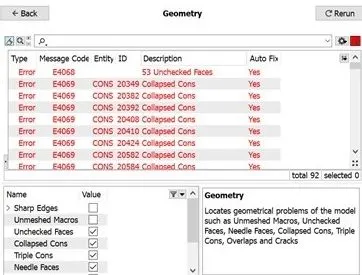
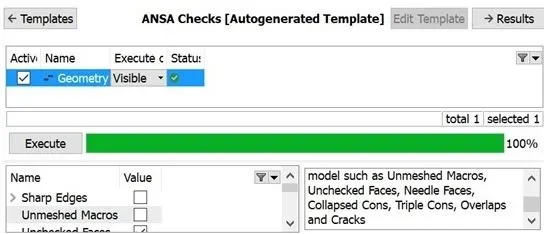
- After all the error are rectified if you check the geometry the execution will be 100% then you can move forward
ASSIGN PROPERTY PID
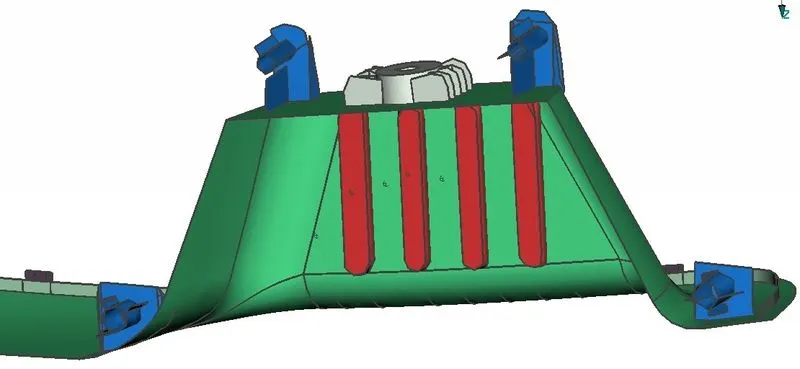
Every part in the geometry has its own property .We can assign PID using ANSA .We have to select the part and click apply then we have to select the whole part using window selection to apply the PID .Also assign different PIDs for different features for midsurface
MIDSURFACE GENERATION
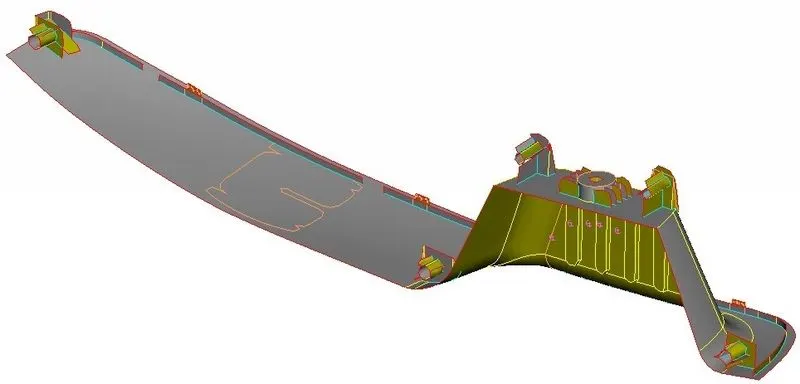
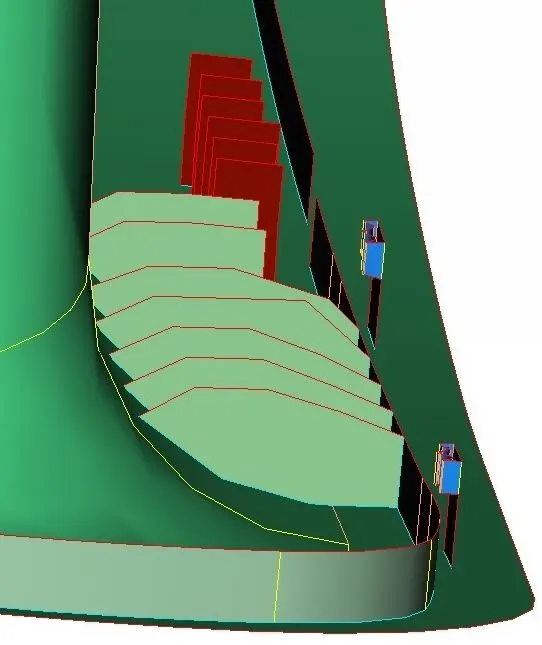
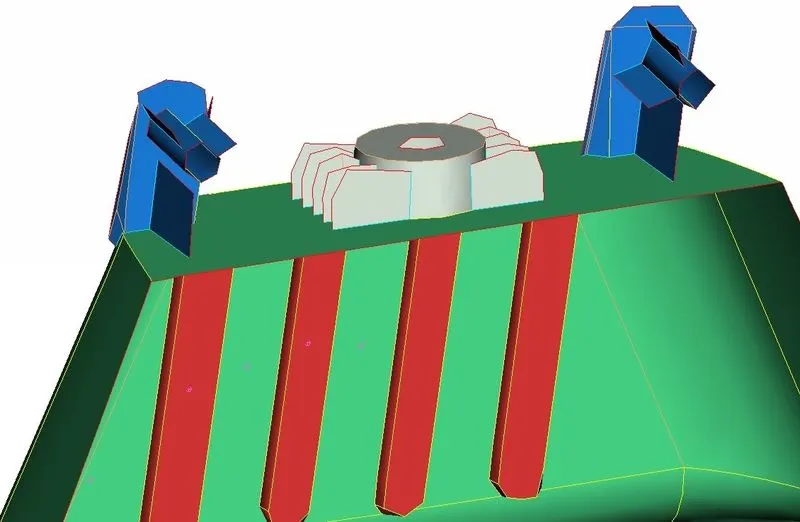
Of all the options available for midsurface generation to do the midsurface manually for the all the geometry .As this component consists of different features like ribs teeth zigzag structures skin and casting options has not given me accurate midsurface
MESHING AND IMPROVEMENT OF THE MESH
- Continue with meshing only after assigning the quality criteria and mesh parameters have mentioned them at the top which is same for both models
- The quad elements are usually better than triangular elements .Similarly parabolic elements are better than linear elements .For better merge trasntition we use tria elements at some places.It also provides good mesh flow.
- Trias at the edges and construction lines should be avoided for better mesh flow
- We can recreate better mesh using reconstruction option which is in the shell mesh
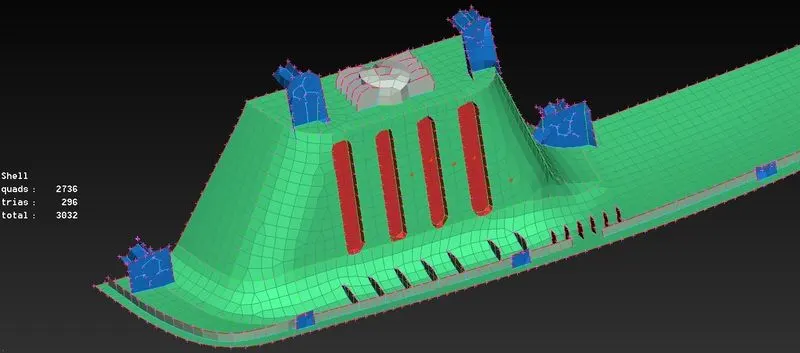
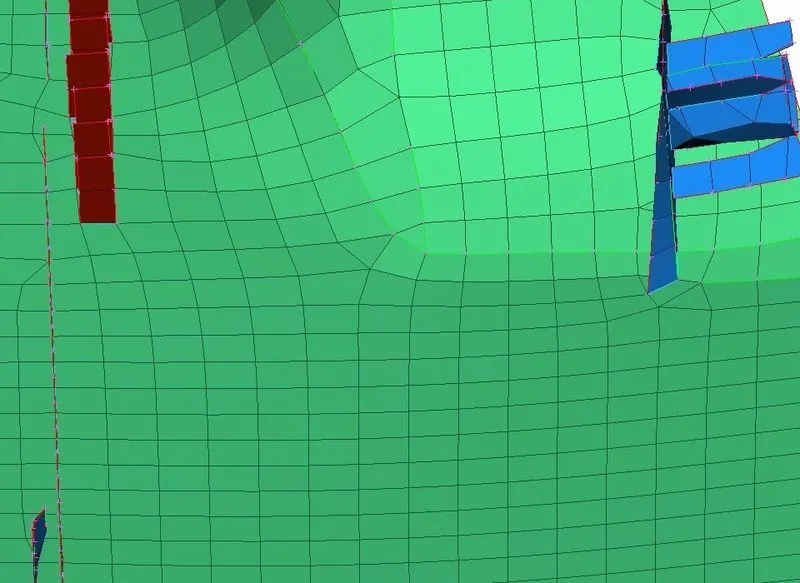
- As there are more triple cons of different features associated with same surfaces there will be some off elements in some areas .This length between each element will be less in these situation
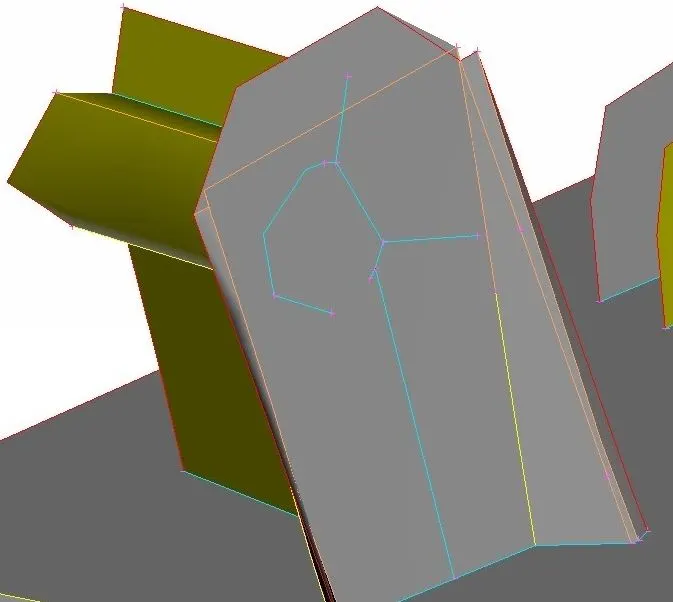
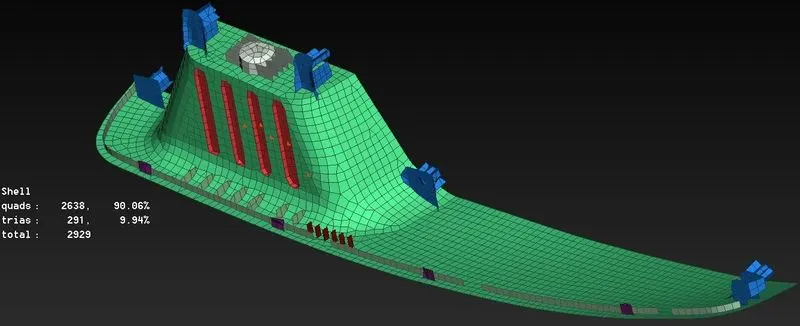
- In this test element is converted into 2929 elements in total
- Quad elements 2638 which is 90.96%
- Tria elements which is 9.94% there are some off elements
MODEL 2
- Import the cad geometry and do geometry clean up with no topological errors
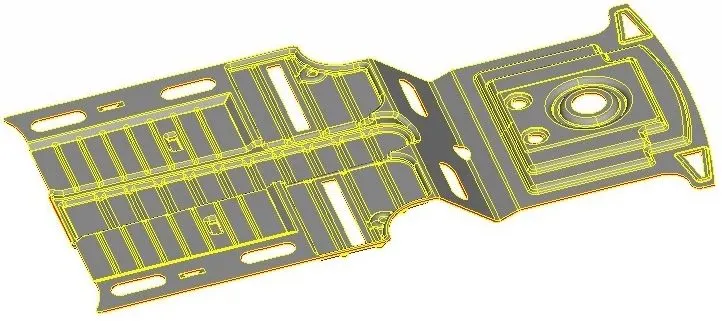
- After importing the geometry into ANSA there will be many topological error .In order to prevent this we do a geometry cleanup which is in the checks manager
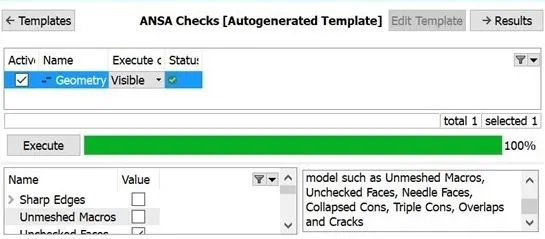
- After all the error are recitified you check the geometry the execution will be 100% then you can move forward.
ASSIGN PROPERTY PID
Every part in the geometry has its own property .We can assign PID using ANSA .We have to select the part and click apply then we have to select the whole part using window selection to apply the PID .Also assign different PIDs for different features for midsurface
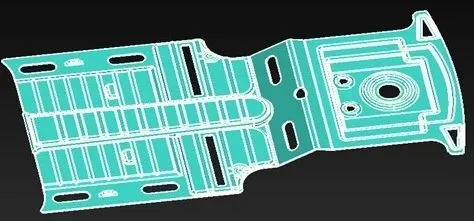
MIDSURFACE GENERATION
- Using feature angle option
- Using skin option
- Using casting option
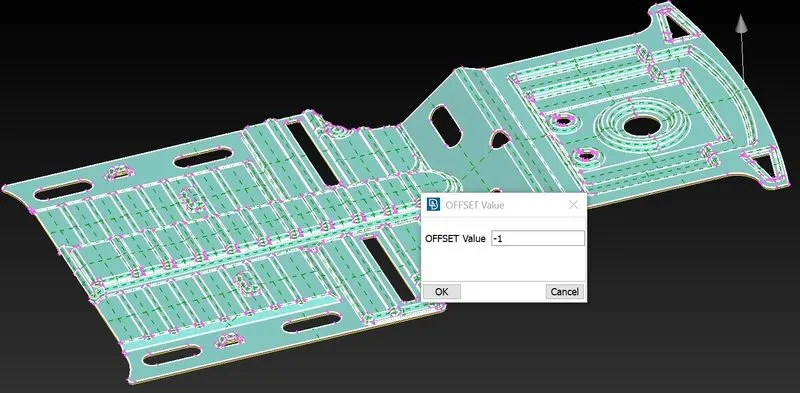
- Using feature angle
- Using feature area option we can offset the whole geometry by adjusting the angle .After selecting feature angle select the geometry and give offset value.
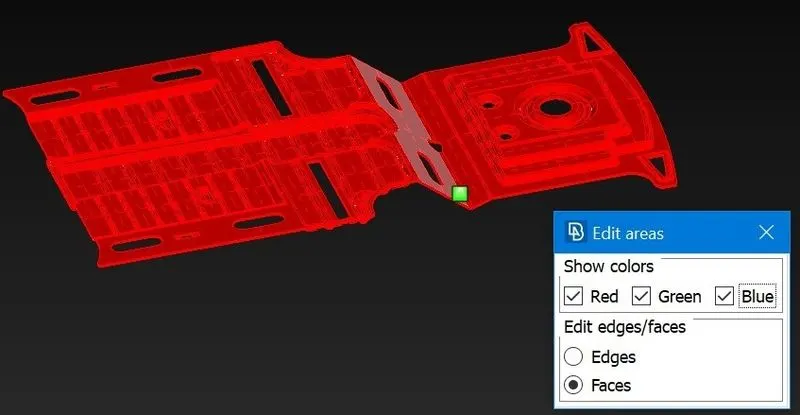
- Using Skin
- Using skin option which is located under midsurface .With this feature we can select one region with red one with green and thickness with blue. Then skin will be generated automatically .But after generating the skin parent geometry will be automatically deleted.
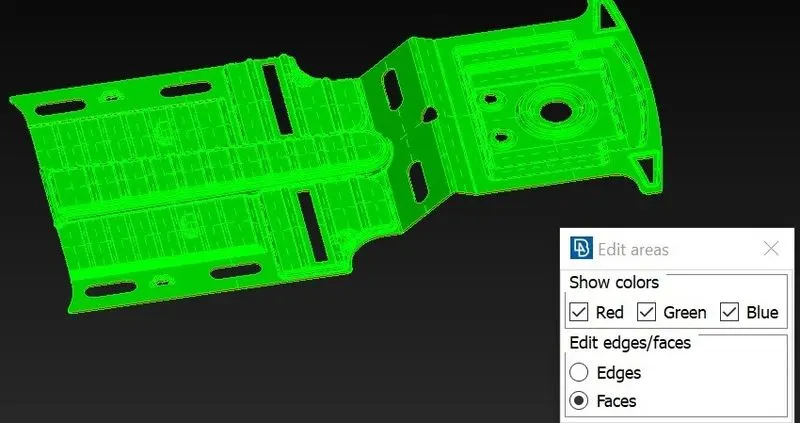
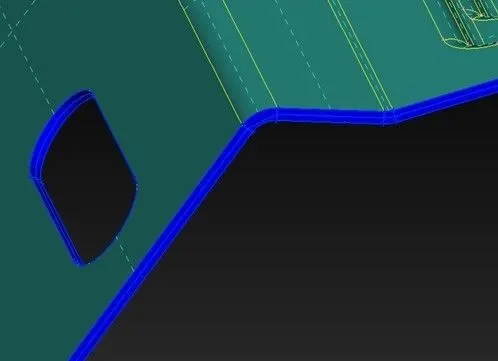
Using Casting
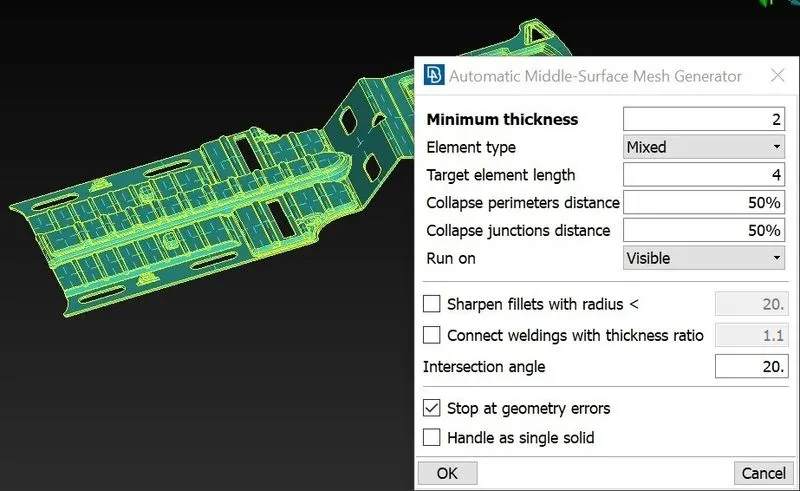
Using casting option we can do both midsurface generation and mesh at the same time. This option is also located under midsurface .In this option one must give minimum thickness element type target length as it will generate mesh along with midsurface
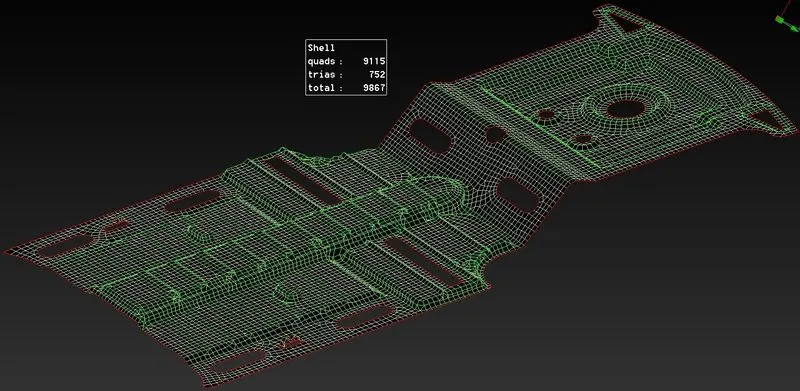
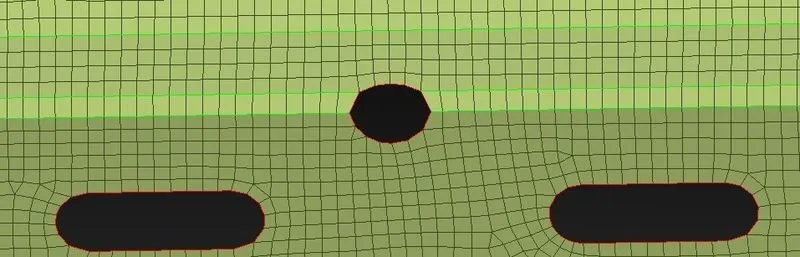
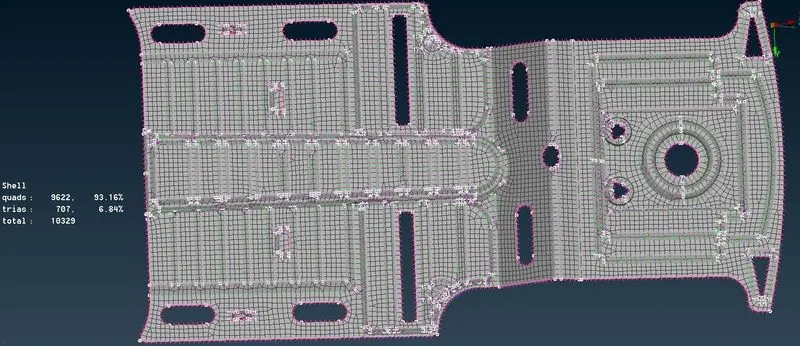
- In this test element is converted into 10329 elements in total
- Quad elements 9622 which is 93.16%
- Tria elements 707 which is 6.84% .There are no off elements
OUTCOME
- Able to do topological clean up with no errors.
- Assigned seperate PIDs for different surfaces
- Able to generate midsurface for geometry with varying thickness
- Aware of all the quality criteria and quality parameters during mesh generation
- Learned how to improve mesh flow and remove trias to achieve better mesh flow
- Understood all the concepts regarding midsurface generation in ANSA
CONCLUSION
From the above model conclude method of generating mesh for any geometry is very similar in case of shell meshing .Followed all the prodecure mentioned in the grading policy .Practiced all the command in ansa .Generated midsurface using different options available in ansa .Able to defeature and do line adjustment in some areas .Able to mesh them successfully without any off elements .