Radar Mast & Final Assembly of Yacht
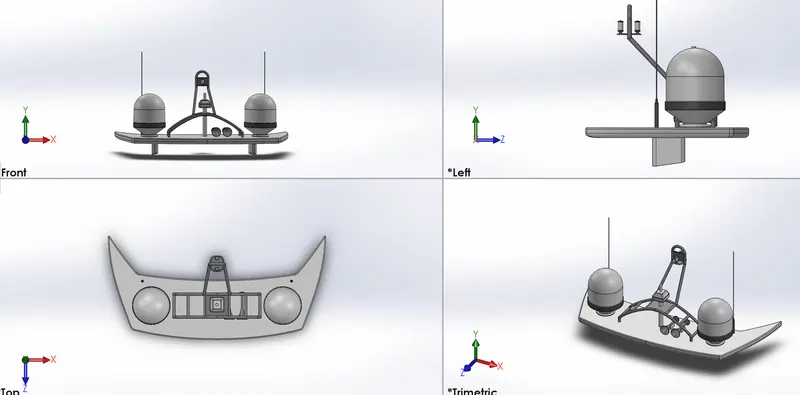
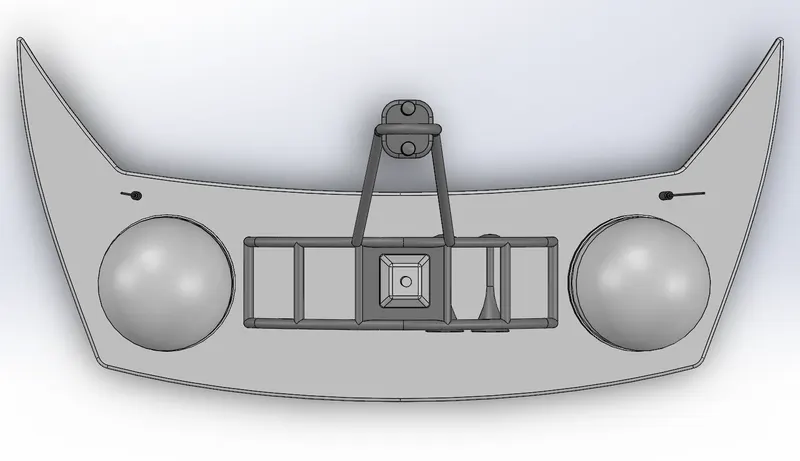
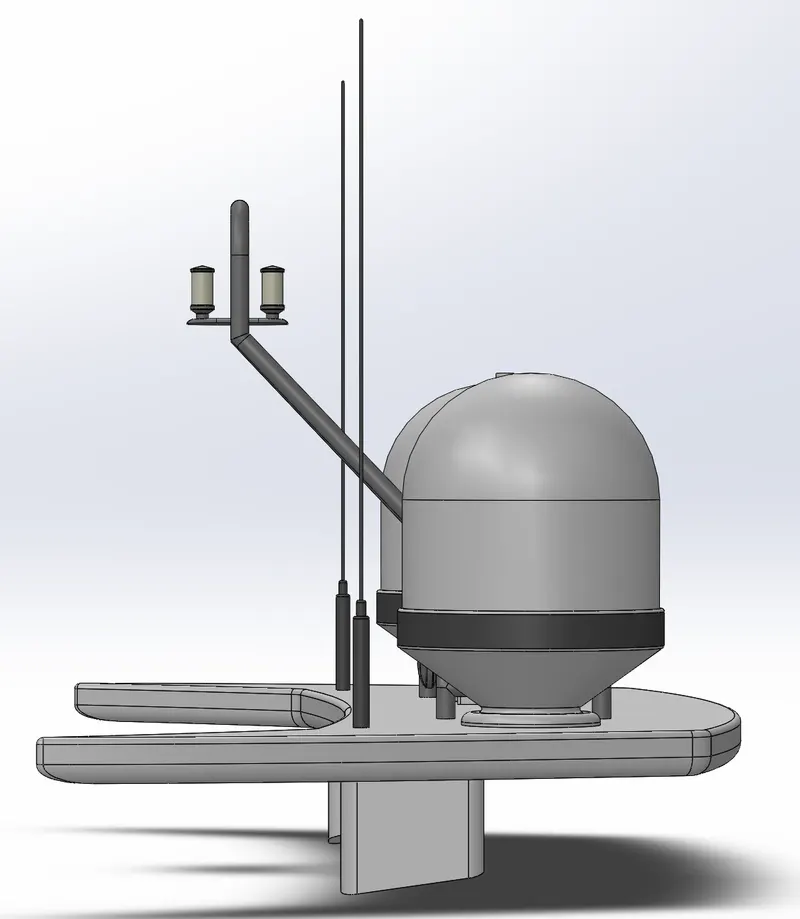
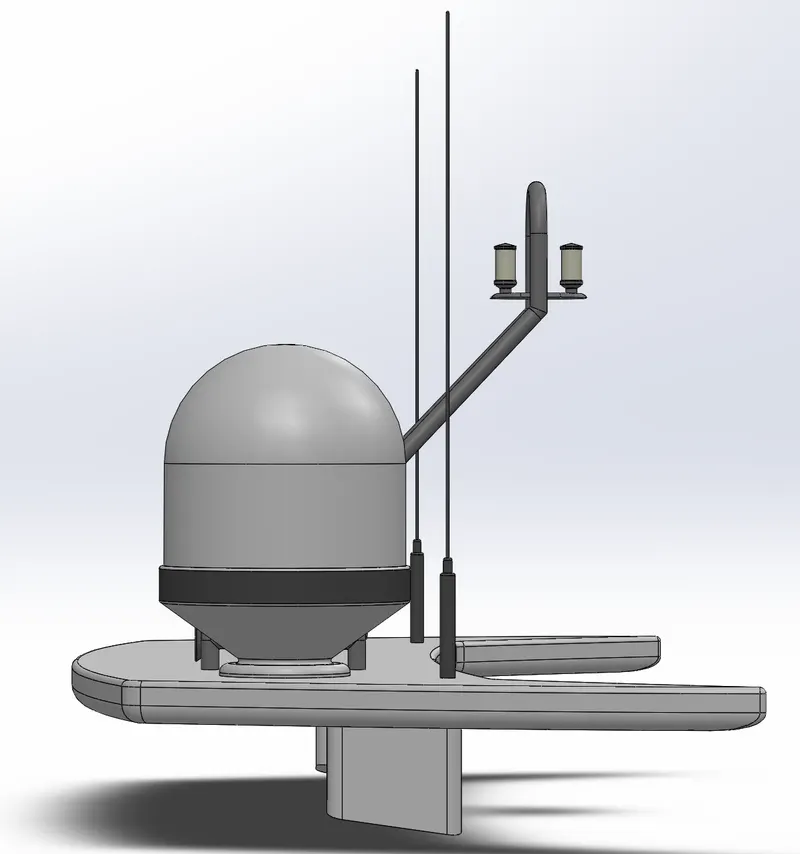
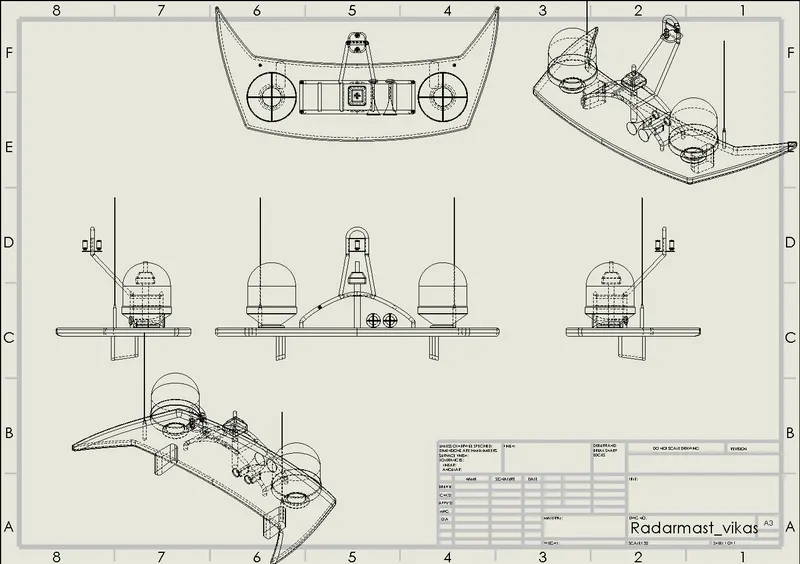
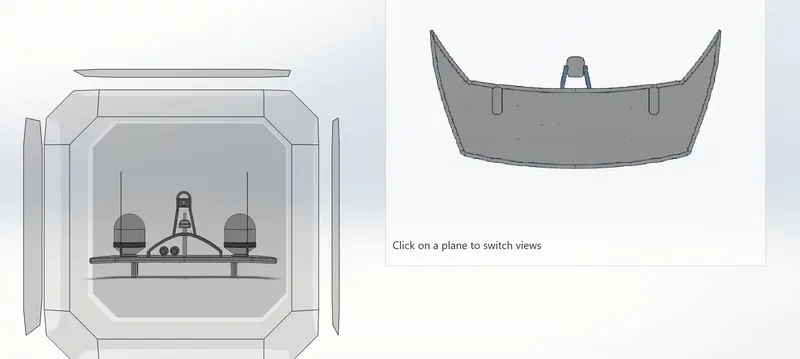
Radar Mast
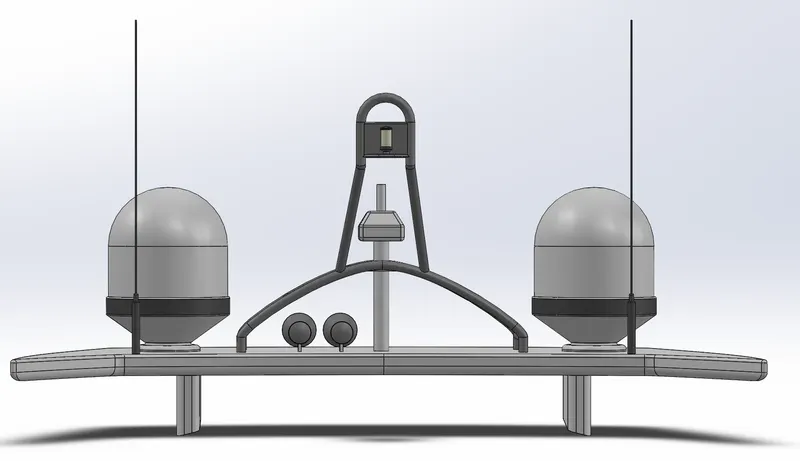
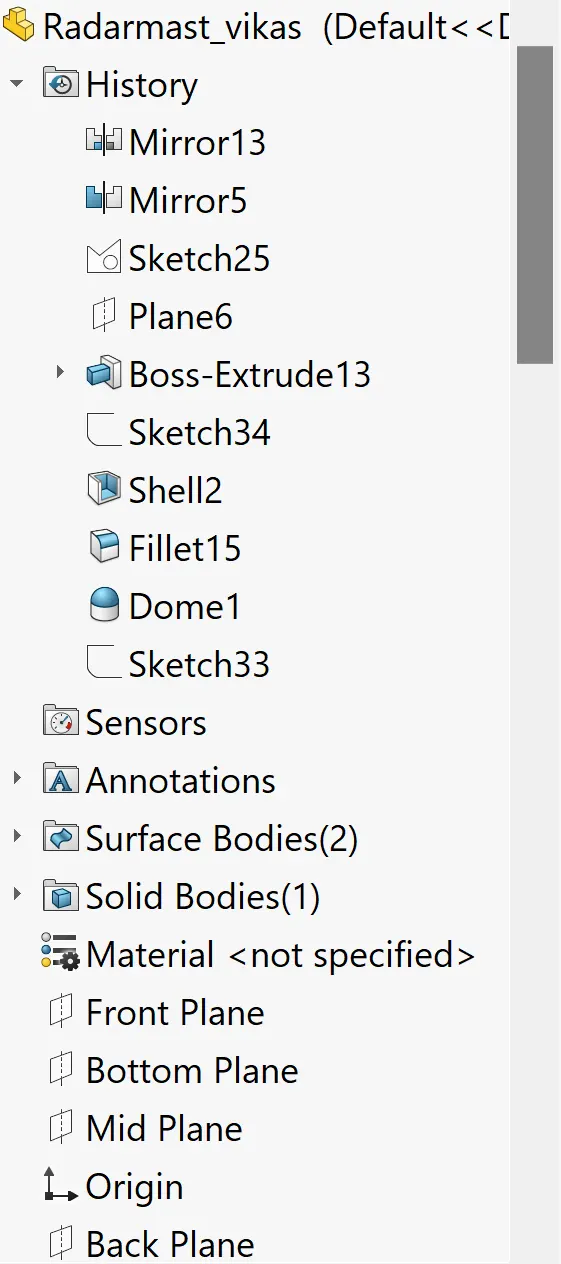
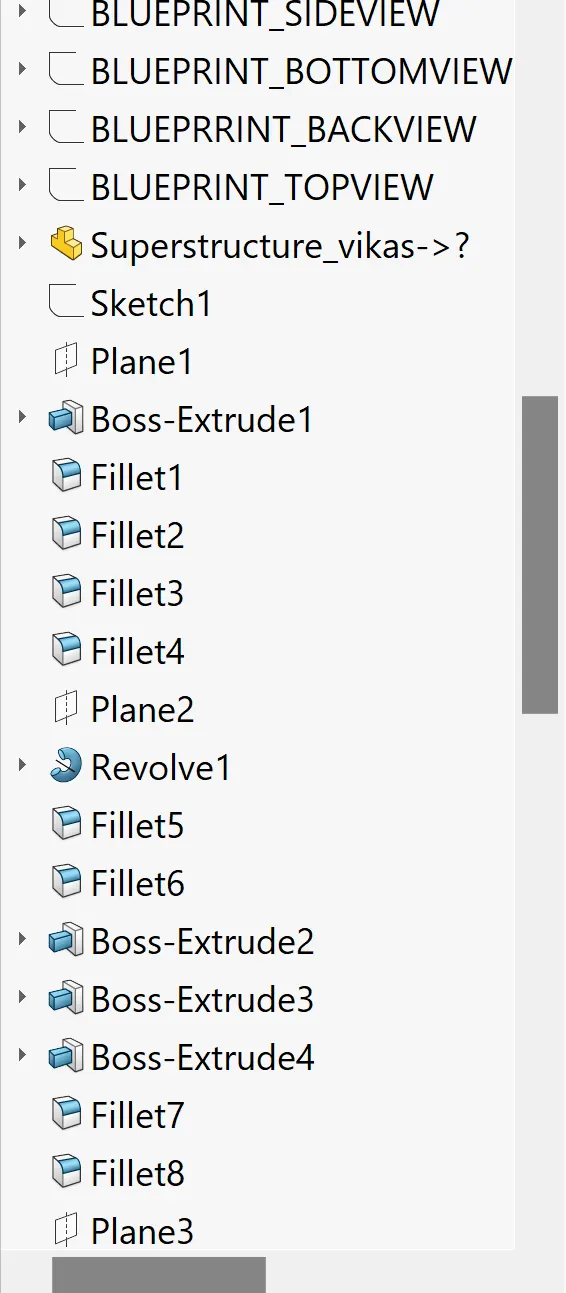
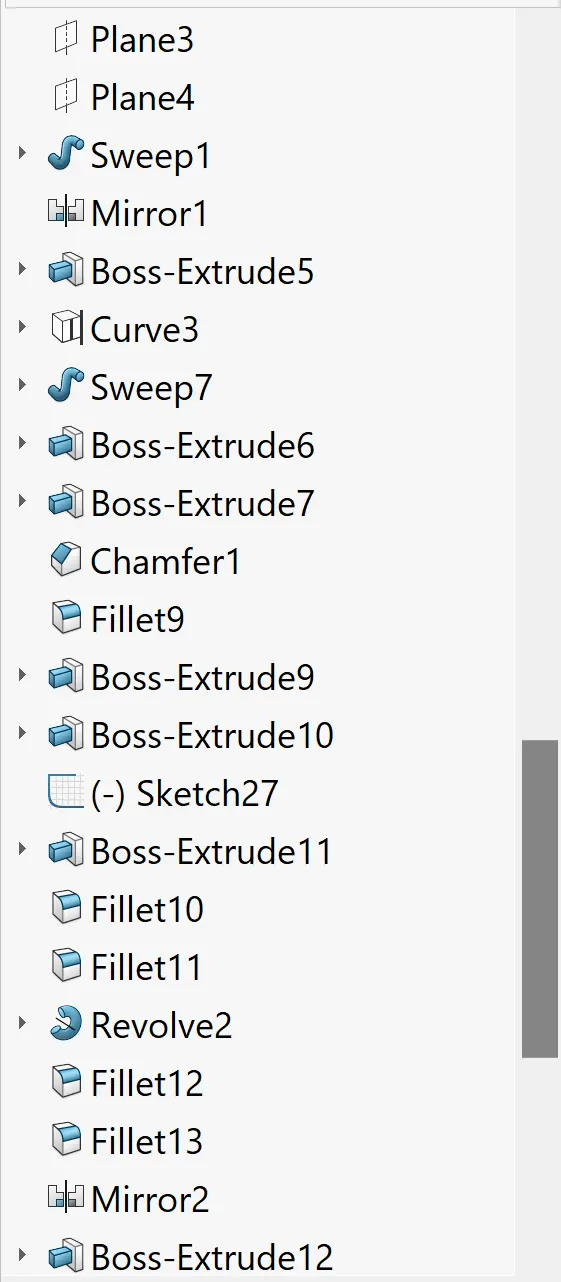
Assembly
Aim
The project report is about the designing , modelling , and photo rendering of yacht using solidworks 2021 abd solidworks visualize 2021
Objective
To design and model each component required to make assembly of yacht in solidworks and finally make a photorealistic rendering of the complete assembly of yacht and to get a better insight of the features and tools which are used for modelling of the part and to know how exactly they work and also to get familiar with the user interface of the solidworks
Methodology
All the parts for the assembly of the yacht were made separately first and then were assembled in solidworks
The flow of action for designing the yacht
- Part modelling of components of yacht
- Assembly of designed components of yacht
- Adding Scenes decal
Different components of the yacht
- Hull
- Front seat
- Middle seat
- Rear seat
- Propeller
- Radar
- Radar Mast
- Superstructure
- Garage Door
Command used to design the components of the yacht
- Line : This feature allows us to create a straight line .The line could be solid or constructed
- Circle : This feature allows us to create a circle
- Arc : This command help us to create arc
- Rectangle : This feature allows us to create square or rectangles
- Spline : This command allows us to create a curved line
- Curve Projection : This is used for the projection of the curves made in different planes to create an intersected curve
- Split : This feature is used to split bodies using a 2D sketch
- Projected Curve : Create a curve as the intersection of two projected sketches.Note that the projection from one sketch must intersect the other in one continuous curve for this operation to succeed .The resulting curve feature is listed in the feature list and the curve itself is listed in the parts list .
- Trim : This command is used to trim sketches .You can use power trim to trim multiples , adjacent sketch entities by dragging the pointer across each sketch entity
- Extend : This feature allows us to extend the sketches
- Extrude Boss : This command is used to create solid bodies
- Extrude Cut : This feature allows us to cuts any shape in the solid bodies
- Swept boss : Swept creates a base , boss , cut or surface by moving a profile along a path .A sweep can be simple or complex
- Mirror : This feature allows us to create an exact copy of the solid body using a reference plane or face.
- Revolve : Revolve add or remove material by revolving one or more profiles around a centerline .You can create revolved boss , revolved cuts , or revolved surfaces .The revolving feature can be solid thin feature or a surface
- Linear Pattern : This feature allows us to create a pattern in a straight line
- Circular Pattern : This feature allows us to create a pattern in a circular path
- Fillet : This is creating a rounded internal or external face on the part .We can fillet all edges of a face selected sets of faces , selected edges , or edge loops .
- Chamfer : This is used to create an inclined edge
- Plane : This feature is to create a new reference plane
- Loft : Loft creates a feature by making transitions between profiles. A loft can be base , boss , cut or surface .We create a loft using two or more profiles .Only the first , last or first and last profiles can be points. All entites including guide curves and profiles can be contained in a single 3d sketch
- Dome : This feature allows us to create a dome shape on one or more faces on the same model
- Shell : The shell definition is used to defining the thickness of thin shell elements
- Convert Entities : You can create one or more curves in a sketch by projecting an edge , loop , face , curve or external sketch contour set of edges or set of sketch curves onto the sketch plane
- Mirror Entities : This command is used to mirror the 2D elements or sketch about the axis or plane
- Surface Knit : This feature is used to combine two or more faces and surfaces into one
- Filled Surface : This feature constructs the surface patch with any number of sides within the boundary defined by existing model edges , Sketches or curves inclusing composites curves
- Ruled Surface : This feature is used to obtain the extruded surface perpendicular to the plane and can be tilted at a certain angle
- Roll back : We can add new features or edit existing features while the model is in the rolled back state .We can save models with the rollback bar placed anywhere
- Delete / Keep body : This feature is very helpful when we working with multiparts .We can be select bodies to keep or delete by using the delete /keep body feature
- Combine Tool : In a multibody part you can combine multiple solid bodies to create a single bodied part or another multibody part .You can add or subtract bodies or keep material that is common to the selected bodies
- Add : Combines solids of all selected bodies to create a single body
- Subtract : Removes overlapping material from a selected main body
- Common : Removes all material except that which overlaps
Propeller
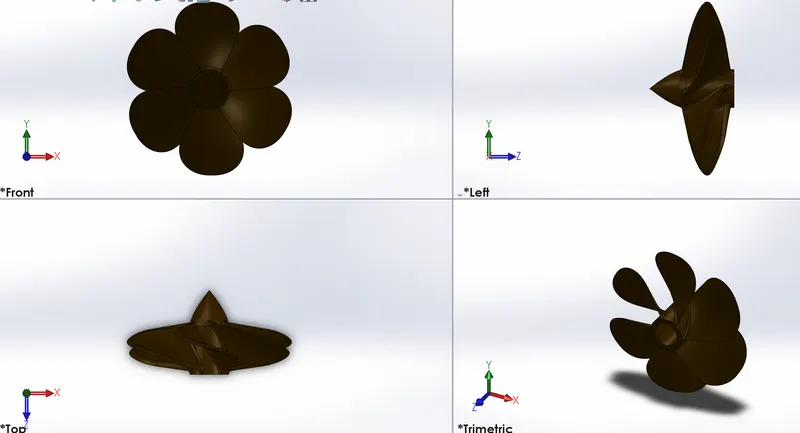
An oversimplified explanation describes boat propeller theory as being similar to a rotating screw. But it actually involves more than a turning screw .There are faces created by moving water away from the blades of the propeller and these forces are what help move the propeller forward thus moving the boat
Boat propeller include blades that turn on a shaft which is powered by the motor .Propeller can have 3,4 or 5 blades .Typically the more blades on the propeller the more propulsion can be achieved .While the to create the forces that move a boat forward
For Sketching we used
- Line
- Spline
- Circle
- Offset
- Three Point Rectangle
- Spline Commands
- Convert Entites
Features used to creating the propeller
- Revolved boss/base
- Extruded boss/base
- Extruded cut
- Planes
- Fillet
- Circular Pattern
- Lofted Boss/base
Radar
Radar is a detection system that uses radio waves to determine the distance , angle , velocity of the objects .It can be used to detect aircraft , ships , spacecraft , guided missiles , motor vehicles , weather formation or terrain . A radar system consists of a transmitter producing electromagnetic waves in the radio or microwaves domain a transmitting antena .Radio waves from the transmitter reflect off the object and return to the reciever giving information about the objects location and speed
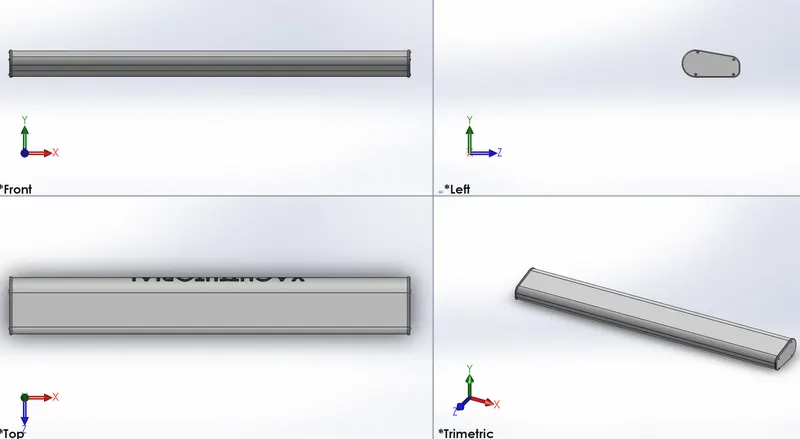
For sketching we used
- Line
- Spline
- Circle
- Offset
- Polygon
- Points
- Text
- Convert Entites
Features used for creating the radar
- Revolved boos/base
- Extruded Boss/base
- Extruded Cut
- Planes
- Fillet
- Mirror
- Sketch Driven Pattern
- Lofted boss/base
- Spilt line
Hull
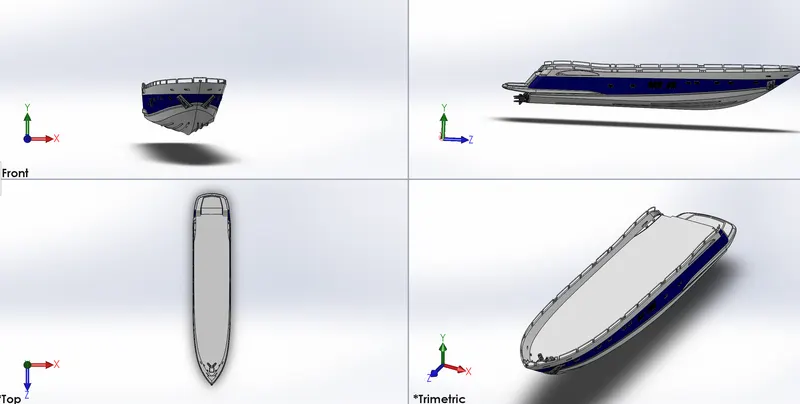
For Sketching we used
- Line
- 3D sketch
- Circle
- Ellipse
- Three point arc
- Rectangle
- Straight slot
- Copy Entities
- Offset
- Mirror
- Helix /spiral
- Convert entites
Features used for creating the hull
- Revolve boss
- Extrude boss
- Extrude cut
- Fillet
- Delete face
- Dome
- Mirror
- Surface loft
- Surface trim
- Surface knit
- Shell
- Sweep
- Circular Pattern
- Linear Pattern
- Move / copy
- Chamfer
- Projected curve
- Planes
- Delete /keep body
- Split line
- Text
- Offset surface
Garage Door
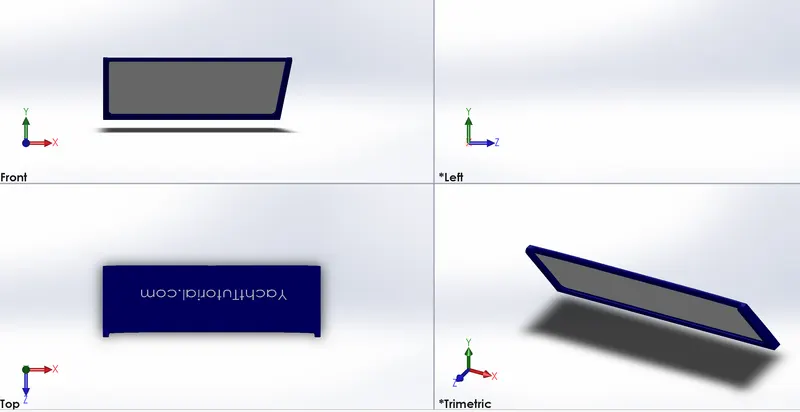
For sketching we used
- Line
- Circle
- Text
- Convert Entites
Features used for creating the garage door
- Cut extrude
- Shell
- Fillet
- Mirror
- Plane
Front Seat
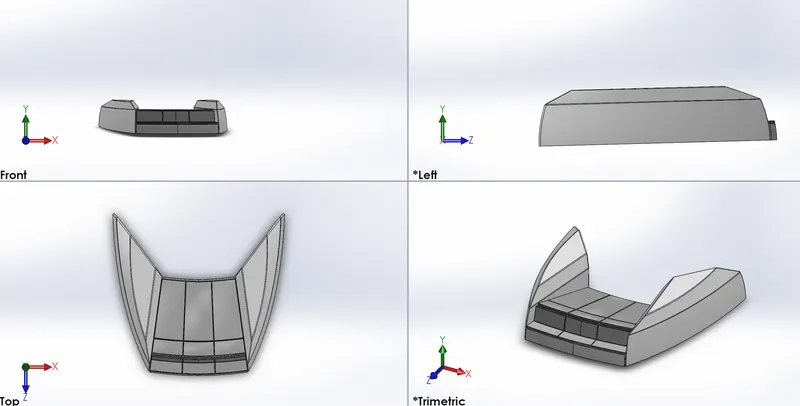
For Sketching we used
- Line
- Three point arc
- Rectangle
- Copy Entities
- Offset
- Spline
- Mirror Entities
- Convert Entities
Features used for creating the front seat
- Revolve boss
- Extrude boss
- Extrude cut
- Fillet
- Surface loft
- Delete face
- Surface fill
- Surface extend
- Mirror
- Surface trim
- Surface knit
- Sweep
- Chamfer
- Projected curve
- Planes
- Offset surfaces
Middle Seat
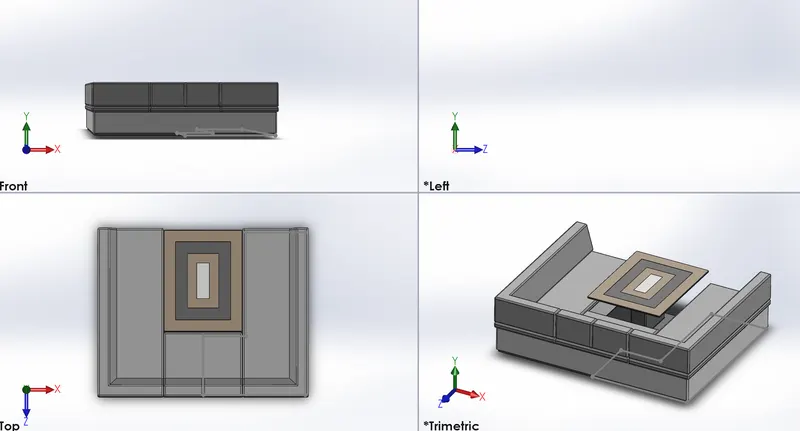
For Sketching we used
- Line
- Circle
- Three point arc
- Rectangle
- Copy Entities
- Offset Entites
- Convert Entities
Features used for creating the middle seat
- Extrude boss
- Ruled surface
- Fillet
- Mirror
- Sweep
- Chamfer
- Planes
Rear Seat
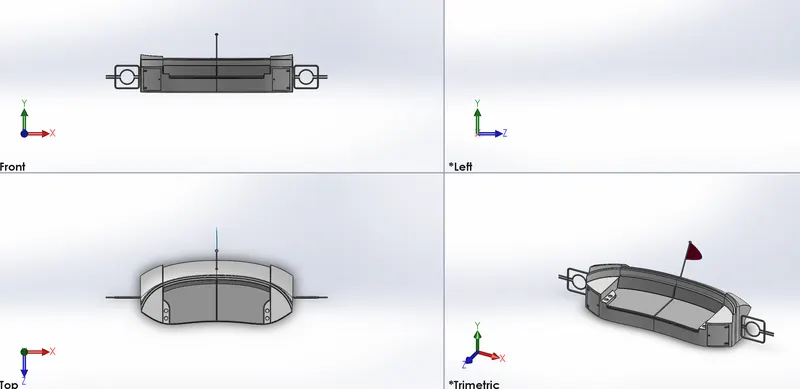
For Sketching we used
- Line
- 3D sketch
- Circle
- Three point arc
- Rectangle
- Straight slot
- Copy entities
- Offset entities
- Spline commands
- Offset
- Mirror Entities
- Convert Entities
Features used for creating the rear seat
- Revolve boss
- Extrude boss
- Ruled surface
- Extrude cut
- Fillet
- Surface loft
- Delete face
- Surface fill
- Surface extend
- Mirror
- Surface trim
- Surface knit
- Sweep
- Chamfer
- Projected curve
- Planes
- Offset surface
Radar Mast
For sketching we used
- Line
- Circle
- Three Point arc
- Rectangle
- Copy Entities
- Offset Entities
- Convert Entities
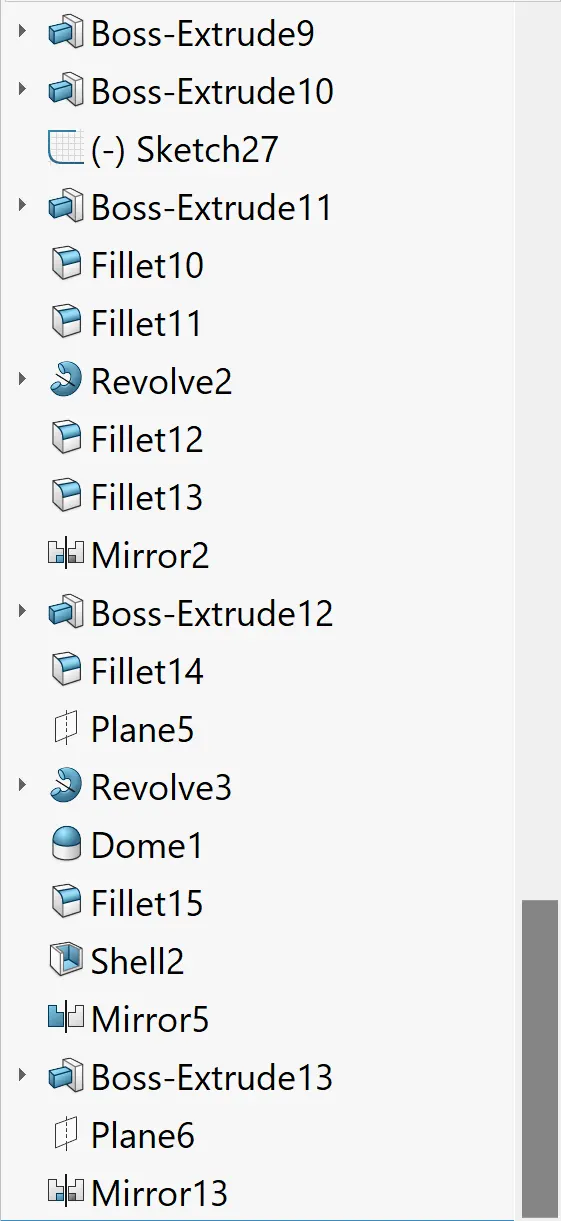
Features used for creating the radar mast
- Extrude boss
- Revolve boss
- Projected curve
- Fillet
- Dome
- Mirror
- Sweep boss
- Chamfer
- Planes
Super Structure
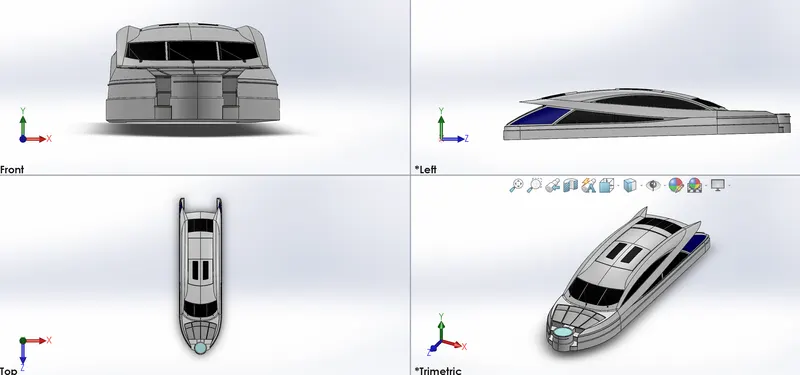
For Sketching we used
- Line
- 3D sketch
- Circle
- Three Point arc
- Rectangle
- Straight slot
- Copy entities
- Offset Entities
- Spline commands
- Offset
- Mirror Entities
- Convert Entities
Features used for creating the superstructure
- Revolve boss
- Extrude boss
- Ruled surface
- Extrude cut
- Fillet
- Surface loft
- Delete face
- Surface fill
- Surface extend
- Mirror
- Surface trim
- Surface knit
- Sweep
- Chamfer
- Projected curve
- Planes
- Offset Surface
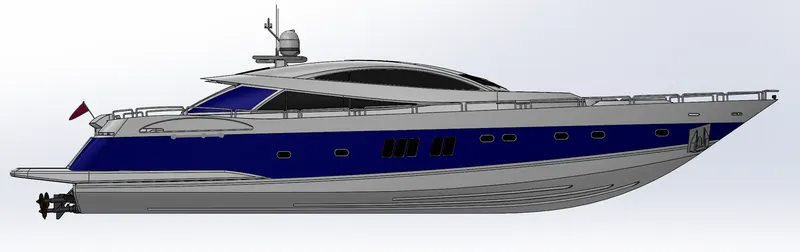
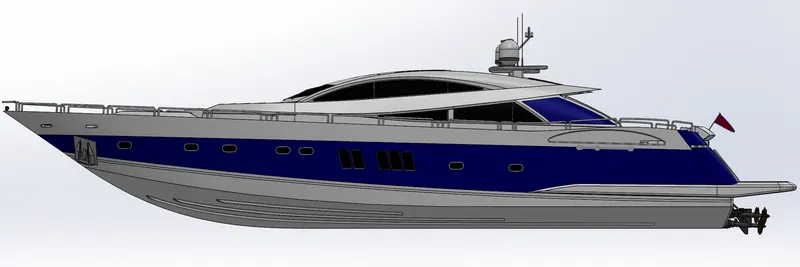
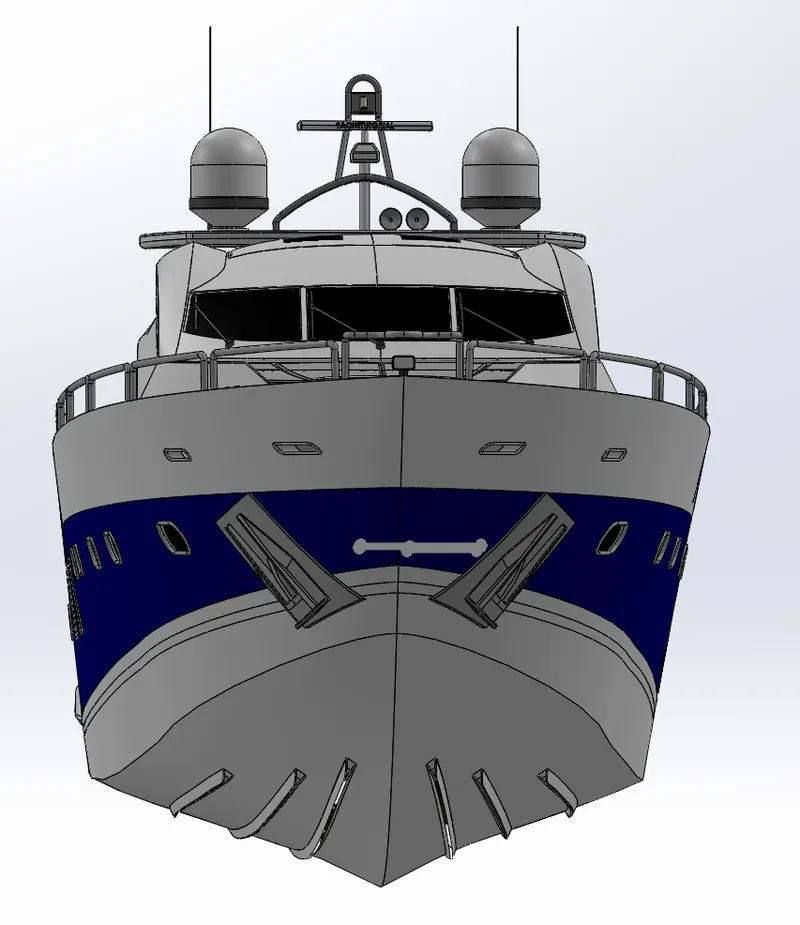
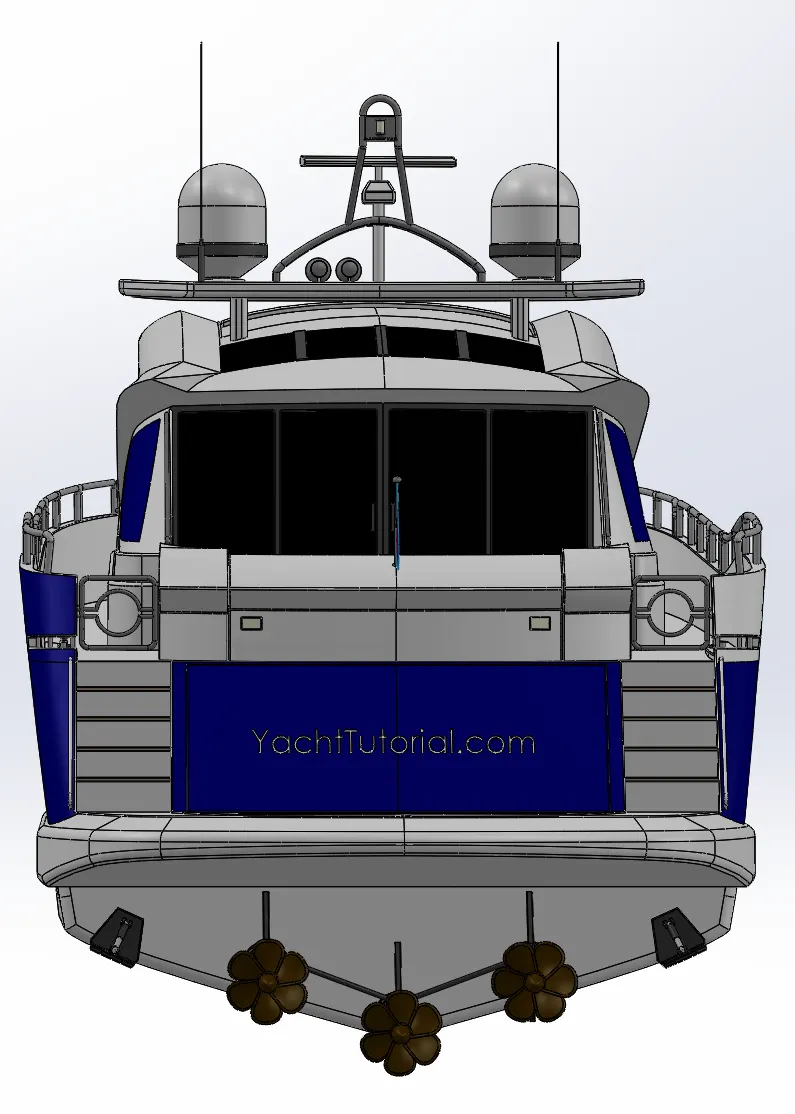
Assembly of the yacht
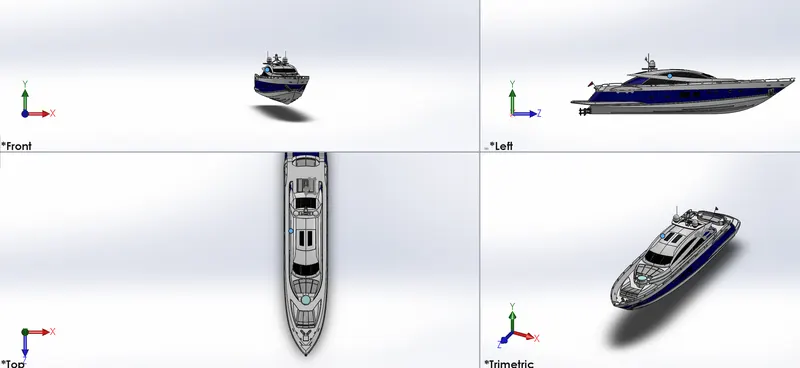
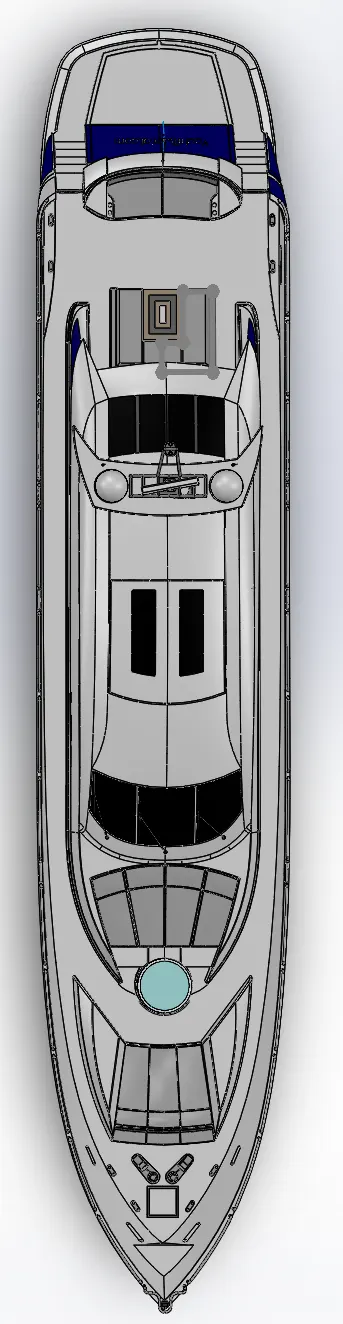
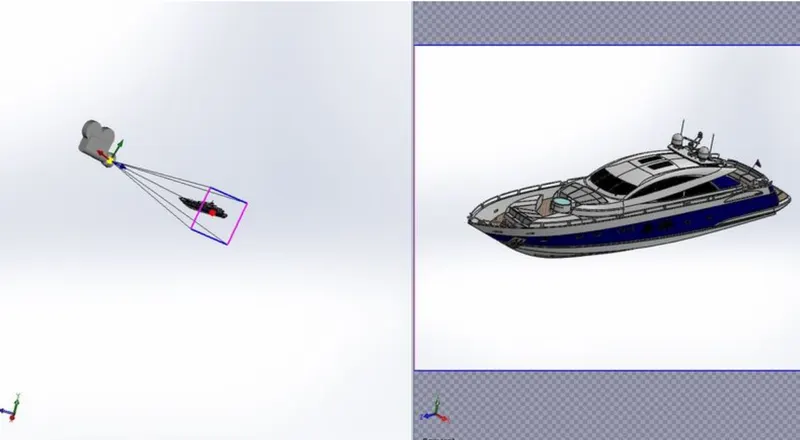
- All the parts which are designed in the parts file are to be inserted into the assembly fill one by one as per the requirements
- And then apply mates to each individual part with other part for proper alignment
Conclusion
At the end of the project each component is designed individually in the part files and assembled to complete the yacht design. And to set up an additional apperances like decals , cameras lights to make more realstic.