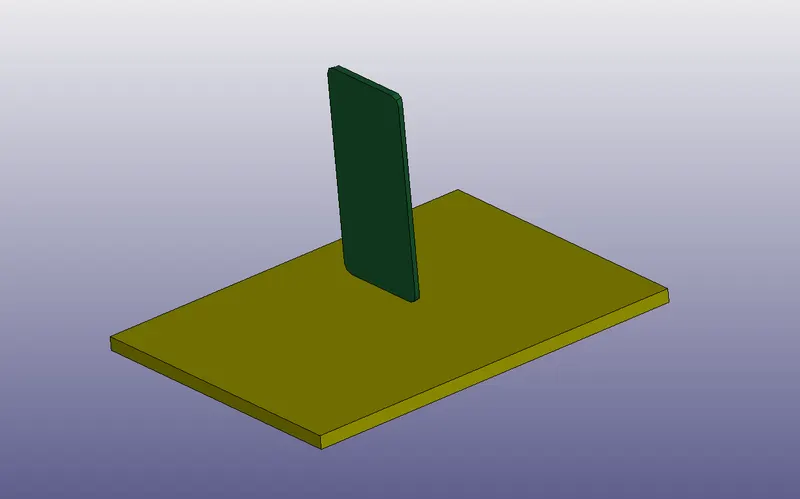
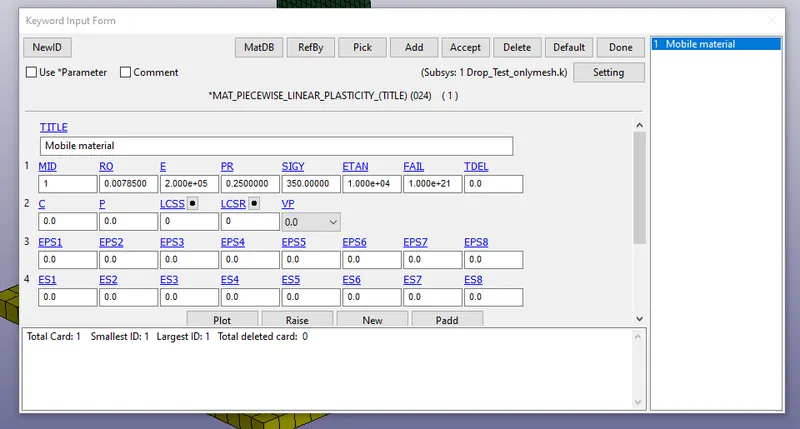
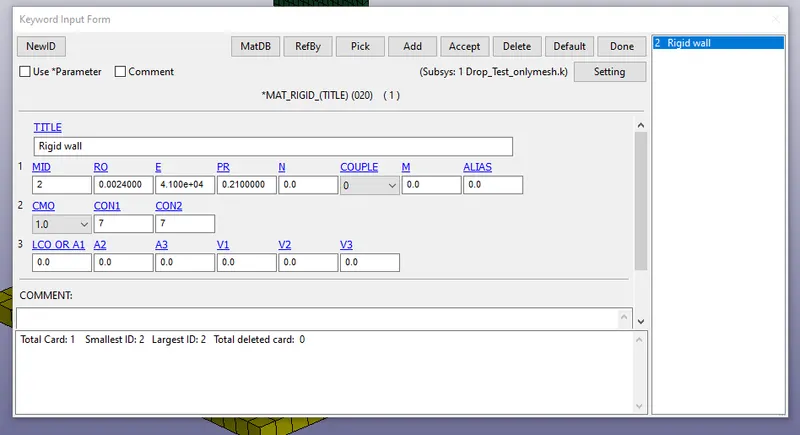
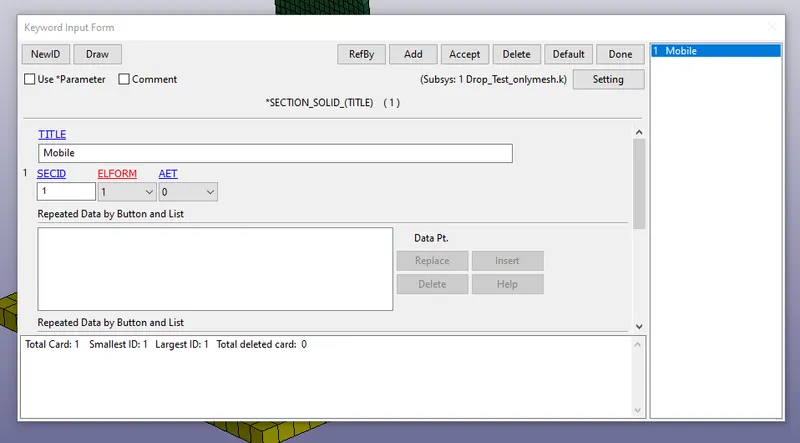
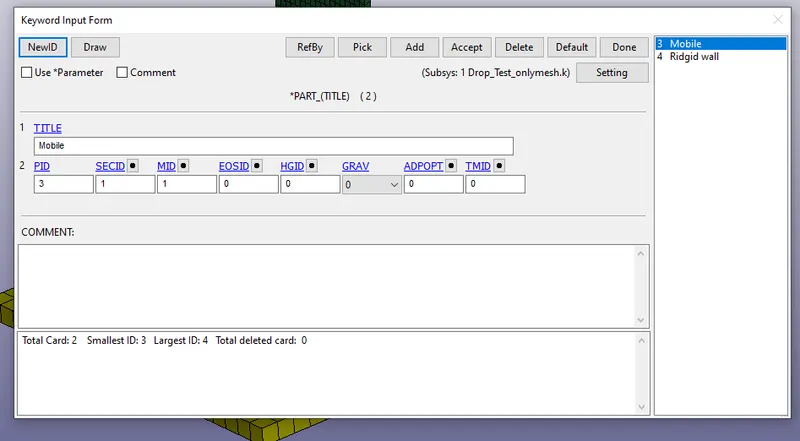
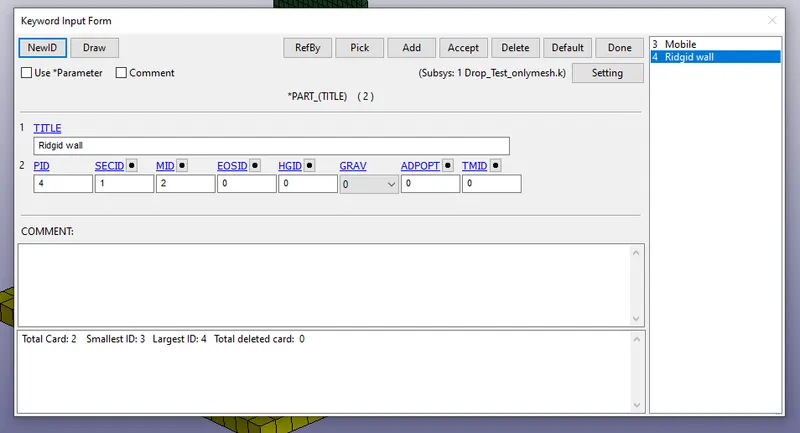
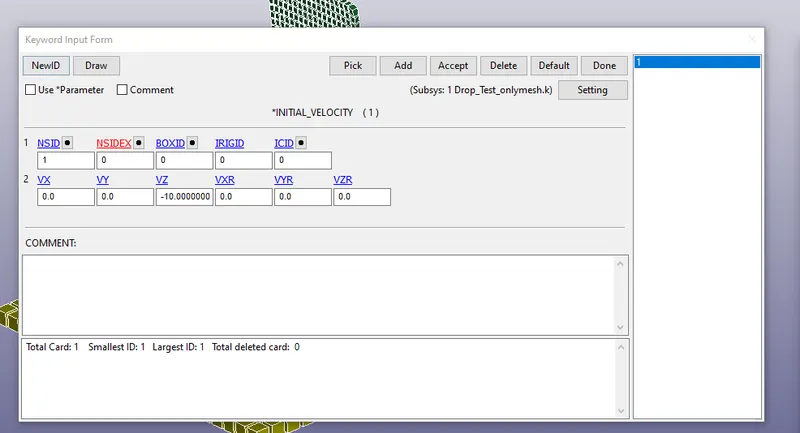
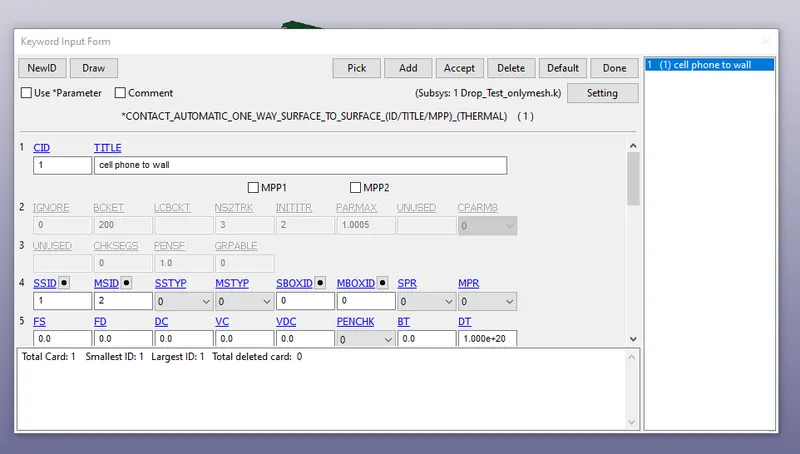
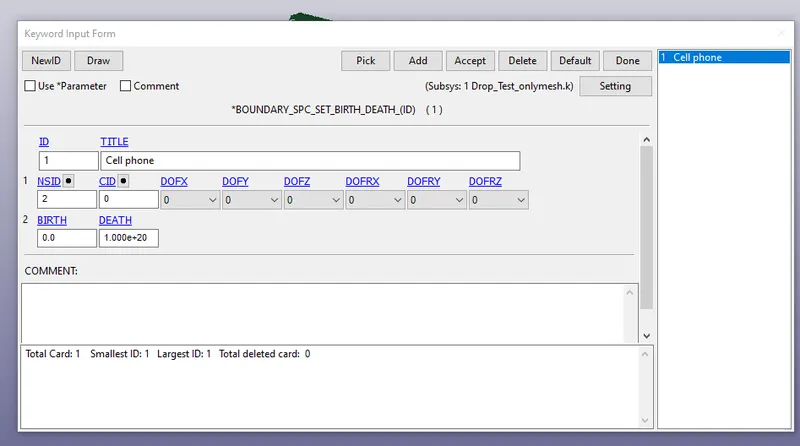
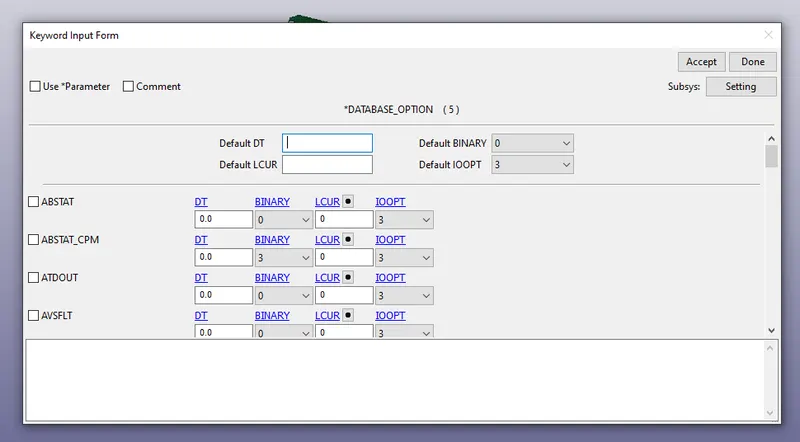
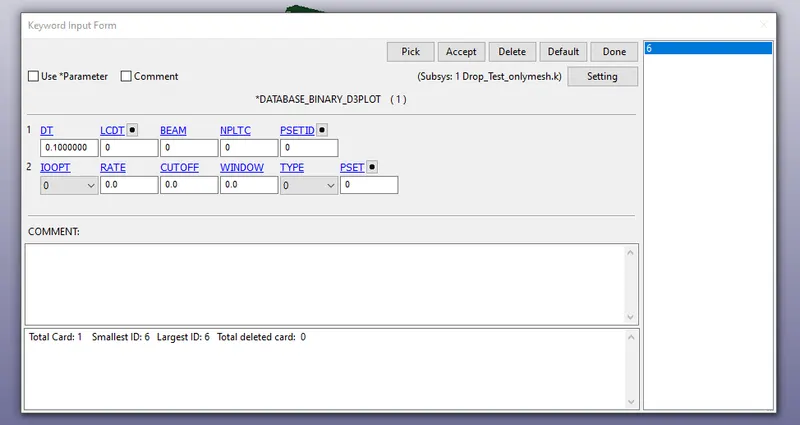
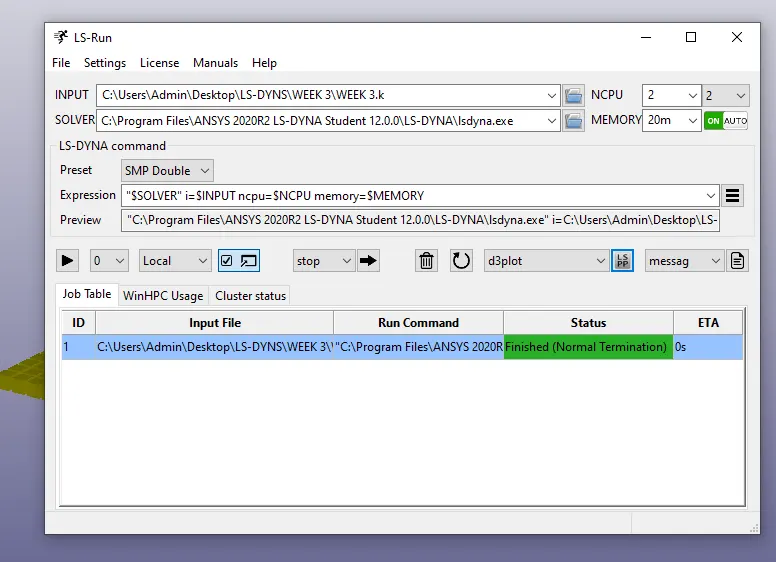
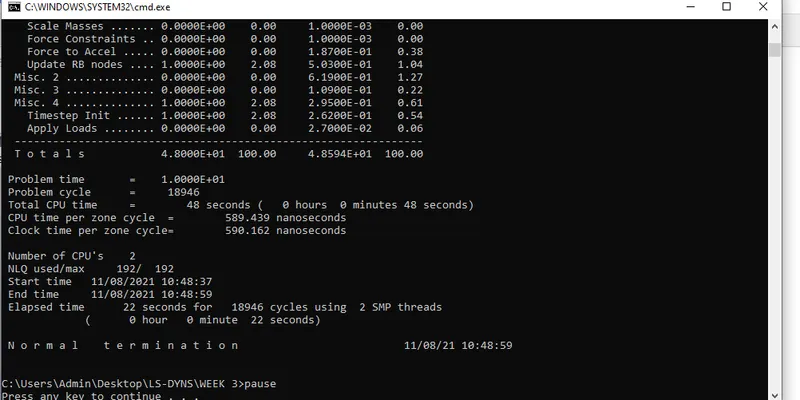
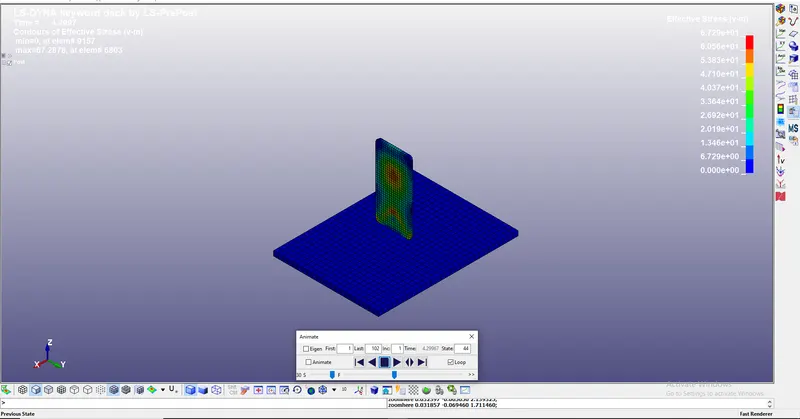
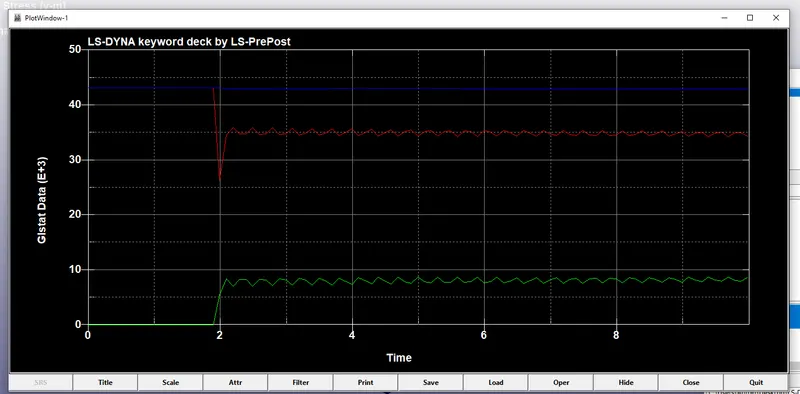
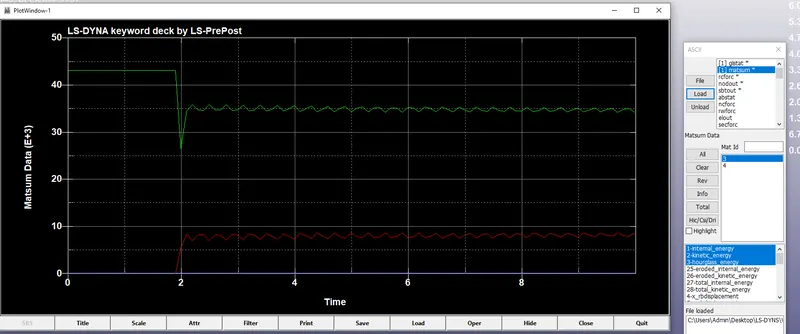
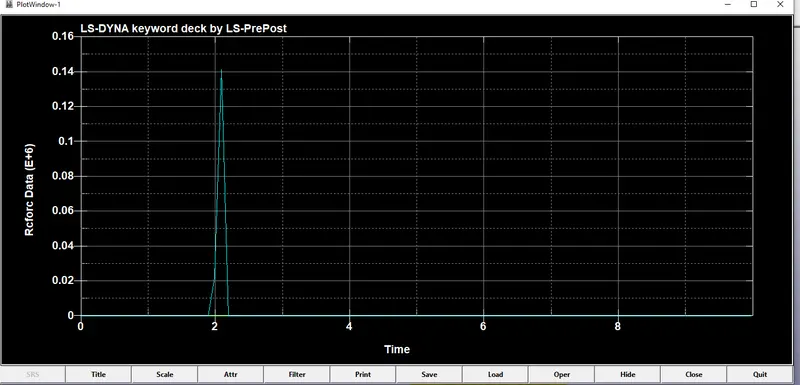
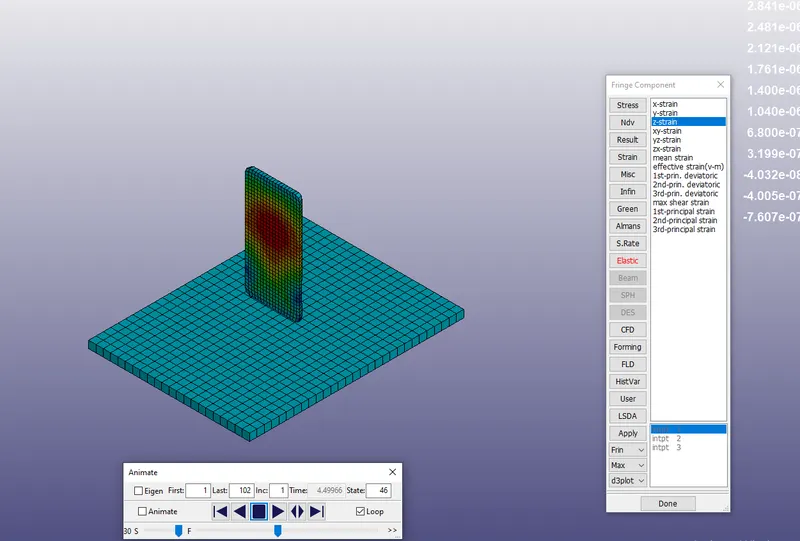
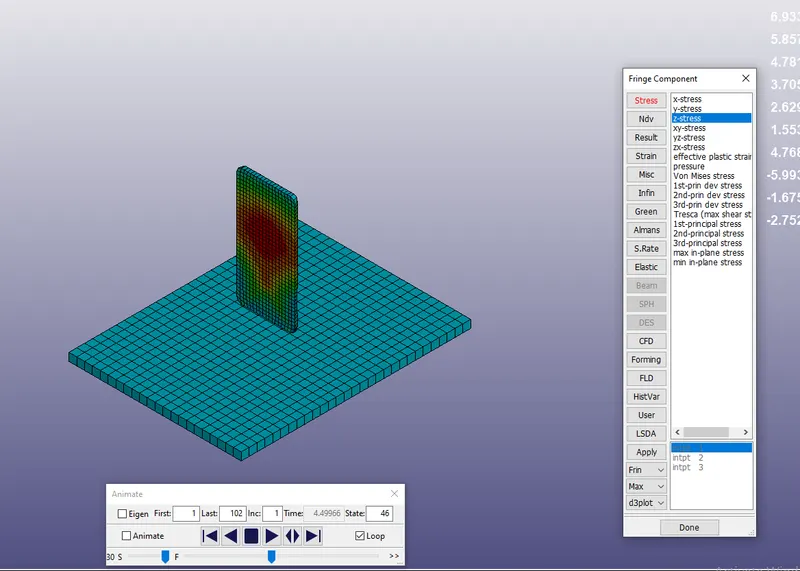
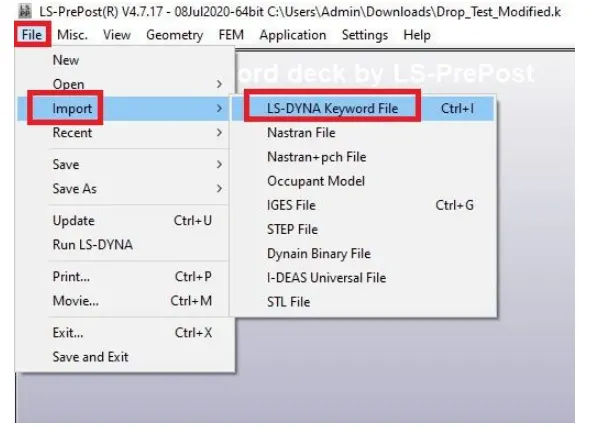
AIM:To perform the simulation of drop test by using LS-Dyna. Procedure: Open the LS-Dyna pre-post and open the .K file from the file from the Task bar. After importing the .k file from the browser we should have to rename the parts according to the names from the given model. We can see the graphical so that we can see…
Shaik Basheeruddin Khasim
updated on 08 Nov 2021
Project Details
Leave a comment
Thanks for choosing to leave a comment. Please keep in mind that all the comments are moderated as per our comment policy, and your email will not be published for privacy reasons. Please leave a personal & meaningful conversation.
Other comments...
Read more Projects by Shaik Basheeruddin Khasim (45)
Week-6 Calculate the Stretch Ratio by comparing the ELFORM (-2,-1,1,2) with Ogden_Material Model.
AIM:Create a block of 10mmx10mmx10mm dimension with 10 elements for each direction.Simulate the tensile behaviour of the block and compare the results of the simulation using ELFORM 1,2,-1,-2. Create the box of solid crossection in the LS prepost. After creating the given model creating the section for the given…
17 Nov 2021 10:18 AM IST
Week - 5 - Modelling Spotwelds
AIM: To simulate the spot weld joint by importing .k file in the LS-Dyna. Procedure: To import the .k file for the given model. Create the material and section ofr the given model. we should have to assign it to the part for the given model. we should have to create the spot weld for the given model. we should have to…
11 Nov 2021 08:56 AM IST
Week - 4 - Crash Box Simulation
AIM:To perform the crash Box simulation in LS-Dyna and change the thickness and compare the results of the given model. Procedure: Open the LS-Dyna pre post and import the.k file. Add the material for the crash box Keyword manager>mat>Piece wise linear plasity>give the MID,RO,Possions ratio for the material and…
09 Nov 2021 06:43 AM IST
Week - 3 Drop test Challenge
AIM:To perform the simulation of drop test by using LS-Dyna. Procedure: Open the LS-Dyna pre-post and open the .K file from the file from the Task bar. After importing the .k file from the browser we should have to rename the parts according to the names from the given model. We can see the graphical so that we can see…
08 Nov 2021 08:35 AM IST
Week - 2 - Explicit and Implicit Analysis
AIM: To solve the equation F(u)=u3+9u2+4u in Explicit and Implicit meyhods with tolerance of 0.001. Implicit Method; One method of solving for the unknown {x} is through matrix inversion .This is known as implicit analysis.when the problem is non linear, the solution is obtained in a number of steps and the solution…
03 Nov 2021 09:34 AM IST
Week - 1 - Consistency of Units
AIM: The aim of the challenge is to convert the SI units systems of the given quantities with all the different types of parameters and also to tabulate the unit systems for all the different types of the unitssystems. Objective: The goal of this challenge is to convert the given quantity values for…
01 Nov 2021 11:25 AM IST
Week 10 Bullet penetrating a Bucket Challenge
AIM: For this challenge, you will have to simulate a bullet penetrating into a bucket. You will need to use 3 different non linear materials for the bucket and analyse their behaviour for the same velocity of bullet. Apply the conditions for bullet as mentioned in the video itself. PROCEDURE: Open the Ansys work bench…
29 Oct 2021 06:19 PM IST
Week 11 Car Crash simulation
AIM: For this challenge, you will have to perform a parametric study using 3 different values of thickness for the car body. You need to apply the same conditions as mentioned in the video that corresponds to this challenge.Analyse the total deformation and Equivalent stresses acting on the model. PROCEDURE: Stainless…
29 Oct 2021 11:06 AM IST
Week 9 Machining with Planer Challenge
AIM: You will have to perform an explicit dynamics simulation to find out the Equivalent Stress, Total Deformation and also insert a User defined result to calculate the temperature of the body. You need to perform this for 2 cases. One will be with a cutting velocity of 20000mm/s and the other will be with a cutting velocity…
28 Oct 2021 04:41 PM IST
Week 9 Tension and Torsion test challenge
AIM: or this challenge, you will have to perform the tension and torsion test on the specimen provided below the video corresponding to the challenge. For the tension test, displace one end of the specimen to 18mm while keeping the other fixed. You will need to find out the total deformation, equivalent stress and…
28 Oct 2021 09:20 AM IST
Week 8 Worm Gear Challenge
AIM: For this challenge, you will have to perform a transient structural analysis on a worm gear assembly. For the academic version, you need to cut the gear by half so as to bring the model within limits. For the challenge, you have to rotate the worm so as to get to almost end of the half cut and get results for Equivalent…
28 Oct 2021 06:32 AM IST
Week 8 - Universal Joint
AIM: For this challenge, you will have to perform a transient structural analysis on a double universal joint with a spring using three different materials: Structural Steel, Stainless Steel and Titanium alloy(They can all be found in the General Materials section) The three materials must be used on the joint with the…
28 Oct 2021 04:50 AM IST
Week 7-Long Piston With Cam
AIM: For this challenge, you will have to perform a transient analysis on a piston and cam mechanism model that has been provided to you. You need to run the analysis with Frictionless contact, Frictional with 0.1 and 0.2 as the frictional contact for a total of 3 cases. Find out the Equivalent Stress, Directional Deformation…
26 Oct 2021 10:20 AM IST
Week 5 Bending of iPhone
AIM: For this challenge, simulate the bending of iPhone as per the given cases below Case 1: Simulate the model as it is given in the video Case 2: Move the bottom fingers from their defined position to the given position X= 22.5mm & Z= 10mm and obtain the results for the simulation. Also define the S-N curve…
25 Oct 2021 10:20 AM IST
Week 5 Sphere pressing on a plate
AIM: For this challenge, perform the analysis to simulate a sphere pressing on a plate. Use Structural steel for both sphere and plate but the material of the plate must be Non Linear. Press the sphere onto plate 4mm downwards and retract it. The plastic deformation must be captured by you. Procedure: Open…
25 Oct 2021 05:03 AM IST
Week 4 -Wire Bending Challenge
AIM: For this challenge, you will have to perform an analysis to simulate the bending of a wire in ANSYS. You will have to use Copper Alloy (Non Linear), Aluminium Alloy (Non Linear) and Magnesium Alloy ( Non Linear) for the wire alone. You need to find out the Equivalent stress and Equivalent strain on the wire alone.…
22 Oct 2021 09:52 AM IST
Week 4- Rolling operation
AIM: For this challenge, you will have to simulate the rolling operation on a workpiece made of copper. The model will be provided to you. Increase the length of the workpiece by 60mm and decrease its size on both sides by 8mm. Run the simulation for 14 steps and you can give small but random values( similar to the ones…
22 Oct 2021 06:46 AM IST
Week 3 Sheet metal Bending challenge
AIM: Sheet metal bending is to be performed for 3 different materials mentioned below. Variation of certain settings is also to be performed and your conclusions are to be added to the report Run the analysis for the material : Case 1:Aluminium Alloy 1199( mentioned in the course video),Copper Alloy NL and Magnesium Alloy…
21 Oct 2021 07:17 AM IST
Week 3 Verification of Weld Joints
AIM: Simulate three different types of welding using three different weld materials Weld Material used: Case 1. Stainless Steel: In this case, the material of the plates must also be the same. Use Stainless steel for both weldments and plates. No need to add flux to the weldments. Case 2. Aluminium Alloy:The material…
13 Oct 2021 06:44 AM IST
Week 2 Railwheel and Track
AIM Perform a static structural analysis on the Railwheel and Track setup and Case 1: Multiply the bearing load by 5 times and compare the results with the load of 100000 N (As done in week 2 video). Compare the Total Deformation, Equivalent stress and the life under both the loads Case 2: Implement a User defined…
12 Oct 2021 12:22 PM IST
Week 2 Bevel Gear Challenge
AIM 1)Write a few words on what a grid dependency test is and its use. 2)Perform a grid dependency test for the Bevel gear simulation for mesh sizes of 6,5 and 4 mm 3) Solve for Von-Mises stress, Equivalent elastic strain and Total Deformation using the previously mentioned mesh sizes. 4) Present your findings in an organized…
12 Oct 2021 04:50 AM IST
Week 1 Spur Gear Challenge
AIM: Objective 1: Case 1: Using Cast Iron(ductile) as a material, carry out a static structural analysis to find out Equivalent stress, Total deformation and Stress intensity(Learn about what stress intensity is). Find location for possible fracture…
11 Oct 2021 07:44 AM IST
Week 1 Stress Concentration on a Plate with hole
AIM: Case :1 Design a plate with a hole model similar to what we worked in the class, but with increased thickness.Determine the maximum deformation and stress developed in the model. Case 2: Consider you are a Product Engineer in an Automotive industry. You are assigned the following responsibilities: Compare the deformation…
08 Oct 2021 06:32 AM IST
Assignment 7-Side Pole Crash Simulation Challenge
AIM:To perform the crash on the side body of the pole and analysis where the stress are working on it. Objective: Neon side crash -BIW Check unit system and either follow [Mg mm s] or [Kg mm ms]. Create appropriate interface ,friction 0.2 and recommended parameters. Make sure of no penetration and intersections.…
05 Oct 2021 04:27 AM IST
Assignment 6-Frontal Crash Simulation Challenge
AIM: To perform the crash analysis on the Frontal section of the car and to check whether the stress are acting on it. Objective:The main objective is to do as the instructions Check unit system and either follow[Mg mm s] or [Kg mm ms]. Create appropriate interface ,friction 0.2 and recommended parameters. Make sure…
01 Oct 2021 08:27 AM IST
Assignment 5-RADIOSS Interfaces & Study of Effect of Notches Challenge
AIM: The main is to create the mesh and give the connection and run the simulation. OBJETIVE: Create the mesh for bumper assembly,mesh size should be 6mm. Run the crash tube model as it is. Change the Inacti=6 and run. Create the type 11 contact and run. Remove both notches and remove boundary condition on…
29 Sep 2021 04:09 AM IST
Assignment 4-RADIOSS Material Laws Challenge
AIM:To run the simulation of the given model and compare the model with the different materials Laws. Objective:The objective of this project is as follows. To run the model as it is and name it Law2_epsmax_failure. In/FAIL/JHONSON,change Ifail_sh=1,Dadv=1,and Ixfem=1 values and run the model as Law 2_epsmax_crack. Delete…
24 Sep 2021 12:32 PM IST
Assignment 3-2D Element Formulation Challenge
OBJECTIVE: AIM: The main goal is to complete the given task to simulate the given model set of the parameters.The task given is as follow. Comparison of results with base simulation and improved shell element properties 1.Using the crash beam file from the previous assignment, change the run time to 55 ms. 2. Change the…
23 Sep 2021 07:23 AM IST
Assignment 2-RADIOSS Engine File Editing & 3D Meshing Challenge
Objective: 1. Check the material properties of the rail component and calculate the speed of sound in steel rail=_______ 2. The length of the rail is about 1000 mm.calculate the time takes for a shock wave to travel from one end of the rail to the other. 3.Time for sound to travel length of rail=______ 4.Edit…
21 Sep 2021 05:26 PM IST
Assignment 1-2D Meshing Challenge
OBJECTIVE: Geometry Cleanup Exercise: Carry out the geometry cleanup operation on the given 3 files. Practice Clip Repair Mounting Bracket PROCEDURE for Part 1: Import the given model into the GUI. …
21 Sep 2021 04:45 AM IST
Project - 2 - Meshing on the suspension Assembly
OBJECTIVE: For the given assembly, check for the geometrical errors and mesh with the given element Quality criteria. After meshing the component the thickness has to be assigned for mid surfaces. Use tetra elements to model non-uniform thickness components. Also use Appropriate connections to connect the component as…
15 Sep 2021 10:00 AM IST
Project 1 - 2D meshing on the instrumental Panel
OBJECTIVE: For the given component, check for the geometrical errors and mesh with the given element Quality criteria. After meshing the component the thickness has to be assigned. Write a detailed report on your meshing process and also mention which method you used to extract the mid-surface along with the reason. PROCEDURE:…
11 Sep 2021 08:30 AM IST
Week - 8 - Morphing
OBJECTIVE: Perform morphing for the Model-1 and Model 2 and performing all the Morphing techinques. PROCEDURE FOR MORPHING: MODEL :1 Importing the given Model into the GUI. …
06 Sep 2021 10:24 AM IST
Week 6 - Creating connection for Rear door
OBJECTIVE: Week 6This week, the connections for the Real door by using different 1D elements are taught in detail. Now for the given Rear door FE model, Create and Apply different PIDs for different components. By using the same technique and the elements as shown in the video, Perform suitable connections. (No thickness…
31 Aug 2021 06:27 PM IST
Tool Test-2
Total time taken for the Given Tool Test: 2 Hours
26 Aug 2021 04:18 PM IST
Week- 5 - Solid meshing
For the given Rear view mirror component, check for the geometrical errors and mesh the Surfaces with the given 2D element Quality criterias given below. S.No Quality Criteria Value 1 Target/Average length 1 2 Minimum Length 0.5 3 Maximum Length 2 Use tetra elements…
26 Aug 2021 02:34 PM IST
Tool Test 1
Time Taken for Model 1:5 Hours Time taken for Model 2:4 Hours
25 Aug 2021 01:30 PM IST
Week - 4 - 2D meshing for Plastic components
OBJECTIVE: For the given Plastic Bottle Cap model, check for the geometrical errors and take the mid surface by suitable mid surfacing techniques. PID and Thickness assignment has to be done for all the mid surfaces. Mesh the same with given element Quality criteria. Quality Criteria. …
17 Aug 2021 03:43 PM IST
Week 3 - 2D meshing for sheet metal
OBJECTIVE:For the given Hood model, Take the mid surface for all the components after checking the geometrical errors and mesh the mid surface with the given element Quality criteria. (Refer the table Below for the Quality criteria) QUALITY CRITERIA: …
06 Aug 2021 05:58 PM IST
Week 12:Project 2-Meshing of Rear Wheel Holder challenge
OBJECTIVE: Follow the below-mentioned quality criteria, mesh the component given below and assign thickness: Import the given Geomentry into the Hypermesh. …
25 Jun 2021 03:23 PM IST
Week 12:Project-1-Meshing of Door Inner Panel Challenge
Project 1:MESHING OF INNER DOOR PANEL. Import the Given model into the Hypemesh GUI. After Importing the model then Defature the filler surfaces who thickness is below 0.15. After Defeaturing the compoment we must divide the componemt into four equal parts so that it is easy to make midsurafce. For making that we have…
22 Jun 2021 11:33 AM IST
Week 9-Creation of 1D Connectors Challenge
OBJECTIVE: For this challenge, you will have to mesh the given geometry. Provided below are the quality parameters that you have to follow. Target Element size - 5 Units Import Geomentry: Open the Hypermesh software and import the given geomentry into the GUI. click on File -Import-Geomentry and click on Import. Then the…
07 Jun 2021 07:17 AM IST
Week 8-3D Tetra Meshing Challenge
Objective: Create a Teramesh for Housing component with the following quality criteria. TetraMesh Generation Method: 2D to 3D Conversion Elements sizes: Min- 2 Units, Target- 5 Units, Max- 7 Units Tet collapse: 0.15 The minimum length and the maximum length are to be checked only for 2D elements when performing…
01 Jun 2021 06:24 AM IST
Week 6-Meshing of Hood Challenge
OBJECTIVE:Meshing the given component and giving the mid surface and cheching the quality parameters of the model. CAD MODEL: A)Latch Reinforcement. 1.Importing the CAD model in the given gemoentry. 2.Deleting the solid surfaces in the…
06 May 2021 05:22 PM IST
Week 4-1D Element Creation Challenge
Mesh the Given component with the Size of 5 Units. Create 1D elements on the following component with given cross-section and DOF a. Rod element:- Translational DOF should be Constrained with RBE2 link Cross-Section: BOX- Dimension a= 12 mm dimension b=10 mm Thickness…
14 Apr 2021 09:56 AM IST