Week - 4 - Crash Box Simulation
AIM:To perform the crash Box simulation in LS-Dyna and change the thickness and compare the results of the given model.
Procedure:
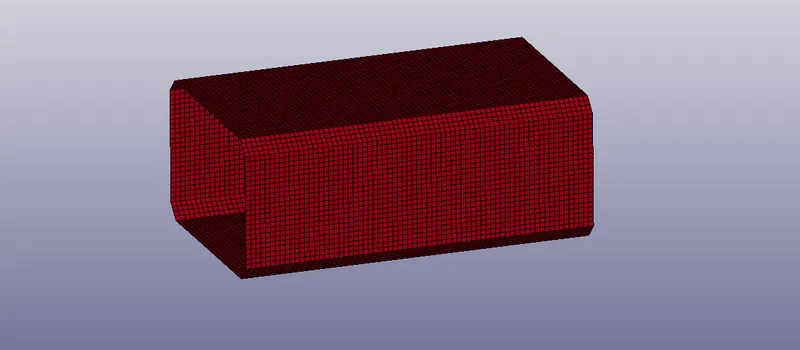
- Open the LS-Dyna pre post and import the.k file.
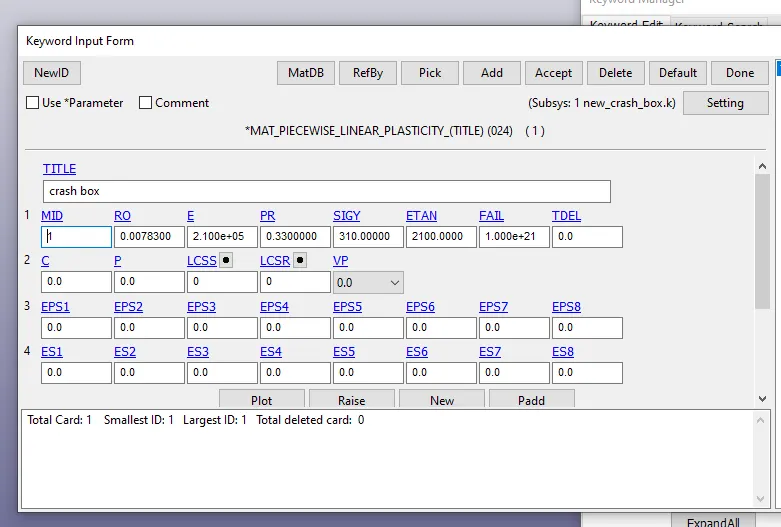
- Add the material for the crash box Keyword manager>mat>Piece wise linear plasity>give the MID,RO,Possions ratio for the material and click accept>done.
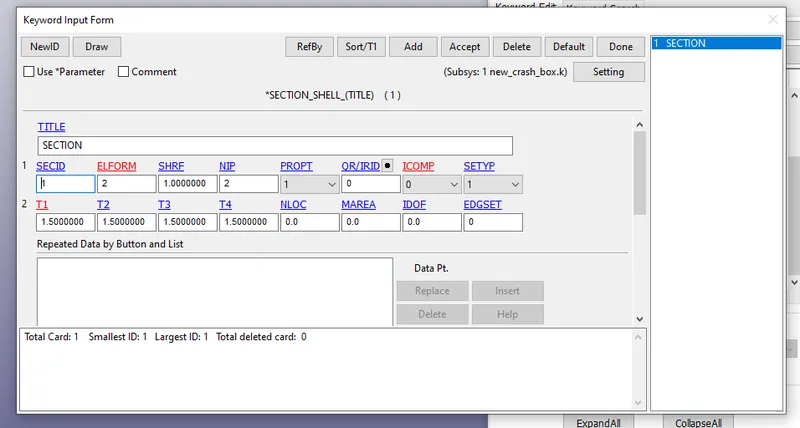
- we should create the section for the assign the shell model for the geomentry and we should give the thickness of 1.2 for model.
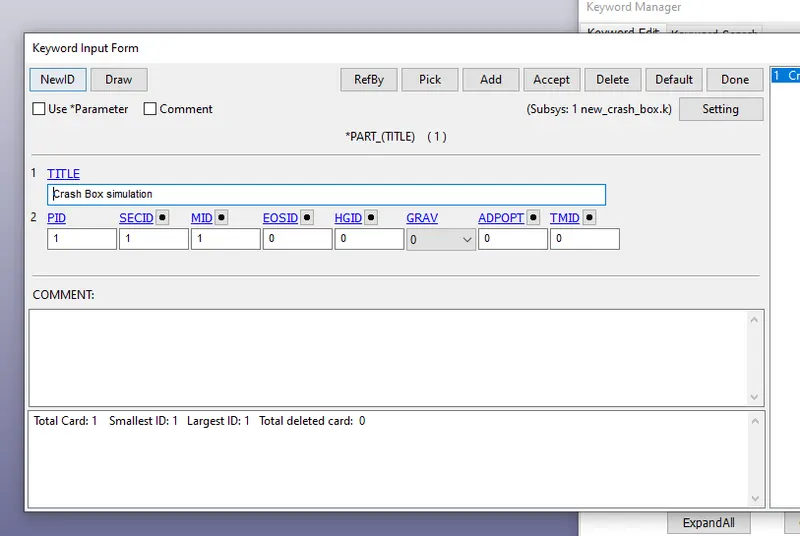
- we should give the the material and section for the part.
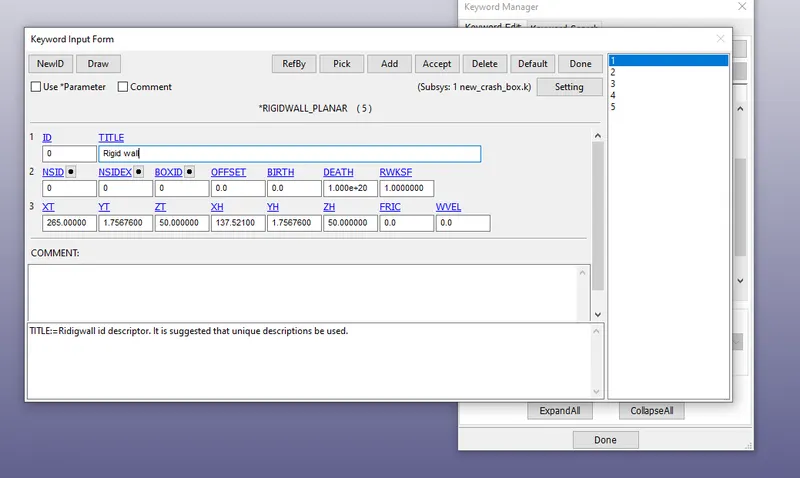
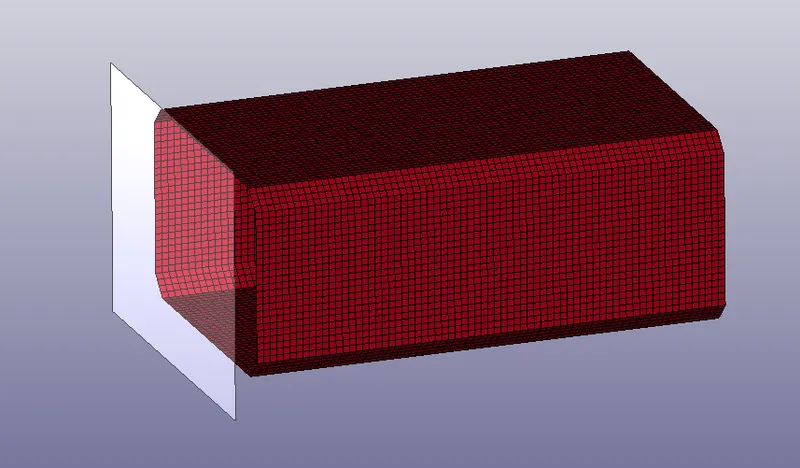
- we should have to create a rigid body for the model.
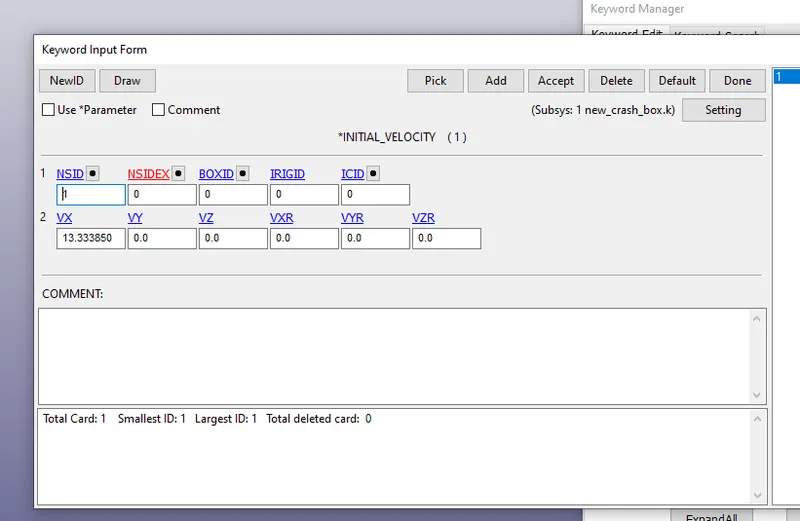
- we should have to create the velocity for the given model keyword manager>Intial>velocity>select the part>clcik on the apply>give the velocity in the given directon>done.
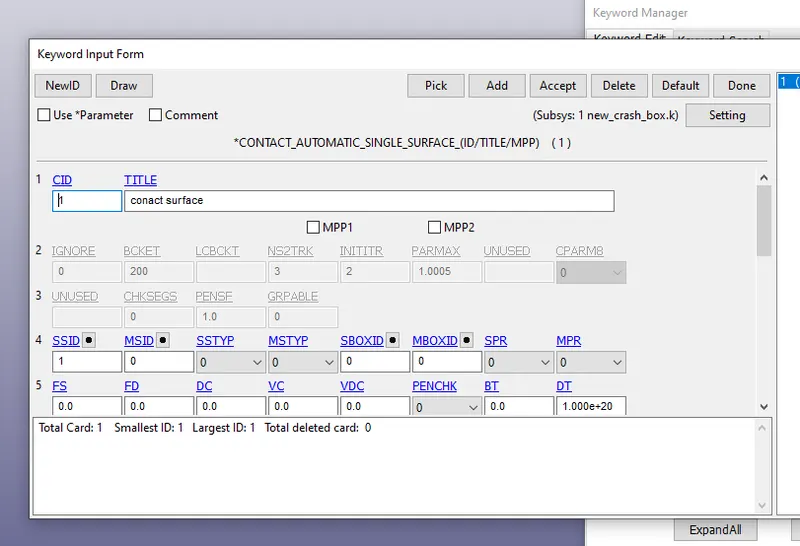
- we should have to create the surface contact for the given model.
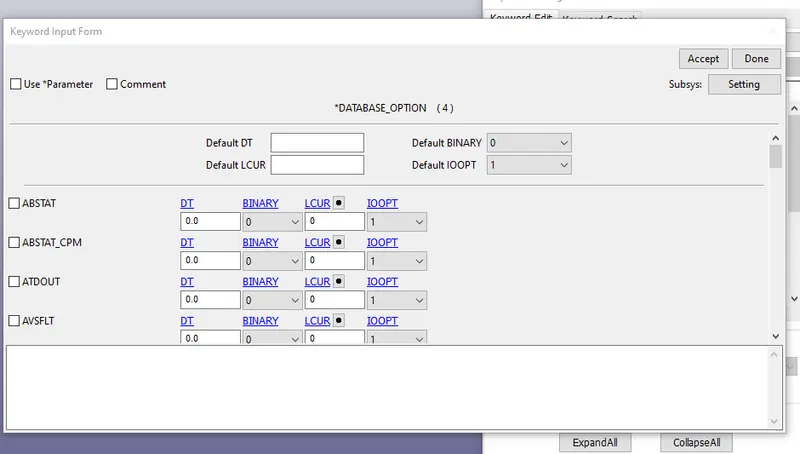
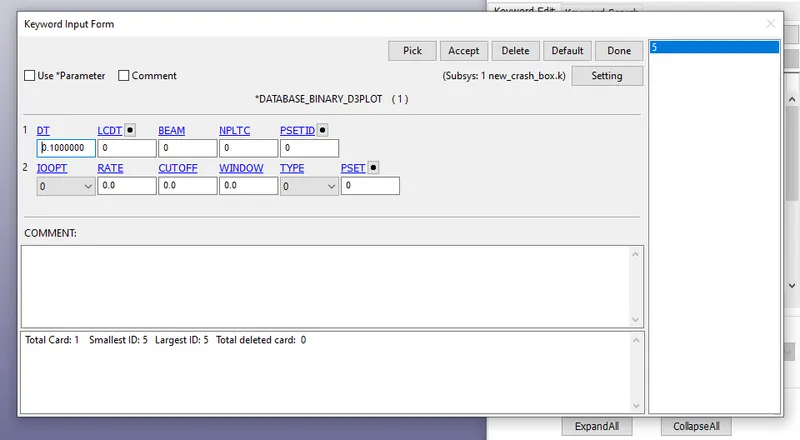
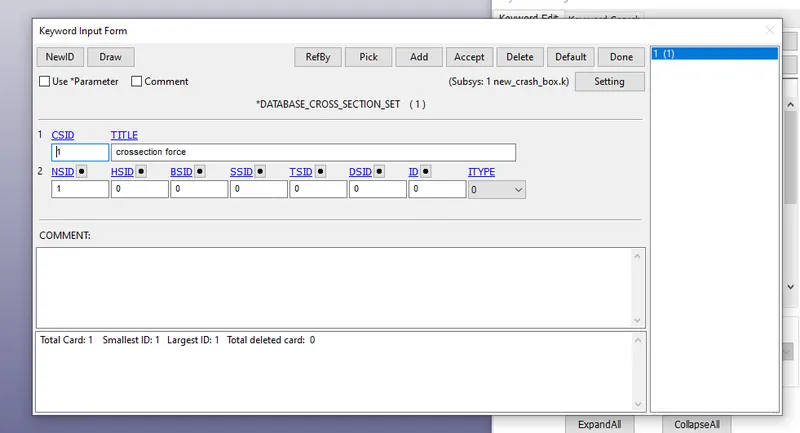
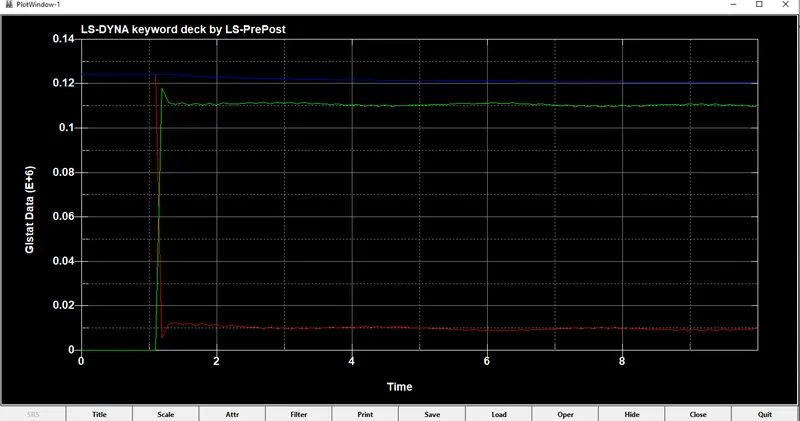
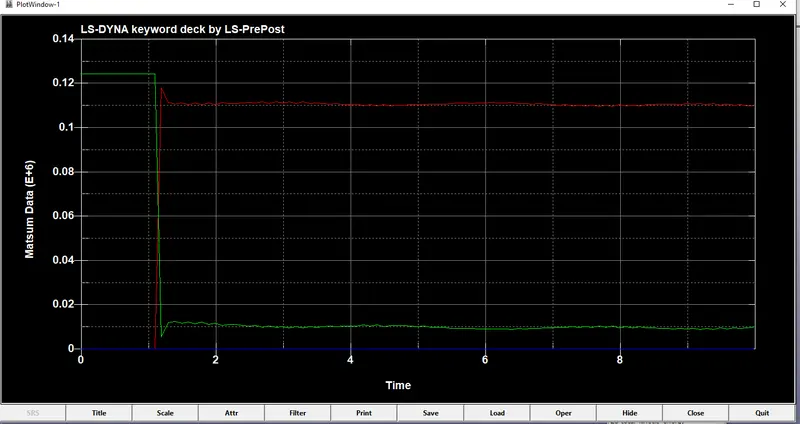
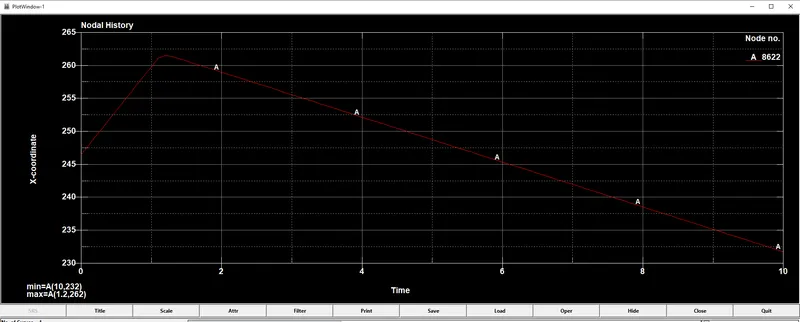
- we should have to crate the outputs from the data base.
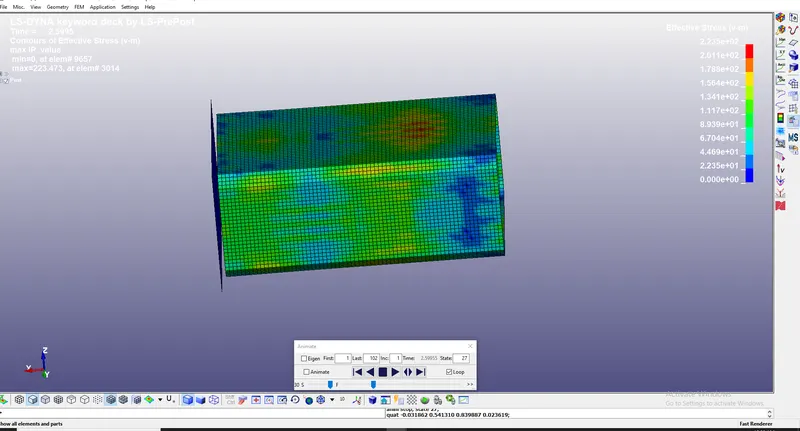
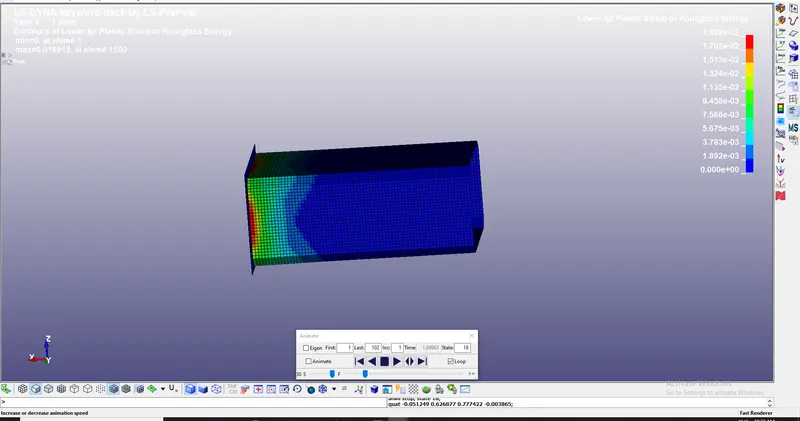
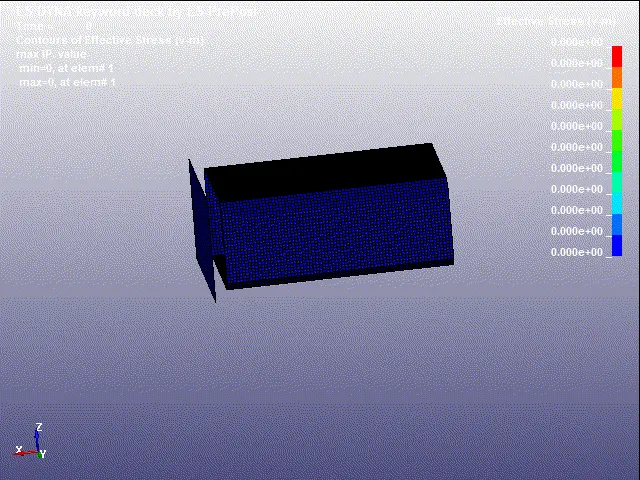
STRESS
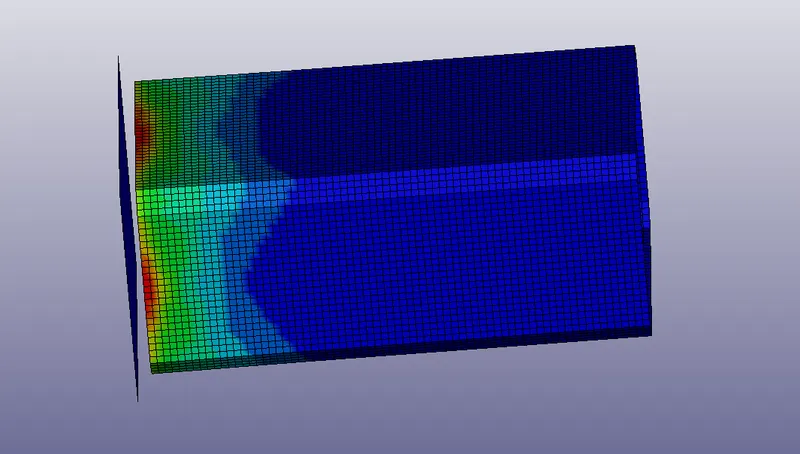
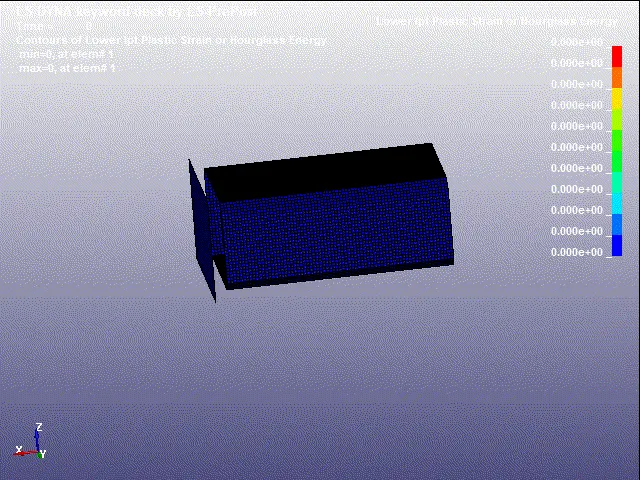
STRAIN
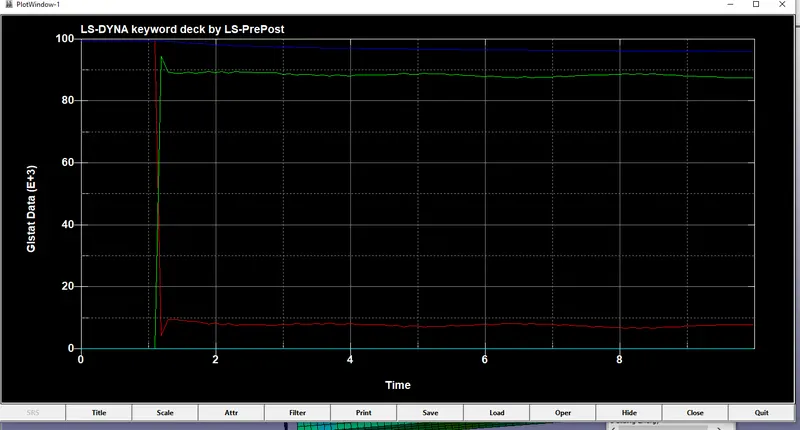
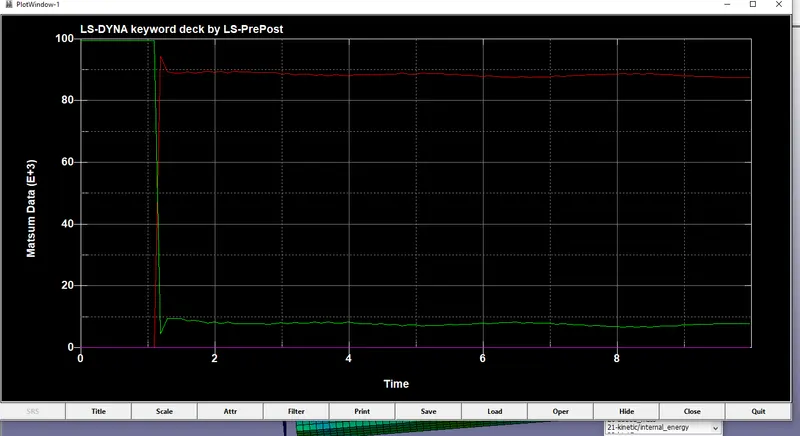
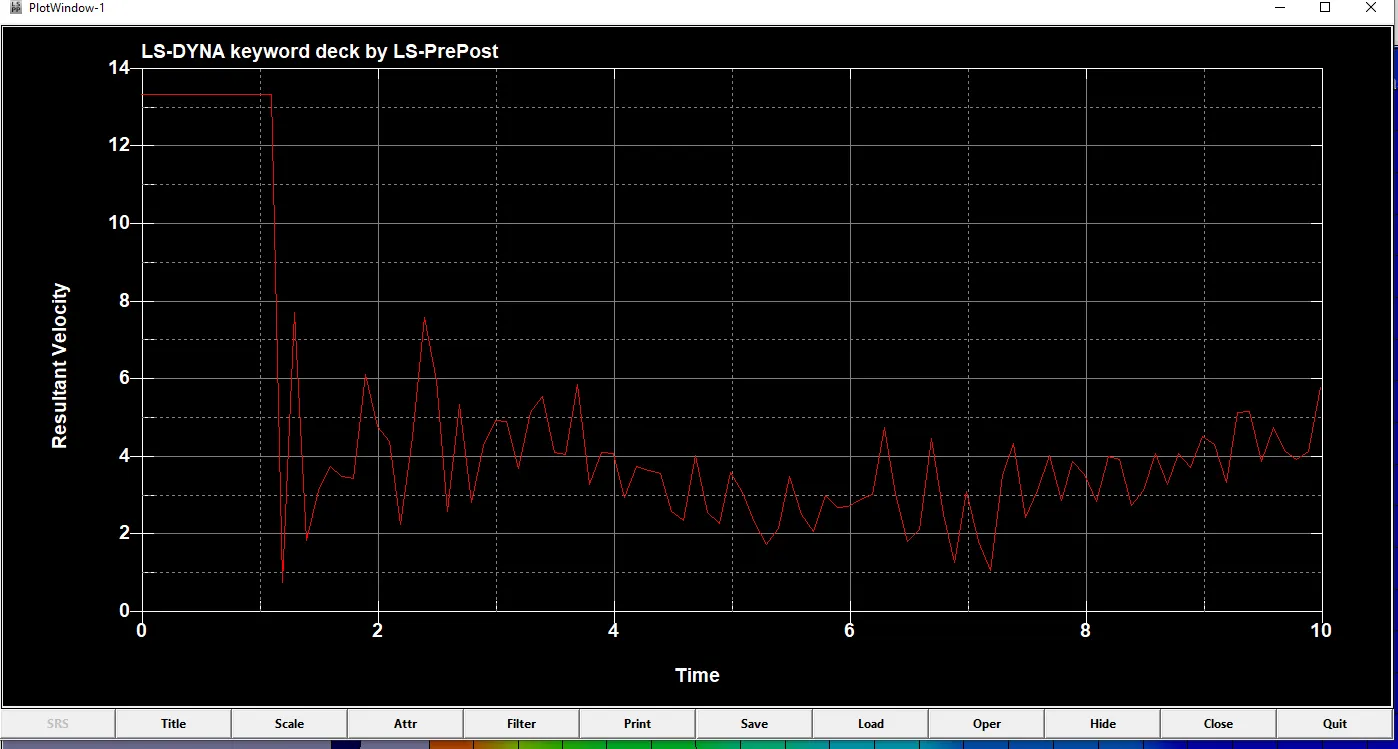
CASE 2:1.5 Thickness for the given material
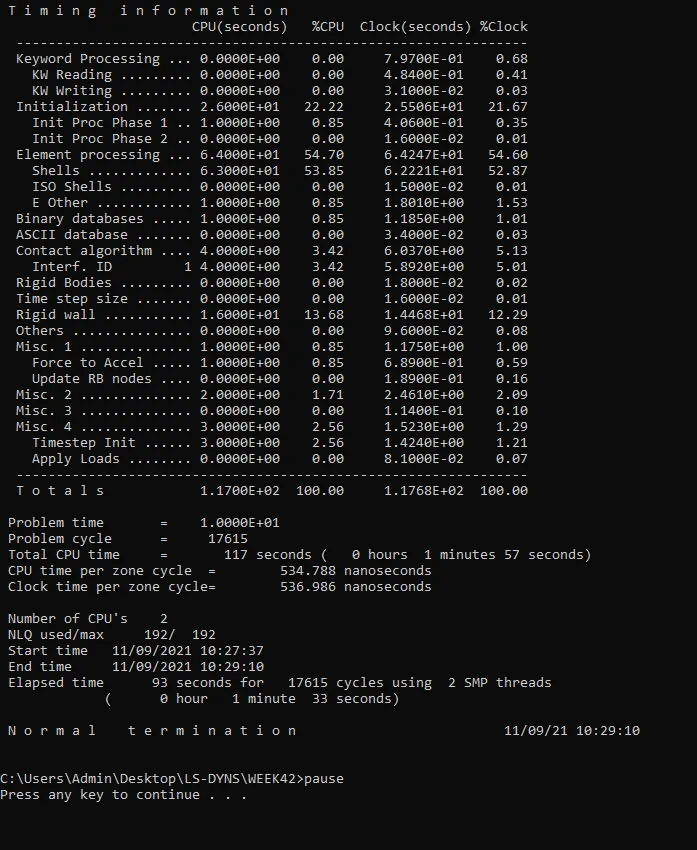
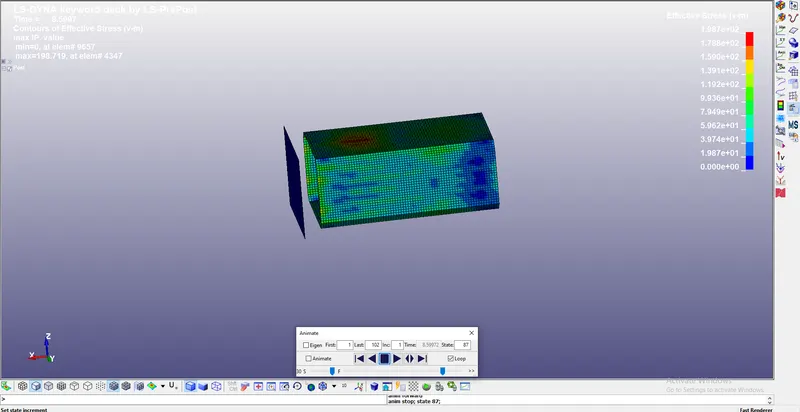
Stress
Conclusion:
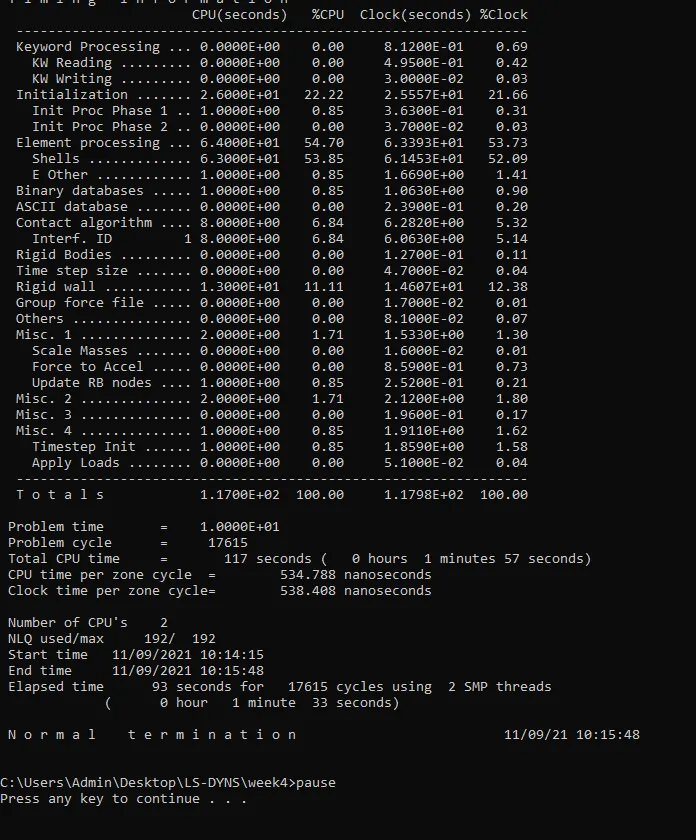
Hnece the Crash Box simulation on the LS-Dyna is done and plot the energy graph were obtained in the model.