Week 6 - Creating connection for Rear door
OBJECTIVE:
Week 6
This week, the connections for the Real door by using different 1D elements are taught in detail.
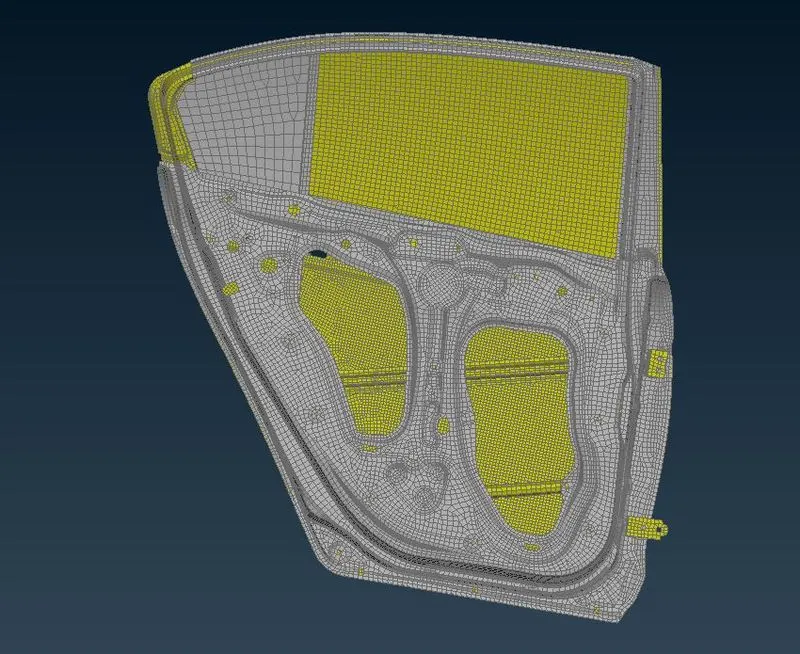
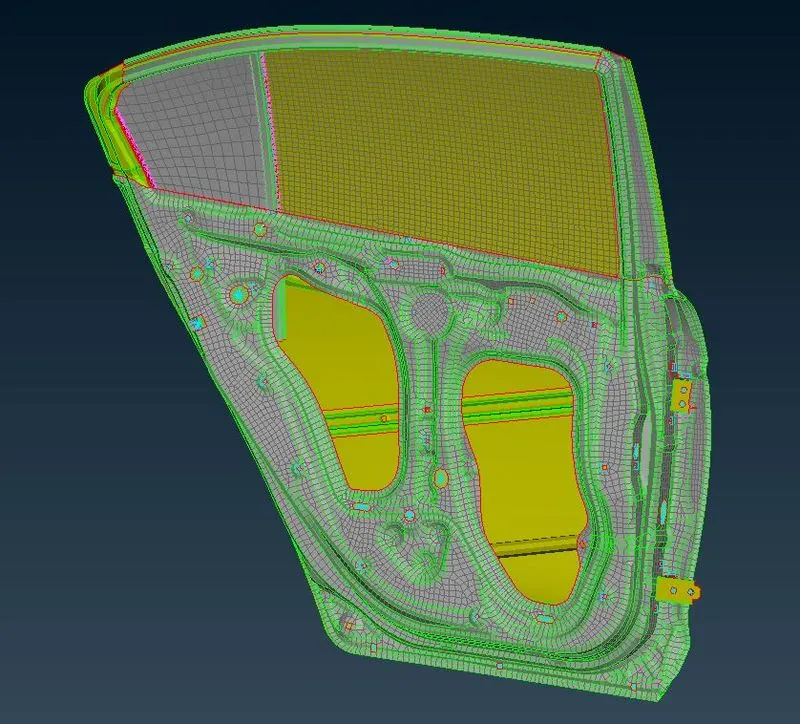
Now for the given Rear door FE model, Create and Apply different PIDs for different components. By using the same technique and the elements as shown in the video, Perform suitable connections. (No thickness need to be assigned to FE as intention is just to deploy connections)
Procedure:
- Importing the given model into the ANSA.
- After importing the given model it was already the FE model so that it was not necessary to check the geomentry clean up and meshing for the component.
- After importing the component we should make different set PID for the model.
- After assigning the PID properties we should do the connection onthe Model.
-
Connection:
- Generally connection we used to combine or attach the one component to the other components.
- Basically there were different types of the connectors are: Bolt,seam,spot,RBE2,RBE3 etc.
- For the connectons we should first determine which type of connection is suitable for the model.
RBE2 connection:
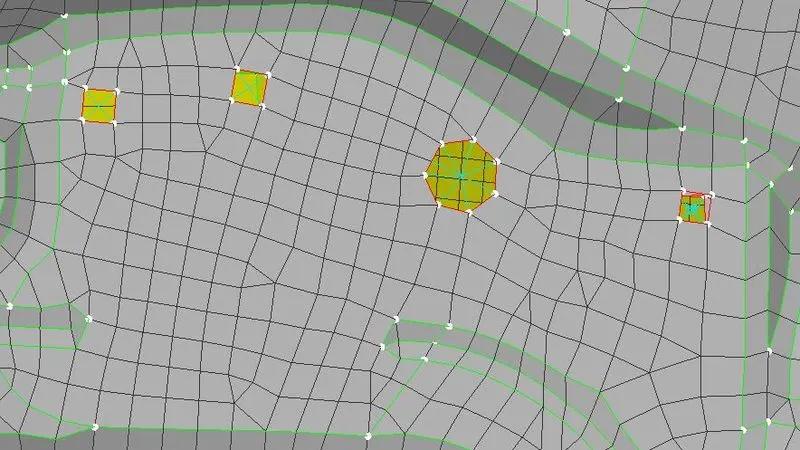
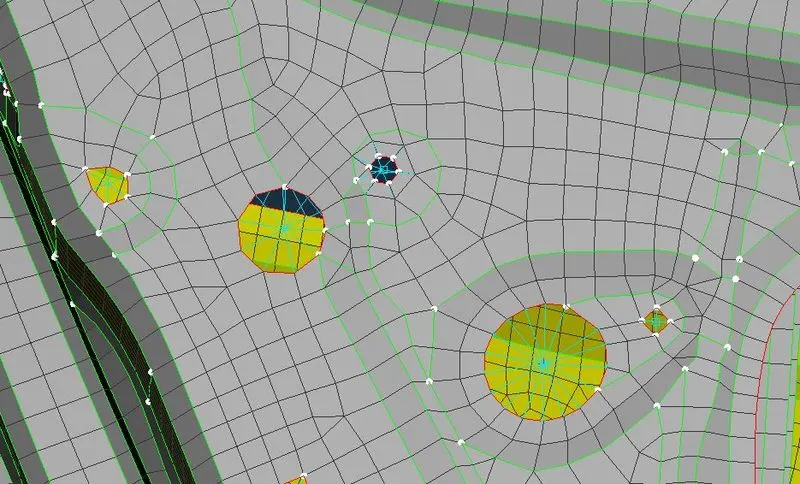
- Go to NASTRAN DECK>ELEMENT>RBE2>MANY HOLES.
- Follow the steps for all the other remaing connections.
-
-
-
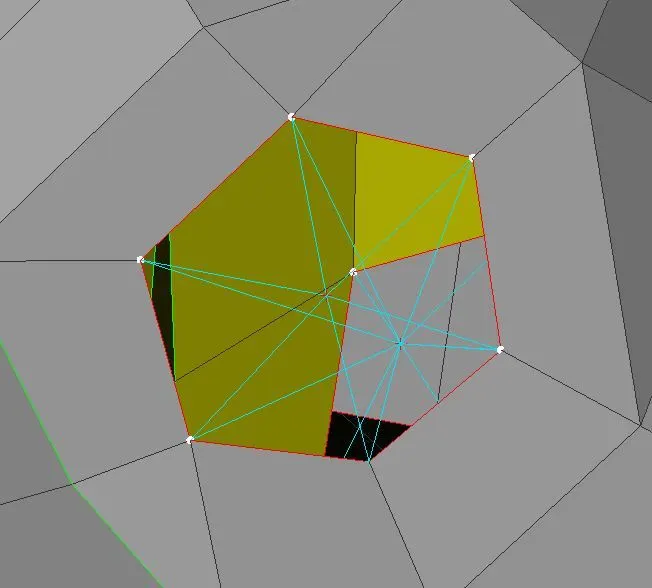
- Bolts at the hinges :
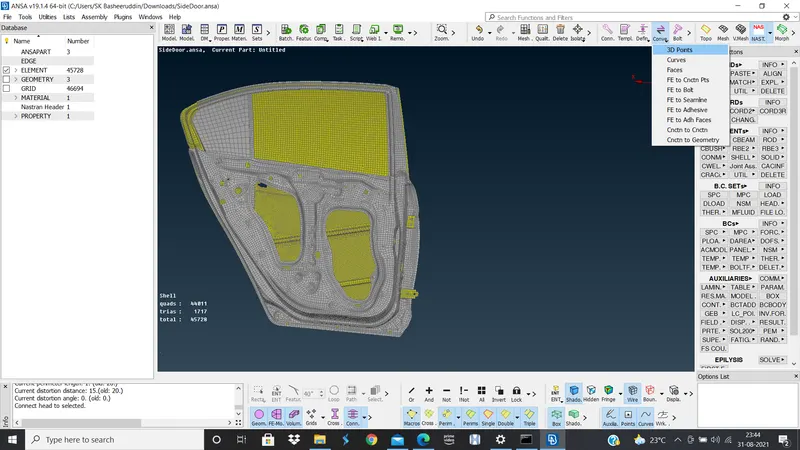
- Convert the 3D point into bolt Assemble>CONVERT>3D POINT>SELECT THE 3D POINT>OK.
- successfully converted the point into the bolt.
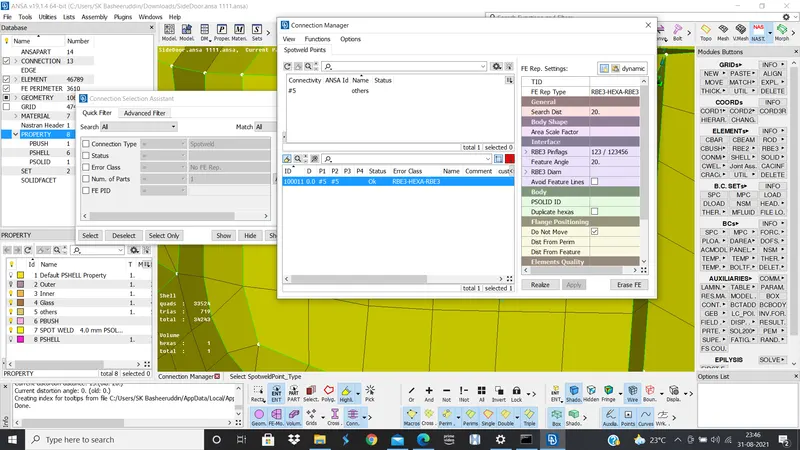
- Next go the ASSEMBLE >CONNECTION MANAGER.
- Once you completed the assign the values of p1,p2 and search distance we should apply and realize.
- so do the same for the bolt connections in the model.
-
-
-
-
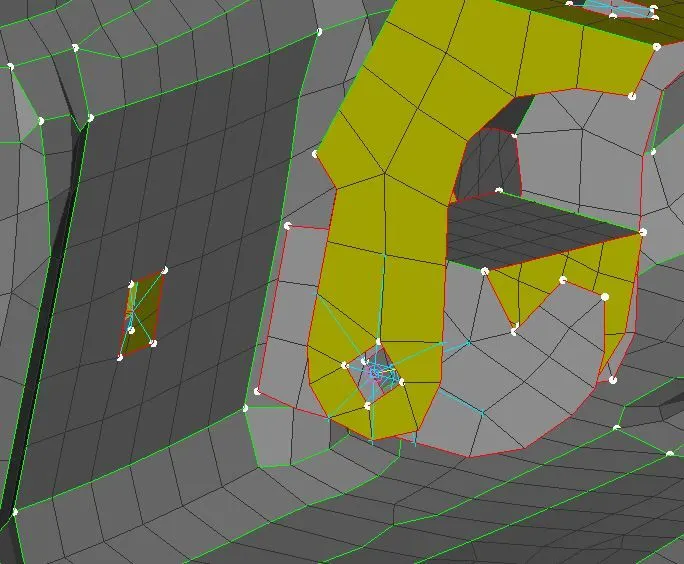
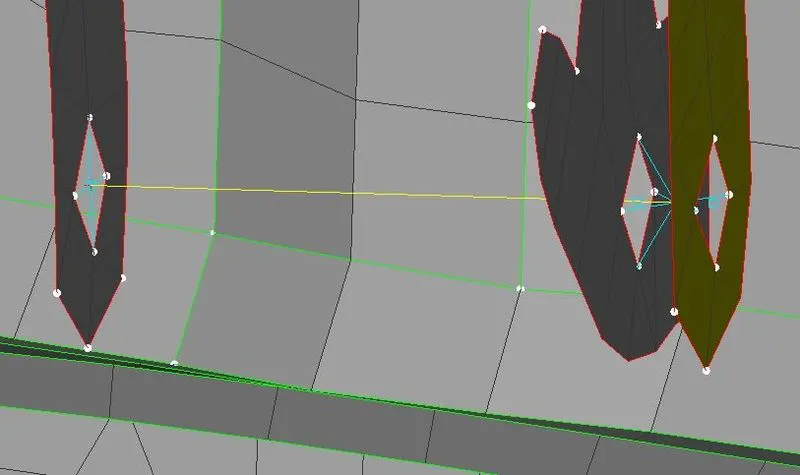
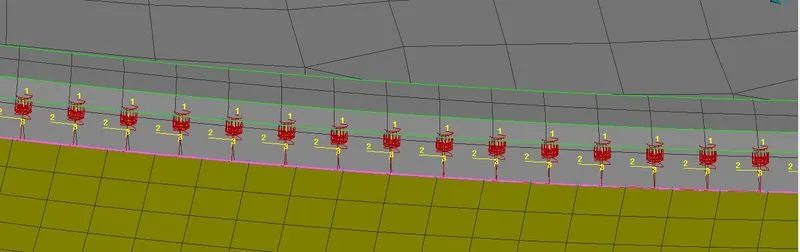
- RBE3-CBUSH-RBE3:
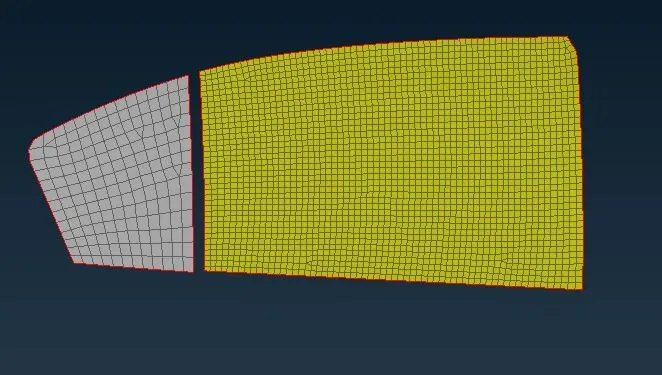
- Hide the Fe model expect the glasses.
- Fist select the lines which were used to join by MESH>PERIMETER>FEAT2CURVE.
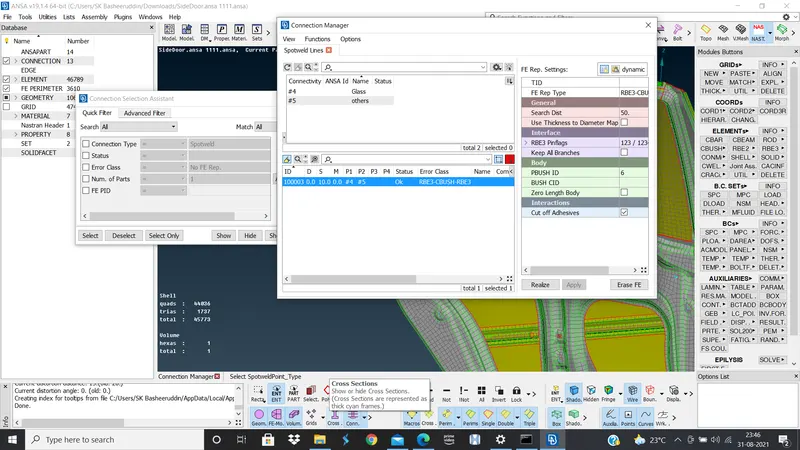
- After go to convert>Curve>select the curve and assign the property and enter and go to CONNECTION MANAGER>Select the curve>Select the spot connection.
- After go to connection manager eneter the p1,p2 values and spot distance apply and realize.
-
-
-
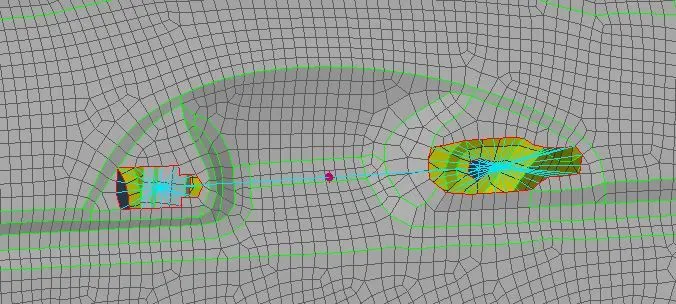
- Connection for the handle of the door:
- For the handle create a 2 RBE2 elements at the both nodes.
- NASTRAN>CONMI1>COMNI2>NODES>Select the nodes for the connection and give the mass for the given point.
-
-
- Conclusion:
- For the given Rear door FE model, Created and Applied different PIDs for different components. By using the same technique and the elements as shown in the video, Perform suitable connections.