Week 8-3D Tetra Meshing Challenge
Objective:
- Create a Teramesh for Housing component with the following quality criteria.
-
TetraMesh Generation Method: 2D to 3D Conversion
Elements sizes: Min- 2 Units, Target- 5 Units, Max- 7 Units
Tet collapse: 0.15
-
The minimum length and the maximum length are to be checked only for 2D elements when performing a 2D to 3D Mesh.
Coversion of 2D Tria mesh to 3D Tetrahedral Mesh by using Tetra Mesh Pannel:
Steps to create the Housing fro 2D to 3D Tetra mesh - Import the model into the GUI.
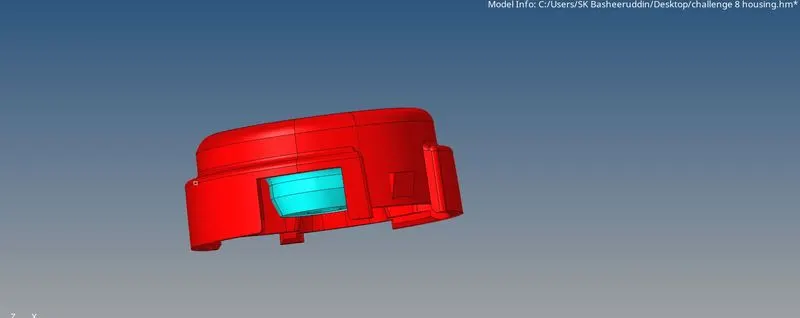
- Delete the solid in the geomentry by Delete-solids-delete.
- Gemoentry cleanup will be done to the model so that we can toggle the unnecessary lines.
- Now perofoming the 2D operation by mesh Type "Tria" Target Element size as 5units.
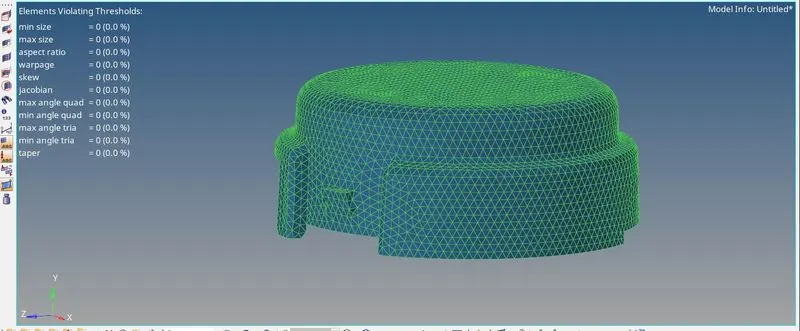
- After completeing the 2D mesh the model should clear the Max and Min element Failure.
- Now The model should proferm the 3D mesh from 3D-TetraMesh option.

- In Tetra mesh Select the elements under the Fixed Trias and quards to tetra mesh option.
- After meshing click on the mesh.
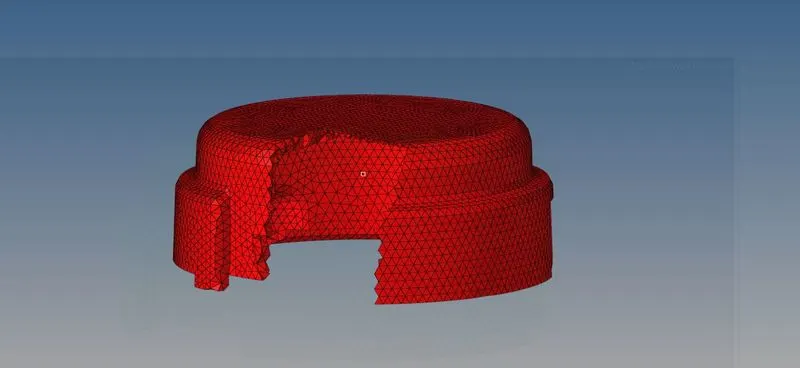
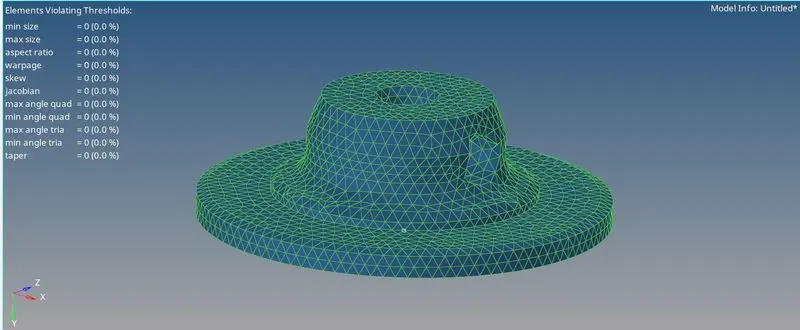
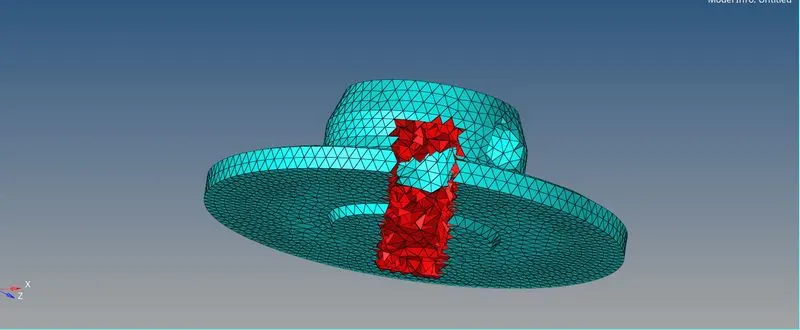
- Once the meshing is completed click on the mask option to see the 3D tetra mesh is created.
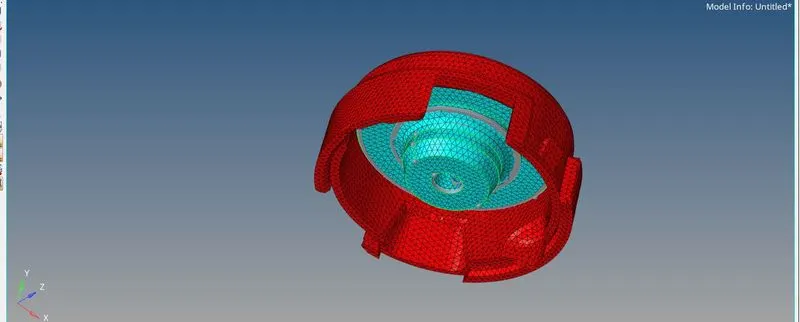
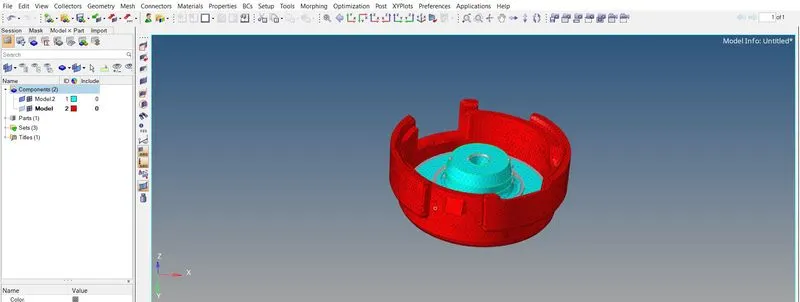
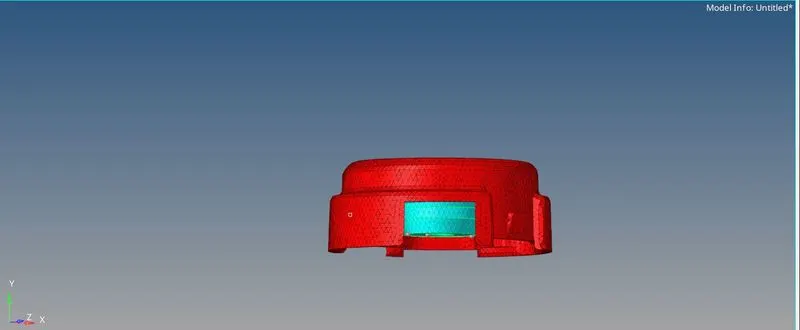
- For the given model, Create a 3D Tetramesh with the following quality criteria.
TetraMesh Generation Method: Quick Tetra Mesh/ Volume Tetra Mesh
Target Element size: 3 Units.
Tet Collapse: 0.15
Generating Tetra Mesh using Tetra mesh utility Panel
- Import the Model into the Hyper mesh and clean the geomentry.
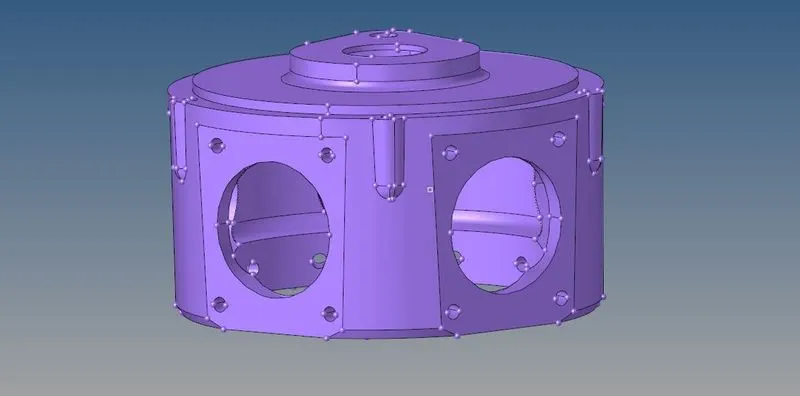
- Delete the solid in the model Delete-solid-Delete.
- Click on View-Browzer-hypermesh-utility
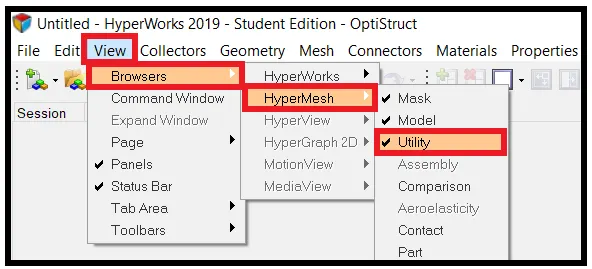
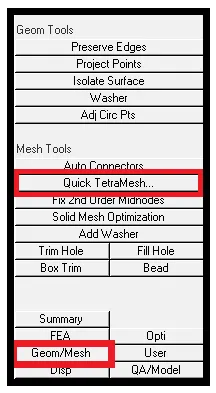
- Now select the mesh/Geomentry from the utility panel and tetra mesh.
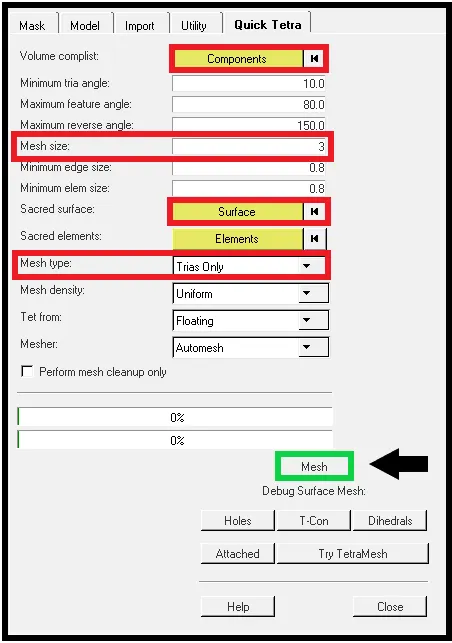
- In Quick Tetra mesh select the componemts and elements.
- Specify the mesh type " Trais"and mesh size and click on Mesh.
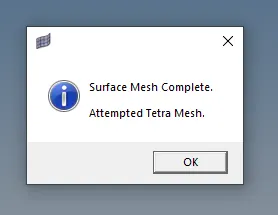
- After completing a surface mesh diagloue would appear click on it.
- Checking the Tet Collapose and remesh if any elements failure takes place.
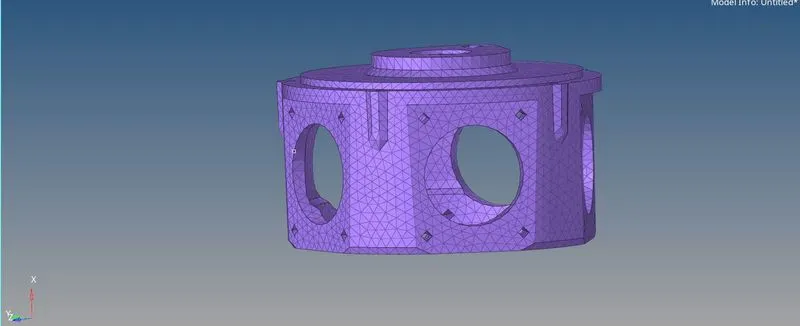
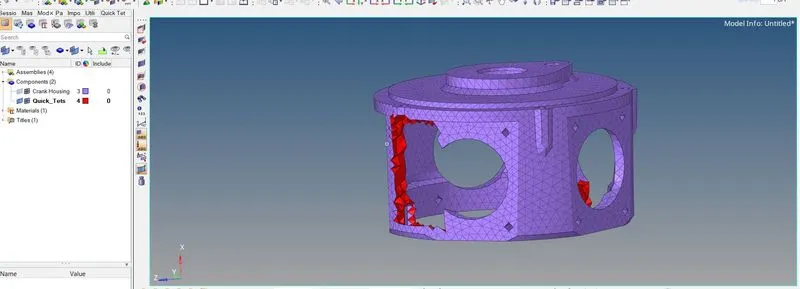
- complete the mesh by using Quick Tetra mesh.
- For the given assembly model, Create a 3D Tetramesh with the following quality criteria.
TetraMesh Generation Method: Quick Tetra Mesh/ Volume Tetra Mesh
Target Element size: 4 Units.
Tet Collapse: 0.15
Generating Terta Mesh by uisng volume Tetra Mesh.
- Import the Model into the Hyper mesh and clean thr Geomentry.
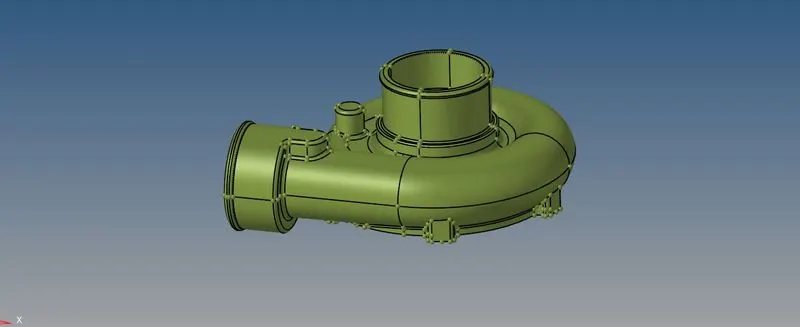
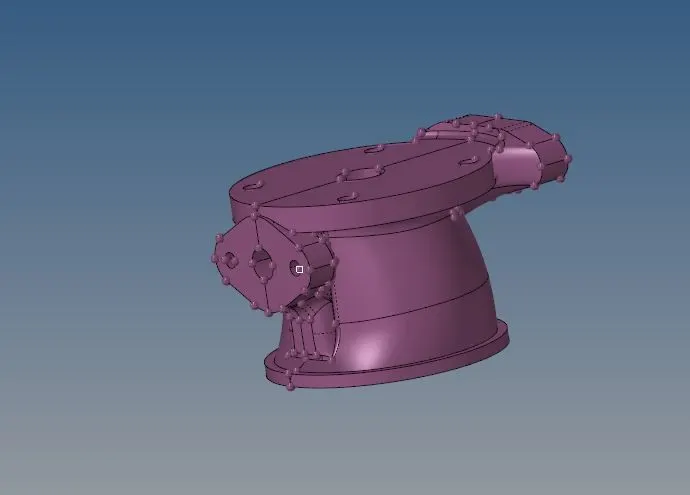
- Keep the solid in the model 3D-Tetra Mesh

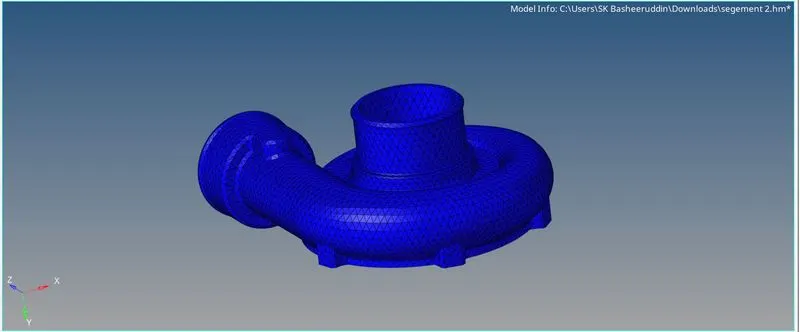
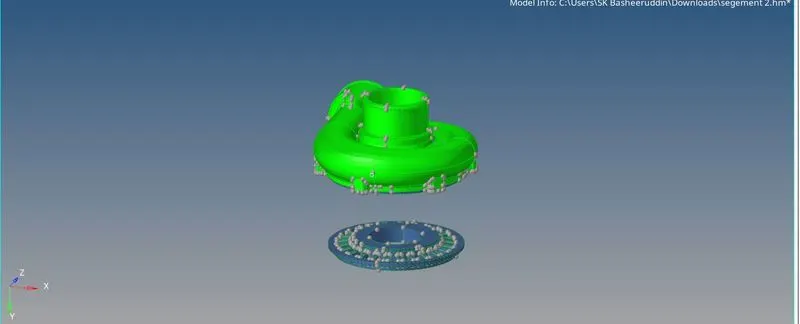
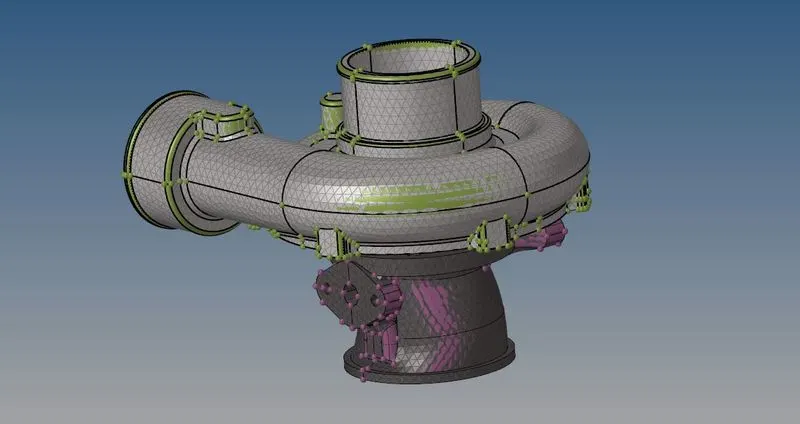
- Click on volume tetra and select the solids on the model.
- Click the use curvature and use proximity.
- Specify the Min element length and Click on cleanup element.
- checking the Tet Collapose value and remesh and Translate the option to element failure.
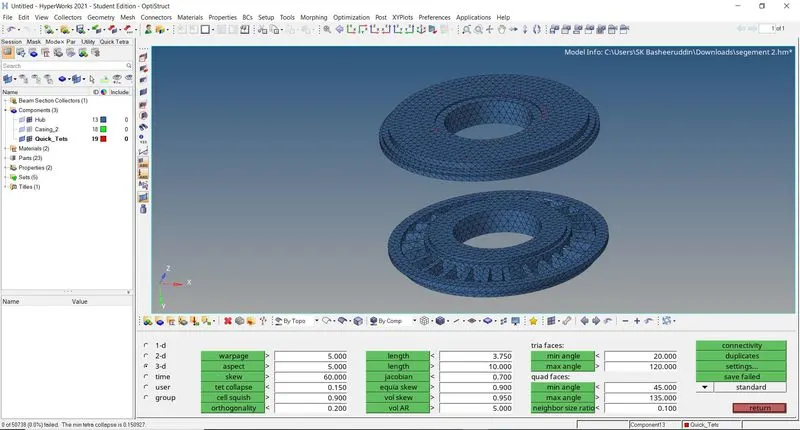
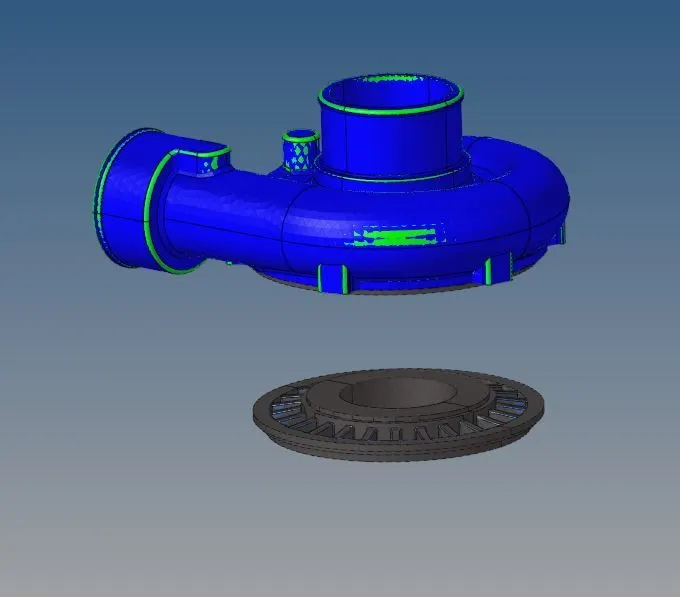
- Complete image of the tera mesh by using Volume Tetra Mesh.