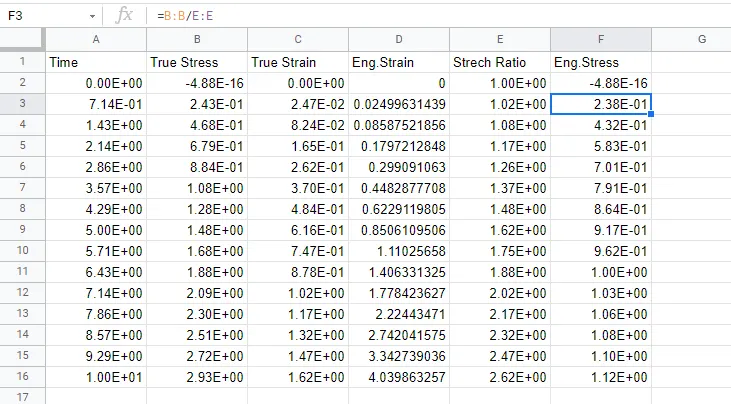
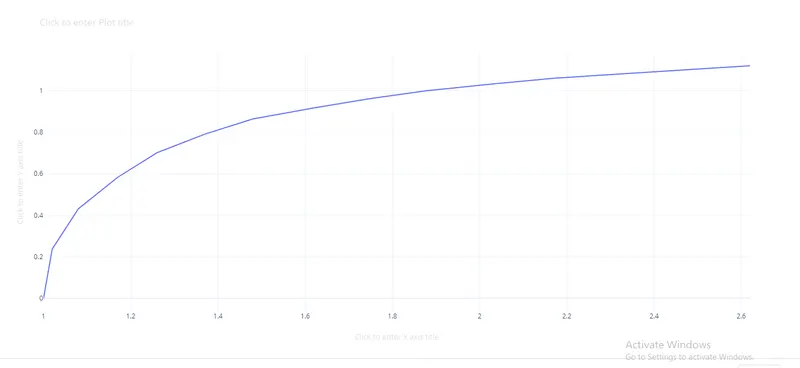
Week-6 Calculate the Stretch Ratio by comparing the ELFORM (-2,-1,1,2) with Ogden_Material Model.
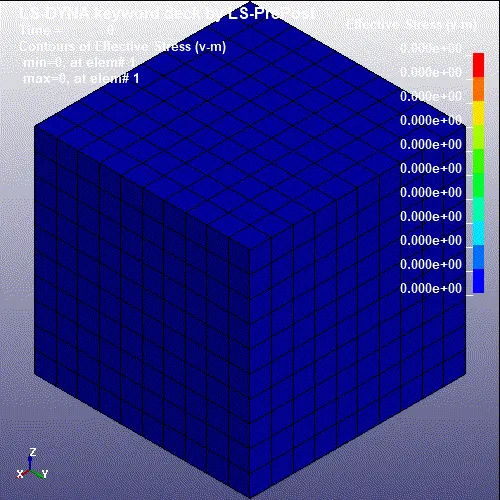
AIM:Create a block of 10mmx10mmx10mm dimension with 10 elements for each direction.Simulate the tensile behaviour of the block and compare the results of the simulation using ELFORM 1,2,-1,-2.
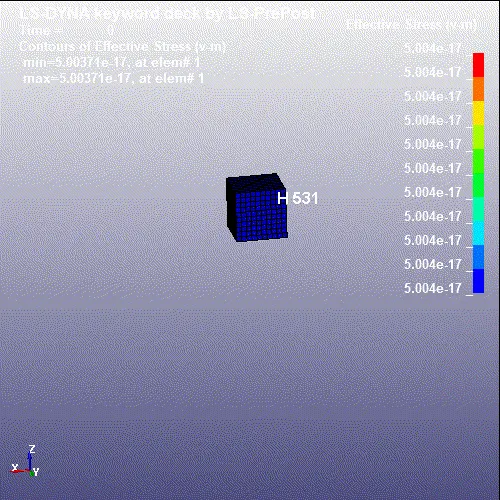
- Create the box of solid crossection in the LS prepost.
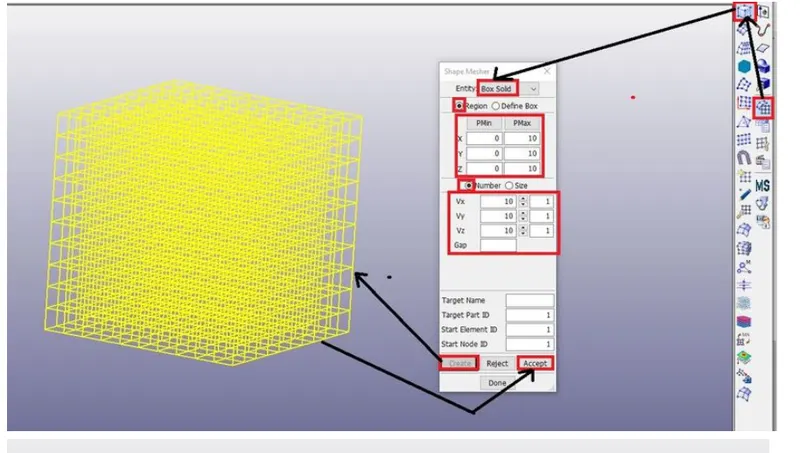
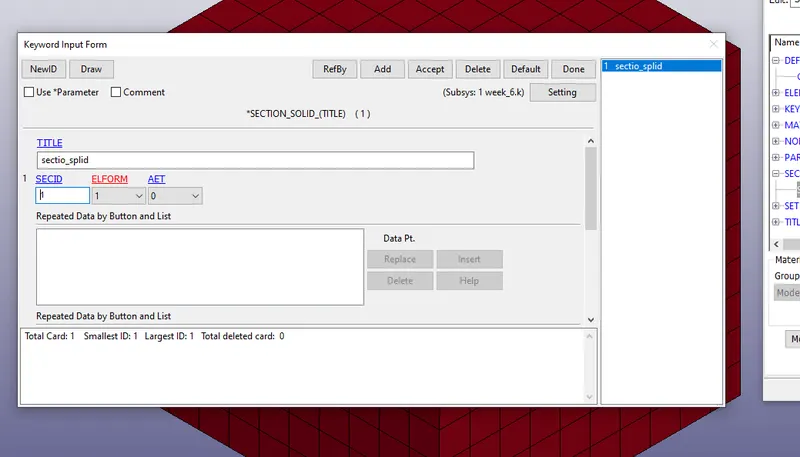
- After creating the given model creating the section for the given model.
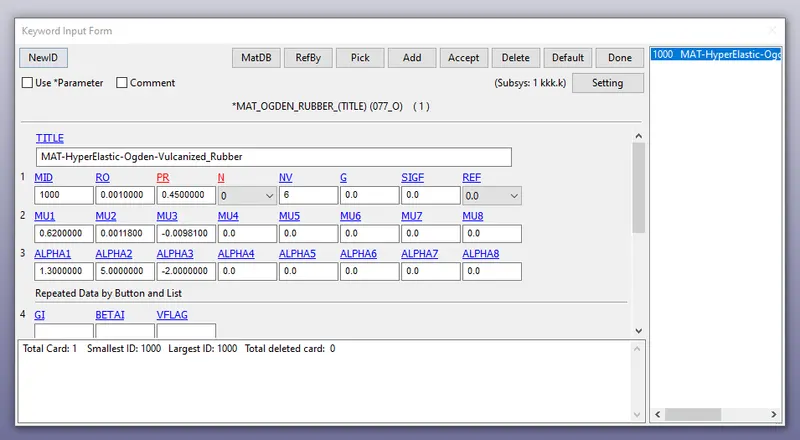
- we should import the given material for the model.
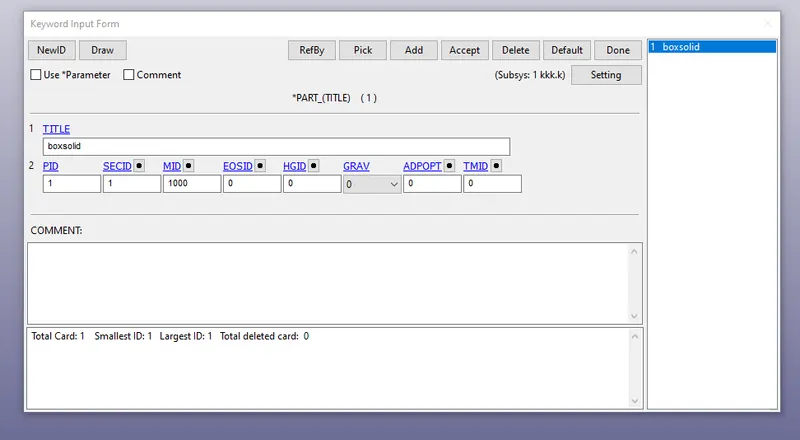
- we should assign the material and section model for the part in the model.
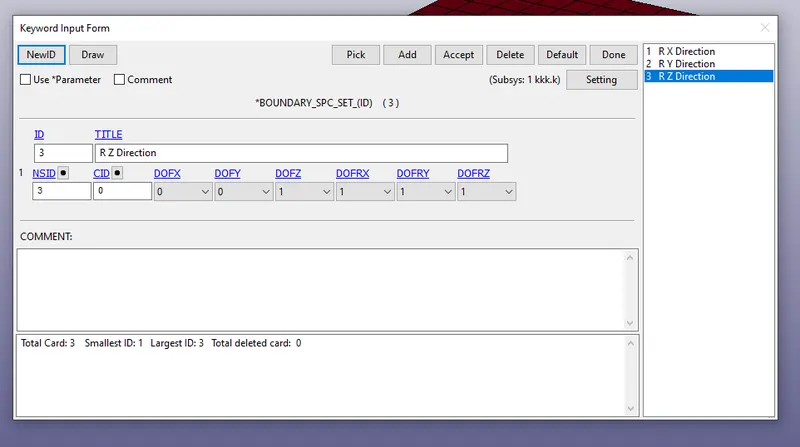
- we should create the spc boundary condtion for the given model.
- Restrict in X- direction:
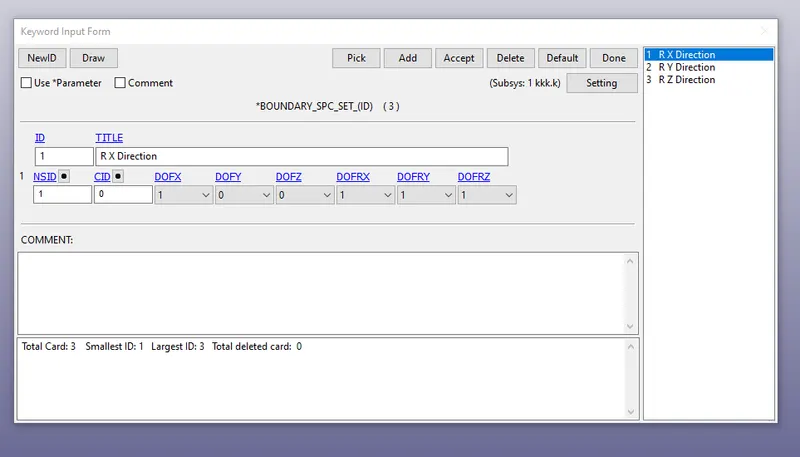
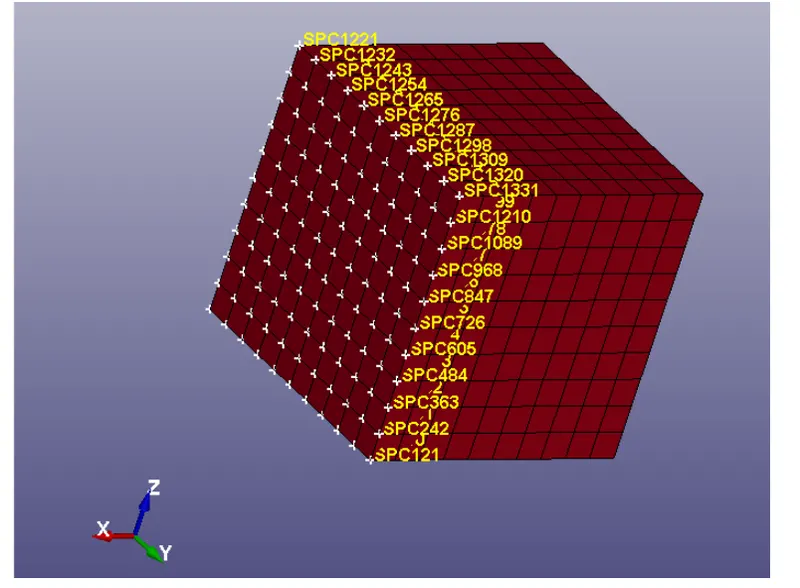
- Restrict in Y-Direction
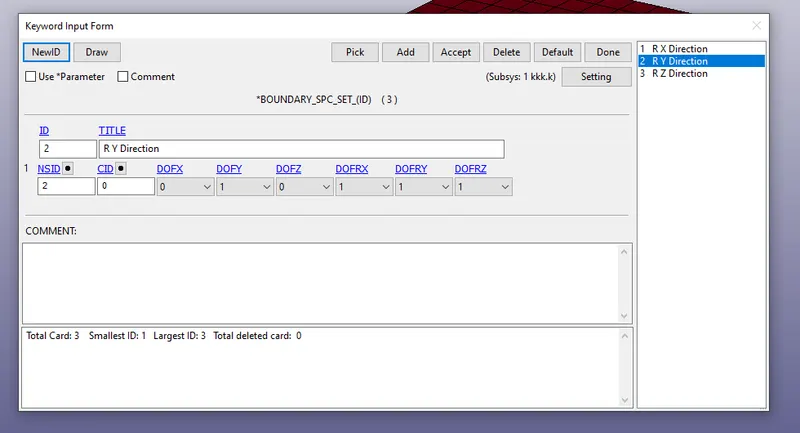
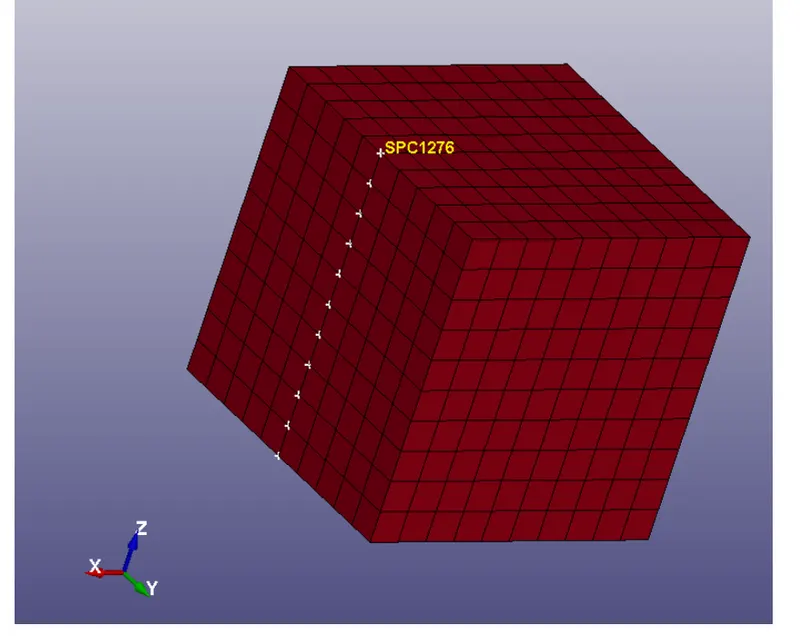
- Restrcit in Z-Direction
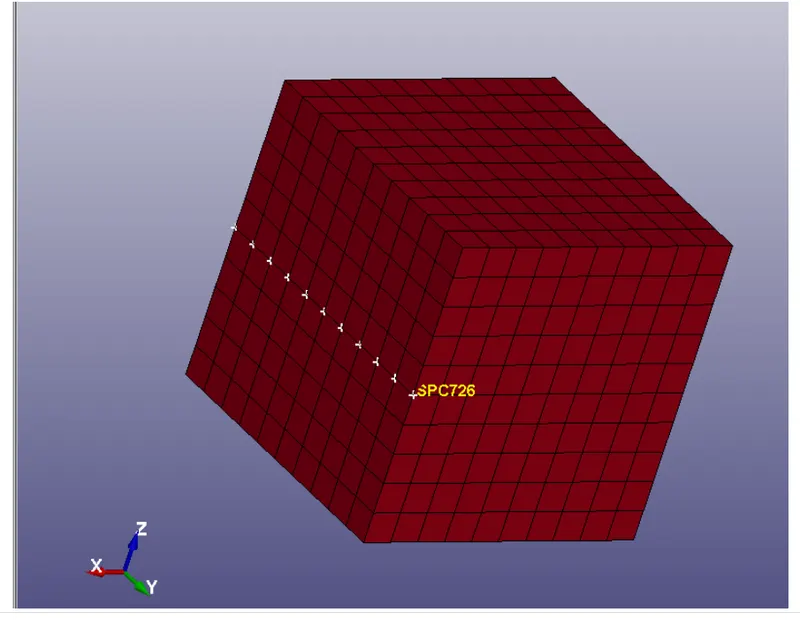
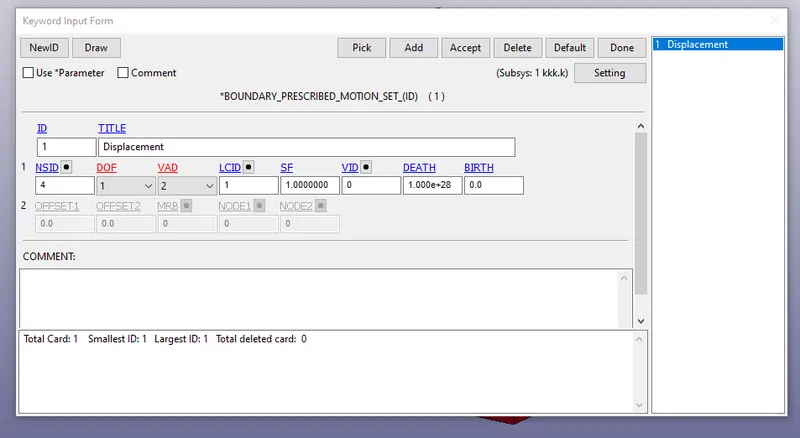
- We should have to create a motion boundary for the given model.
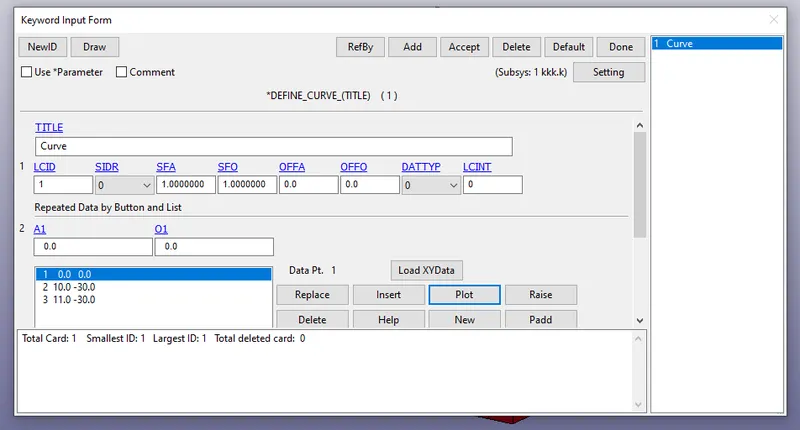
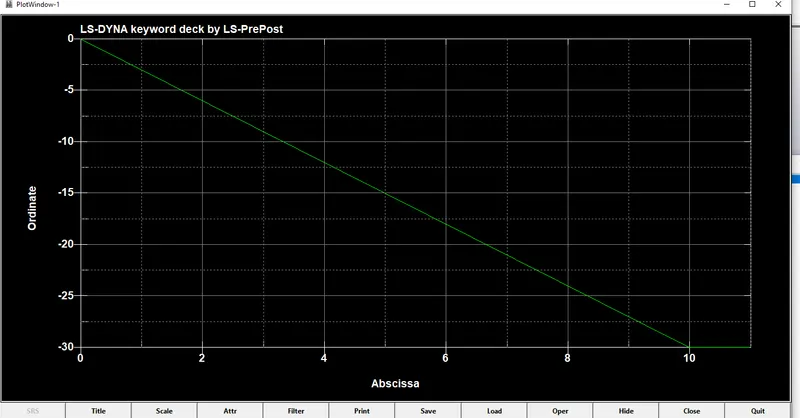
- we should create a curve in the prescribed motion in the given model.
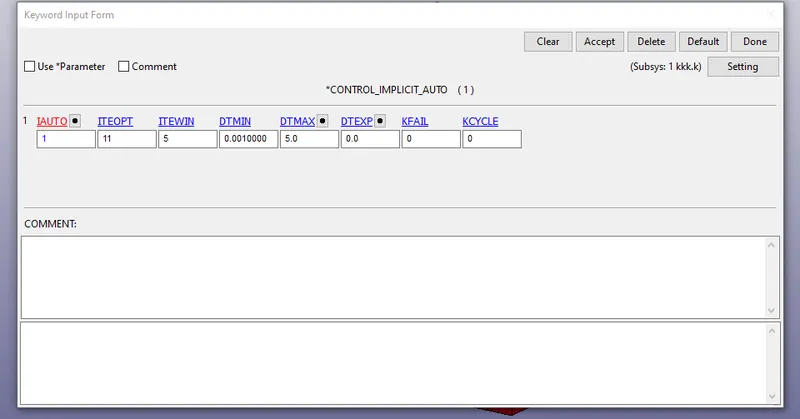
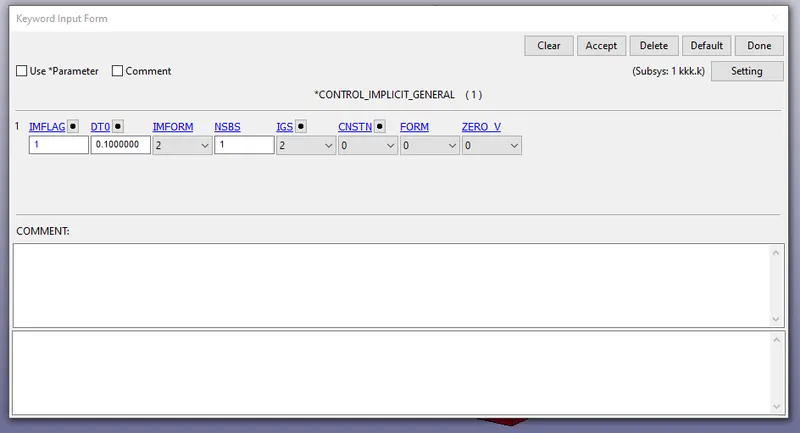
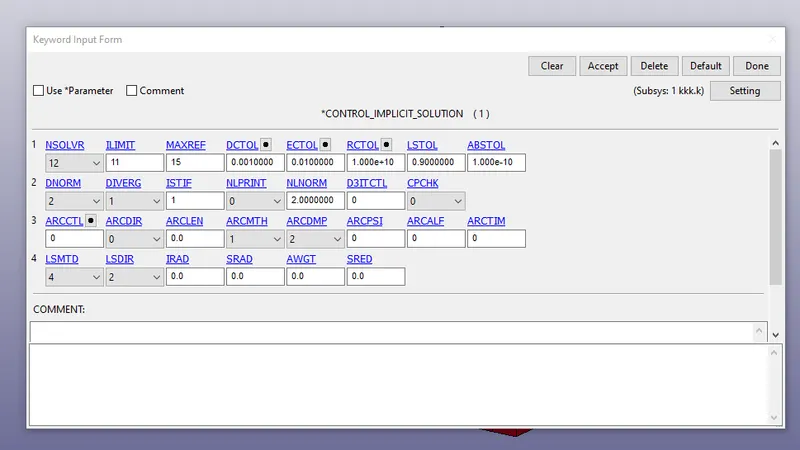
- we should create the control termination,implicit auto,implicit solver,implicit solution,implicit general for the given model.
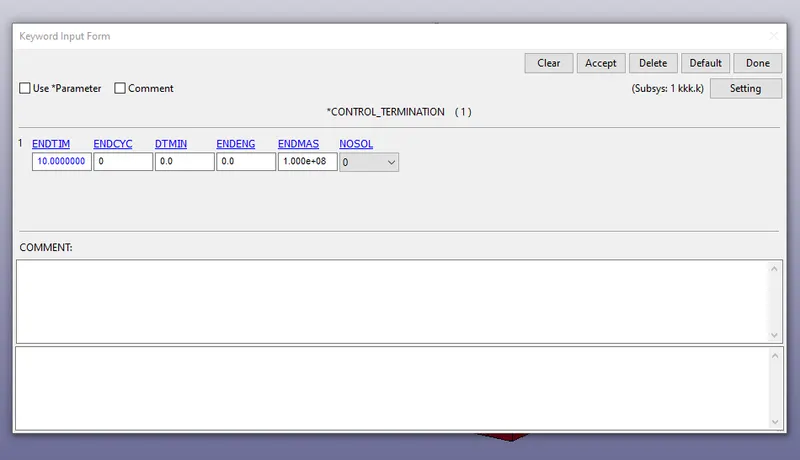
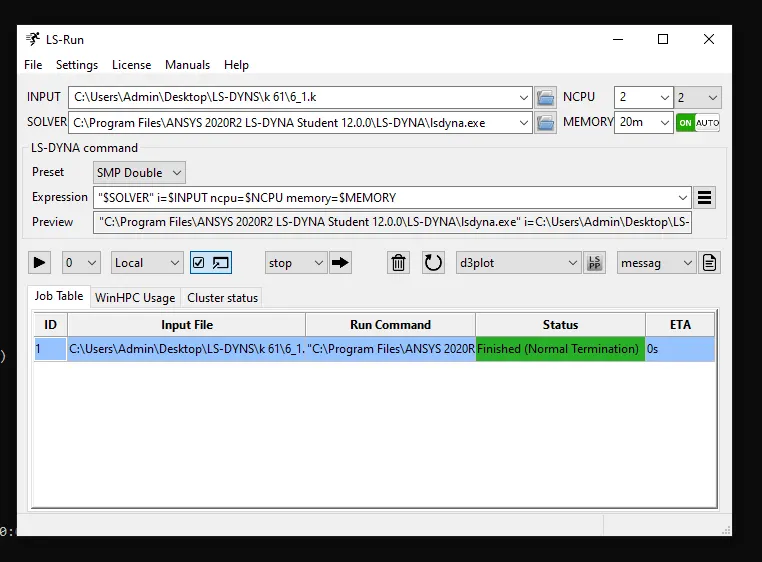
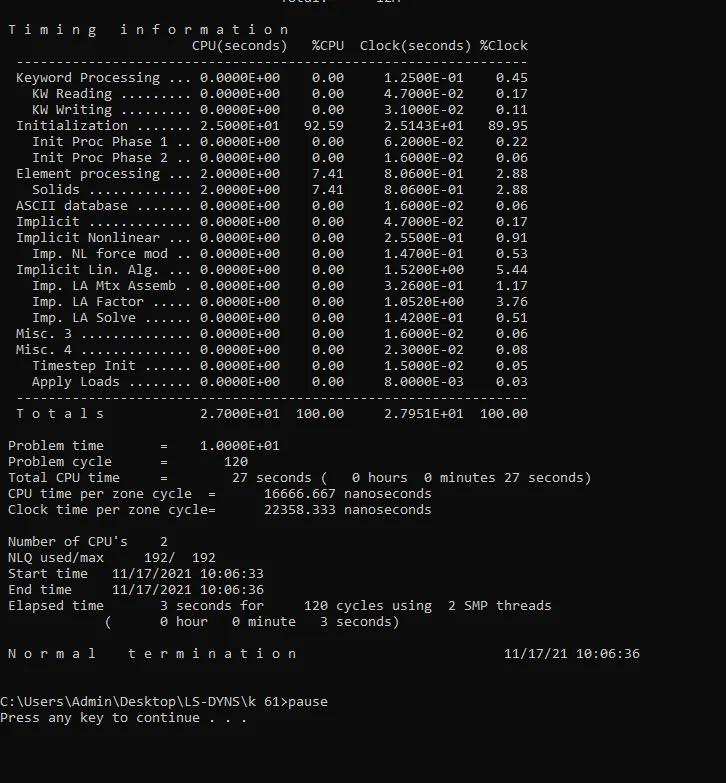
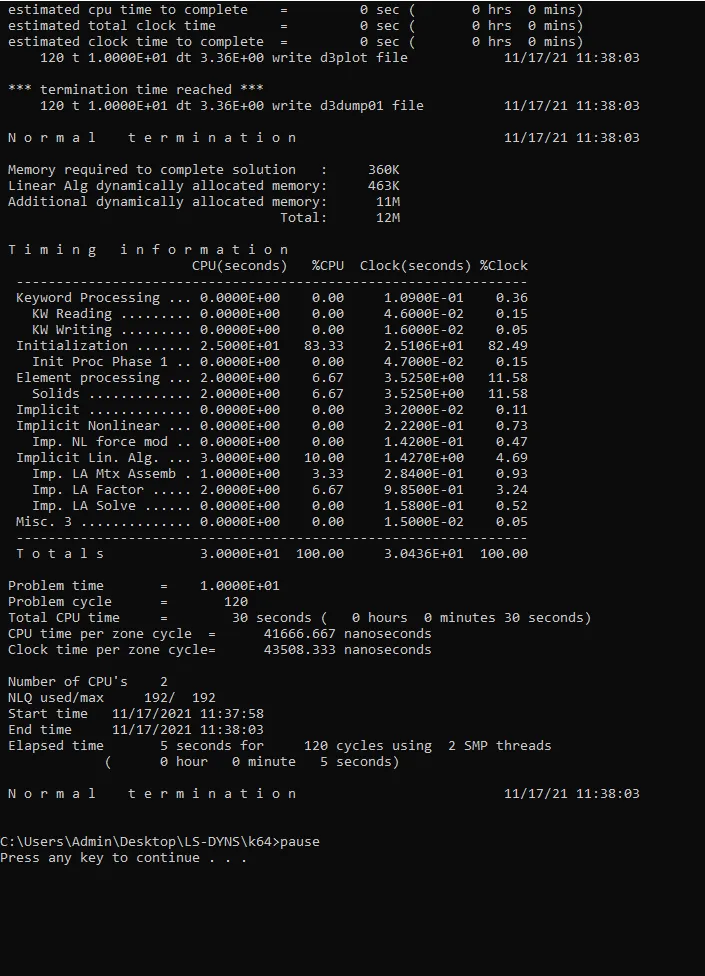
- create the ASCII file and bnary plot for the given model.
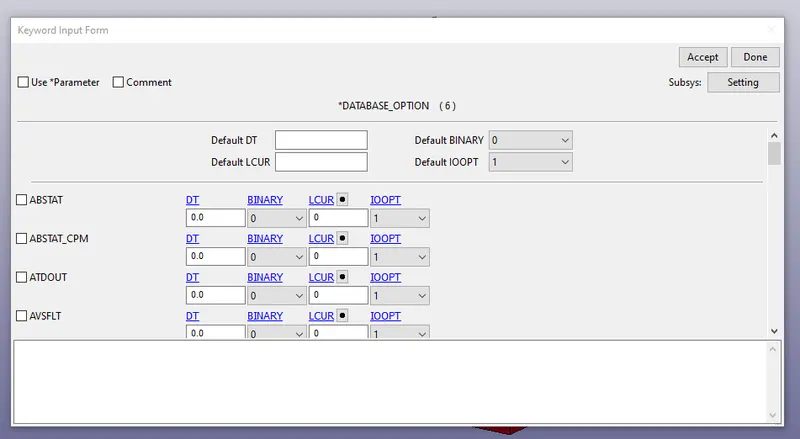
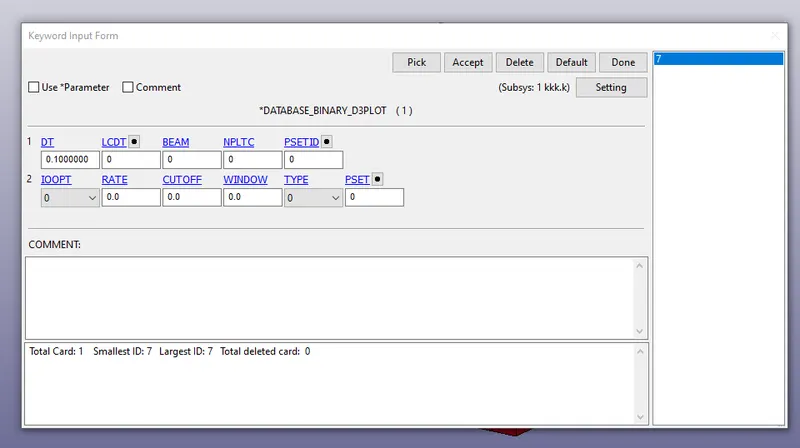
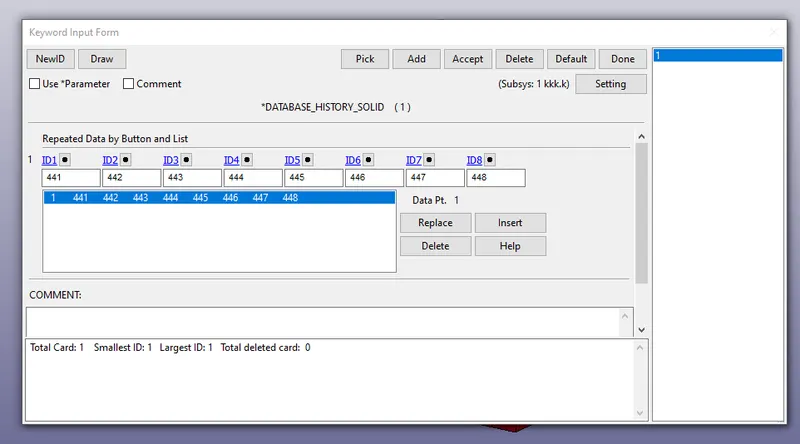
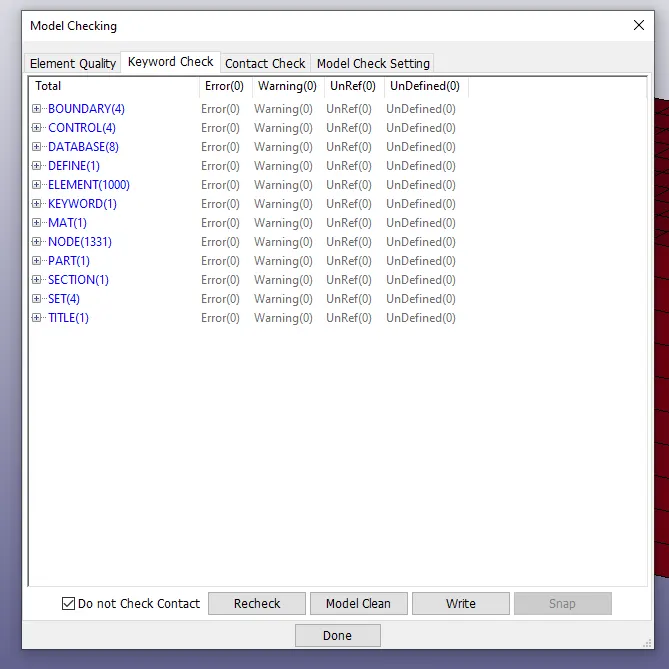
- we should check the model checker for the given model.
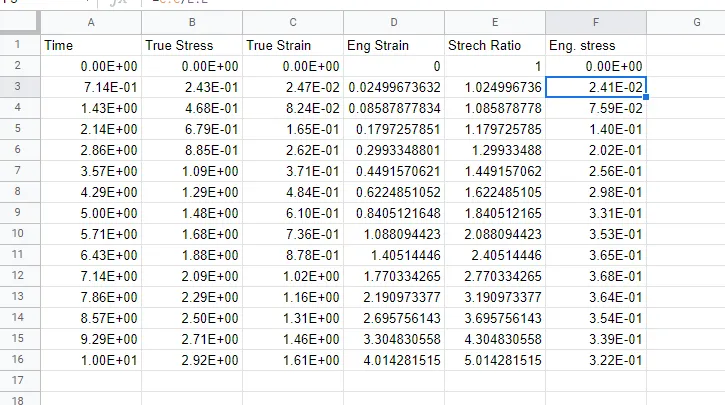
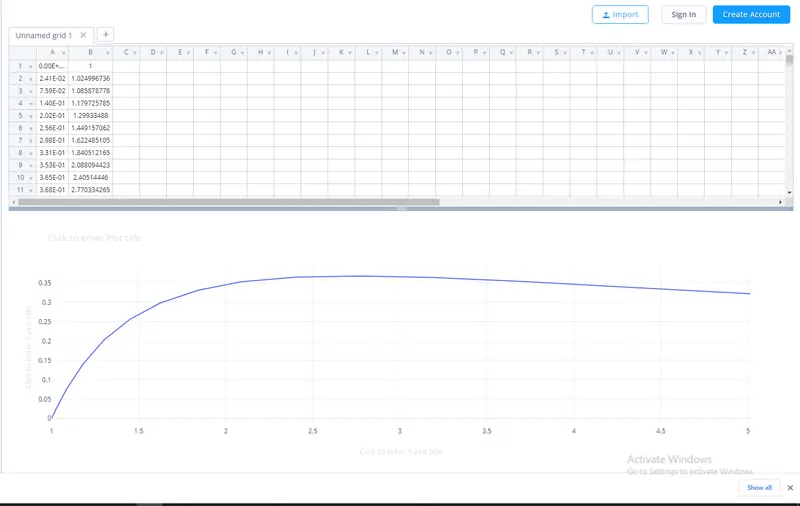
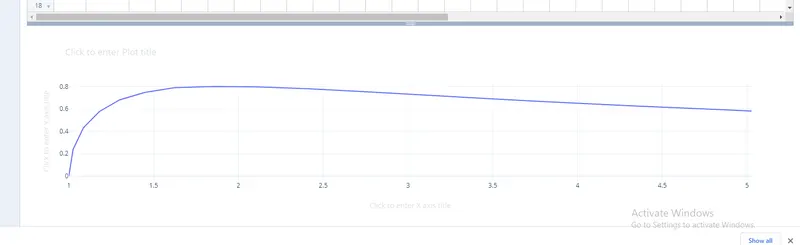
- case 2: 2
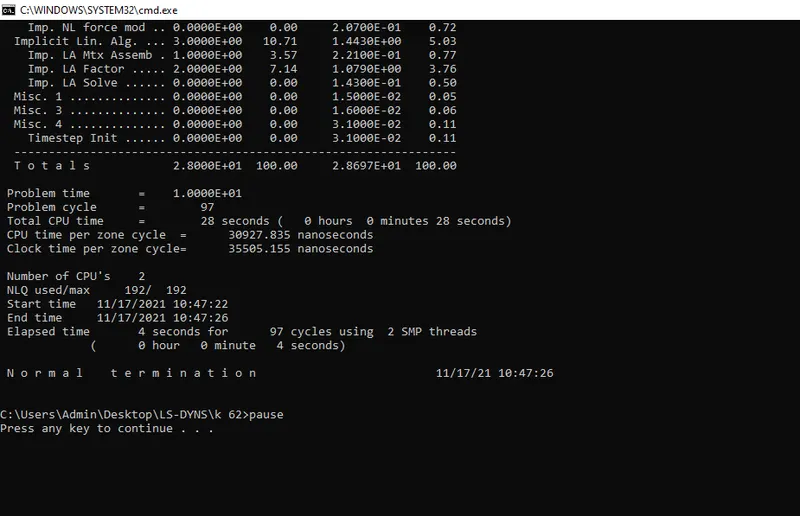
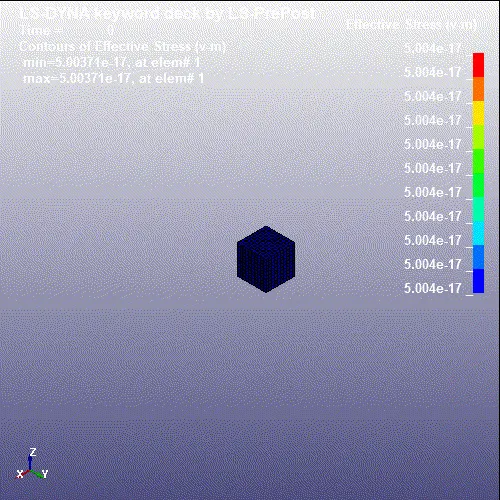
- case 3: -1
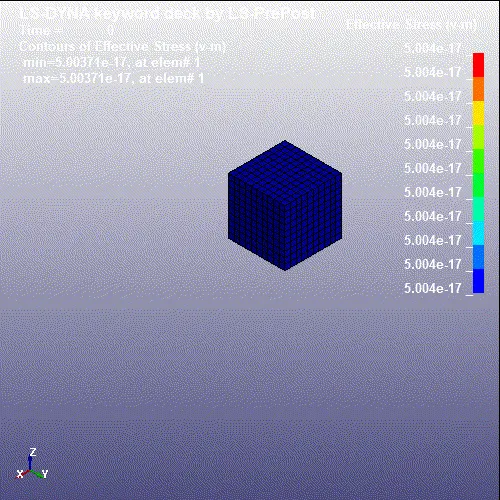
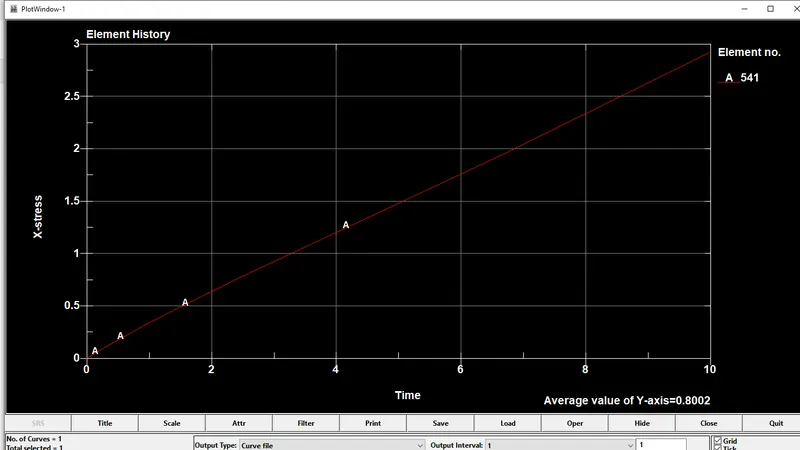
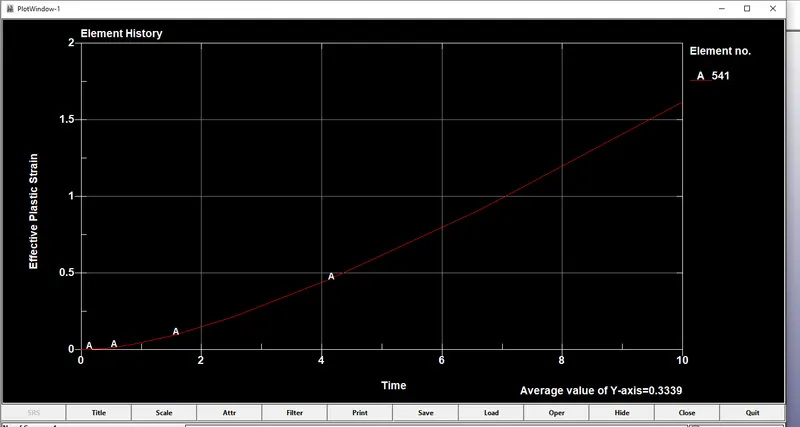
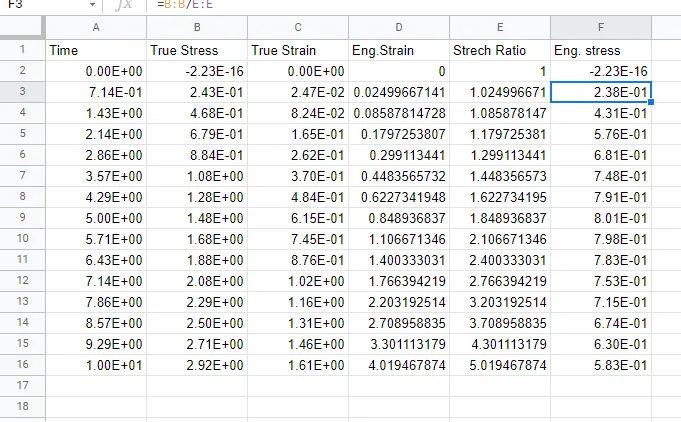
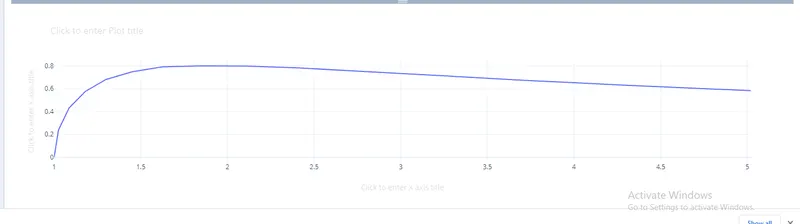
- case 4:-2
-
CONCLUSION:-
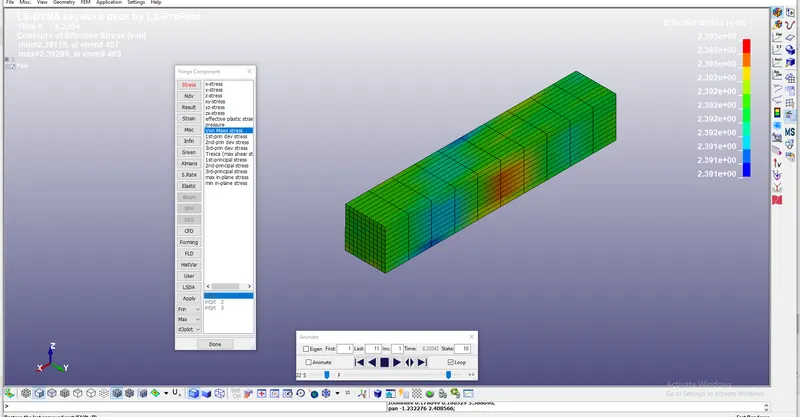
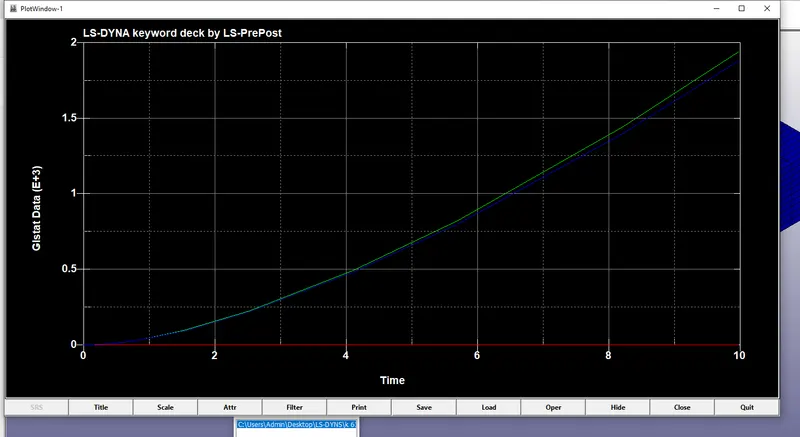
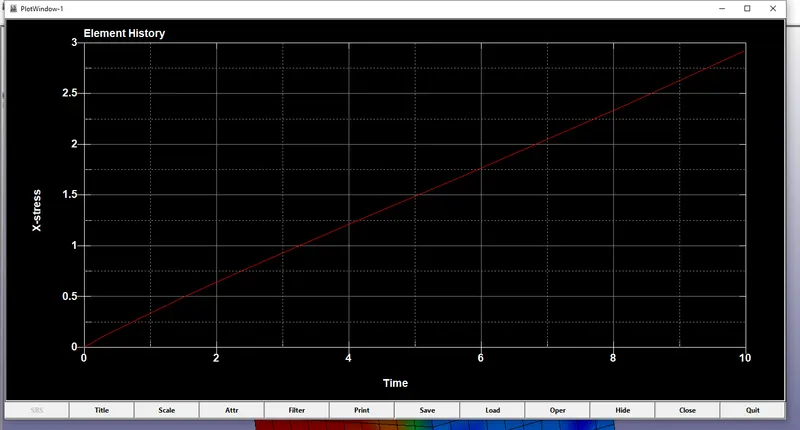
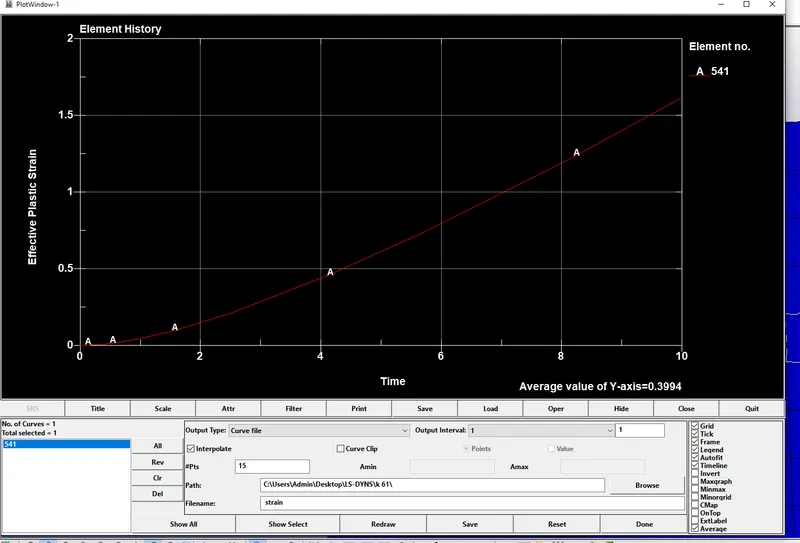
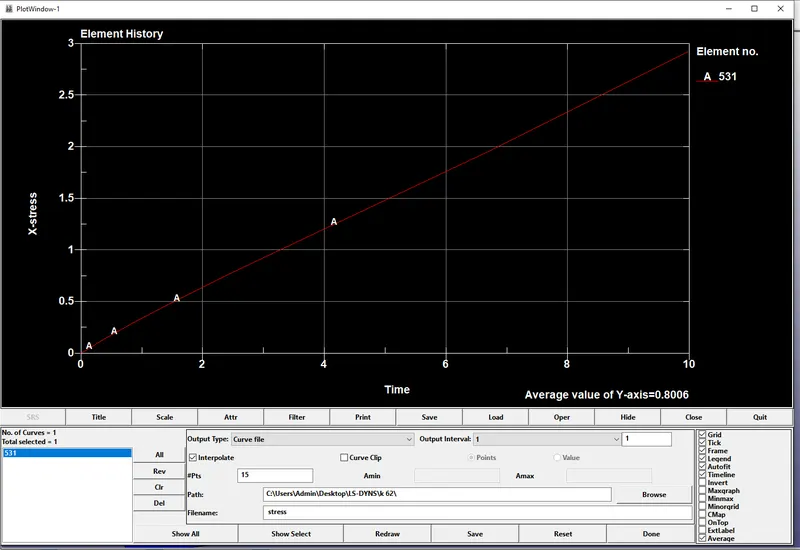
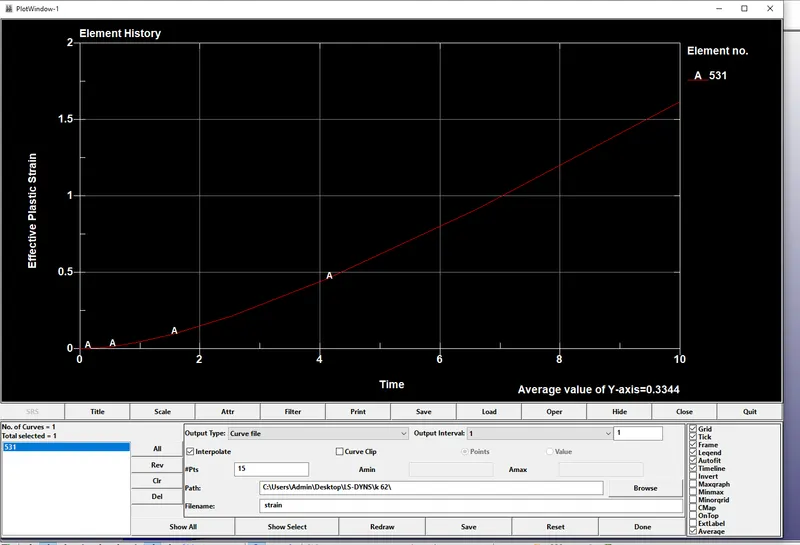
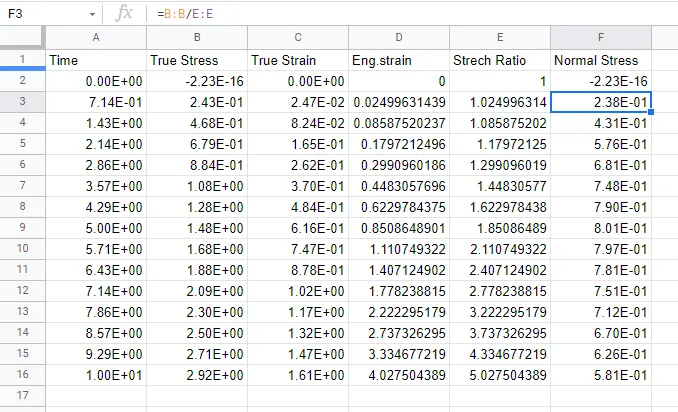
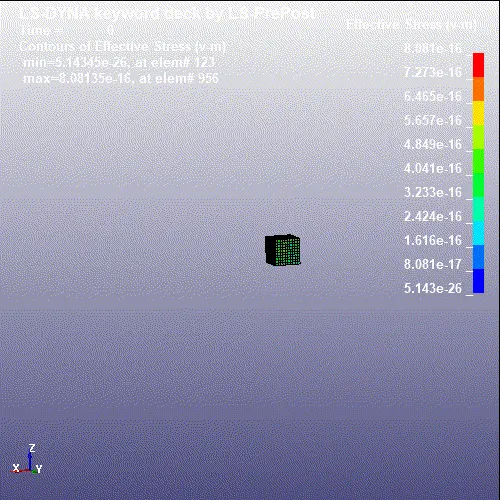
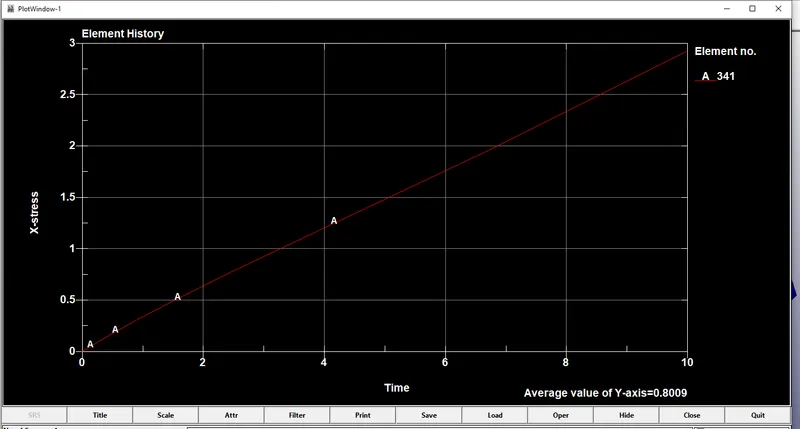
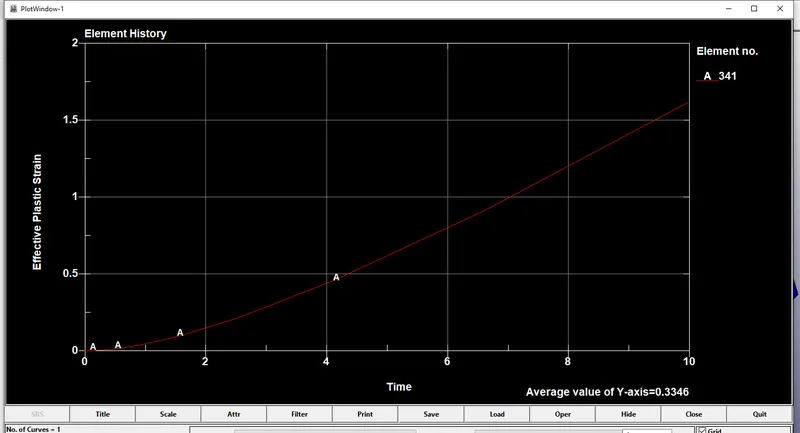
By changing the element formulation normal stress changes each case as shown below.
case 1-Element formulation is 1, normal stress is increased gradually.
case 2-Element formulation is 2, normal stress is decreased at the end of the simulation.
case 3-Element formulation is 3, normal stress is decreased.
case 4-Element formulation is 4, normal stress is decreased end of the simulation.