Week 3 - 2D meshing for sheet metal
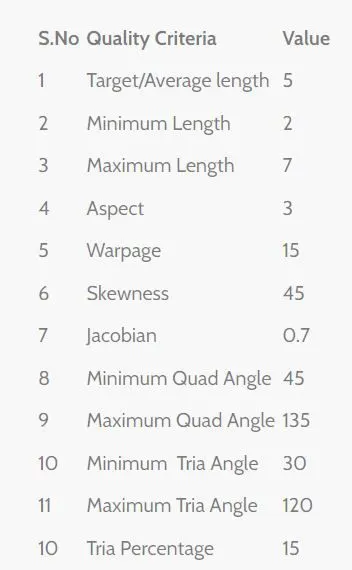
OBJECTIVE:For the given Hood model, Take the mid surface for all the components after checking the geometrical errors and mesh the mid surface with the given element Quality criteria. (Refer the table Below for the Quality criteria)
QUALITY CRITERIA:
procedure: Steps to be performed in the ANSA:
- Importing the given model in the ANSA GUI.
- By going to the file>open>download>hood challenge>Import.
-
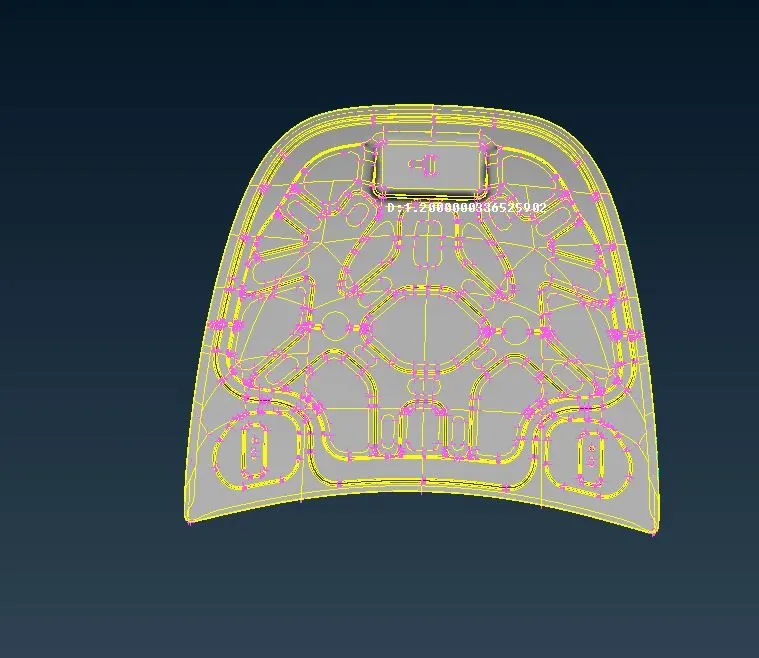
- After importing the model we should have to switch on the cross hatches.
- Then we should do the geomentry clean up and Topology clean up to the given model.
-
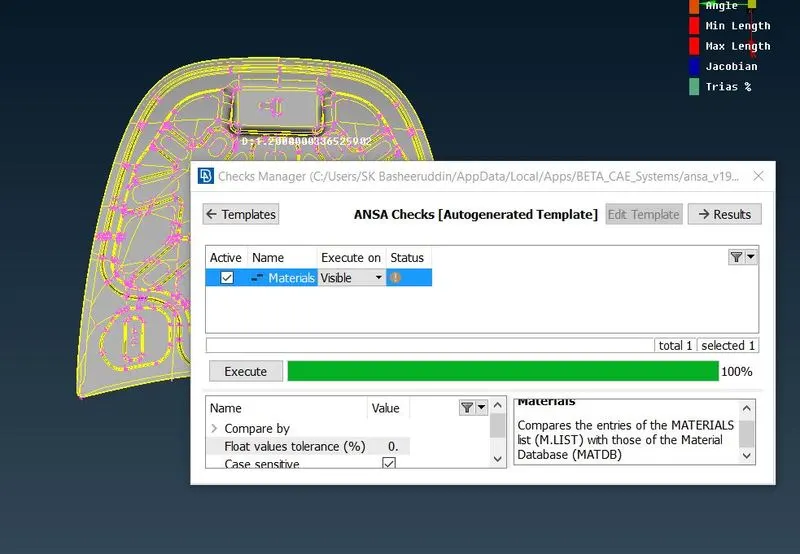
- we should have to hide the remaning parts and work the one part making its geometrical clean up.
-
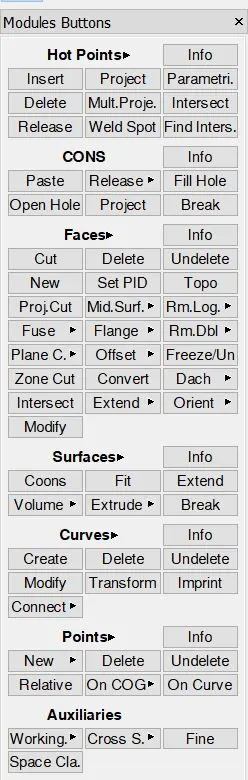
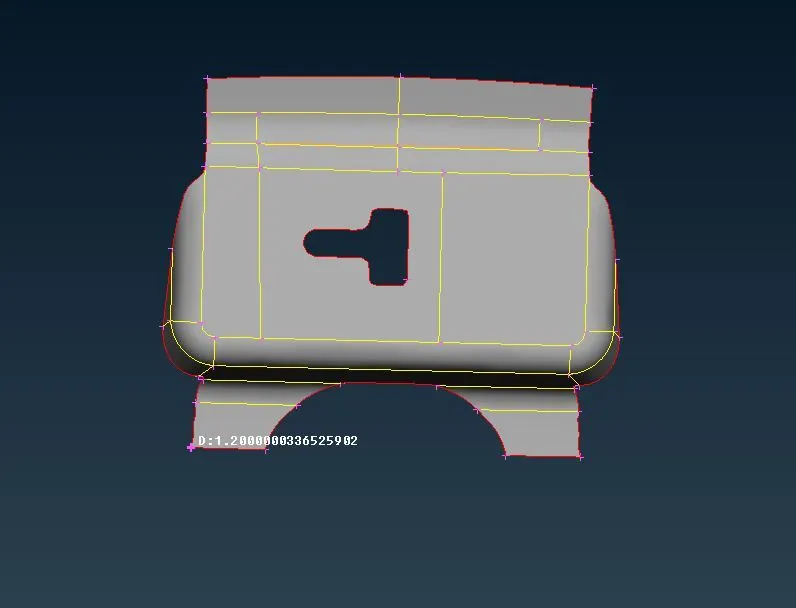
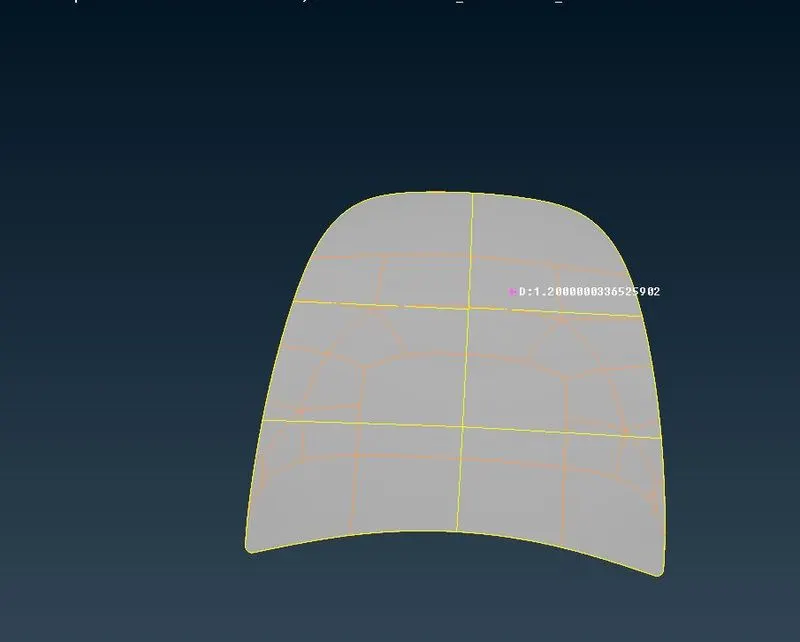
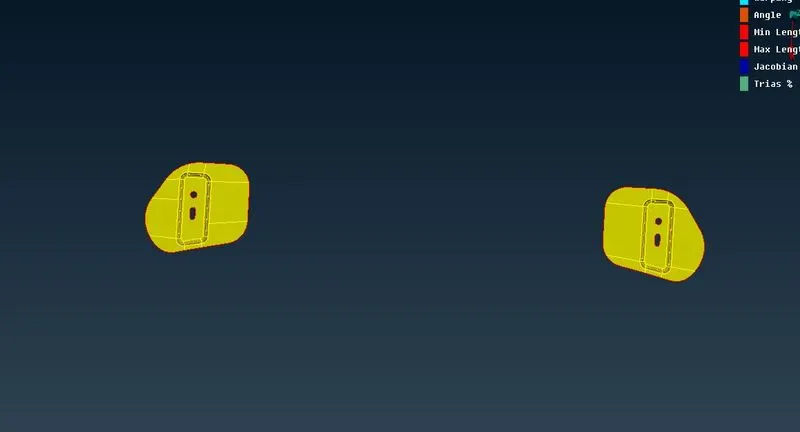
- Creating the Mid surface to the given model and Mid surface can be taken from Topo>Faces>offset>select the face and give the offset distance and a popup menu will be appear where parent geomentry is requried or not.
-
-
-
-
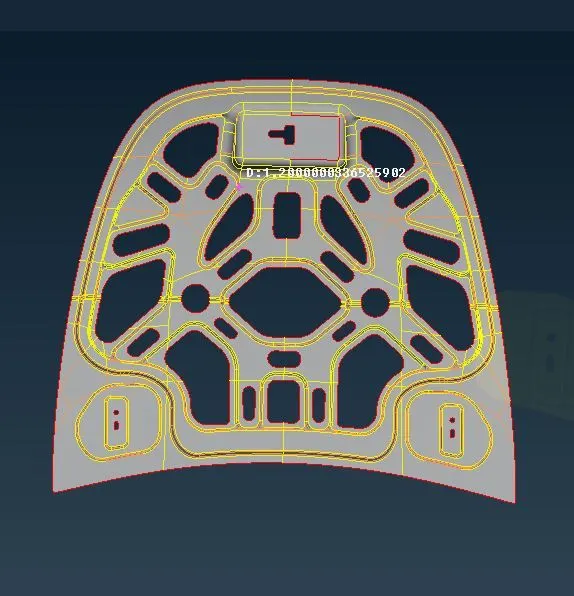
- After completing the Mid surface work on the model and give the Target element size as 5 perimeter size 5 and give the Quality criteria as given above.
-
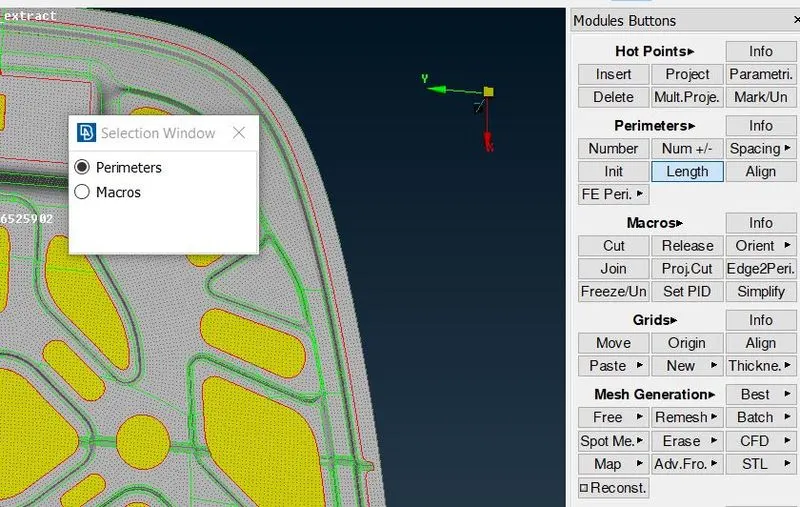
-
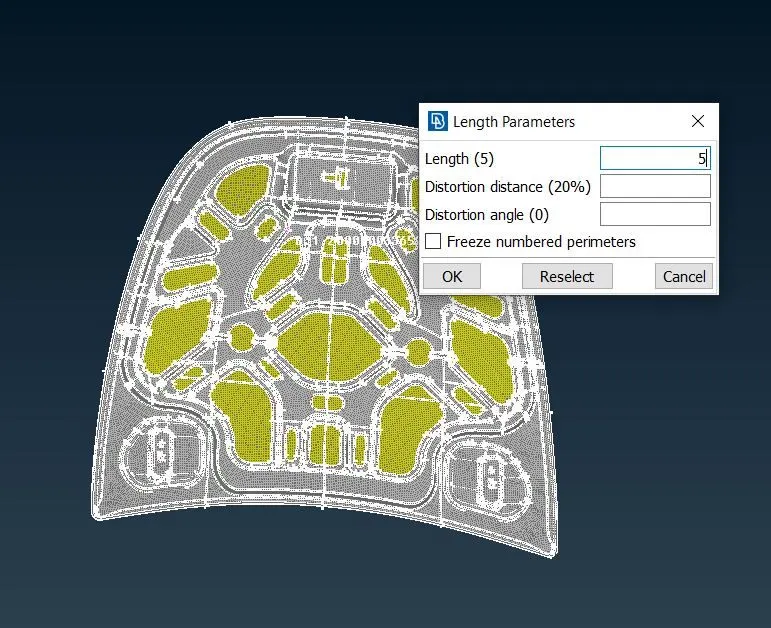
- After creating the meshing we should go to mesh>meshgeneration>Best mesh>select the model click on ok.
-
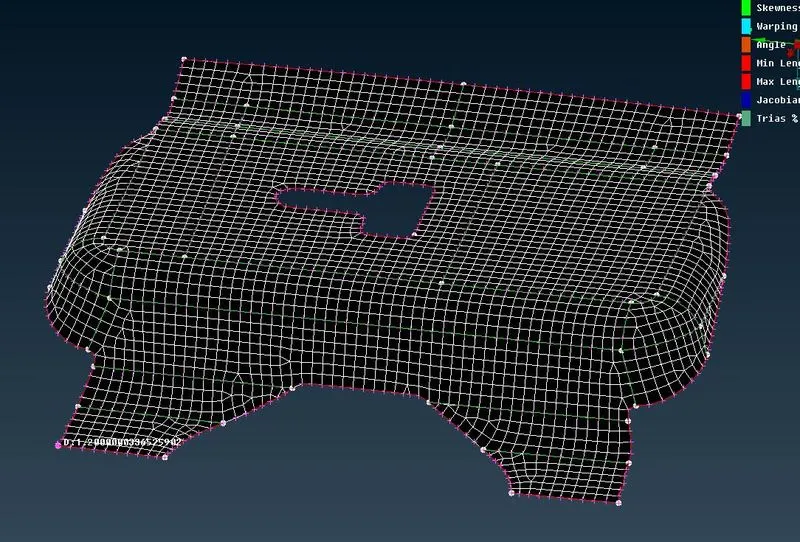
-
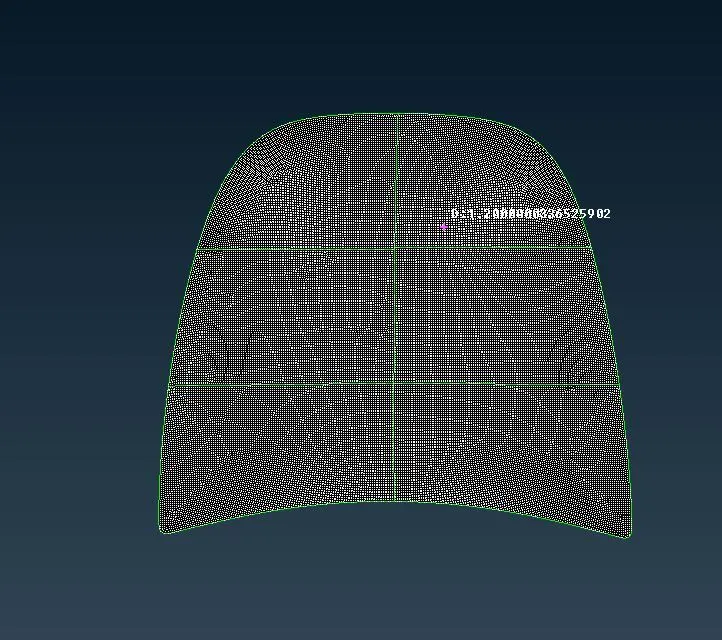
-
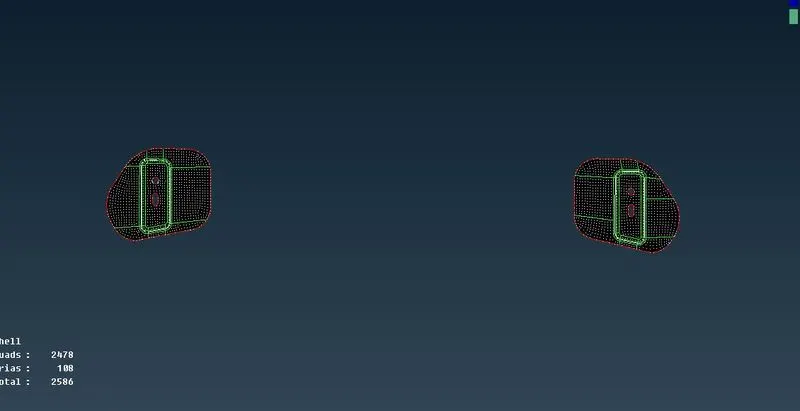
- We should have to continue the same process to the remaning parts.
-
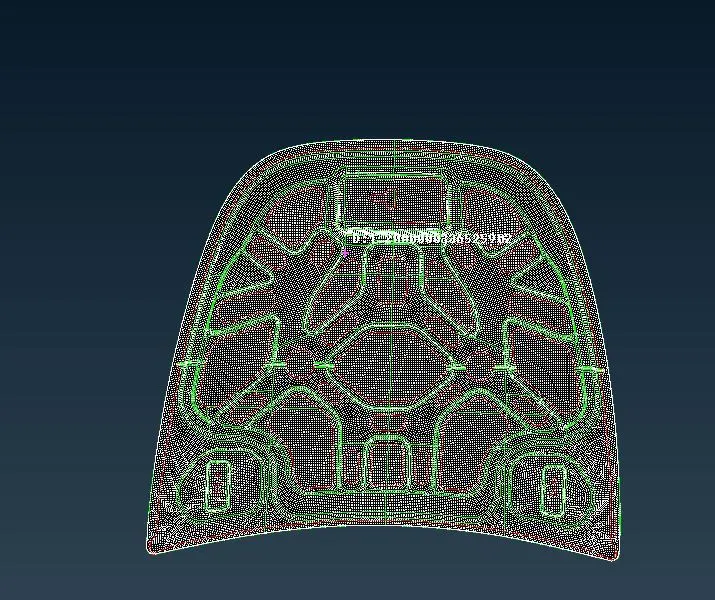
- We should hace to verify the element quality of the given component.
-
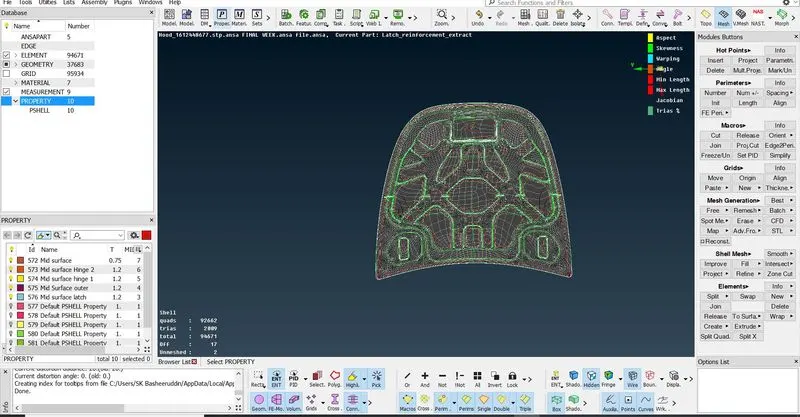
The Geomentry clean up and Topology and meshing and Quality criteria have been done to the given Parts of the model.