Project - 2 - Meshing on the suspension Assembly
OBJECTIVE:
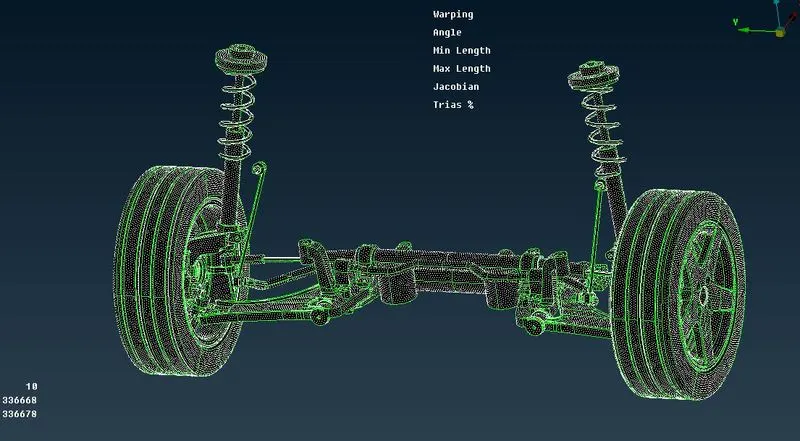
For the given assembly, check for the geometrical errors and mesh with the given element Quality criteria. After meshing the component the thickness has to be assigned for mid surfaces. Use tetra elements to model non-uniform thickness components. Also use Appropriate connections to connect the component as suggested in the Project-2 video (Use PBAR elements to model suspension spring). At last perform Symmetry command to reflect the half finished model to the other side.
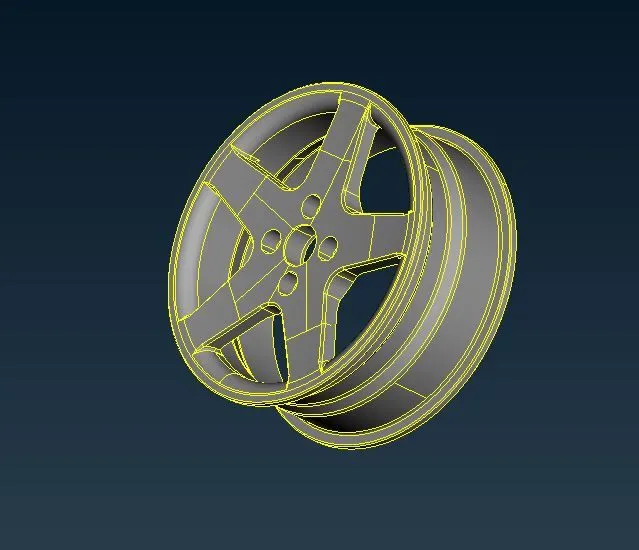
PROCEDURE for RIM:
- First Import the given model into the GUI.
- After Importing the given model we should perform the Topology cleanup if necessary.
- After we should check for the Geomentry checks in the given model.For that Checks>Geomentry>Execute.
- After that we should given the quality and mesh paramters keep in Tria for the the given model.
- Then we should go to Mesh>Mesh Generation>Best mesh>select>ok.
- After the mesh generation check the Elemental Failure and use improve to rectify.
-
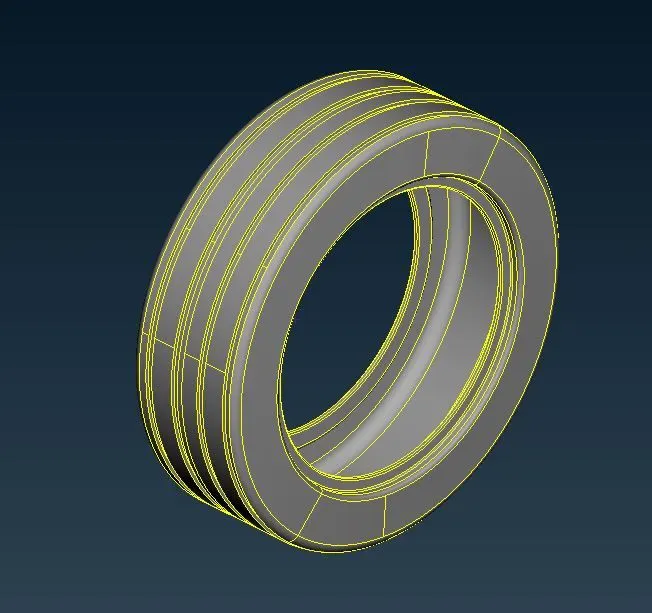
PROCEDURE FOR TYRE:
- After Importing the given model we should perform the Topology cleanup if necessary.
- After we should check for the Geomentry checks in the given model.For that Checks>Geomentry>Execute.
- After that we should given the quality and mesh paramters keep in Tria for the the given model.
- Then we should go to Mesh>Mesh Generation>Best mesh>select>ok.
- After the mesh generation check the Elemental Failure and use improve to rectify.
-
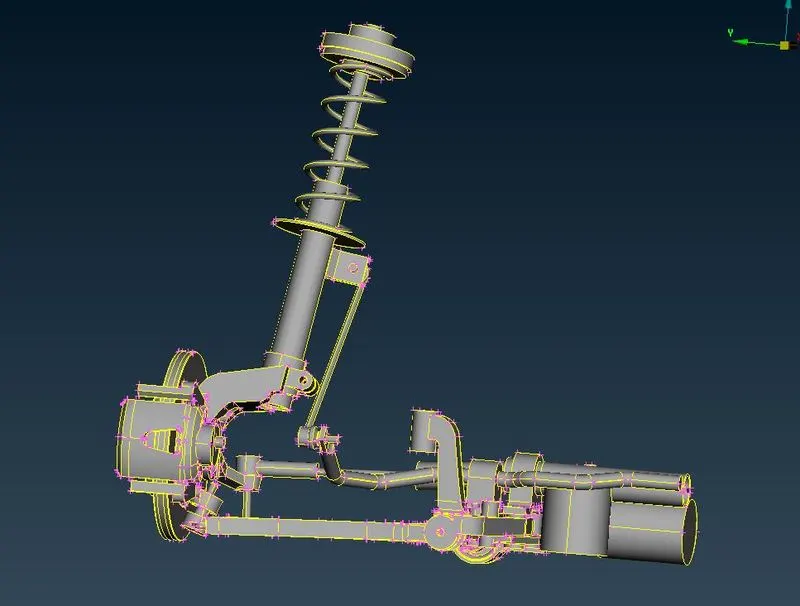
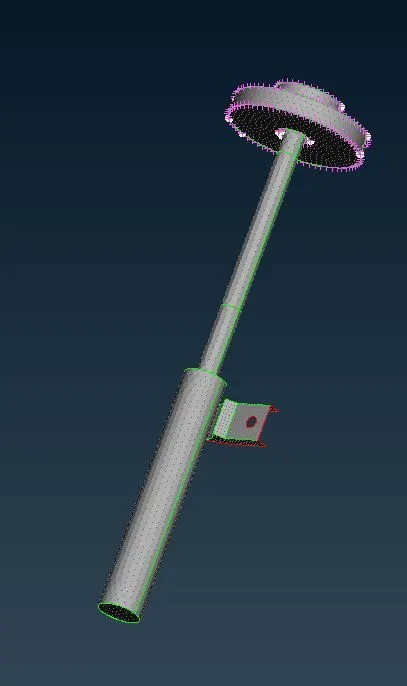
PROCEDURE FOR SUSPENSION SYSTEM:
- For the suspension system we should have to set the PID for the different parts.
- so go to Topo>Faces>Set PID>Select the part by PID Region>create a new Pshell>and assign the property for the part.
- After that we should given the quality and mesh paramters keep in Tria for the the given model.
- Then we should go to Mesh>Mesh Generation>Best mesh>select>ok.
- After the mesh generation check the Elemental Failure and use improve to rectify.
-
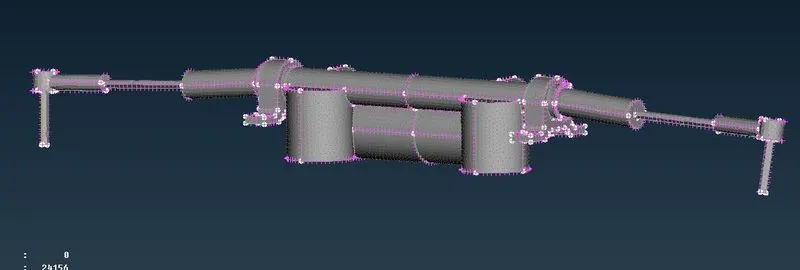
Procedure for Volume Mesh:
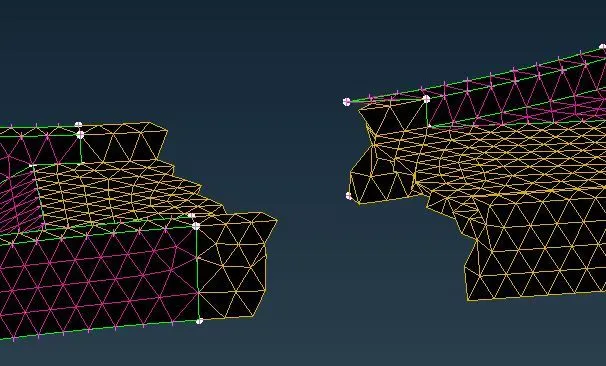
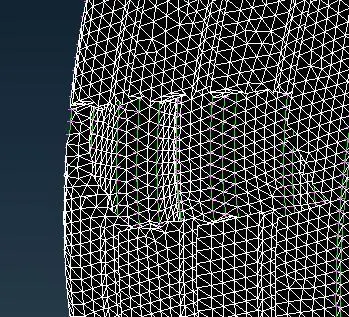
- We should go the Volume mesh>Define>manual>select the part>create a new p solid >and give the part> list>change the part into Remesh>Tetra FEM.
- we should have to do the same to the all the components that were present in the model which were having more thickness value greater than 5.
-
-
-
-
Procedure for Mid surface:
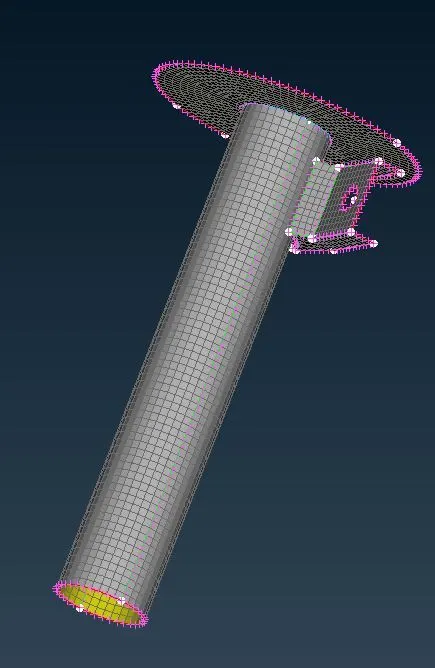
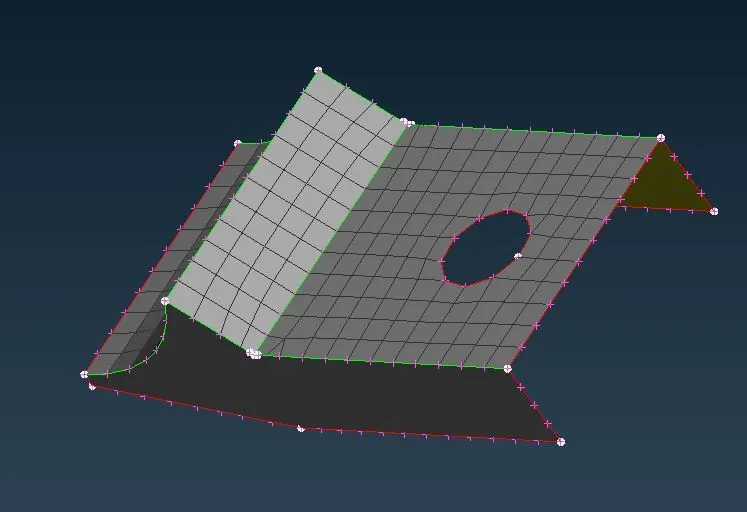
- For the Parts having less thickness <5 we should have to do manual mid surface.
- Go to Topo>Faces>Offset>Distance>and click on ok.
- And after that perform the mesh generation for the model
- We should keep the mesh in Mixed and give the values to the model.
- Then we should go to Mesh>Mesh Generation>Best mesh>select>ok.
- After the mesh generation check the Elemental Failure and use improve to rectify.
-
-
Connection:
- The parts after completing the volumes mesh we should coonect the componenents.
- The we assume the sutiable connection for the model.
- They were RBE2,Seam connection,CBar,Spot conncetion.
- so we should go to Nastran Deck>Elements>RBE2>many nodes>select>Next>Finish.
-
-
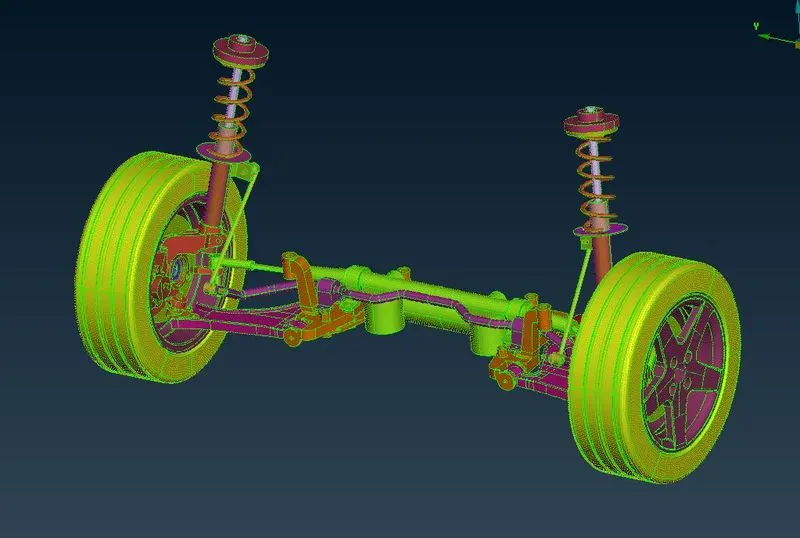
Conclusion:Hence for the given model we have check the geomentrical errors and meshed with the given element quality criteria. And assigned the thickness and also given the connections for the pats.
Google Link for the given component:https://drive.google.com/file/d/1nc0ZLm3n6zptYNOxof8m78L17I9ofSf_/view?usp=sharing