Week 12:Project 2-Meshing of Rear Wheel Holder challenge
OBJECTIVE:
Follow the below-mentioned quality criteria, mesh the component given below and assign thickness:
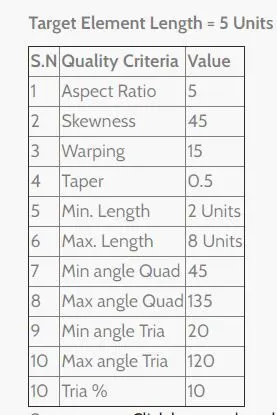
- Import the given Geomentry into the Hypermesh.
-
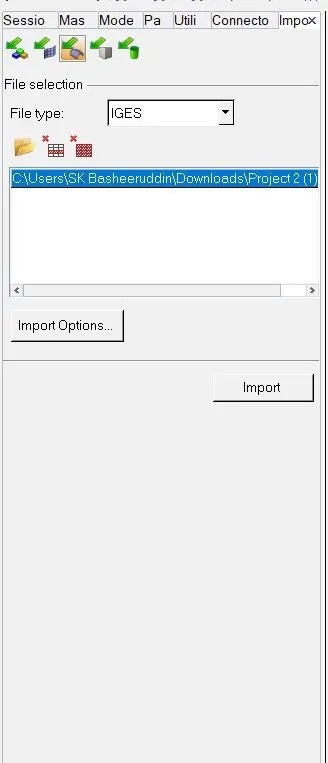
- After importing the given Iges file into the GUI.
-
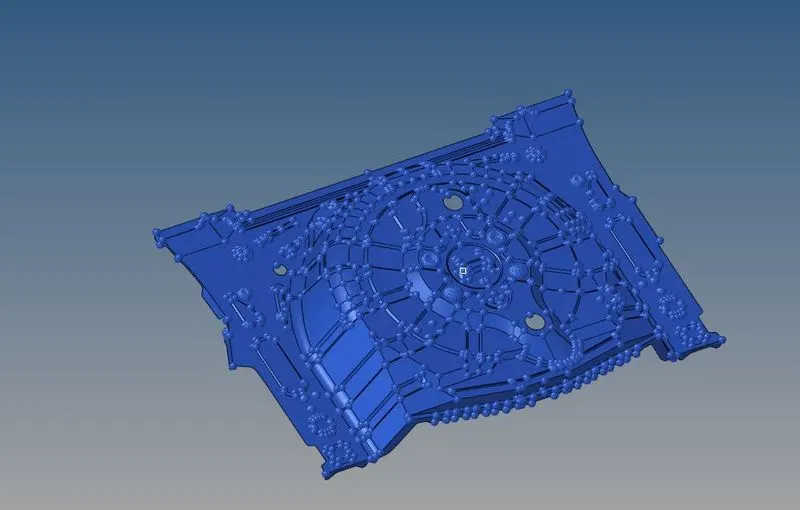
- We should have to make the geomentry cleanup for the given component.
-
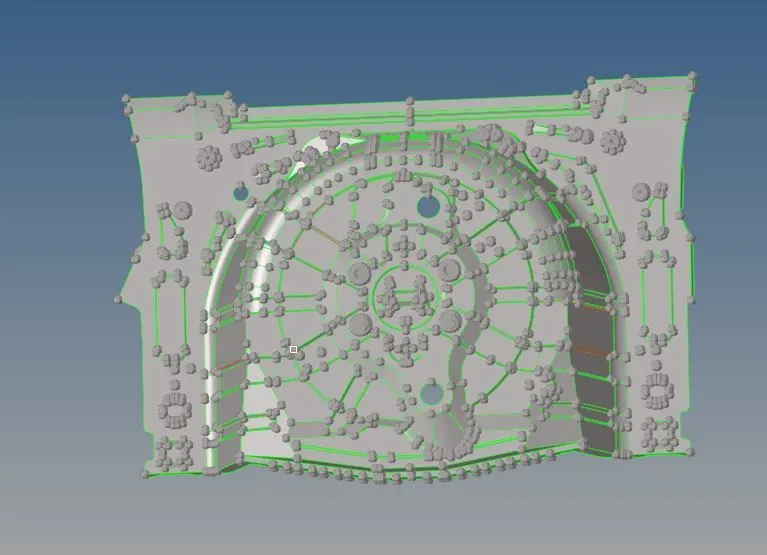
- After geomentry clean create the Midsurface for the Given component.
-
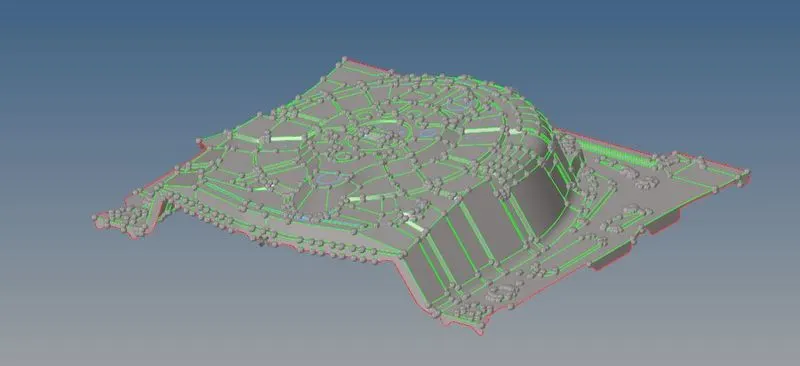
-

- After creating the Mid surface hide the Parent geomentry and we should work on the Mid surface.
- For extraction for the Midsurface go to <Midsurface>Auto extraction>displayed>Create.
-

- We should have to mesh the given component as per the Target element 5 and and criteria file following units.
-

- After meshing the given component we should have to check for elemental failure in the meshing elements.
-
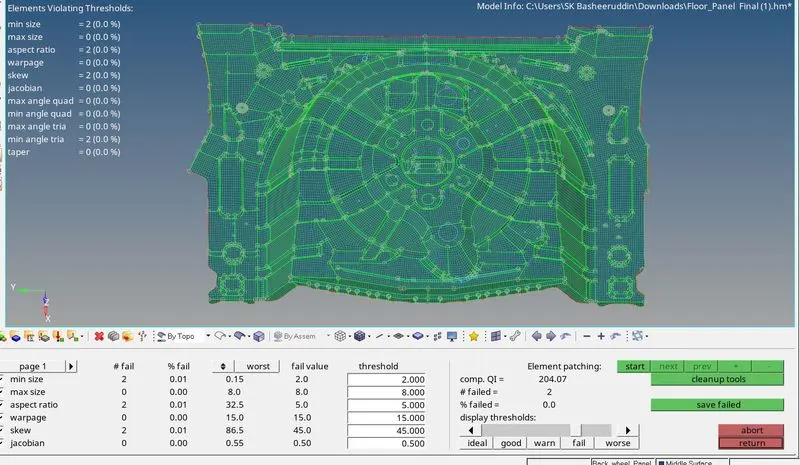
- For checking the Elemental failure go to<2D>Quality Index>save file>Modify.
- For modify the given component we should go to element optimization,Remesh,Node optimization.
-
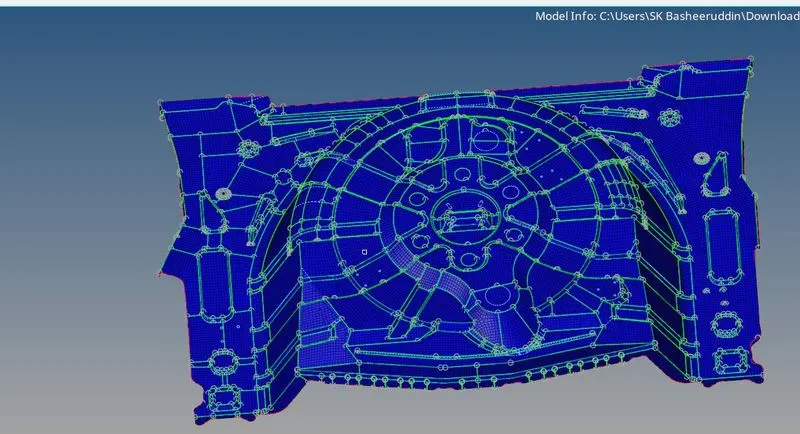
- After passing the all quality elements the model is obtained.