Week - 4 - 2D meshing for Plastic components
OBJECTIVE:
For the given Plastic Bottle Cap model, check for the geometrical errors and take the mid surface by suitable mid surfacing techniques. PID and Thickness assignment has to be done for all the mid surfaces. Mesh the same with given element Quality criteria.
Quality Criteria.
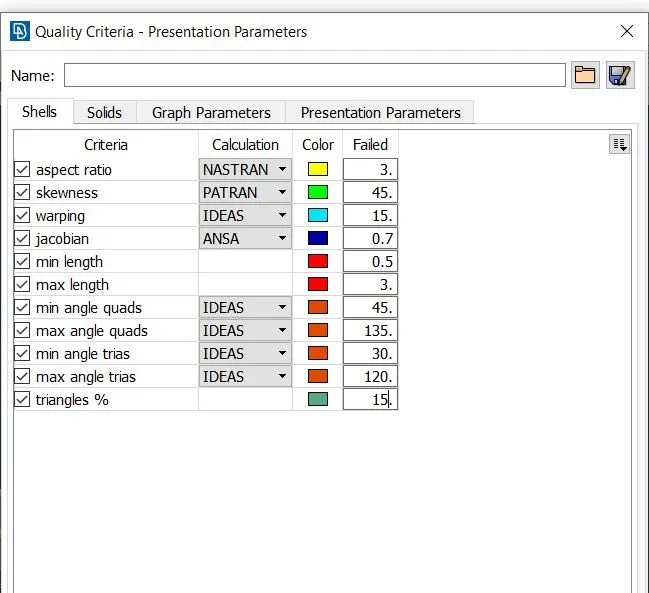
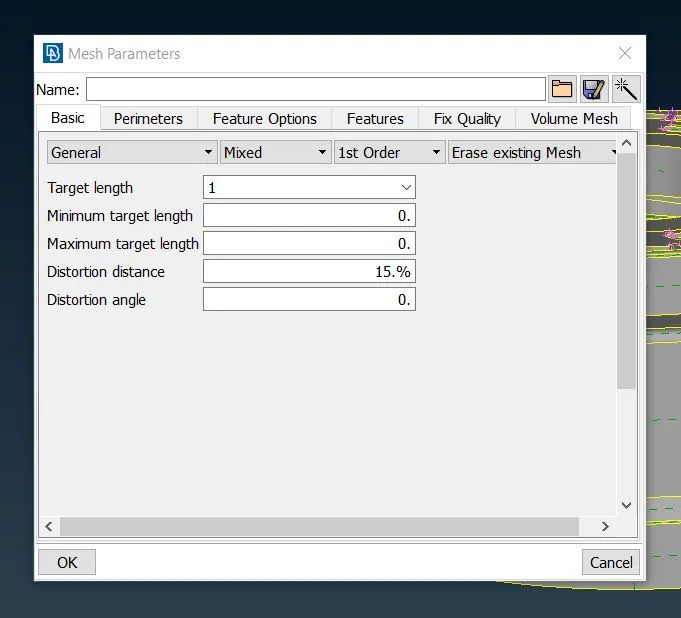
Procedure involved on Doing the given model.
- Importing the given model into the Ansa Gui.
-
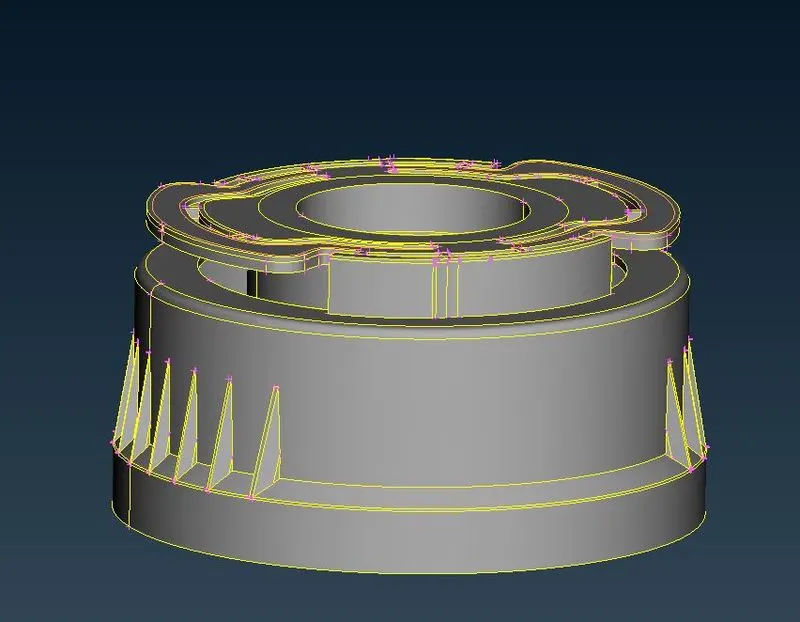
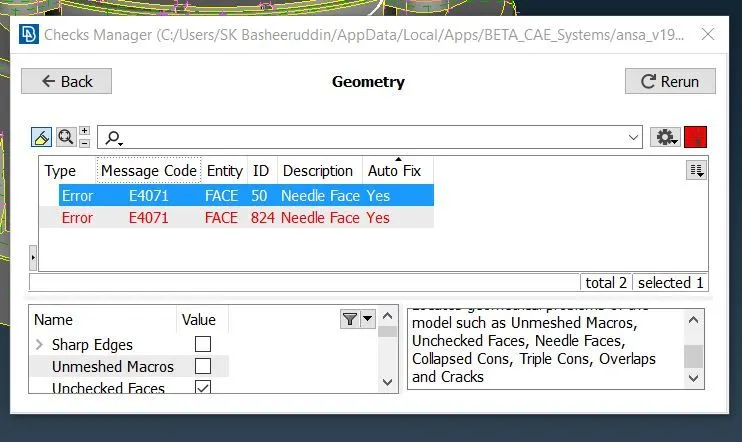
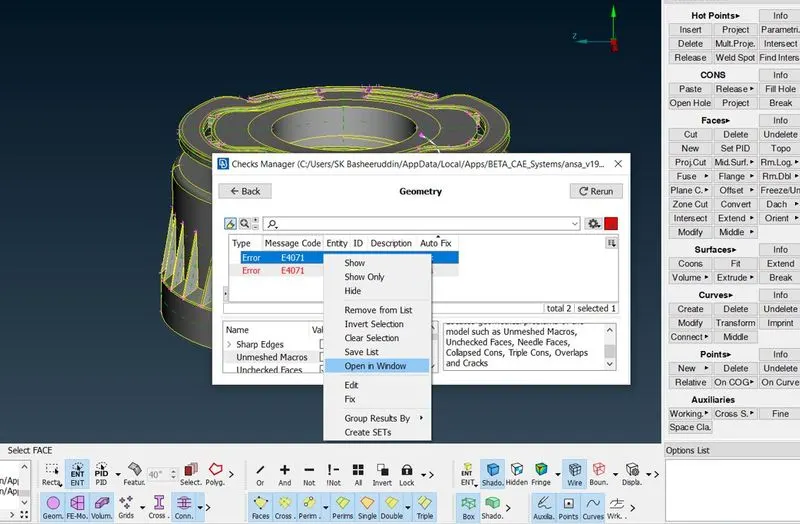
- After importing the given model into the Gui check the geomentry of the model by Check>Geomentry>Execute.If any errors we should fix the errors with the help of FIX option.
-
-
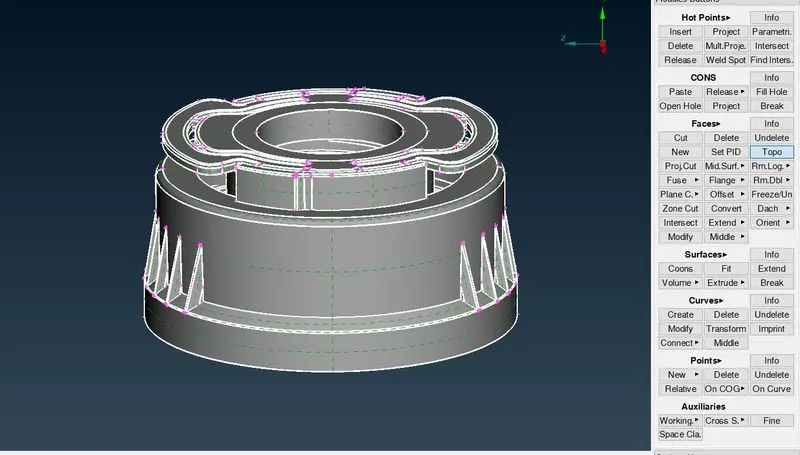
- After checking the geomentry check we should have to do the Topo option so that we can paste all the single cons into double cons.
-
- we should have to create the Mid surface of the given componemt by the manual mid surface by using the OFFSET command.
-
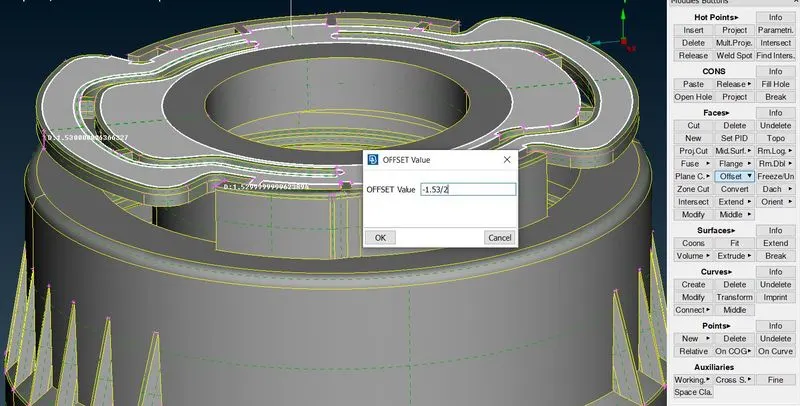
- For creating the manual mdsurafce we should have to measure the distance between the nodes.
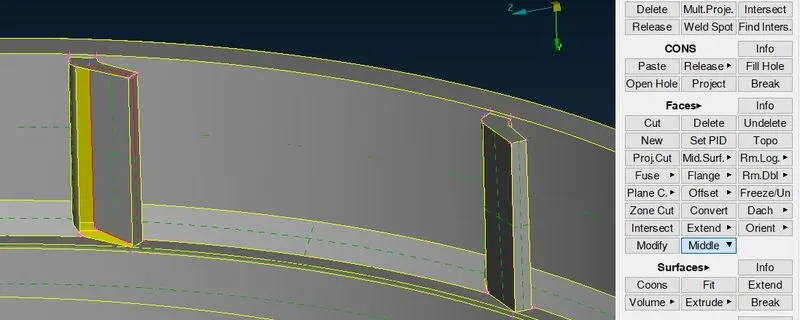
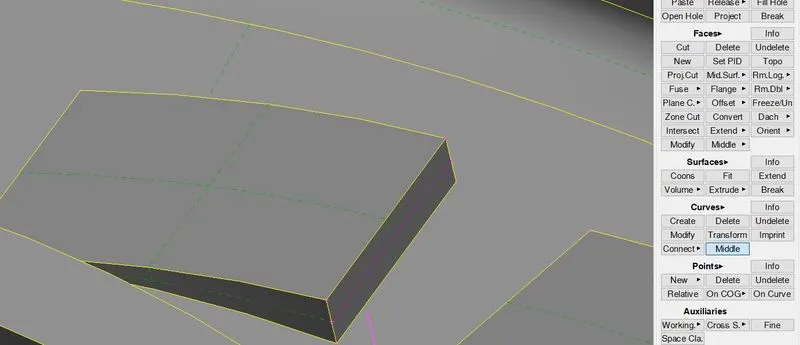
- We can create the manual midsurface for the teeth by using Middle line by selecting the two lines between the faces.we should project the line to the mid surface geomentry and we should create the New surface.
-
-
-
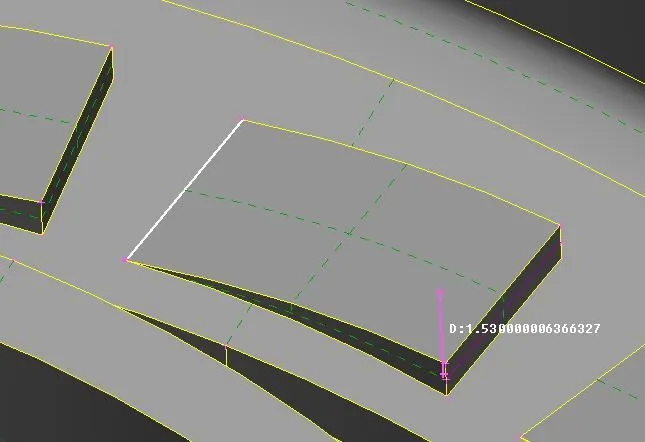
- we can create the Ribs manual by Middle option.
-
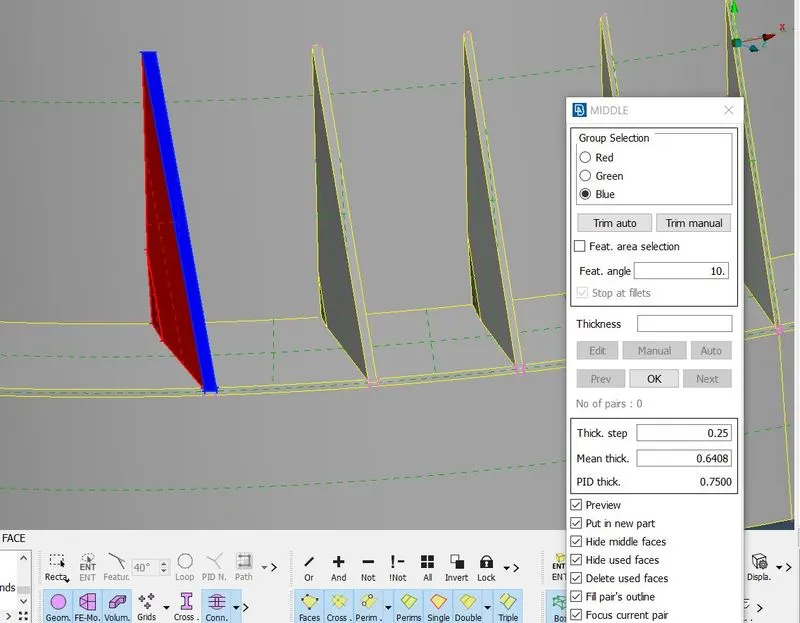
- After creating the Manual mid surface we should have to divide the given model into the the given order so that we can perform the meshing perfectly.
- For creating the mesh we should go to Mesh>Best Mesh> and select the given face.
-
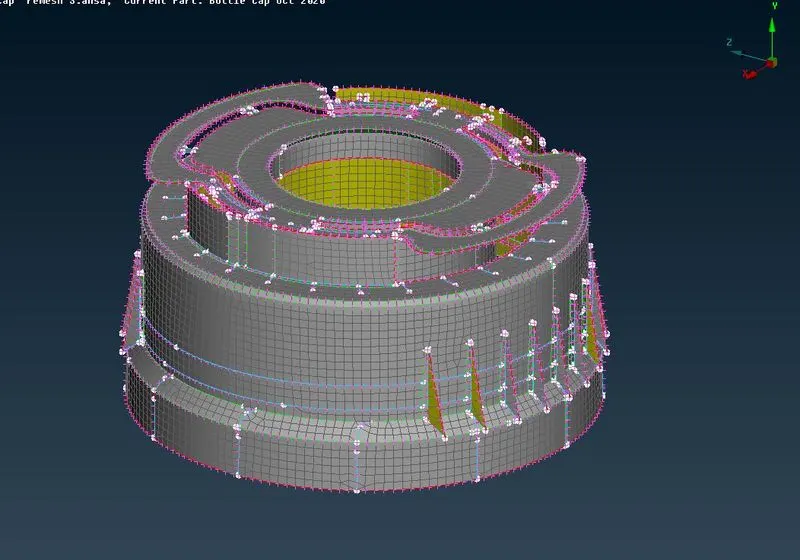
- After creating the meshing we should have to rectify the quality of the elements that are going to fail cretria so that we can use the Reconstruct command and smooth command and make a proper mesh.
-
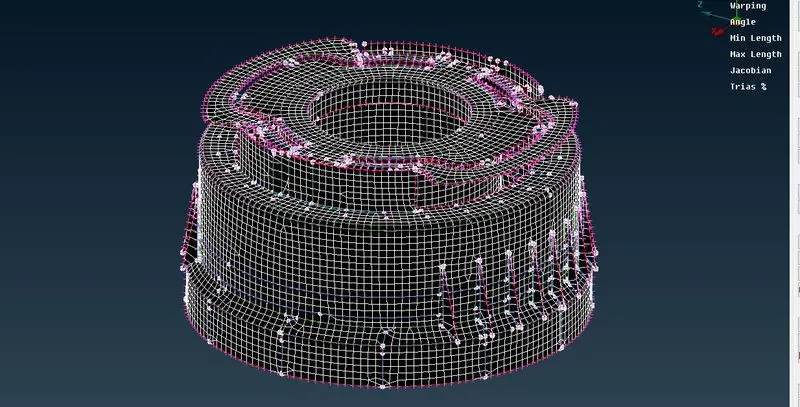
-
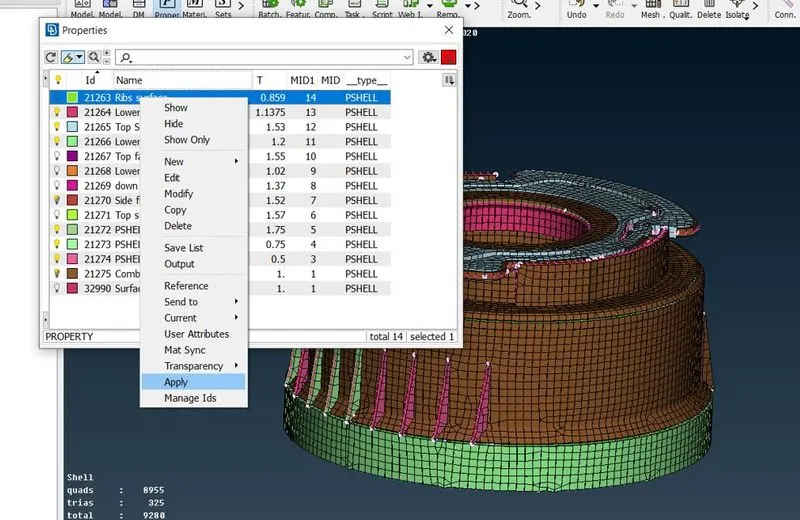
- we should create the thcikness for the model having varying thickness of the given component by using Set PID command and assign the different thickness of the component.
-
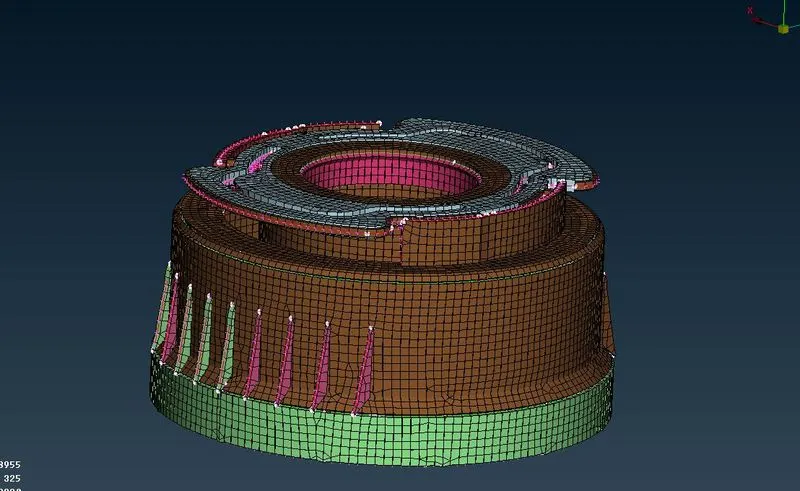
- Finally the given Bottle cap model is performe by creating Mid surface and mesh and assigning thickness.