Assignment 1-2D Meshing Challenge
OBJECTIVE:
Geometry Cleanup Exercise:
Carry out the geometry cleanup operation on the given 3 files.
- Practice
- Clip Repair
- Mounting Bracket
PROCEDURE for Part 1:
- Import the given model into the GUI.
-
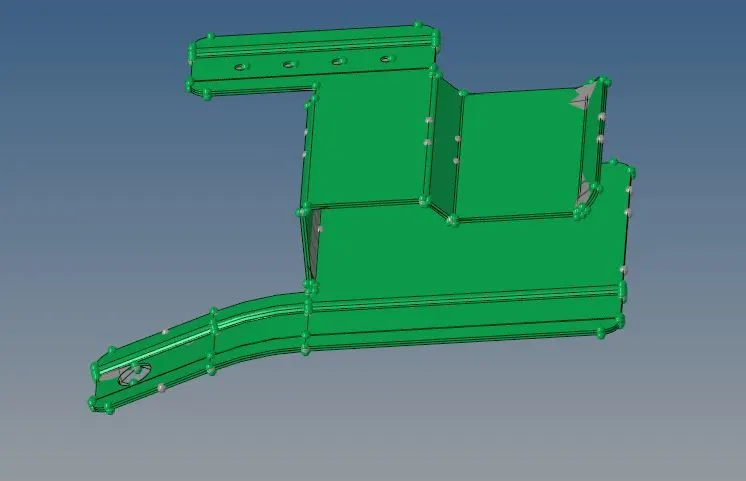
- After importing convert the Geomentry colour mode into by Topo so that we can see what are free lines.
- We should clean the geomentry model by Toggle the lines and deleting the unessery lines in the model.And create the new surface by using ruled option.
- After Geomentry clean we should do the auto mid surface of the component.
-
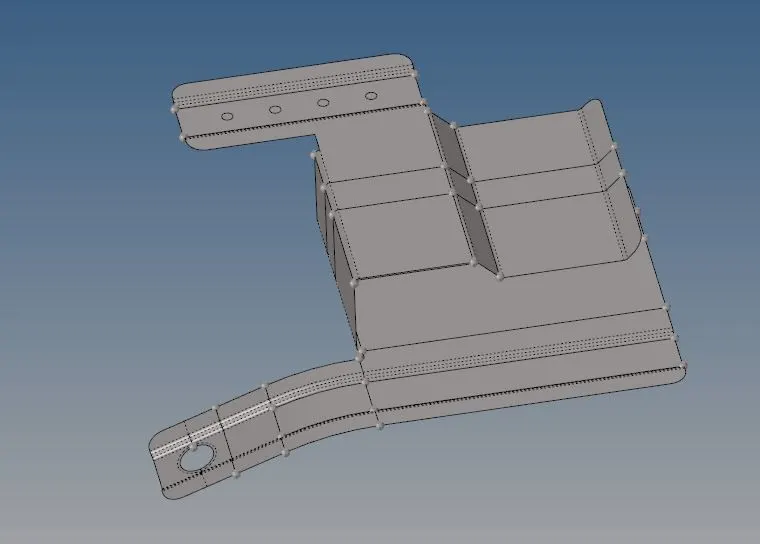
- After the mid surface extraction we should mesh the given model.
- For meshing we should go to 2d meshing we should the quality paramentre values of min and max elemental length.
- we should set target element length as 5 and mixed for the meshing the component.
-
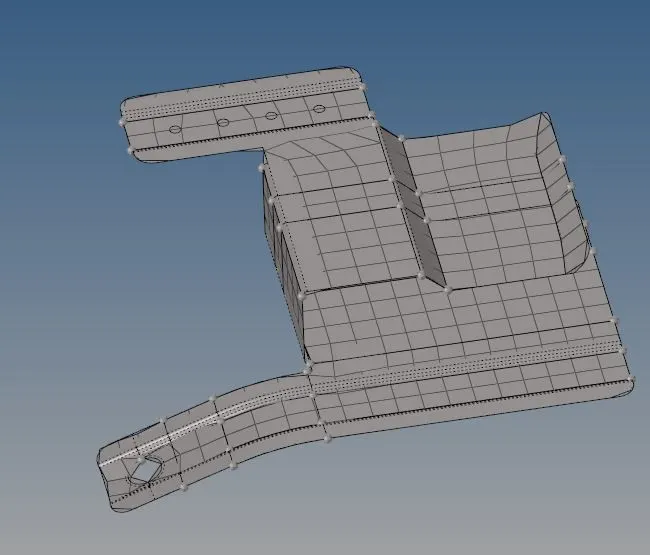
- After meshing the component we should check for the quality paramentres which is aviliable in the 2D quality index.
- We should rectify the elemental failures and by using clean up tools and remeshing the meshed parts.
- After meshing we should assign the property to the component by create a new property and Pshell and assign the thickness to the property.
-
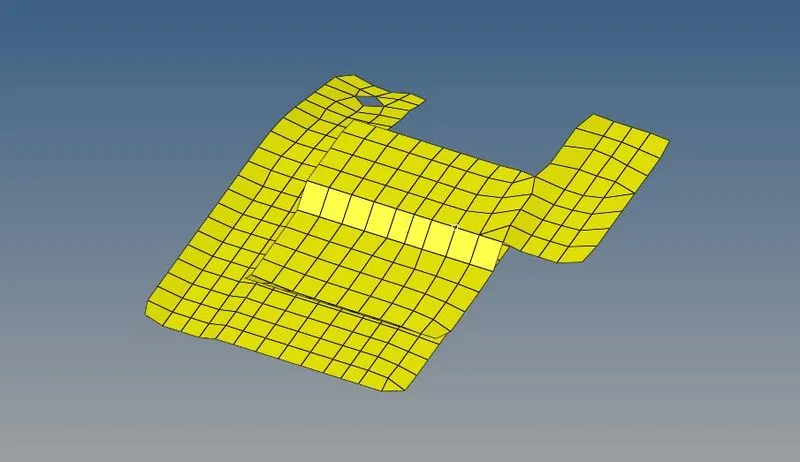
- After assign the property we should assign material to the component create a new material and select the property and materail to the component.
-
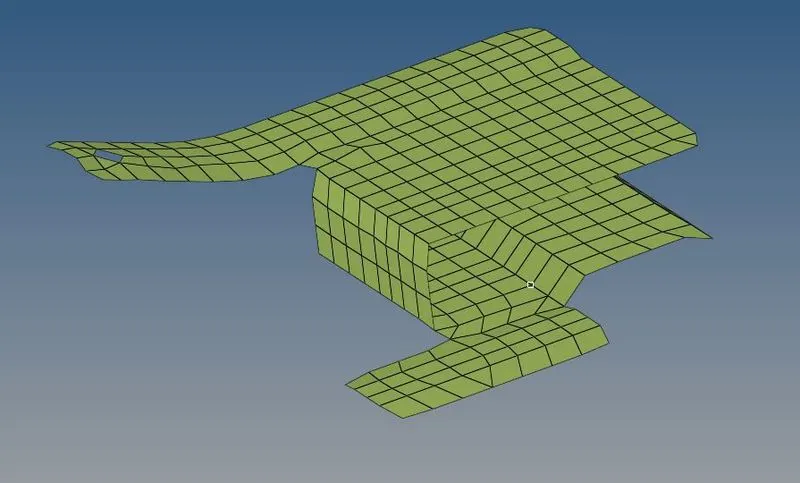
PROCEDURE for Clip Repair:
- Import the given model into the GUI.
-
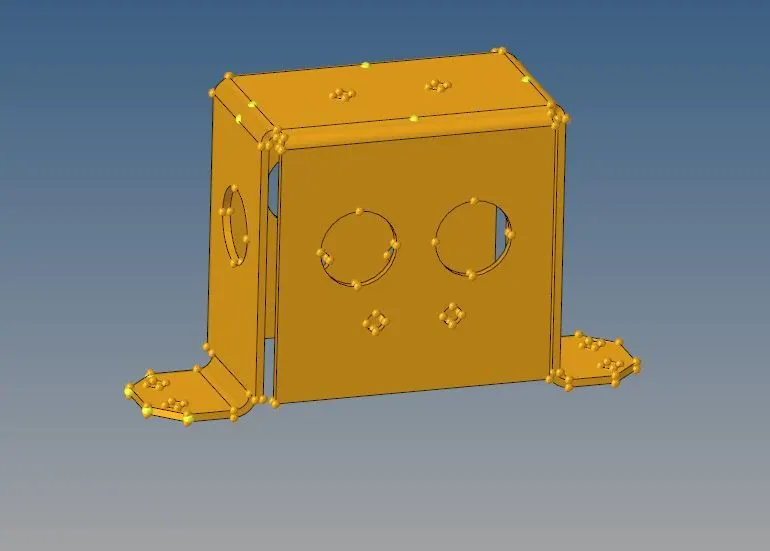
- After importing convert the Geomentry colour mode into by Topo so that we can see what are free lines.
- We should clean the geomentry model by Toggle the lines and deleting the unessery lines in the model.And create the new surface by using ruled option.
- After Geomentry clean we should do the auto mid surface of the component.
- After the mid surface extraction we should mesh the given model.
-
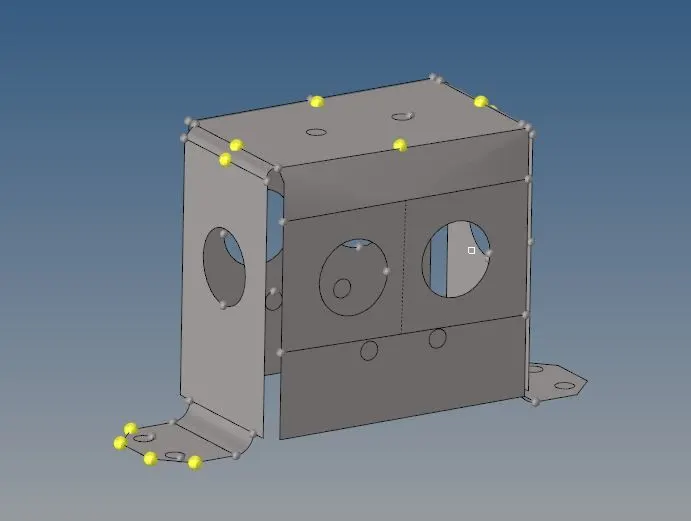
- For meshing we should go to 2d meshing we should the quality paramentre values of min and max elemental length.
- we should set target element length as 5 and mixed for the meshing the component.
-
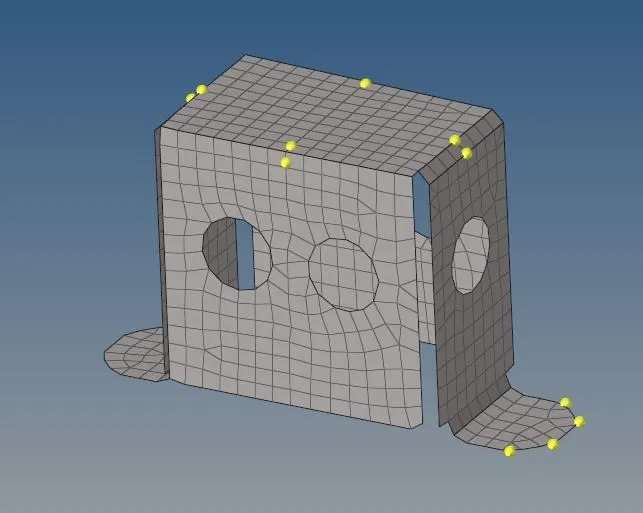
- After meshing the component we should check for the quality paramentres which is aviliable in the 2D quality index.
- We should rectify the elemental failures and by using clean up tools and remeshing the meshed parts.
- After meshing we should assign the property to the component by create a new property and Pshell and assign the thickness to the property.
- After assign the property we should assign material to the component create a new material and select the property and materail to the component.
-
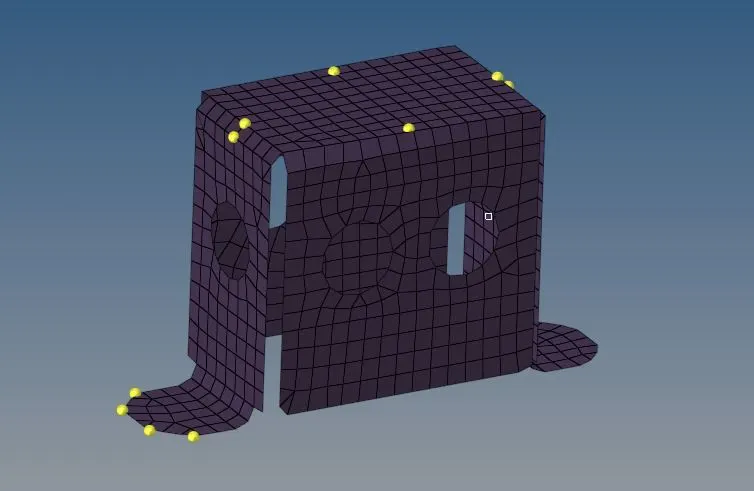
PROCEDURE for Mounting Bracket :
- Import the given model into the GUI.
-
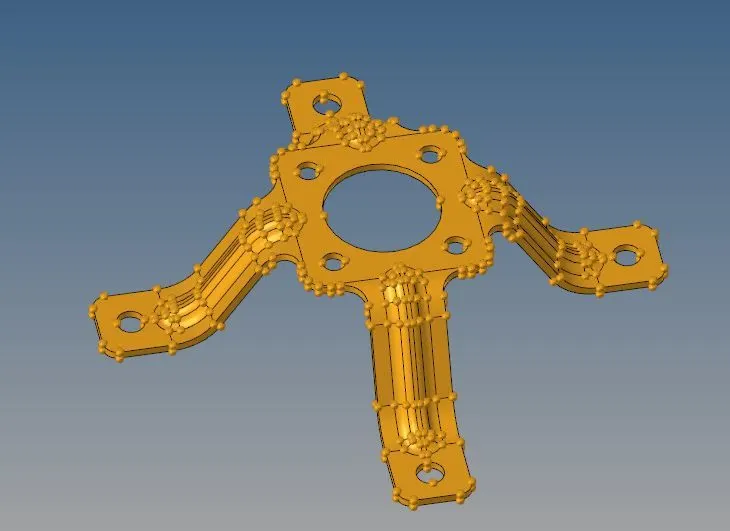
- After importing convert the Geomentry colour mode into by Topo so that we can see what are free lines.
- We should clean the geomentry model by Toggle the lines and deleting the unessery lines in the model.And create the new surface by using ruled option.
- After Geomentry clean we should do the auto mid surface of the component.
- After the mid surface extraction we should mesh the given model.
- For meshing we should go to 2d meshing we should the quality paramentre values of min and max elemental length.
- we should set target element length as 5 and mixed for the meshing the component.
-
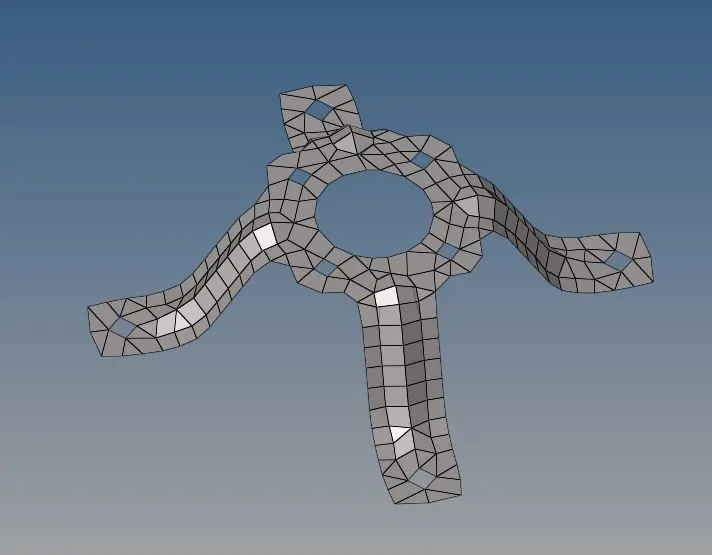
- After meshing the component we should check for the quality paramentres which is aviliable in the 2D quality index.
- We should rectify the elemental failures and by using clean up tools and remeshing the meshed parts.
- After meshing we should assign the property to the component by create a new property and Pshell and assign the thickness to the property.
-
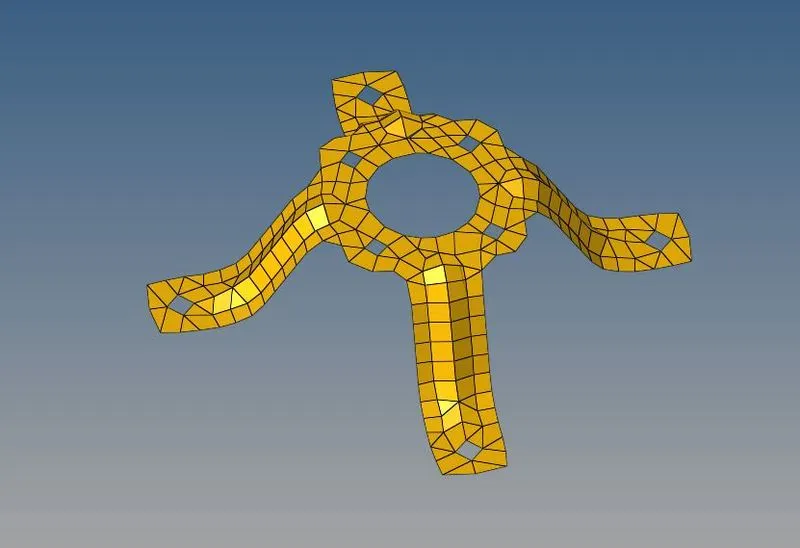
- After assign the property we should assign material to the component create a new material and select the property and materail to the component.
-
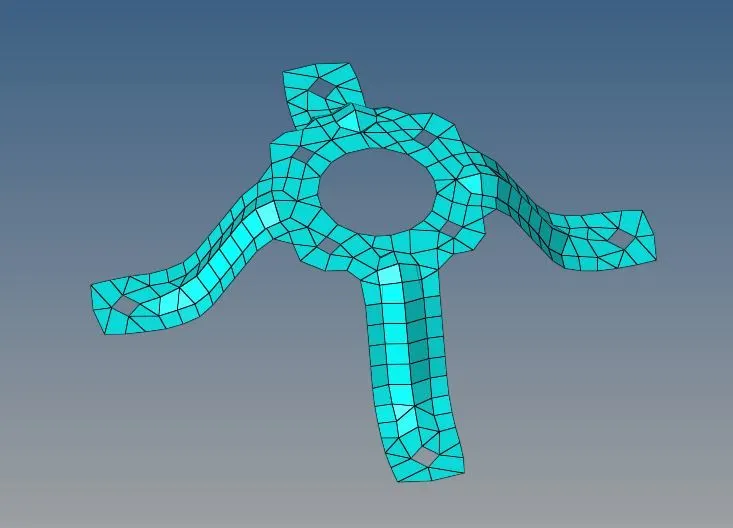
conclusion: Hence the geomentry clean and mid surface extraction and meshing is done on the given parts.And Assigned the material properties and thickness to the given Models.