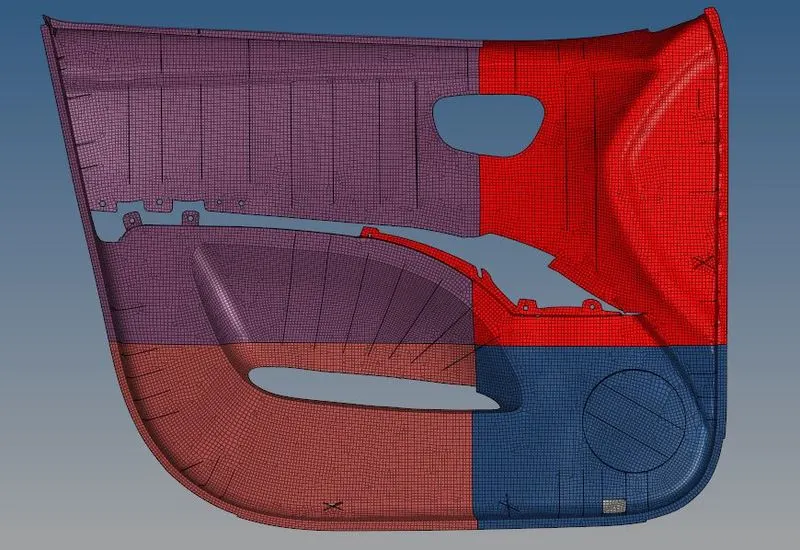
Week 12:Project-1-Meshing of Door Inner Panel Challenge
Project 1:MESHING OF INNER DOOR PANEL.
- Import the Given model into the Hypemesh GUI.
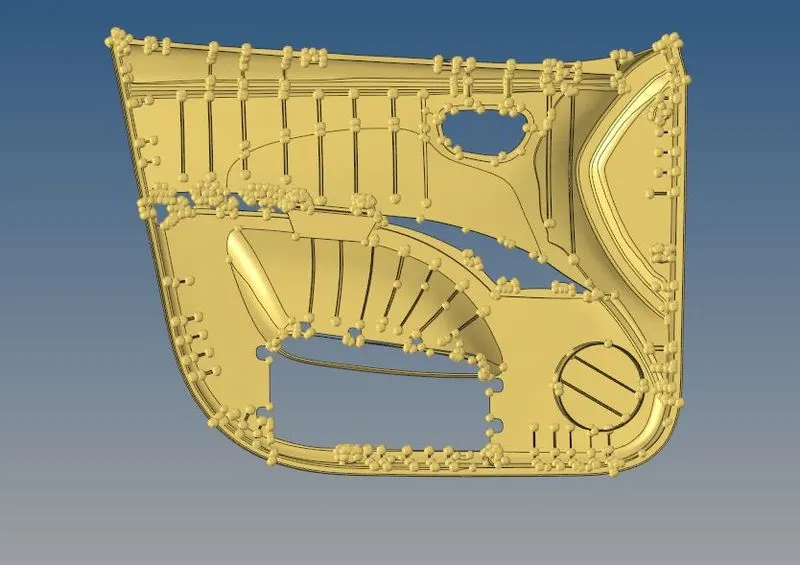
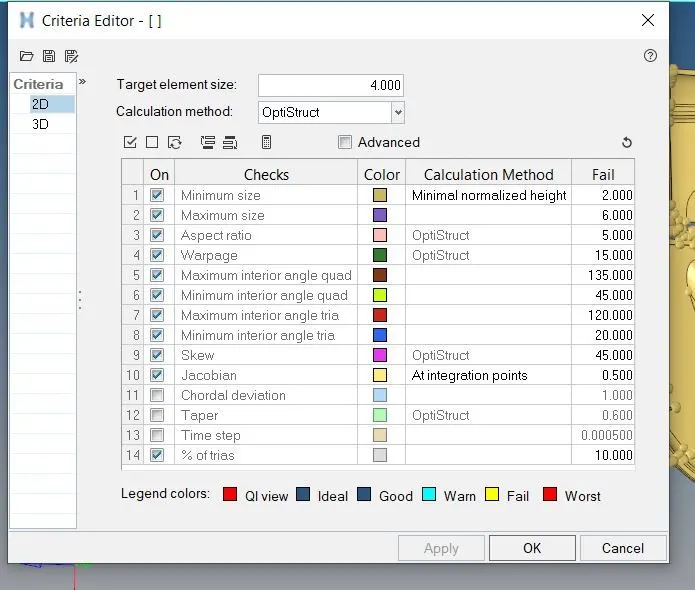
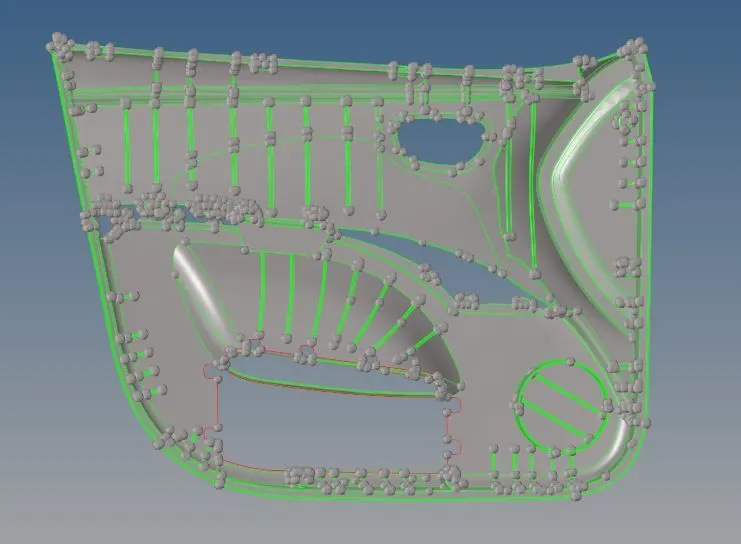
- After Importing the model then Defature the filler surfaces who thickness is below 0.15.
- After Defeaturing the compoment we must divide the componemt into four equal parts so that it is easy to make midsurafce.
- For making that we have go to surface edit>and go to split with lines and nodes adn divide the componemt into four equal parts.
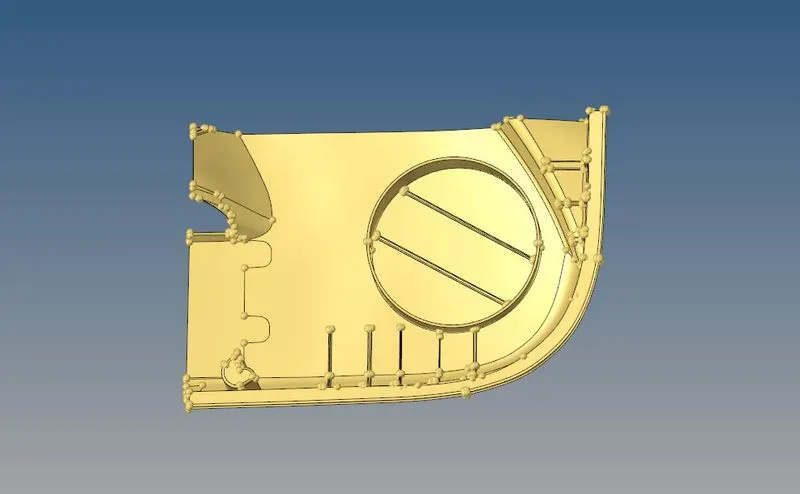
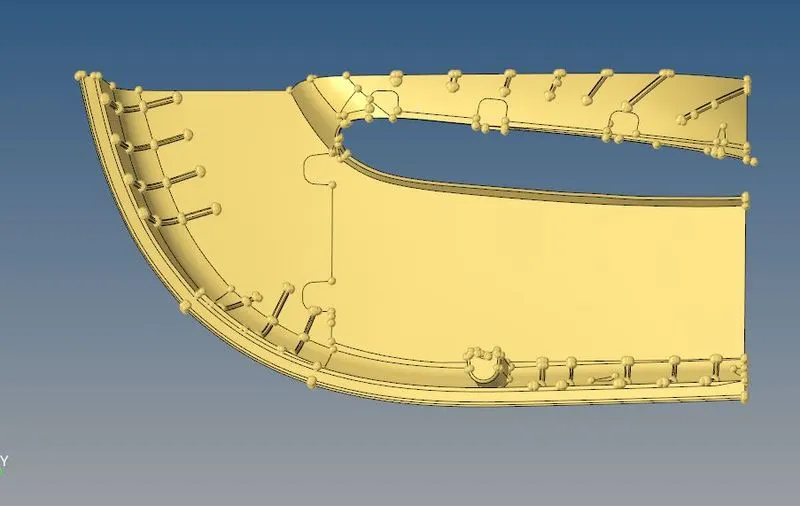
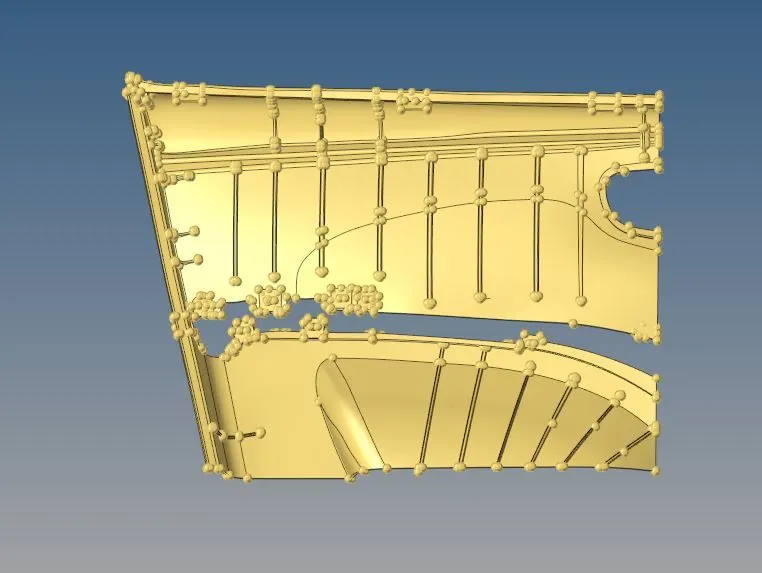
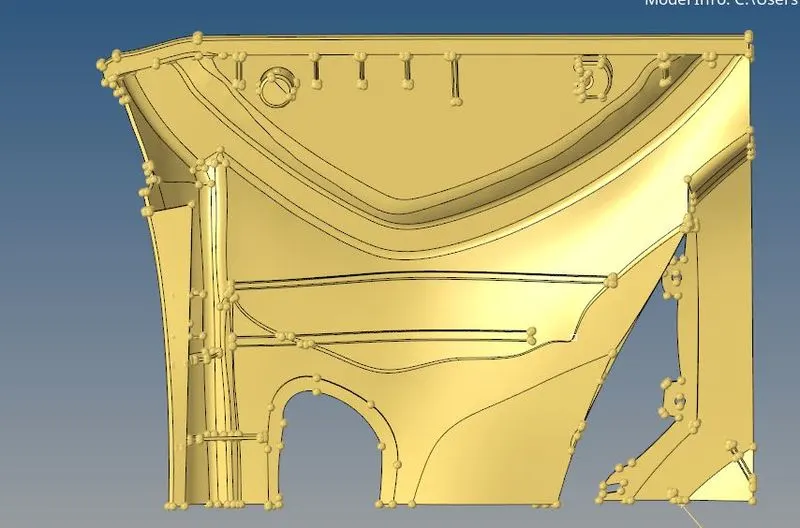
- After dividing the compoment create the manual midsurface for the each compoment.
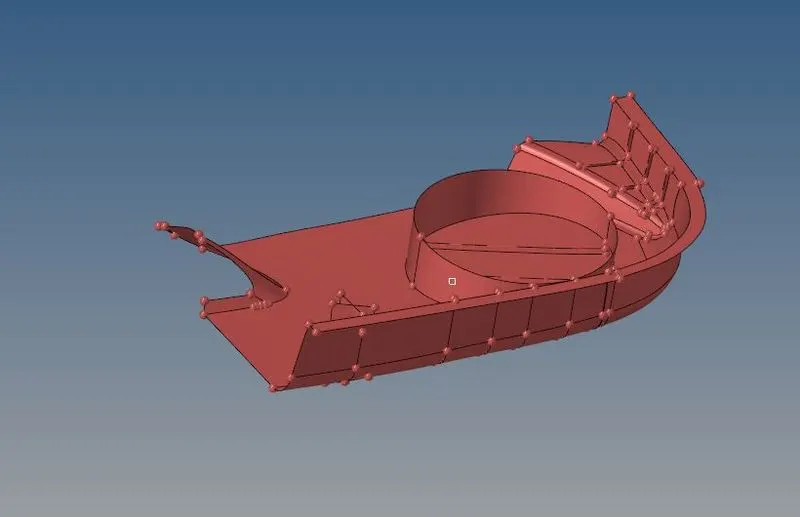
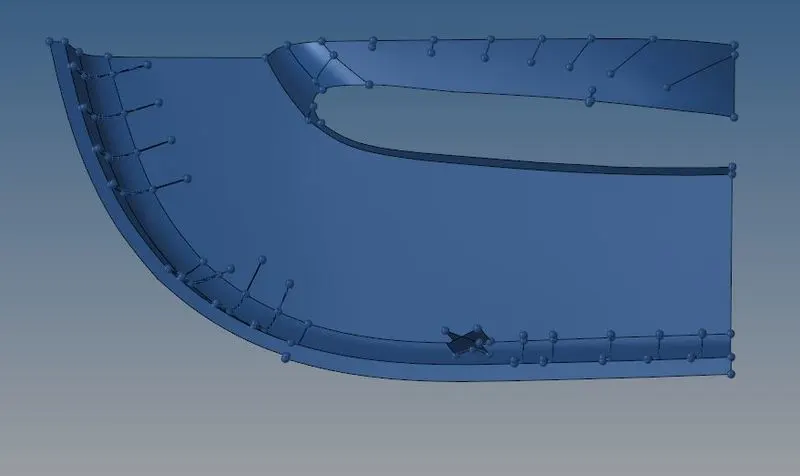
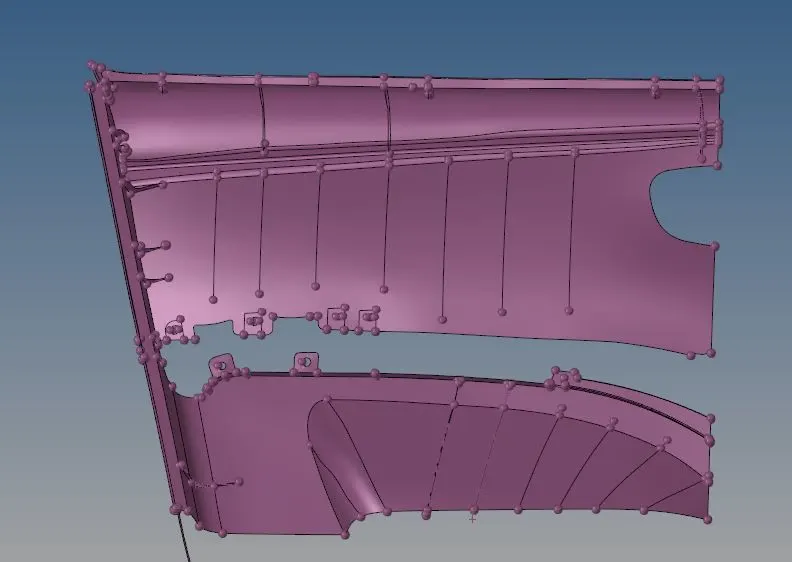
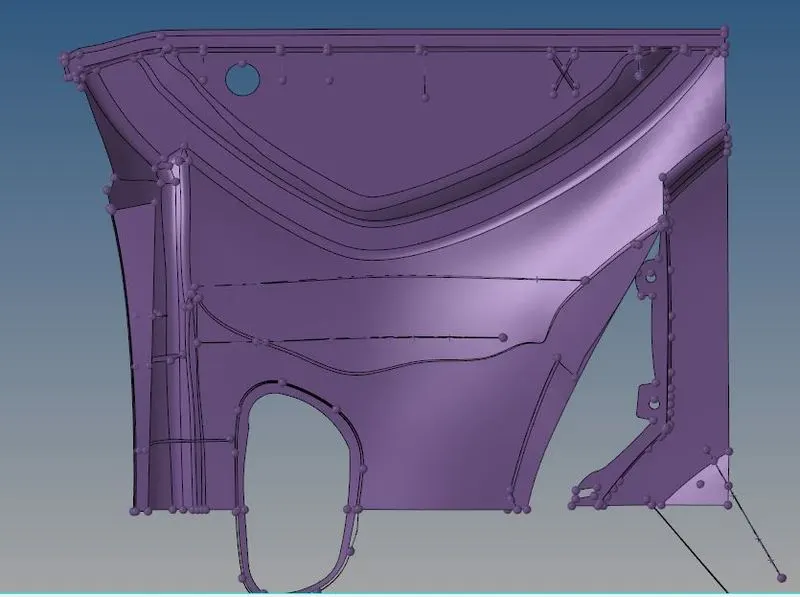
- After creating the manual midsurface we should go to the Meshing and mesh the componemt.
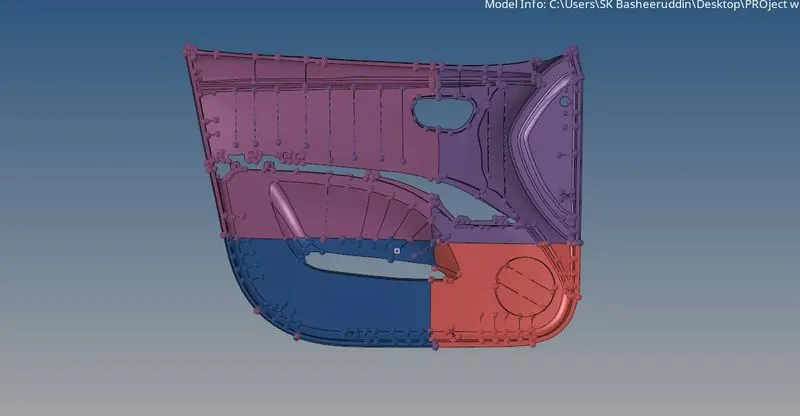
- For meshing the parts so the quick edit panel>toggle>some lines and make some lines and Add and remove the points that should be not used and make the meshing for the component.
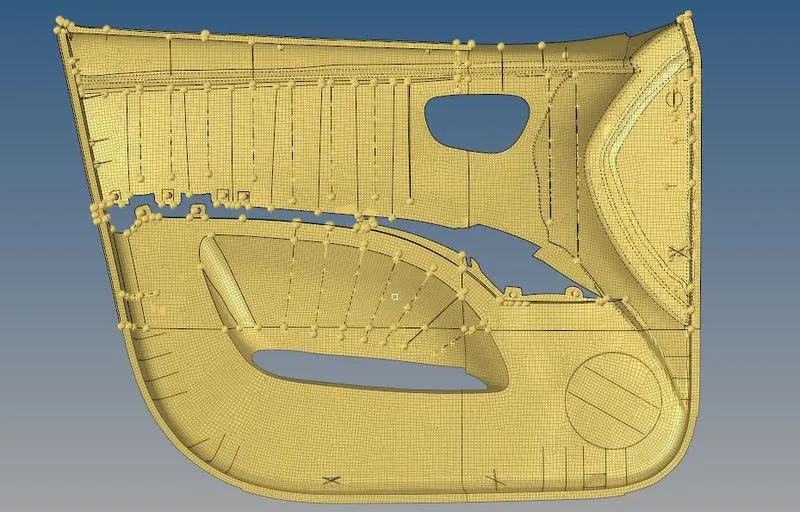
- After meshing the componenets we should have to check for the element failure.
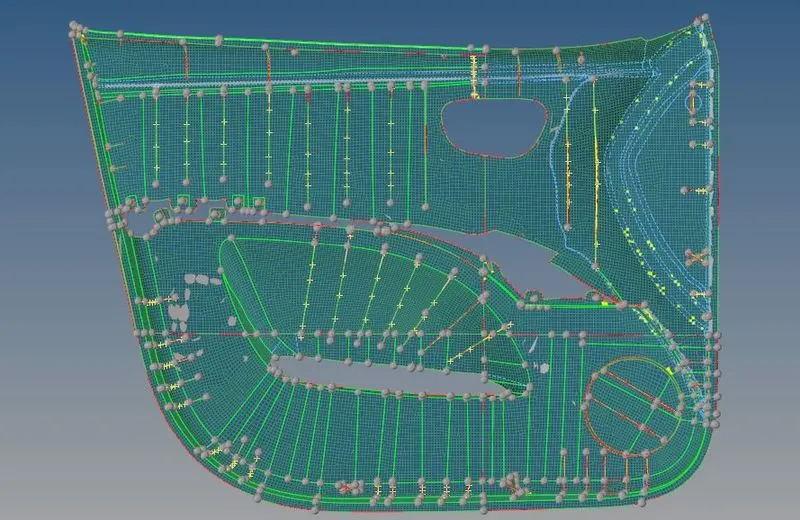
- And we should have to modify the componemt.
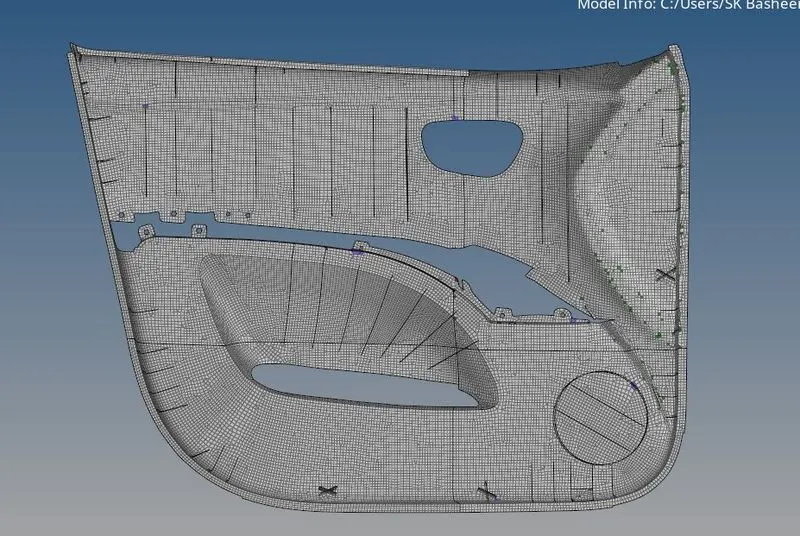
Thickness:
- After completion of meshing we should assign the Thickness to the given componemt.
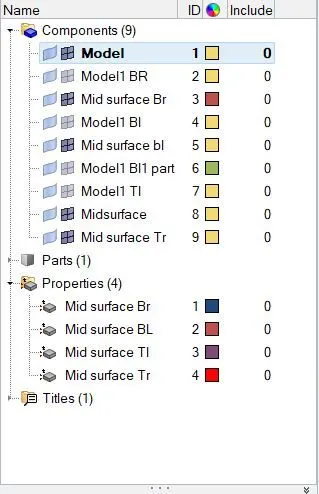
- We should create a new property and rename the property with mid surafce haing the thickness.
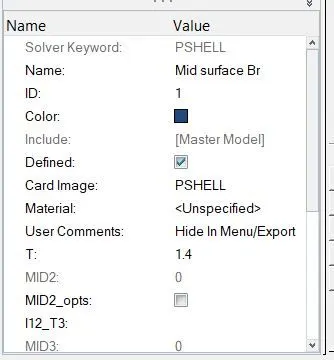
- And changint the properties of the components.