Week 10 Bullet penetrating a Bucket Challenge
AIM:
For this challenge, you will have to simulate a bullet penetrating into a bucket. You will need to use 3 different non linear materials for the bucket and analyse their behaviour for the same velocity of bullet. Apply the conditions for bullet as mentioned in the video itself.
PROCEDURE:
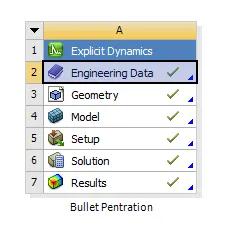
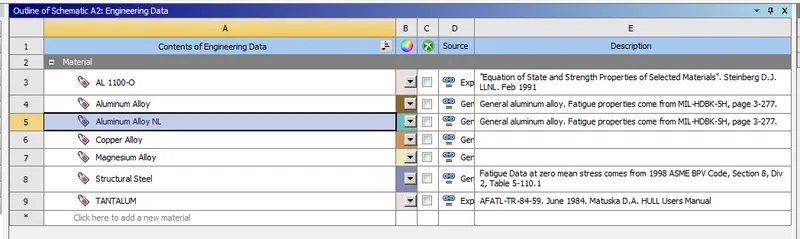
- Open the Ansys work bench and edit the engineering data for adding the different material for the model.
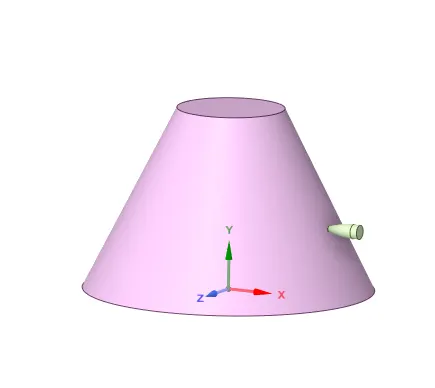
- After edit the model in the space claim if any surfaces are missing in the given model.
- Go the edit in model in the model tab check for connection if any present in the model.
- Rename the componenst names modify with Bucket and Bullet.
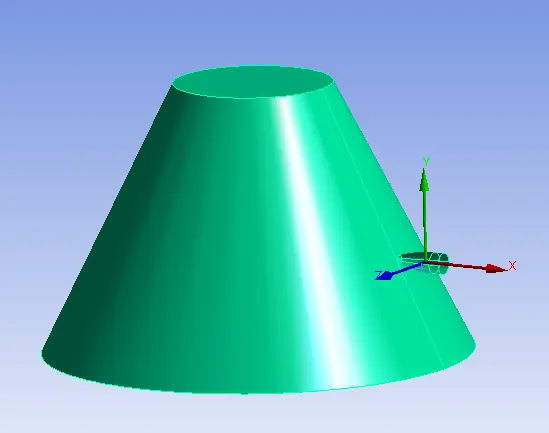
- Generate the mesh for the given component with element size of requried size for the model.
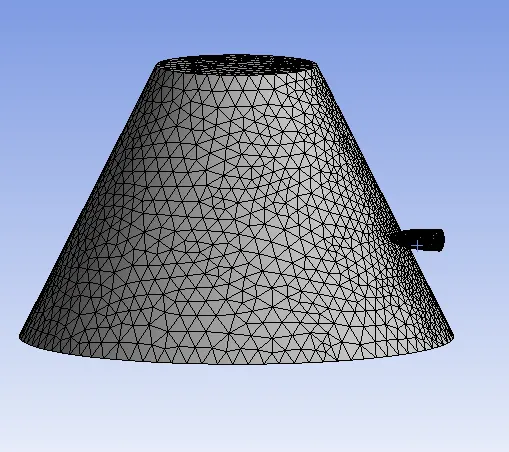
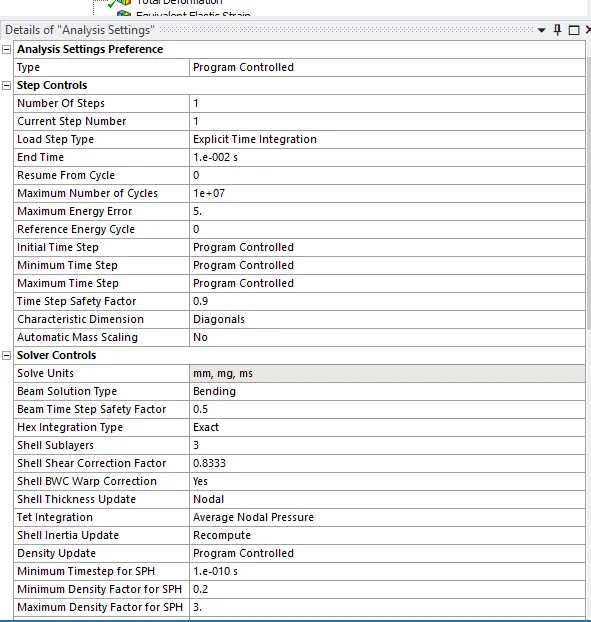
- In tha analysis setting give the time step for the given model.
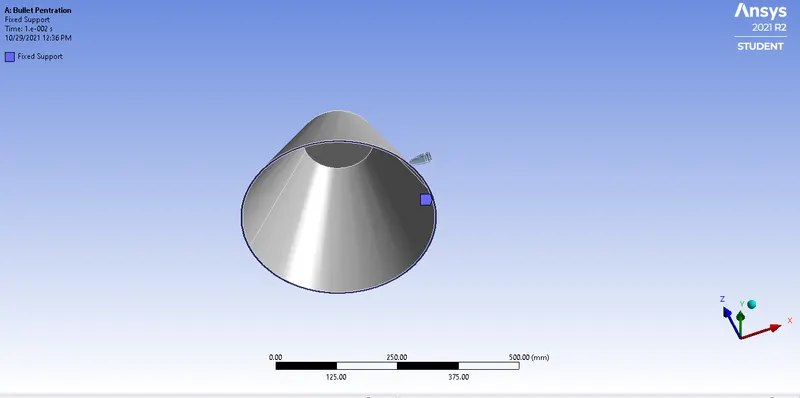
- We should have to create the fixed support for the model fix the bucket edge.
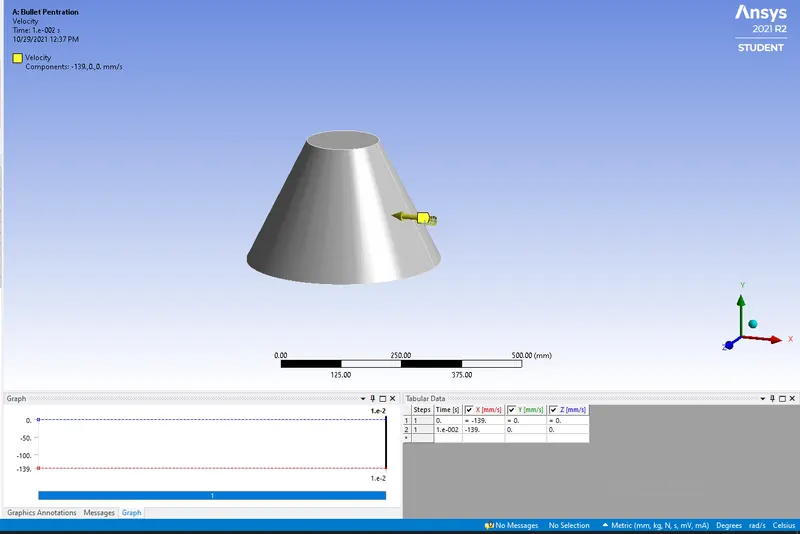
- We should have to create the velocity for the given model having the velocity of -139mm/s in the X direction.
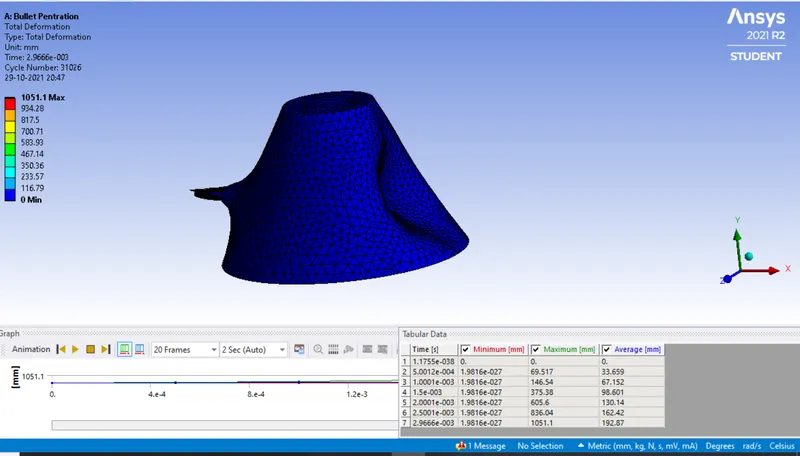
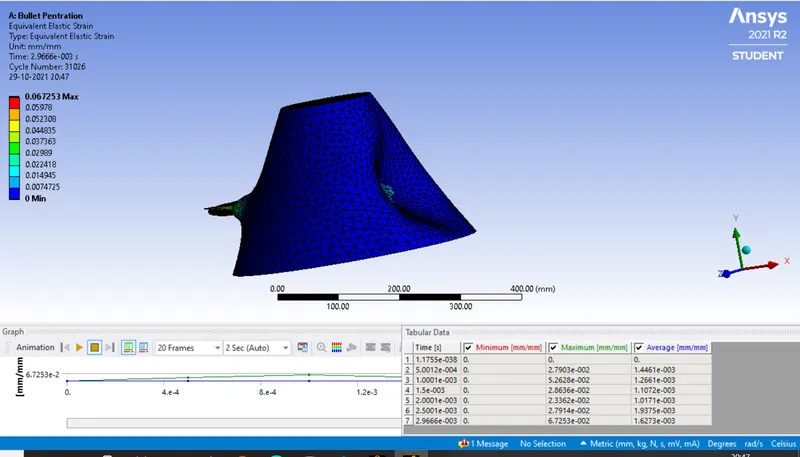
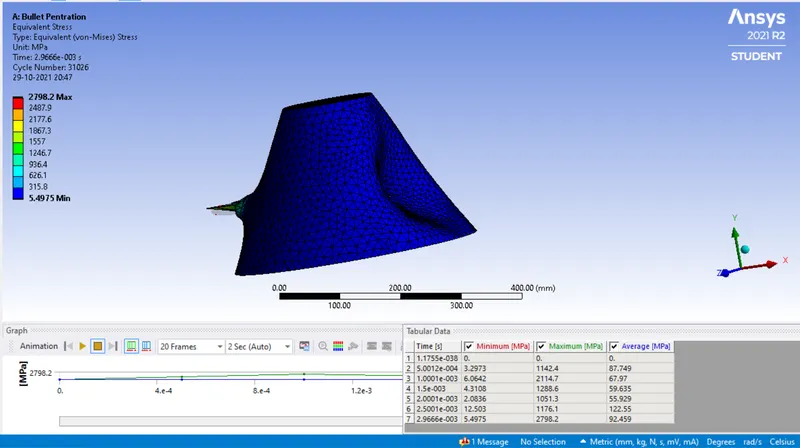
- we should have to give the Total deformation,Equivalent stress,Equivalent strain.
Copper Alloy
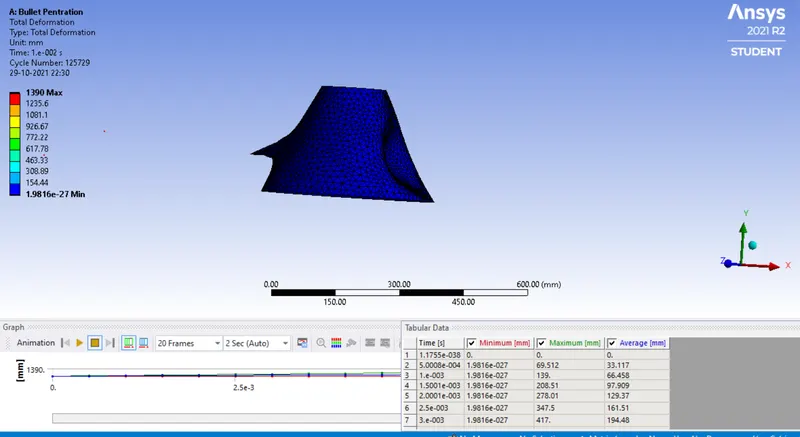
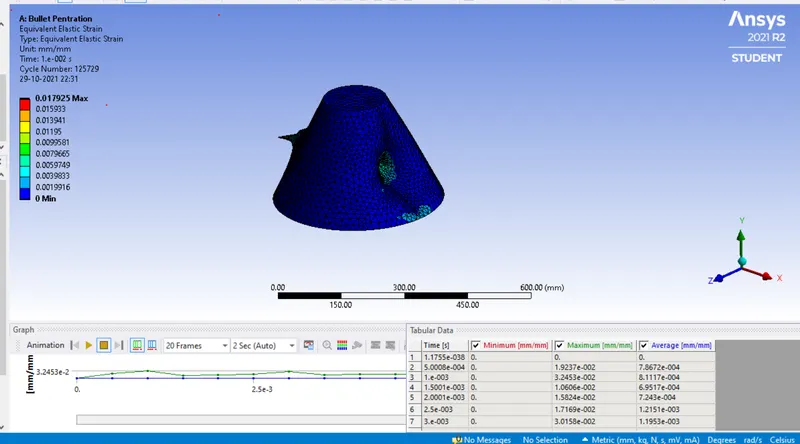
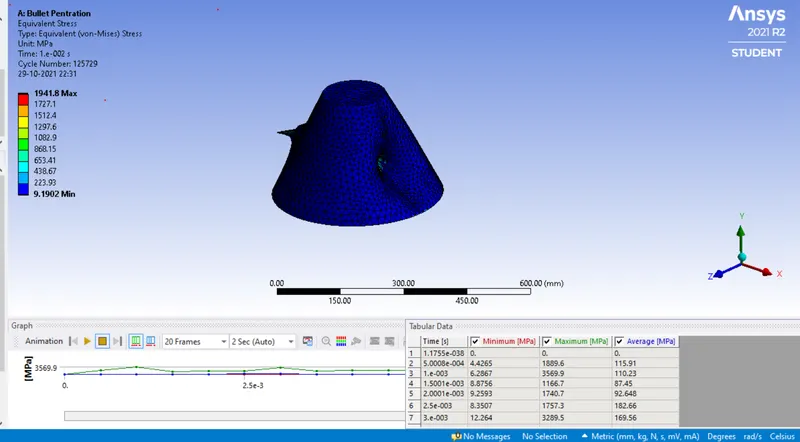
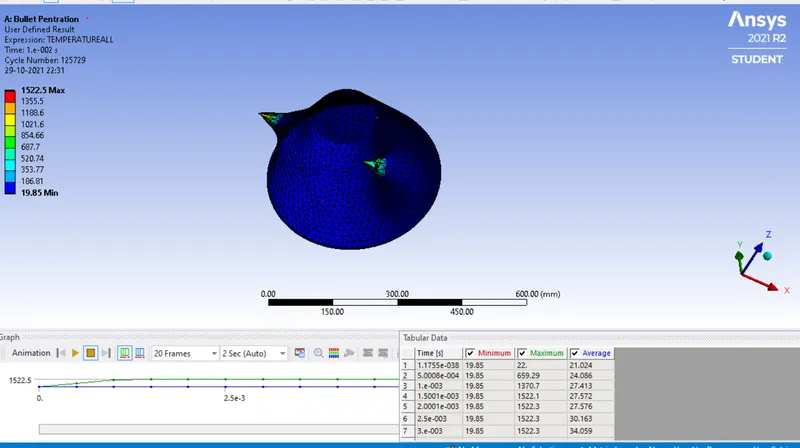
Aluminium Alloy
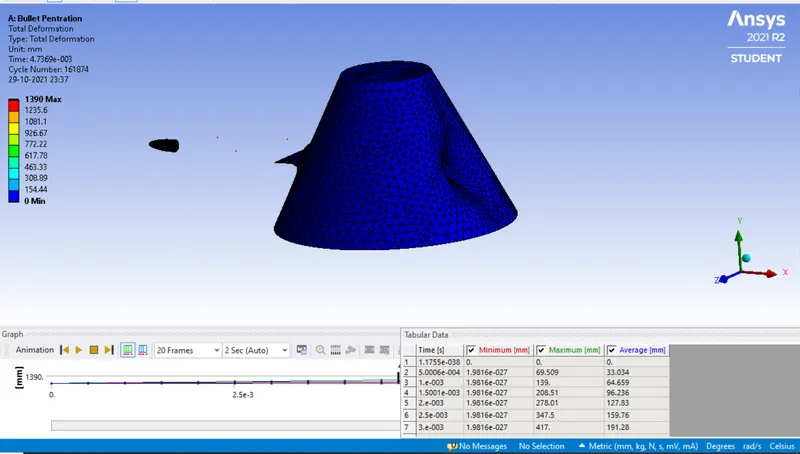
Conclusion:
Magnesium Alloy:
Deformation
Maximium=1051.1mm
Minimum=1.9816227mm
Equivalent Strain
Maximum=0.067253
Minimum=0
Equivalent Stress
Maximum=2798.2Mpa
Minimum=5.4975Mpa
User Defined Temperature
Maximum=2346.9
Minimum=19.85
Coppeer Alloy:
Deformation
Maximium=1390mm
Minimum=1.98816.e-27mm
Equivalent Strain
Maximum=0.017925mm
Minimum=0
Equivalent Stress
Maximum=1941.8Mpa
Minimum=9.9028Mpa
User Defined Temperature
Maximum=15225.5
Minimum=19.85
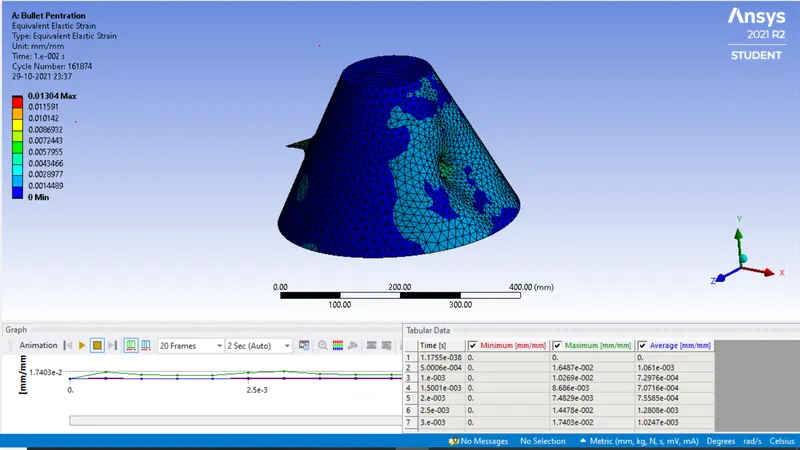
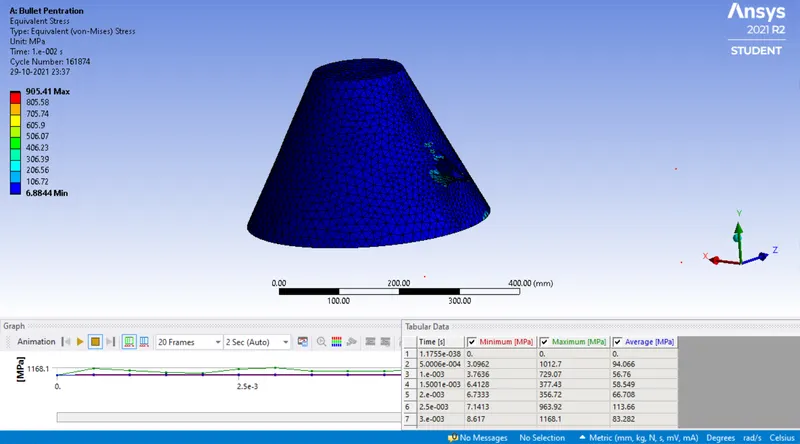
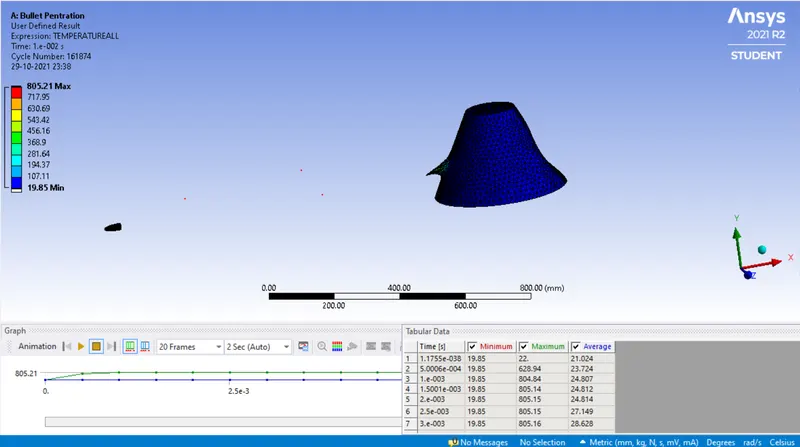
Aluminium Alloy:
Deformation
Maximium=1390mm
Minimum=1.9816227mm
Equivalent Strain
Maximum=0.01304
Minimum=0
Equivalent Stress
Maximum=905.41Mpa
Minimum=6.8844Mpa
User Defined Temperature
Maximum=805.21
Minimum=19.85
Hence the Bucket simulation is done by using different material for the component.