Week - 8 - Morphing
OBJECTIVE:
Perform morphing for the Model-1 and Model 2 and performing all the Morphing techinques.
PROCEDURE FOR MORPHING:
MODEL :1
- Importing the given Model into the GUI.
-
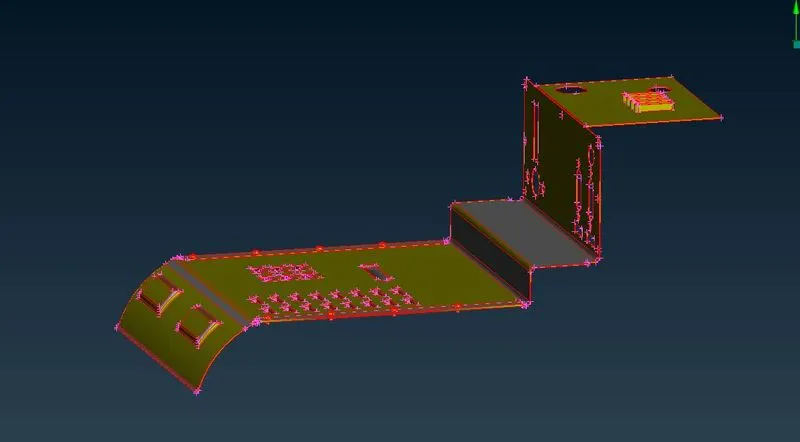
- After importing the given model into the GUI.We should apply Topo for the geomentry.
-
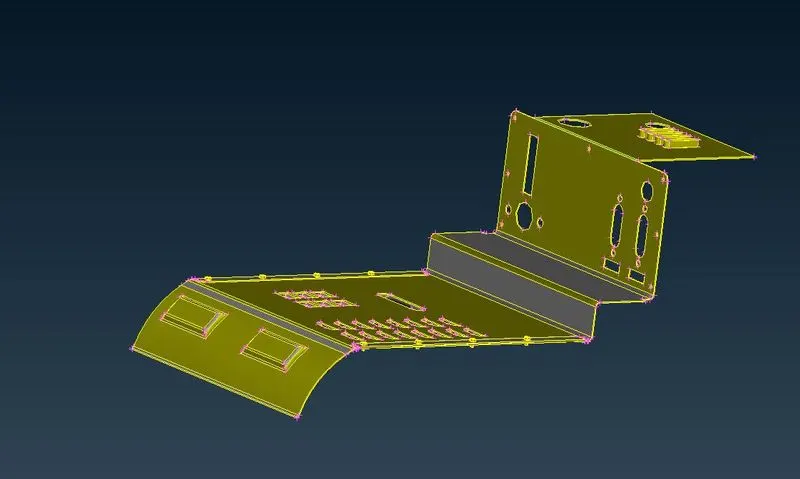
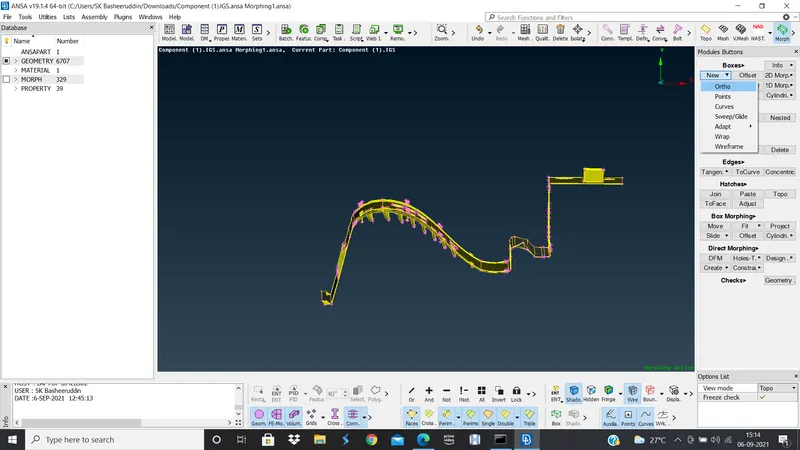
- After applying the topo we should go to the Morphing Deck>Boxes>New>Ortho>geomentry>select the model>clickok.
-
-
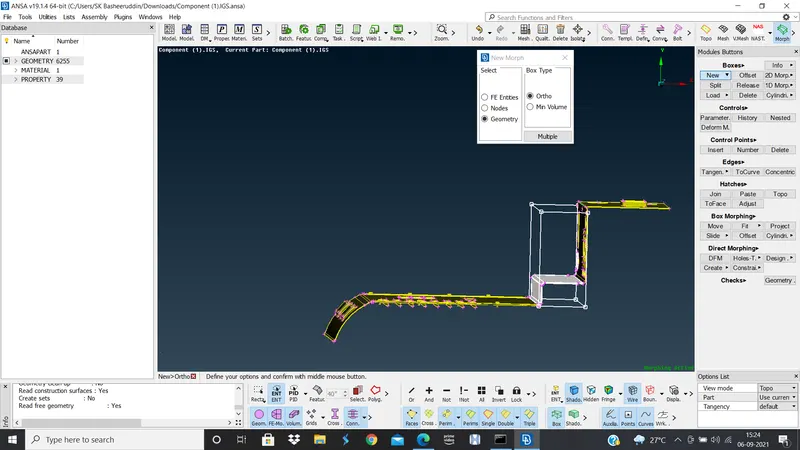
- After go to Boxing Morphing >move>select the points and move the cordinates in the direction you requried and click on ok.
-
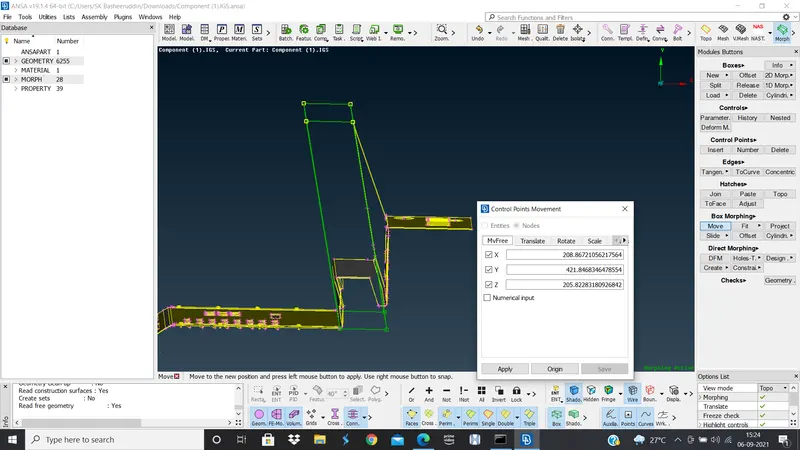
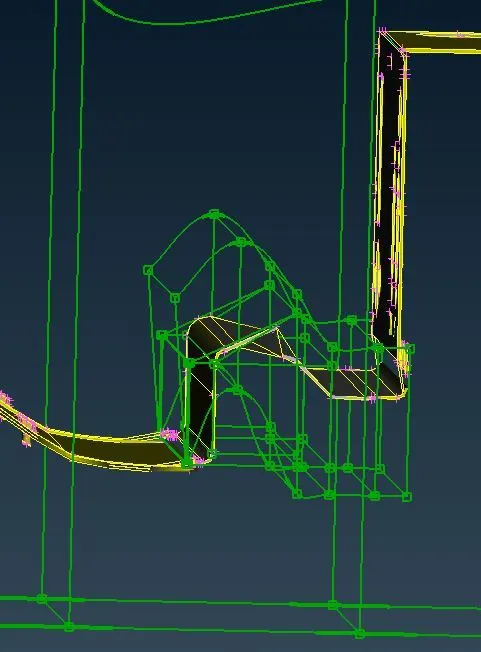
- In this way we should morph the model according to the given requriments.
-
-
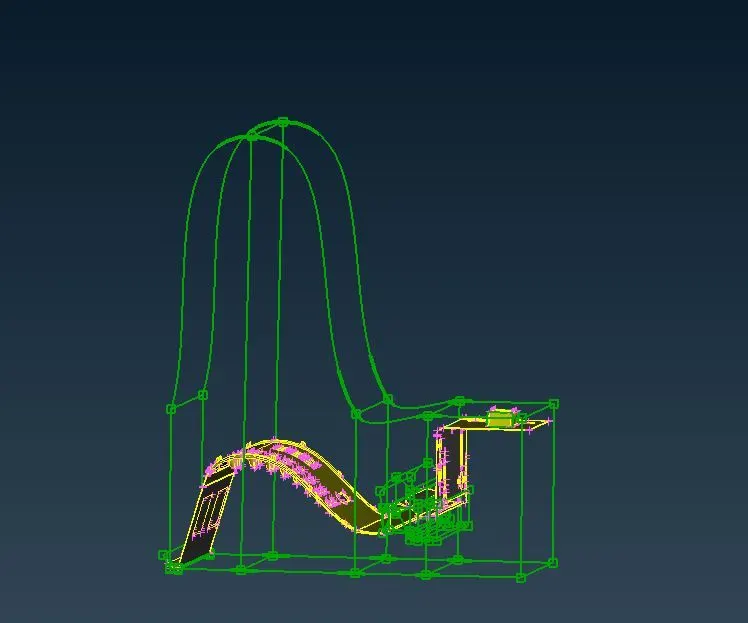
- Before Morphing
-
- After Morphing
-
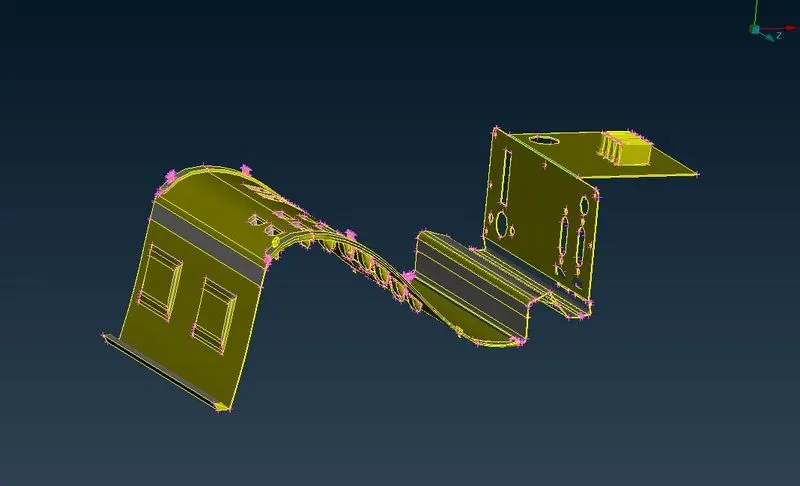
MODEL 2:
- Importing the given Model into the GUI.
-
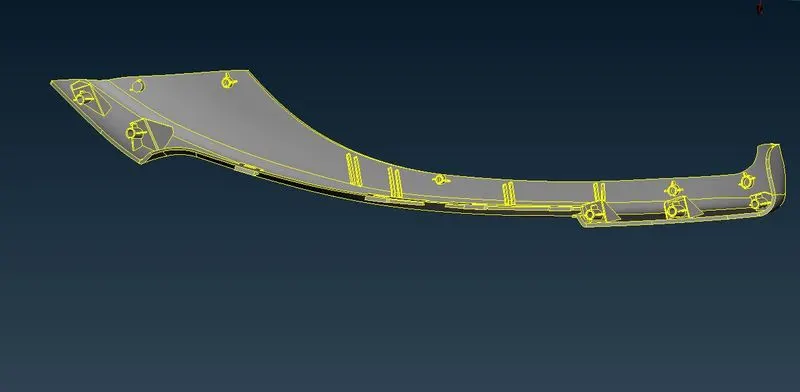
- After importing the given model into the GUI.We should apply Topo for the geomentry.
- After applying the topo we should go to the Morphing Deck>Boxes>New>Ortho>geomentry>select the model>clickok.
-
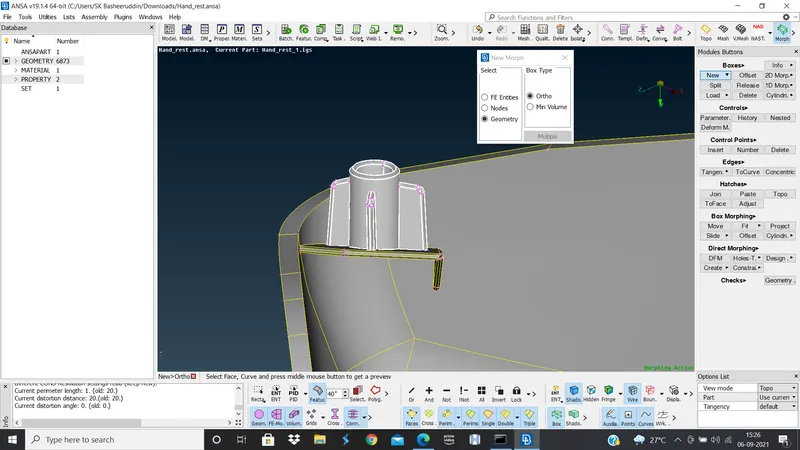
-
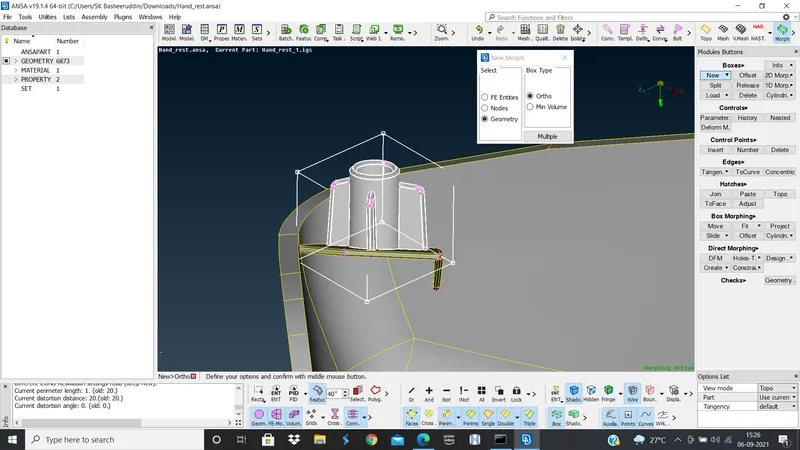
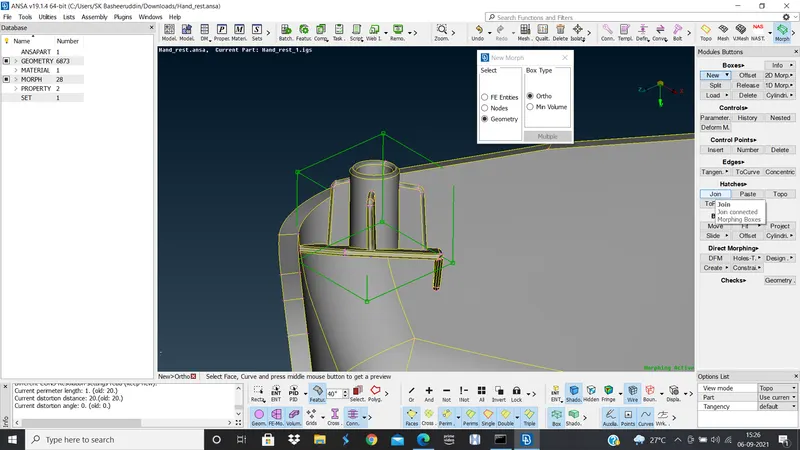
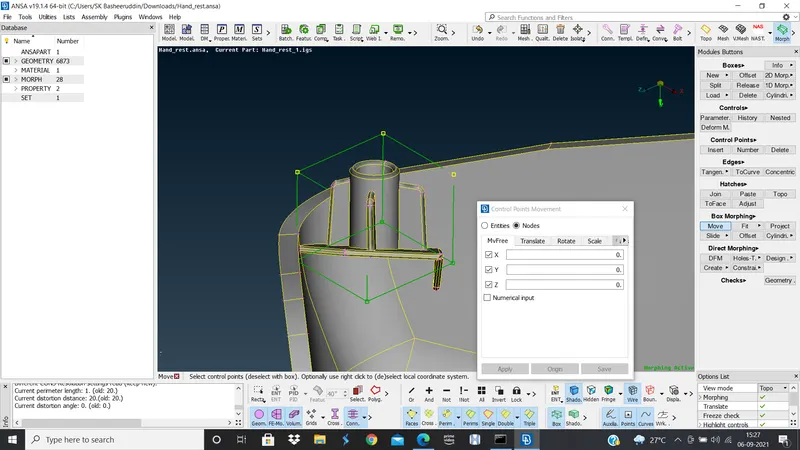
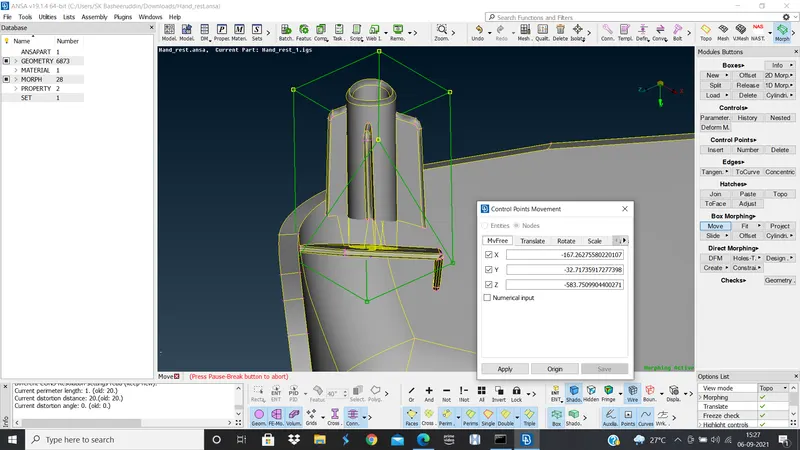
- After go to Boxing Morphing >move>select the points and move the cordinates in the direction you requried and click on ok.
-
-
-
-
-
-
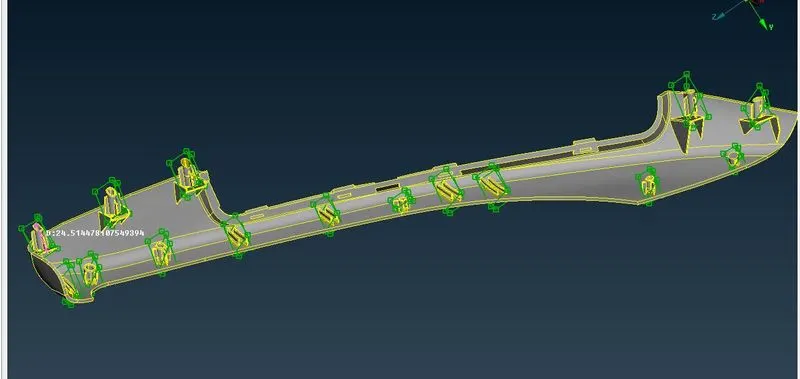
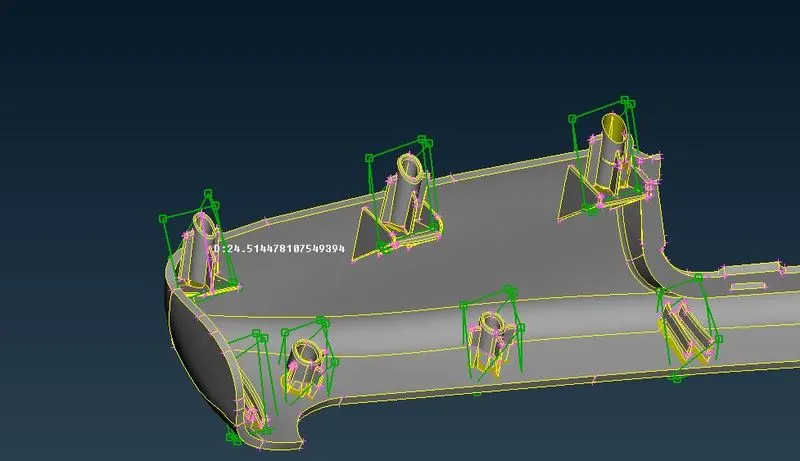
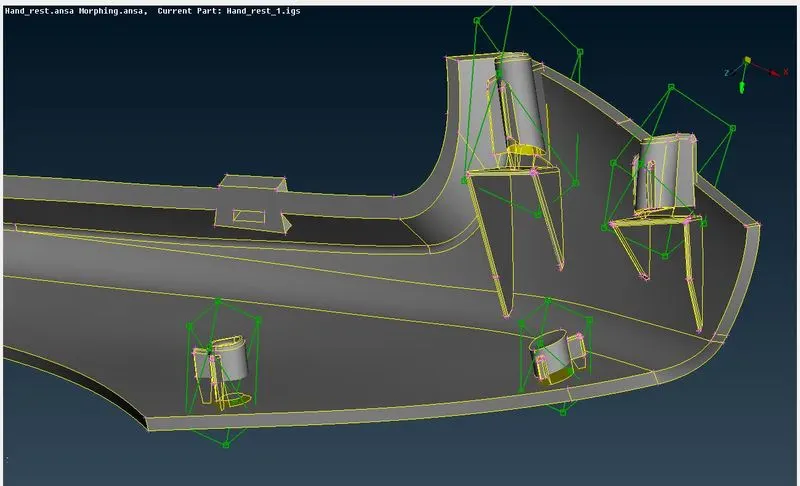
- In this way we should morph the model according to the given requriments.
CONCLUSION: Hence Morphing is done on the given Model.