Volume Mesh of rear view mirror according to given quality criteria and solving tetcollapse in ANSA
Objective:- To check geometrical errors and tetra mesh the given component according to the quality criteria.
|
S.No |
Quality Criteria |
Value |
|
1 |
Target/Average length |
1 |
|
2 |
Minimum Length |
0.5 |
|
3 |
Maximum Length |
3 |
|
4 |
Tetcollapse |
0.2 |
Procedure:-
- Open ANSA and open the component file which is in ".igs" as provided.
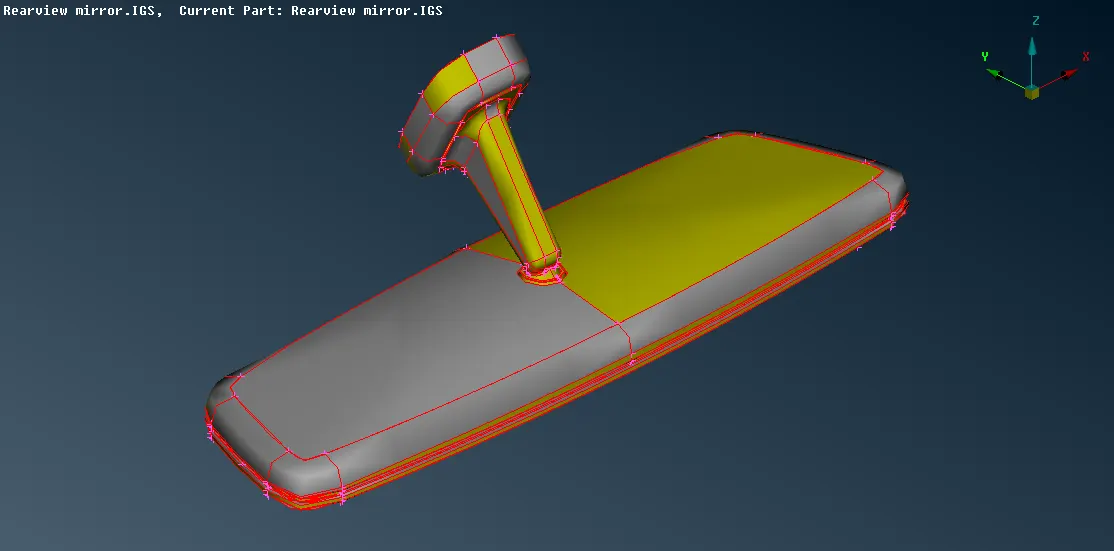
- From the modules use topo, Topo -> Faces -> Topo -> select the entities.
- Also even the orientation of the component by using the "Orient" option which is under Modules -> Topo -> Faces -> Orient.
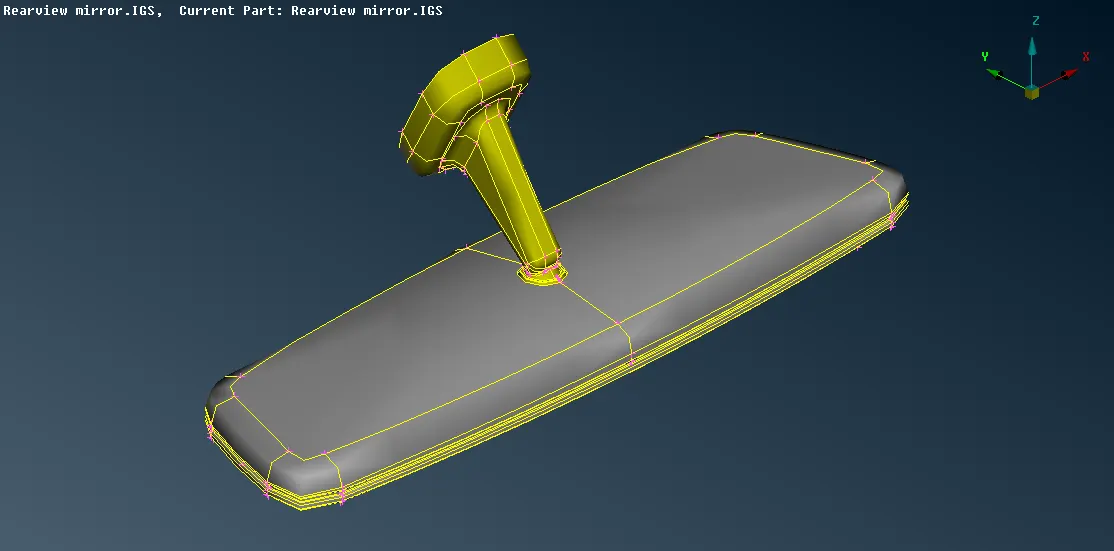
- Now check the entities for any geometrical error by using the "Geometry" option from the Tools -> Check -> Geometry (from the options select single cons also). If any error found it can be fixed automatically by right click on the error and click on the fix or it can be solved manually by using different options of "Topo" present in modules.
- Before creating tetra mesh the entities should have meshed with shell tria.
- Now before meshing set the quality criteria and the parameter by using "Quality Criteria" and "Mesh parameter" form the "Utilities". Also, set the length for the entities by Modules -> Mesh -> Perimeter -> Lenth -> for both Perimeter and Macro select the visible entities and provide the values.
- Mesh the curved edges by Modules -> Mesh -> Mesh generation -> spot mesh -> element type ortho tria. If the mesh is undesirable than Shell mesh -> reconstruction can be used.
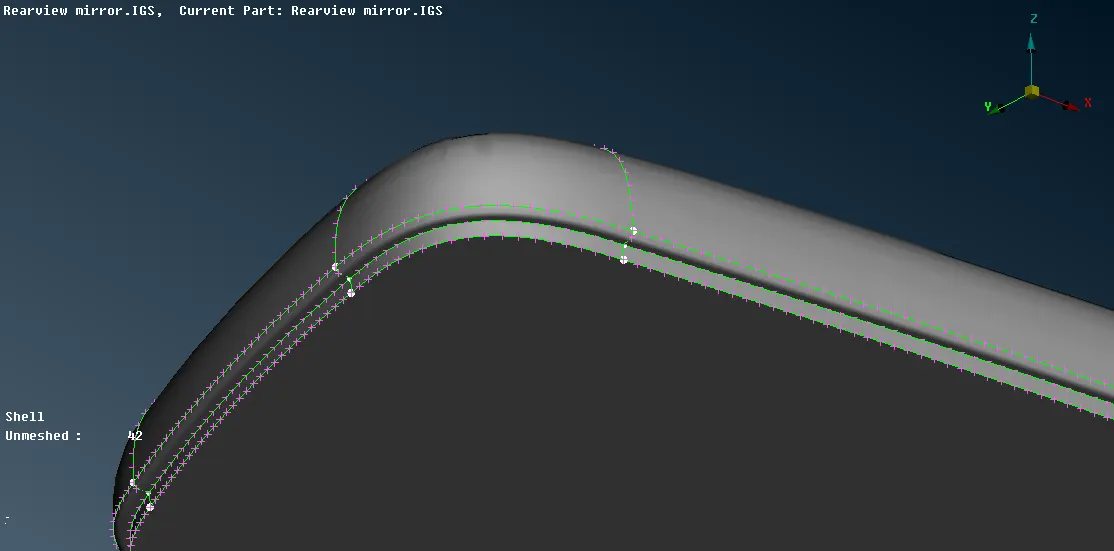
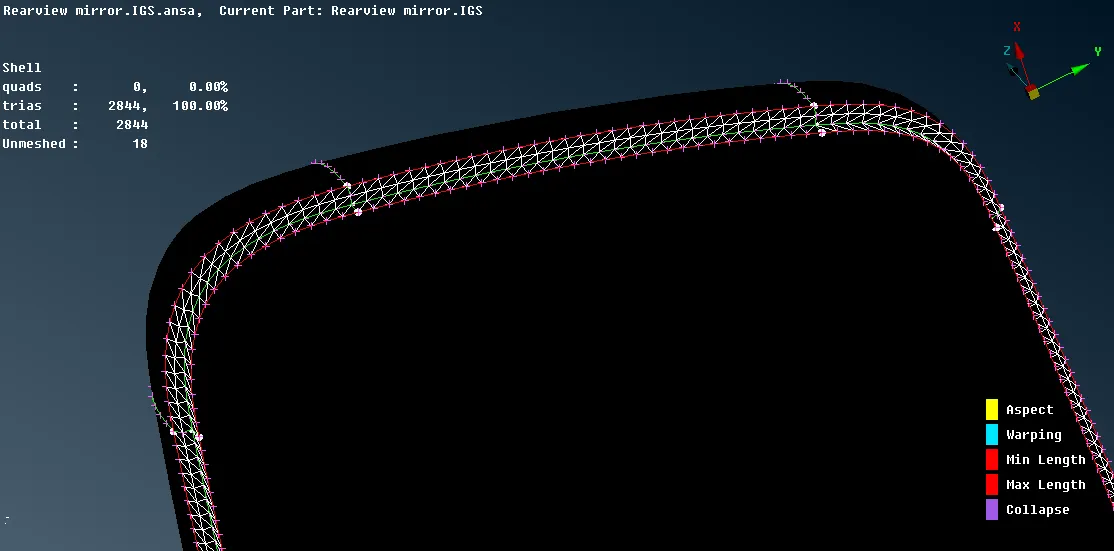
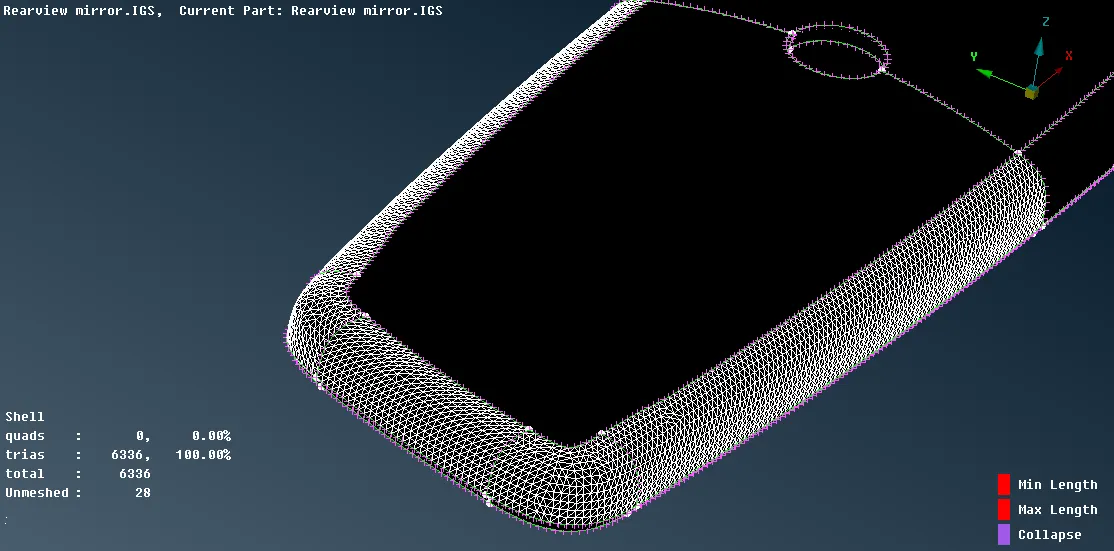
- After meshing all the curve part with ortho tria mesh, mesh the remaining surface with tria.
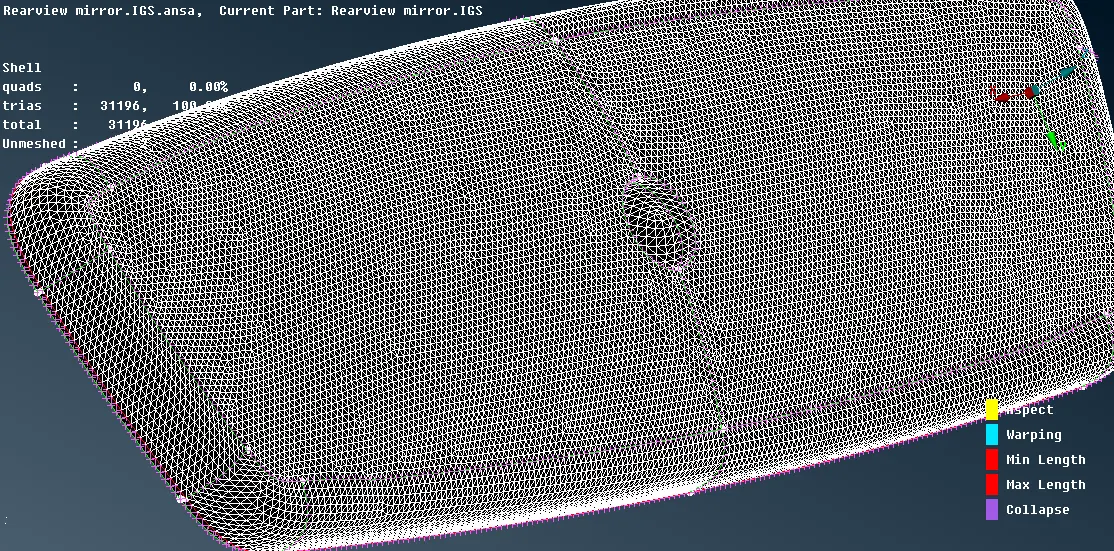
- Other entities can also be meshed similar way for curve region ortho tria and for surface tria elements. There should not be any minimum or maximum elements failure.
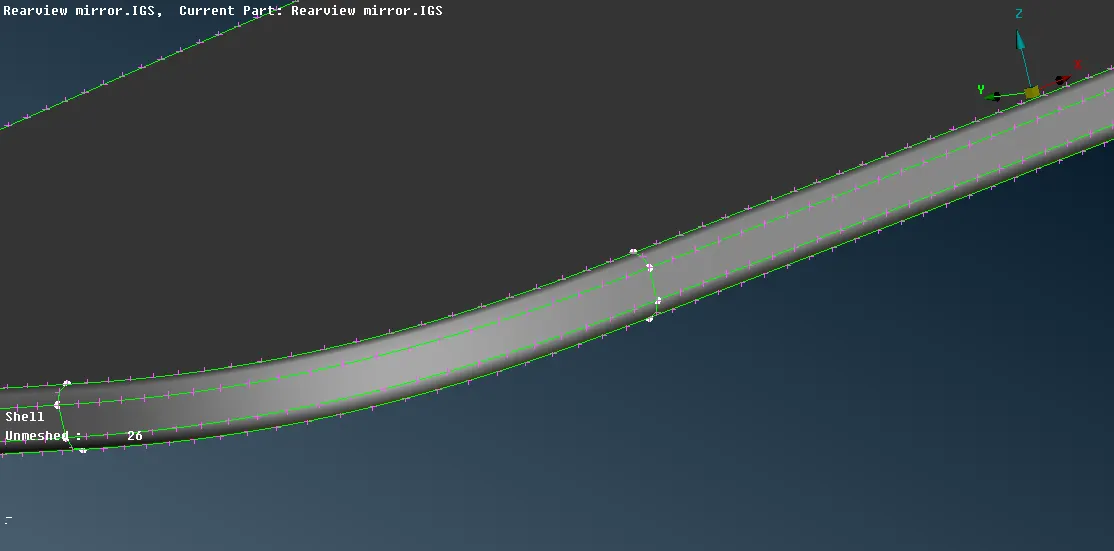
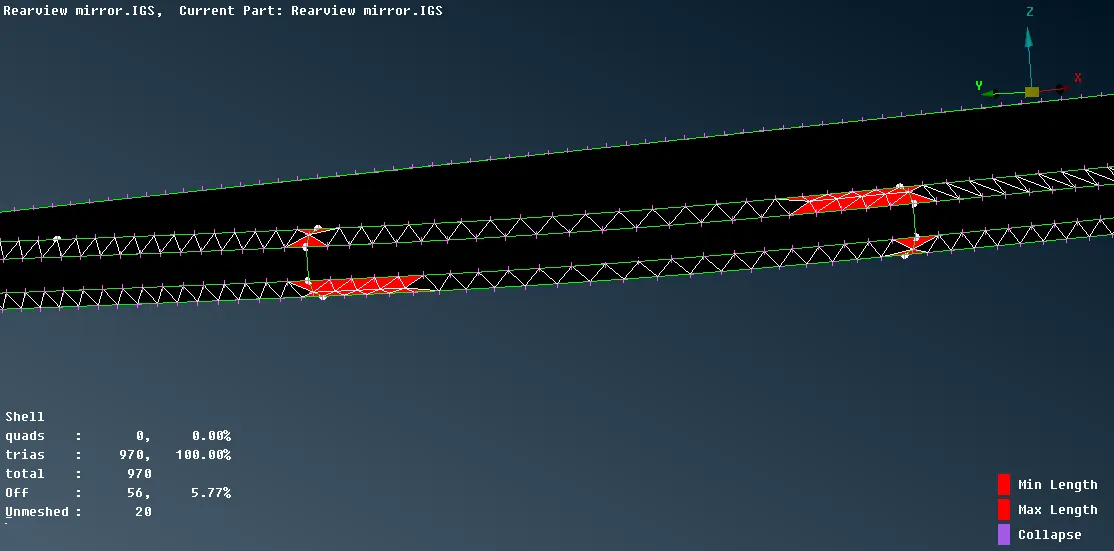
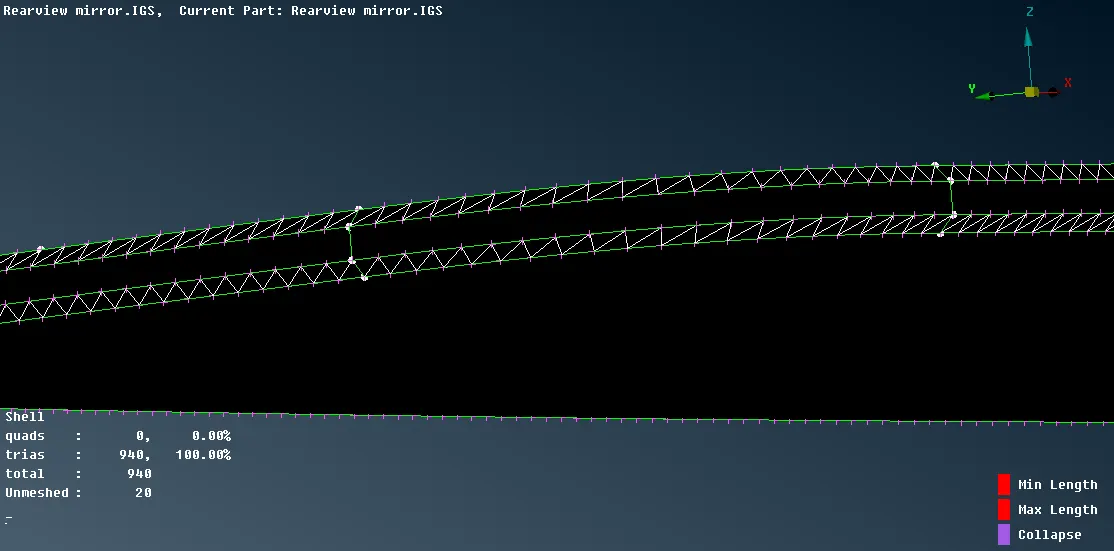
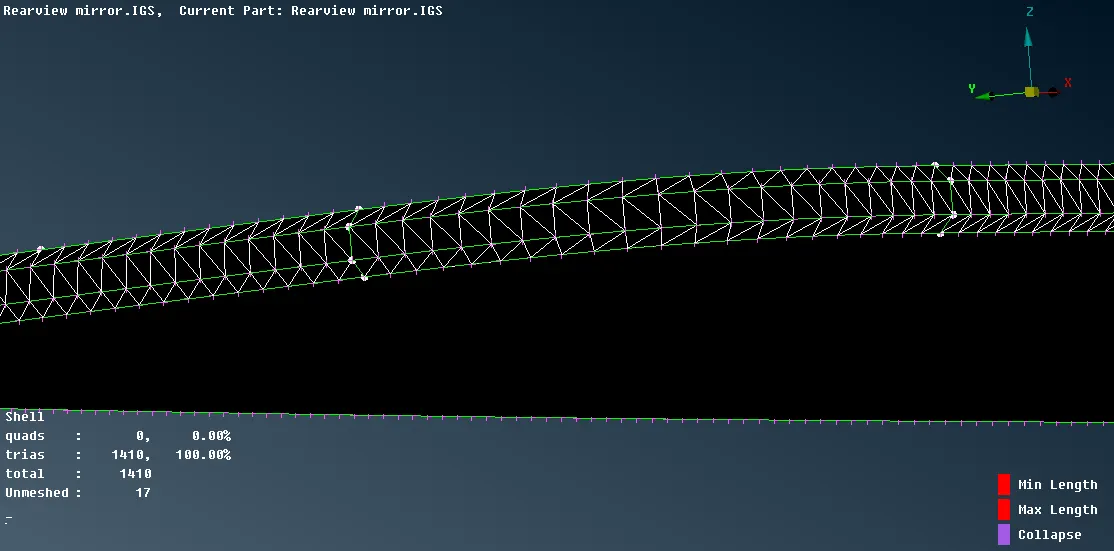
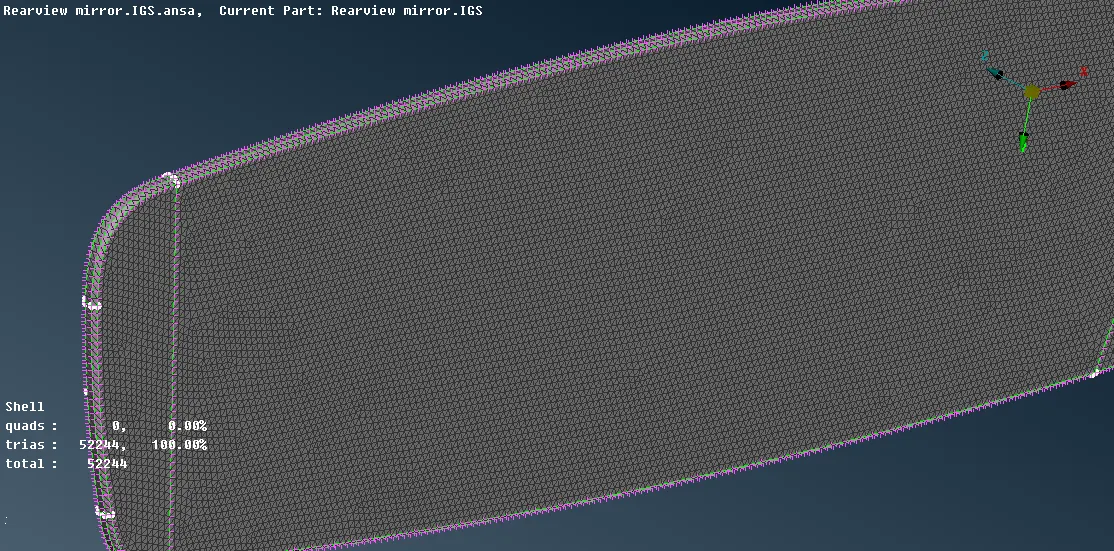
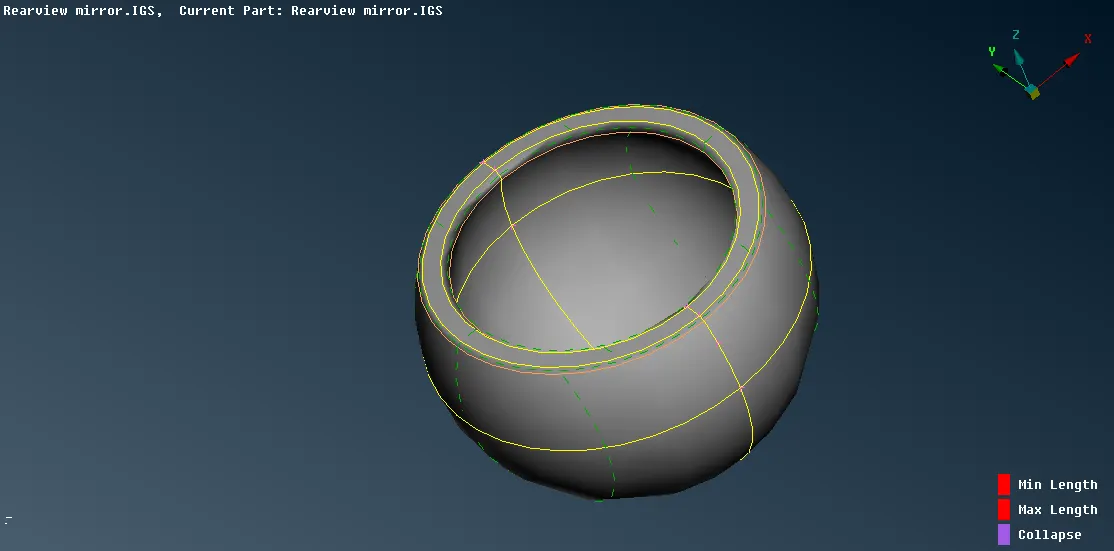
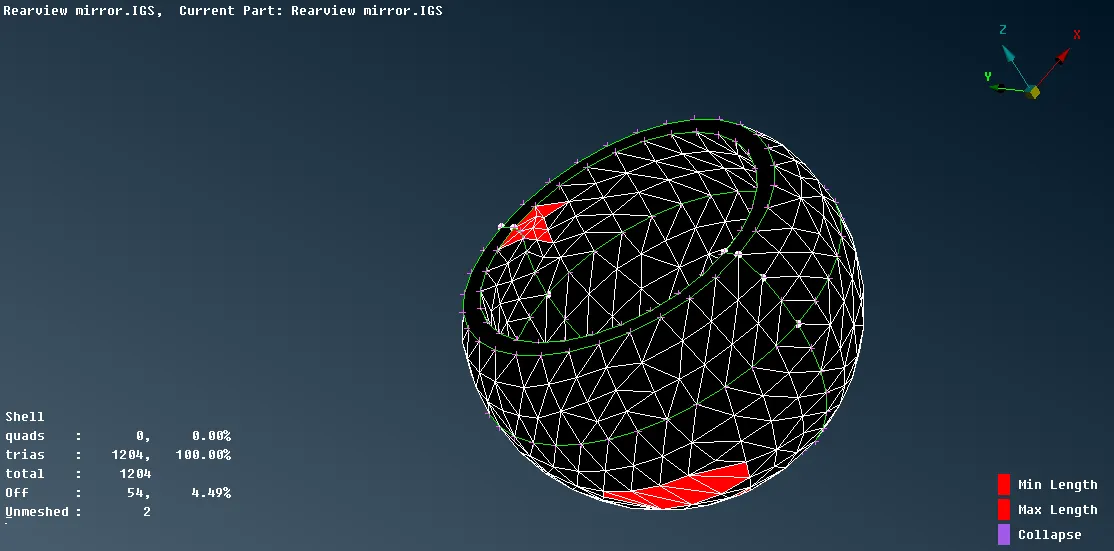
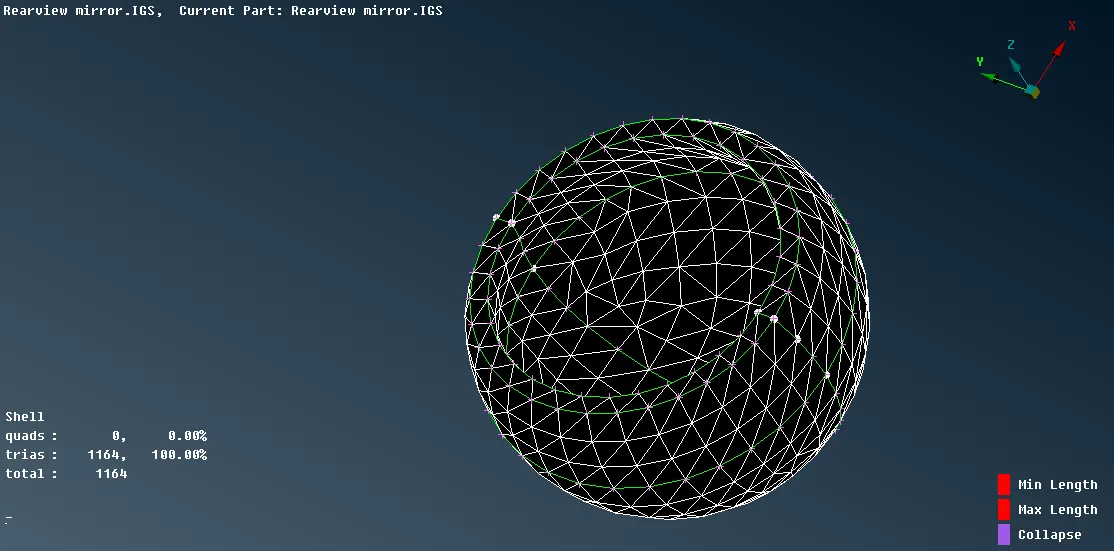
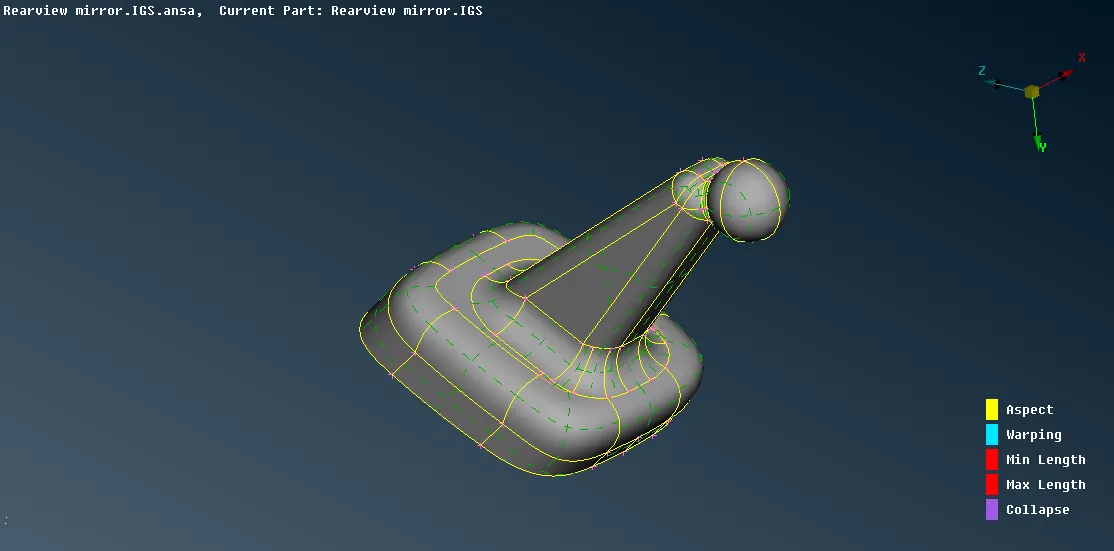
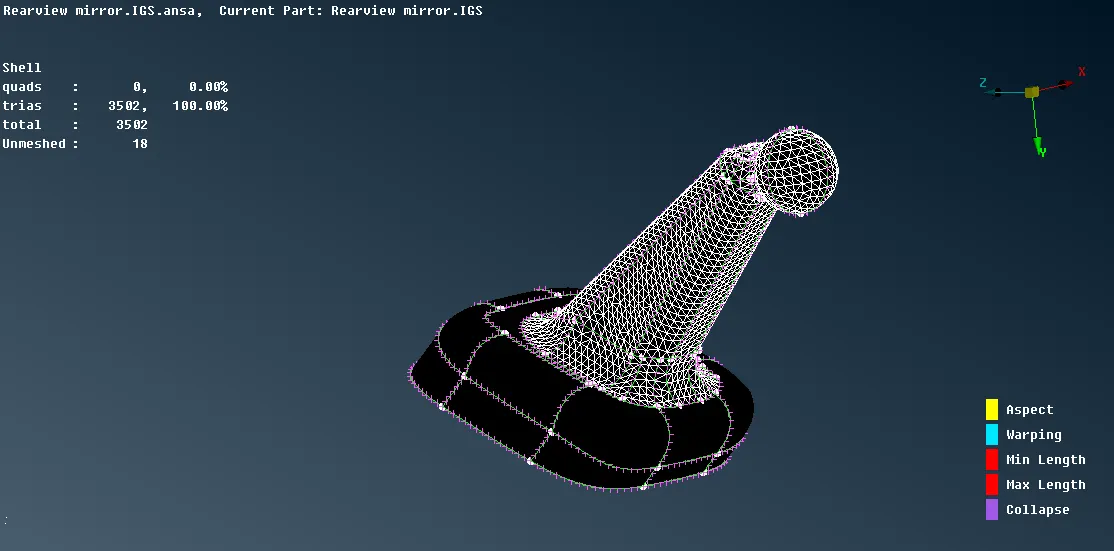
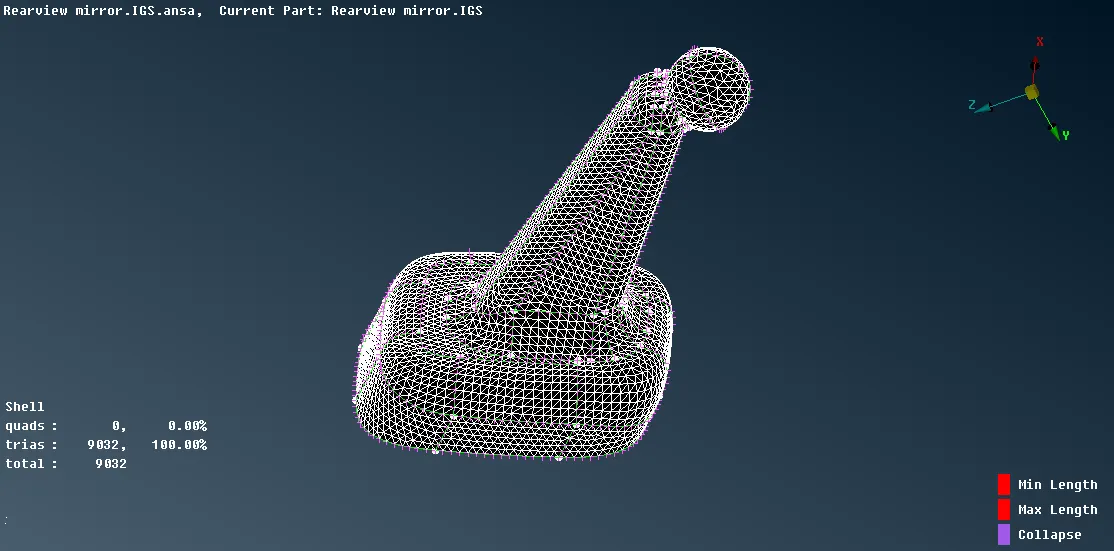
- After shell tria mesh the volume tetra mesh can be done but before that each entity should be defined as the volume which can be done by Module -> Volume mesh -> Volume -> Define -> Manual -> Auto -> select entities -> middle mouse click -> in the panel right-click to "NEW" and select PSOLID.
- Now to mesh the entity Module -> Volume mesh -> Unstructured mesh -> Tetra FEM and select the entity to mesh.
- Check the meshed entity for tetcollapse.
- If there is any element failing for tetcollapse than fix it by using Module -> Volume mesh -> Improve -> Fix quality or using the Module -> Mesh -> Grids -> Move -> and change the height of the element by dragging it.
- Finally, check for kinks and dip of the tetra mesh elements which can be solved using the Module -> Mesh -> Grids -> Move -> and change the height of the element by dragging it.
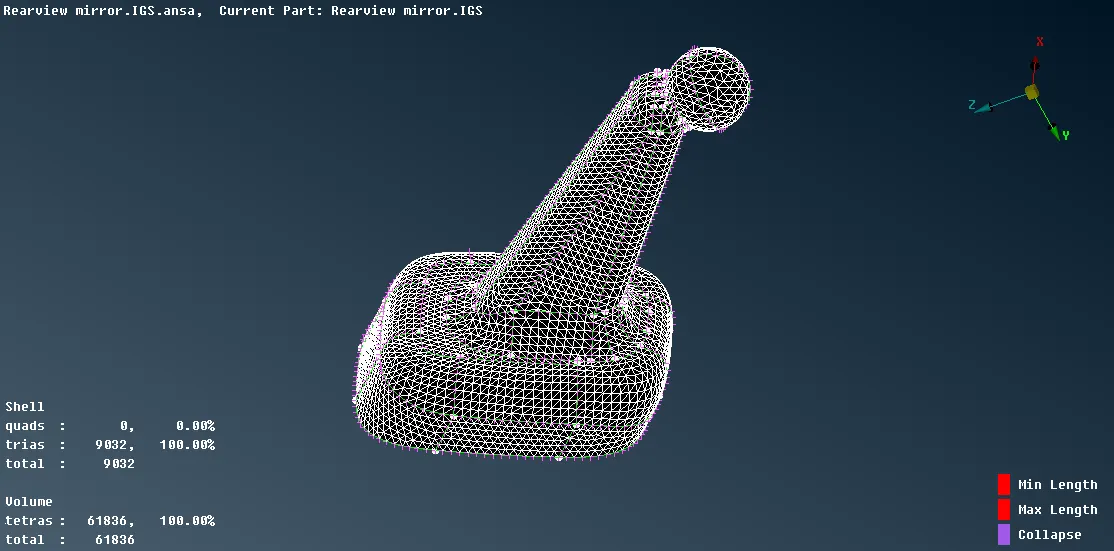
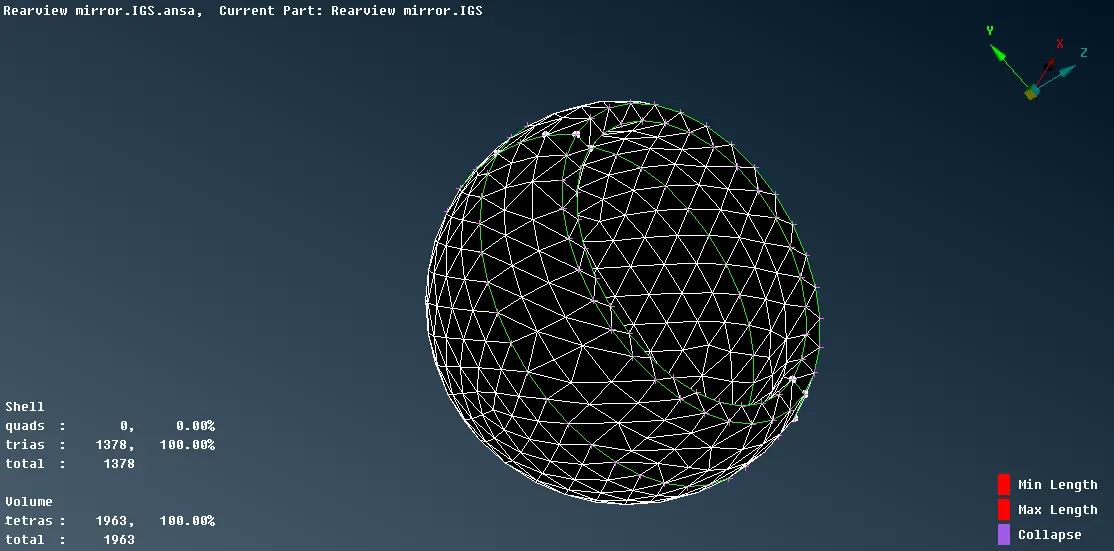
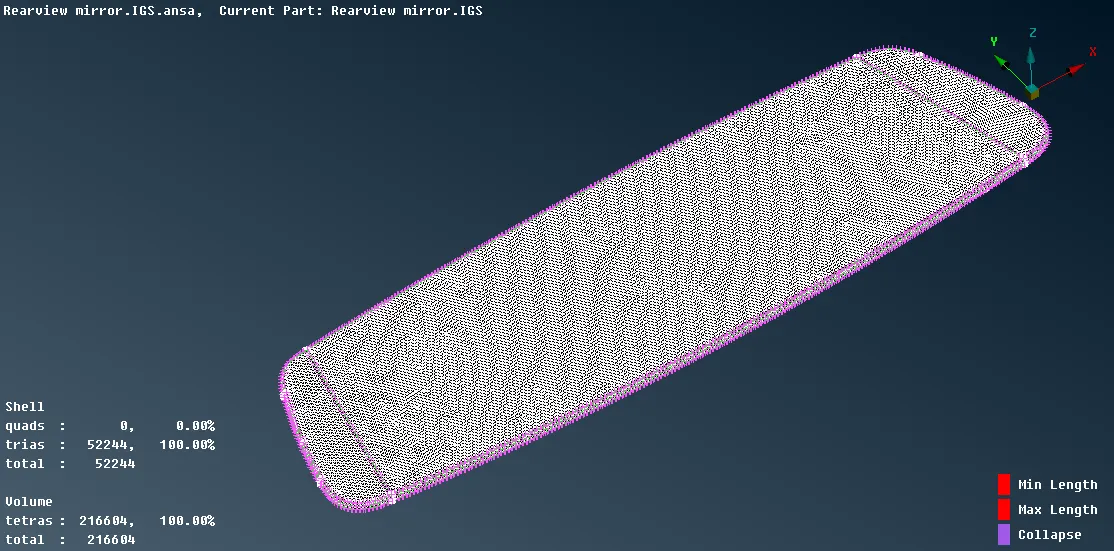
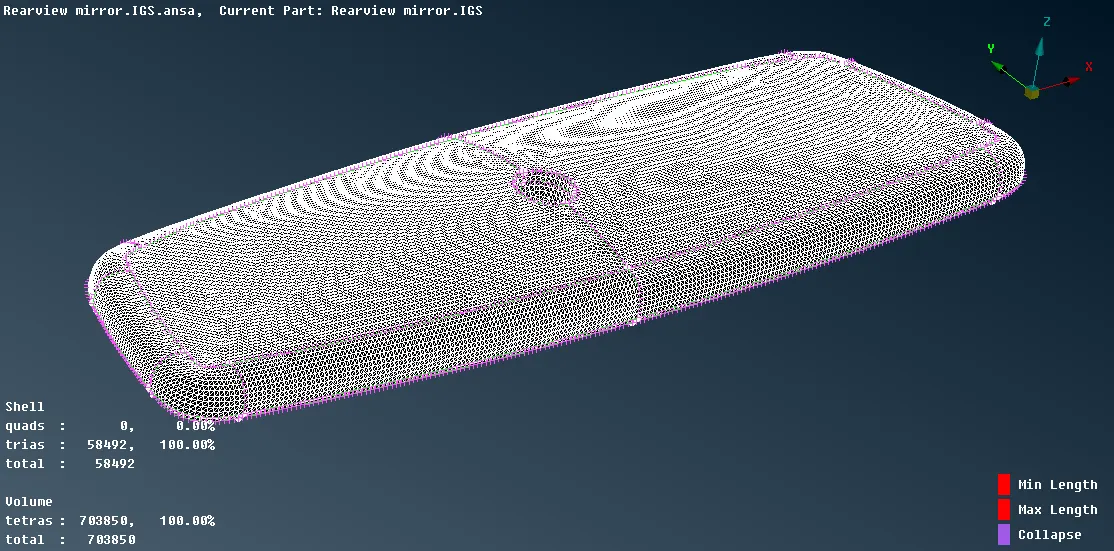
Result :-
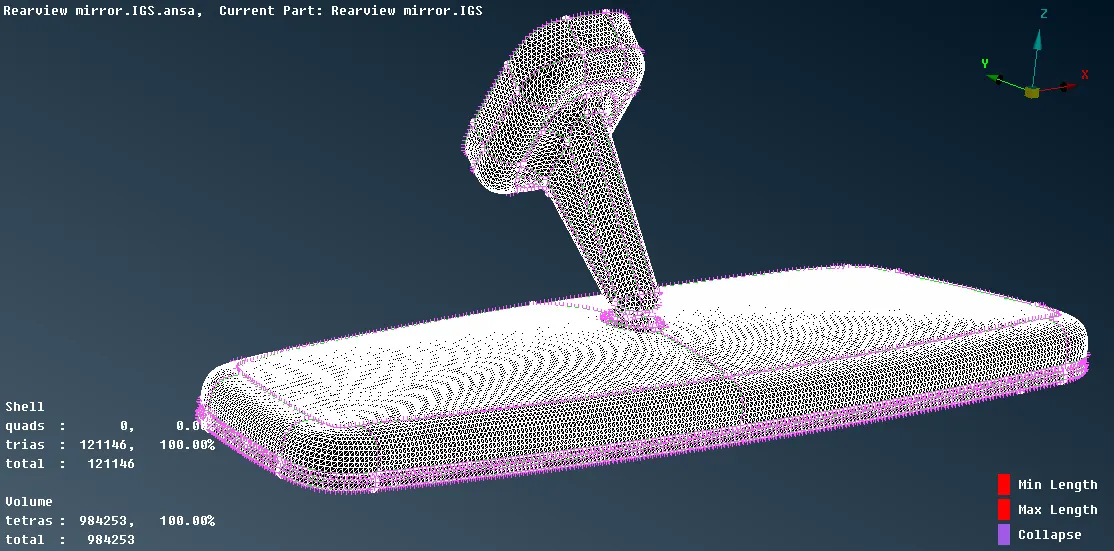
Conclusion:-
So by completing this challenge, I learned how to volume mesh a component according to given quality criteria also after meshing how to solve tetcollapse and kinks and dips of the tetra elements with respect to the surface.