To create different type of connectors in 1D and 2D for a given component
Objective:- To create connectors and attach the various parts of the given model
1. Right_Rail_2 & Front_truss_1:- Seam-Quad(angled+capped+L)
2. Left_Rail_2 & Front_truss_1:- Quad elements
3. Front_truss_2, Front_truss_1 & Right_Rail_1:- Spot weld with 3 Layers and 5 mm Diameter
4. Front_truss_2, Front_truss_1 & Left_Rail_1:- Hexa (Adhesive)
5. Rear_truss_2 & Right_Rail_2:- Bolt Connector
6. Rear_truss_2 & Left_Rail_2:- Bolt Connector
7. Right_Rail_1 & Right_Rail_2:- Spot-weld with Rigid Elements
8. Left_Rail_1 & Left_Rail_2:- Spot-weld with Spring Elements
Procedure:-
- Open HyperWorks and open model as it is a .hm file
- Create material and property and assign it to the respective component.
- Mesh with 2D automesh element size 5mm and mesh type quad, before use quick edit under geom to edit the construction line if required.
- As some component are symmetrical can use reflect option to reflect the elements and use edge option to remove any edge in between elements after reflect.
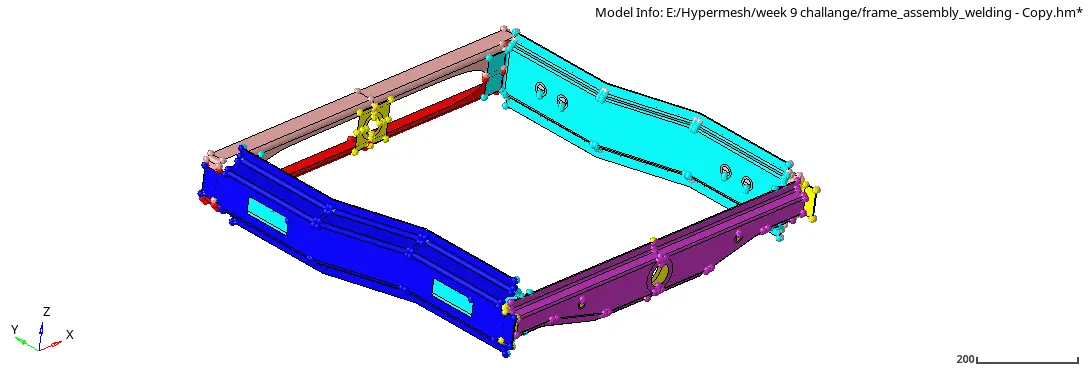
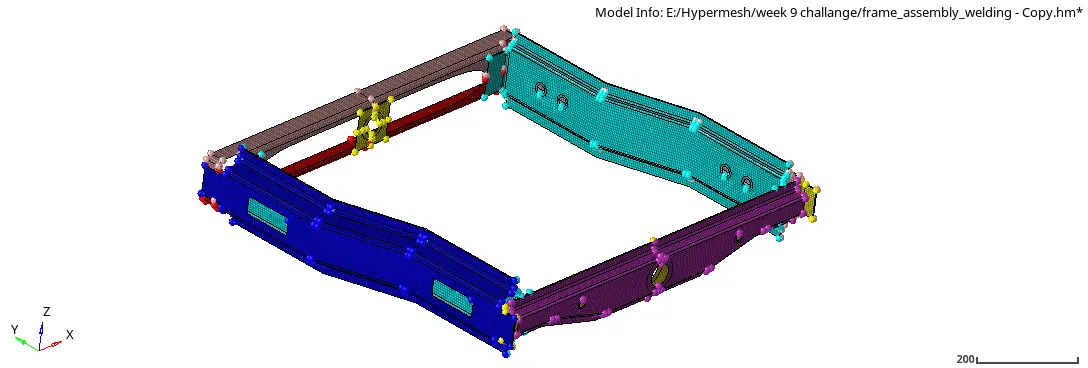
- After meshing, connectors can be used according to given criteria.
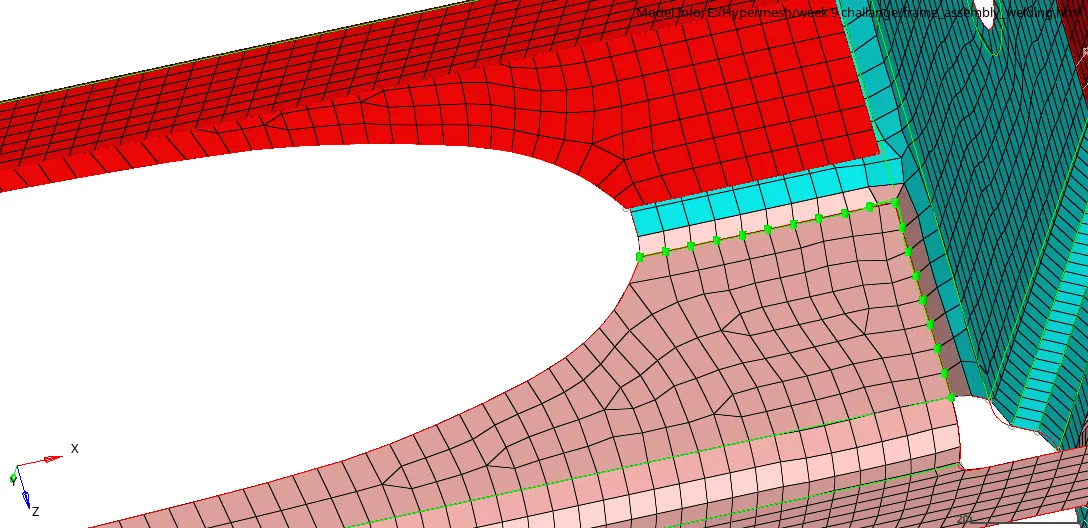
1. Right_Rail_2 & Front_truss_1:- Seam-Quad(angled+capped+L)
- To create Seam-Quad (angle+capped+L), under 2D -> Connector -> Seam -> Type "Seam-Quad (angle+capped+L)" -> Weld angle= 60, Cap angle= 65 and runoff angle= 10 -> Spacing= 5.0, tolerance= 10 -> location "node by path" select nodes -> connect what "select the 2 component Right rail 2 and front truss 1" -> Create
2. Left_Rail_2 & Front_truss_1:- Quad elements
- To create Quad elements, under 2D -> Connector -> Seam -> Type "Quads" -> Spacing= 5.0, tolerance= 10 -> location "node by path" select nodes -> connect what "select the 2 component Left rail 2 and Front truss 1" -> Create
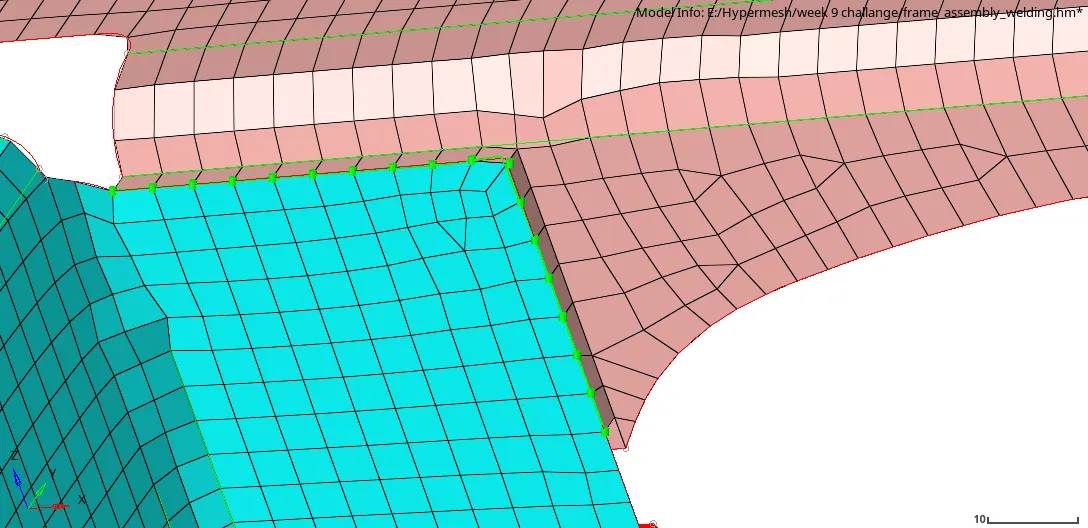
3. Front_truss_2, Front_truss_1 & Right_Rail_1:- Spot weld with 3 Layers and 5 mm Diameter
- To create Spot weld, under 2D -> Connector -> Spot -> Type "weld" -> tolerance= 10 -> diameter= 5.0mm -> num layers= total 3 -> location "node" select nodes -> connect what "select the 3 component Front truss 1, Front truss 2 and Right rail 1" -> Create
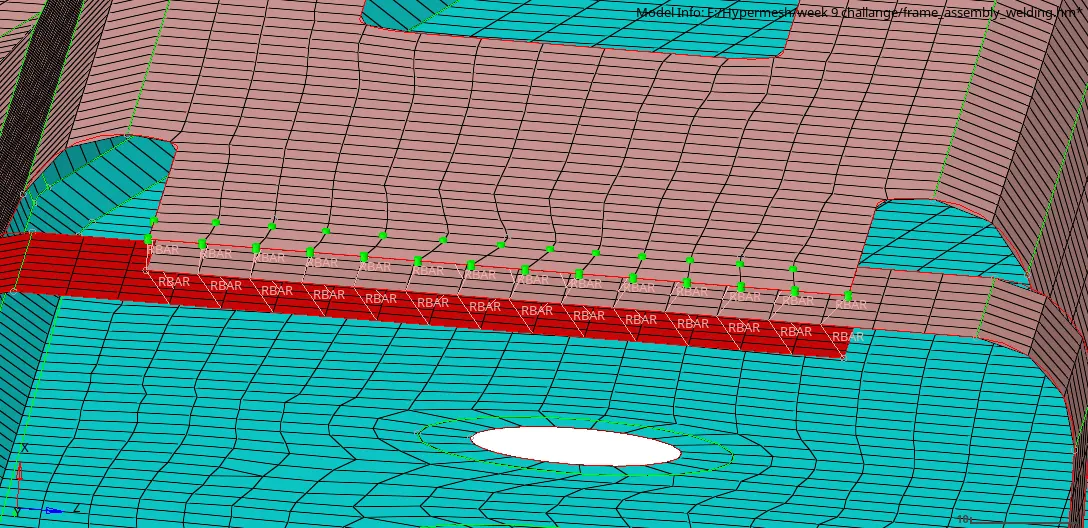
4. Front_truss_2, Front_truss_1 & Left_Rail_1:- Hexa (Adhesive)
- To create Hexa (adhesive), under 2D -> Connector -> Seam -> Type "Hexa(adhesive)" -> tolerance= 10 -> location "nodelist" select nodes -> connect what "select the 2 component Front truss 1 and Left Rail 1" -> Create
- Again to create Hexa (adhesive), Connector -> Seam -> Type "Hexa(adhesive)" -> tolerance= 10 -> location "node by path" select nodes -> connect what "select the 2 component Front truss 1 and Front truss 2" -> Create
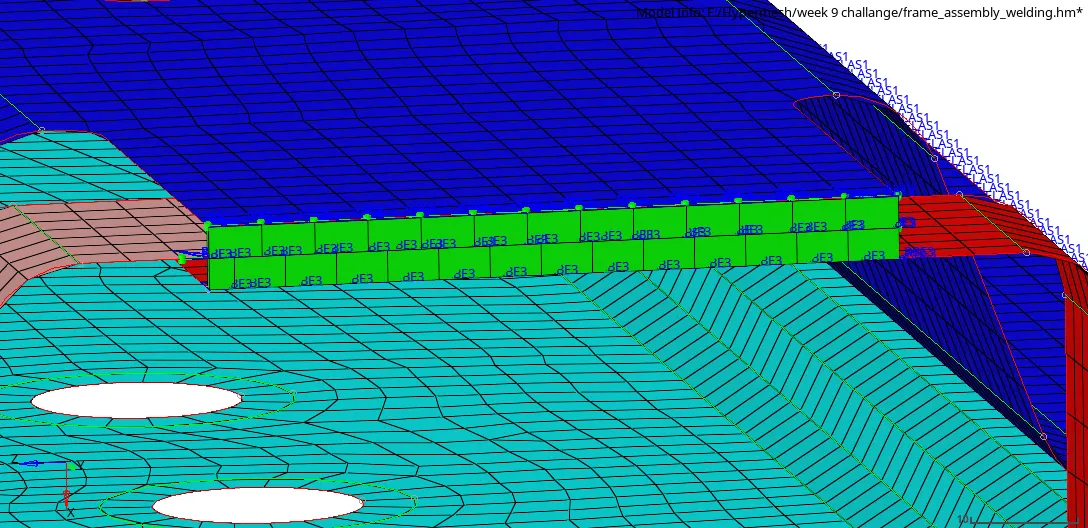
5. Rear_truss_2 & Right_Rail_2:- Bolt Connector
- To create bolt connector, under 2D -> Connector -> bolt -> Type "bolt (general)" -> select "create hole, if none" -> tolerance= 10 -> location "node" select nodes -> connect what "select the 2 component Rear truss 2 and Right Rail 2" -> Create
- After creating bolt remove any tria element near the hole.
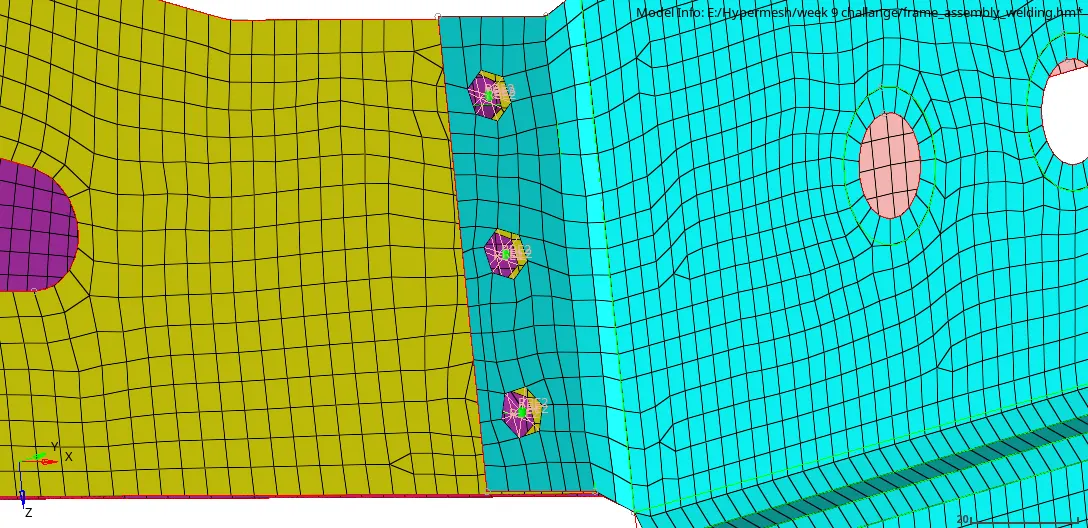
6. Rear_truss_2 & Left_Rail_2:- Bolt Connector
- To create bolt connector, under 2D -> Connector -> bolt -> Type "bolt (general)" -> select "create hole, if none" -> tolerance= 10 -> location "node" select nodes -> connect what "select the 2 component Rear truss 2 and Left Rail 2" -> Create
- After creating bolt remove any tria element near the hole.
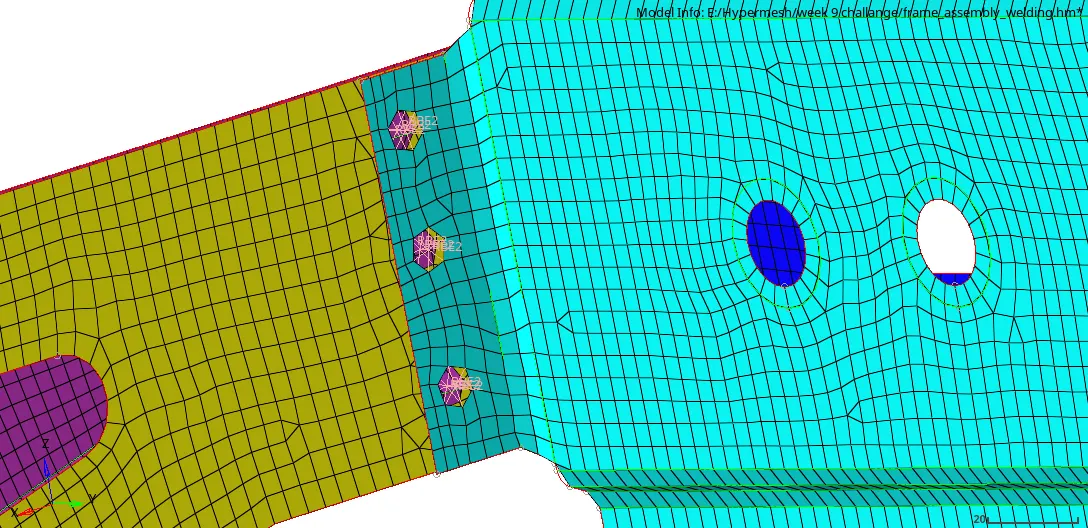
7. Right_Rail_1 & Right_Rail_2:- Spot-weld with Rigid Elements
- To create spot-weld with rigid elements, under 1D -> spotweld -> using nodes -> provide property "Spotweld 1" which is created with card image as PWELD -> element config "rigid" -> indep node component Rigth rail 1, select node -> dep node component Right rail 2, select node. It will create spot weld with rigid elements.
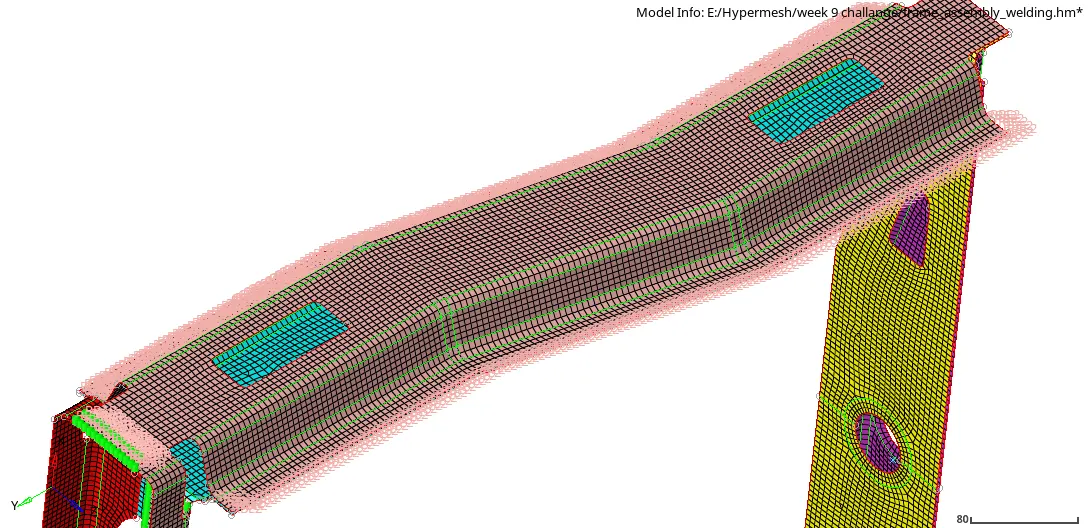
8. Left_Rail_1 & Left_Rail_2:- Spot-weld with Spring Elements
- To create spot-weld with spring elements, under 1D -> spotweld -> using nodes -> provide property "Spotweld 1" which is created with card image as PWELD -> element config "spring" -> indep node component Left rail 1, select node -> dep node component Left rail 2, select node. It will create spot weld with spring elements.
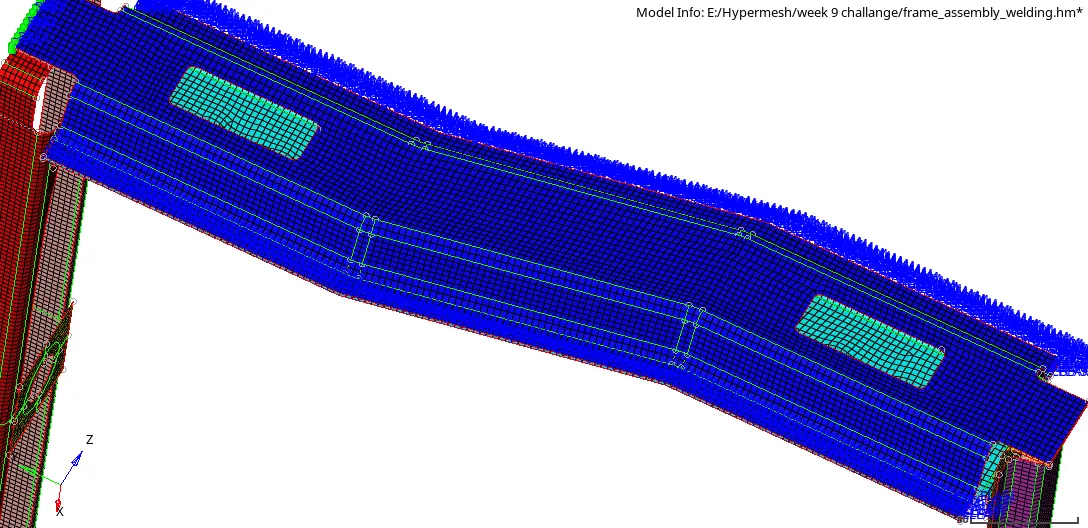
9. Rest all the component left Join them with suitable connectors
- Left rail 2 and Front Truss 2 :- Seam-Quad(angled+capped+L)
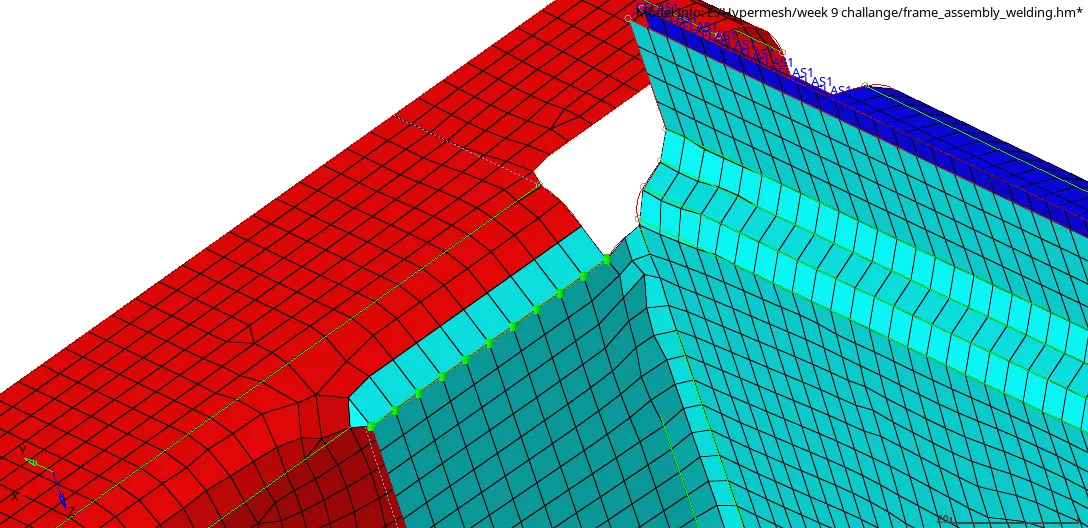
- Rear Truss 2 and Left Rail 1:- Bolt (spider) connector
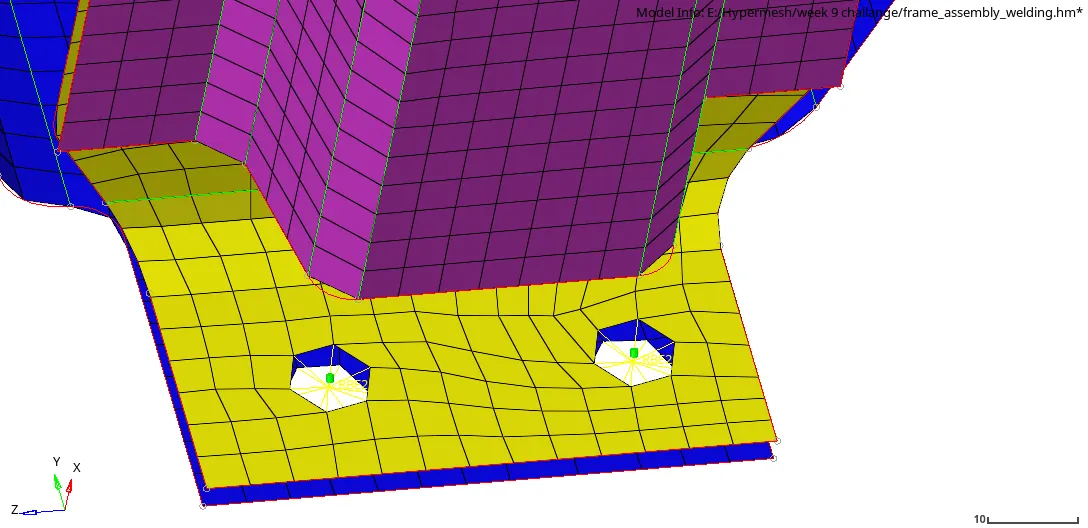
- Rear truss 2 and Right Rail 1:- Hexa (adhesive)
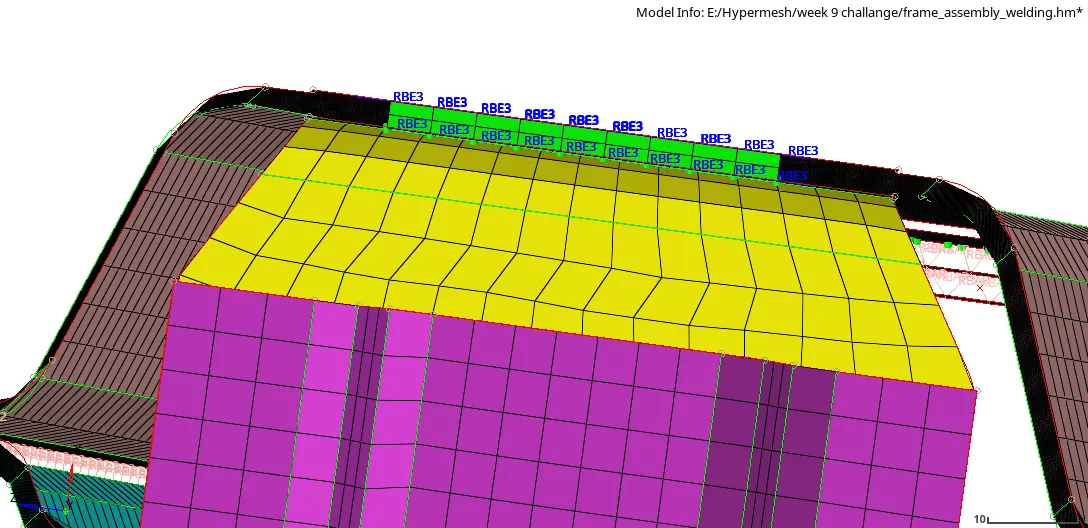
- Rear Truss 1 and Rear Truss 2:- Spot weld with 5mm diameter
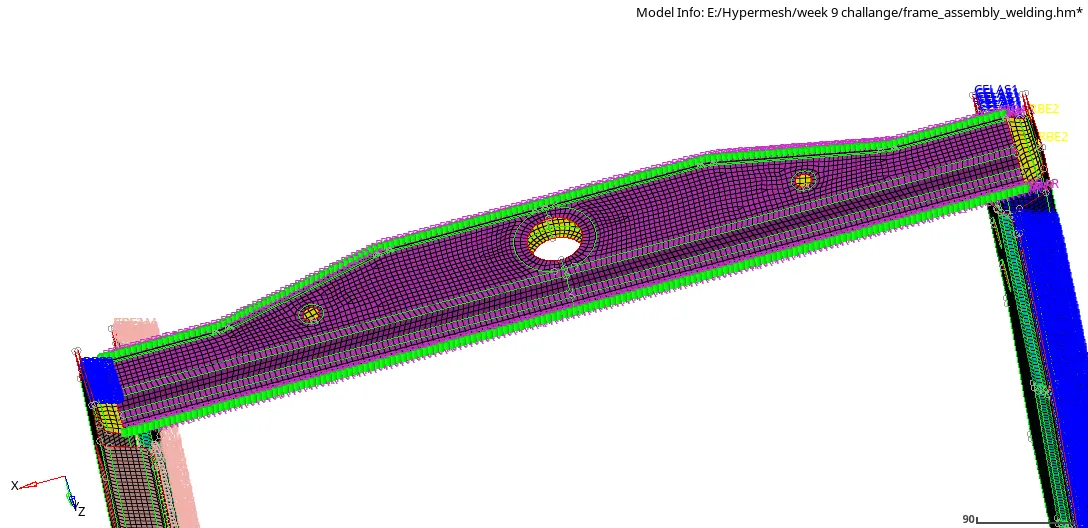
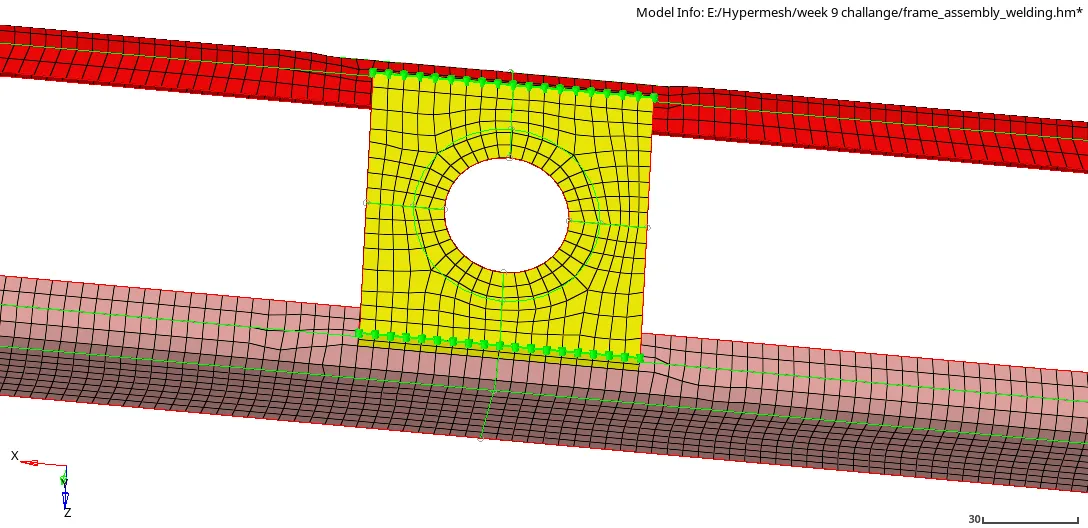
- Reinf Plate with Front Truss 1 and Front Truss 2:- Seam (seam-quad angled)
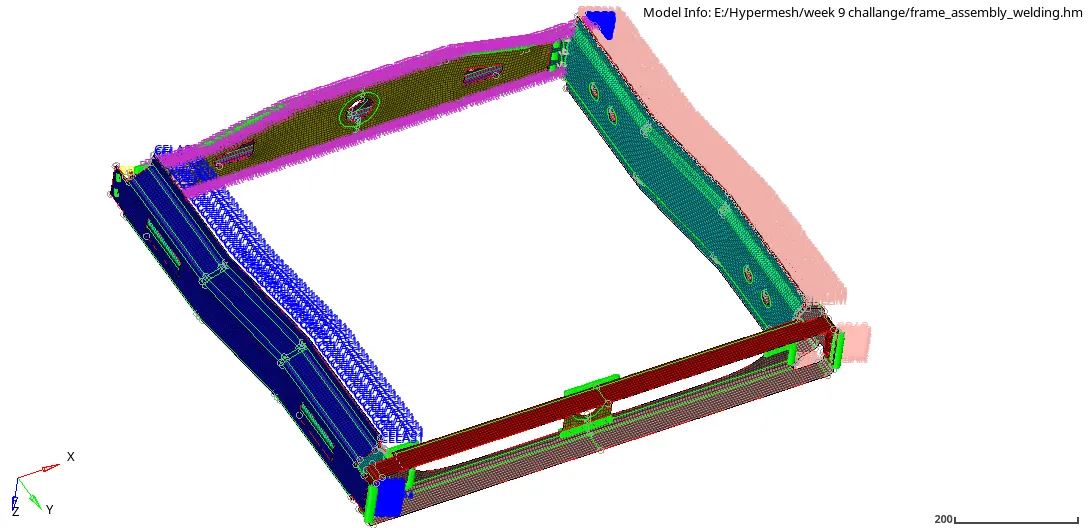
Result:-
Conclusion:-
So by completing this challenge I learned how to create different types of connectors in 1D (spotweld) and 2D (seam, bolt, spot, etc) to attach different types of components.