Week- 5 - Solid meshing
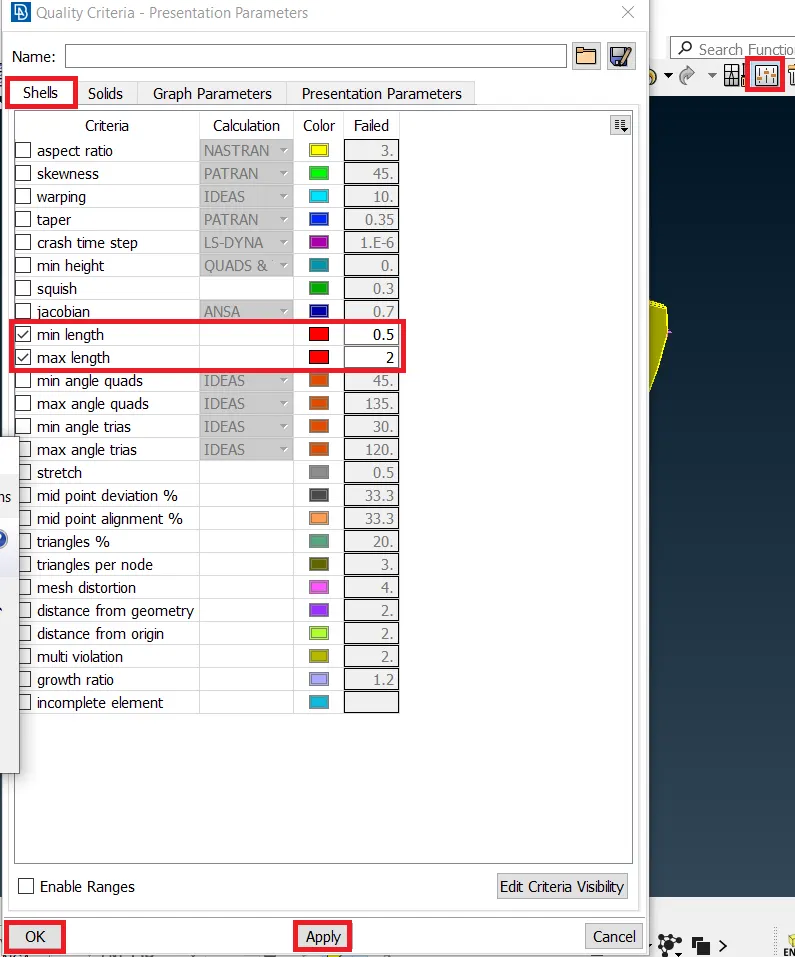
AIM:-To mesh given Rearview mirror component, check for the geometrical errors and mesh the Surfaces with the given 2D element Quality criteria
|
S.No |
Quality Criteria |
Value |
|
1 |
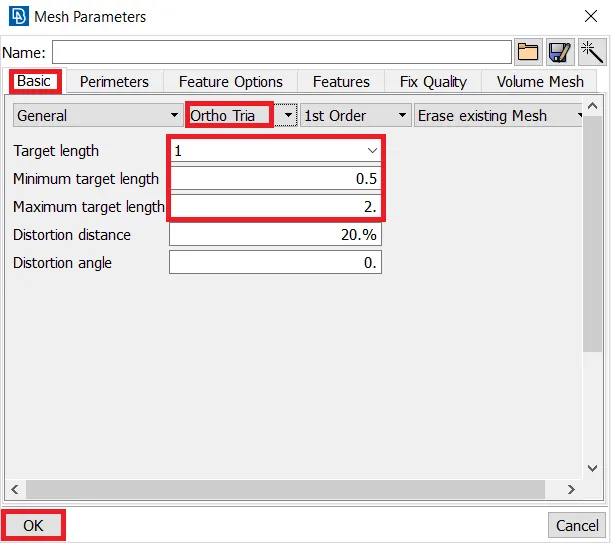
Target/Average length |
1 |
|
2 |
Minimum Length |
0.5 |
|
3 |
Maximum Length |
2 |
Use tetra elements to mesh the Volumes defined in the model and check for the below quality after Volume meshing.
|
S.No |
Quality Criteria |
Value |
|
1 |
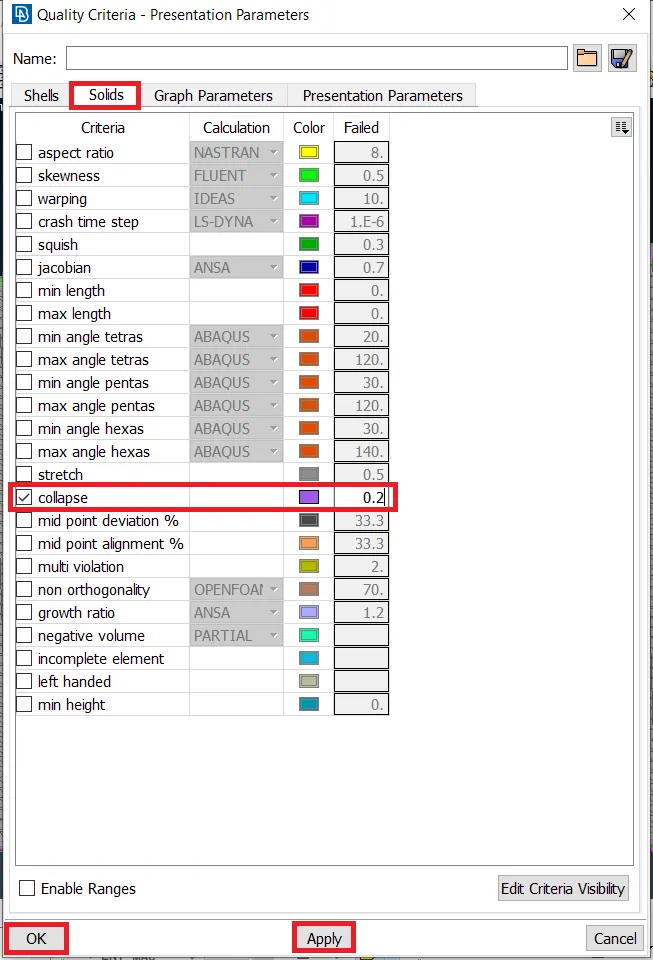
Tet collapse |
0.2 |
and volume mesh is the good surface quality (i.e., there should not be kinks and dips on the component's surface.)
PROCEDURE:-
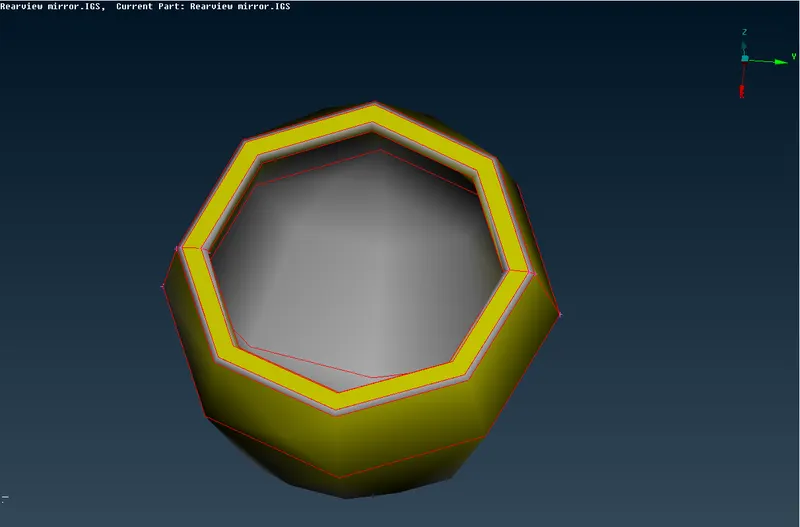
1.Import the rearview mirror component in ANSA.
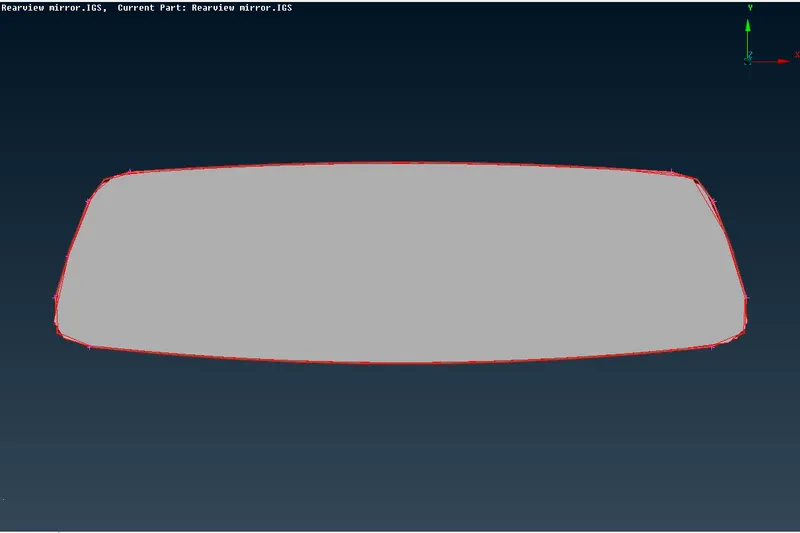
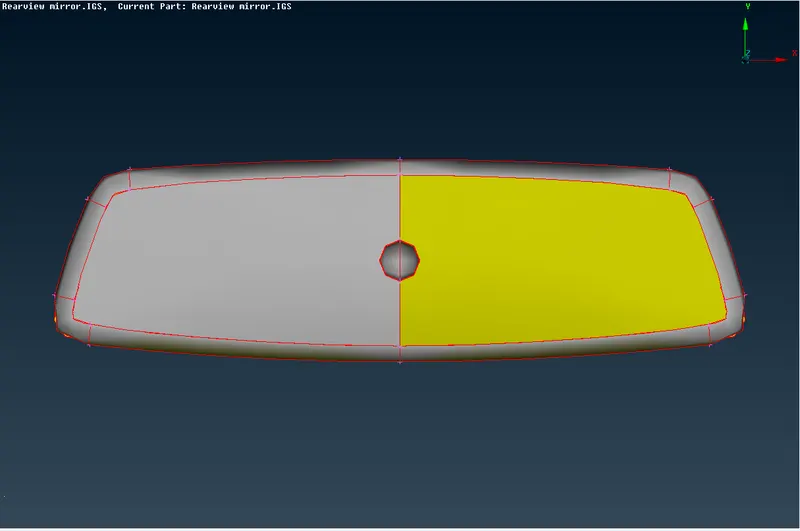
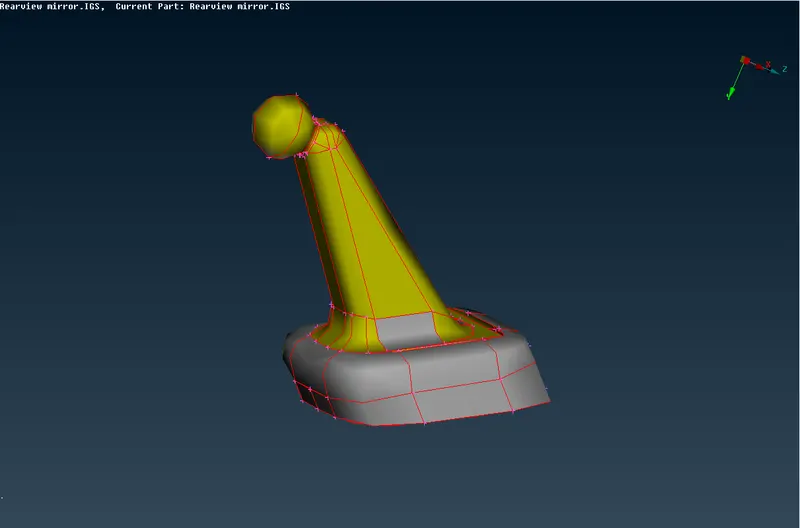
2.Observe the geometry there is single coons so I am taking the topo select all components as shown below.
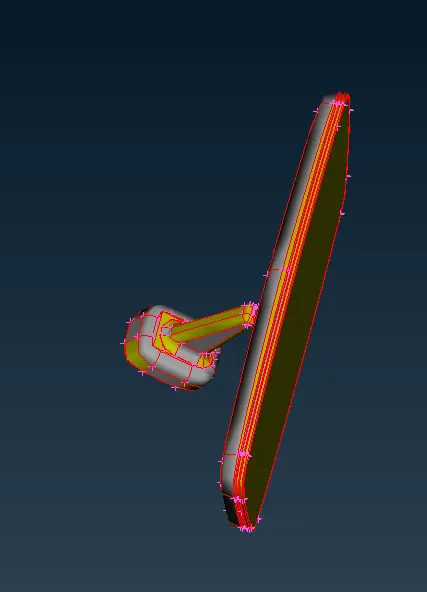 Before Topo
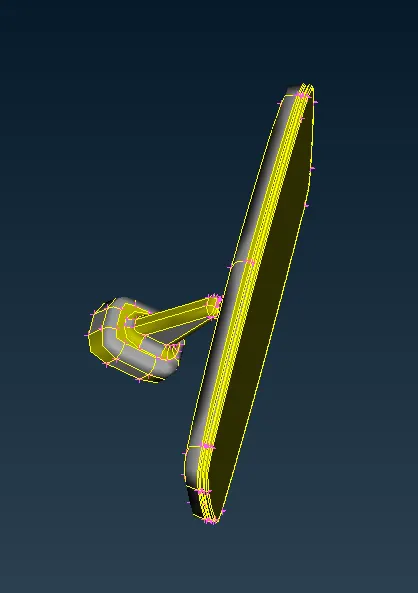 After Topo.
3.Next check the geometry check the errors as shown below.
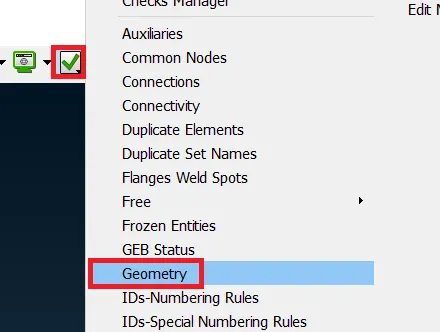
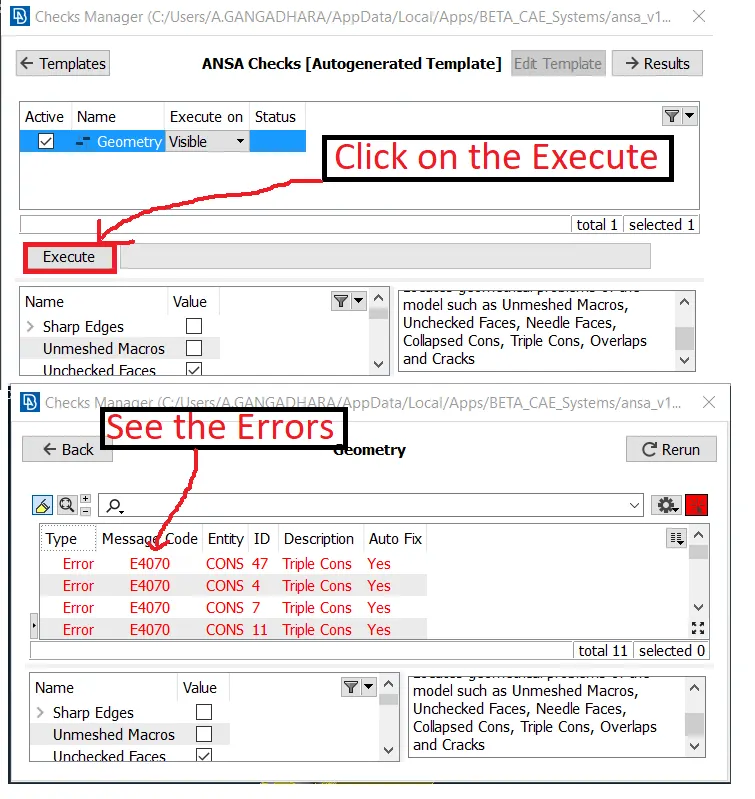
4.The above image shows the geometry errors fix all errors as shown below.
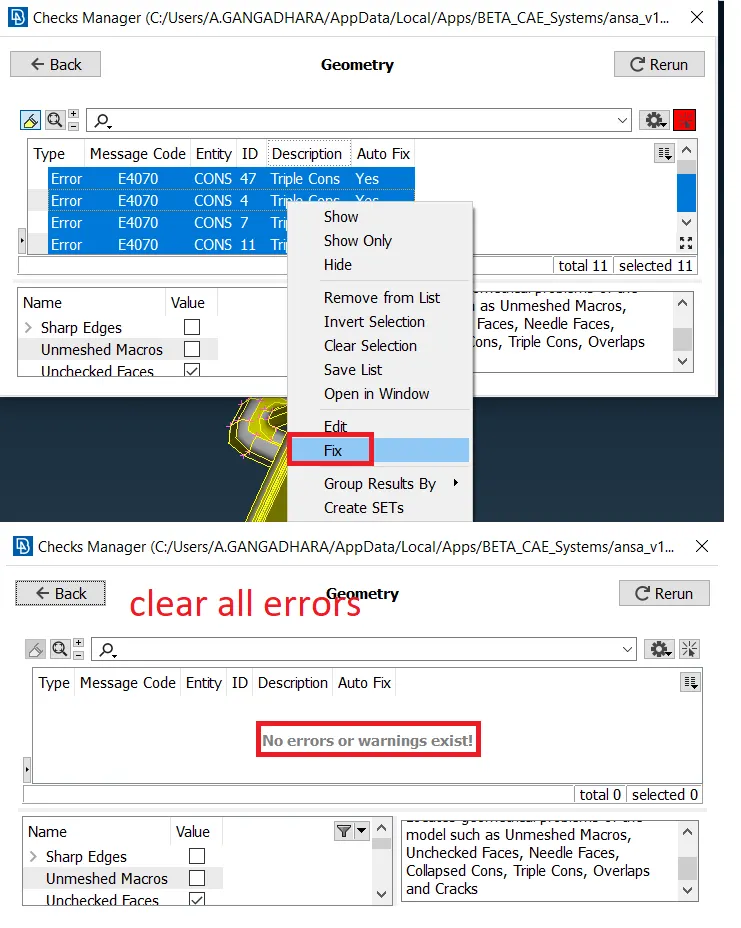
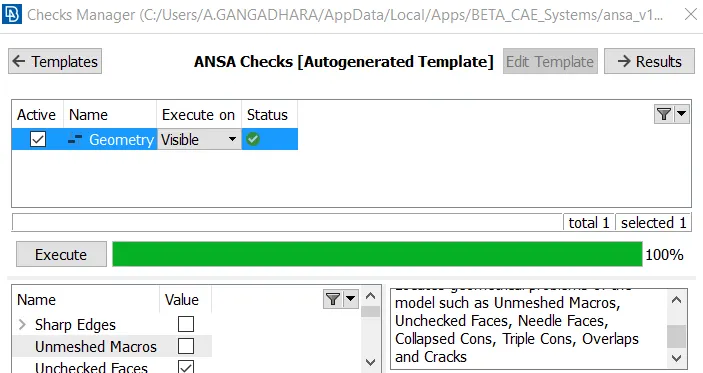
5.As seen in the above image all errors are fixed then again check geometry there are no errors as shown below.
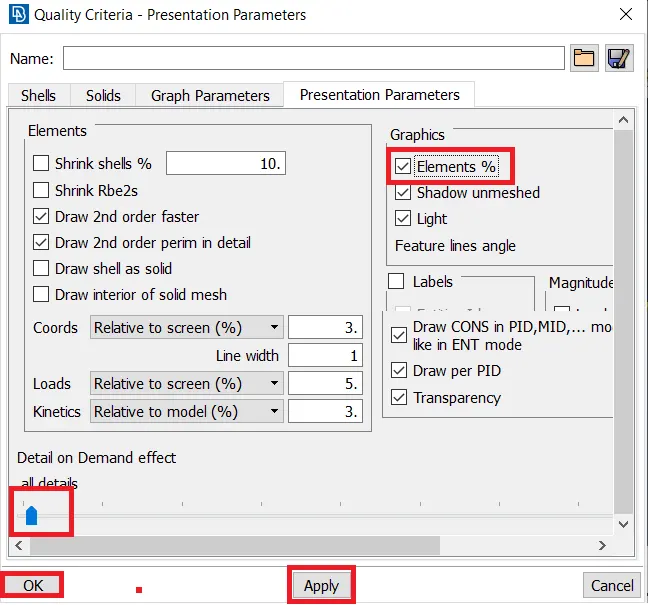
6.Next give the quality criteria as per the given data as shown below.
7.Next give the mesh parameters as shown below.
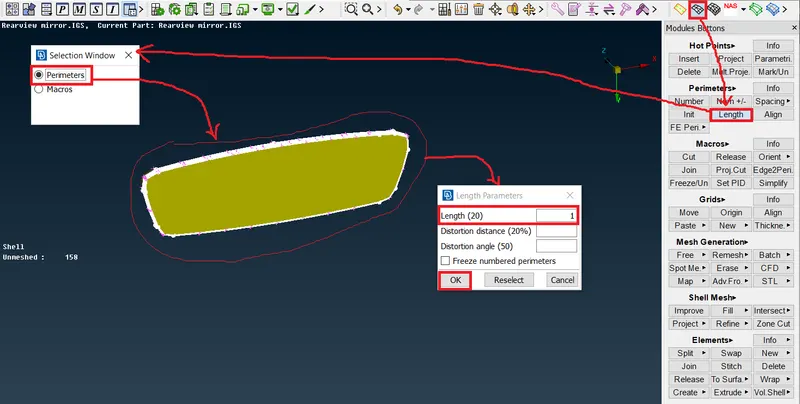
8.Next goto mesh→Perimeters→Length→Perimeters→Lenght→Ok.
9.Same as following the above step macros also give the length. Why it is taken the mesh flow is good.
10.Next go to the Mesh→Mesh Generation→Spot Me as shown below.
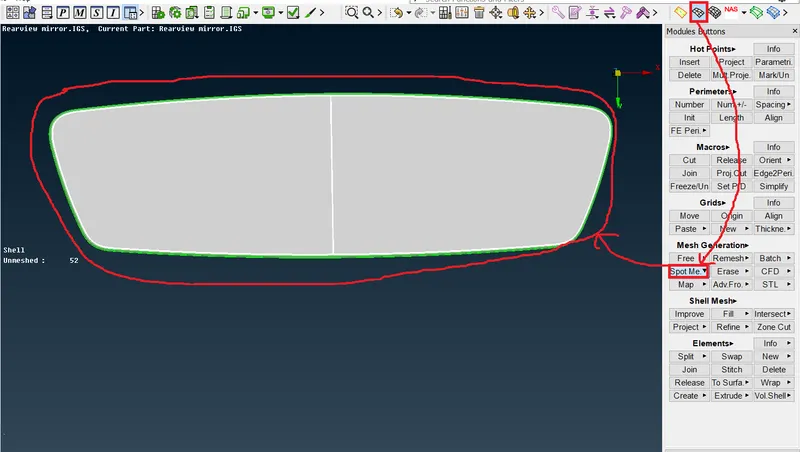
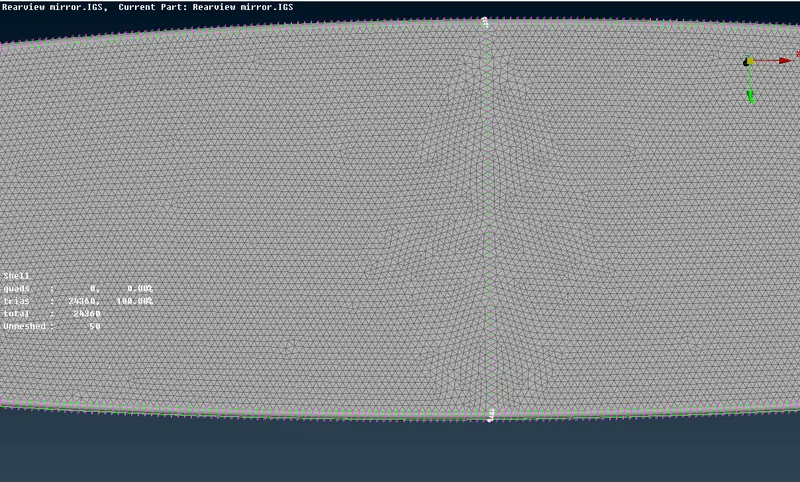
11.The above image shows bad mesh so going to reconstruct it as shown below.
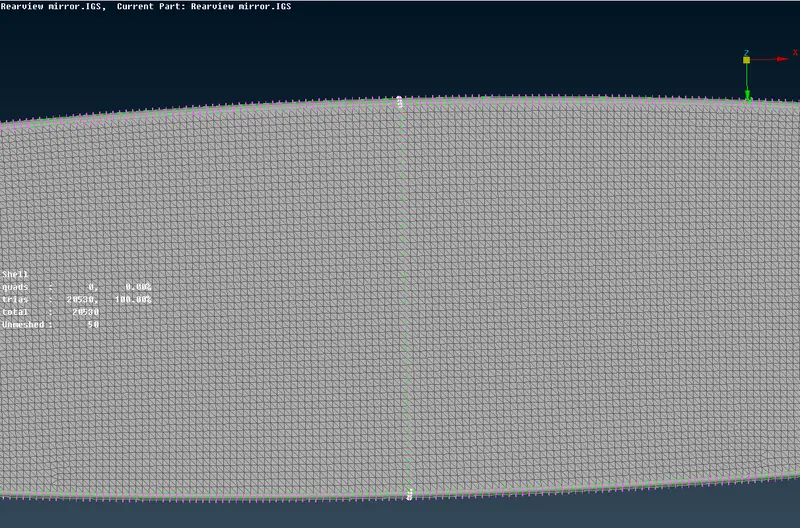 I got the fine mesh.
12.Same procedure fallow for all surfaces as shown below.
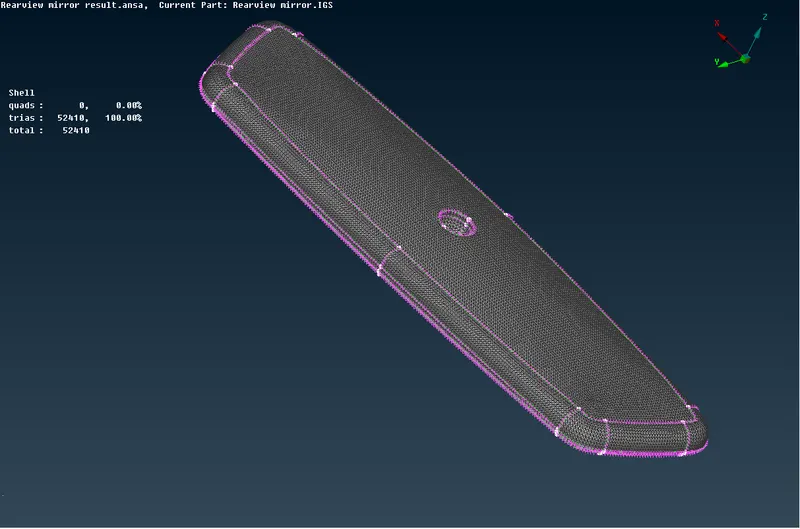
13.In the above component minimum length failure occurs, simply fix it reconstruct the fail macro area and adjacent macro-areas also.
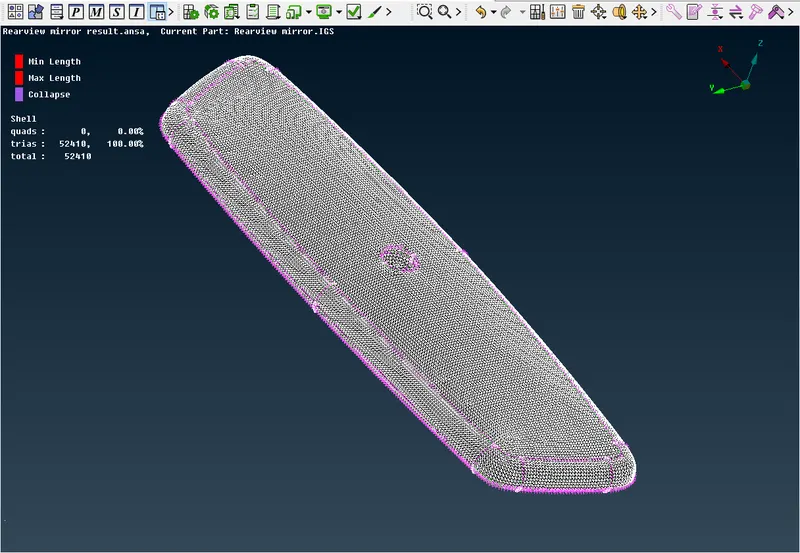
14.Before going to the volume mesh give the required quality criteria as shown below.
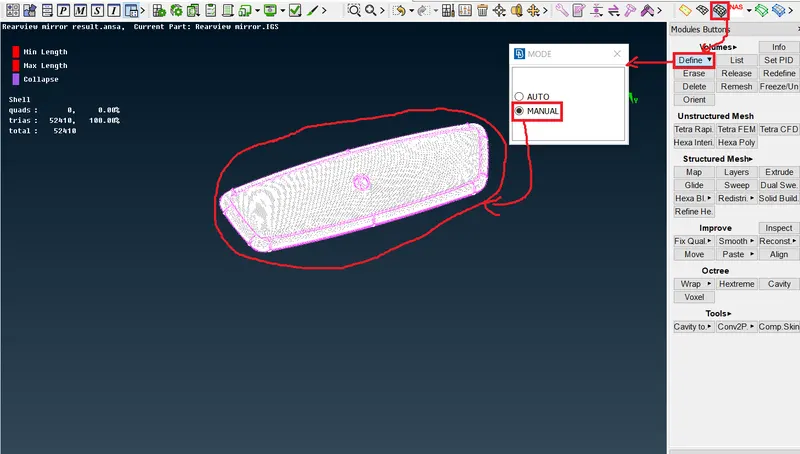
15.Next go to the volume mesh→ Volumes→Define→Manual→Manual as shown below.
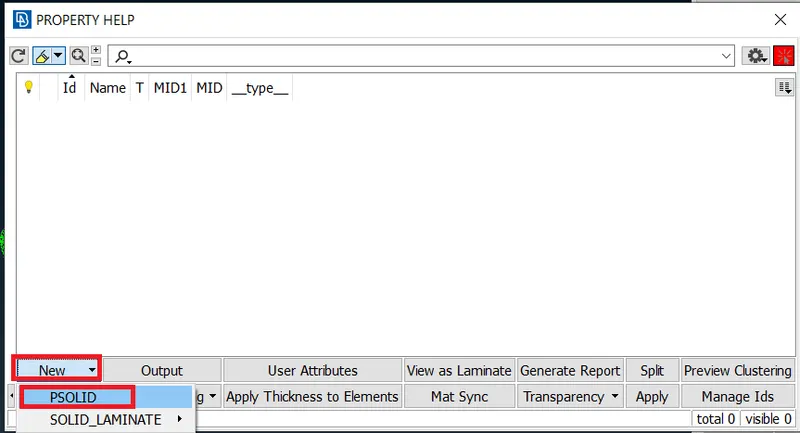
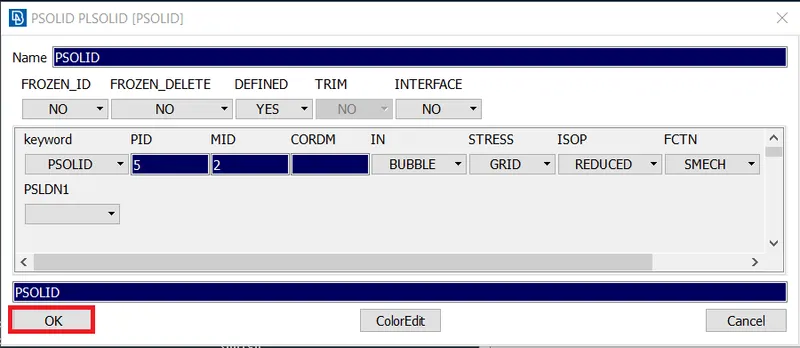
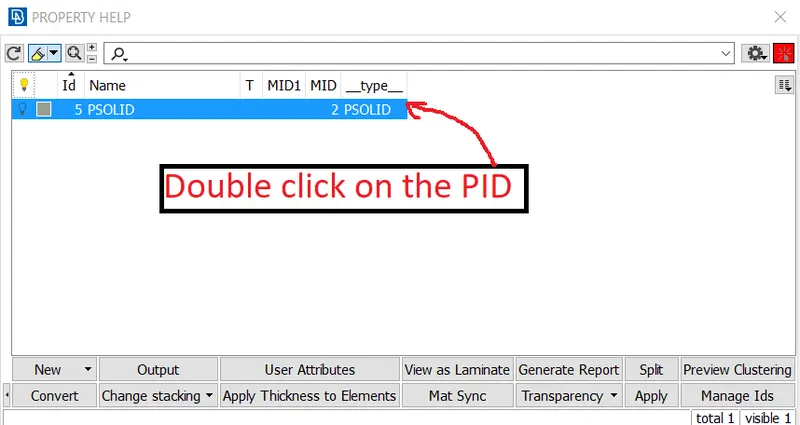
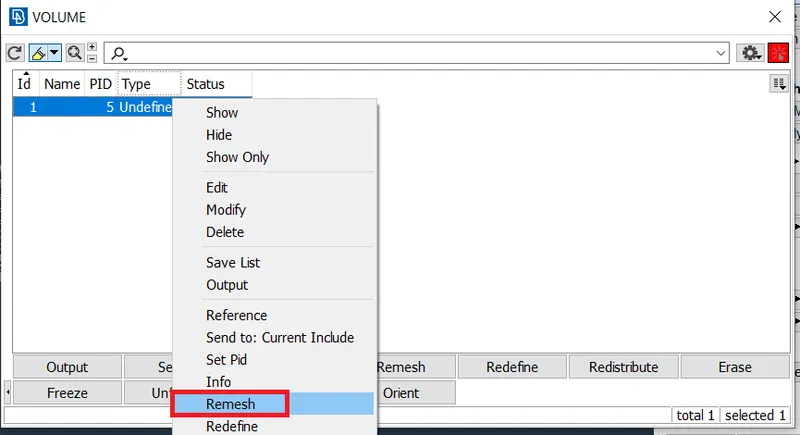
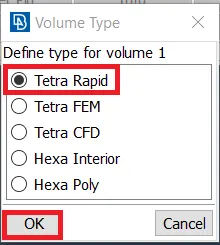
16.The volume mesh is formed as shown below.
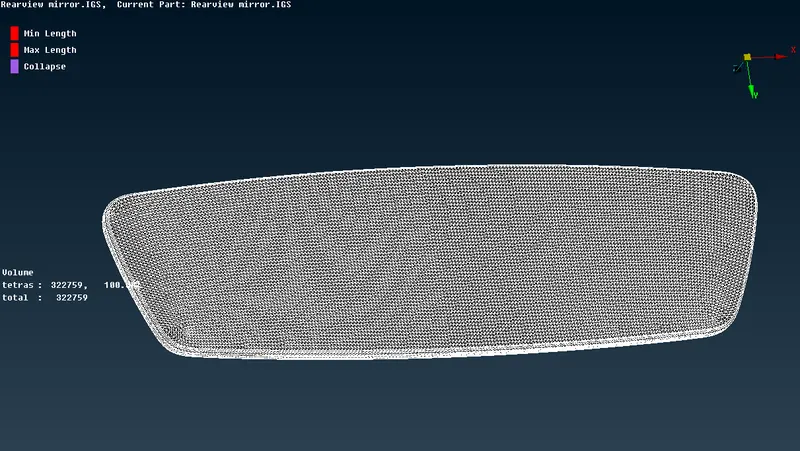
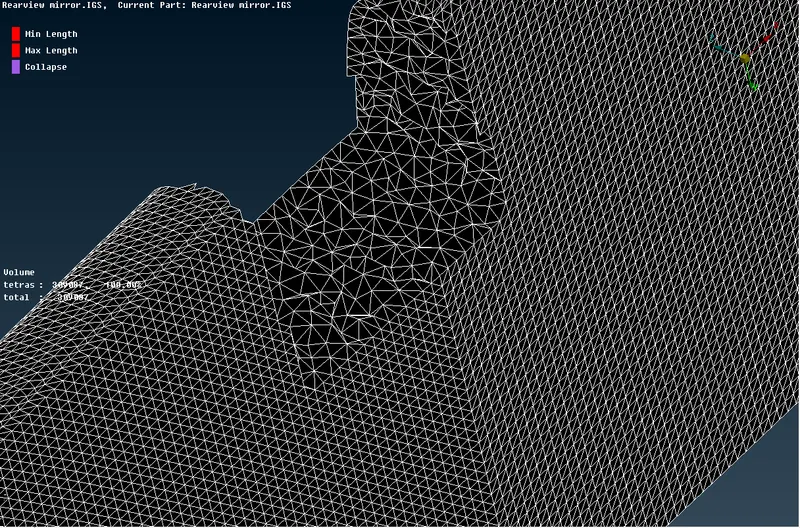
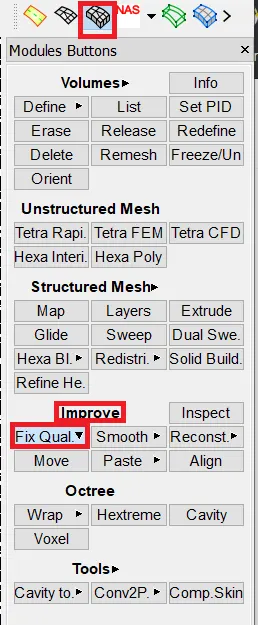
17.In the above image no failure elements coming, if it is coming to go to the Volume mesh→Improve→Fix Quality as shown below.
18.Following the above procedure for the remaining components make 2D mesh and Volume mesh as shown below.
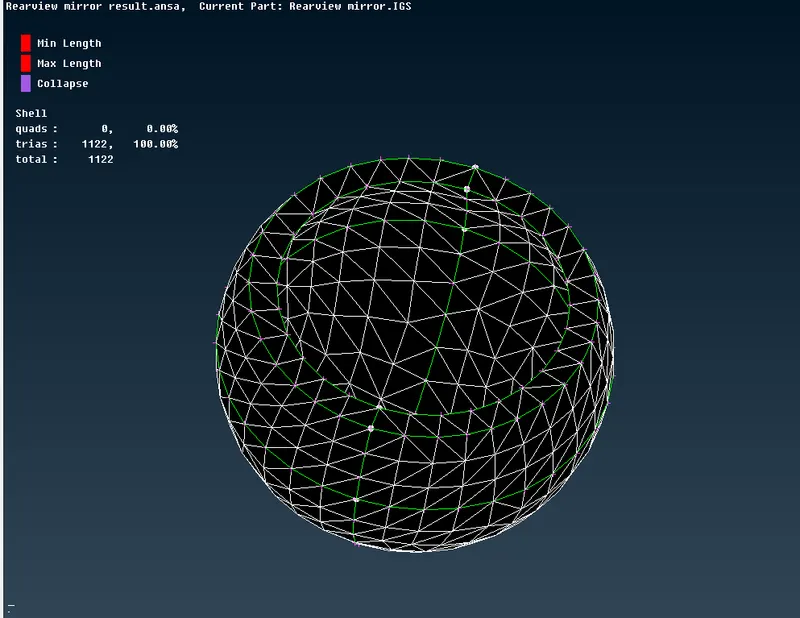 →2D Mesh.
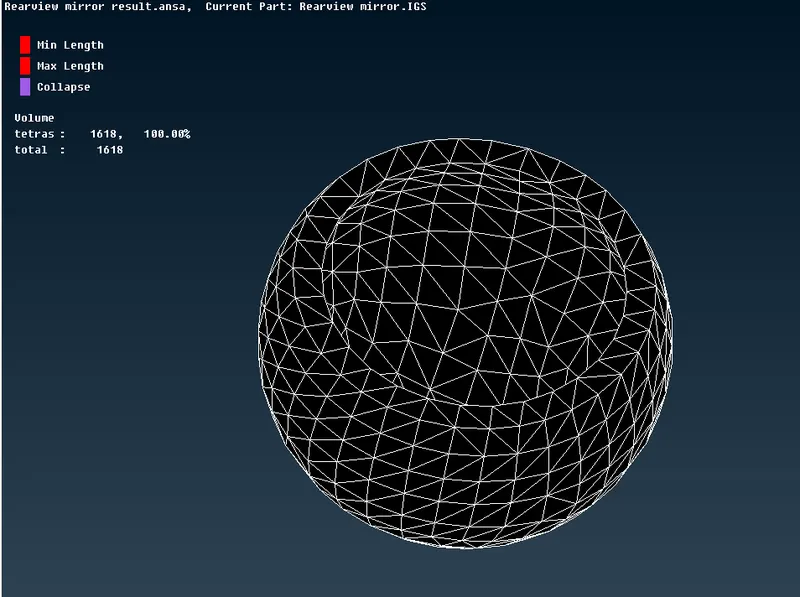
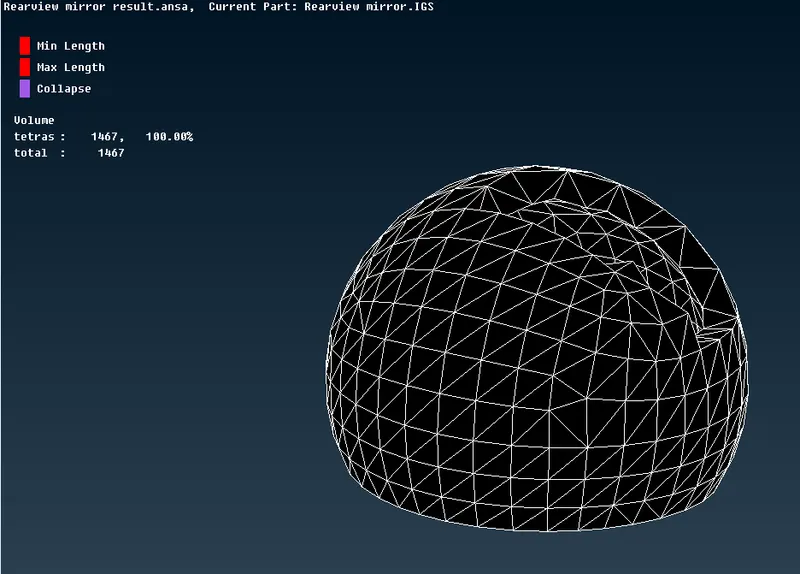 →Volume mesh.
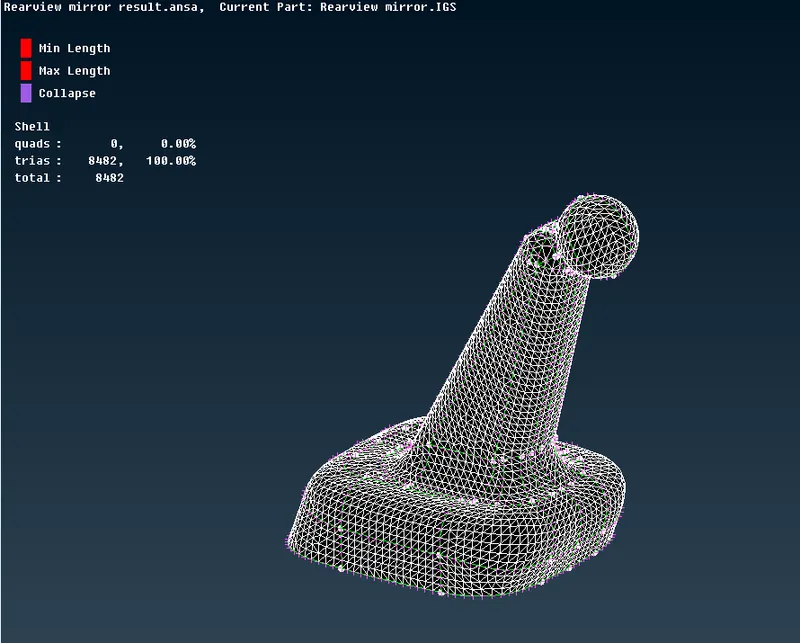 →2D Mesh.
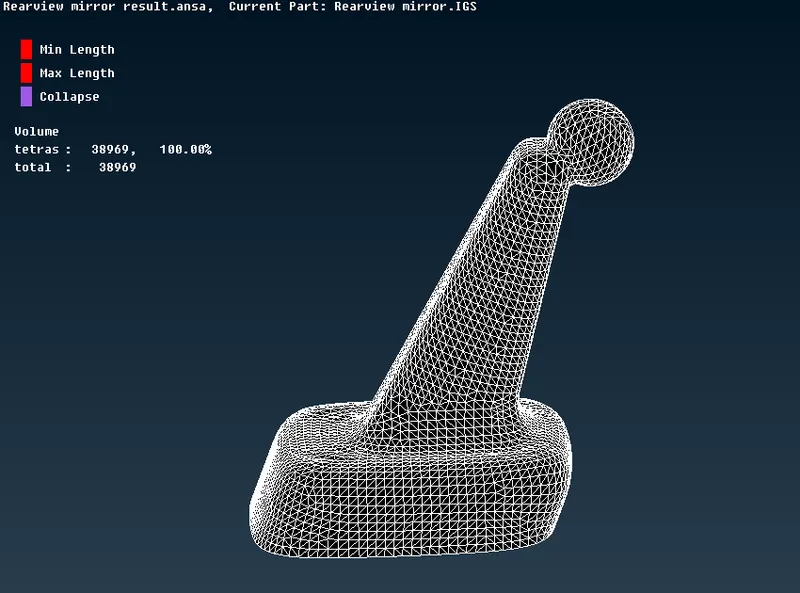
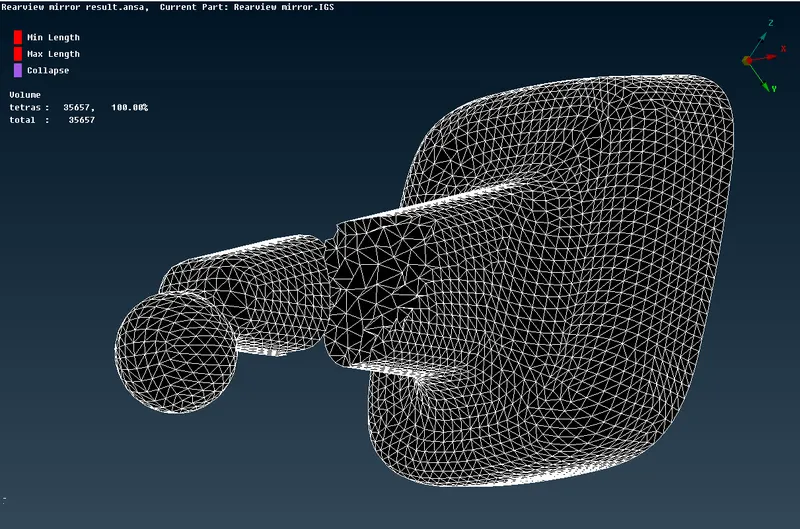 →Volume Mesh.
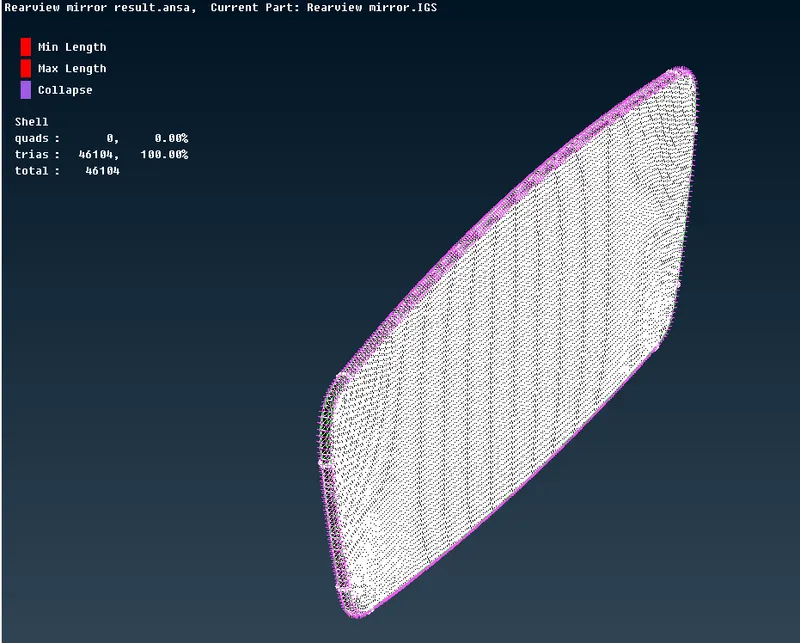 →2D Mesh.
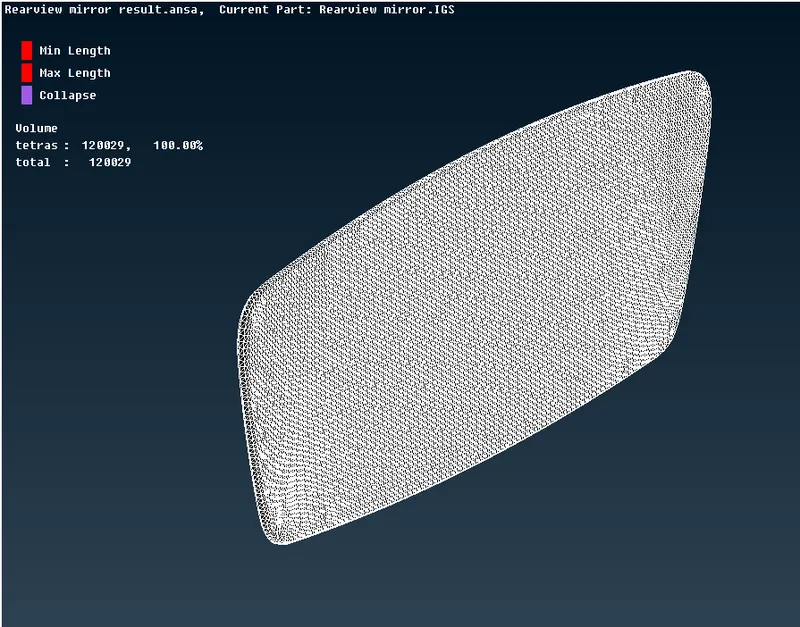
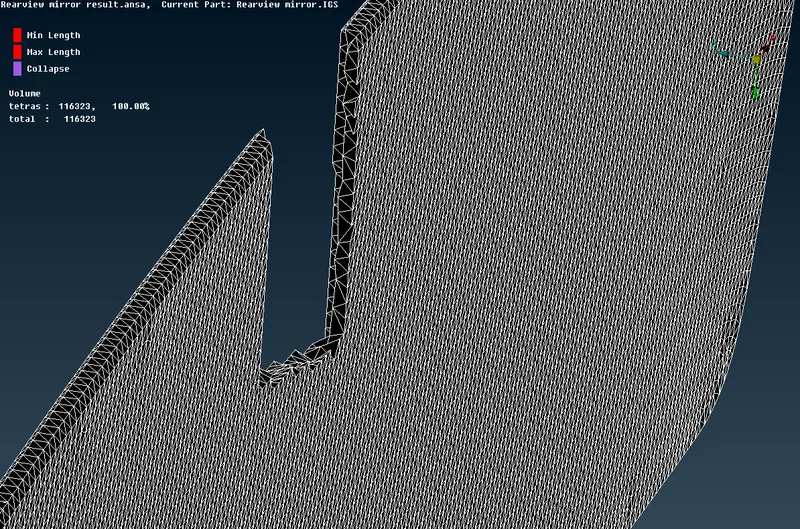 →Volume Mesh.
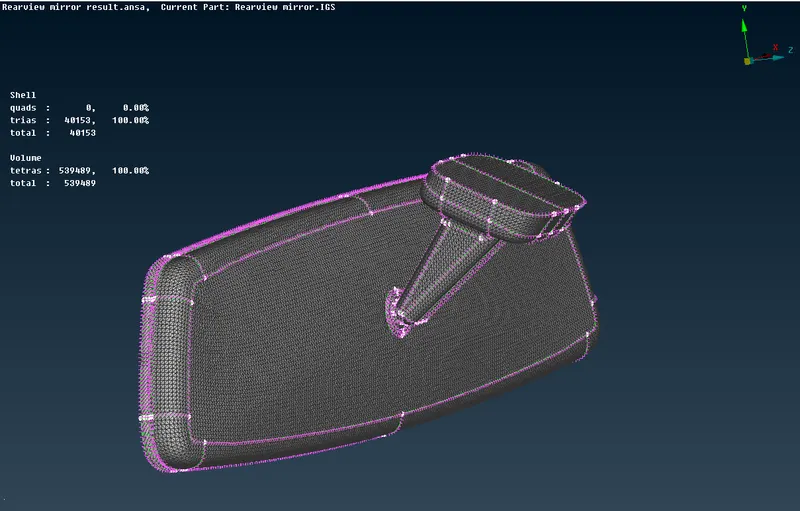
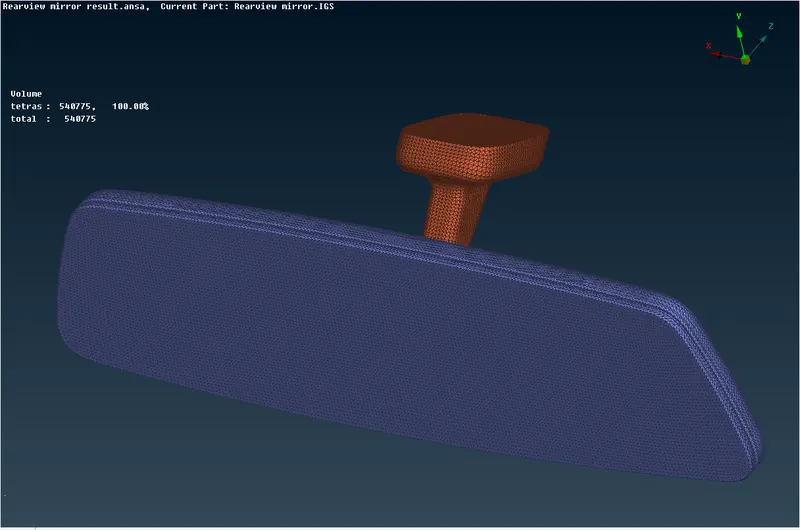
19.Finally completed the rearview mirror component 2D and 3D meshing as shown below.
LEARNING OUTCOMES:-
1.Difference between the tria mesh and ortho tria mesh in the 2D mesh.
2.How to generate the volume mesh on solid components.
3.How to fix the collapse errors in the volume mesh.
CONCLUSION:-
Finally completed the given Rearview Mirror model is checked for the geometrical errors and meshed with element type as ortho tria & tria as per given quality criteria. After meshing defined the volume and meshed the volume by using an unstructured mesh with Tetra Rapid & Tetra FEM type. The off elements are also eliminated and the quality criteria are cleared in this model.