Week - 5 - Checking and correcting the Normals
1. Write a code to display normal as explained in Lecture 5
Objective:-
To write a code to display the normals
Problem statement:-
*clearmarkall 1
*setnormalsdisplaytype 1
*createmark elements 1 "displayed"
*normalsdisplay elements 1
TCL command explanation:-
*clearmarkall 1
# It Clear all previously saved elements on the model.
*setnormalsdisplaytype 1
# It shows the normal display
*createmark elements 1 "displayed"
# It selected the displayed elements
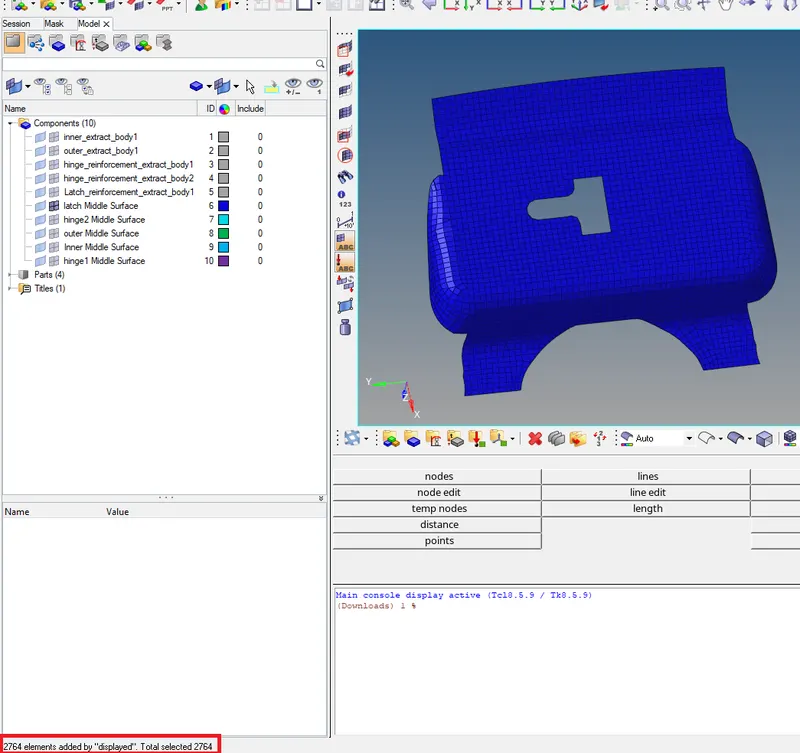
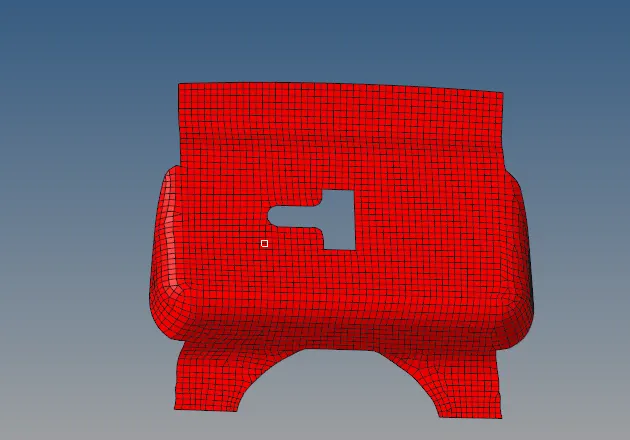
*normalsdisplay elements 1
# Displayed normals are displayed in the graphical area.
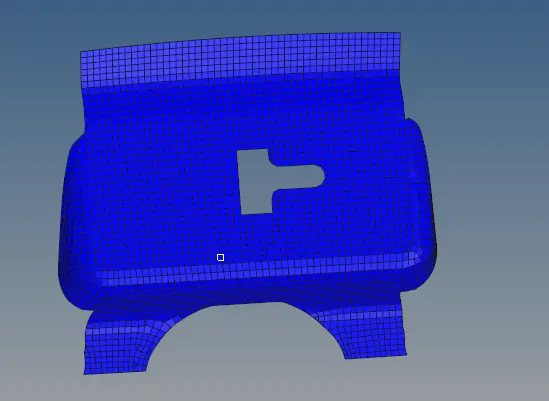
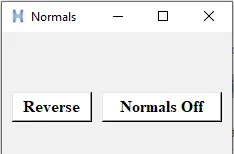
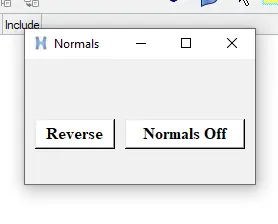
2. Create a widget containing two buttons for “reverse normals” and “normal off”
Problem Statement:-
set a .window
catch {destroy $a}
toplevel $a -class toplevel
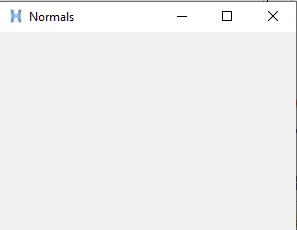
wm title $a "Normals"
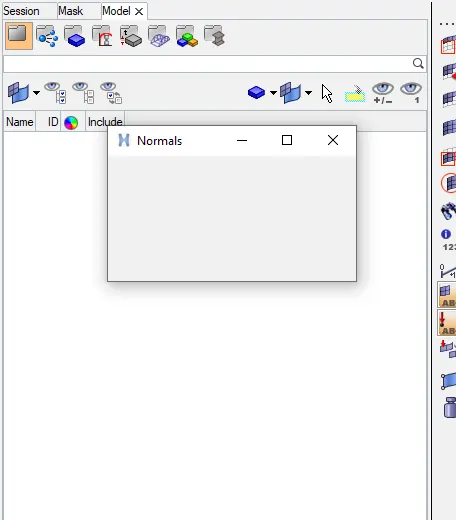
wm geometry $a 230x125+100+200
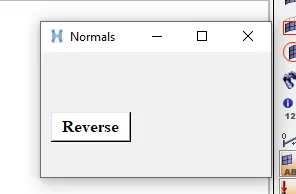
button $a.01 -text "Reverse" -command {*createmark elements 1 "displayed"; *normalsreverse elements 1} -bg white -font {times 12 bold}; place $a.01 -x 10 -y 60 -width 80 -height 30
button $a.02 -text "Normals Off" -command {*createmark elements 1 "displayed" ; *normalsoff} -bg white -font {times 12 bold}; place $a.02 -x 100 -y 60 -width 120 -height 30
TCL command explanation:-
- set a .window#.window is the window name/path by it which will be referred to saved in "a".
- catch {destroy $a}# catch is used to hide interpreter level errors.# destroy is used to close any previously existing windows by the same name.
- toplevel $a -class Toplevel# top level is the command that actually builds the window.# setting the "class " to top-level put the window on the top of all
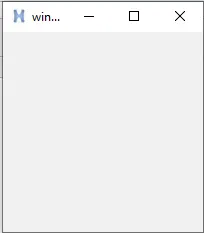
- wm title $a "Normals"# It is the window name
- wm geometry $a 230x125+100+200 # window started position is changed
- button $a.01 -text "Reverse" -command {*createmark elements 1 "displayed"; *normalsreverse elements 1} -bg white -font {times 12 bold}; place $a.01 -x 10 -y 60 -width 80 -height 30
- button $a.02 -text "Normals Off" -command {*createmark elements 1 "displayed" ; *normalsoff} -bg white -font {times 12 bold}; place $a.02 -x 100 -y 60 -width 120 -height 30
3. Also assign these procedures to keyboard buttons of your choice.
Problem statement:-
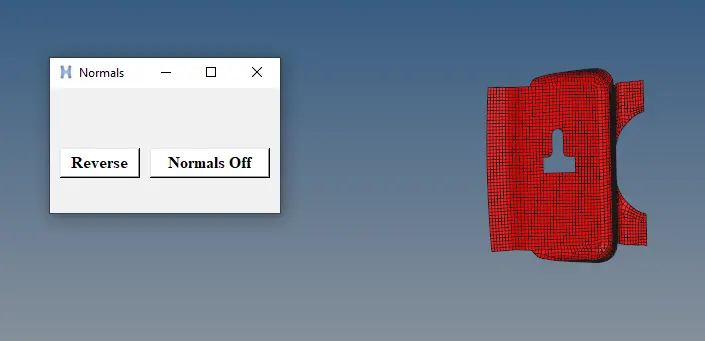
*createmark elements 1 "displayed"; *normalsreverse elements 1
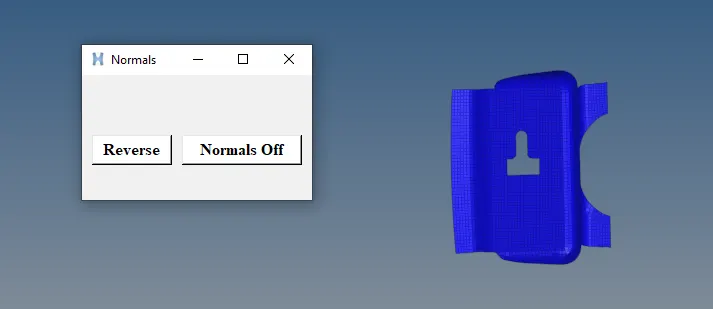
*normalsoff
TCL command explanation:-
*createmark elements 1 "displayed"; *normalsreverse elements 1
#Going to saved in reverse.tcl
*normalsoff
#Going to saved in reverse.tcl
4. Check the null case also
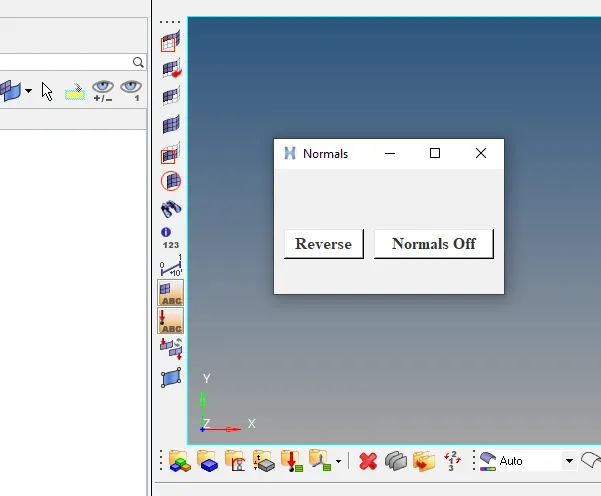
I tried it with the null case, which means no components are displayed and no selection is possible.
It is displaying an error since no elements have been selected.
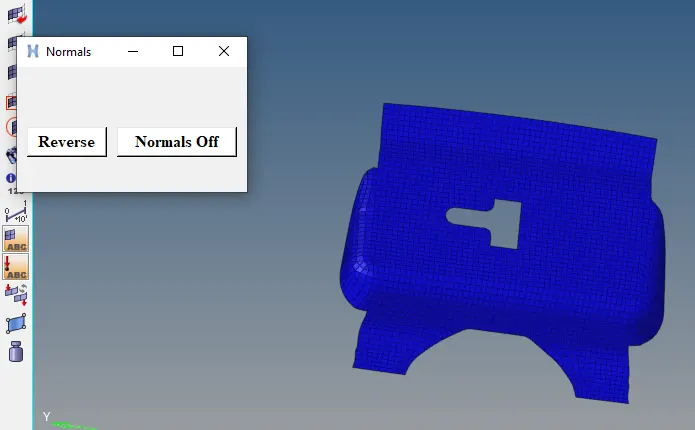
CONCLUSION:-
Finally, I have created the window for normals by using the tool command language.