Week 9 Tension and Torsion test challenge
OBJECTIVE:-
We have to perform the tension and torsion test on the specimen provided below the video corresponding to the challenge.
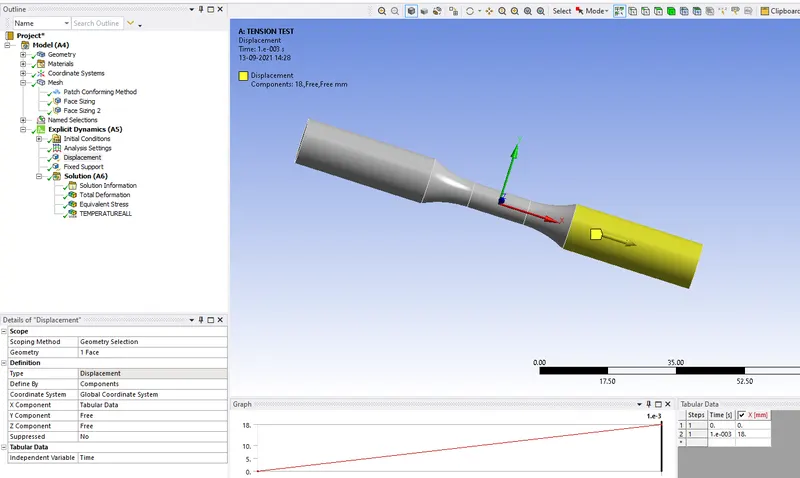
For the tension test, displace one end of the specimen to 18mm while keeping the other fixed.
For the torsion test, you will need to displace one end of the specimen to an angle of 1200 degrees.
CASE SET UP FOR TENSION TEST:-
1. First open the Ansys workbench.
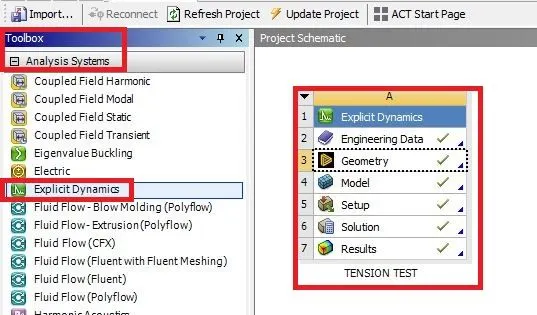
2. Go to toolbox select the analysis system and double click on explicit dynamics it opens a new tab on the graphical area as shown below.
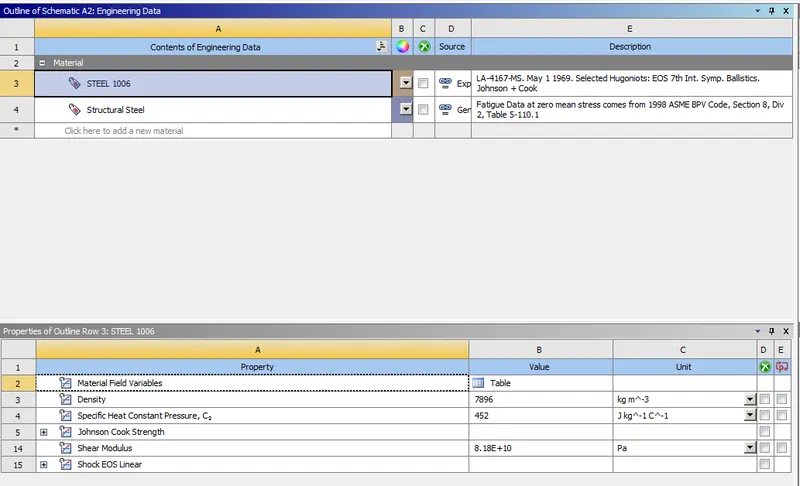
3. Next click on the engineering data select the required material.
4. Next import the geometry in geometry.
5. Right-click on the geometry and click on the edit space claim it opens the new space claim tab as shown below.
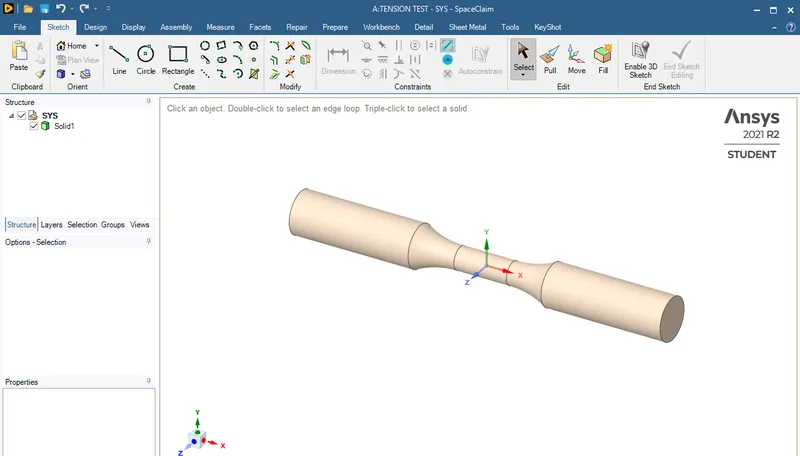
6. Check the geometry it is fine to leave it or any error in the geometry fix them.
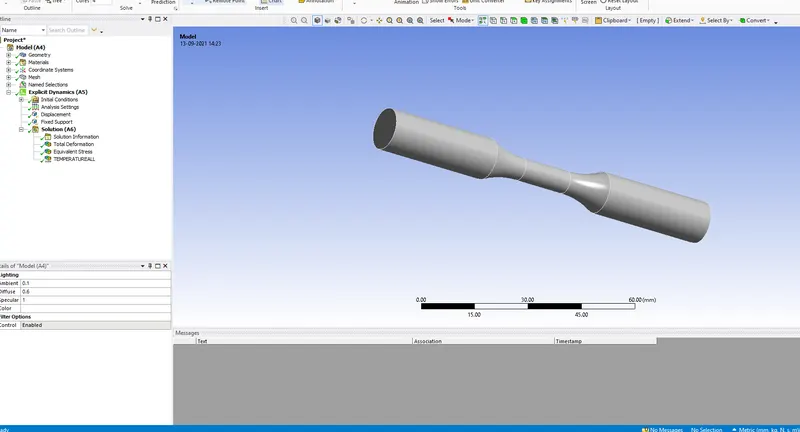
7. Next go to the model click on the edit mechanical model it opens a new tab as shown below.
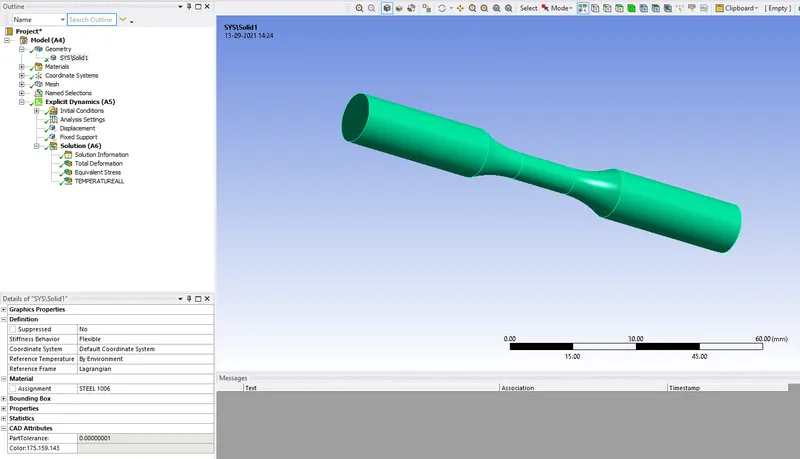
GEOMETRY
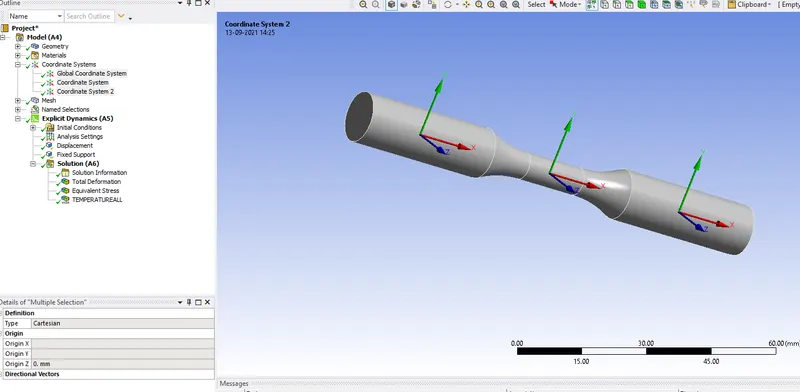
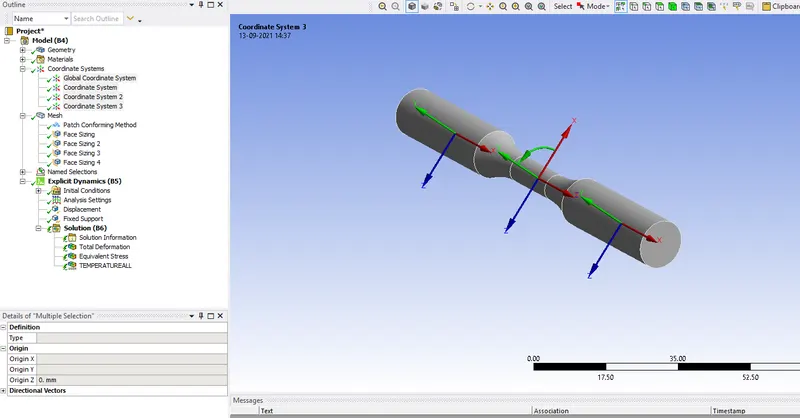
COORDINATE SYSTEMS
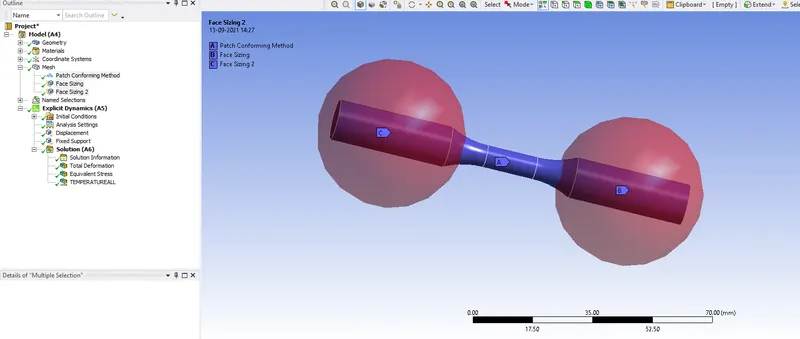
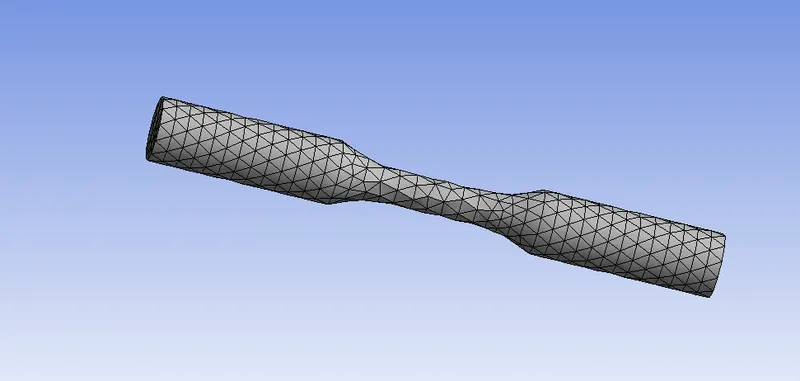
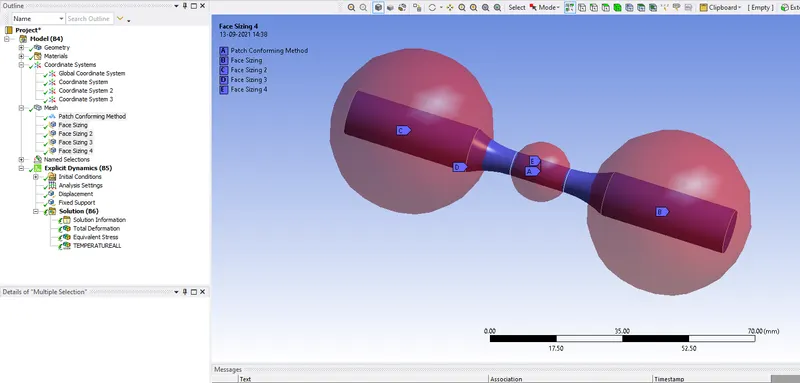
MESH
EXPLICIT DYNAMICS
ANALYSIS SETTINGS
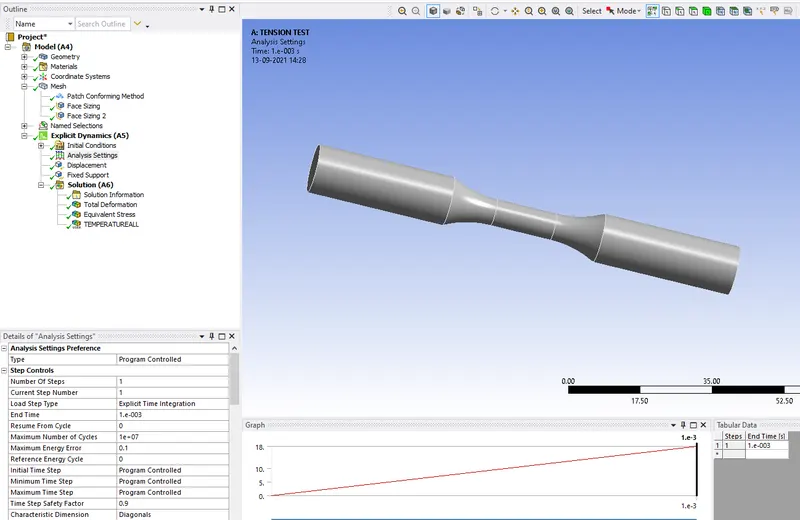
DISPLACEMENT
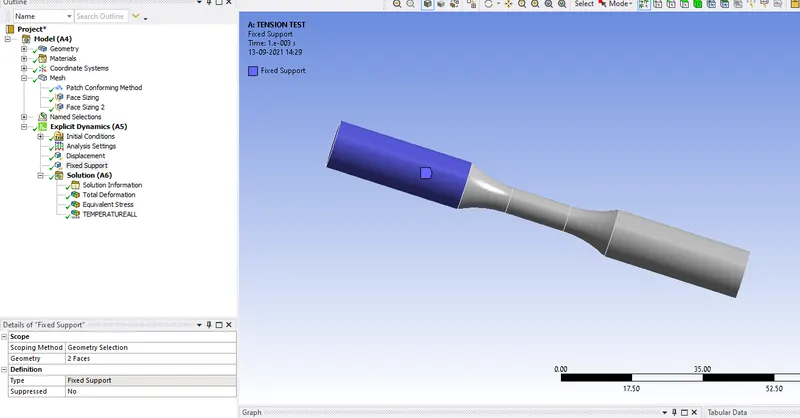
FIXED SUPPORT
8. Right-click on the solution selects the solve the analysis is started.
RESULT
TOTAL DEFORMATION
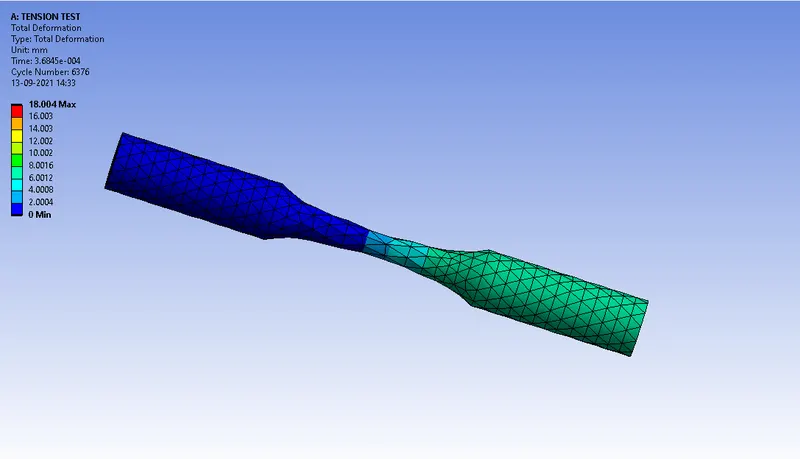
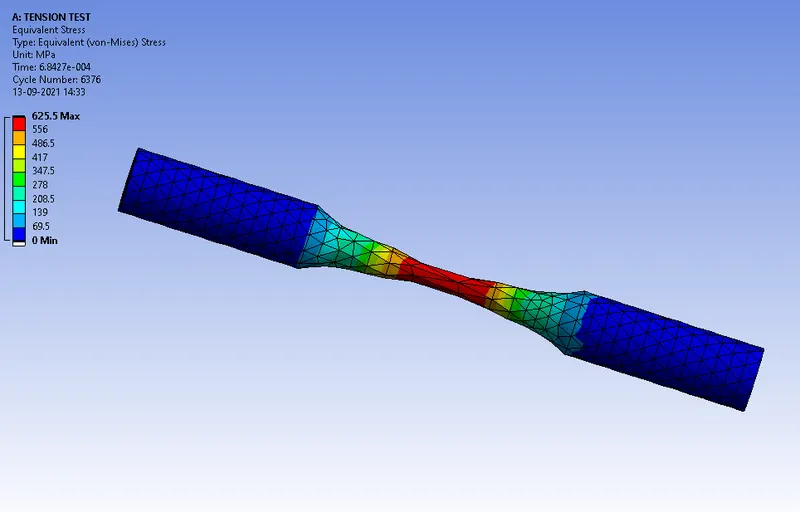
EQUIVALENT STRESS
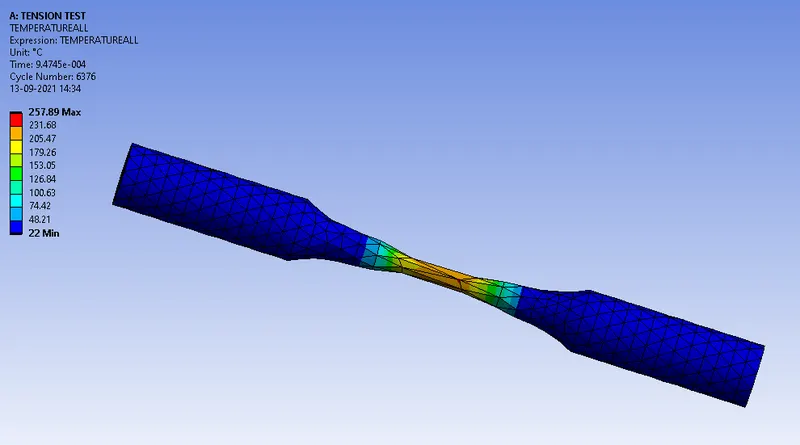
TEMPERATURE
CASE SET UP FOR TORSION TEST:-
COORDINATE SYSTEMS
MESH
EXPLICIT DYNAMICS
ANALYSIS SETTINGS
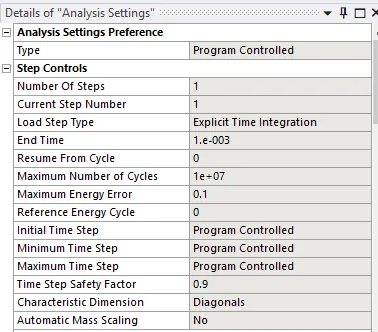
DISPLACEMENT
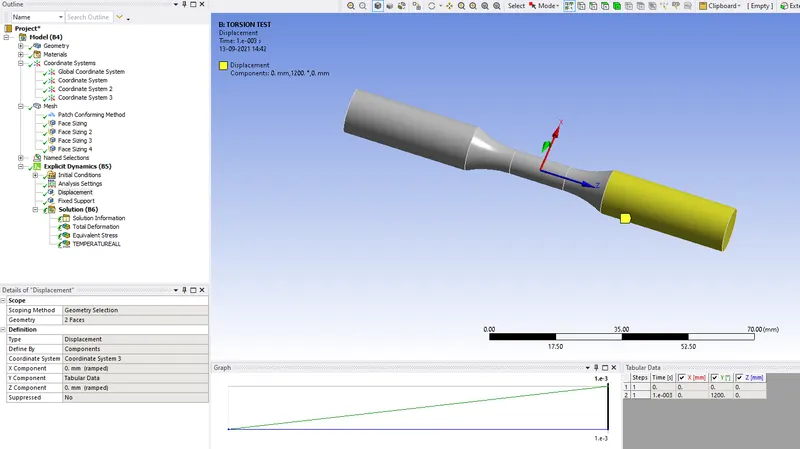
FIXED SUPPORT
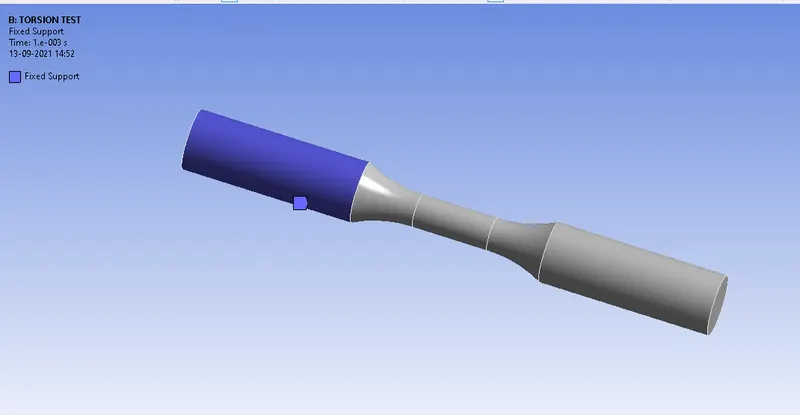
RESULTS
TOTAL DEFORMATION
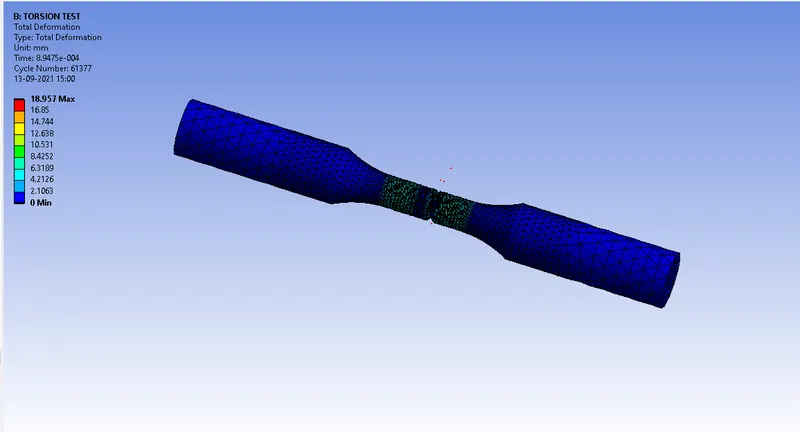
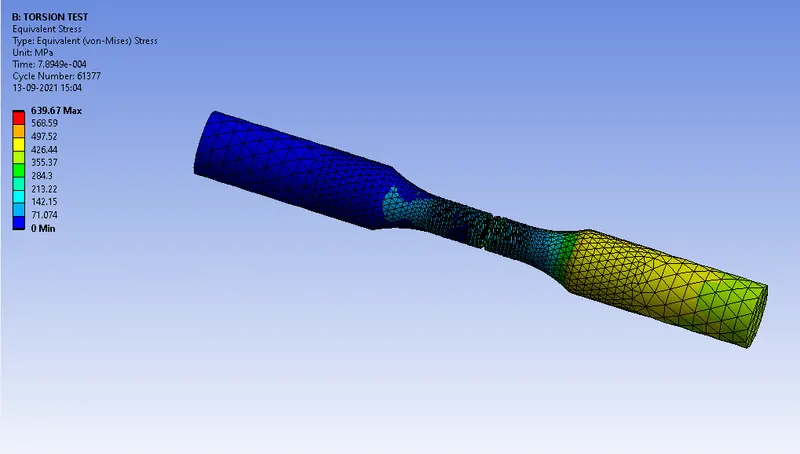
EQUIVALENT STRESS
TEMPERATURE
| TESTS | TOTAL DEFORMATION |
EQUIVALENT STRESS (MPA) |
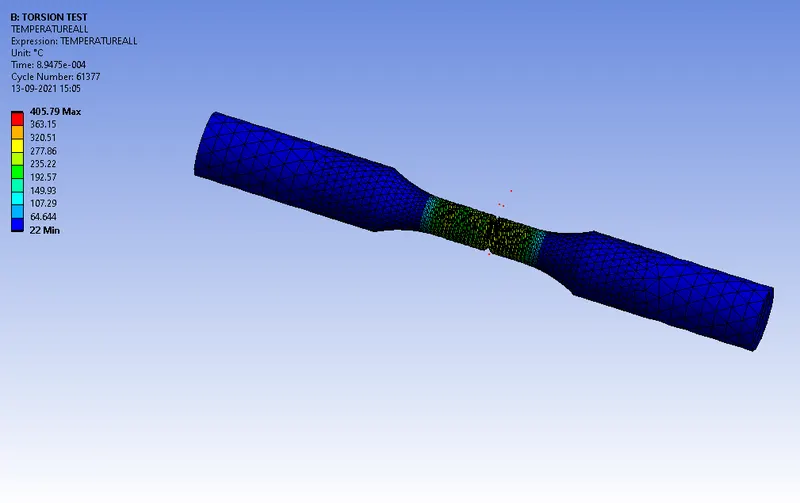
TEMPERATURE |
| TENSION | 18.005 | 625.5 | 257.89 |
| TORSION | 18.957 | 639.67 | 405.79 |
CONCLUSION:-
On comparing the results, there's a significant change in the results for the applied parameters. This change is mostly due to the torsion applied on the specimen