Week 11 Car Crash simulation
OBJECTIVE:-
We have to perform Explicit dynamic analysis on a parametric study using 3 different values of thickness for the car body
CASE SETUP AND EXECUTION:-
1. First open the Ansys workbench.
2. Next goto Toolbox→Analysis settings→Explicit dynamics as shown below.
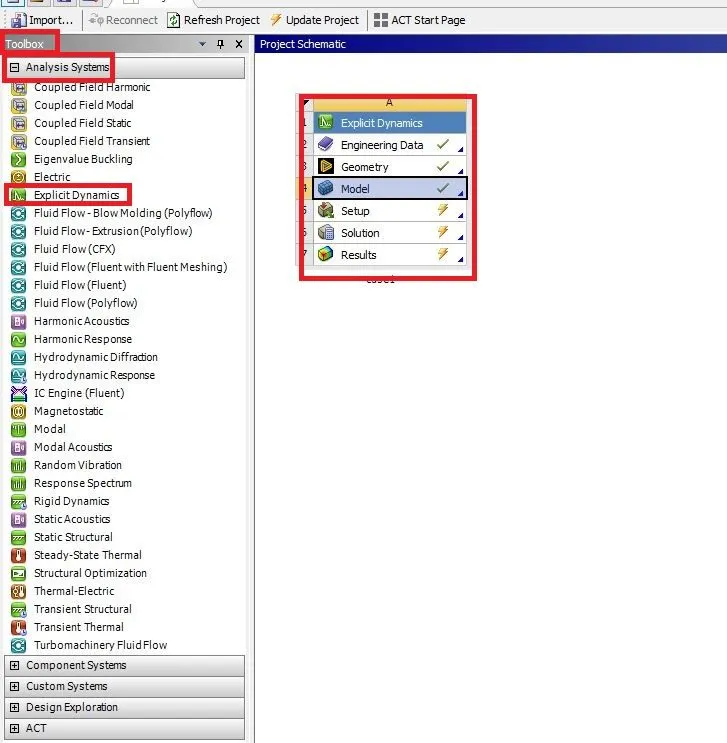
3. Right-click on the Engineering data→Edit Select required non-linear materials.
Stainless steel
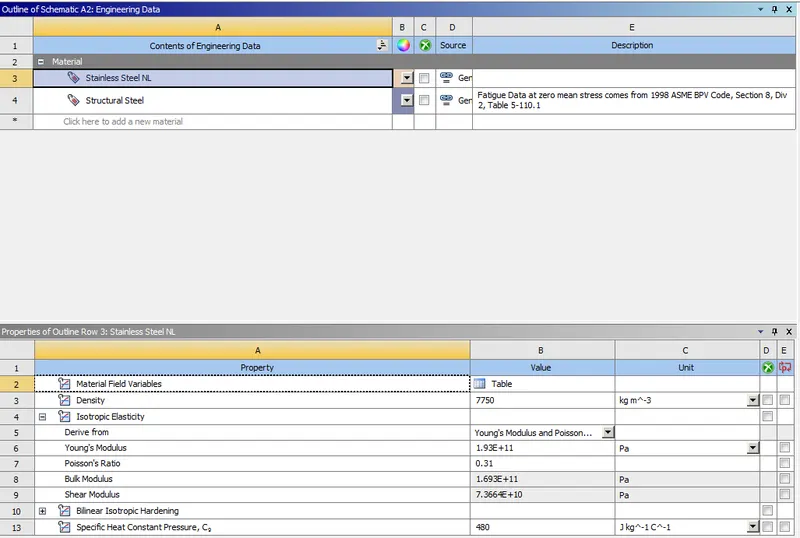
Structural steel
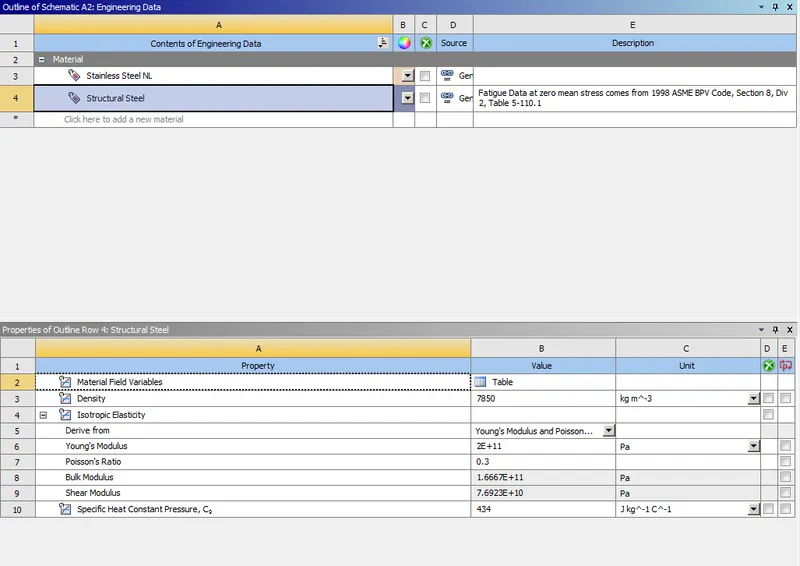
4. Next right click on the Geometry →Import geometry and open the geometry in the space claim as shown below.
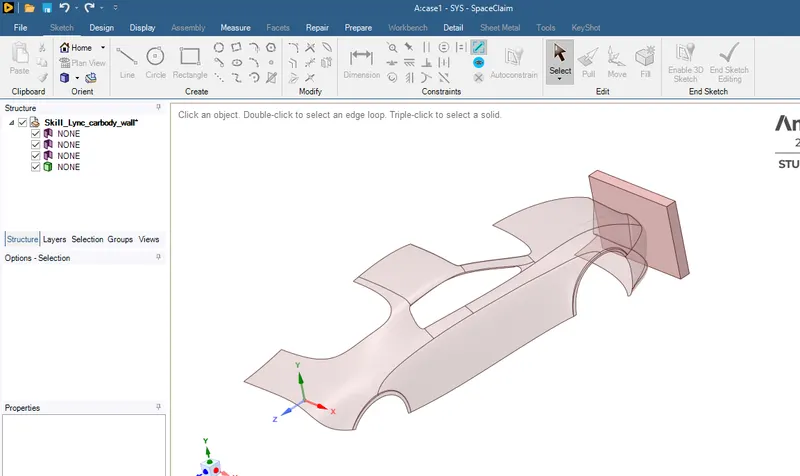
5. Right-click on the Model→Edit and it opens a mechanical new tab to work on it as shown below.
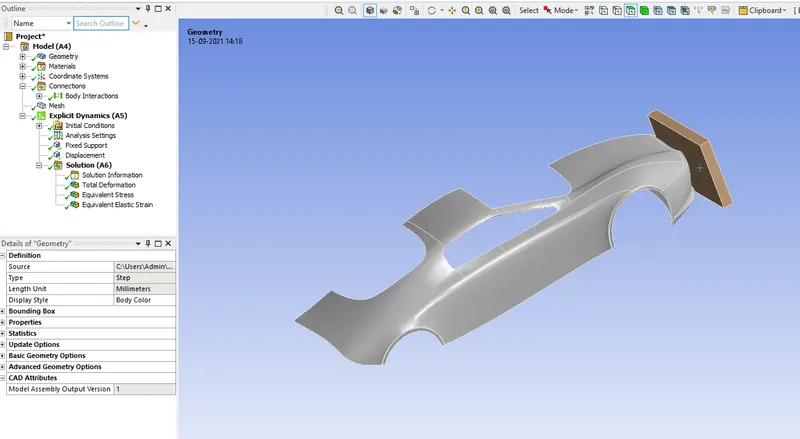
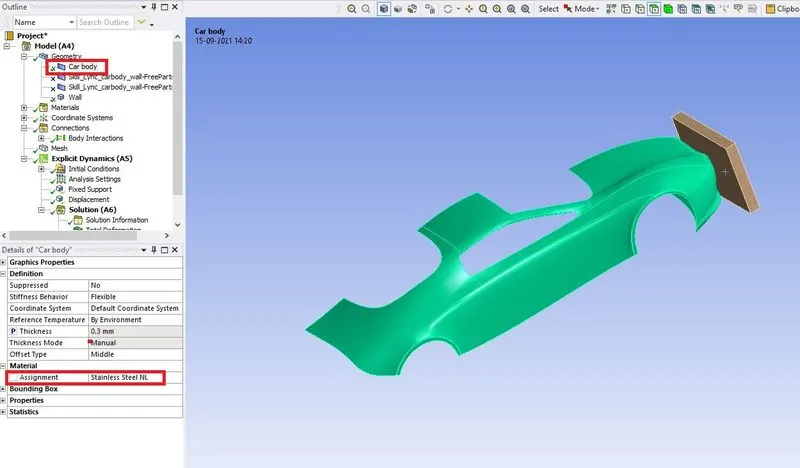
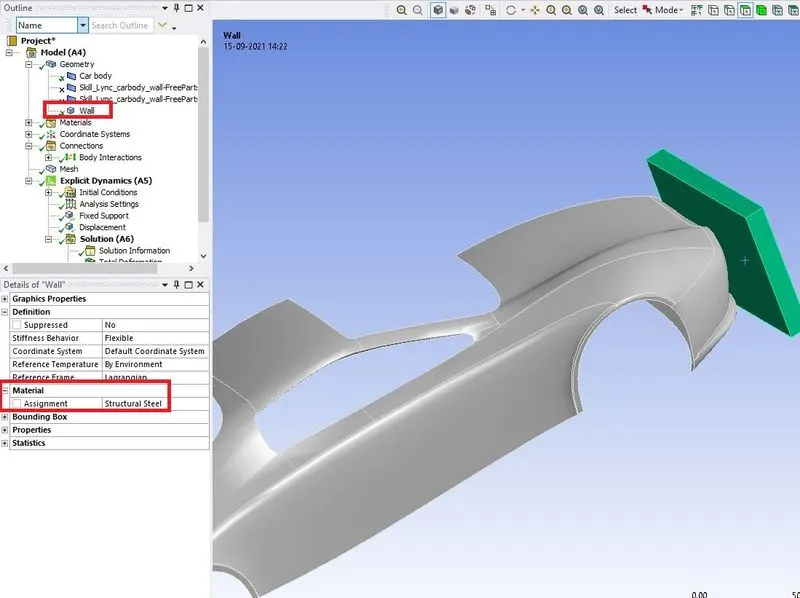
6. Go to geometry and rename the components and assign the required materials as shown below.
FOR CAR BODY
FOR WALL
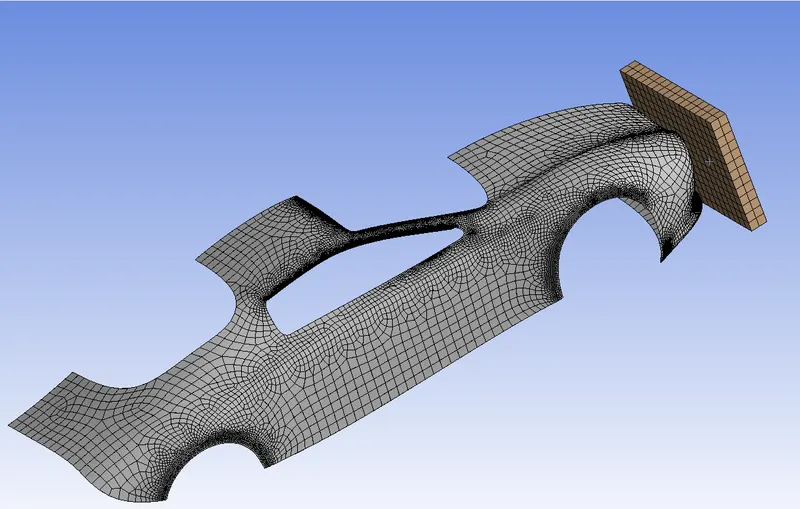
7. Next right-click on the mesh select generate mesh as shown below.
8. Next go to analysis settings set the parameters as shown below.
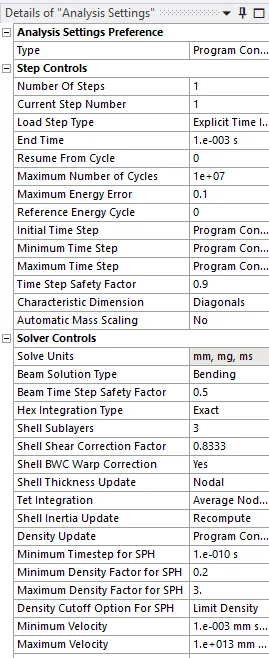
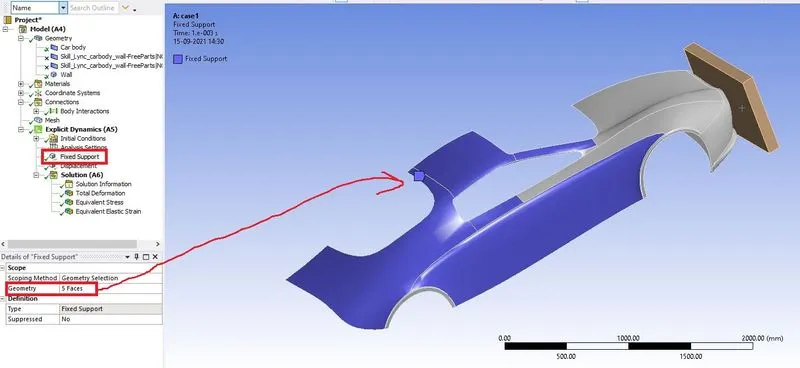
9. Create the fixed support on the car backside faces as shown below.
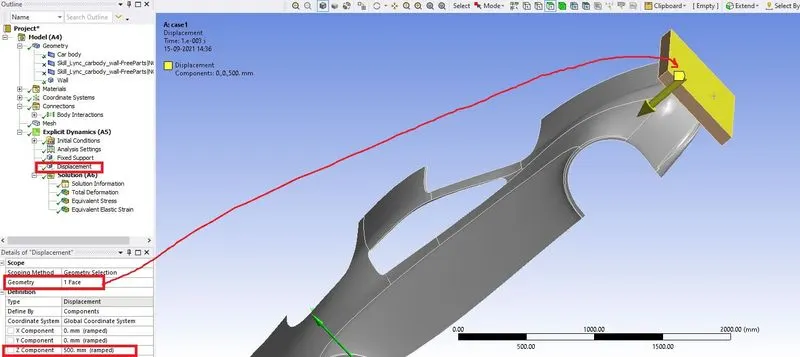
10. Next give the displacement for the wall as shown below.
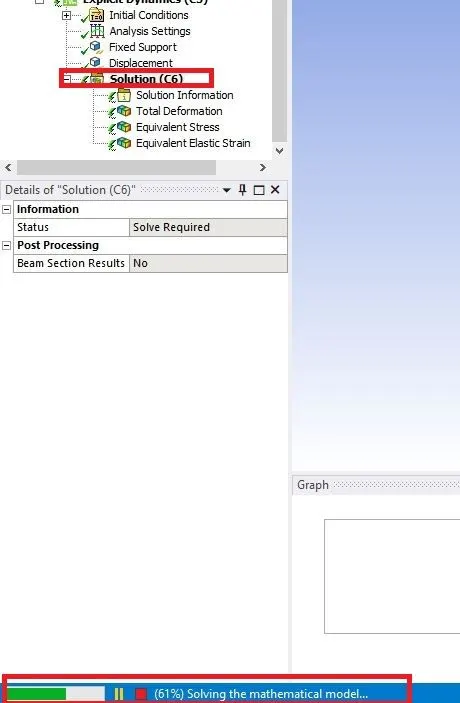
11. Right-click on the solution select solve to start the analysis as shown below.
RESULT FOR CASE1
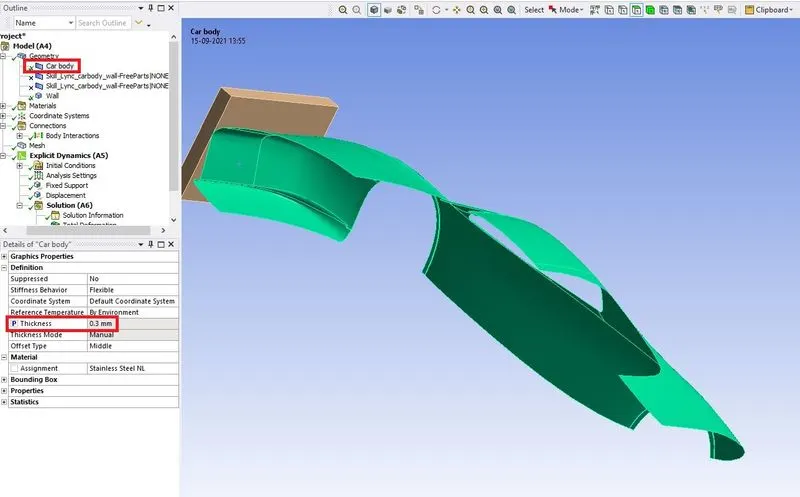
CAR BODY THICKNESS
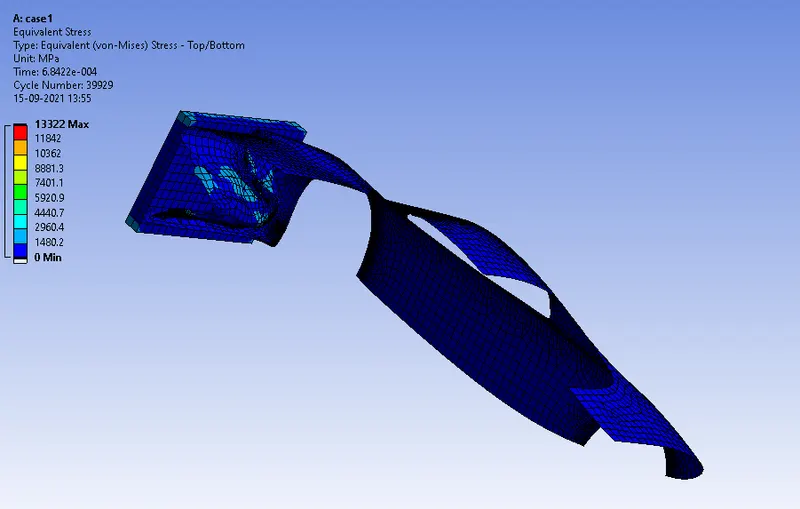
EQUIVALENT STRESS
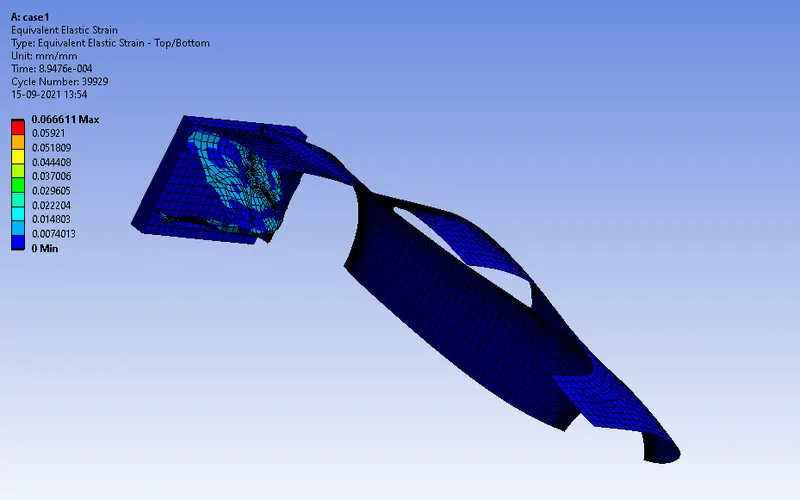
EQUIVALENT ELASTIC STRAIN
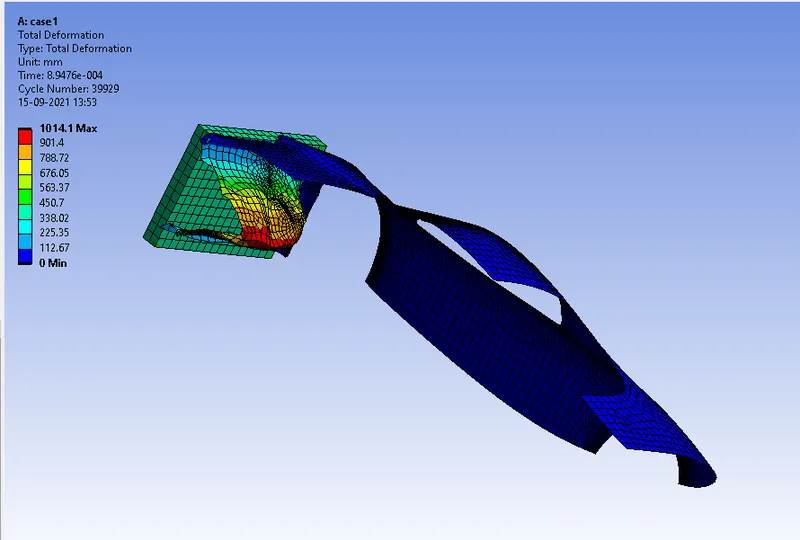
TOTAL DEFORMATION
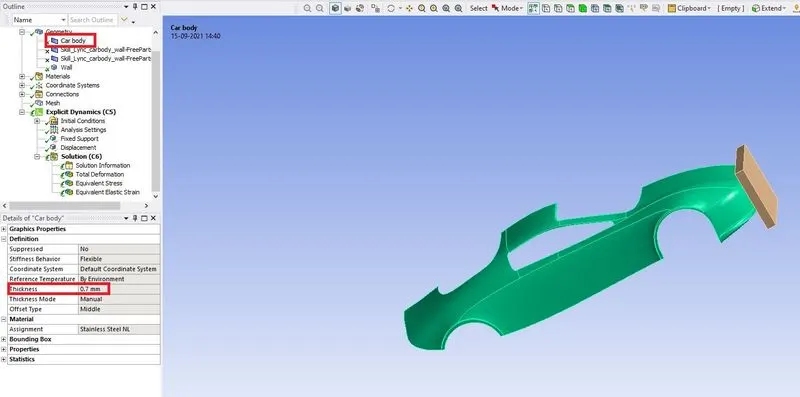
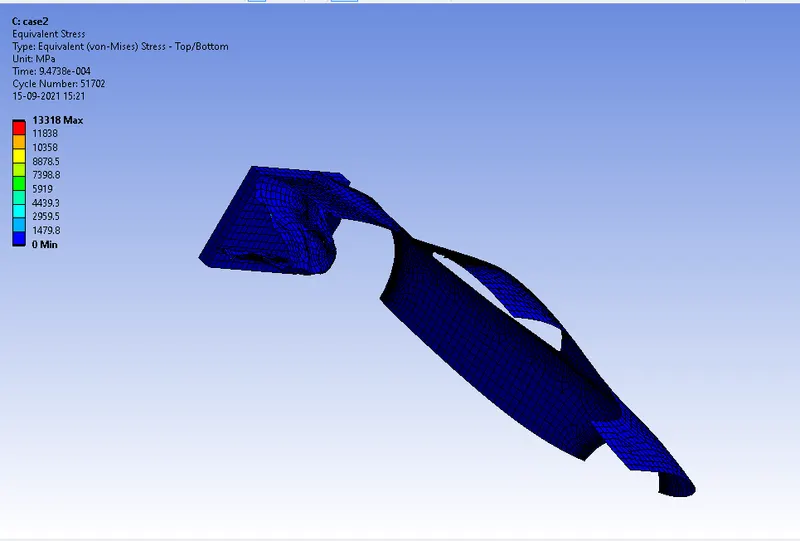
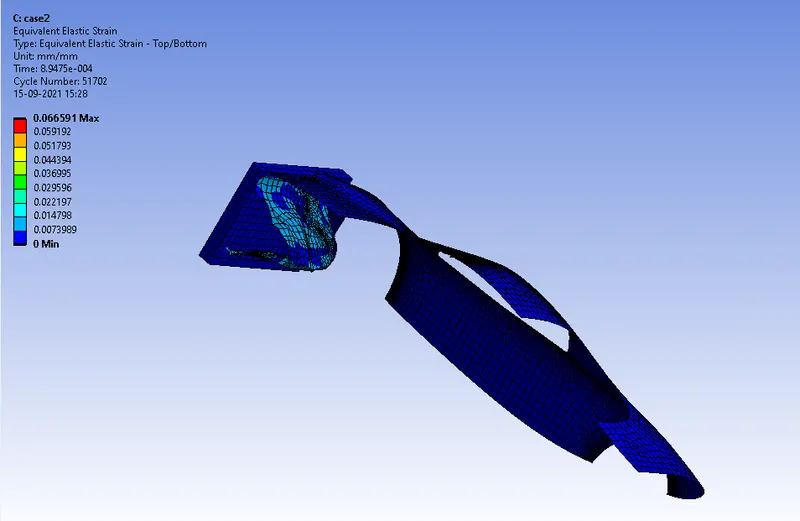
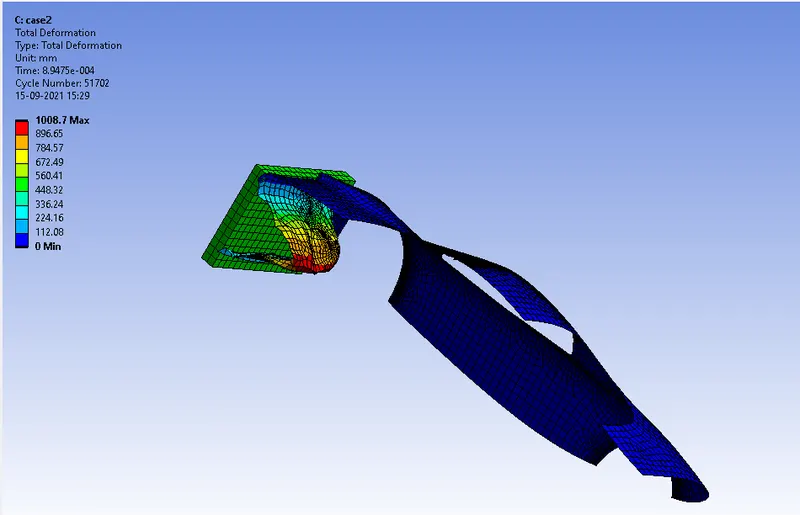
RESULT FOR CASE2:-
CAR BODY THICKNESS
EQUIVALENT STRESS
EQUIVALENT ELASTIC STRAIN
TOTAL DEFORMATION
RESULTS FOR CASE3:-
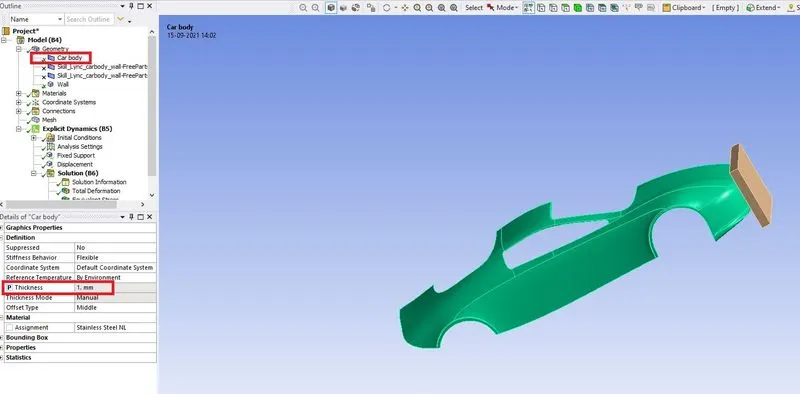
CAR BODY THICKNESS
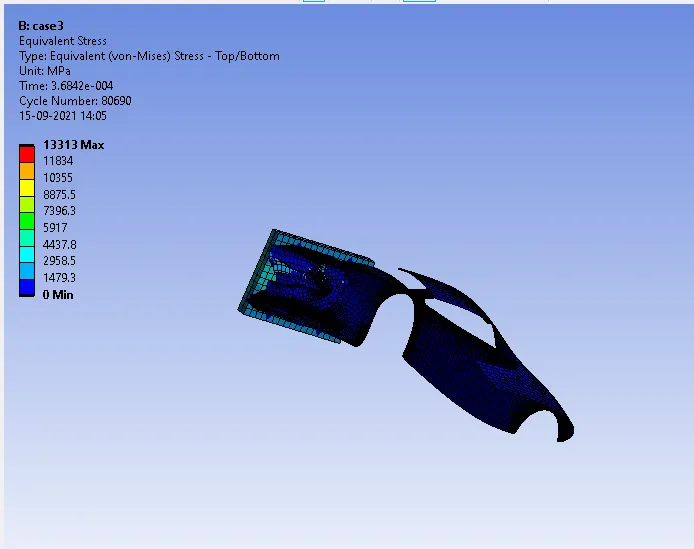
EQUIVALENT STRESS
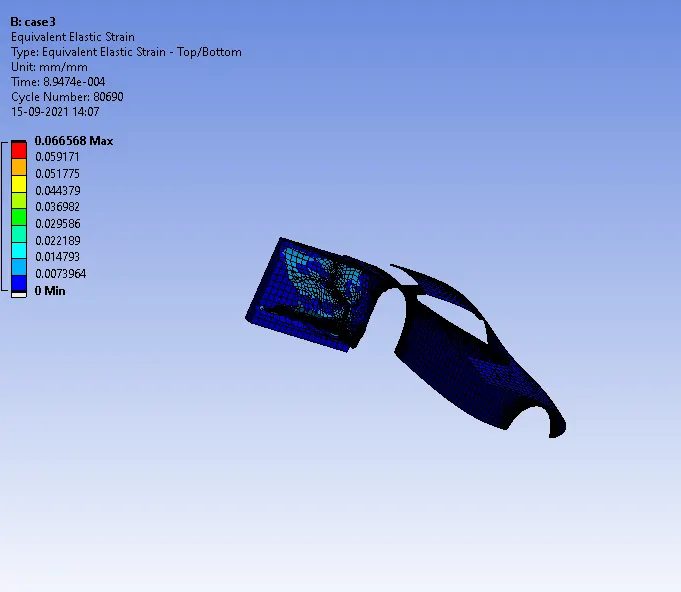
EQUIVALENT ELASTIC STRAIN
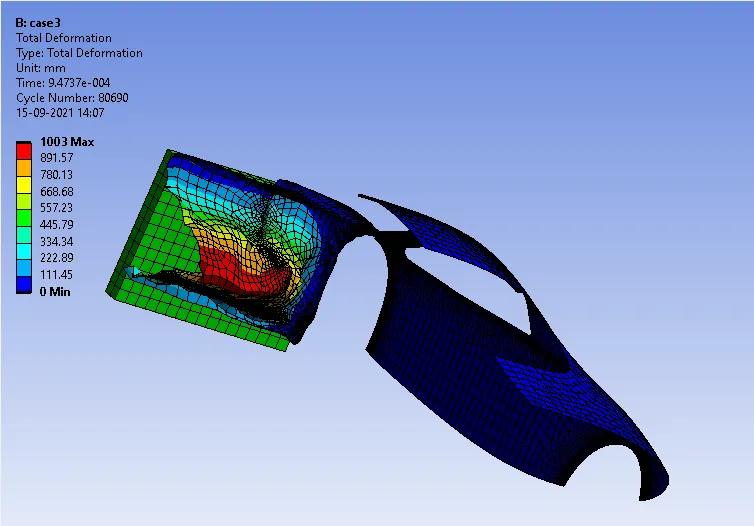
TOTAL DEFORMATION
CONCLUSION:-
| CASE | EQUIVALENT STRESS(MPA) | EQUIVALENT ELASTIC STRAIN | TOTAL DEFORMATION(mm) |
| CASE1 | 13322 | 0.066611 | 1014.1 |
| CASE2 | 13318 | 0.066591 | 1008.7 |
| CASE3 | 13313 | 0.066568 | 1003 |
As comparing the above results when car body thickness has increased the stress, strain and total deformation will be decreased.