Week 4.1: Project - Steady state simulation of flow over a throttle body
OBJECTIVE: To simulate steady-state flow over a throttle body.
THEORY: In a conventional gasoline engine, a throttle valve is used in the intake manifold to reduce the power output for part-load operation. Varying the throttle position controls the amount of air-fuel mixture inside the engine, while the AFR is kept constant. A throttle is a mechanism by which the fluid flow is managed by construction or obstruction.A disc is mounted on a rod connected with an actuator, when the valve is closed the disc turns so that it completely blocks the fluid flow passage. They are prefered due to their cost effectiveness and easy maintainability.
SIMULATION PROCEDURE: We start of by importing the geometry in converge after which we remove the external surface, as theere is no need for it coz we are only interested in fluid flow volume and effect of valve position on the flow. Ince we cleanup our surfaces and do the required patching of inlet and outlet points we run a diagnosis test to verify the sufrace clean up and rectify any left out error in the surface as it may lead to simulation errors.
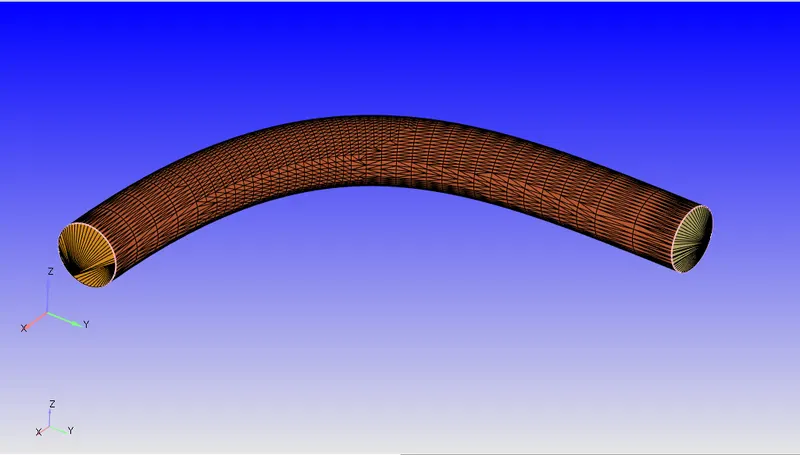
After cleaning and setting up our model we head towards boundary flaging where we manily flag our model into 4 different boundaries named inlet, outlet, throttle body, and throttle valve. Once our boundaries are flagged we head to setup our case, which we do by clicking begin case setup in which we select 'time based simulation' and our time based simulation tree is created which we setup step by step as per our requirements for the solution.
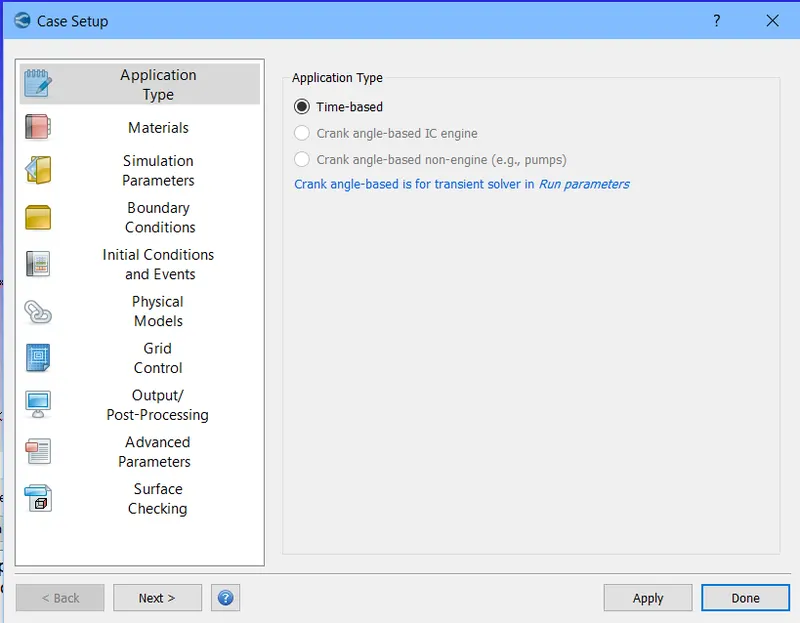
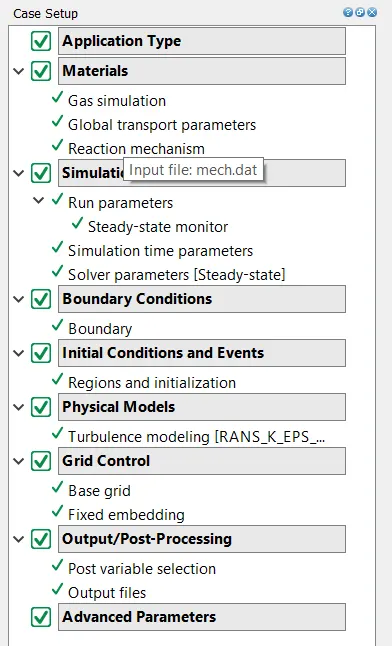
In materials we select air as predefined matterial and disable the reaction mechanism, and enable species.
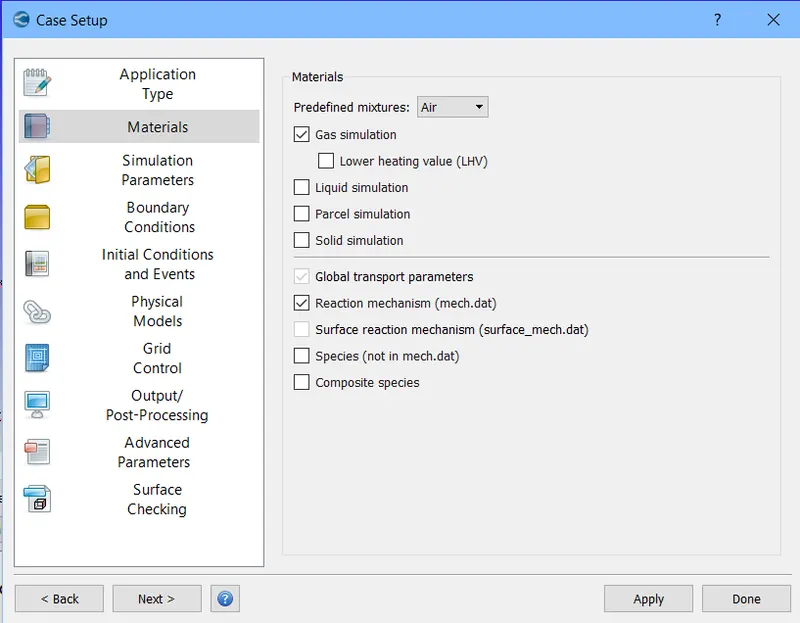
And for materials all the sub-points in the case setup trees are validated at their default values only.
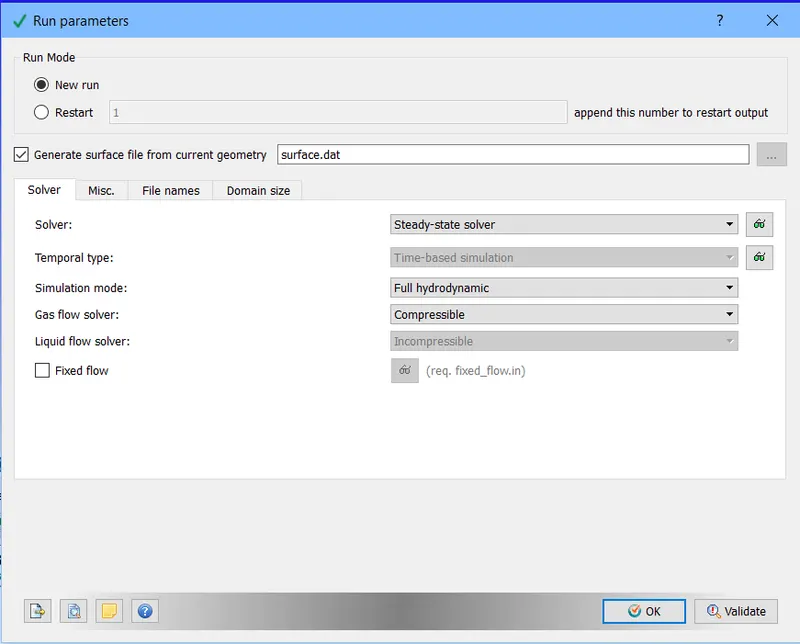
After this we head to setting up our run parameters where solver is selected to be steady-state solver and simulation type is full hydrodynamic and the gas solver is set to compressible.
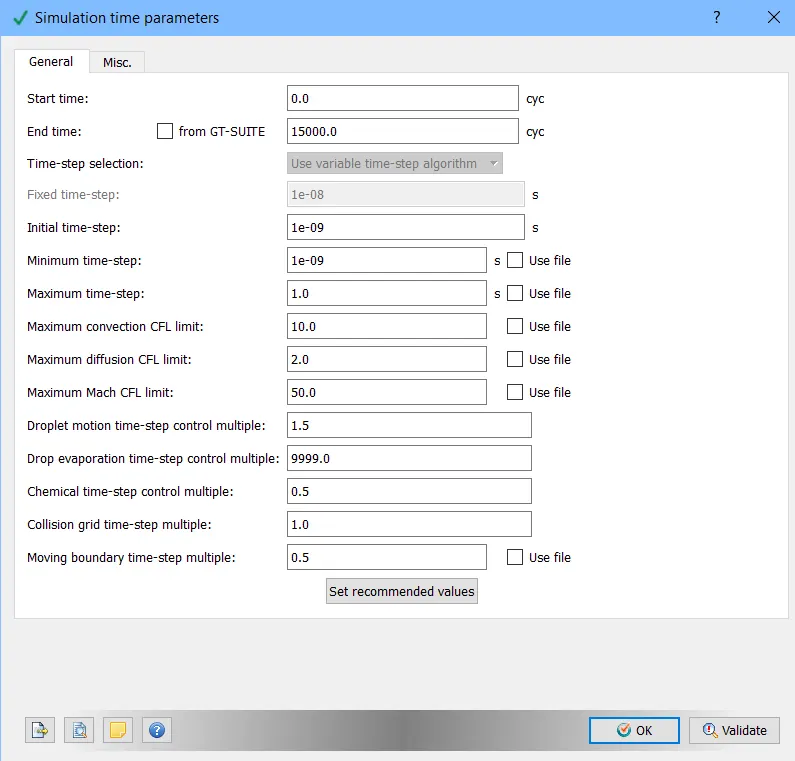
After this we setup our simulation time parameters for which the start time was set to be at 0 cycles and end was set at 15000 cycles, the value for minimum time-step and initial time-step was set to be 1e-9 and maximum time-step value was set to at 1. rest values were set to default.
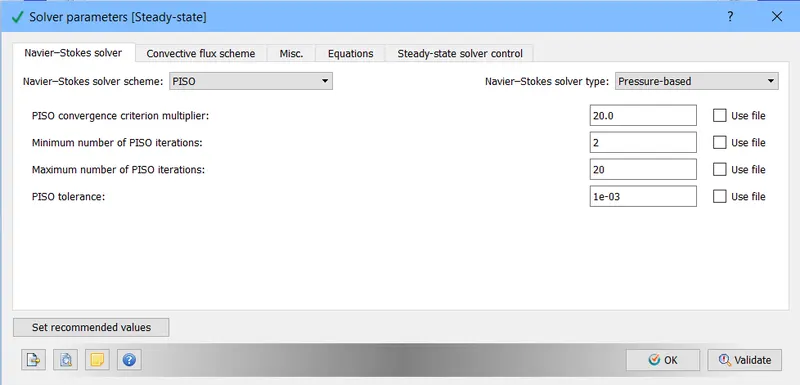
After this we setup our solver parameters where we select PISO scheme and use the pressure based method.
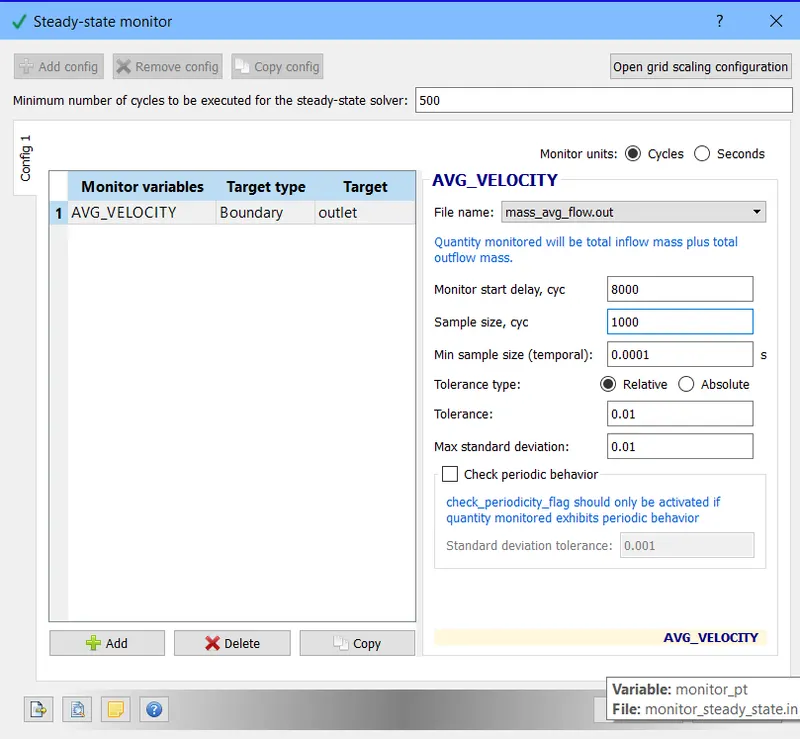
We enabled steady-state monitor andthe variable to be monitored was set to be avg velocity and minimum number of cycles to be executed were set at 500 with 8000 being the monitor start delay and sample size being 1000 cycles.
After this we setup our region where we named it as volumetric region and all the boundaries were added to it and the material in the region was air.
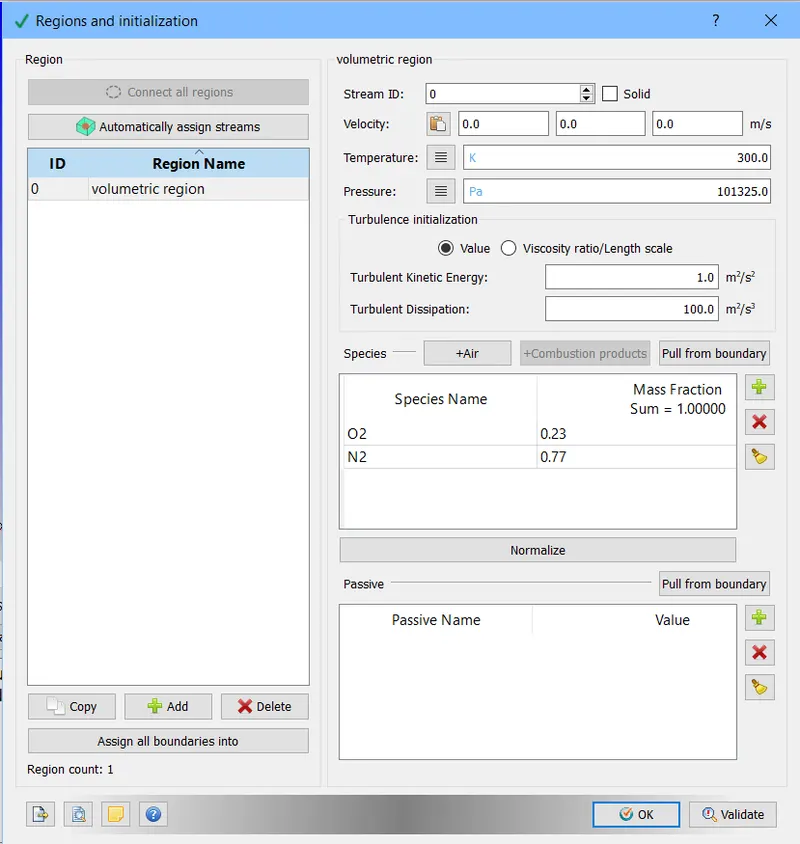
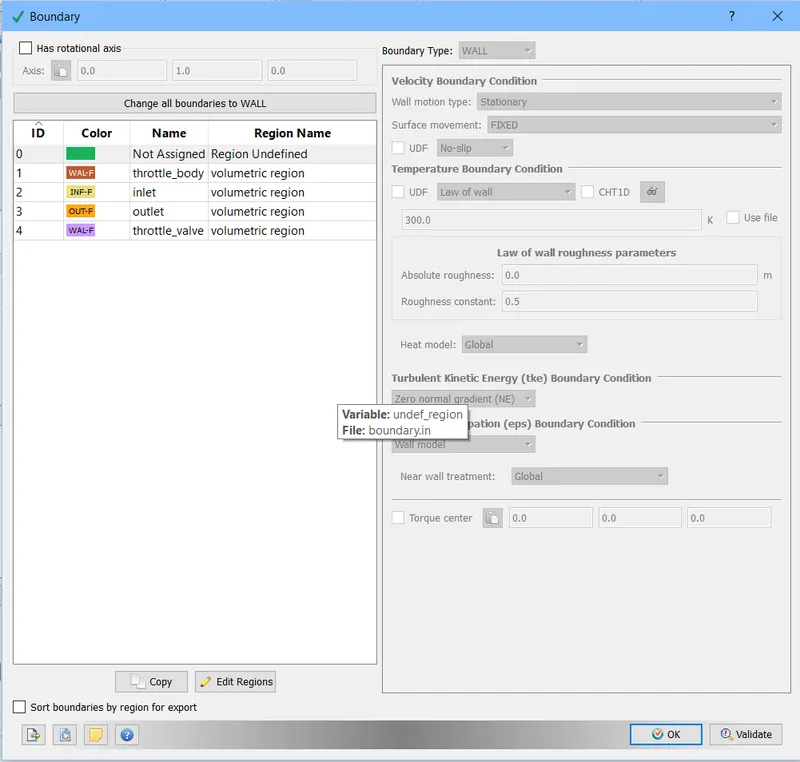
After setting up regions we setup our boundaries and for each type of boundary appropriate boundary conditions were given and proper type was assigned to each boundary.
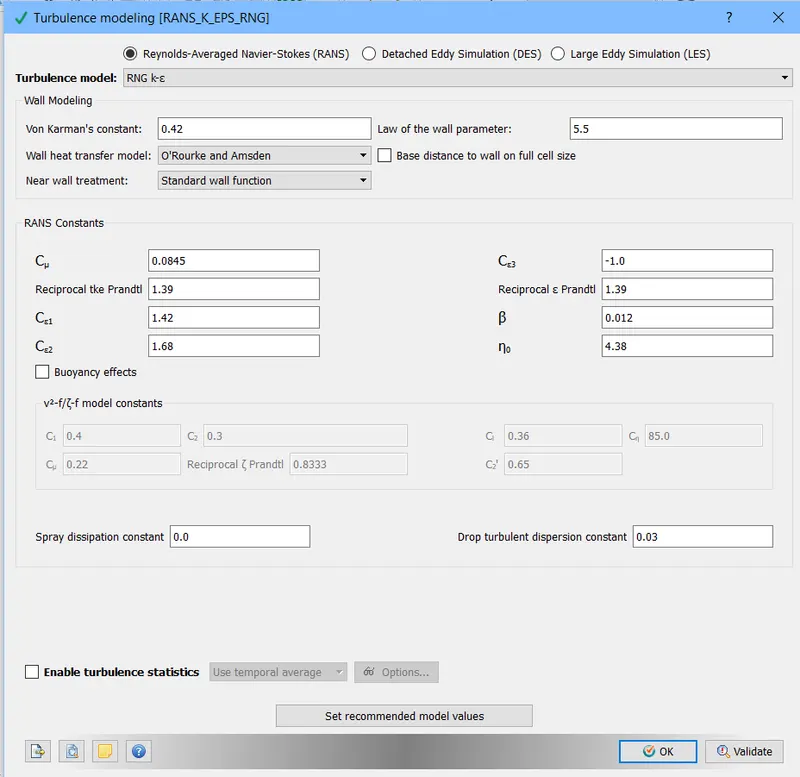
After this we setup our turbulence model for which we use RNG K-epsilon model with its default values assigned by converge.
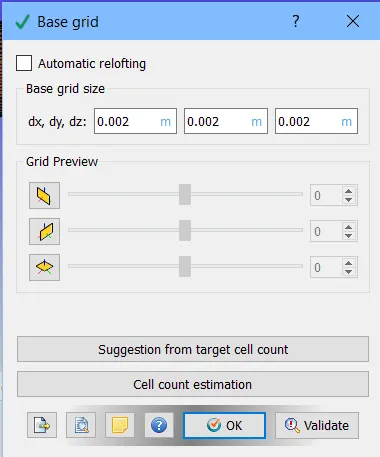
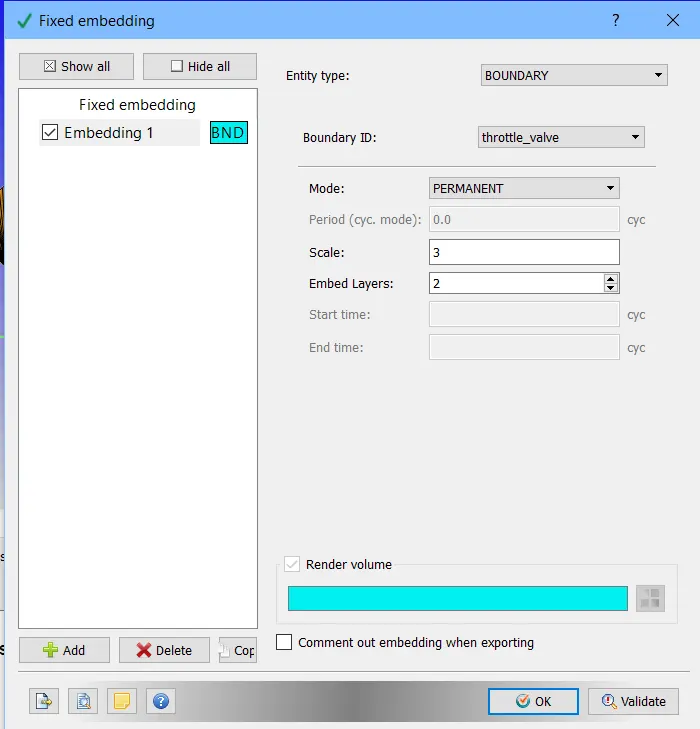
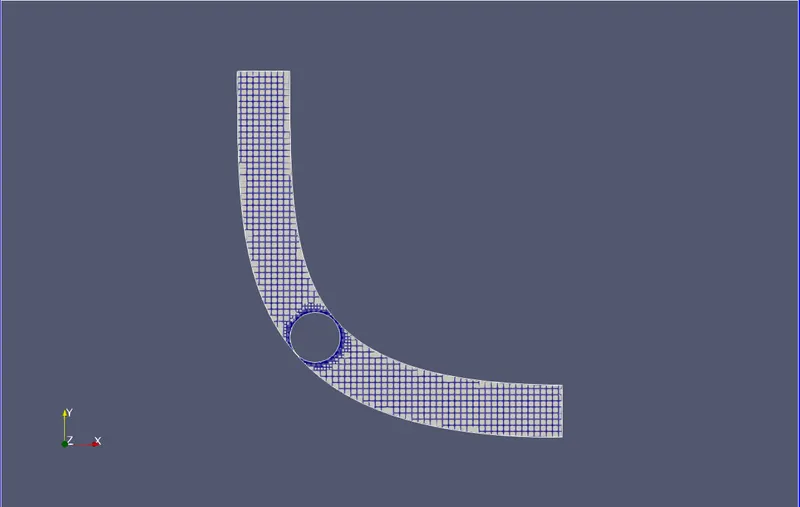
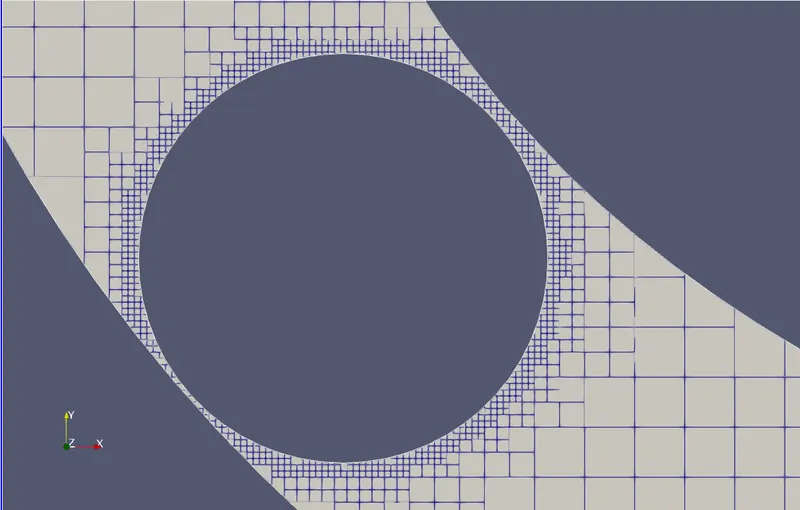
Then we setup our base mesh grid and our fixed embedding to refine mesh near the valve are so that we can capture more details regarding flow.
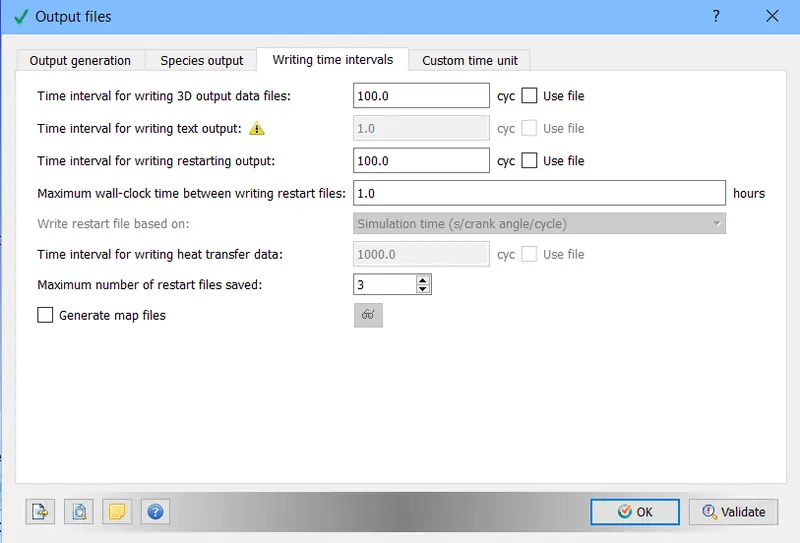
After this we setup our output files parameters where interval of writing output files and writing text files with number of restart files is decided.
RESULTS:
MESH
OUTPUT PLOTS
VELOCITY CONTOUR
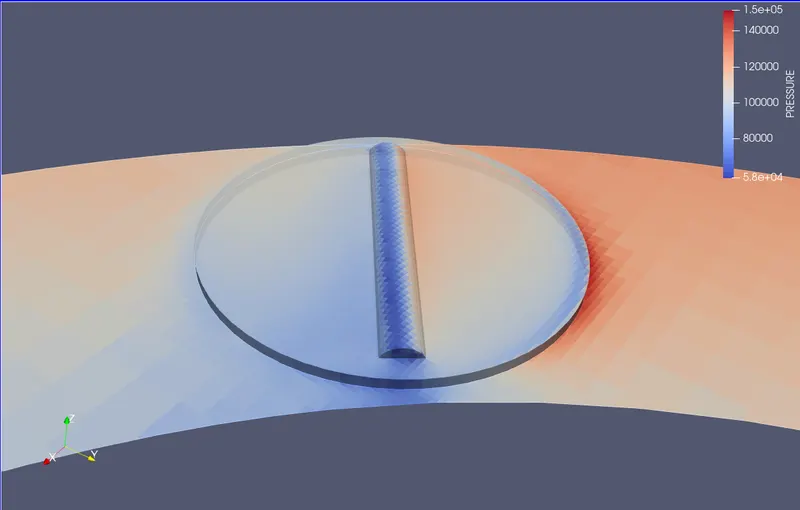
PRESSURE CONTOUR
CONCLUSIONS:
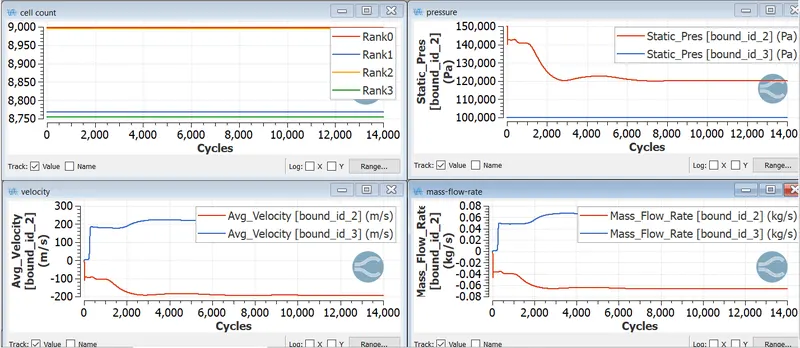
From plot of mass flow rate we can say the conservation of mass is established.
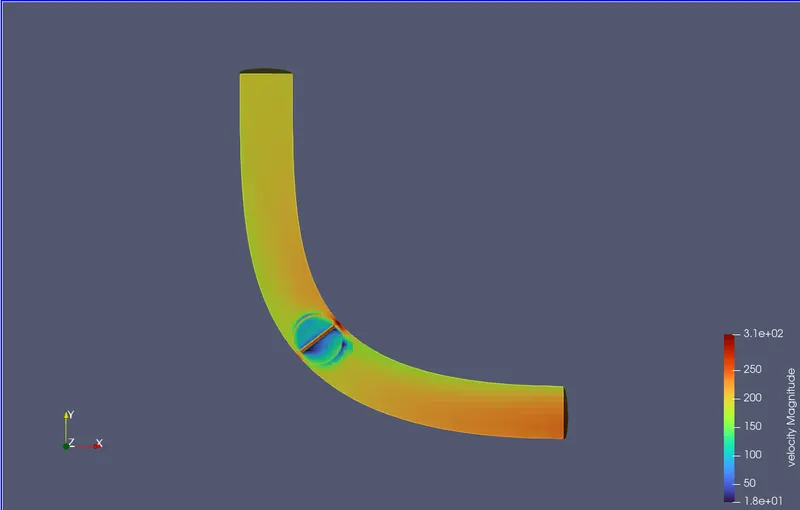
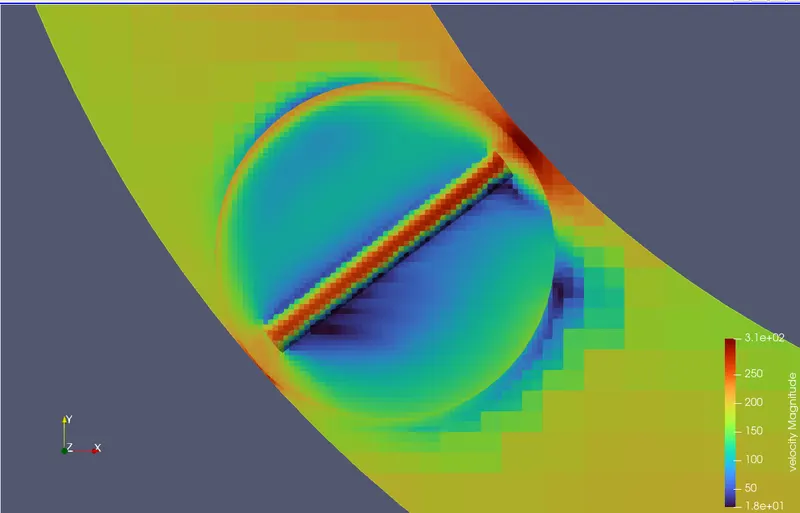
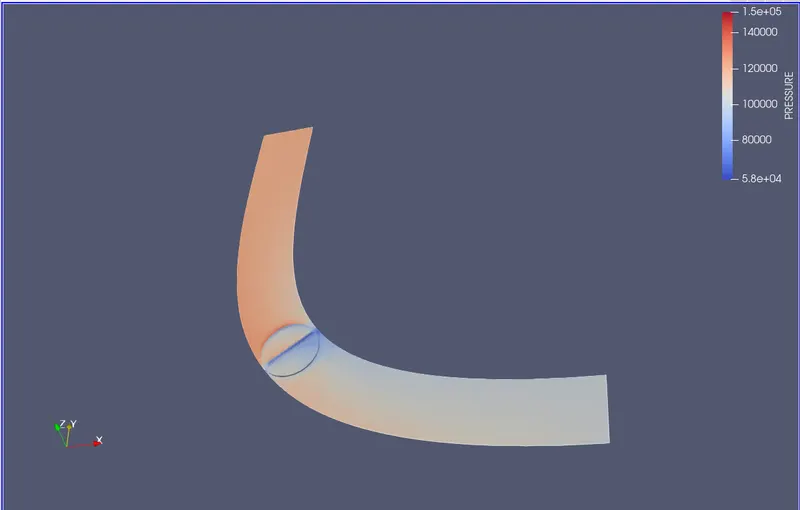
Various regions of recirculation and reattachment were observed near the valve due to the creation of eddy flow because of obstruction caused by the valvle. We see high pressure regions on the valve surface facing the inlet side and the highest flow speeds between the tube wall and the throttle valve as the area for flow decreases resulting in increased velocity there. The side of valve facing outlet has low pressure regions as well low speed regions.
Using the fixed embedding option has allowed us to capture detailed flow pattern near the valve with a cost effective method.