Week 5 Challenge : Surface wrap on Automotive Assembly
OBJECTIVE: Clean the geomtery, merge all 3 models and perform surface wrap.
INTRODUCTION:
Surface wrap is the process of meshing where the designer is only interested in the outside surface of the assembly i.e., the component inside the volume will be kept as it is. This kind of meshing is only used for the simulation in which we are interested in the outer surface only like external flow simulations
PROCEUDRE:
Each geometry will be individually searched for errors and fixed, starting with:
Engine
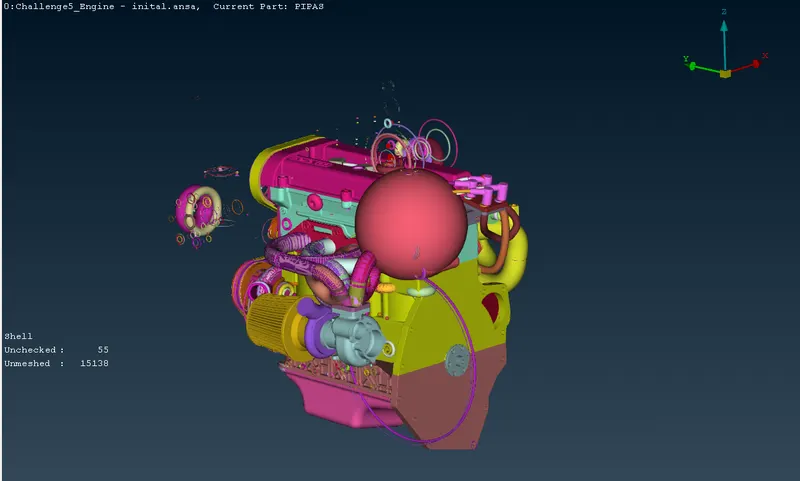
The engine's geometry was imported into ANSA and this is the initial geometry:
Switching to wireframe view (and hiding double cons),
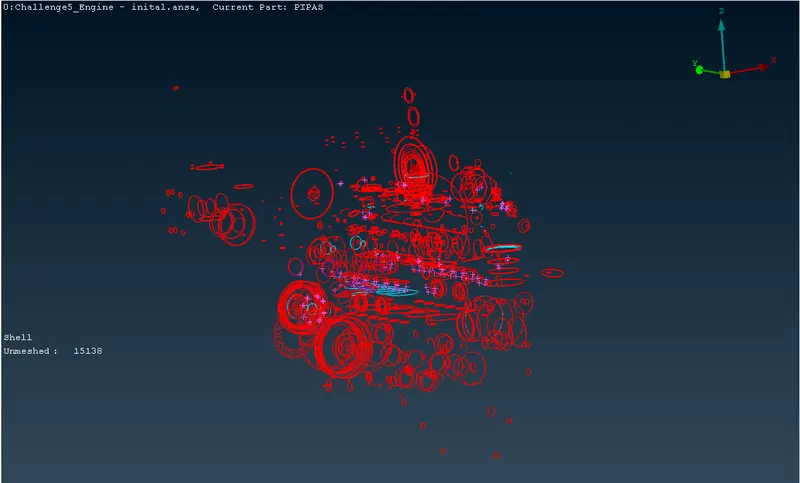
Upon further inspection, the errors are primarily of three types: single CONS, overlapped surfaces and extra surfaces shaped like a donut/ring. Since this a surface wrap, internal errors do not play a significant role in the wrap generated. Hence, internal errors are not given much importance to remove.
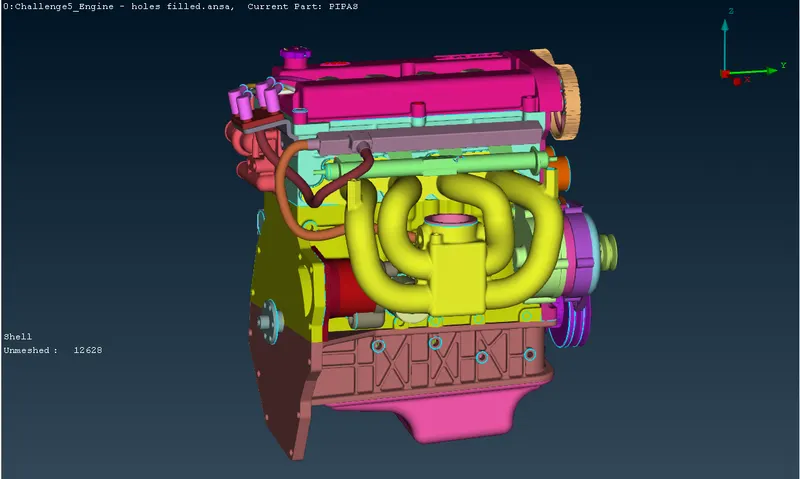
The extra surfaces are removed by visual inspection and by hiding required PIDs. Other surfaces such as belts, chains hinder the final quality of a coarse surface wrap (as in this case), they are removed as well.
This is the geometry after all errors are rectified and other surfaces removed:
Gearbox
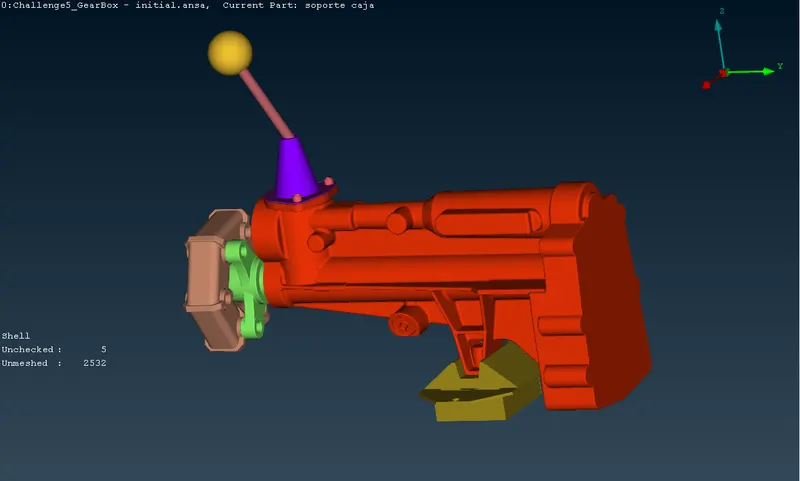
The gearbox's geometry was imported into ANSA and this is the initial geometry:
Switching to wireframe view,
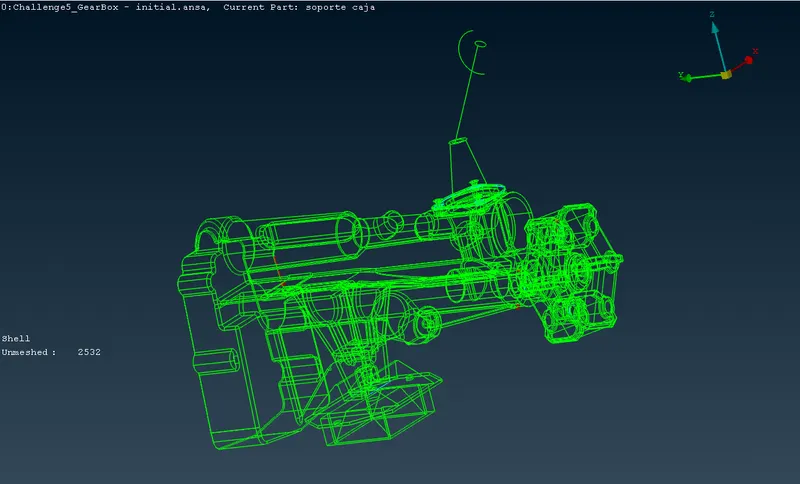
Upon further inspection, the errors are primarily of three types: single CONS, overlapped surfaces and extra surfaces. Since this a surface wrap, internal errors do not play a significant role in the wrap generated. Hence, internal errors are not given much importance to remove.
The extra surfaces are removed by visual inspection.
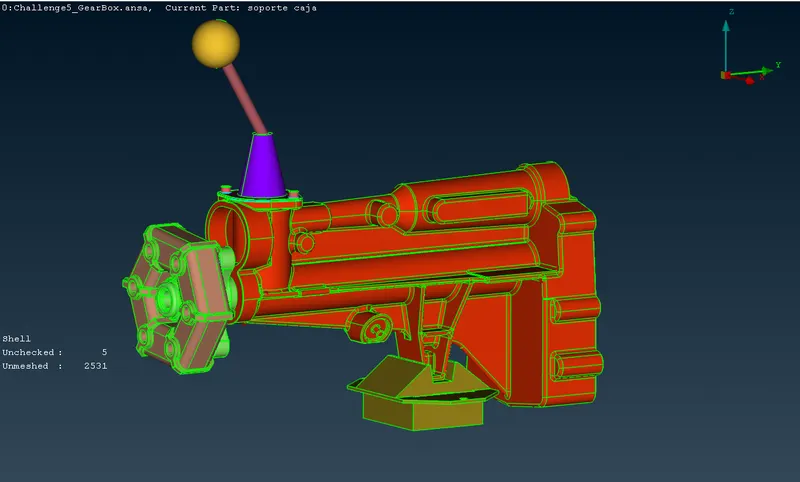
This is the geometry after all errors are rectified:
Transmission
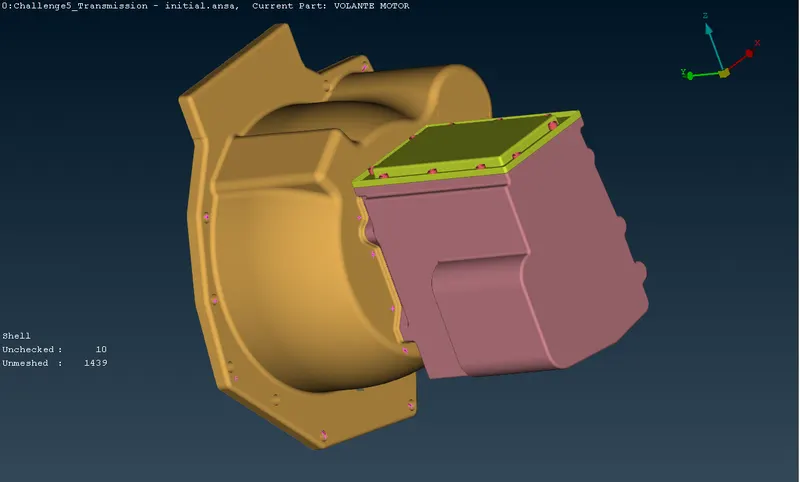
The transmission's geometry was imported into ANSA and this is the initial geometry:
Switching to wireframe view,
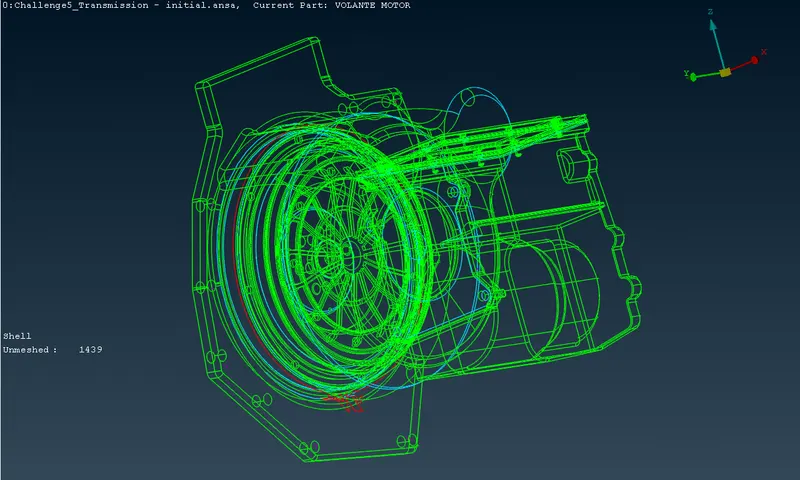
Upon further inspection, the errors are primarily of three types: single CONS, overlapped surfaces and extra surfaces. Since this a surface wrap, internal errors do not play a significant role in the wrap generated. Hence, internal errors are not given much importance to remove.
The extra surfaces are removed by visual inspection.
This is the geometry after all errors are rectified:
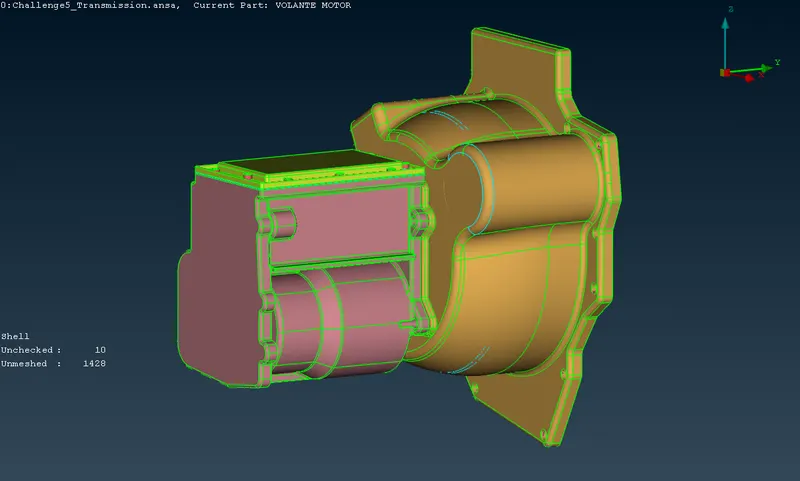
Merging the Assembly
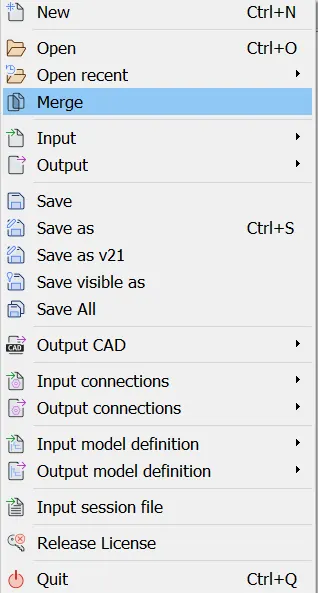
File -> Merge ->
Select the transmission and gearbox file,
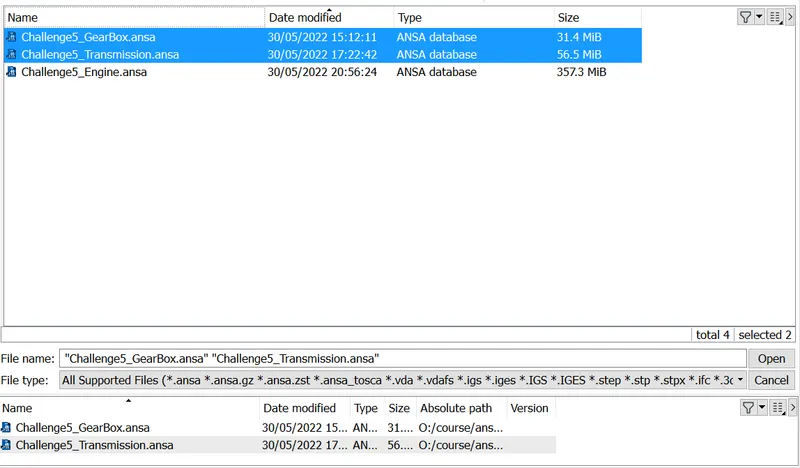
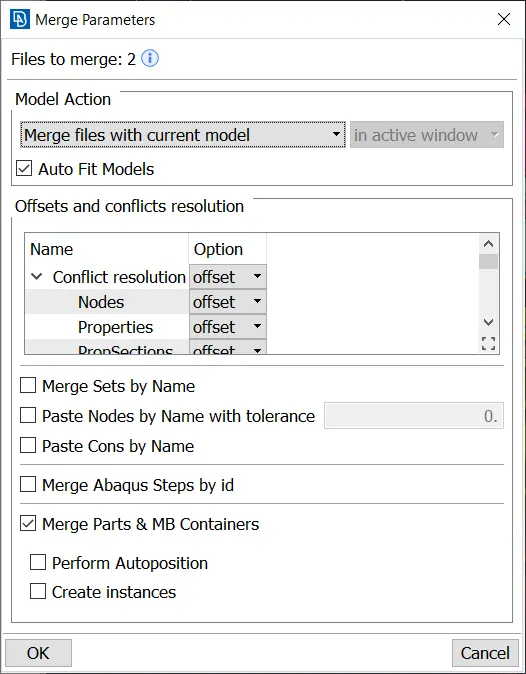
Open, and the following settings are used:
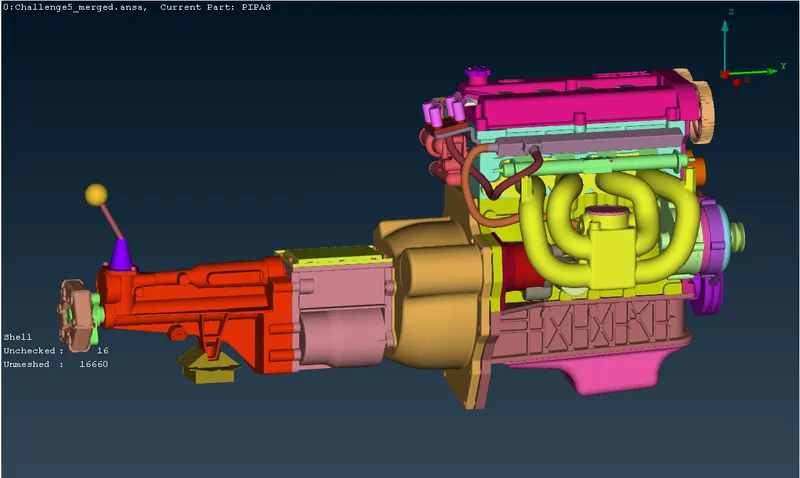
Covering all holes is essential for generating a high quality surface mesh, hence all open holes are closed using the TOPO -> Faces -> New -> tool, this is the geometry after merging and closing holes:
Surface Wrap
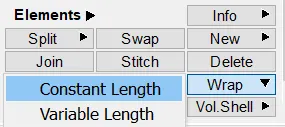
The surface wrap is generated by going to: C.Mesh -> Elements -> Wrap -> Constant Length
Double click on Empty,
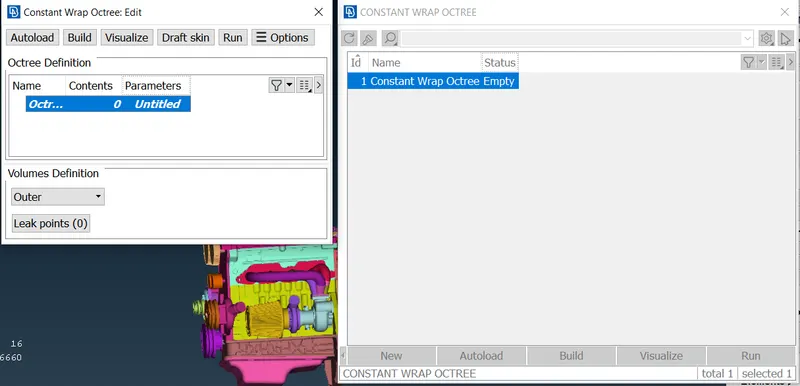
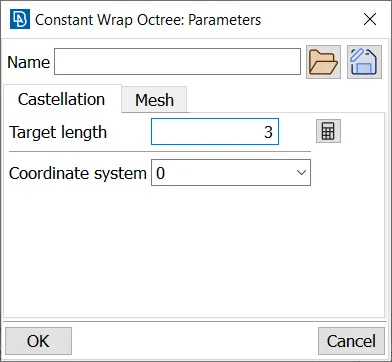
Double click on Untitled and the following settings are used:
Castellation tab:
Mesh tab:
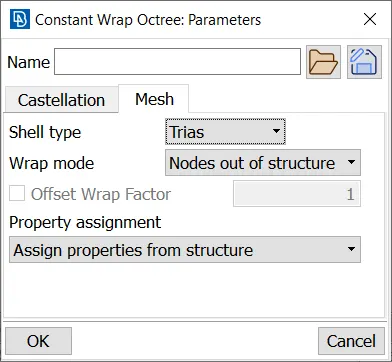
OK is clicked and 0 is double clicked.
All PIDs are selected and moved to Octree Scenario:
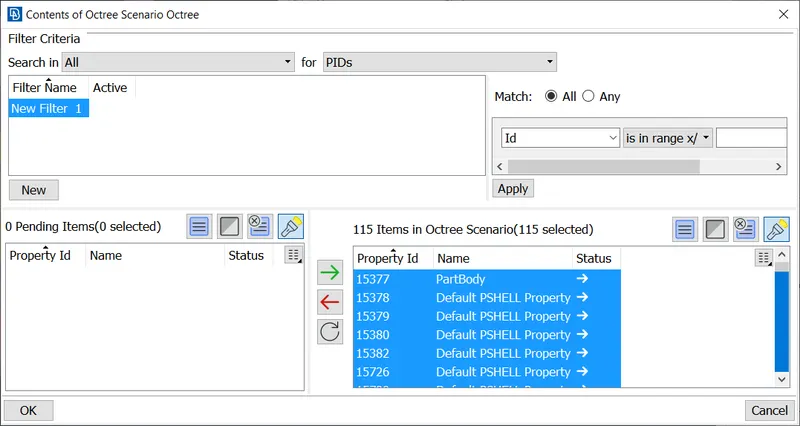
OK is clicked, and the wrap is started by pressing the Run button.
The wrap has 771098 elements, all of them are triads.
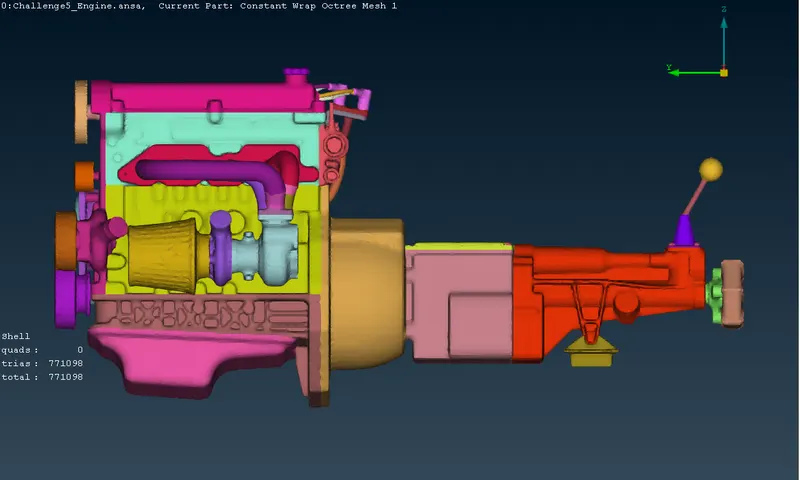
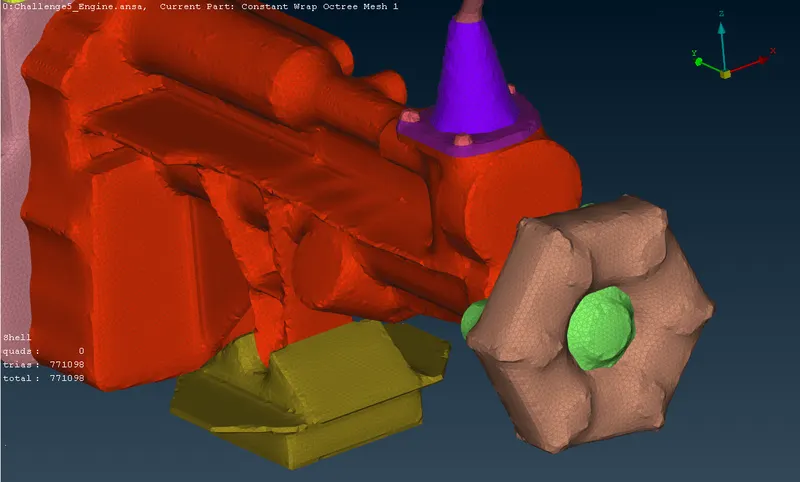
Zooming in,
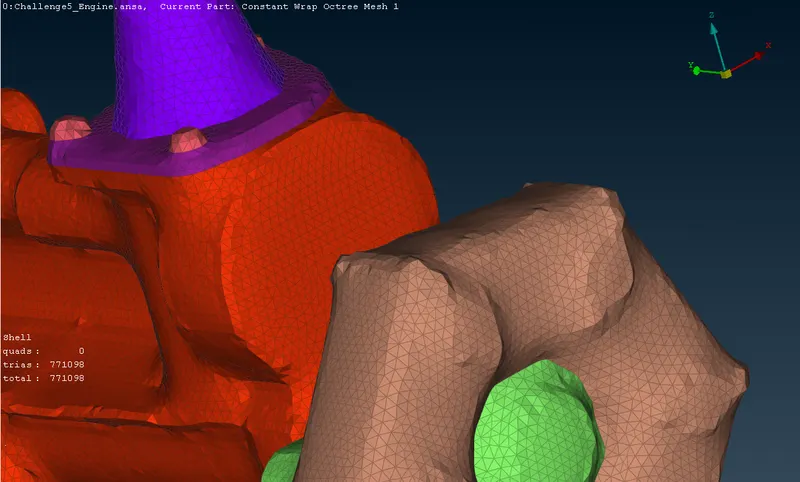
Taking a look at the engine,
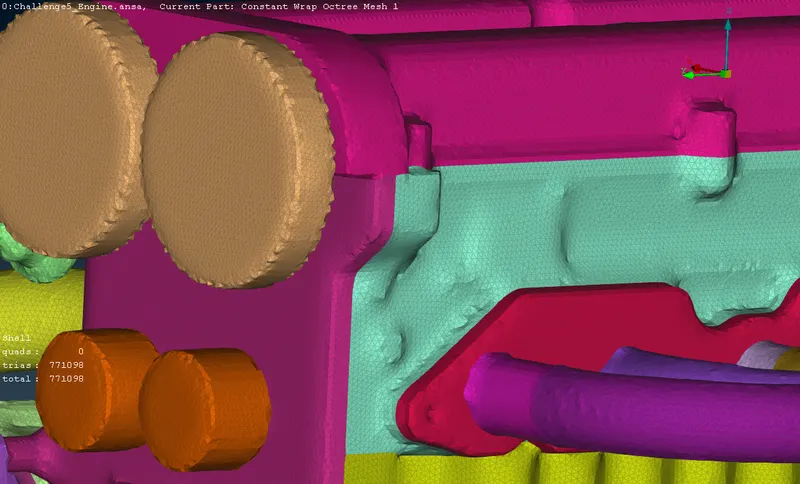
Wireframe view,
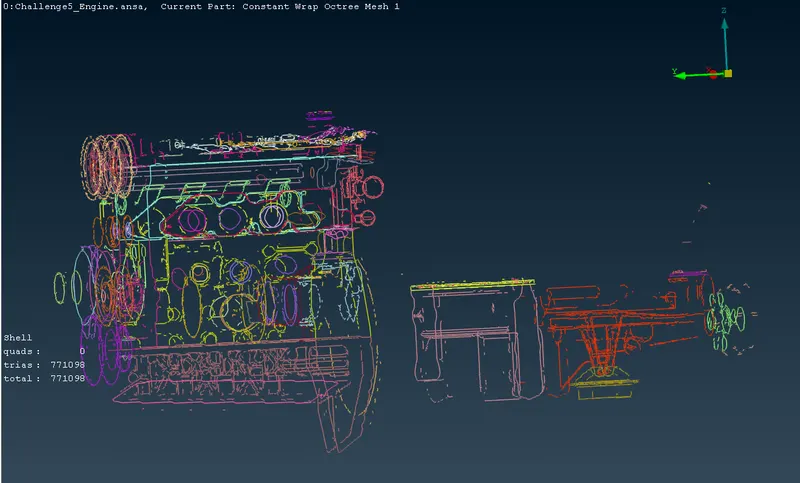
If the geometry has to be captured more precisely than the current wrap, a lower size is used. This lower size will cause increase in time taken and file size as well.