Week 7- Challenge
OBJECTIVE
To mesh the component and accomplish the given quality criteria
PROCEDURE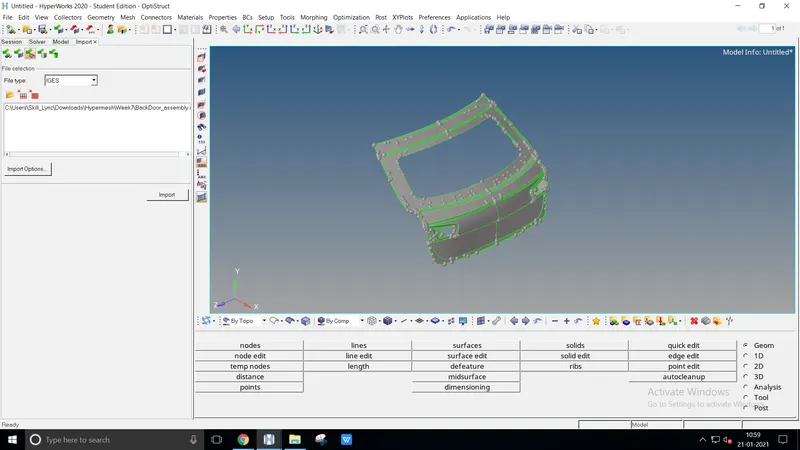
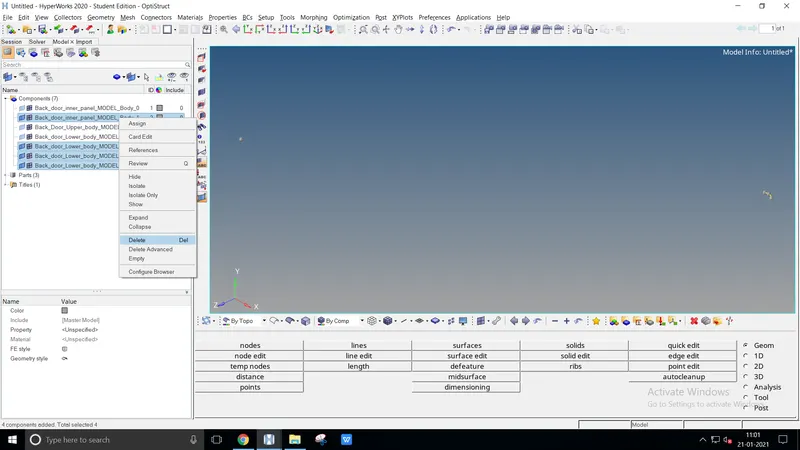
After import, delete the unwanted components suitably
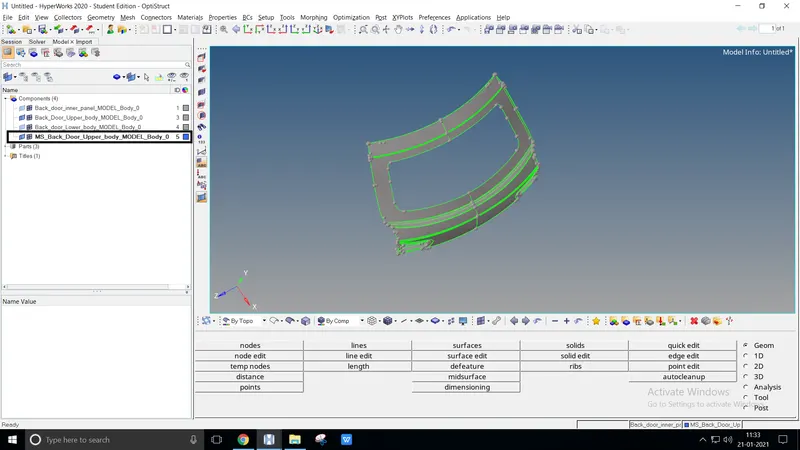
To create a mid-surface using the Surface offset method, create a new component
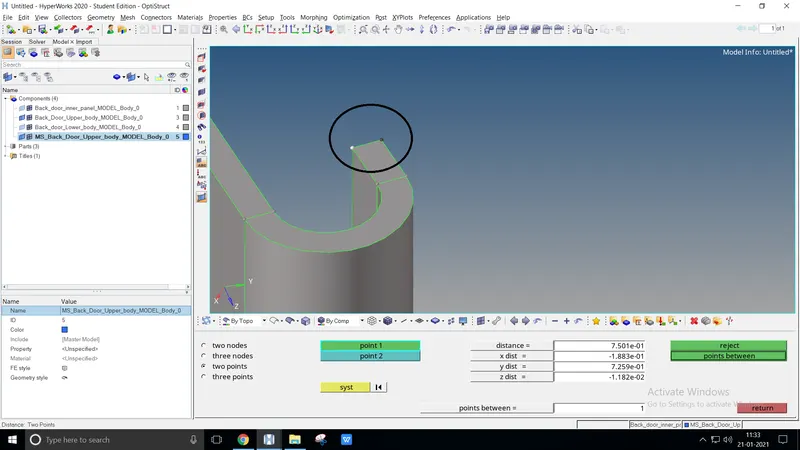
Measure the thickness of the component by two points, press F4
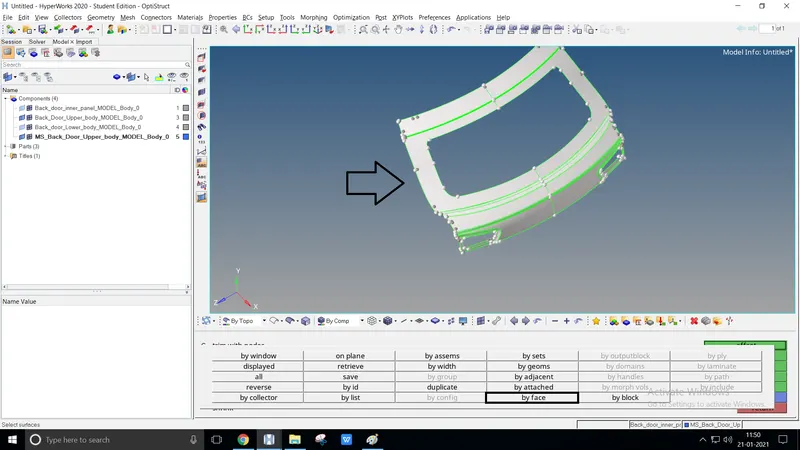
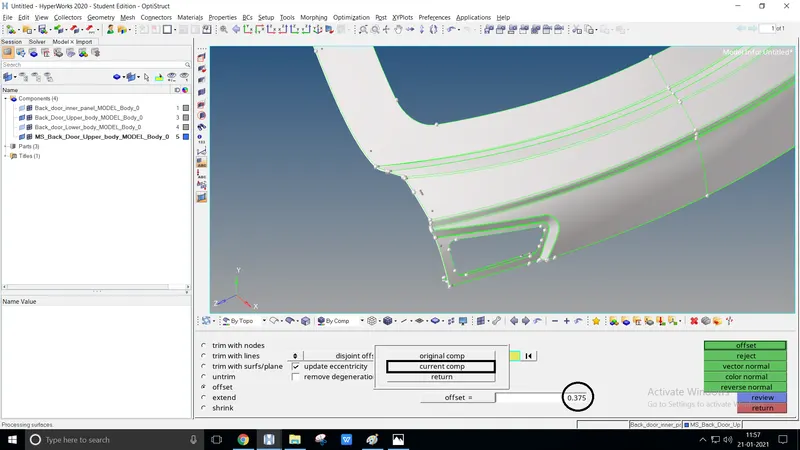
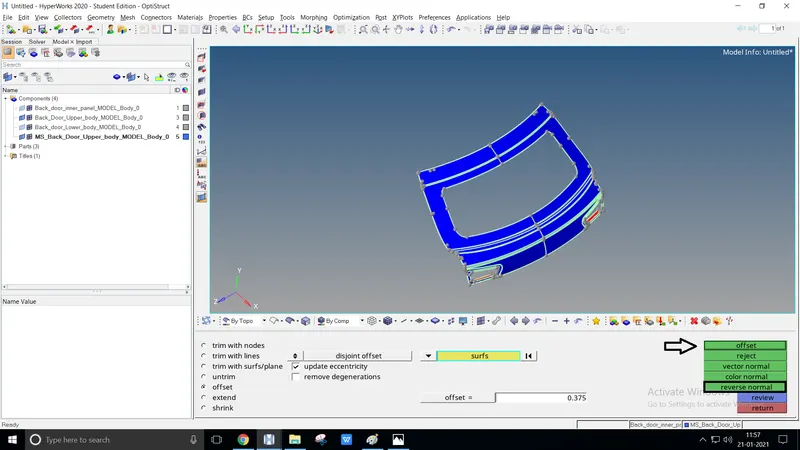
Surface edit or shift+F9 > Offset, select surface face by either front or back
Duplicate it to the current component by offset value as.375 (half the thickness)
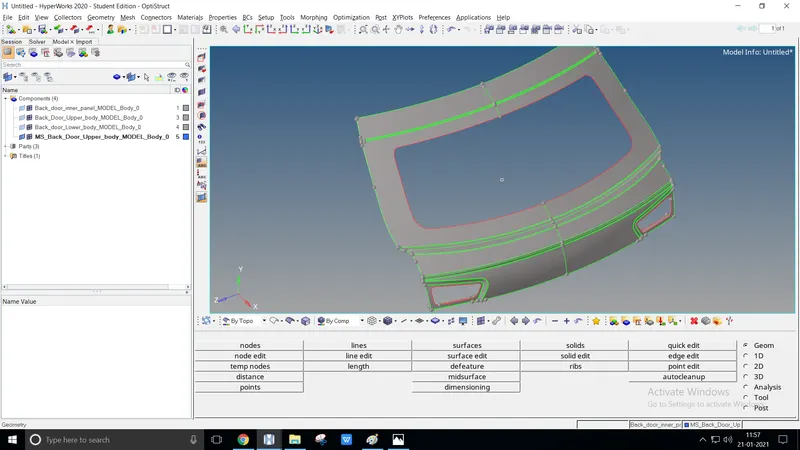
Using reverse normal offset the component, check the mid-surface by visualization bar
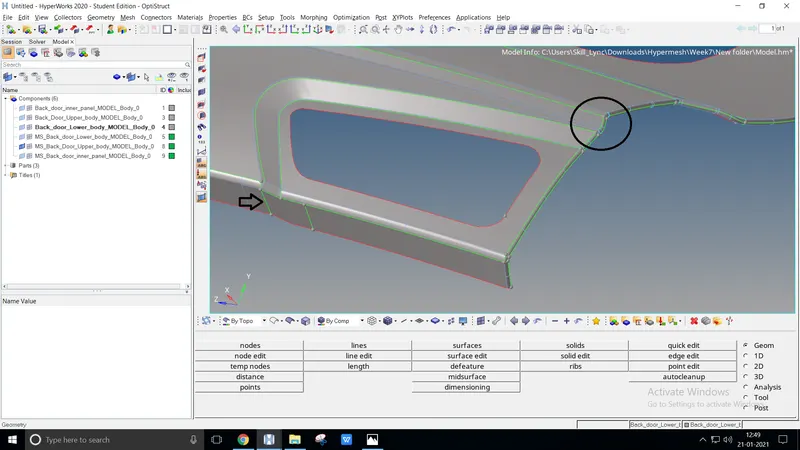
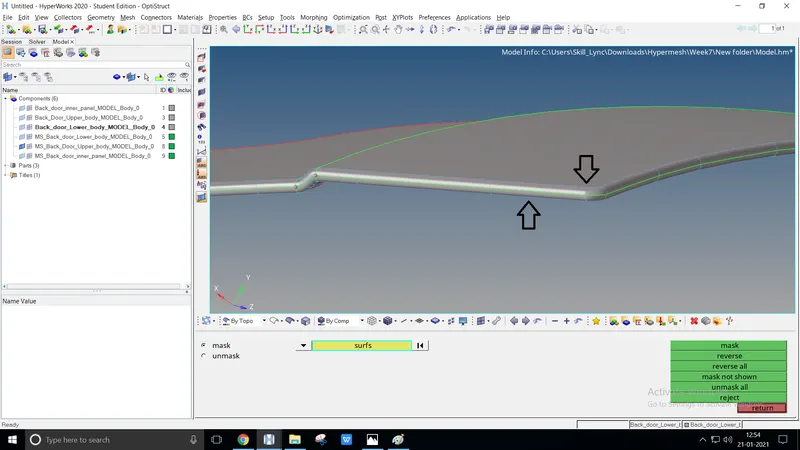
Clean the geometry using quick edit such as replace point, toggle edge, add/remove point, filler surf, split surf-node or line
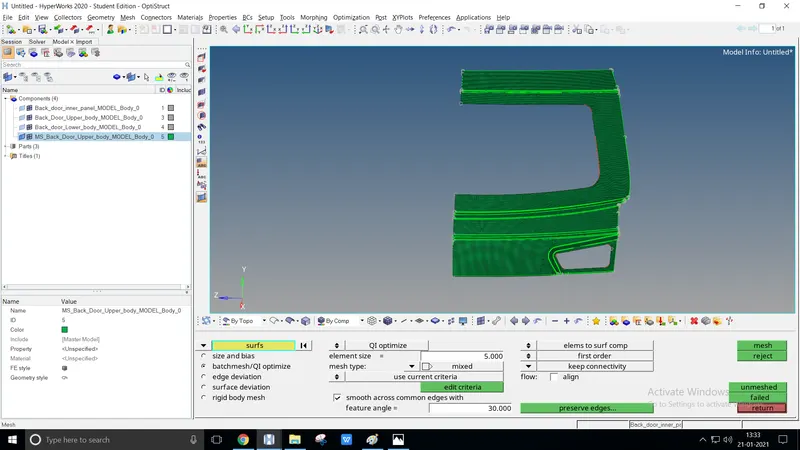
Use F12 or 2D > Automesh to perform mixed meshing at 5mm target size
Try to perform at Uniform mesh size. Neither Opposite trias nor Rotating quads can be done by Rebuild mesh or Quality index > Cleanup tools
After meshing try to achieve the given Quality criteria. To check quality criteria by F10 or Tools > Check elem or Switch Element color mode to Element Quality to check the criteria
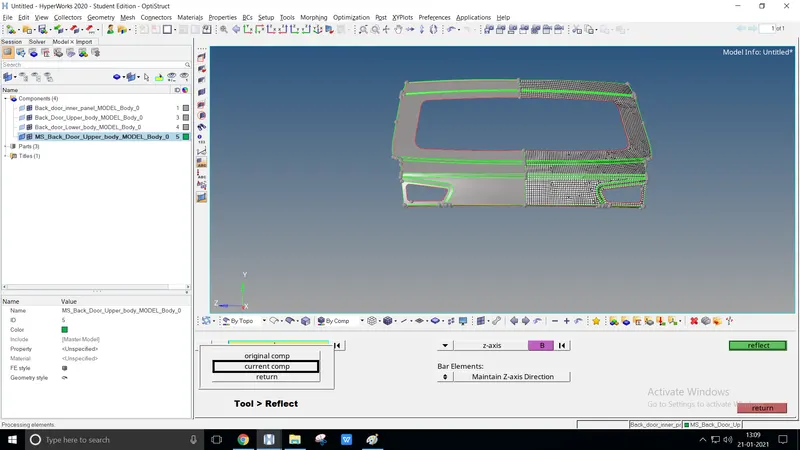
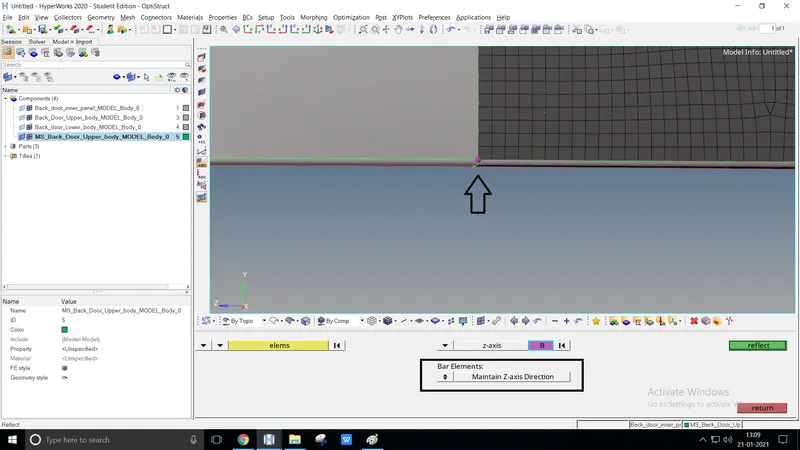
Using reflect option mesh could be done on the other side
Maintaining a z-axis direction duplicate the elements with a base point
CONCLUSION
The given model is defined and executed using quality criteria