Week 12:Project-1-Meshing of Door Inner Panel Challenge
Objective:
To mesh and assign thickness to the following components with quality criteria
Procedure: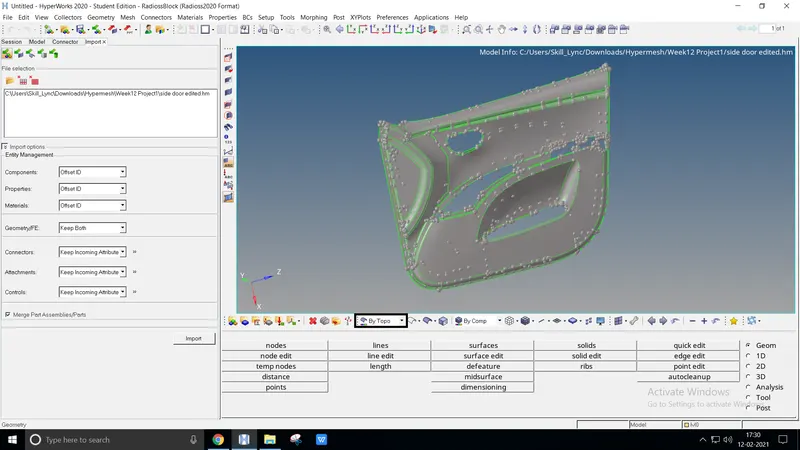
- Import the model from the existing file location to accomplish meshing, File → Open → Model (existing location)
Organizing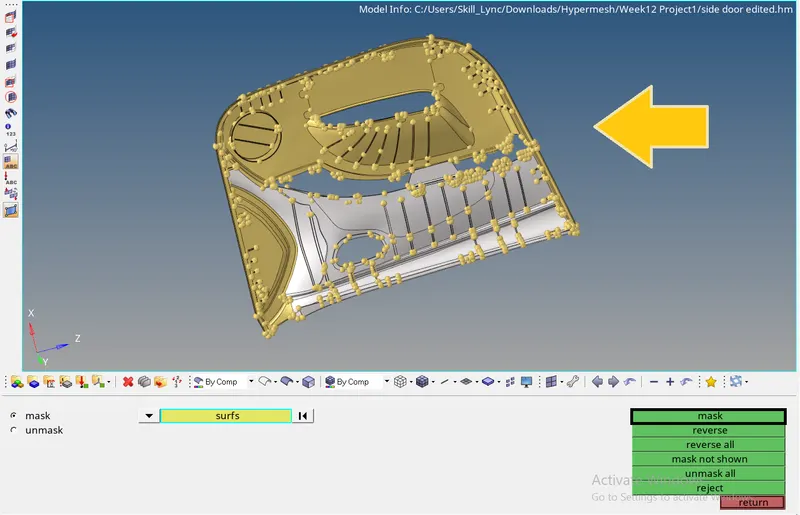
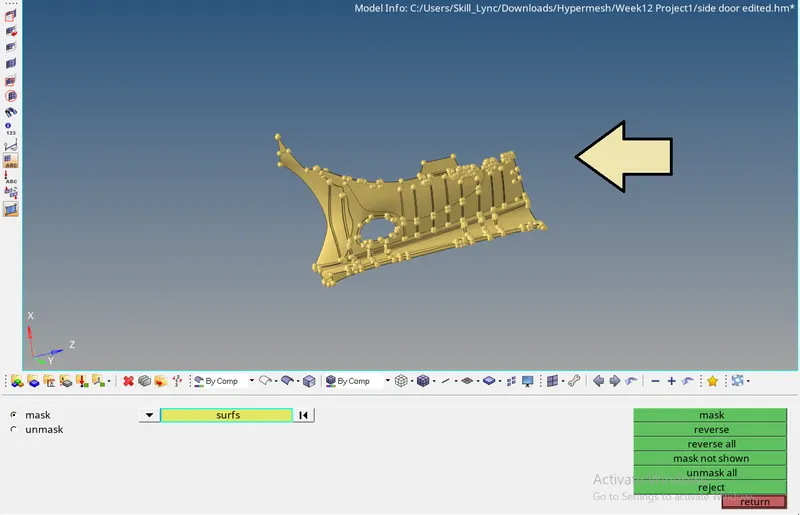
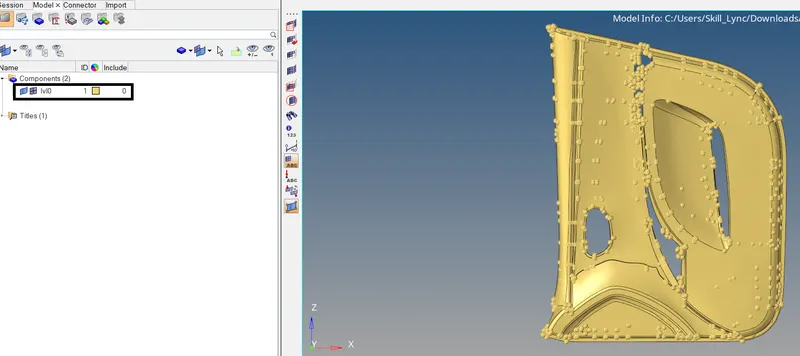
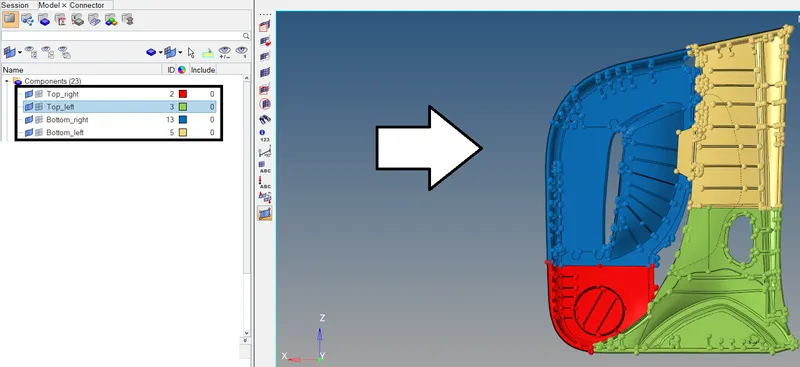
- Divide the component into four different to perform meshing and thickness by masking the surface of the component, Tool `rarr` Mask or F5
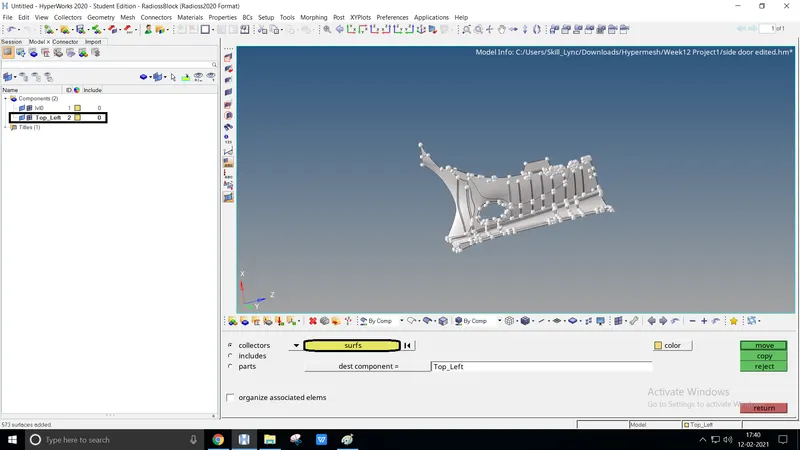
- Masked surfaces are assigned literally into new four components by organize option, Tool `rarr` Organize
- The third figure represents the number of components to be split up
Mid-surfacing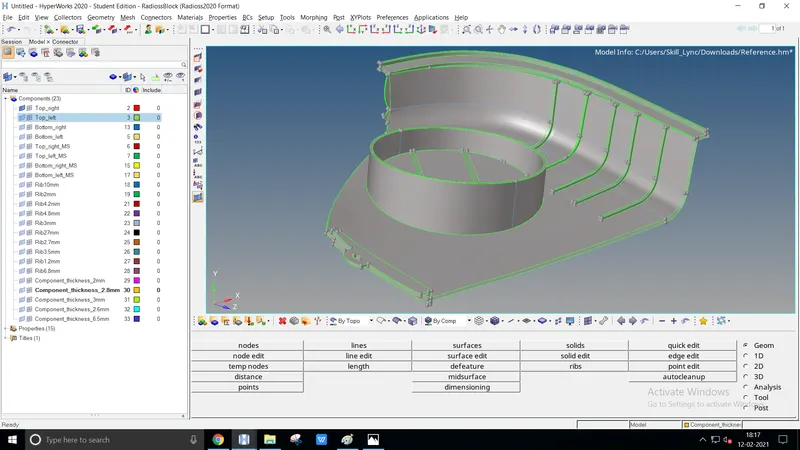
- Once the components are split up, select the only component to create mid-surfacing
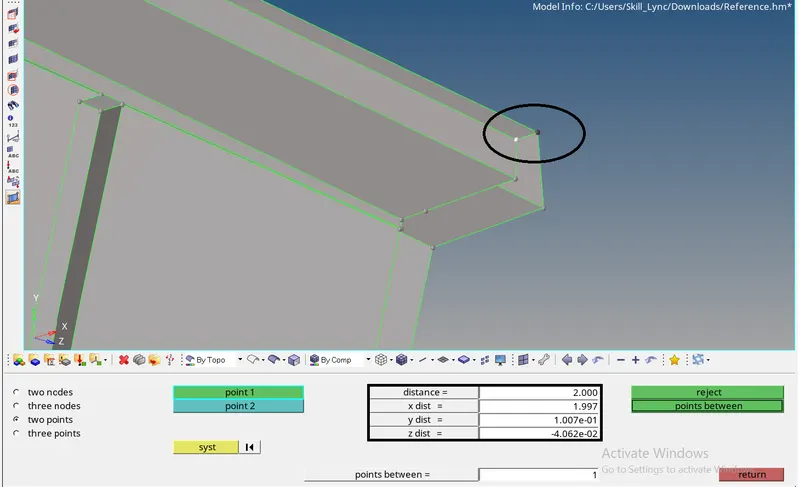
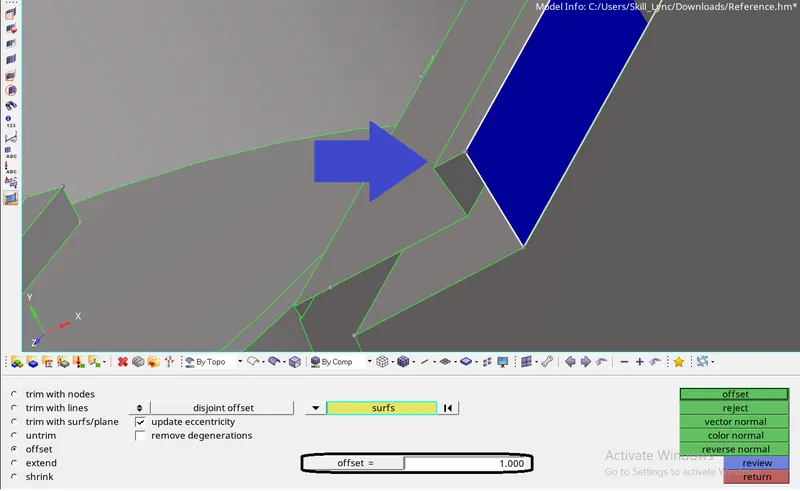
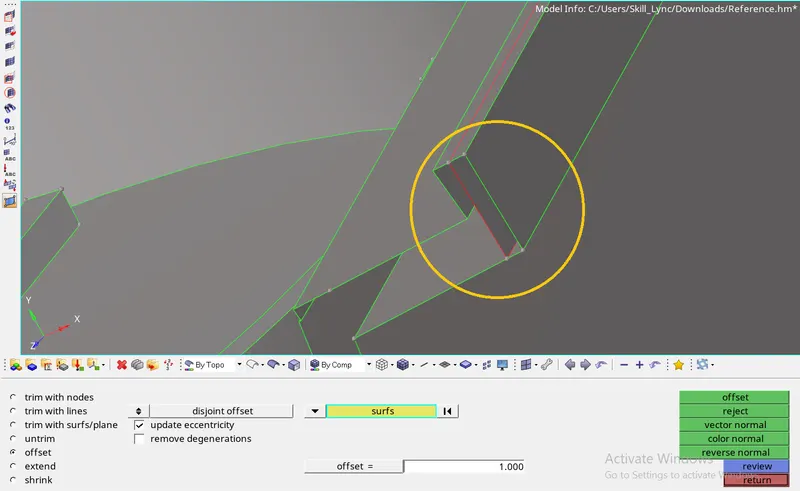
- Manual mid-surface is done by measuring the surface widths regarding face, Geom `rarr` Distance
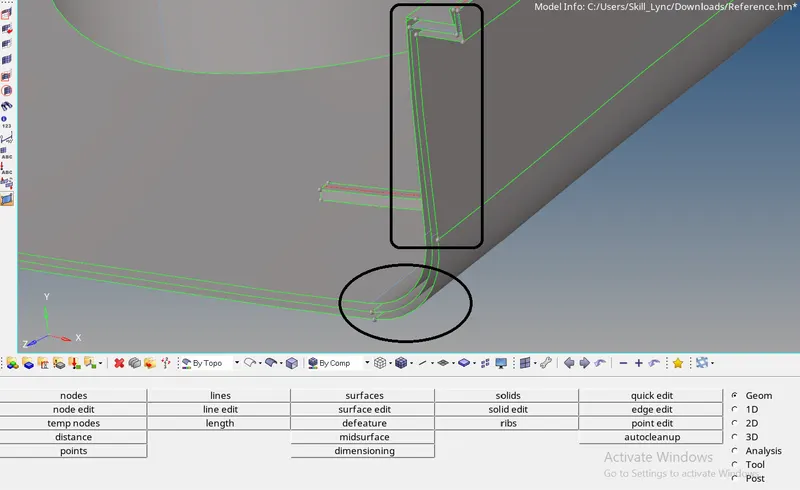
And create the surface offset concerning half the thickness value, Geom `rarr` Surface edit `rarr` Offset `rarr` Half the thickness - The figure enacts manual mid-surface is created with a free edge representation. The manual mid surface is done consequently to the entire component
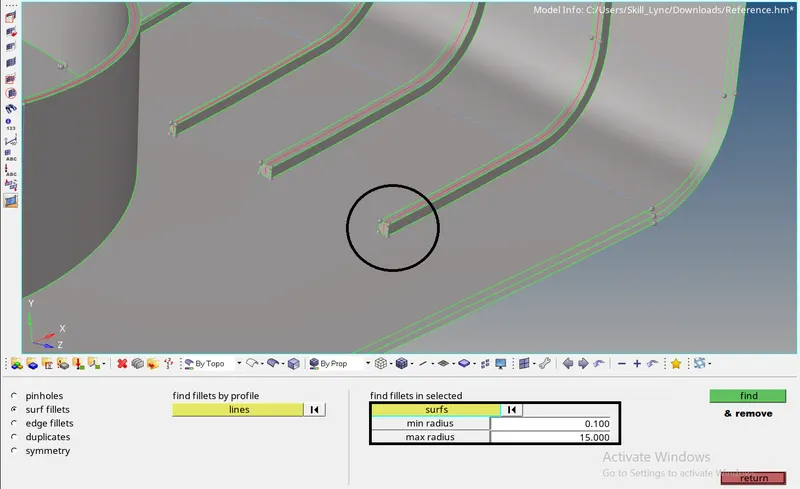
- Mid-surface for the ribs is easily created by two methods,
Defeature the ribs fillet and create manual offset as described before, Geom `rarr` Defeature `rarr` surf fillets. Select the filler surface to remove it
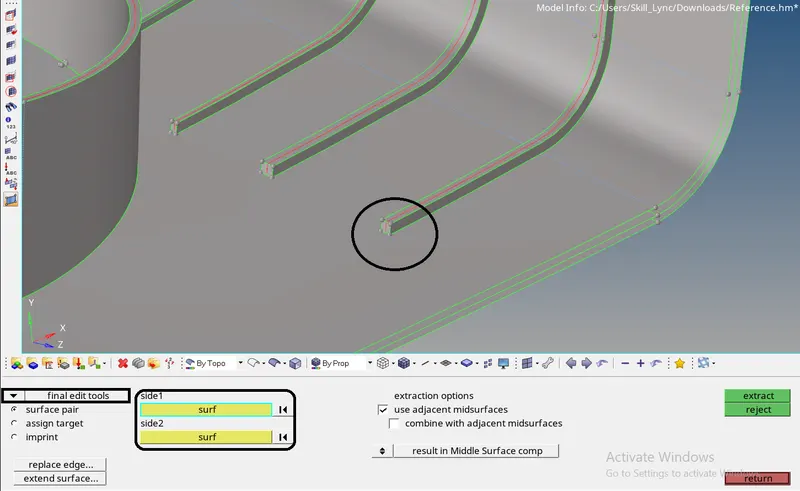
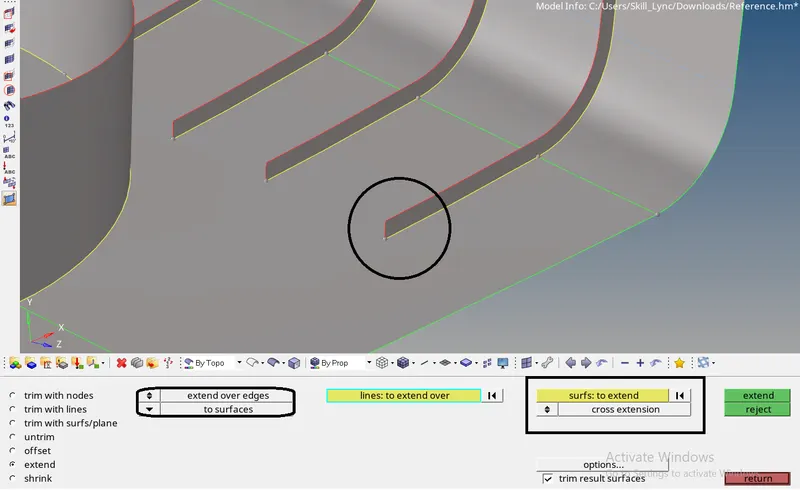
Mid-surfacing ribs can be done alternatively, Geom `rarr` midsurface (final edit tools) `rarr` select the side and extract it - Once mid-surfacing is done extend the line surfaces to the parent surface, Geom `rarr` surface edit `rarr` extend
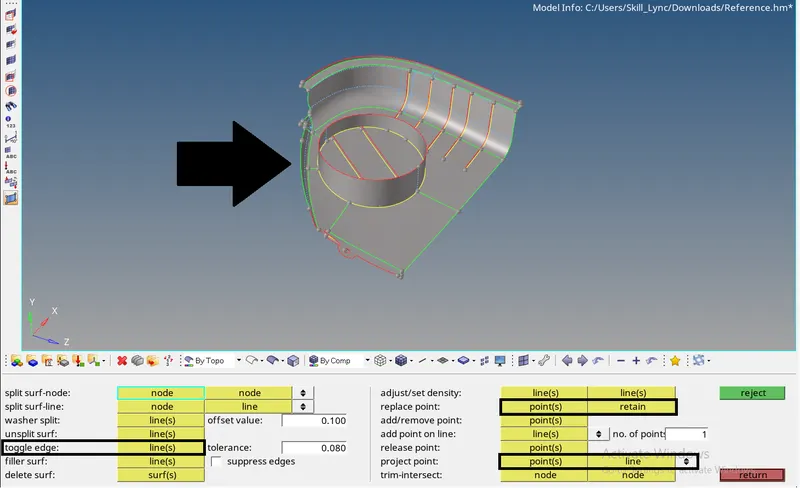
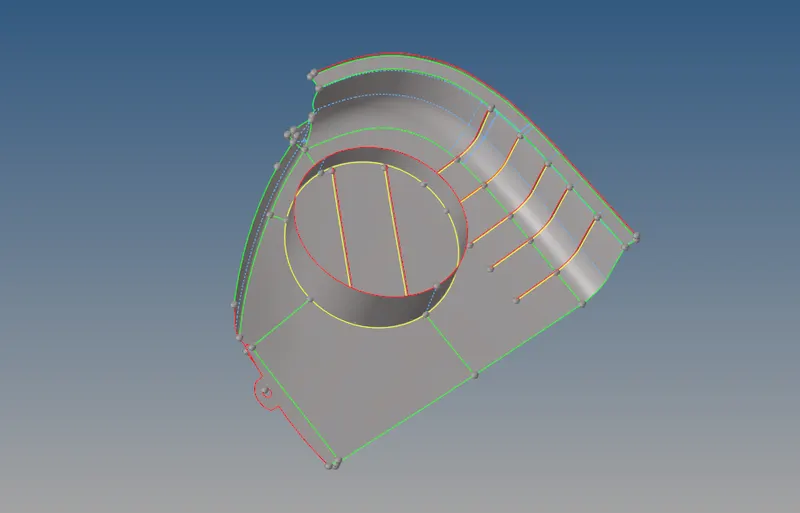
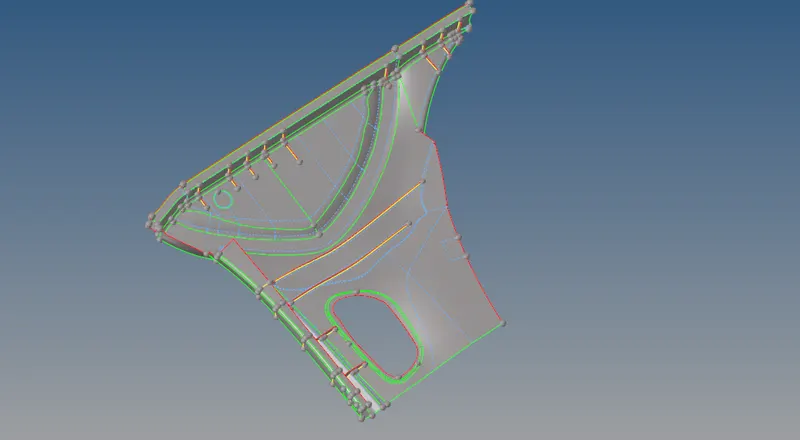
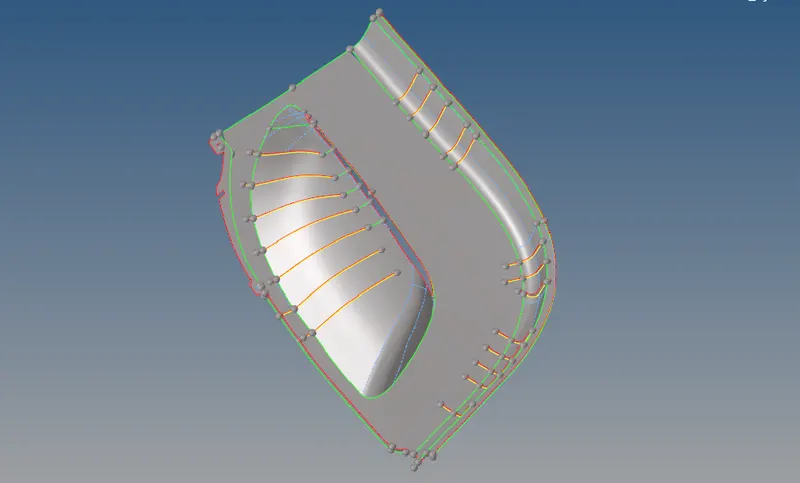
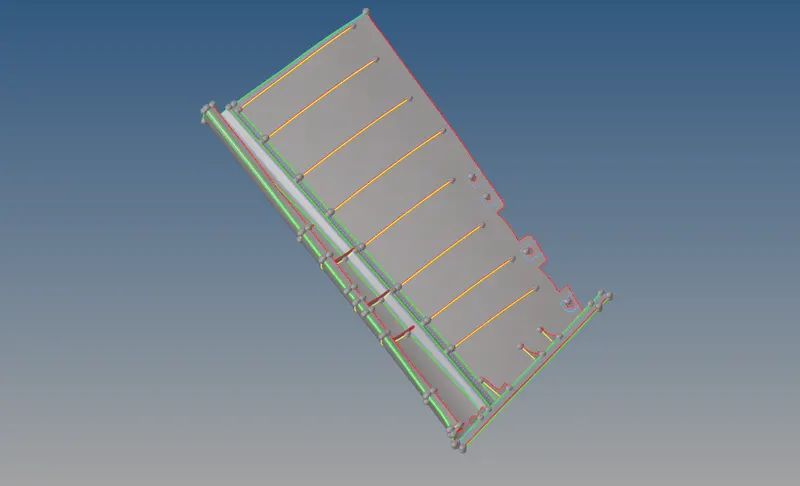
- After mid-surfacing geometry clean-up is done to get the precise mesh to flow without any failures. The geom clean-up is done by Geom `rarr` Quick edit
The surface could be cleared by toggling the edges, replacing the points by projection, split surf-node or line, etc., - The above figure enacts the mid-surface with geom clean-up
Meshing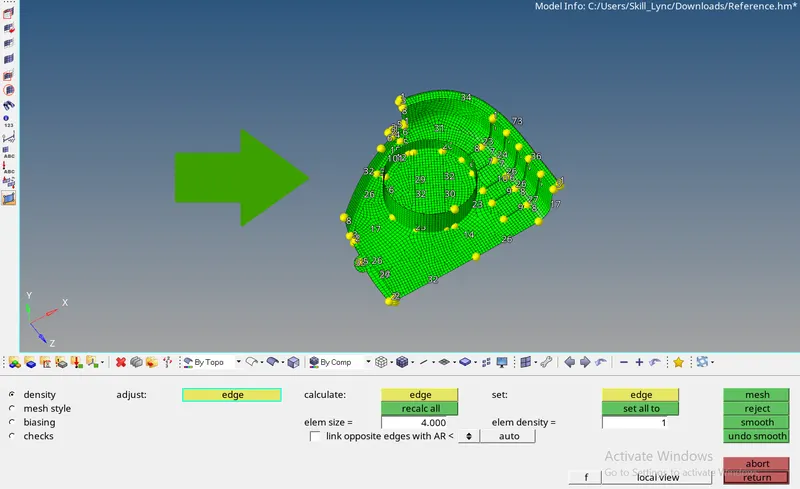
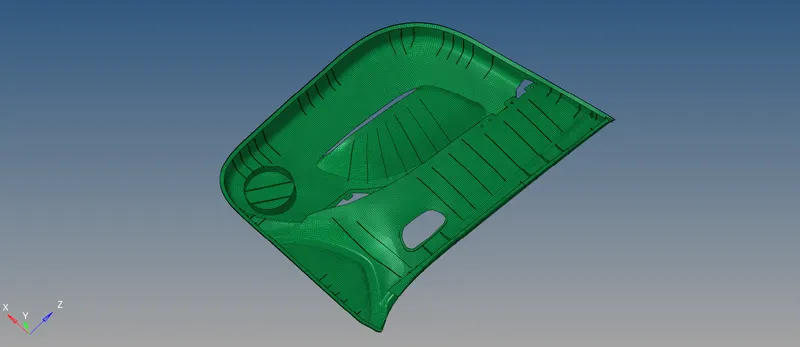
- Using F12 or 2D `rarr` Automesh, execute mixed meshing at 4mm target size. Try to implement Uniform mesh flow with quality criteria.
Either Opposite trias or Rotating quads could be eliminated by Rebuild mesh or QI optimize or by Quality cleanup tools
Thickness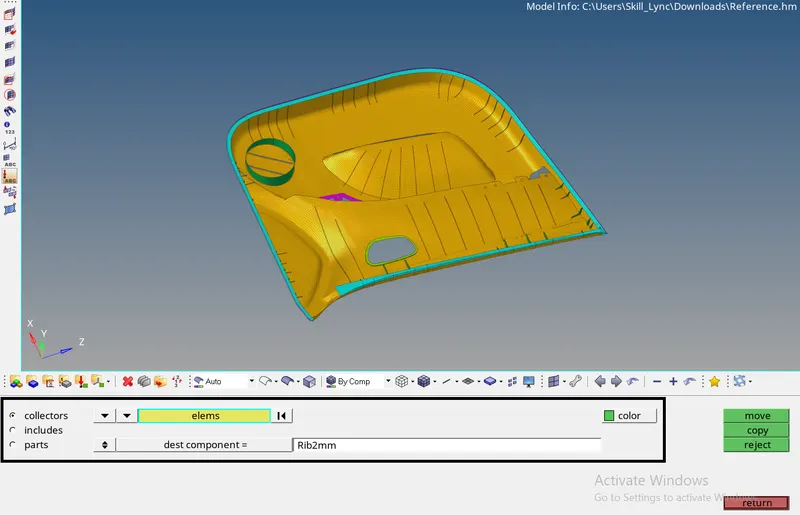
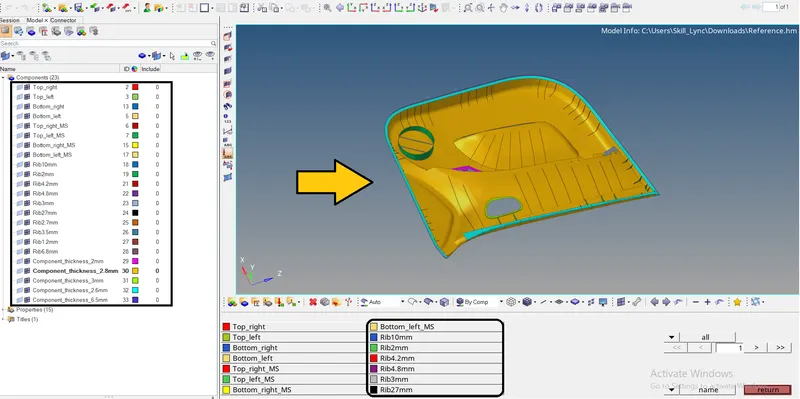
- Thickness is assigned by creating and splitting up new components gradually. Assign the ribs and base thickness according to the components varying between 2mm to 7mm
- The above image signifies the number of components to be divided according to the thickness classified
Property card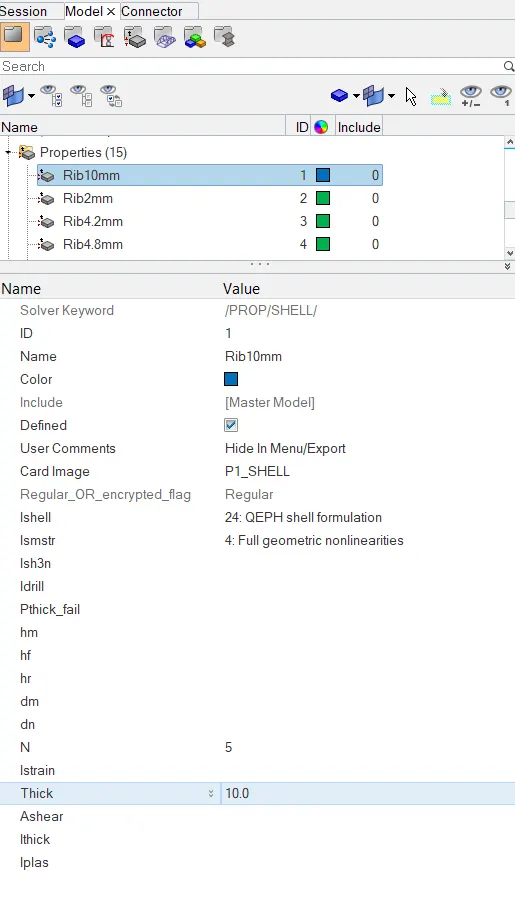
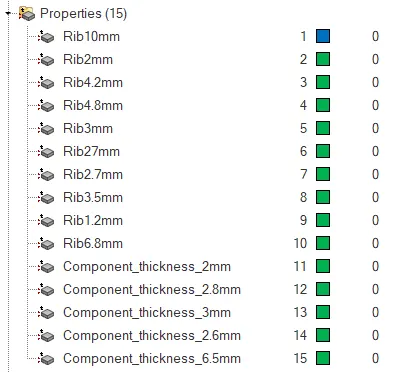
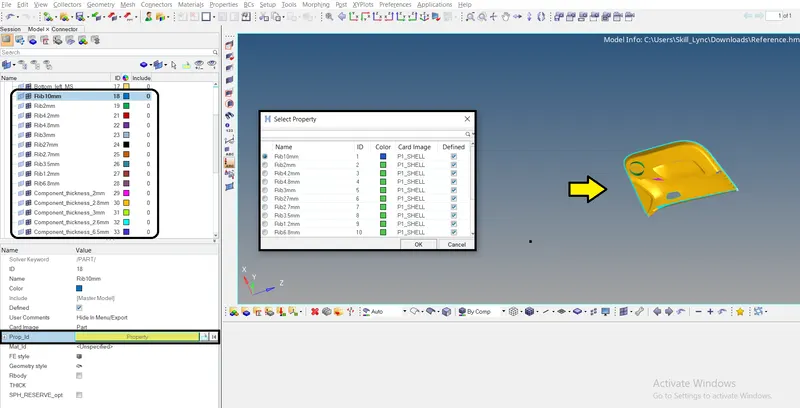
- Property cards also specified according to the thickness of the components listed. Designate the property card as shell elements
- Respectively assign the property cards to the required components as listed
Before | After 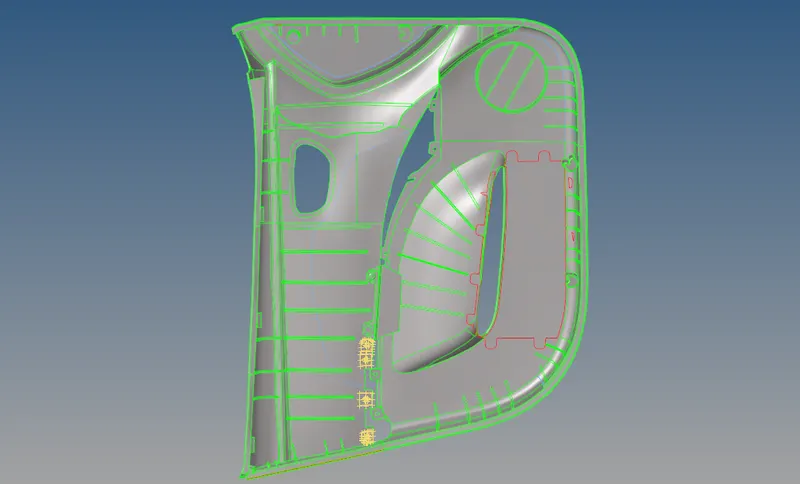
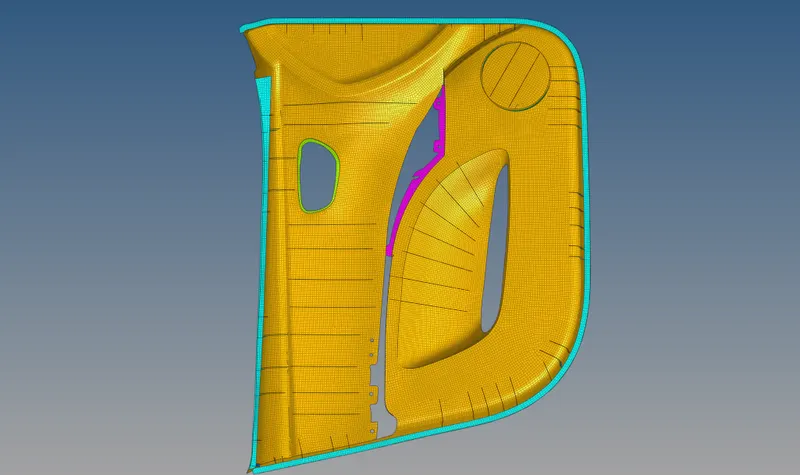
Conclusion:
The given model has meshed with the following quality criteria
The given model has assigned according to the thickness of the components