Week 8-Challenge
Objective:
To perform 3D meshing for given components with quality criteria as Target size (5mm), min/max (2mm/7mm), Tet collapse (0.15)
Procedure:
We can perform 3D meshing either by 2D Automesh (trias) `rarr` 3D Tetra mesh, Imported model `rarr` Utility quick Tetra mesh
HOUSING 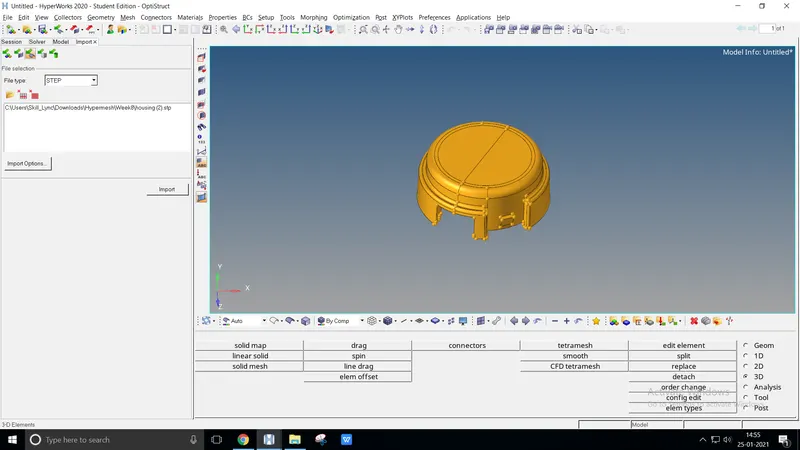
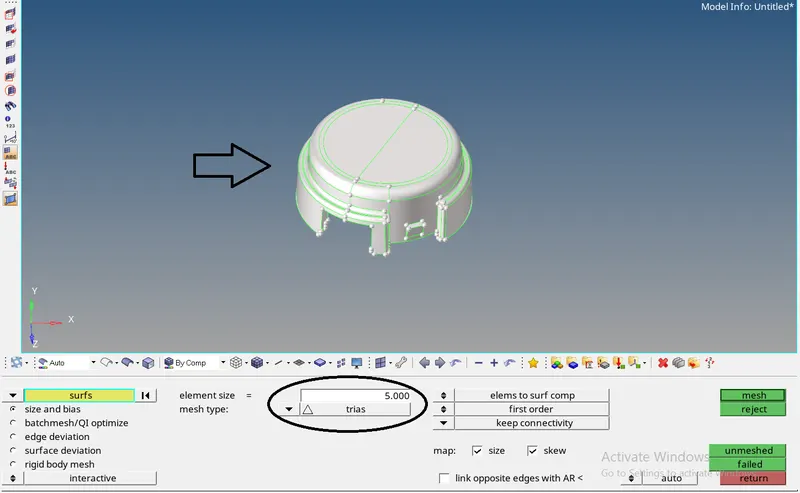
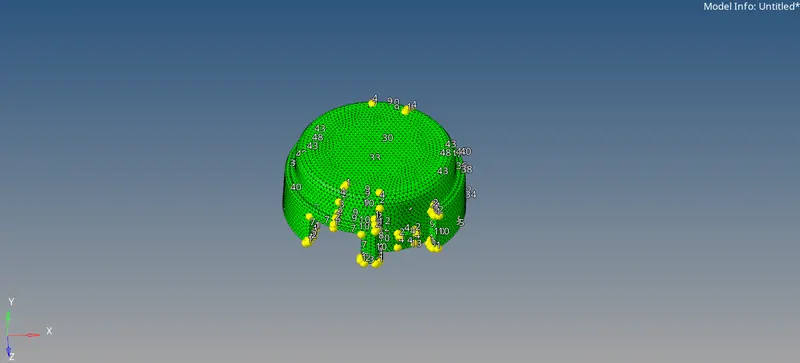
- Import the file model it as.STEP geometry from the existed location
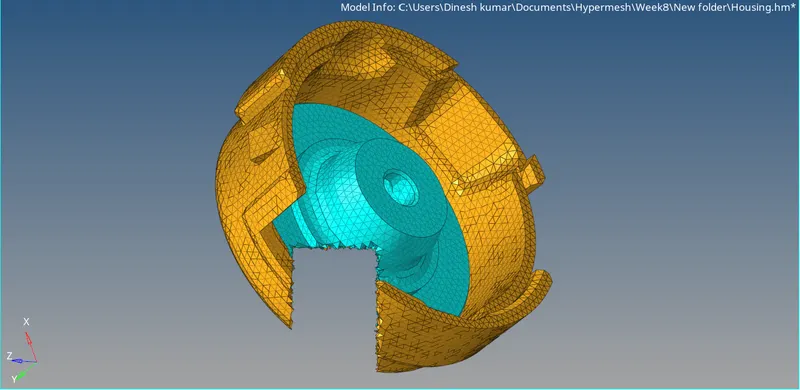
- At first 2D meshing (trias) is done by target element 5mm with min/max (2mm/7mm) to achieve tetra meshing
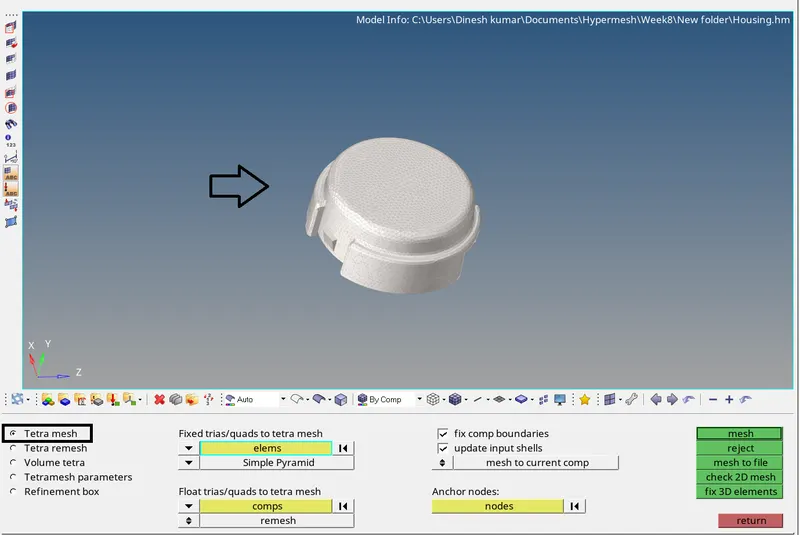
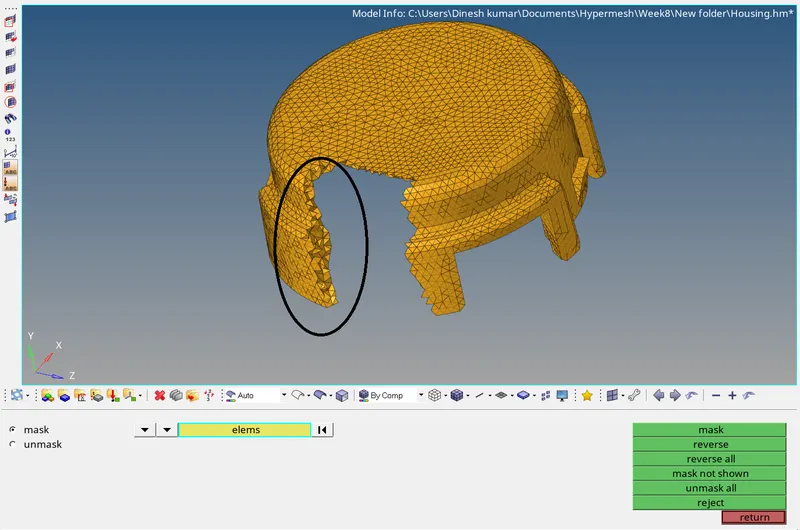
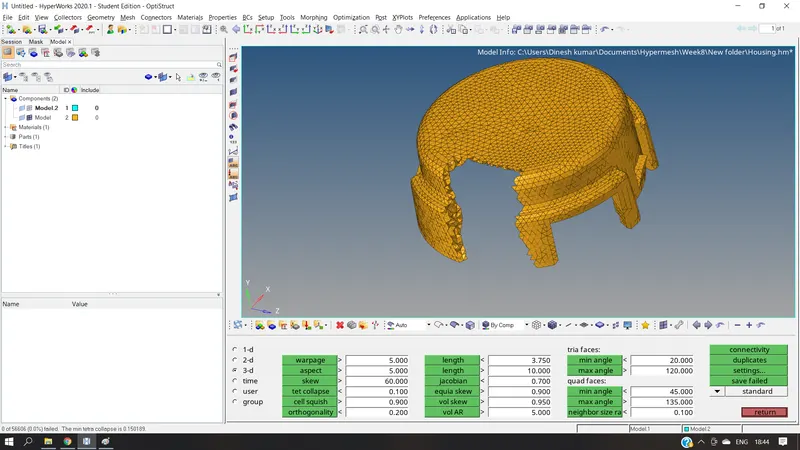
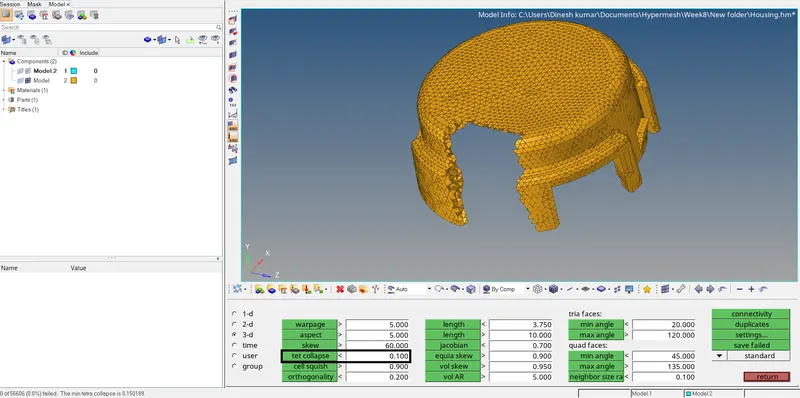
- 3D meshing is done by elevating from 2D trias by 3D `rarr` tetramesh `rarr` Tetra mesh (elems) `rarr` mesh
- To check whether it is 2D or 3D meshing by Tools `rarr` mask or F3 `rarr` elems mask
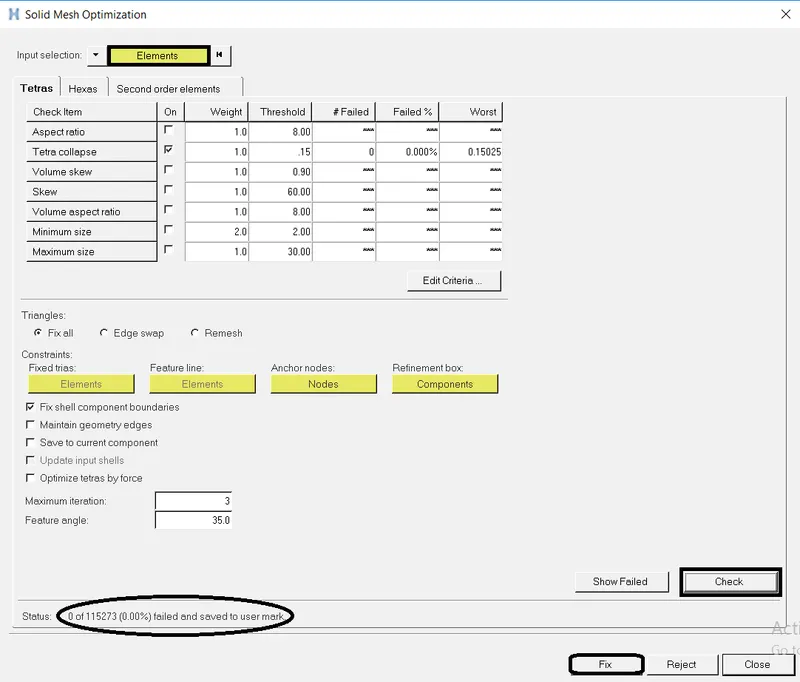
- Make sure tet collapse should be zero without any failed elements
- The same method is done at another component
Before | After 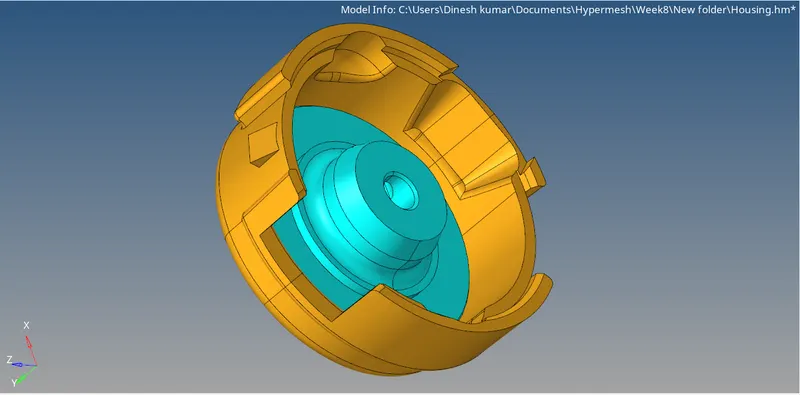
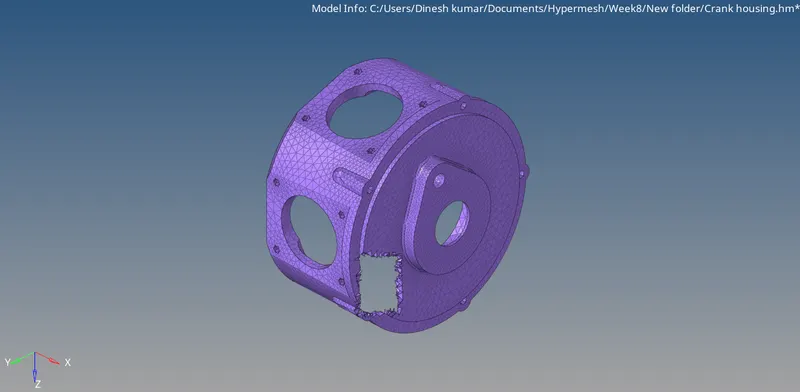
CRANK-HOUSING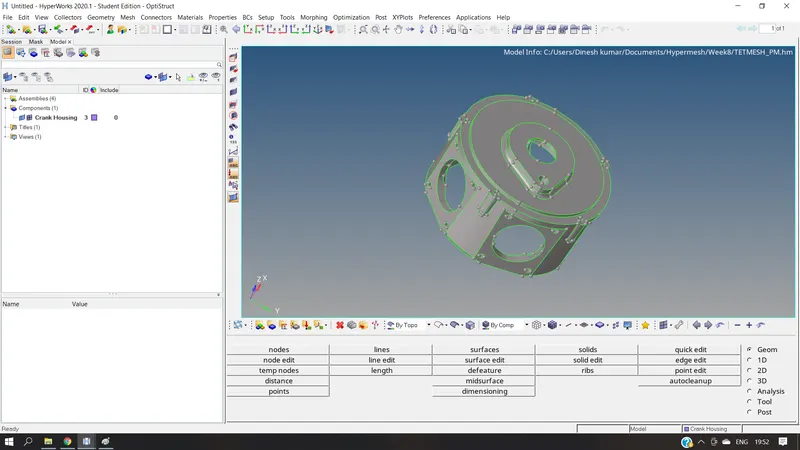
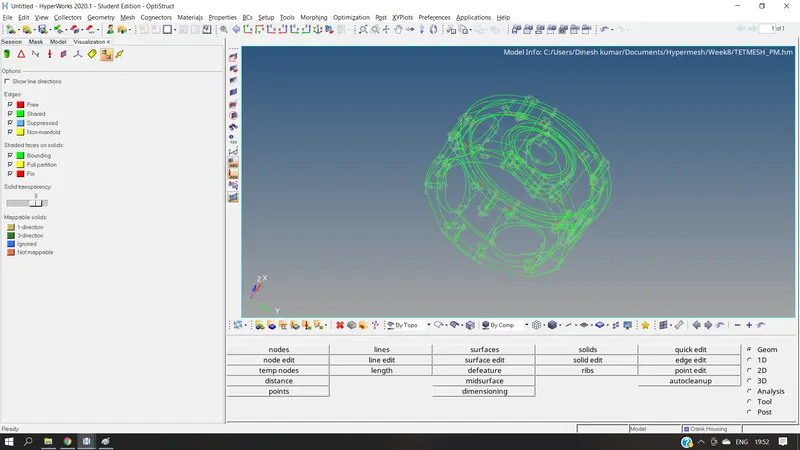
- Import the model from the existing location
- Check & correct geom topology using the visualization toolbar
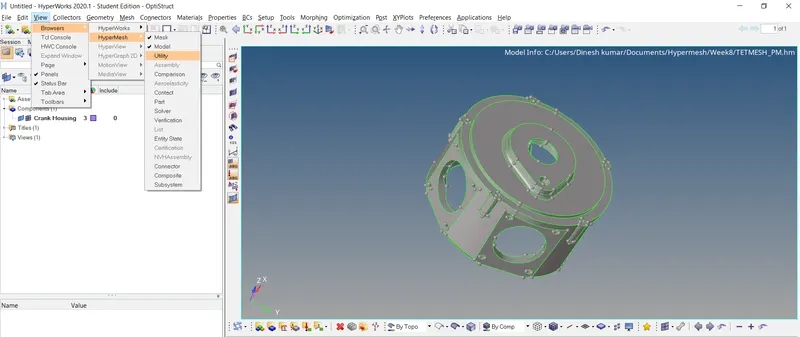
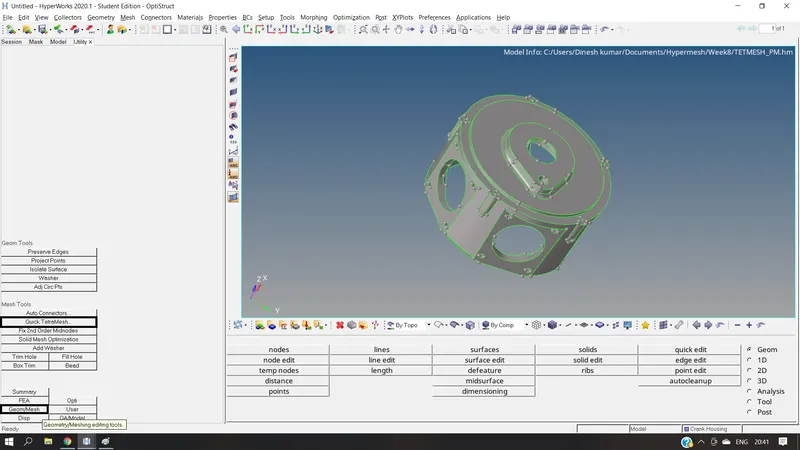
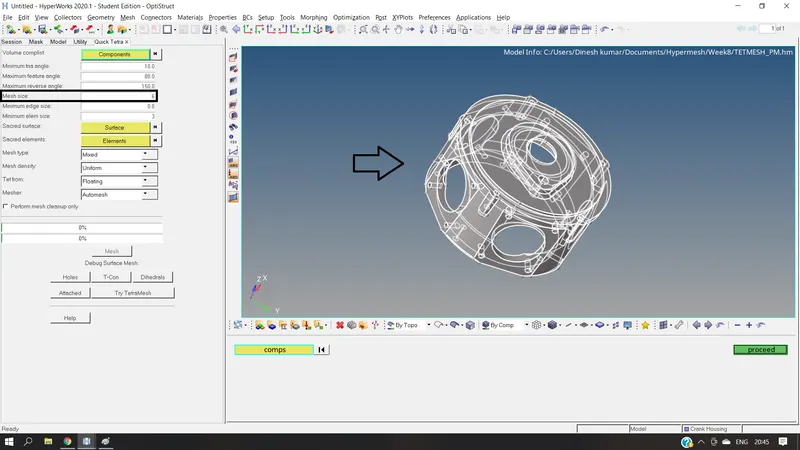
- 3D meshing is done by quick tetra mesh, View (menu bar) `rarr` Browsers `rarr` Hypermesh `rarr` Utility
- Select Geom/Mesh `rarr` Quick Tetramesh to perform rough meshing and geom cleanup
- From the Quick Tetra tab, select the component and mesh size as 6mm
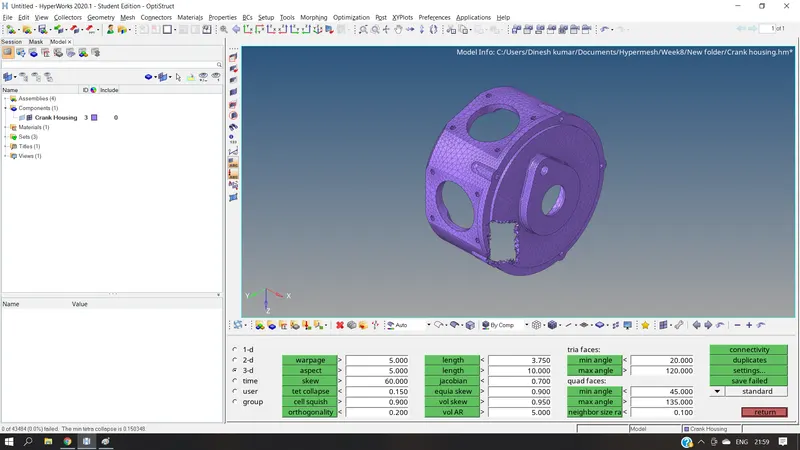
- The minimum tet collapse is 0.150348 with no failed elems
Before | After 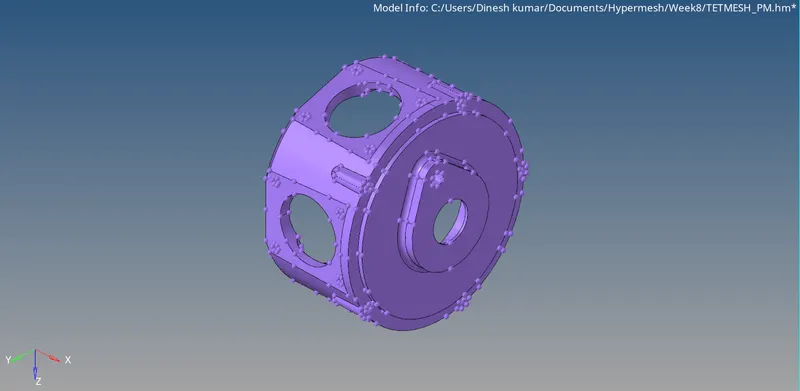
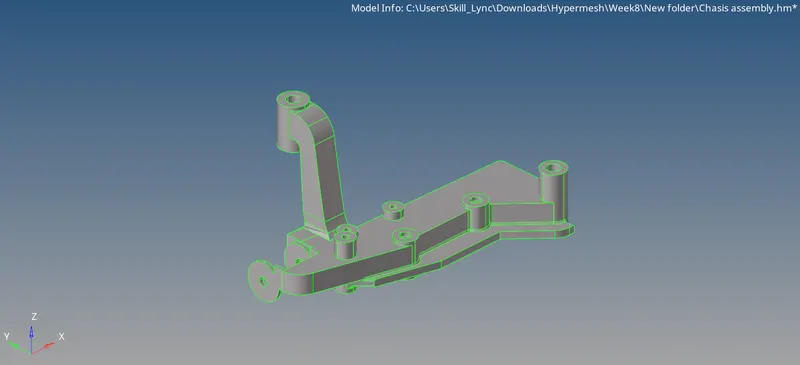
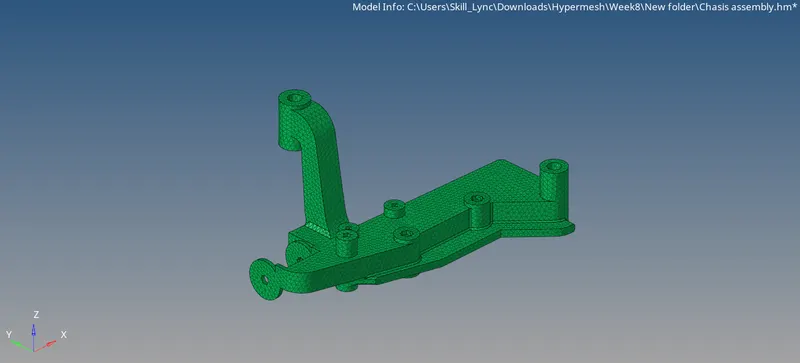
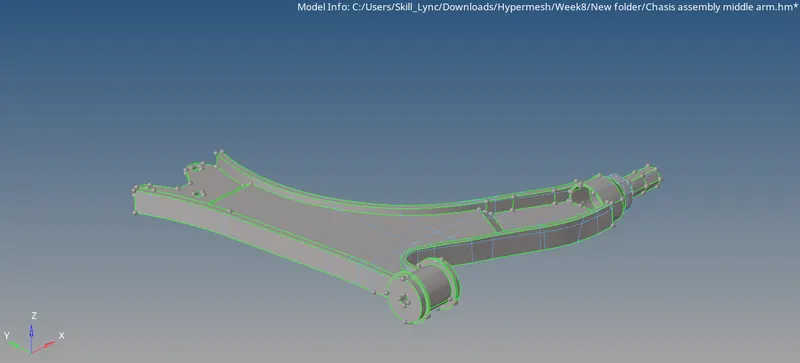
CHASIS ASSEMBLY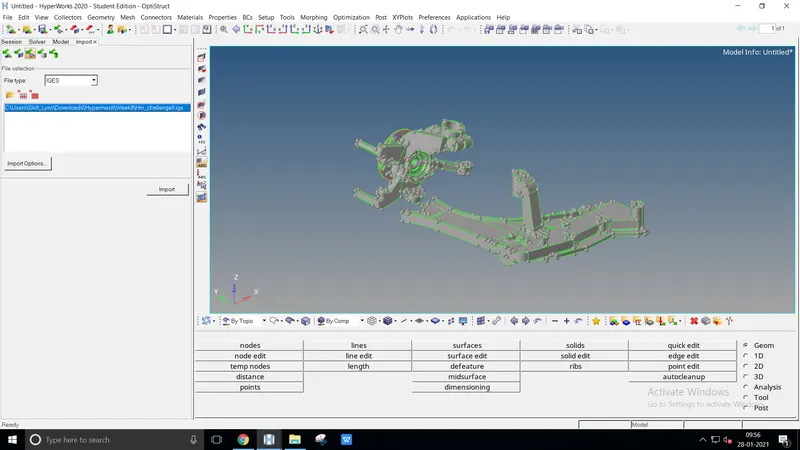
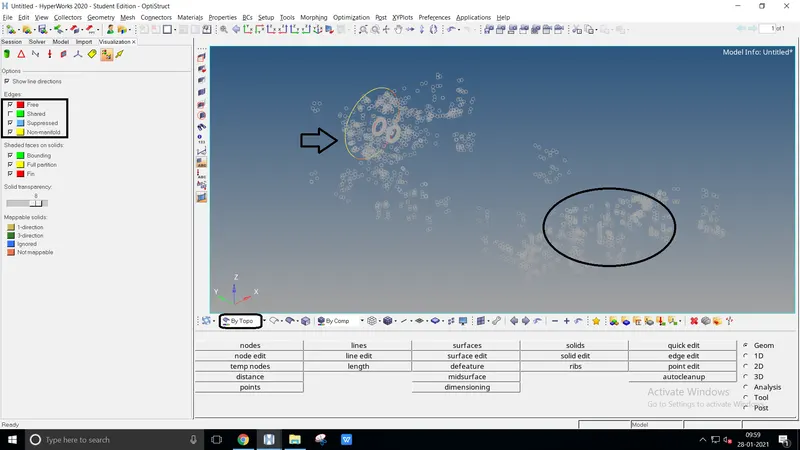
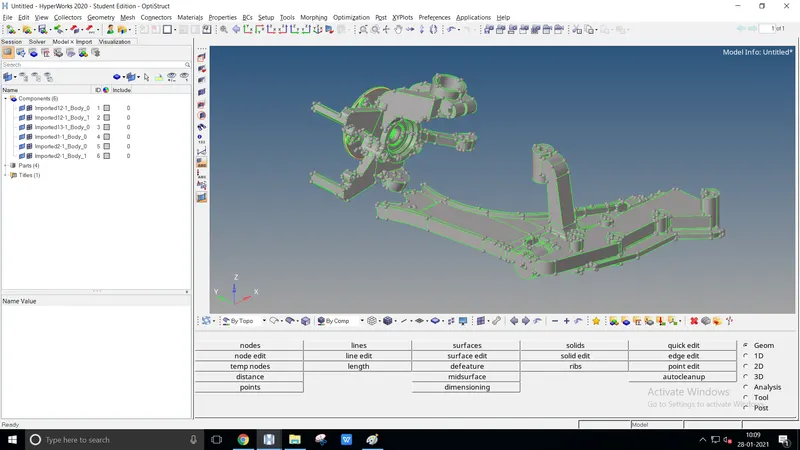
- Import the model from the existing location
- Check & correct geom topology using the visualization toolbar
- Delete the unwanted components from the model to achieve precise meshing
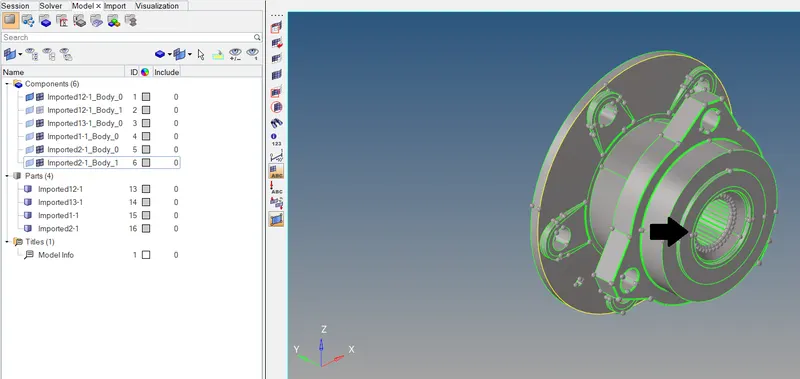
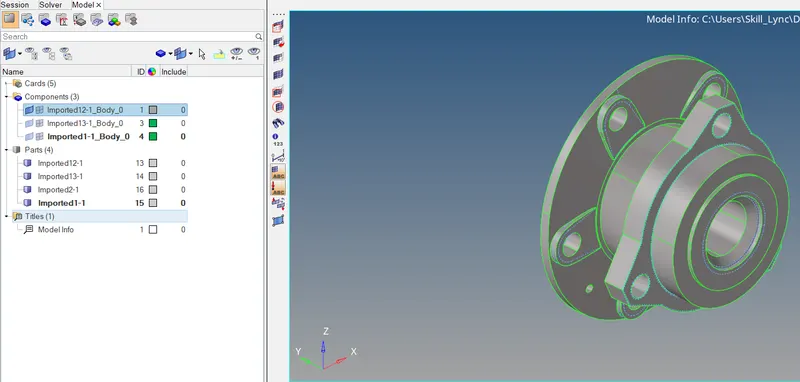
To execute proper trias remove the minimum edges by defeature or delete them. Minimum edges end up with unwanted tet collapse resulting in failure
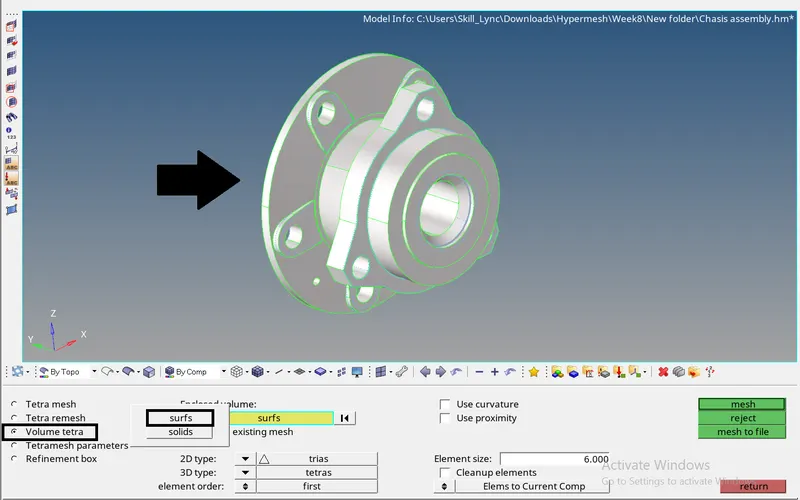
- The 3D meshing is done by Volume tetra, 3D `rarr` tetramesh `rarr` Volume tetra with required parameters
- To check and fix the failure elems by tetramesh `rarr` fix 3D elements
Before | After 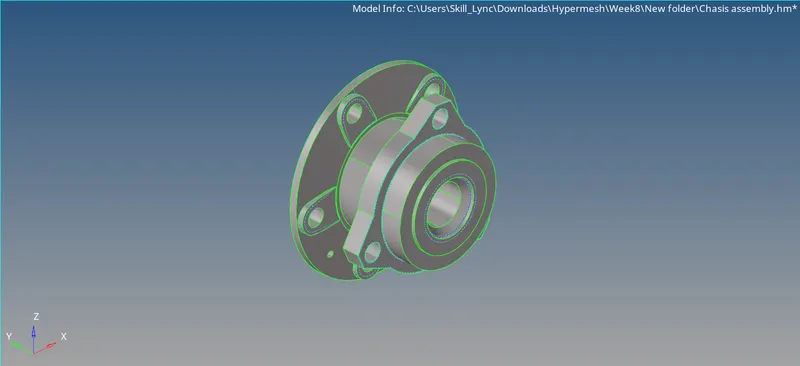
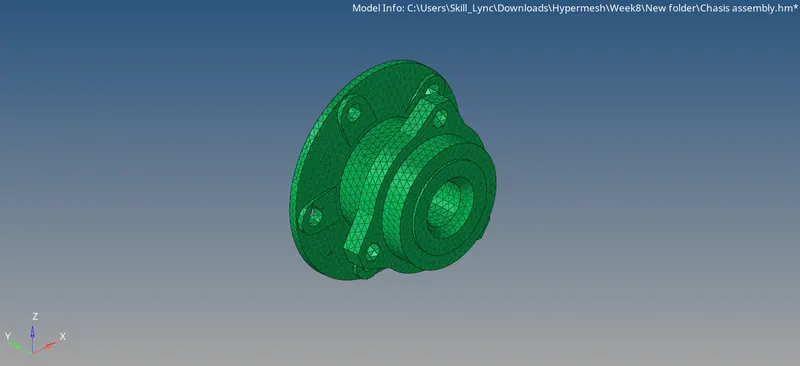
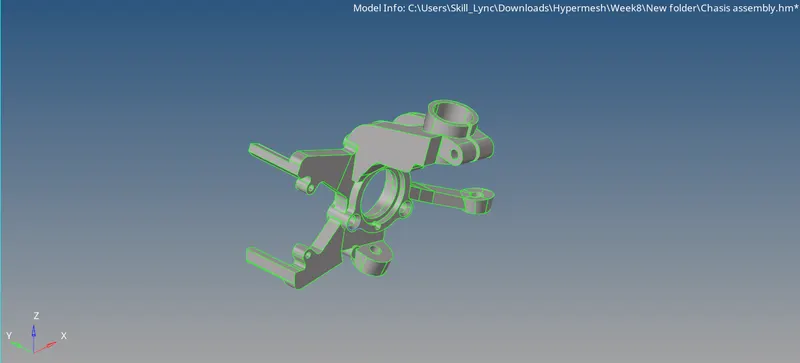
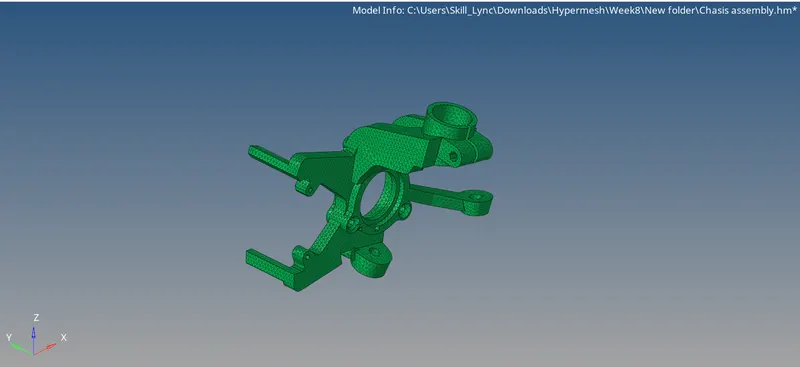
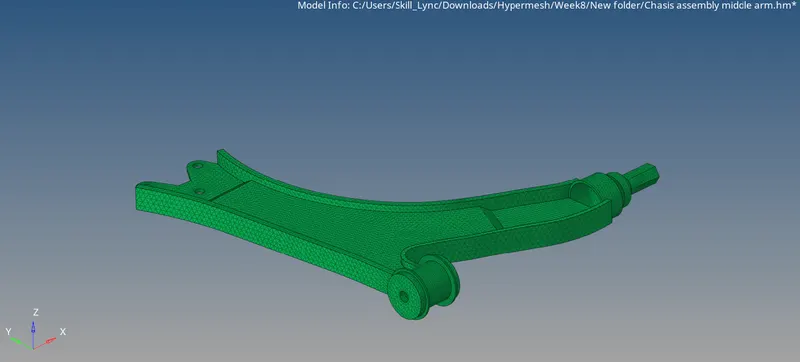
- Due to exceeding of nodes above 100000 Hyperworks student doesn't support exporting a finalized output.
- So that we are trying to export one single component by two model geom
Conclusion:
The 3D meshing is understood and done by the various method with required parameters successfully