Week 10- Challenge
Objective:
To perform Batch-meshing on the following components with the given criteria
To assign the non-linear material property Steel to them.
Procedure:
Meshing 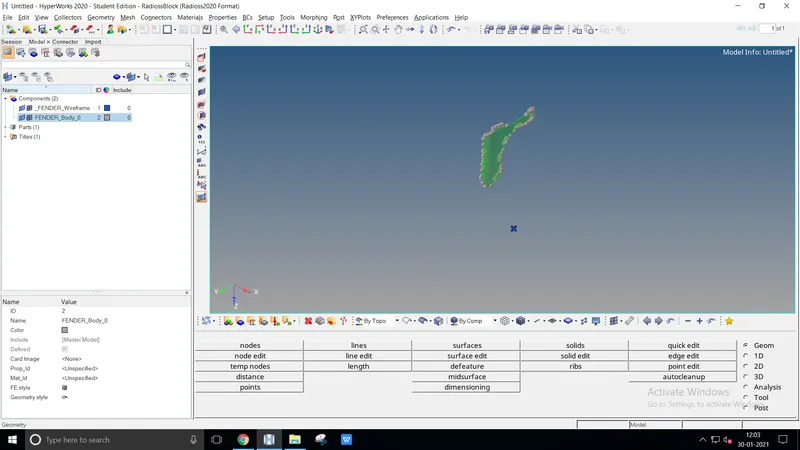
- Import the geometry from the existing location as .IGES format
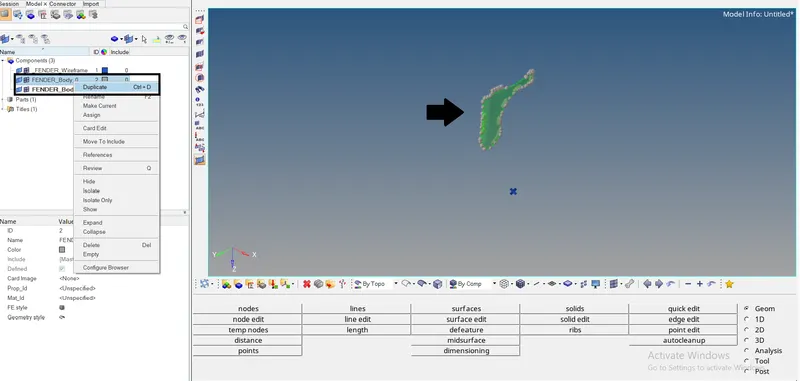
- Duplicate the existing component to perform batch meshing. Delete the solids from the surface component
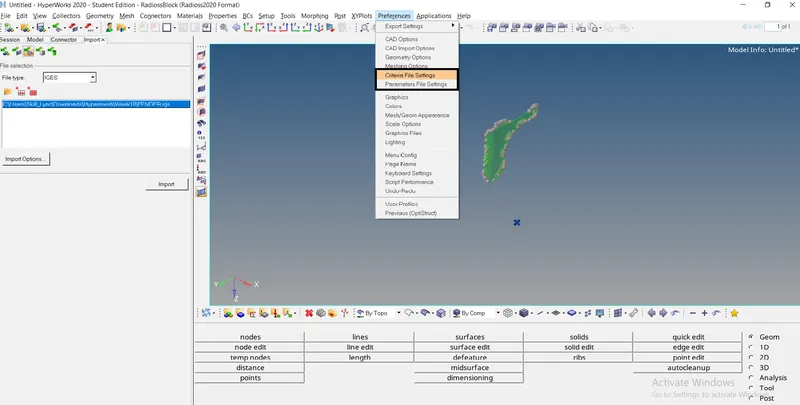
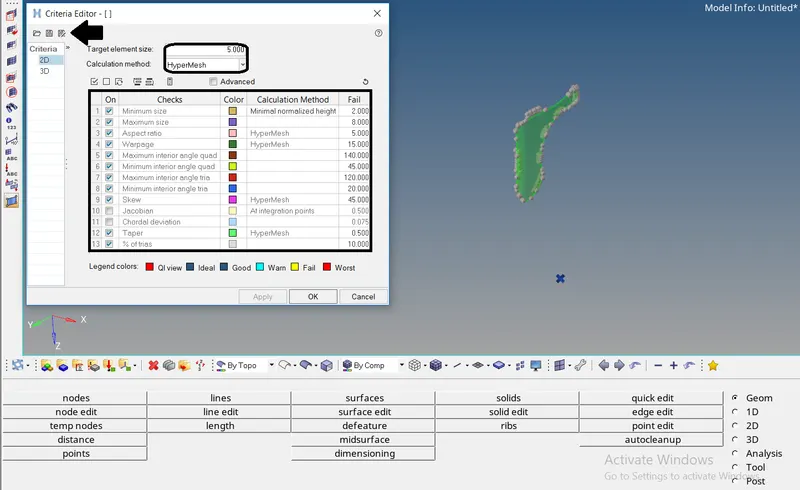
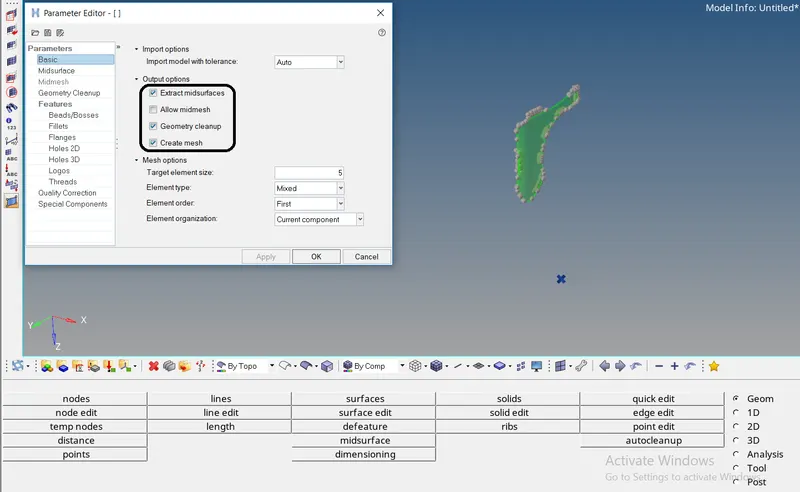
- To perform batch meshing we need to create criteria and parameter file by
Preferences (menu bar) `rarr` Criteria file settings
Preferences (menu bar) `rarr` Parameter file settings - Select & enter the provided quality values on the criteria pop box. Save the file
- Select & enter the parameters to perform on the pop box. Save the file
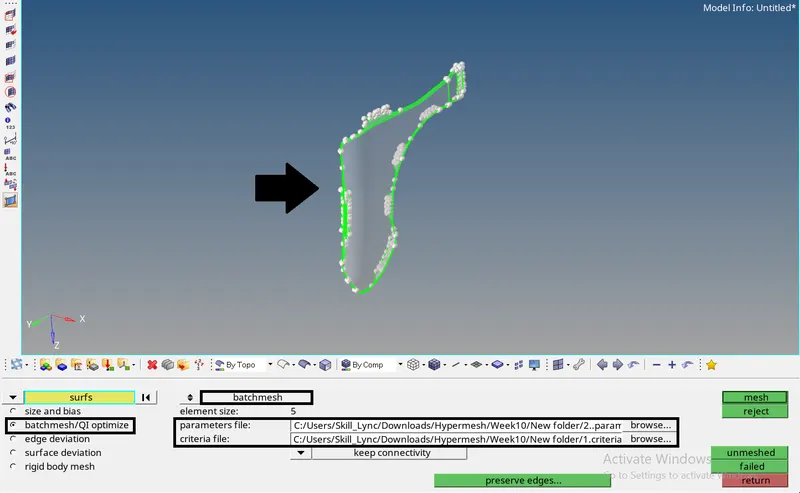
- To perform batchmesh press F12 or 2D `rarr` Automesh `rarr` Batchmesh/QI optimize option.
Switch to batchmesh, select the parameter and criteria from the file location. Press the mesh button to proceed with batchmesh.
Once meshing is done check and corrects the quality of the mesh usually by Rebuild mesh or QI optimize or Manual meshing upon the failed elems
Assigning Card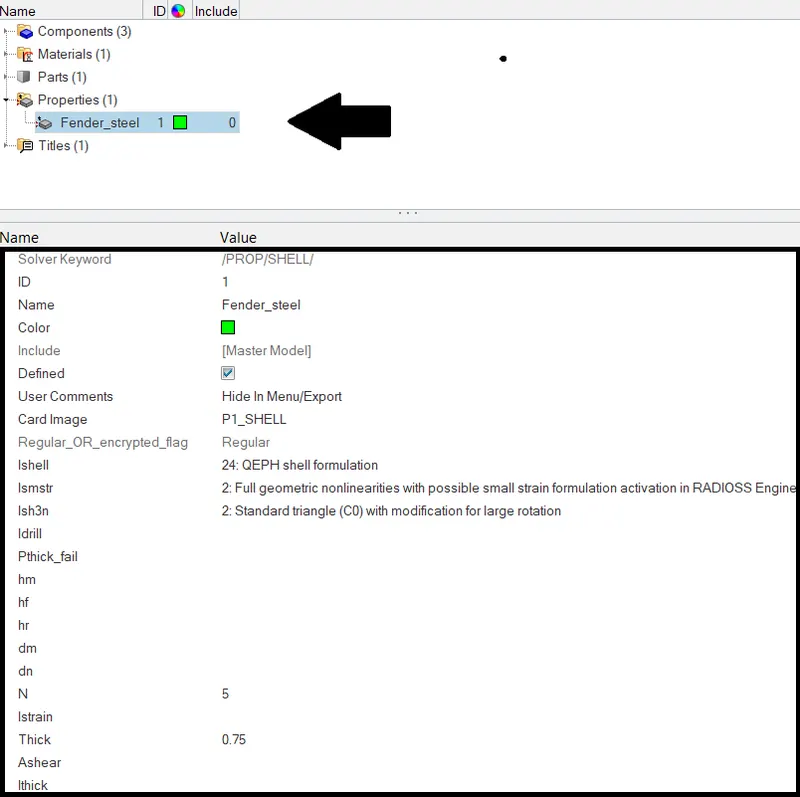
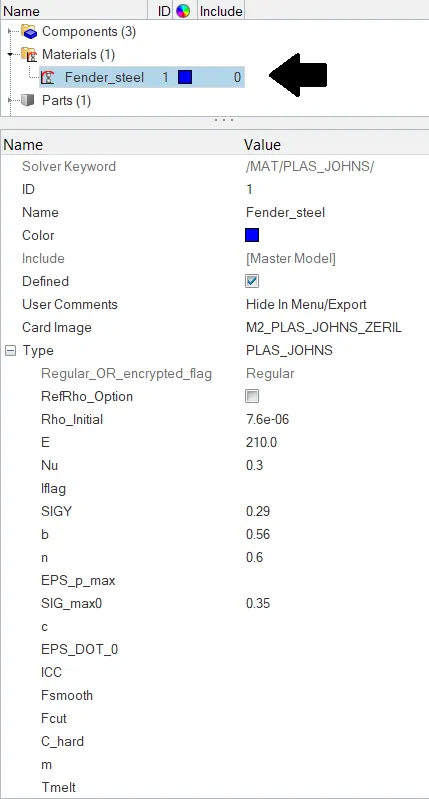
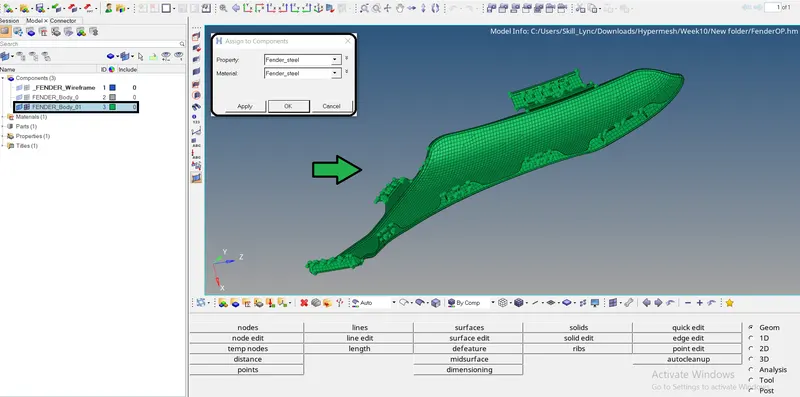
- Create the property card concerning the properties of steel. Similarly to the material card regarding the properties of steel.
- Assign and apply the Property and Material card to the required component.
Manual meshing | Batch meshing 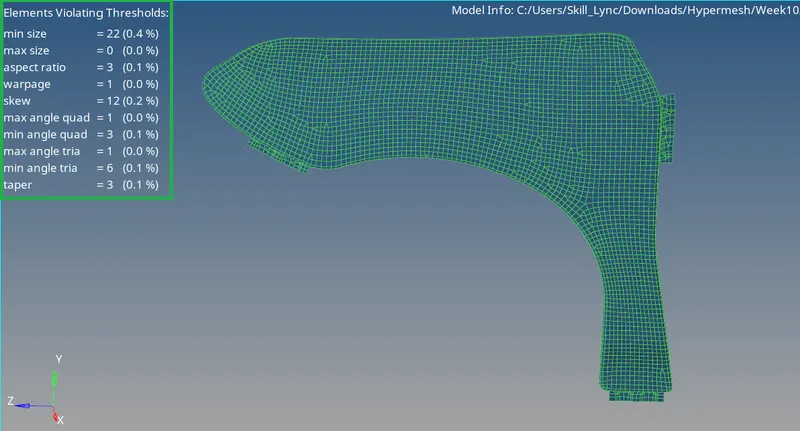
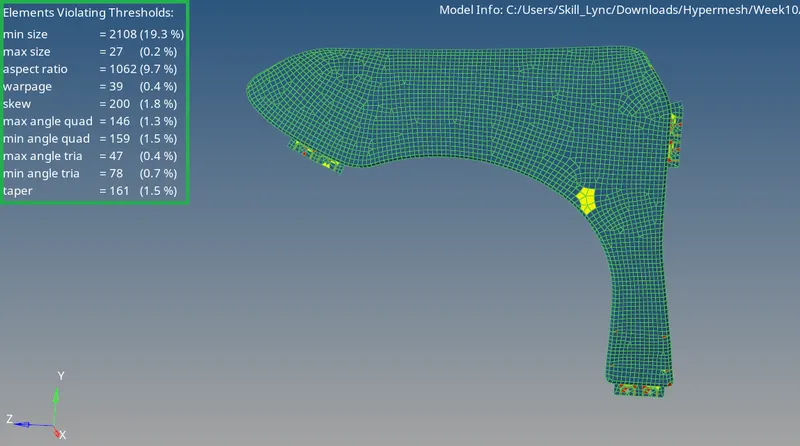
- Comparatively batch mesh provides or achieves the quality criteria rather than manual meshing.
- The batch mesh performs topology geometric cleanup, extracting mid-surfaces & create mesh in an instantaneous time
- The above figure depicts the difference between manual and batch meshing. The manual meshing requires more amount of time to achieve a quality index
Conclusion:
Batch meshing is learned and achieved with a given quality
Material & property card is assigned over non-linearity