Week 6- Challenge
OBJECTIVE
To mesh the component and achieve the given quality criteria
PROCEDURE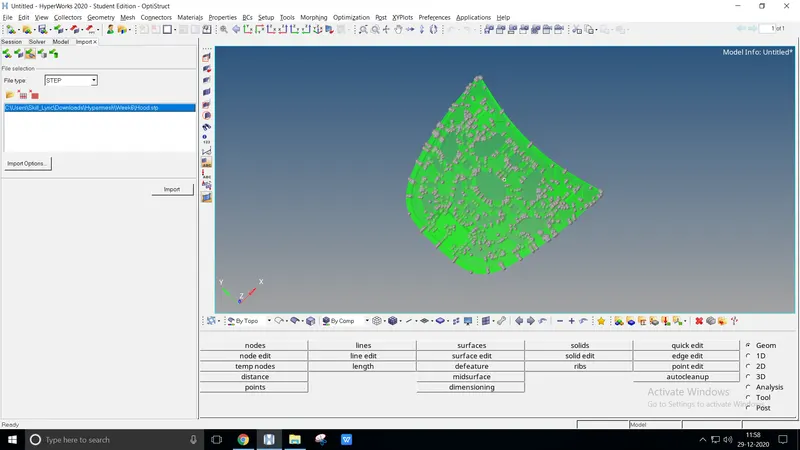
Import the model as it is .STEP file
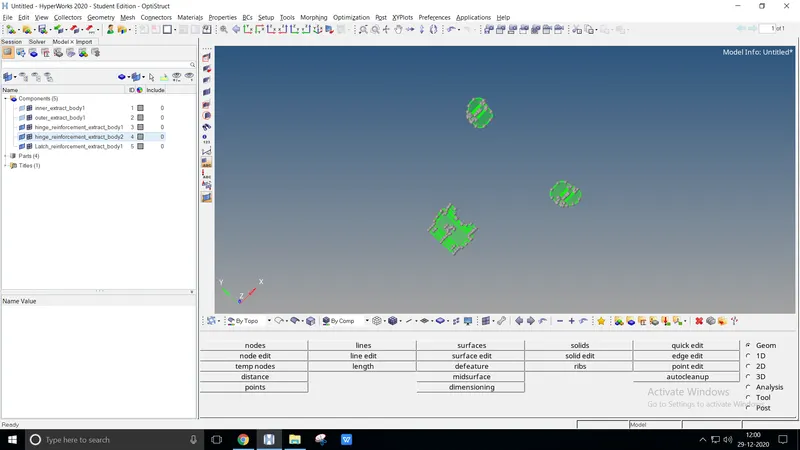
Check the components to perform the easiest meshing
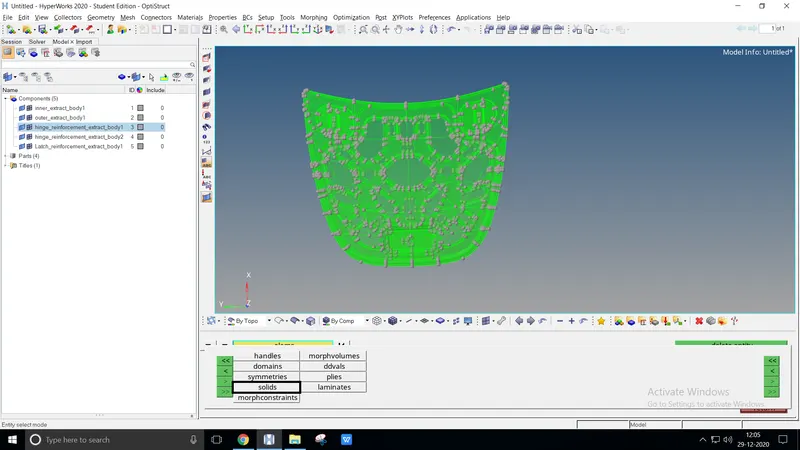
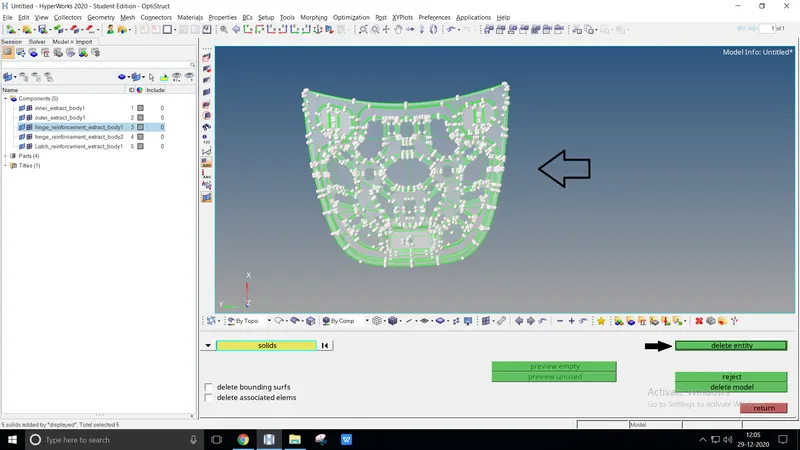
After importing, delete the entire solids displayed on the model
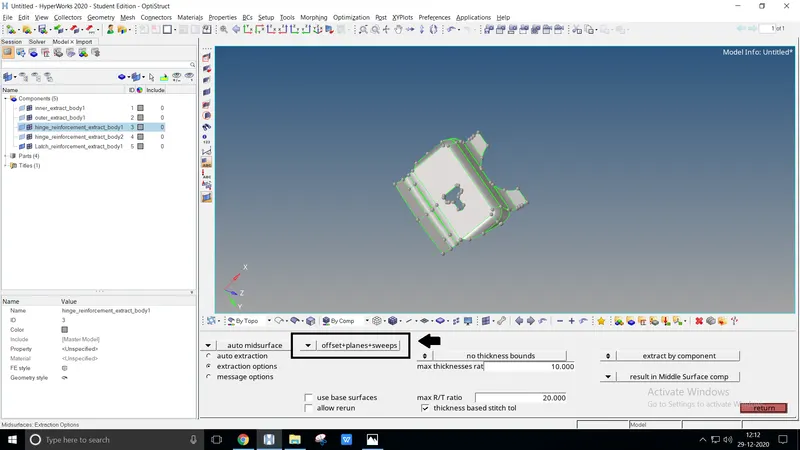
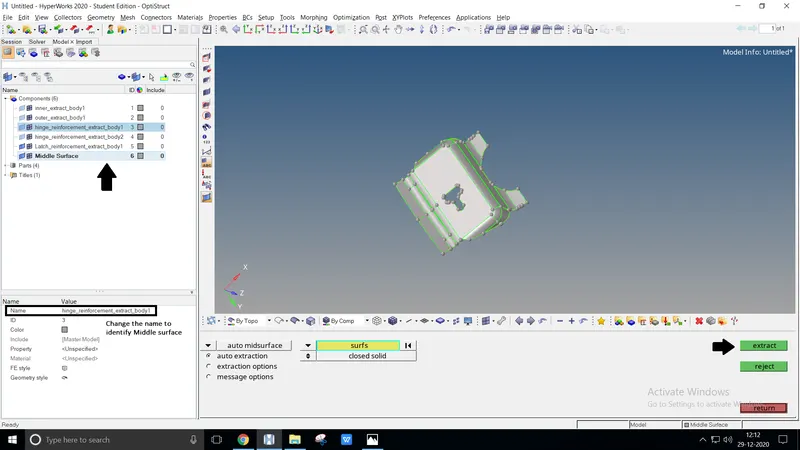
Once deleting the solids, create a Middle surface individually to perform meshing
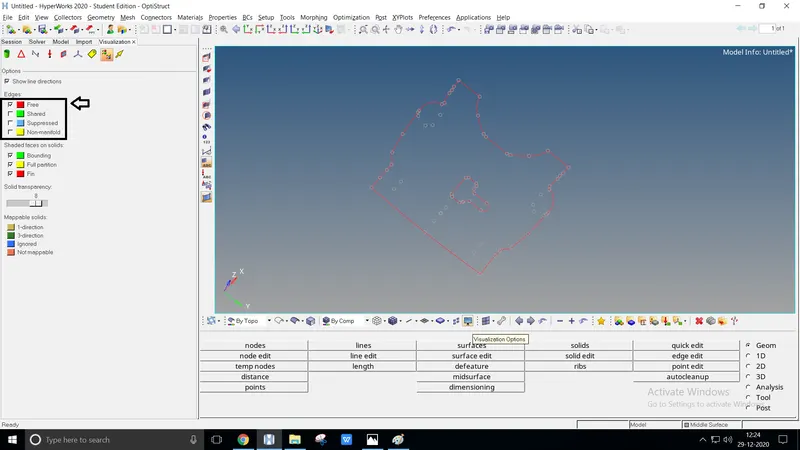
After MS, check whether the geometry has unwanted free edges by using the visualization option
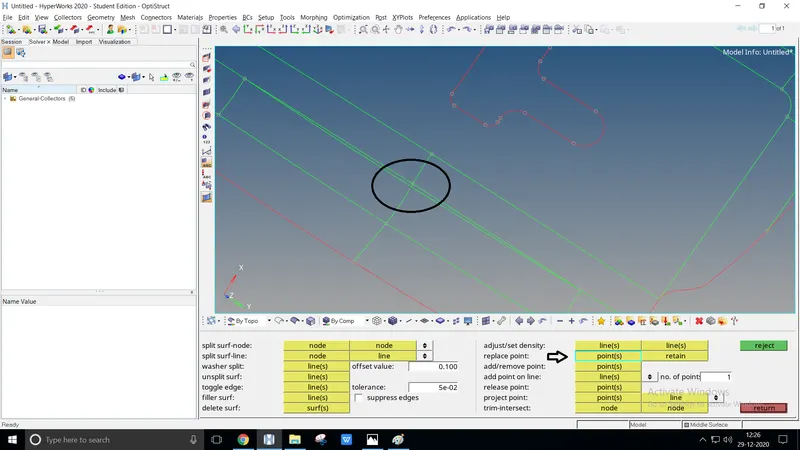
Clean the geometry using quick edit such as replace point, toggle edge, add/remove point, filler surf, split surf-node or line
After geometry cleanup, using F12 or 2D > Automesh perform mixed meshing at 5mm target size
Try to perform Uniform mesh size, Neither Opposite trias nor Rotating quads can be done by rebuild mesh or QI optimize, Quality > cleanup tools
After meshing try to obtain the given Quality criteria. To check quality criteria by F10 or Tools > Check elem, 2D > Quality index
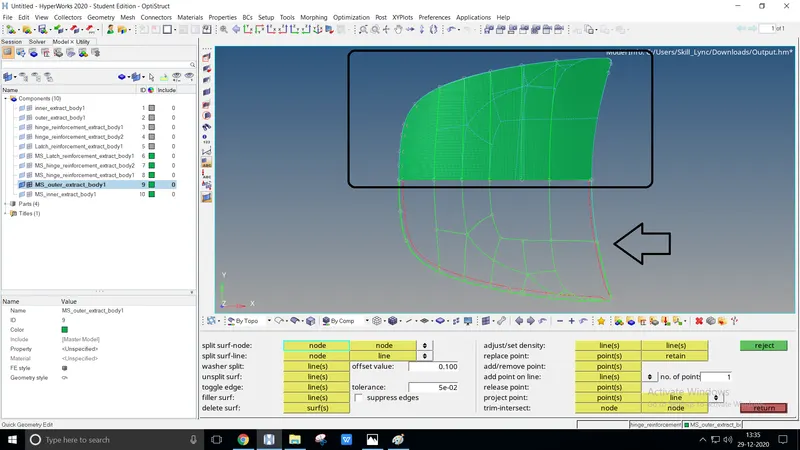
Using quick edit, create new intersections inside the hood clearly and perform meshing
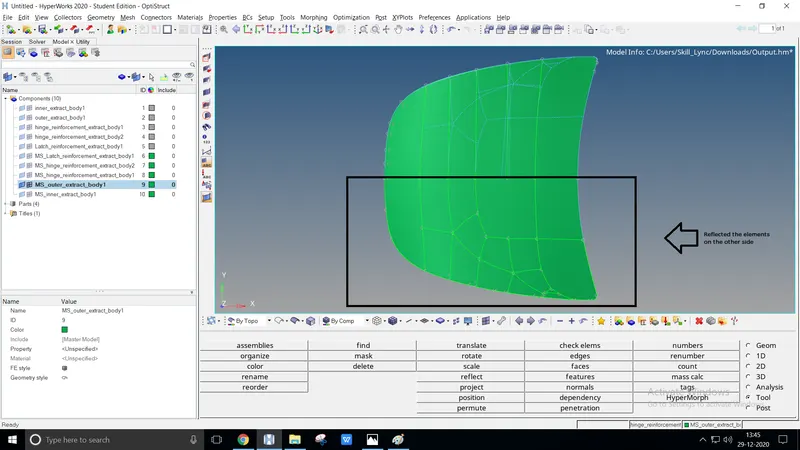
Given model is uniformly L.H.S. = R.H.S., the mesh is created at R.H.S.
Finally, Reflect the meshing elements duplicated to L.H.S.
CONCLUSION
The given model is described and performed using Quality criteria