Week - 3 Drop test Challenge
Objective:
To Perform the Drop Test Simulation using the Initial velocity and Boundary entity
Procedure:
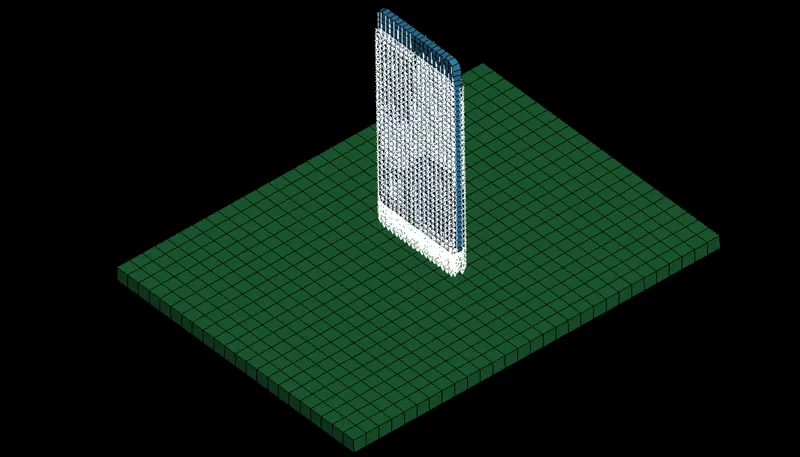
The given model consists of two parts i.e, Mobile phone and Floor (Meshed). Few major keywords are provided to progress with the simulation method without any fail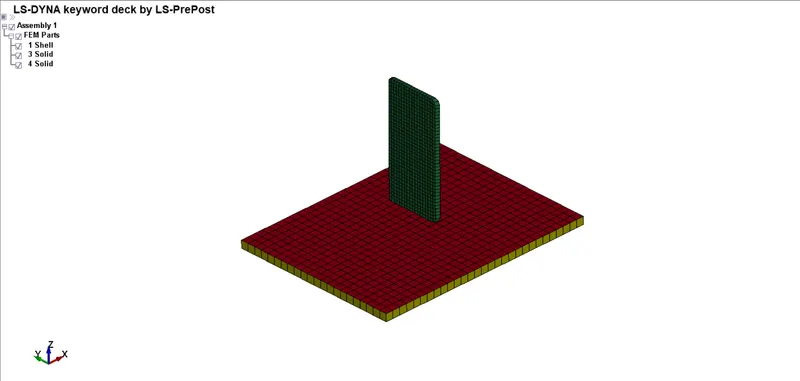
Material
- For mobile phone, we are assigning Aluminum properties
One of the most robust models is MAT_024 (PIECEWISE_LINEAR_PLASTICITY). This material model is recommended as a starting point for elastic-plastic simulation of metals and general plastics since it can also handle viscoelastic behavior (i.e., strain-rate dependency). This material Type 24, which is an elastoplastic material with arbitrary stress 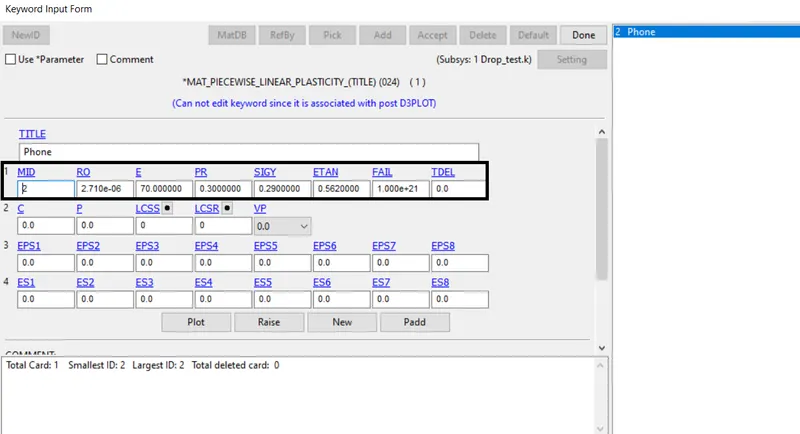
| MID | Material identification |
| RO | Mass density |
| E | Young’s modulus |
| PR | Poisson’s ratio |
| SIGY | Yield stress |
| ETAN | Tangent modulus |
- For the floor, we are assigning MS(mild-steel) properties
Since a Floor is an undeformable object, we are going to focus our result on the Phone we could use MAT_RIGID. Keyword looks similar, assign the properties we need to proceed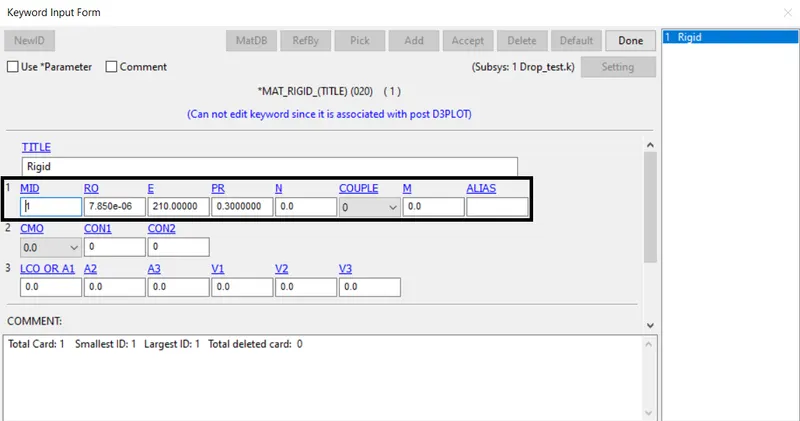
| MID | Material identification |
| RO | Mass density |
| E | Young’s modulus |
| PR | Poisson’s ratio |
Section
- We are using solid elements for the parts Phone and Floor
Section creation is provided to assign them different types of Element. The major section to be used is SECTION_SHELL, SECTION_SOLID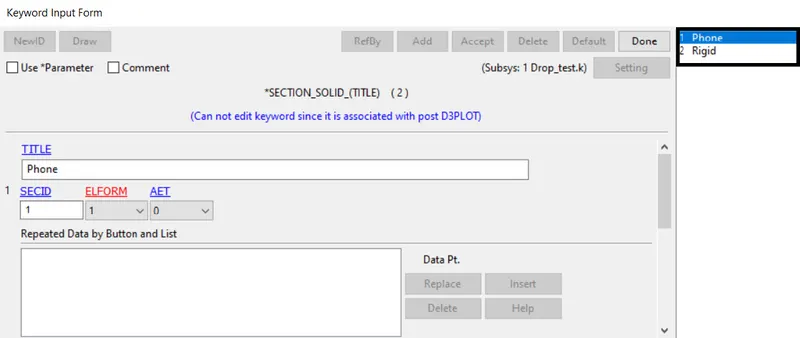
| SECID | Section ID is referenced on the *PART card |
| ELFORM | Element formulation options |
Part
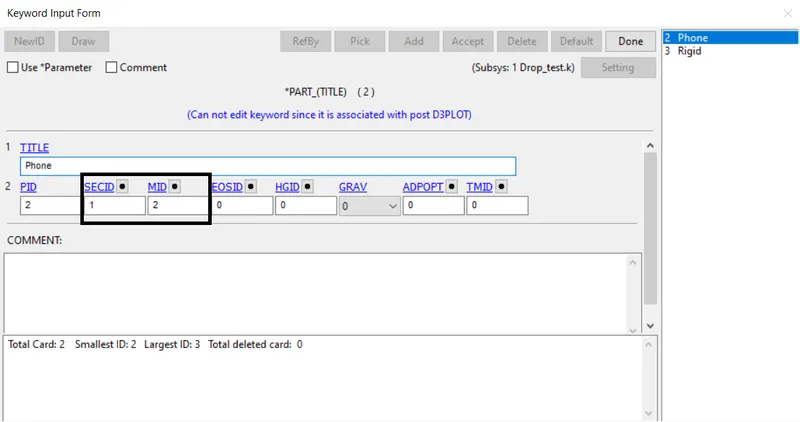
- The respected SECID, MID is assigned to the Part_ID to ensure the properties
Contact
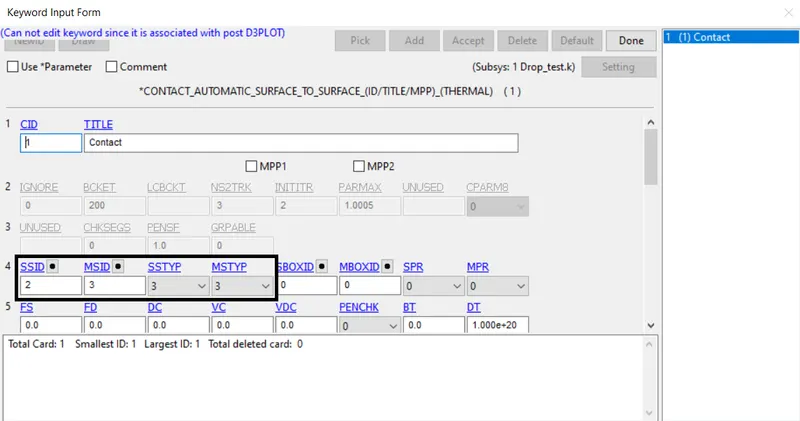
- Since the phone is dropped onto the floor. We need to create a contact between the Phone and the Floor or else the Phone would pass through the floor. We are going to use the contact called AUTOMATIC_SURFACE_TO_SURFACE.
- A penalty algorithm is used for numerical springs to prevent the penetration of nodes of one surface into another. The rigid floor is set to be Master and the mobile phone is set to be slave nodes
Boundary condition
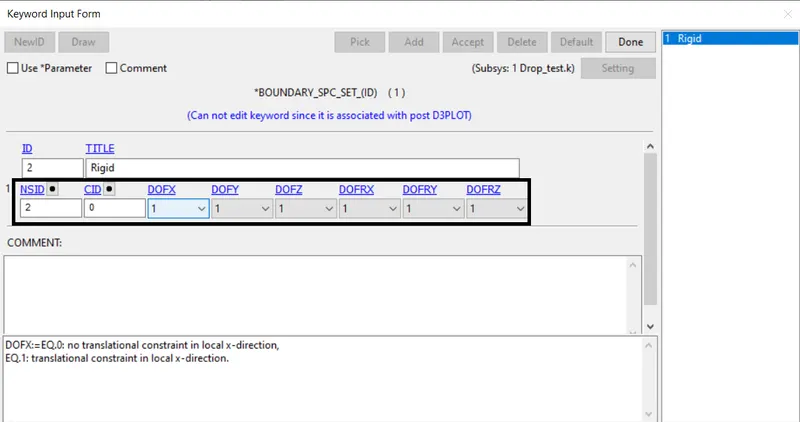
- Boundary_SPC (Single point constrain) is used on the Floor to lock all the Degrees of freedom during the simulation. In such a case, the Floor doesn’t move during the impact
Initial Velocity
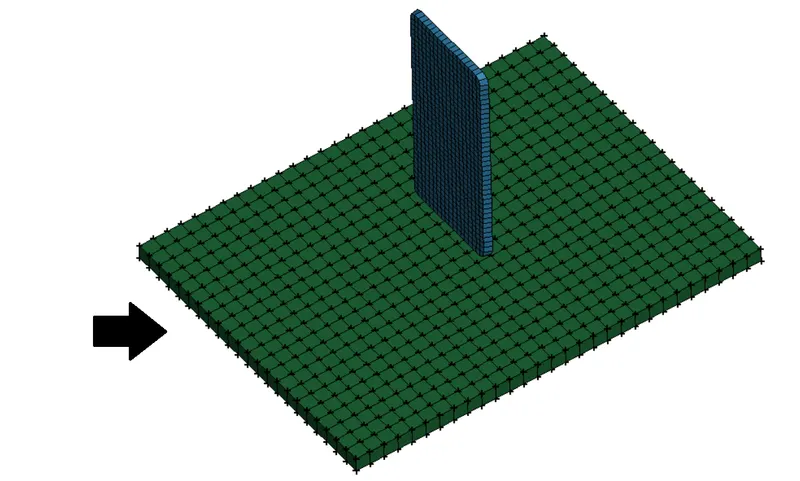
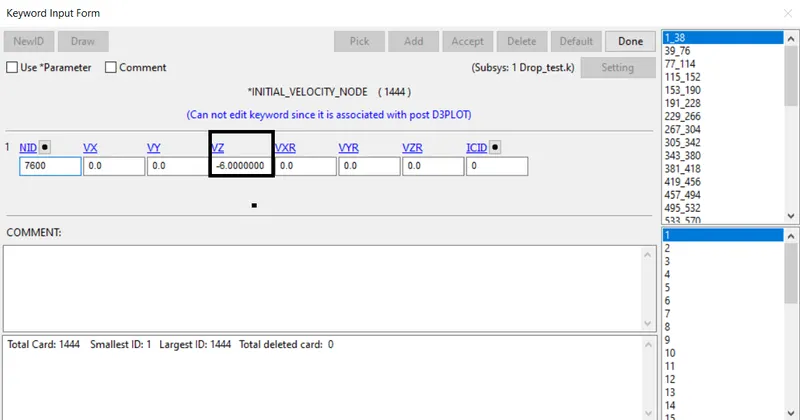
- An INITIAL_VELOCITY_NODE is defined to move the phone to make contact with the floor. In such a way we could plot the graph value using the simulation progress
Control cards
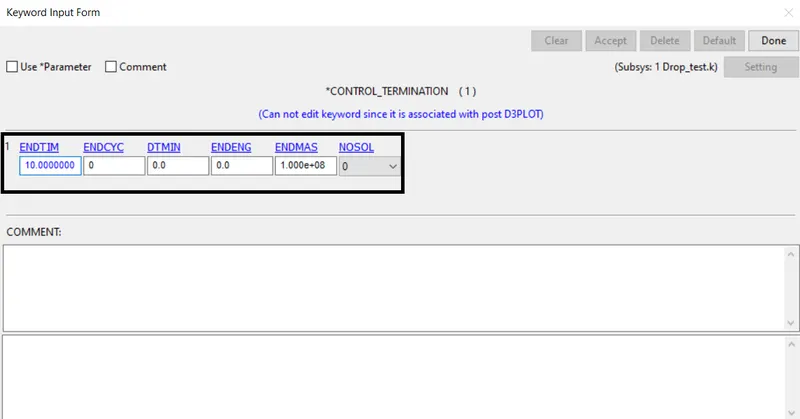
- Control_Termination is to define the simulation end time. It is set to 5 ms
- Control_Energy is provided to control the energy dissipation
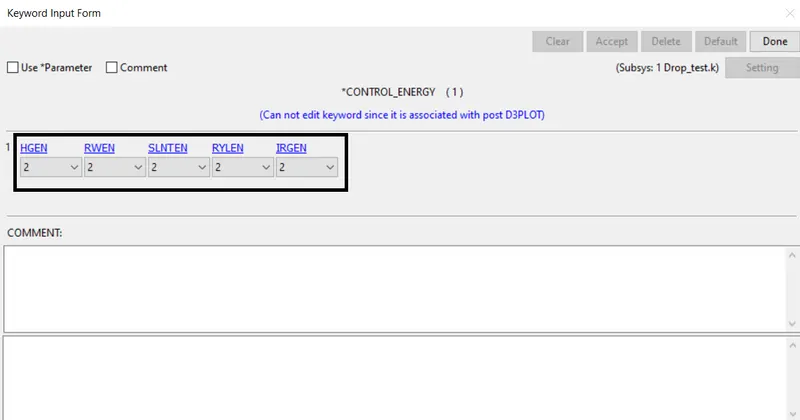
| HGEN | Hourglass energy calculation option |
| RWEN | Rigid wall energy dissipation option |
| SLNTEN | Sliding interface energy dissipation option |
| RYLEN | Rayleigh energy dissipation option |
| IRGEN | Initial reference geometry energy option |
Database
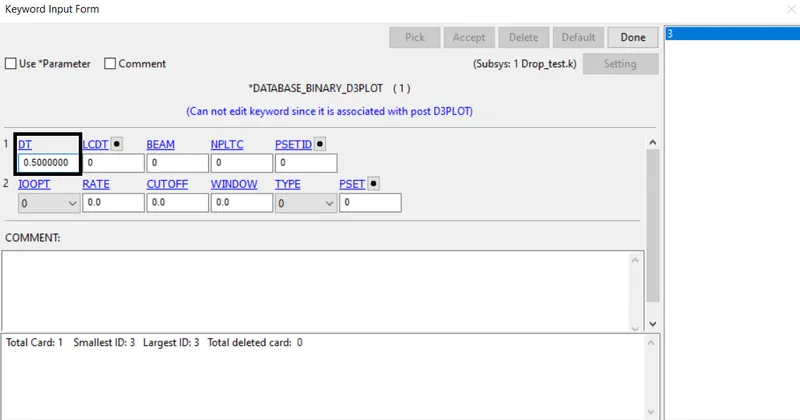
- BINARY_D3PLOT - It defines the frequency at which the animation file is to be created and is set to 0.5ms
- ASCII_option keyword
The output request in ASCII format, The following keyword are Activated
ELOUT Element Data
GLSTAT Global Data
MATSUM Material Energies and
SLEOUT Sliding Interface Energies
Model checker
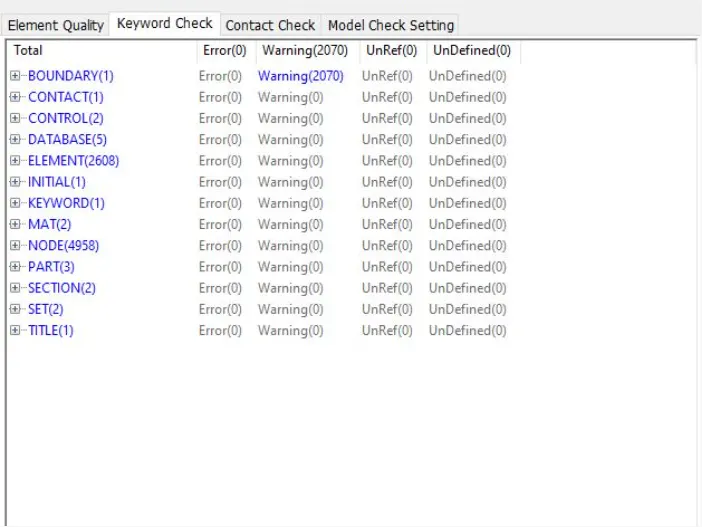
- The model checker is given to check the simulation procedure to proceed. Open the model checker under the keyword manager
Output
Von Mises Stress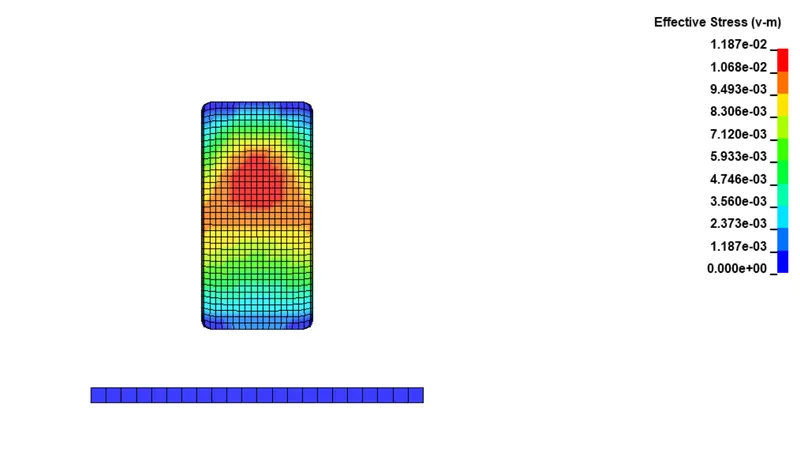
Energy graph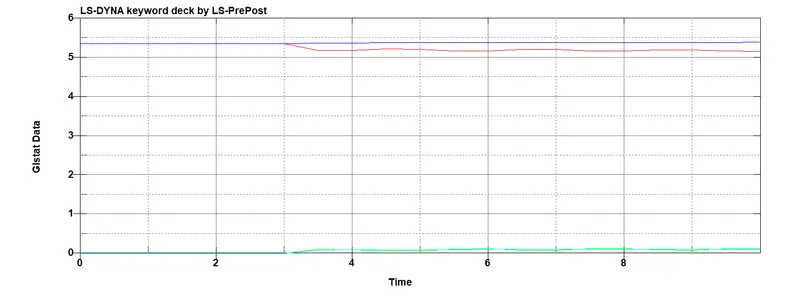
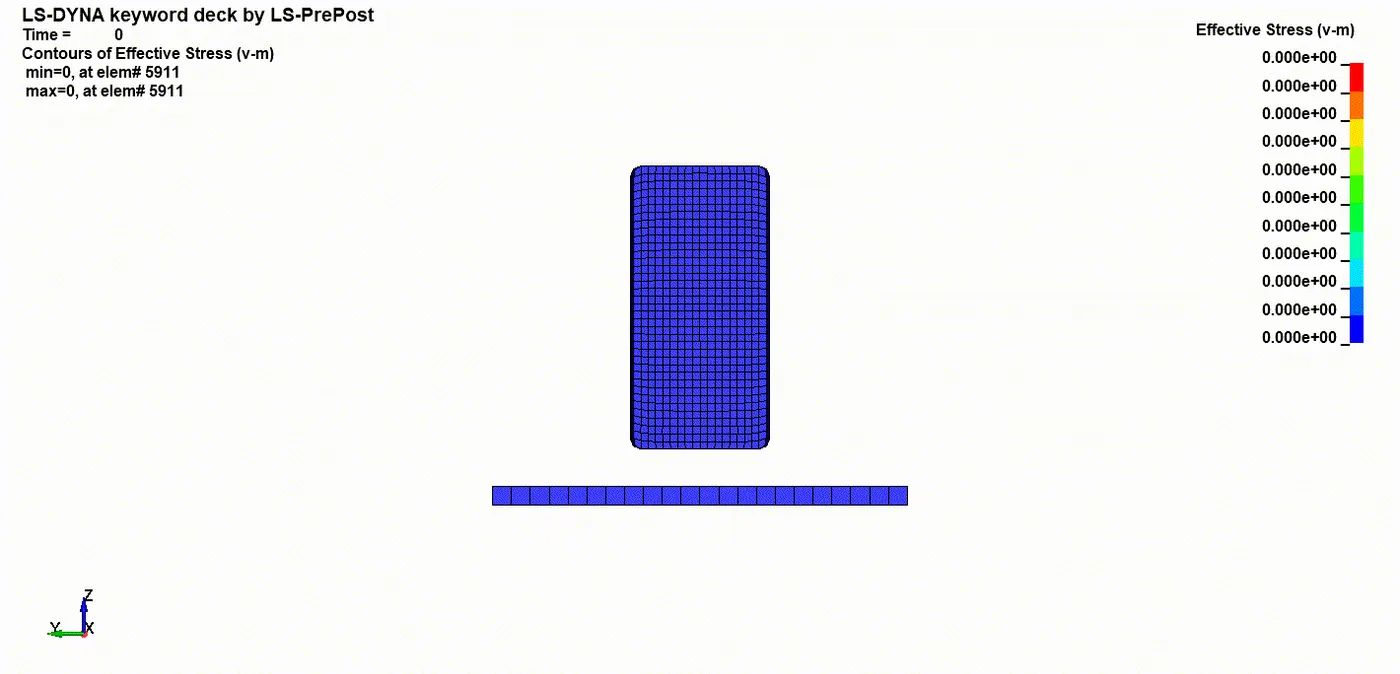
- The Kinetic energy (Red line) of the mobile phone drops down as it hits the bottom plate and at the same time Internal energy (Green line) is gained by the mobile phone due to the impact
- The Total Energy (Blue line) is a Straight line with no deflection which means the hourglass energy and contact energy is very less compared to the internal and kinetic energy
Conclusion
The Drop Test Simulation is understood and performed using Initial Velocity and Boundary entity by practicing Mobile Phone on the Floor