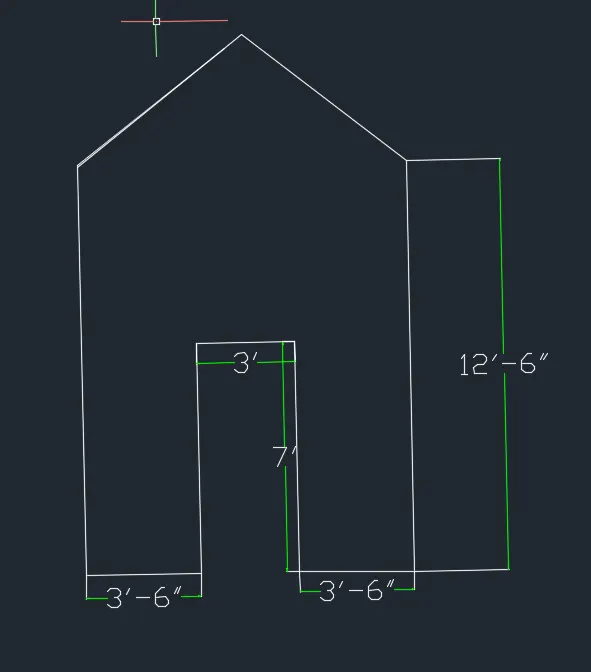
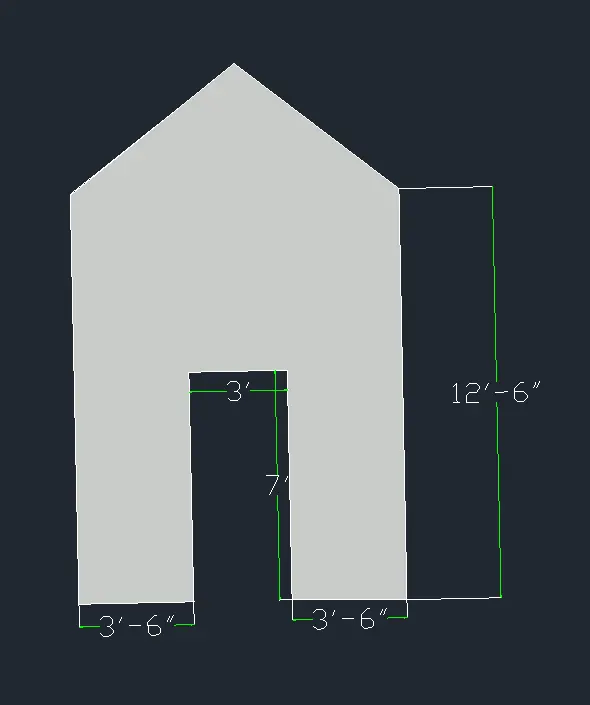
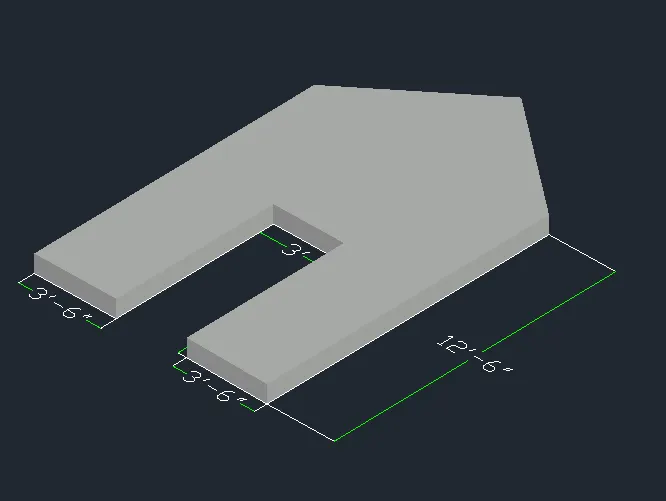
Creating various 3D Models like Furniture, Footing, Girder, Column drop with panel and Gable Wall in AutoCad
1.AIM-
CREAT A 3D FURNITURE ELEMENT
AS PER QUESTION.ASSUME DIMESION
THAT ARE MISSING.
INTRODUCTION-
in this question main aim
to creat 3d funiture element .
commands -
box ,rectangle ,region ,polyline ,
subtract , extrude etc.
PROCEDURE -
go to setting section bottom
right corner ,sect 3d basic
or 3d modelling .
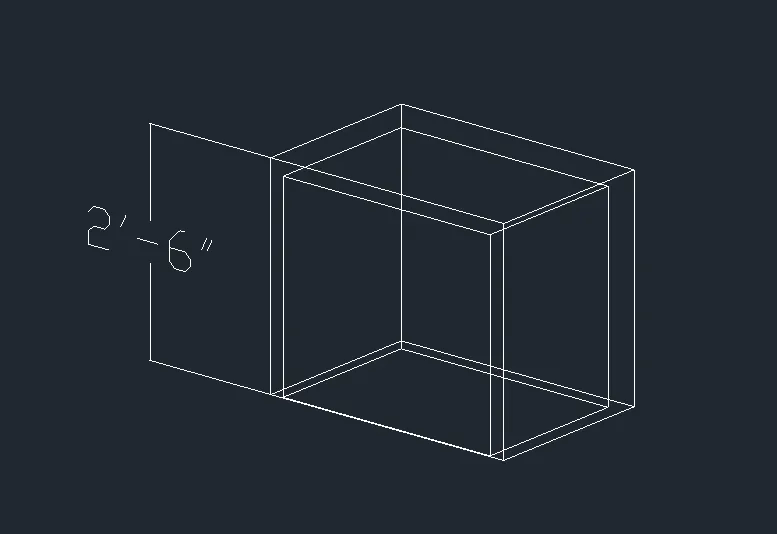
-now using reactangle command make
a reactangle as per question.
-use line co. ,draw a outline
as per given .
-now use extrude command
extrude big rectangle as per question
and same for small reactangle .
-now use subtract co.
and small reactangle in
big reactangle ,and give hide
co.
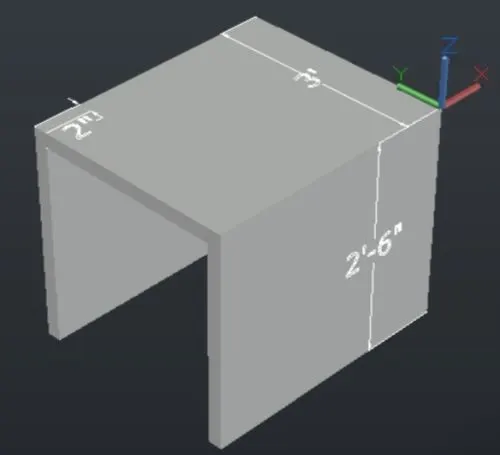
-give dimesion where required .
RESULT -
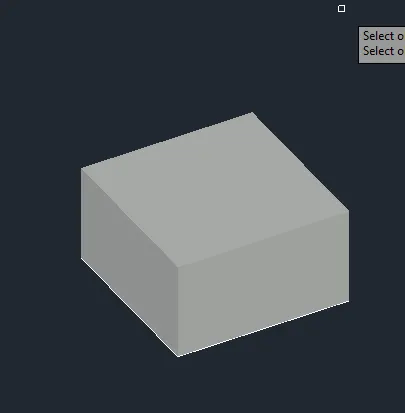
3D FURNITURE MODEL IS DRAW
AS PER QUESTION
-FOR MORE CLAIRTY SOME
SNIPS ARE GIVEN BELOW .
SNIPS -
2.AIM -
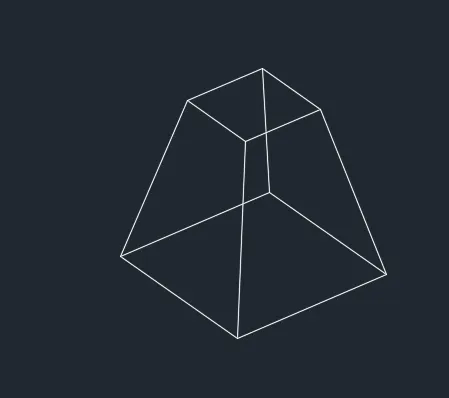
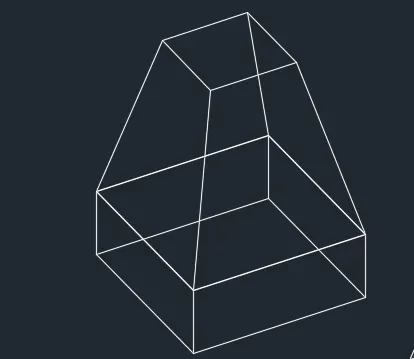
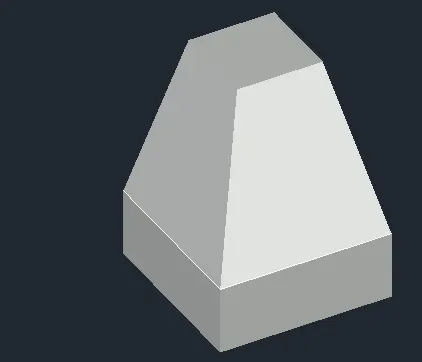
CREAT 3D MODEL OF AN ISOLATED FOTTING .
INTRODUCTION -
MAIN AIM TO CREAT 3D MODEL OF
FOTTING
.COMMANDS USED
REACTAGLE ,REGION ,PRESSPULL
etc.
procedure -
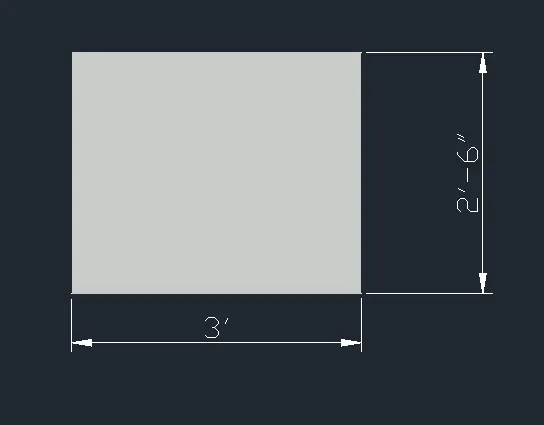
.Draw rectangle as per given dimesions.
-convert it region on region co.
-now use presspull co.
strech it region in to height 9".
-now take pyramid co.
-select edge option ,mention
starting point by clicking on any of
the corners of presspulled cuboid.
-give edge distance and mention
upeer radius of 6".
-give dimesions.
RESULTS-
3D MODEL OF ISOLATED FOTTING IS CREATED .
SNIPS -
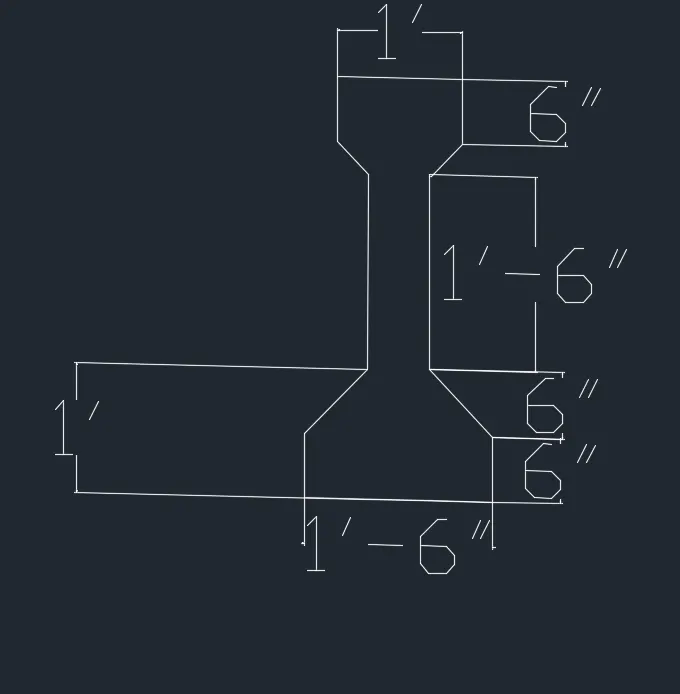
3.AIM -CREAT 3D VIEW OF AASTO TYPE
GIRDER .
INTRODUCTION -
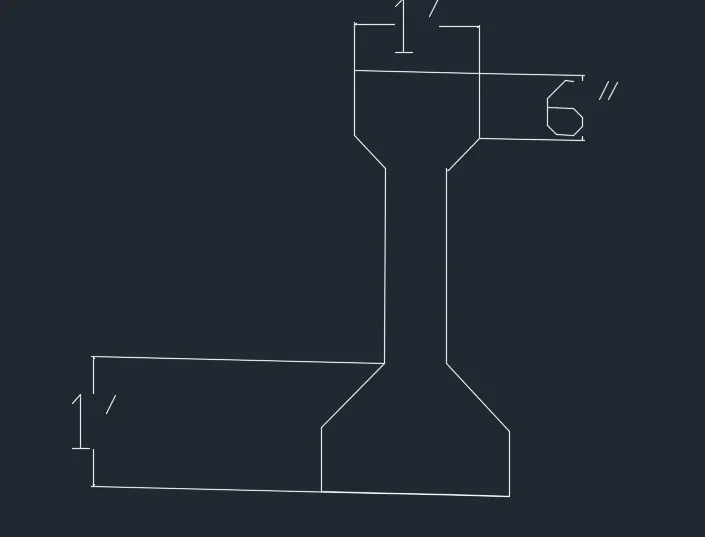
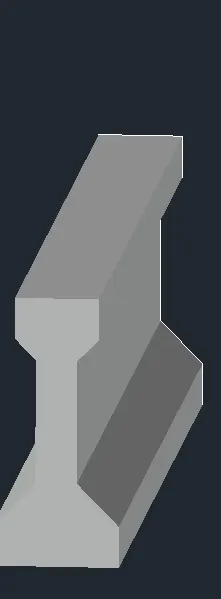
MAIN AIM TO CREAT I GIRDER
IN 3D MODEL.
PROCEDURE -
-Draw sectional geometry of
I girder using line co. in
xy plane .
give dimesions.
-covert into a region
-and presspull region to
lenth of 10'.
RESULT -
REQUIRED MODEL OF 10' LENTH I GIRDER
IS FORMED.
SNIPS -
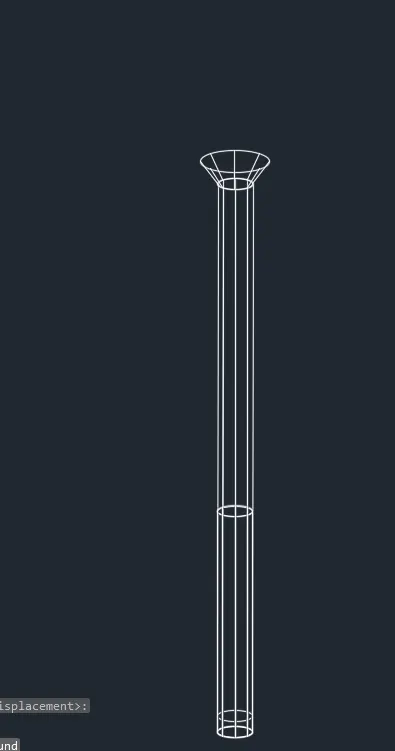
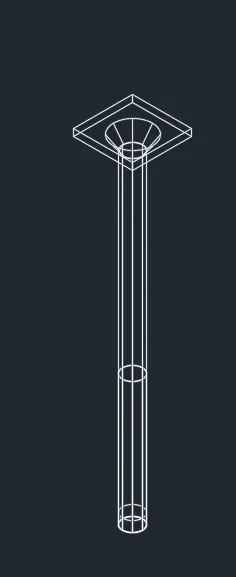
4.AIM -
CREAT 3D MODEL OF DROP COLUMN
WITH THE PANEL AS PER QUESTION .
INTRODUCTION -
MAIN AIM TO CREAT 3D MODEL OF
COLUMN WITH DROP PANEL .
PROCEDURE
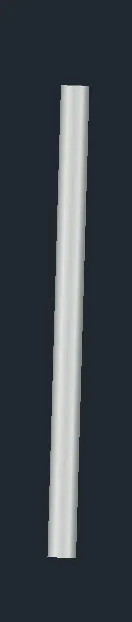
-CREAT CIRCLE of diameter 1'6"
intop view
-creat region and presspull it
10'.
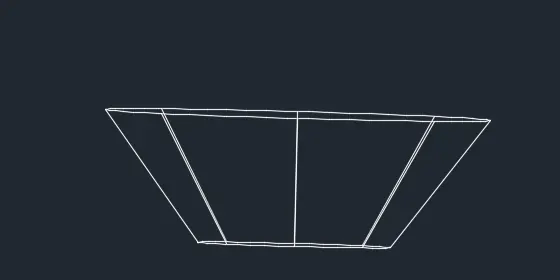
-creat cone ,and base diameter is 1'6"
-click top radius give value 1'6"
and height1'
-plced frustum of cone on
presspull circle
-for top view creat a rectangle
as per dimesions take ,
extrude it .
-in top view plced rectangle
also adjust front view by move
commands
result-
3d model of drop panel column is
created as per challange .
snips
5.aim-
creat 3D MODEL OF WALL
AS PER CHALLANGE.
CONSIDER WALL THICKNESS 9'.
INTRODUCTION -
MAIN AIM OF THIS QUESTION IS
THAT TO CREAT 3D MODEL OF WALL
HAVING THICKNESS 9".
-PROCEDURE -
--Draw 2d figure of wall
in xy plane as asked in challange ,
-now whole figure is created region
by use of region commands .
-now presspull region 9"
thickness .
-give required dimesions .
RESULTS -
3D MODEL OF WALL AS PER
QUESTION IS DRAWN .
PLEASE REFER TO SNIPS FOR
MORE CLARITY .
SNIPS -