Week - 8 - Morphing
Aim-
To test and apply various morphing techniques to given project models and explain the procedure of same and its applications in industries.
Morphing-
Morphing is an advanced CAE modeling technique used to modify the shape of mechanical parts and assemblies without returning in the CAD system, which is time consuming and generates unexpected modeling preparation stages.
The procedure is simple and fast, keeps the desired mesh pattern unchanged and allows meshed model parametrization. The benefits of this CAE modeling technique are enforced by the link with the optimization procedures in order to shorten the product development time. The procedure is a promising step for future implementation of virtual reality in mechanical engineering design.
Application of Morphong-
1. In Automobile industries-
It is a very useful technique in small cahnges in designed model like change in structure or small changes in design of any parts and to fit in desired size or any aerodynamic changes.
2. Morphing in Aircraft-
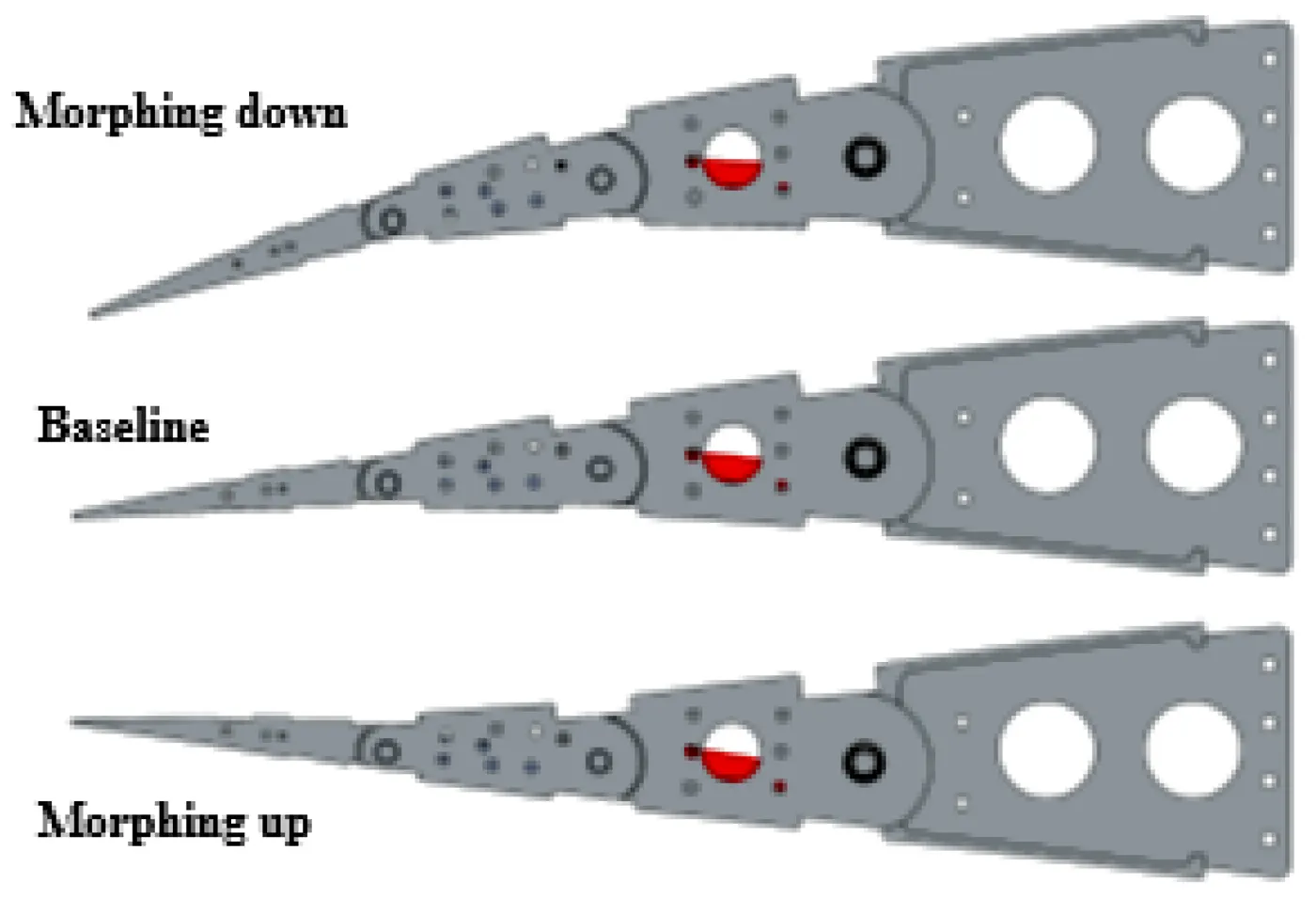
A morphing aircraft can adapt its configuration to suit different types of tasks, which is also an important requirement of Unmanned Aerial Vehicles (UAV). The successful development of an unmanned morphing aircraft involves three steps that determine its ability and intelligent: configuration design, dynamic modeling and flight control.
3. In Ship Design-
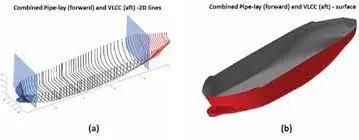
Advancements in digitalisation and cyber-physical automation are opening up new frontiers in the marine industry such as autonomous shipping and smart manufacturing of ships. However, the progress in automating the ship design process which is still very human dependent, is slow. Evolutionary Algorithm and Morphing (HEAM) to enable a more intelligent and efficient ship design process. It maps the entire ship hull form into a genotype using Non-dominated Sorting Genetic Algorithm II (NSGA-II) and flexible modification
through morphing to create efficient designs for the hull form.
4. Morphing in Turbine design-
Morphing technique is used in design modifcation of turbine blades.
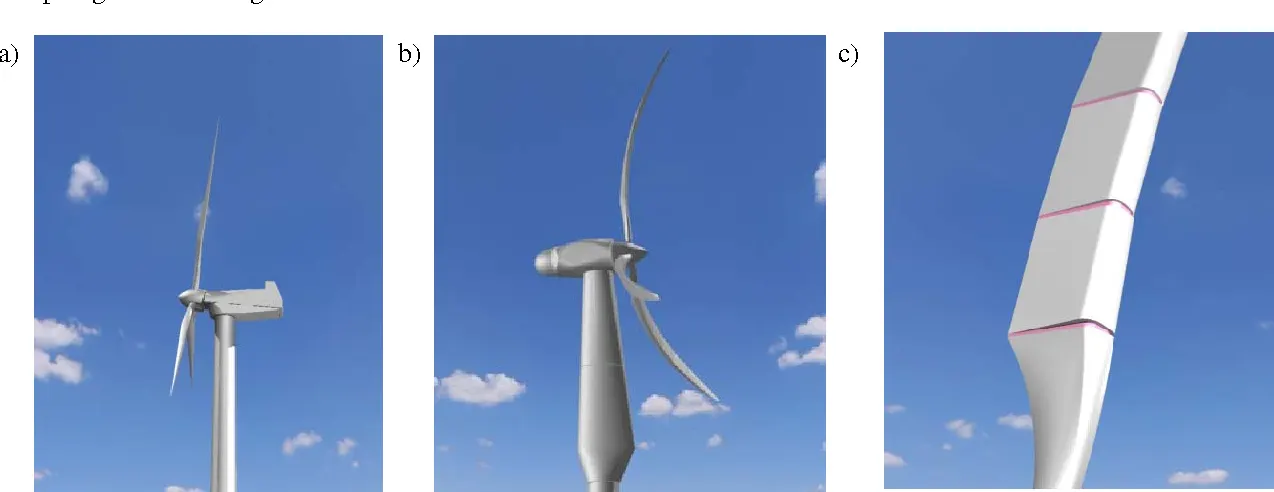
a) conventional turbine, b) morphing turbine (with shroud around the mast and generator housing) and c) blade segments (joined with an elastomeric material).
Procedure-
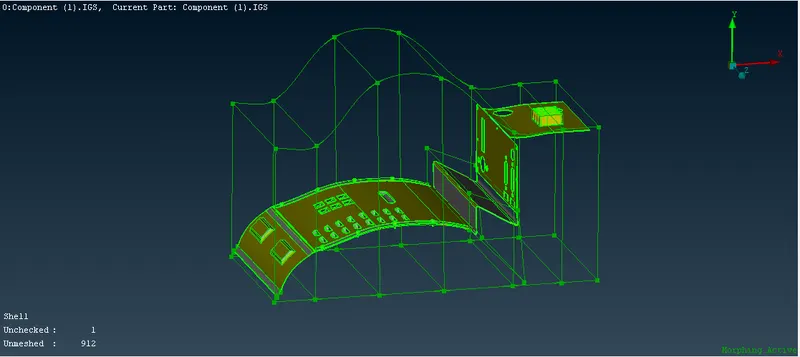
Part-1-Moprhing of foot plate-
- First we have open the modal in Ansa software.
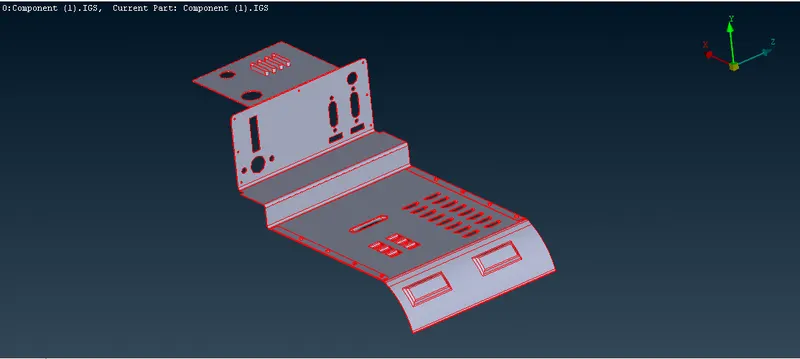
- Since the above model is not connected properly as we can see single cons so we have to clear it.
- For doing so go to topo module>>afces>>topo and select he model and do middle mouse click.
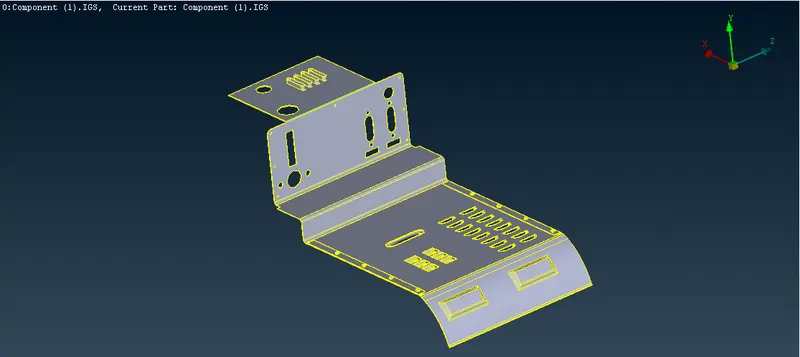
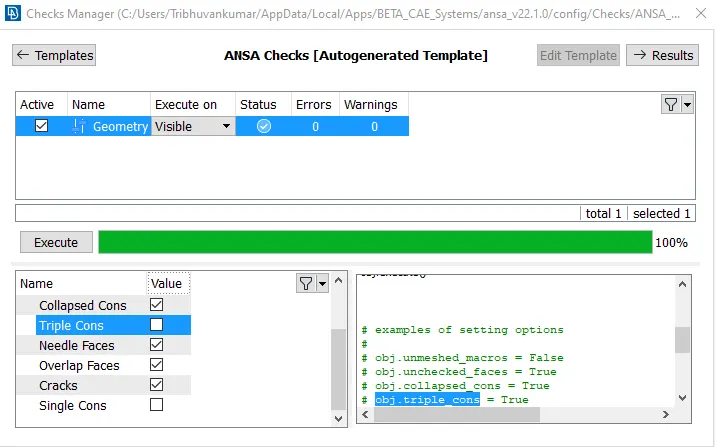
- Now we have to do the geometry cleanup of the model and the start for morphing.
- For geometry cleanup go to Tools>>checks>>geometry>>click execute nad if no error found hit ok.
- Now go to morph module and Boxes>>click on new>>ortho>>select the required are and hit ok.
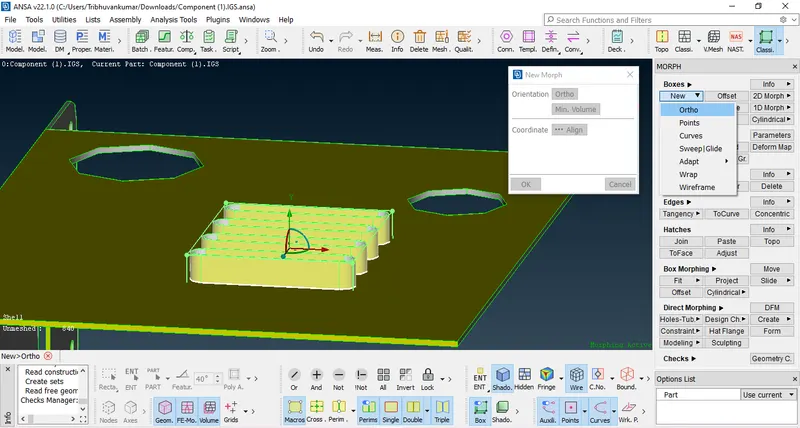
- A morph volume will be created which can be hidden and can be retrived from data base.
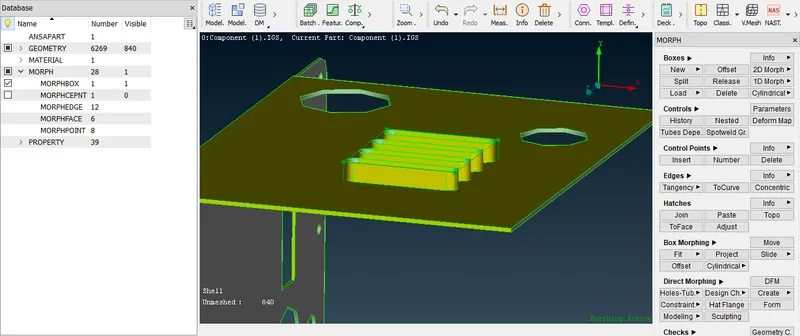
- Now go to Box morphing>>move>>select nodes to move>>by free MV we can move the model as per our requirement.
- One thing to be noticed that when we try to morph it before that one weindow will appear where the geometry check need to be performed and there status should be either in or out.
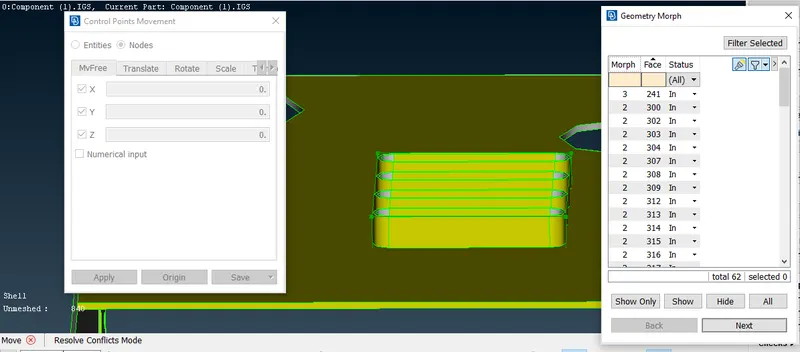
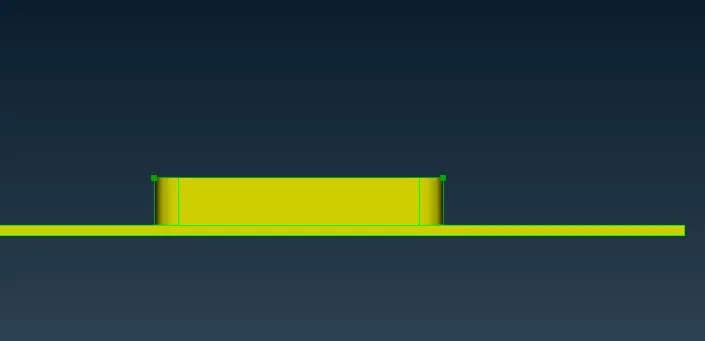
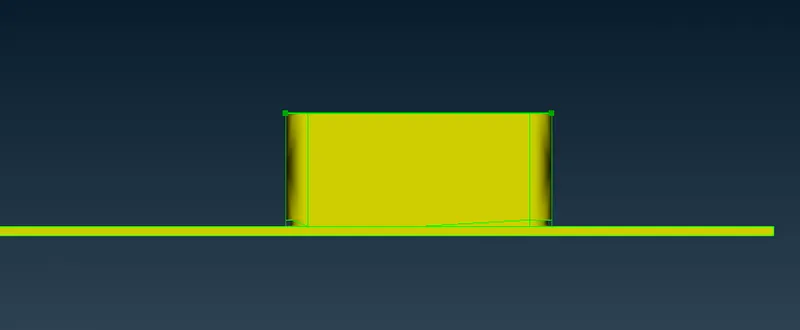
- Similarly we can do for other areas by same procedure as mentioned above.
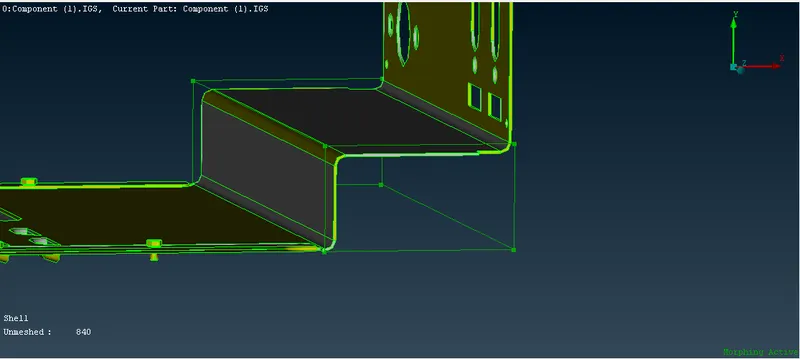
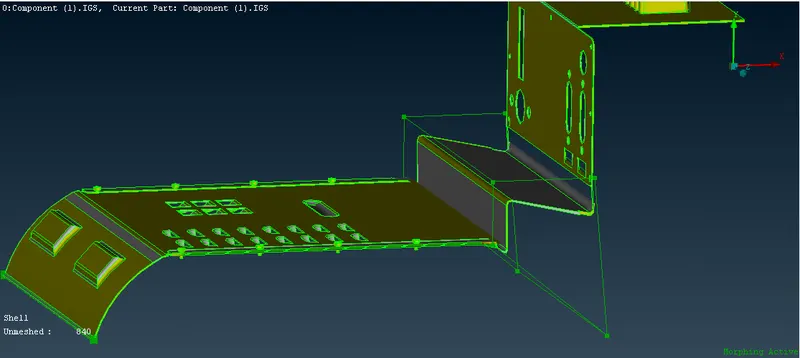
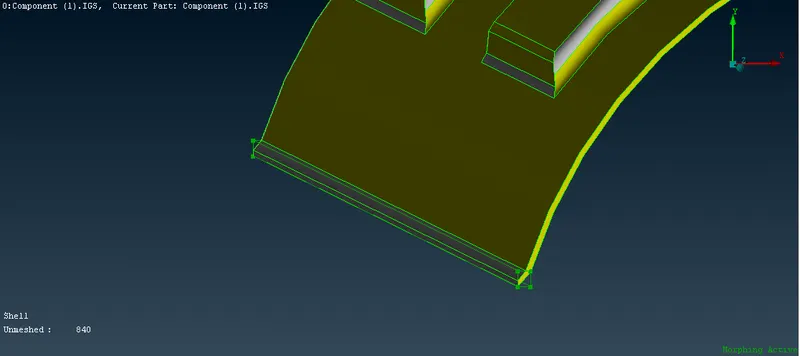
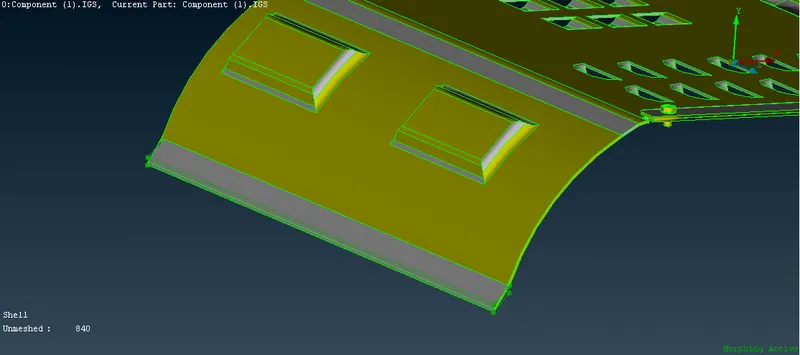
- In similar way we can try it by offset method as well where we will be creating extra areas in the morph box and do morphing of that small area and see changes.
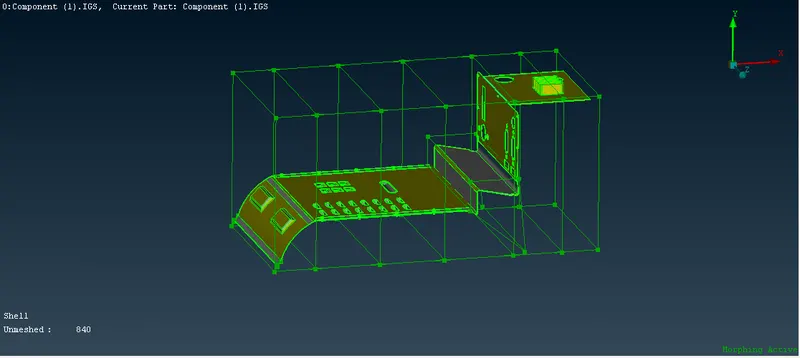
Part-2-Morphing on hand rest-
- First we have open the modal in Ansa software.
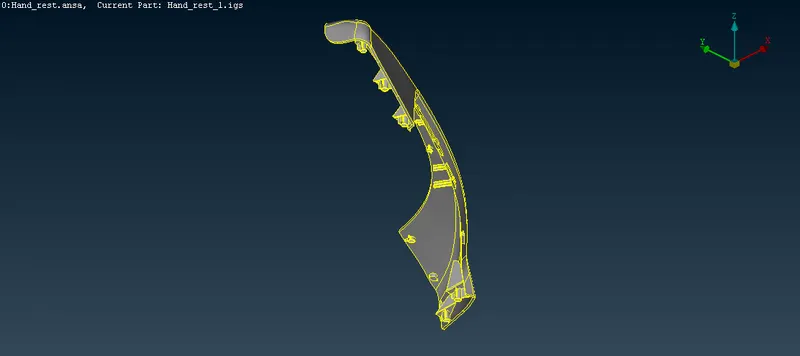
- Since geometry is connected so we will straight away move for geometry check.
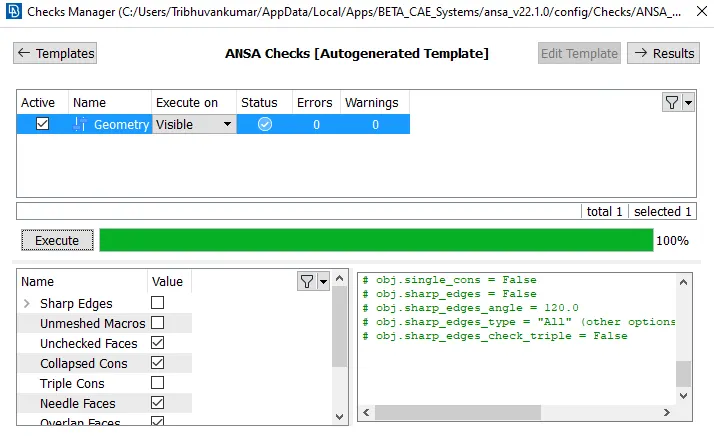
- For geometry cleanup go to Tools>>checks>>geometry>>click execute nad if no error found hit ok.
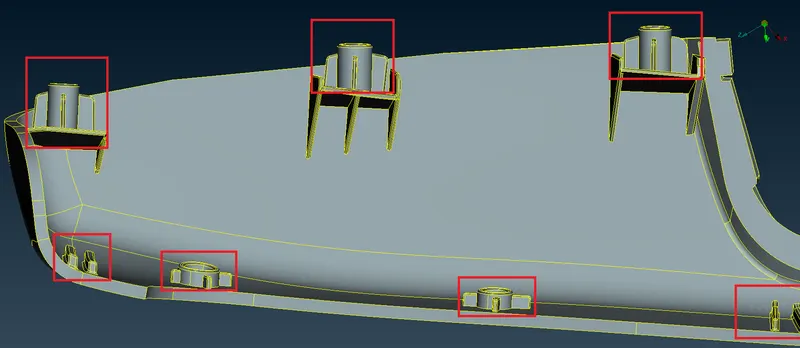
- We have to Increase the Height of the Dog houses and Ribs. (Refer Red annotations in the below image to understand what are Dog houses and Ribs).
- Now go to morph module and Boxes>>click on new>>ortho>>select the required are and hit ok.
- A morph volume will be created which can be hidden and can be retrived from data base.
- Now go to Box morphing>>move>>select nodes to move>>by free MV we can move the model as per our requirement.
- One thing to be noticed that when we try to morph it before that one weindow will appear where the geometry check need to be performed and there status should be either in or out.
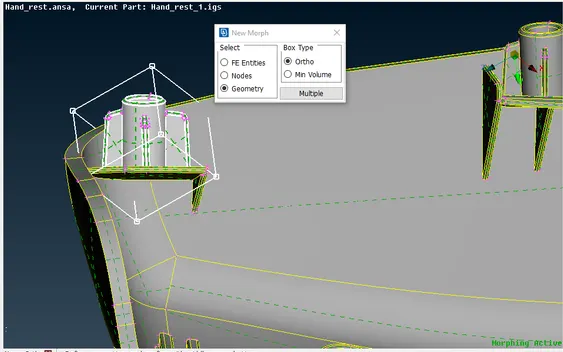
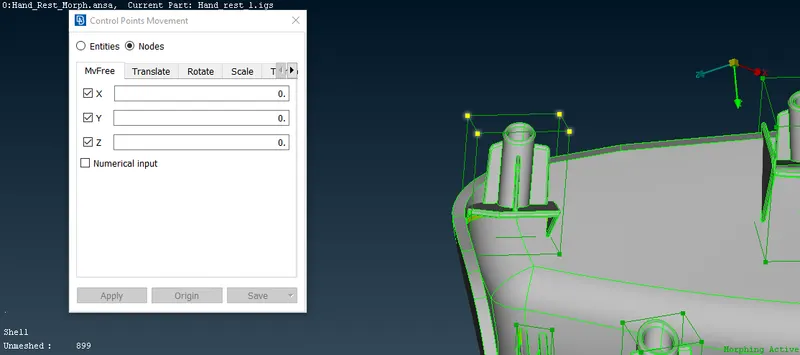
- Similarly we have to create morph boxes for all remaing dogs and ribs and then one by one have to increase the height of it.
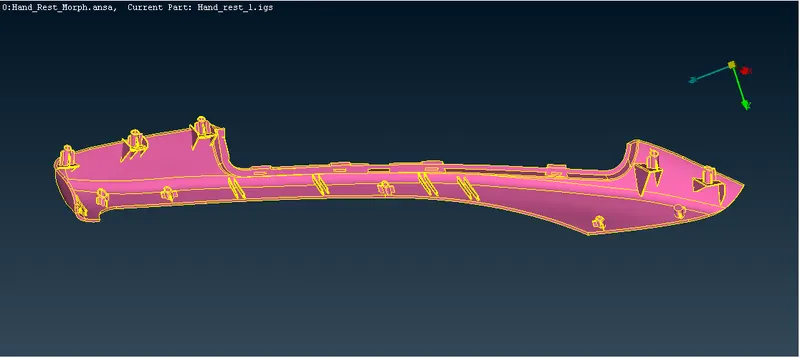
- Final result is as ahown below.
Leaning Outcomes-
- Understood the basic idea of what is morph how it is important to us and its application.
- Got knowladge about how to do morph and basic techniques in ANSA.
Conclusion-
By this project we come to know about morphing and its different techniques of doing in ANSA software.