Week 2 Bevel Gear Challenge
Aim-
To perform static structural analysis on the given bevel gear and to perform grid dependency test for mesh sizes of 6,5 and 4 mm, to solve it for Von-Mises stress, Equivalent elastic strain, and Total Deformation using the previously mentioned mesh sizes.
Grid Dependency Test-
Grid dependency test is to investigate how the solution depends on the grid size by running the simulation with refined mesh that is finer the mesh, higher is the accuracy of the result but with additional cost on computation time and computational power. Since, solutions are interpolated at the nodes to get an approximate result, higher the number of nodes and elements higher is the computational time and power required to complete the simulation.
So, the grid dependency test helps in determining optimal mesh size where the accurate result could be obtained keeping in the mind the cost of time and power. Since the result obtained are approximate,
Refining mesh further would result in negligible per cent change is the result but only increase the computational cost.
Procedure-
- We have to first start as new project in the ansys workbench and select the proper material for the bevel gear.
- Here no material has been specified in the project so we will select the structural steel as material.
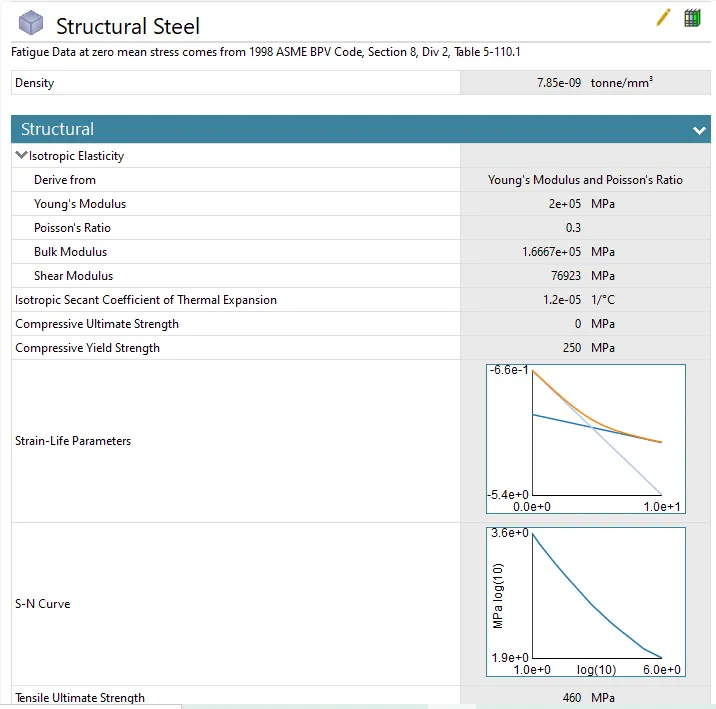
- Now we have to import the model for that right click on the geometry tab and hit import>>then select the file from saved location and hit ok.
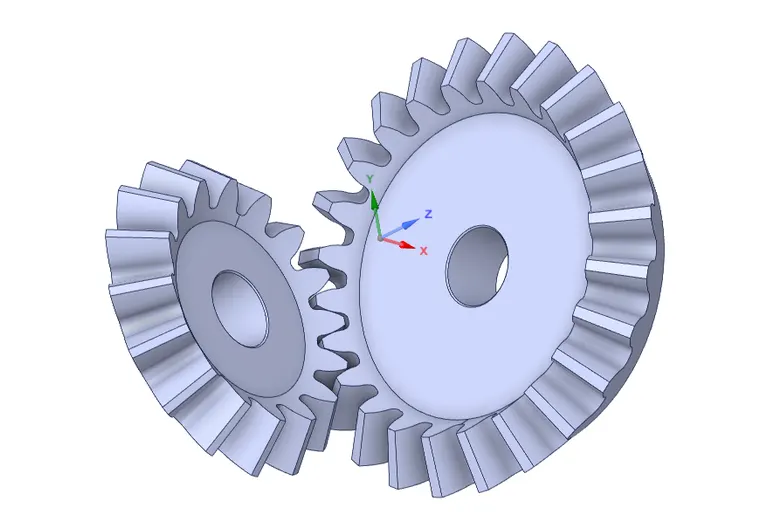
- Now we have to remove the to remove the inner part of gear as it won't get hamper in analysis, so for doing that we have to go to space claim and remove it.
- now go to scketch and draw circles of 45mm dia for big gear and 25mm dia for small gear, then using pull command we can remove the parts.
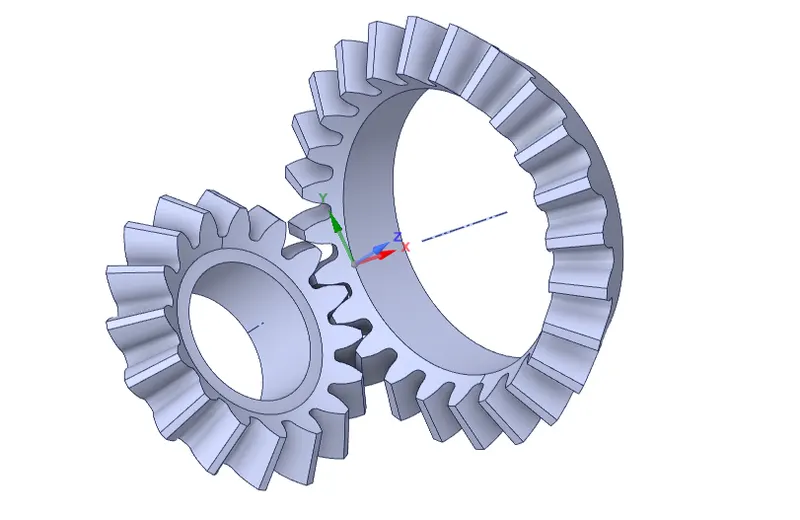
- Now we have to open mechanical model and the need to specify connections to gear.
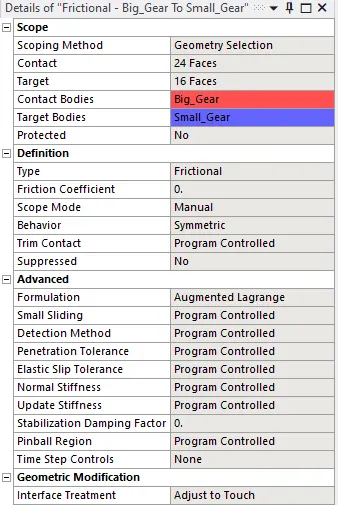
- now go to contacts from dop down arrow of connections and select all faces and othe setting shown as per below.
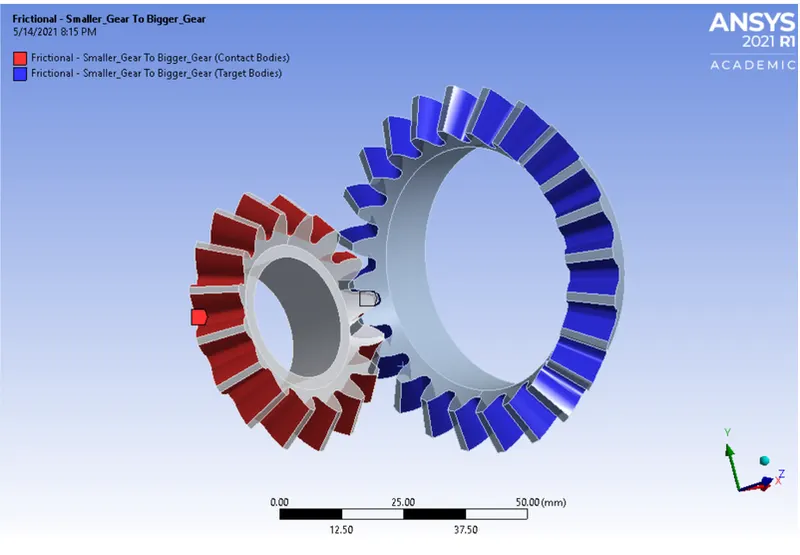
- Now we have to set the joint conection to both gears, for that right click on connections and click on joints.
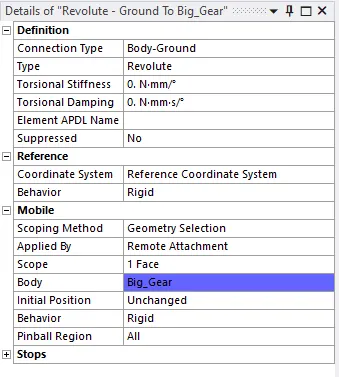
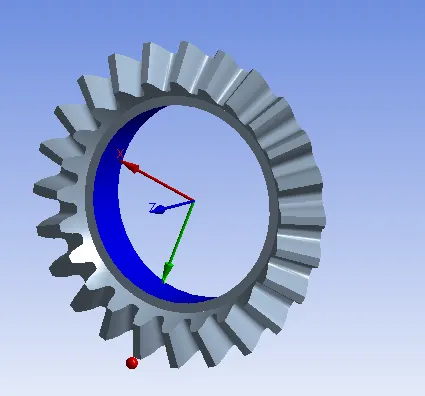
- We have repeat same for smaller gear as well.
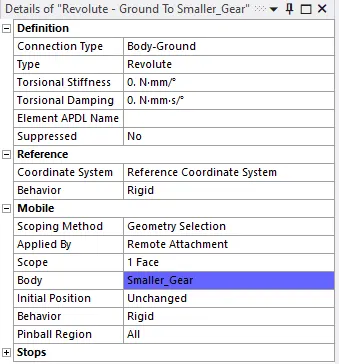
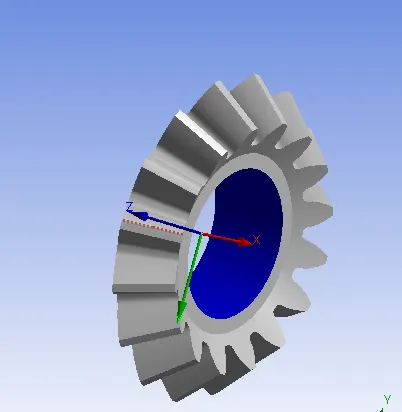
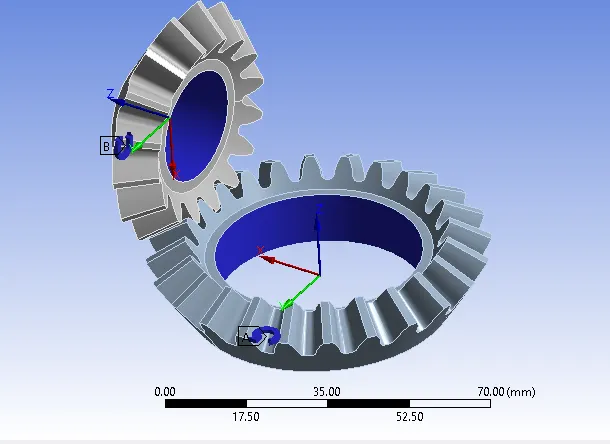
- Make sure that the axis of rotation is along Z-axis only.
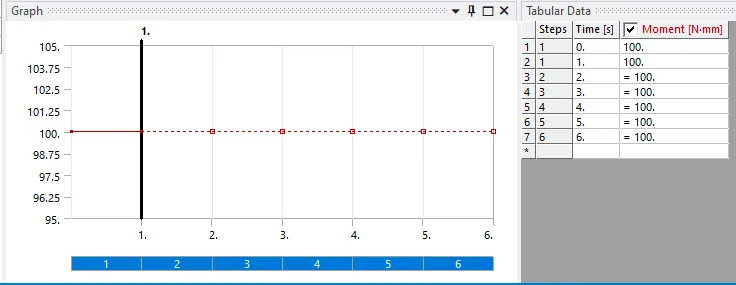
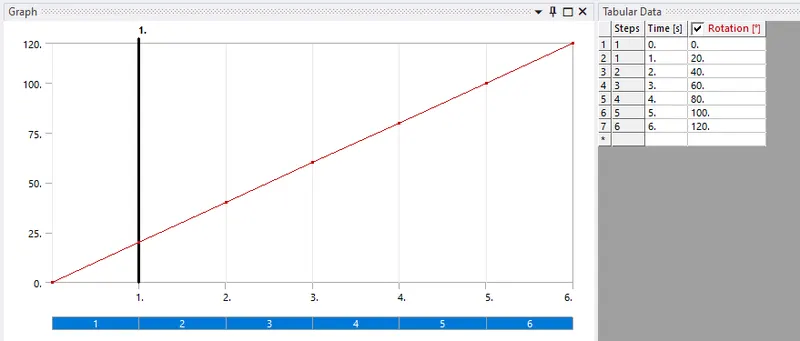
- Now we are going to rotate the gears by 120 deg so doing it in one step we are going to do it in 6 steps.
- So, in analysis setting we are going to do it in 6 steps with some time setting as per below.
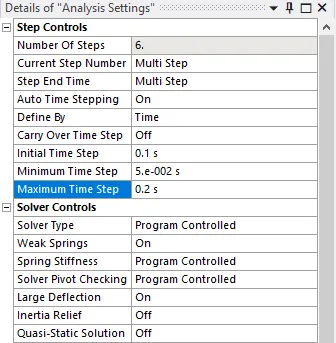
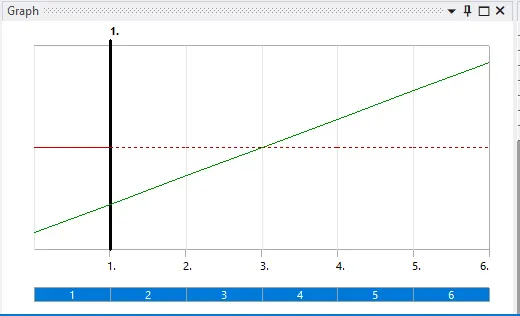
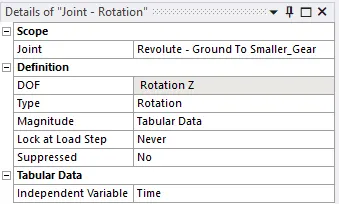
- Now we have to provide joint loads to both the gears, for big gear we will give moment and for smaller gear we have to provide rotation.
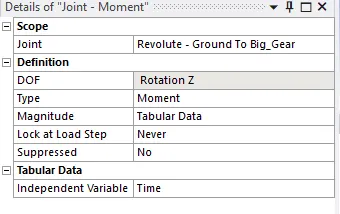
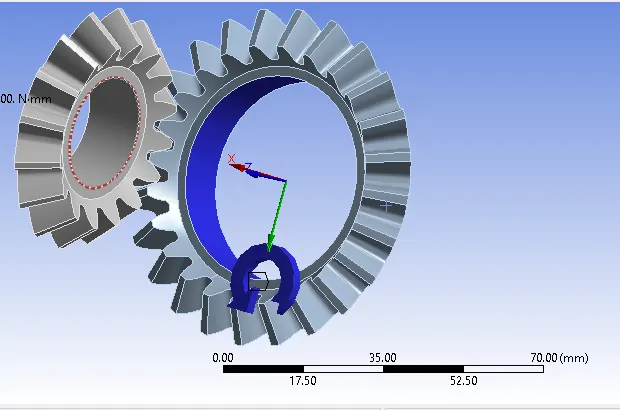
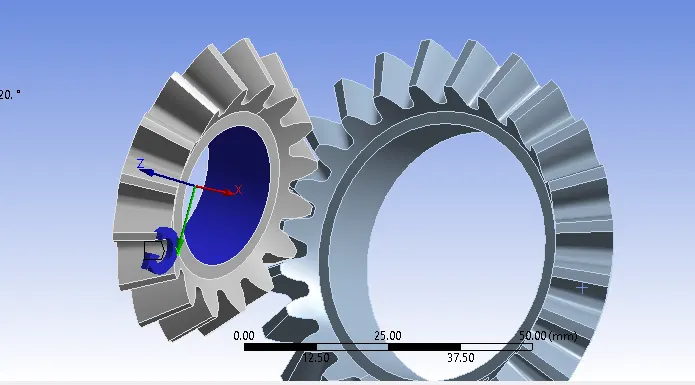
- Make sure that both gears are rotating in opposite direction.
Solution-
- After giving joint load we can now give solution parameters for equivalent elastic (Von-Mises) strain, equivalent stress (Von-mises) & total deformation.

- To do so in solution tree right click and a strain, stress and deformation solution portions.
- above procedures are same for all three cases and from mesh it is going to change.
Meshing-
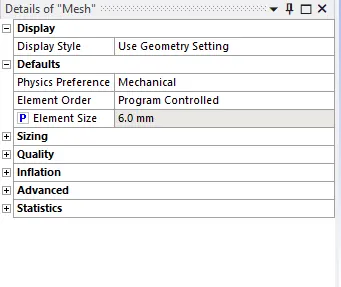
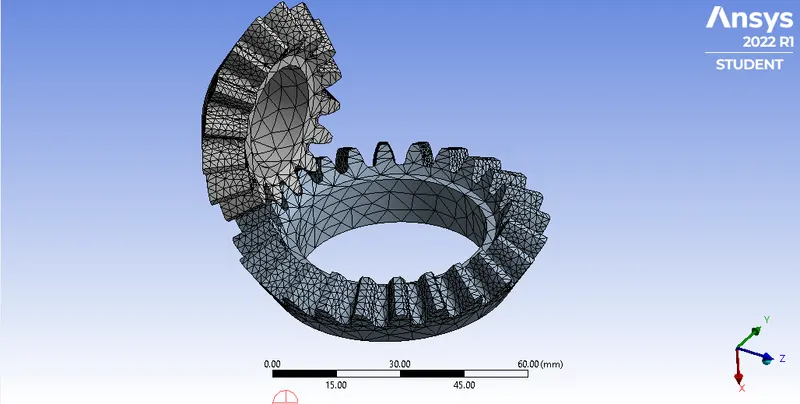
- Now go to mesh and mesh the gears as per given size of 6mm, then right click and hit generate mesh.
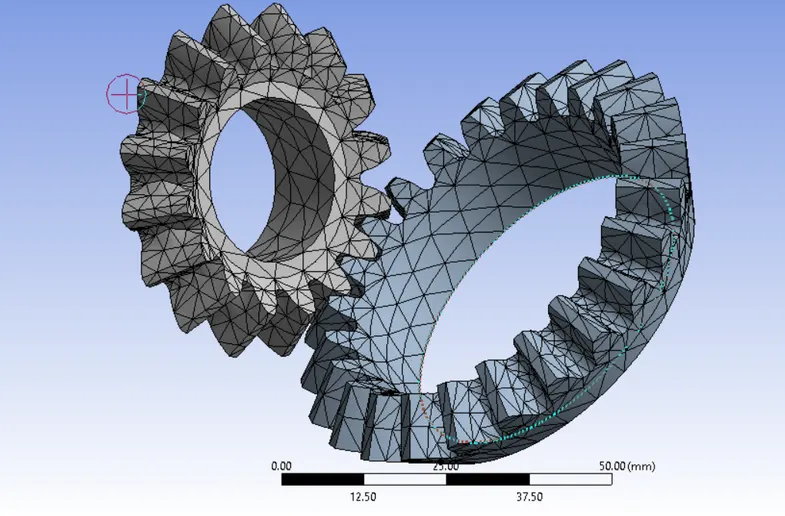
- Above mesh is very coarse mesh which will be good for unifirm portion and need to be refined at critical areas like gear teeth so we need to create a finer mesh size near gear teeth.
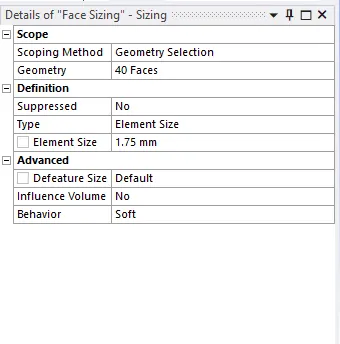
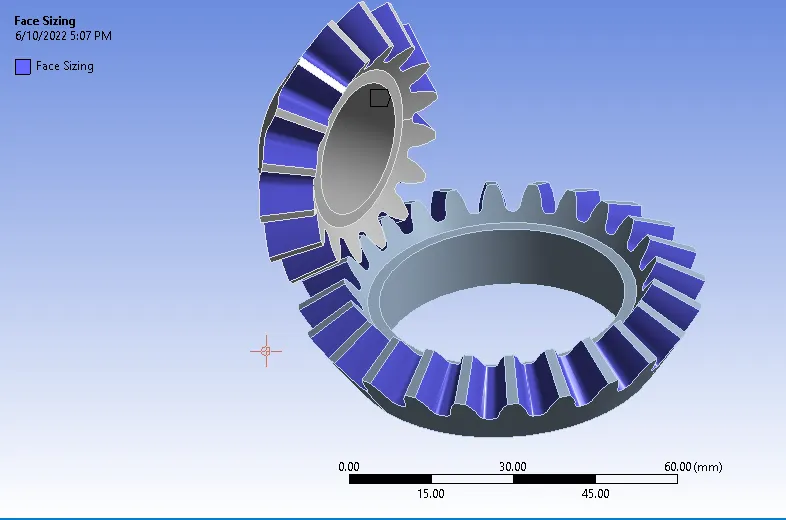
- So for that go to mesh right click and create face mesh sizing for meshing the gear teeth.
- select all faces and give mesh size as 1.75mm.
- Again right click on the mesh tab and hit regenerate mesh.
Parameterization-
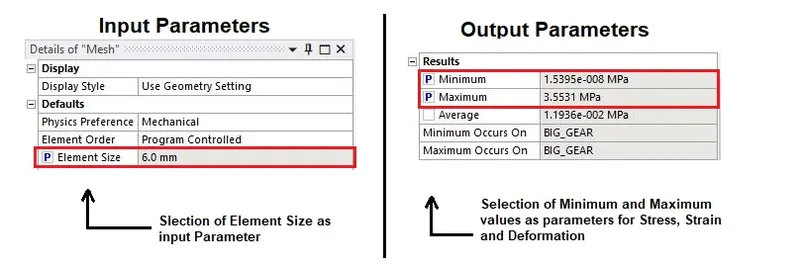
- Before going for the solution as per requested, we have to give parameters for input side and for output side too.
- For input side we have to select mesh and for output side we have to select min. and max stress, strain and deformation values.
- Now we have to check the box as per below snap and loaction wise.
- Now right click on solution and hit solve button the we have to exit mechanical module and we will see a new tree of parameter added in workbech project window.
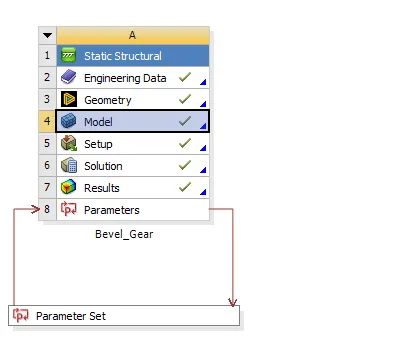
- Now after double clicking the parameter window then we can see all the detailed parameters there.
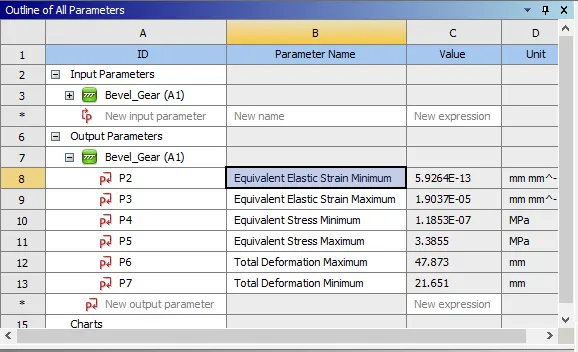
- Now we can create the now Design points according to mesh size of 5mm & 4mm and the update the result for all 3 cases.
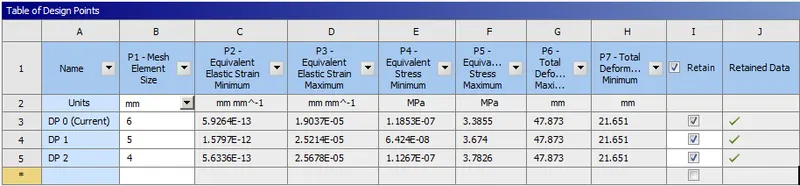
- In the above image P1 in input side and from P2 to P7 it is output side.
- Now we can get the results by changig the current components.
- make sure to tick the retain points ticked.
Result-
- By setting each design point current we can get the results of each case.
Case-1-6mm mesh
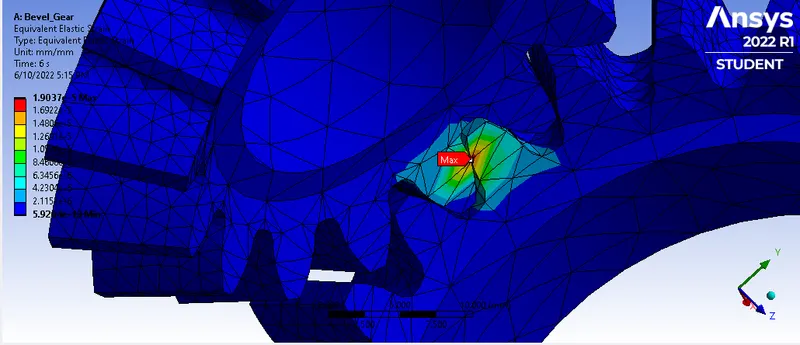
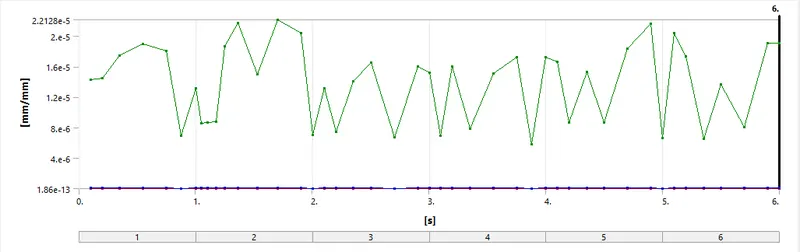
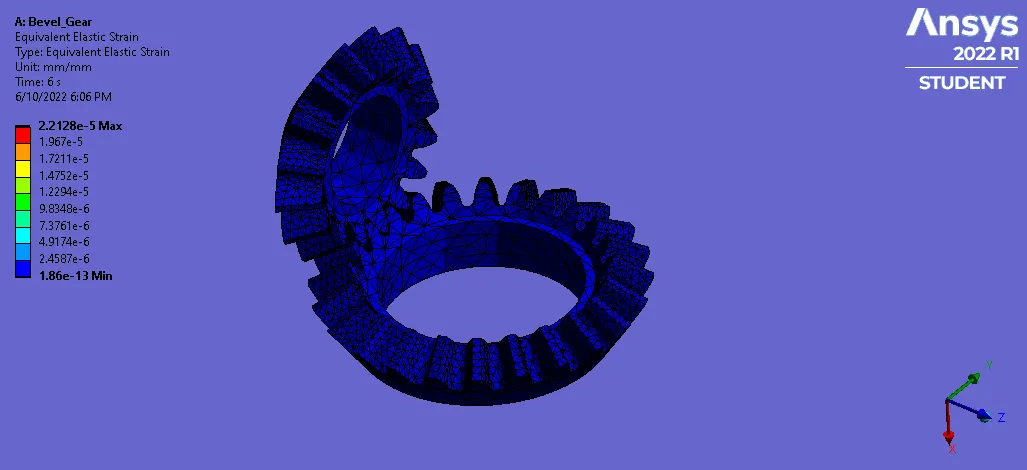
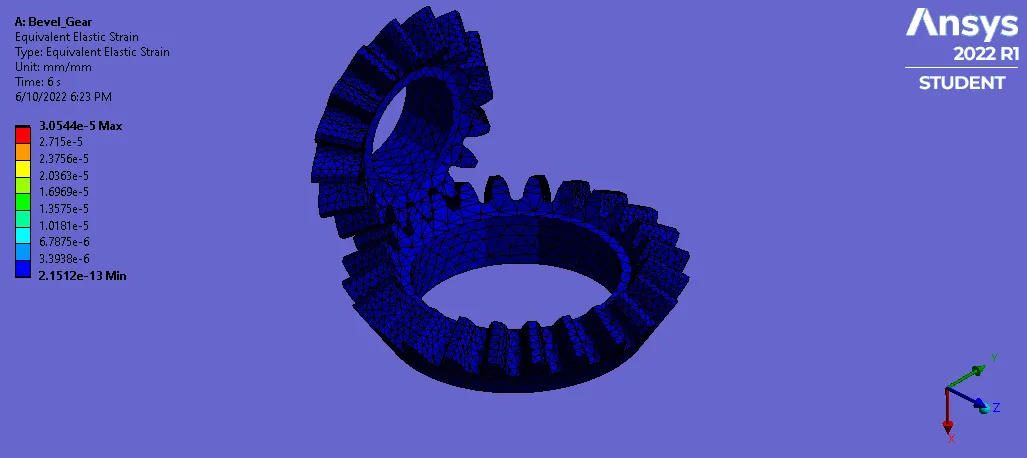
1. equivalent elastic strain-
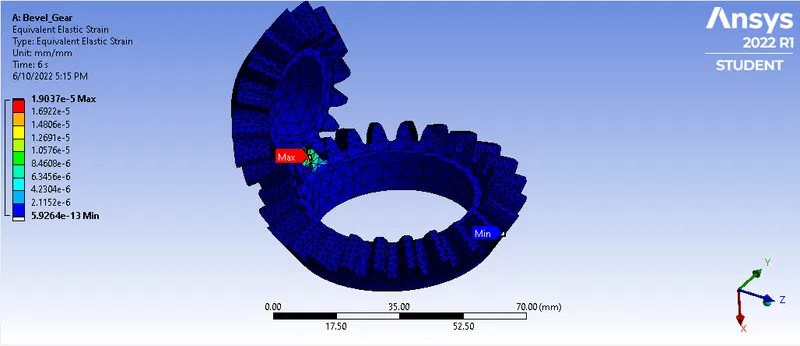
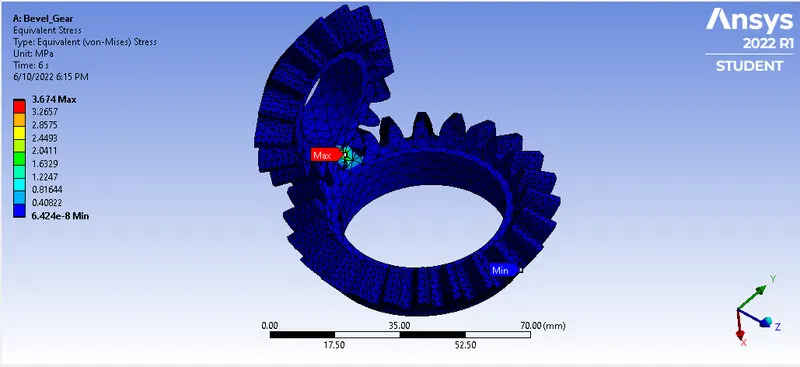
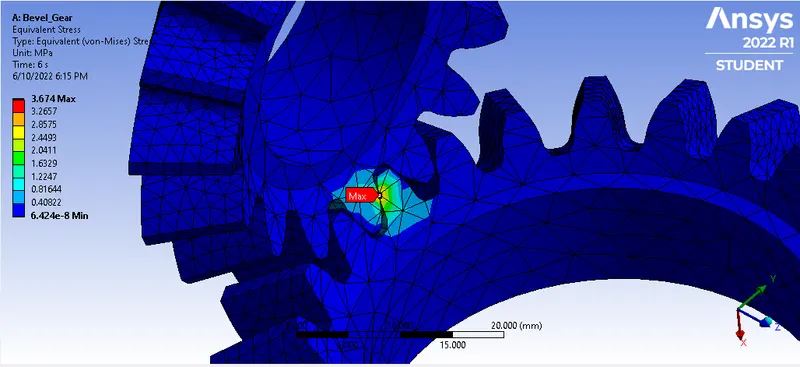
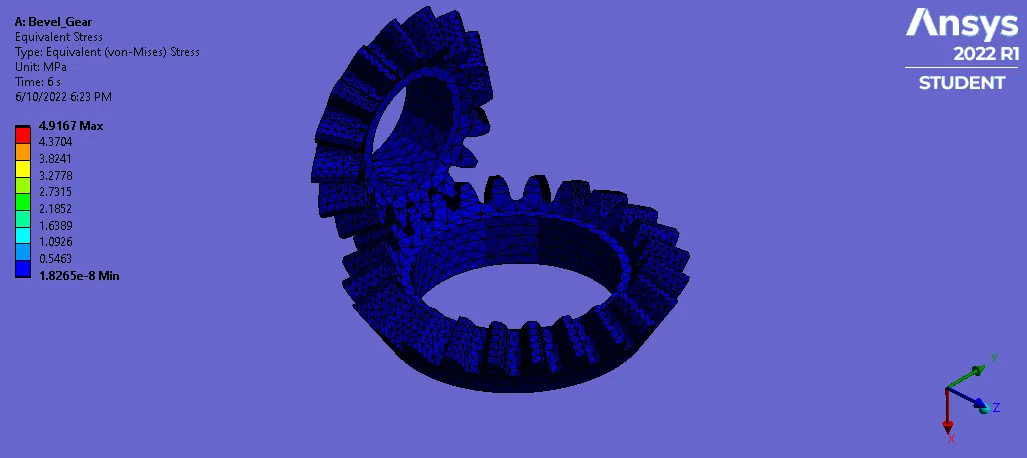
2. Equivalent stress-
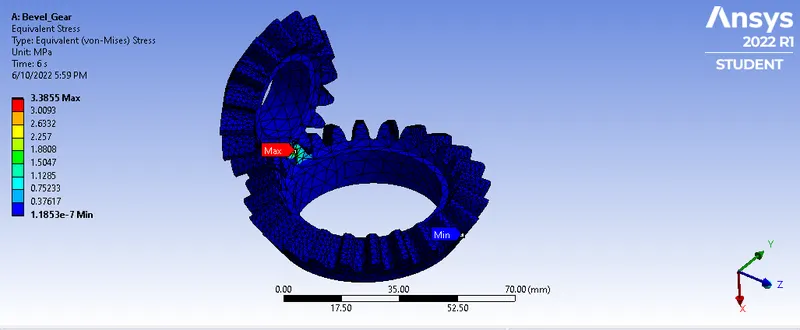
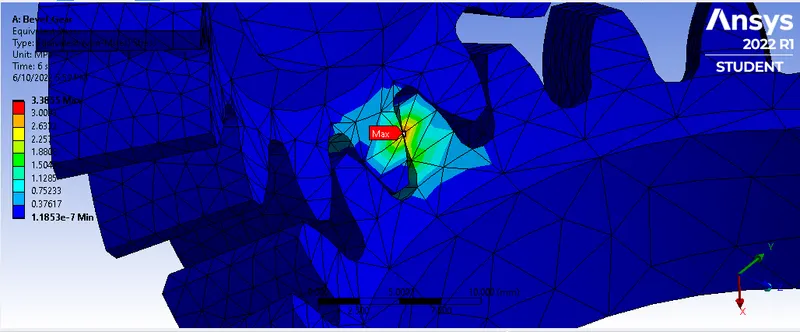
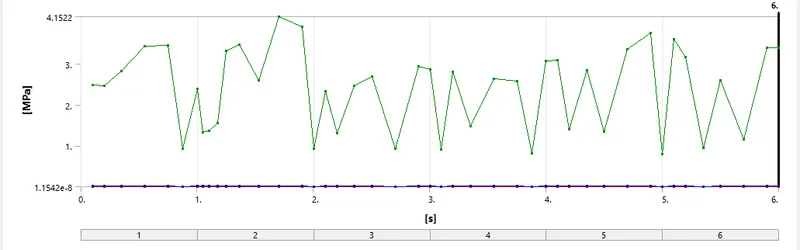
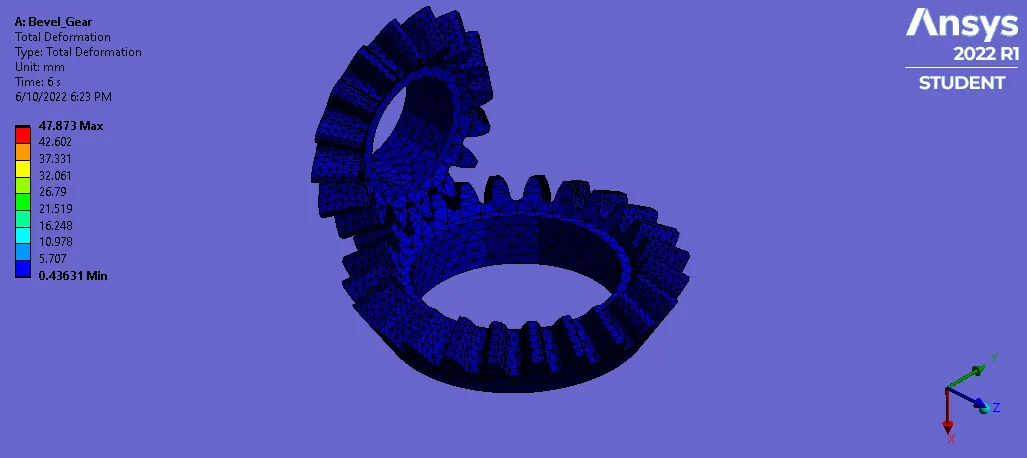
3. Total Deformation-
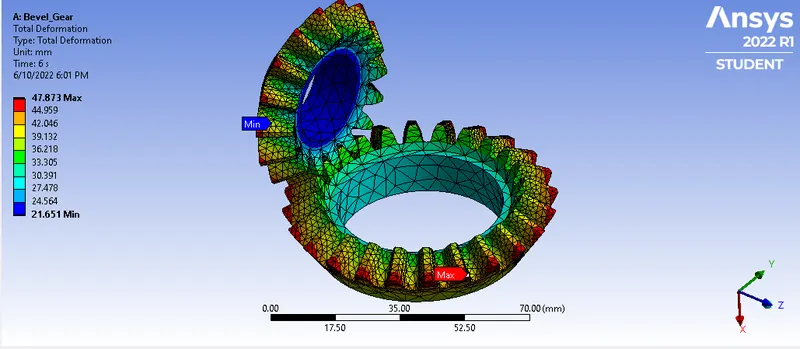
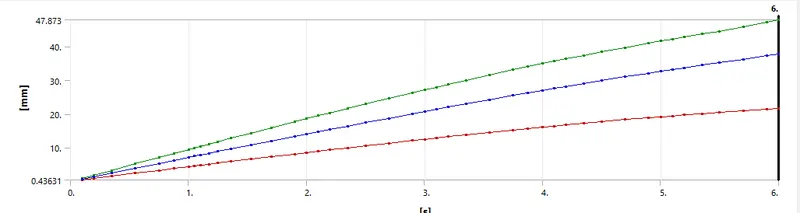
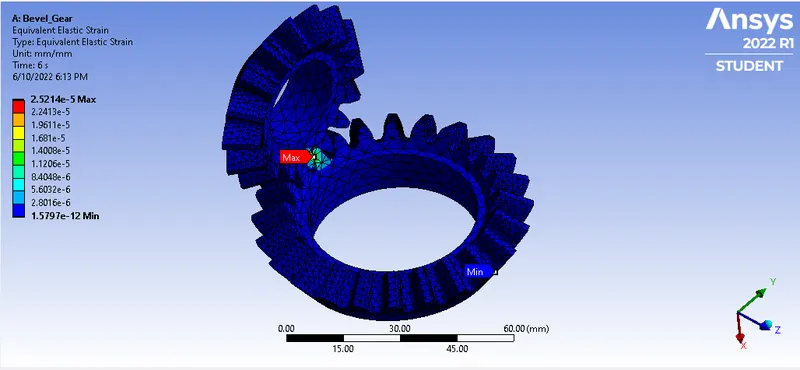
Case-2- 6mm Mesh
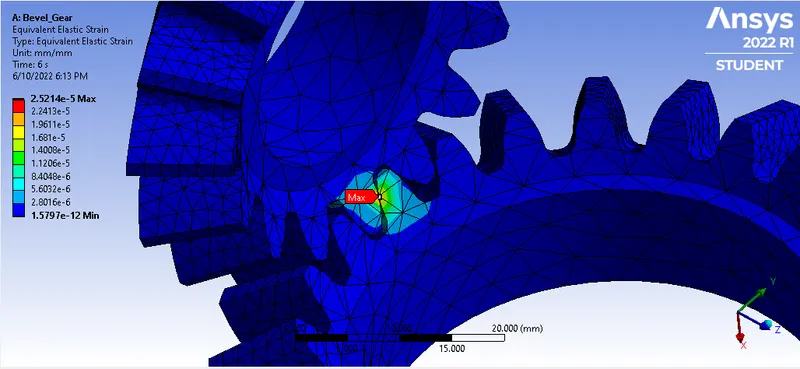
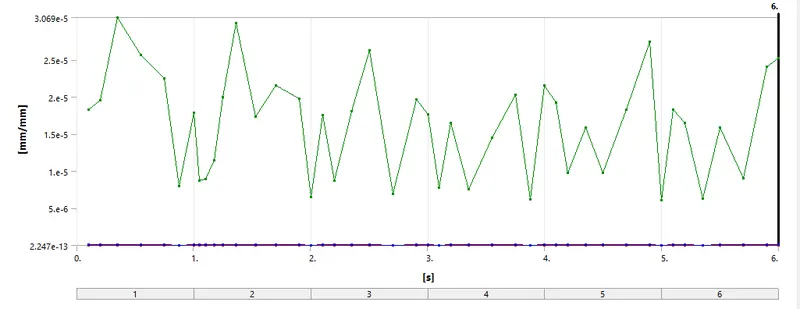
1. Equivalent Elastic strain-
2. Equivalent Stress-
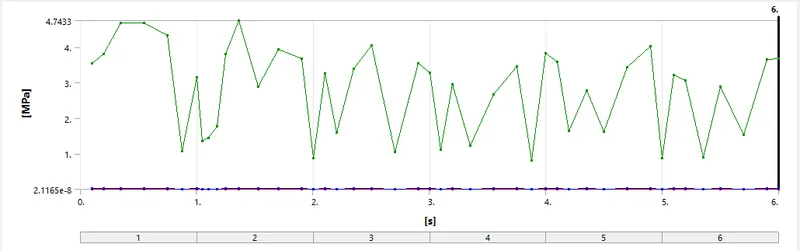
3. Total Deformation-
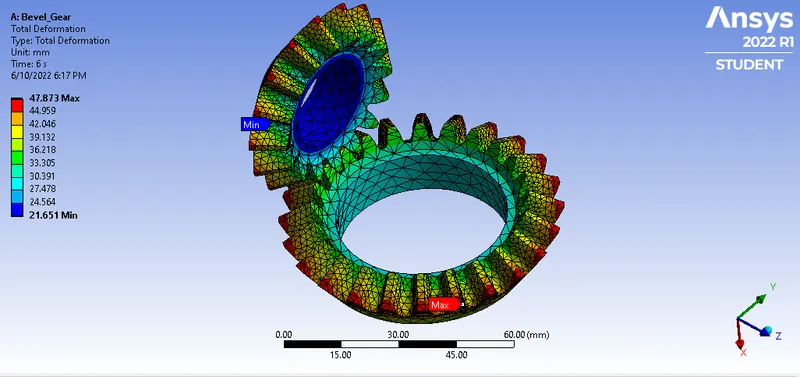
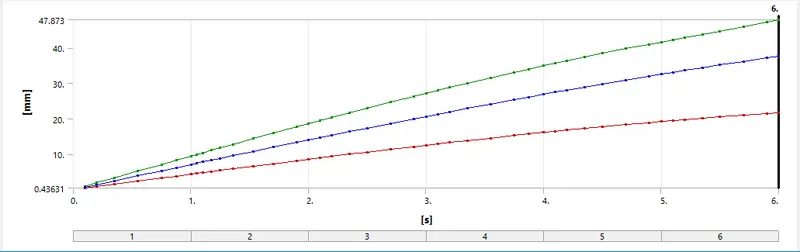
Case-3- 4mm Mesh-
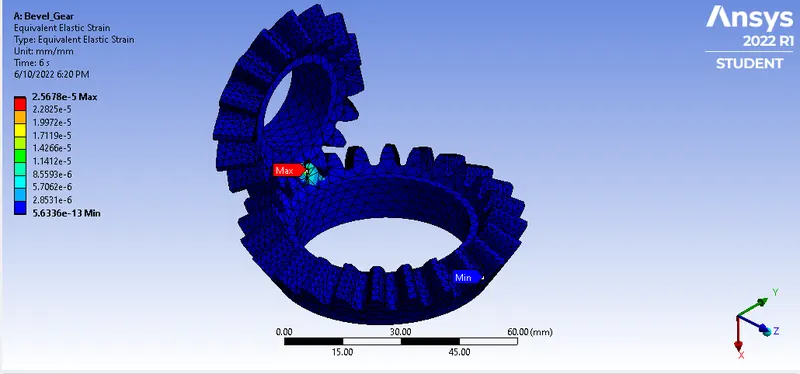
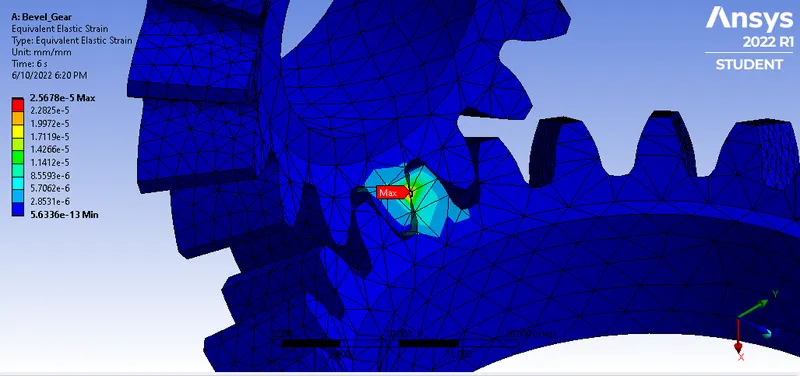
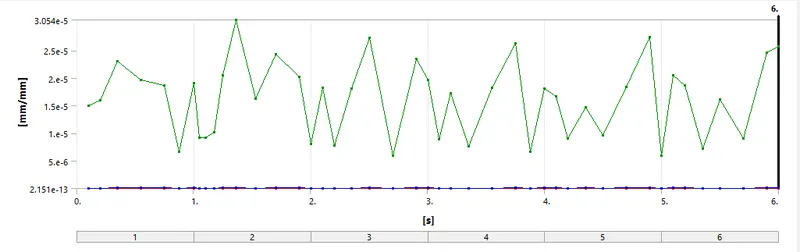
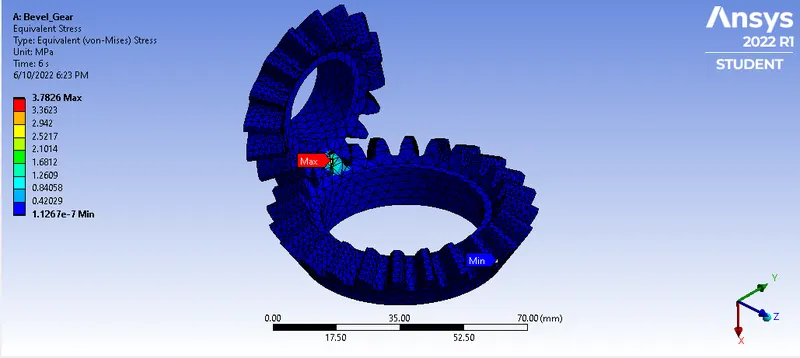
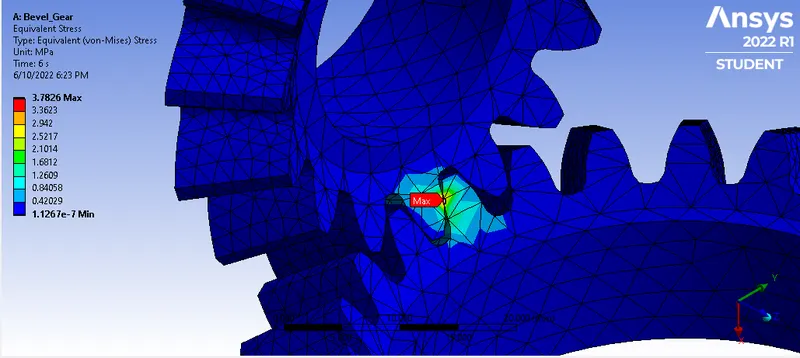
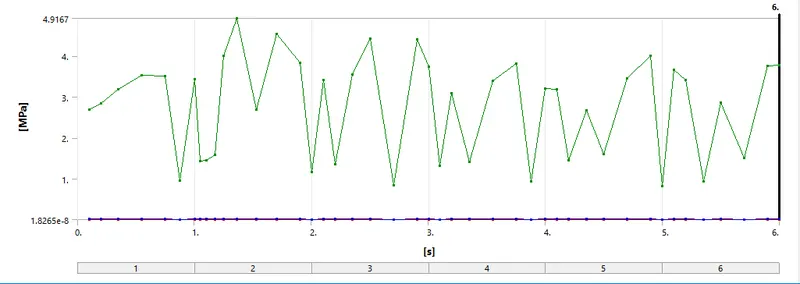
2. Equivalent stress-
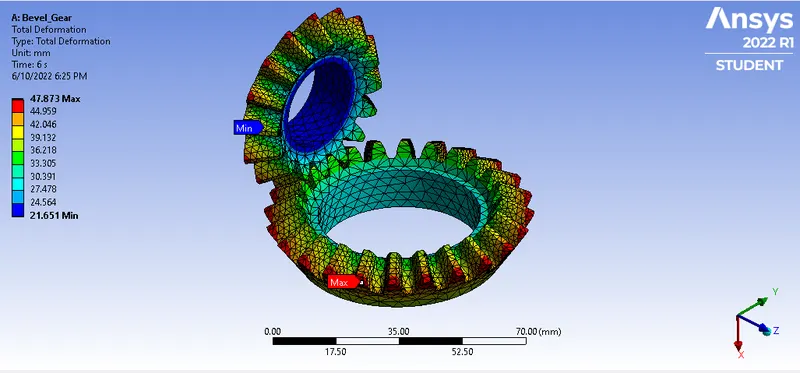
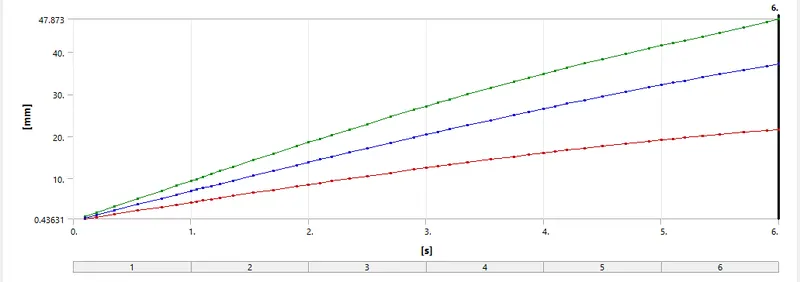
3. Total Deformation-
Result Comparison-
| Cases | Max. Strain | Min. Strain |
Max.Stress (MPa) |
Min. Stress (MPa) |
Max. Deformation (mm) |
Min. Deformation (mm) |
| I | 1.904E-05 | 5.926E-13 | 3.3854 | 1.185E-07 | 47.873 | 21.651 |
| II | 1.579E-12 | 2.521E-05 | 3.6739 | 6.424E-08 | 47.873 | 21.651 |
| III | 2.56E-05 | 5.63E-13 | 3.7826 | 1.12E-07 | 47.873 | 21.651 |
- Now from above table values for we can observe that the values for case 2 & 3 are nearly similar and deforamtion for all cases are same.
Animation-
Case-1-6mm Mesh
Equivalent Elastic Strain-
Equivalent Stress-
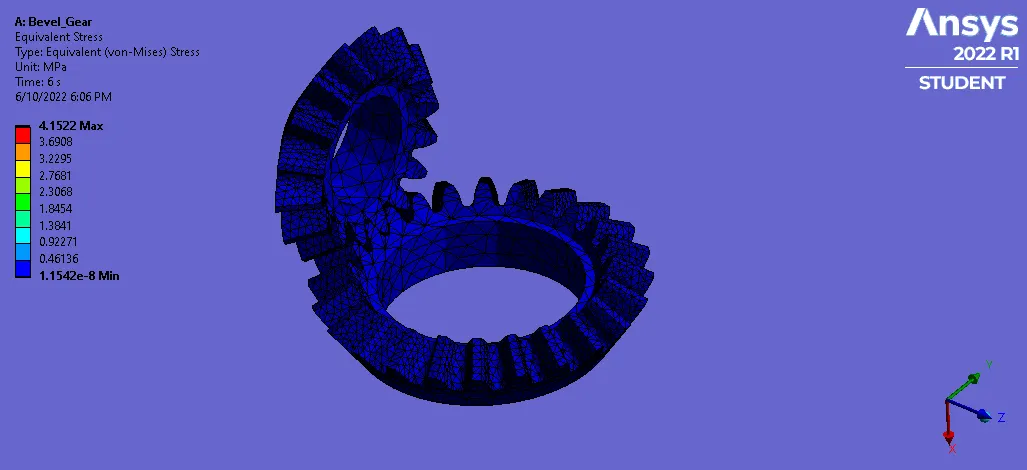
Total Deformation-
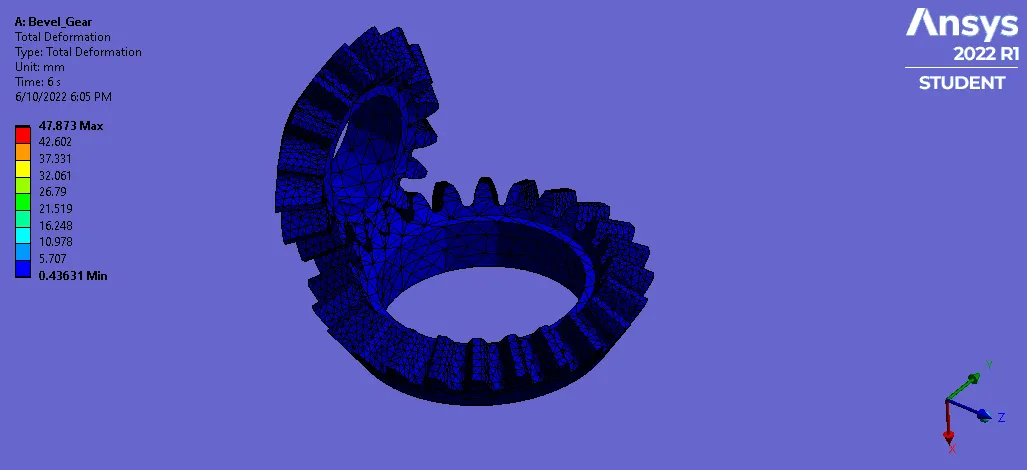
Case-2-5mm Mesh
Equivalent Elastic Strain-
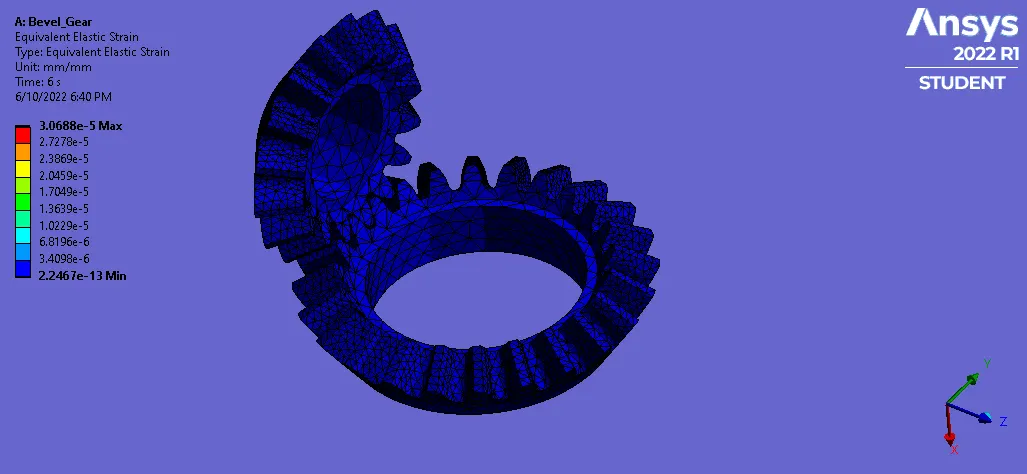
Equivalent Stress-
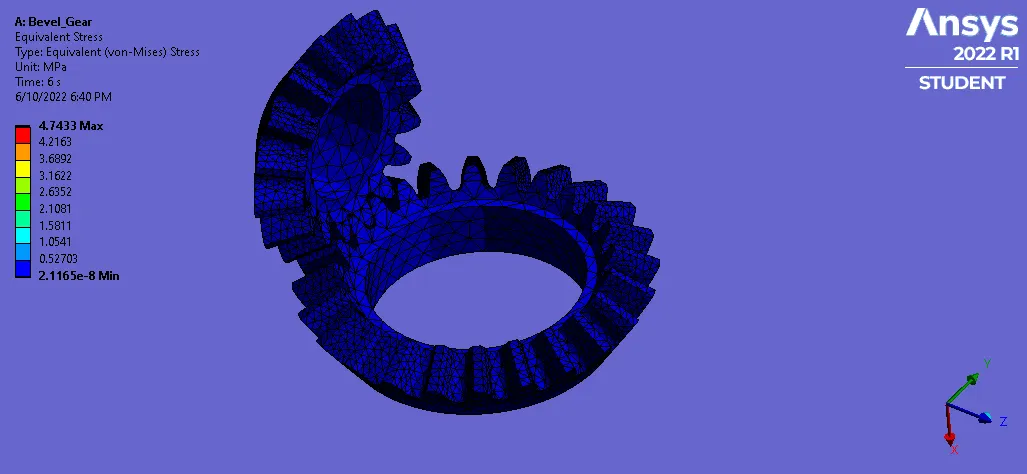
Total Deformation-
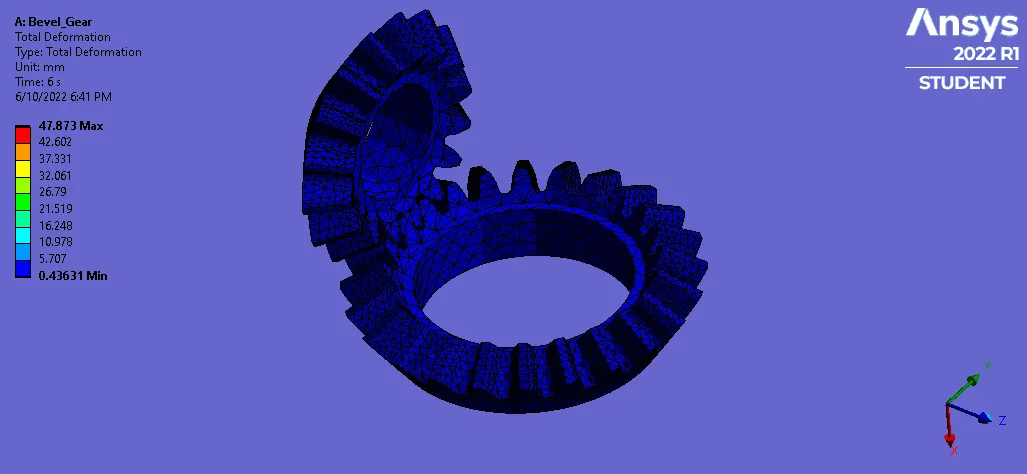
Case-3-4mm Mesh
Equivalent Elastic Strain-
Equivalent stress-
Total Deformation-
Conclusion-
We have successfully done the grid dependency test on the given bevel gear model by differing the global size of the mesh from 6mm to 5mm then to 4mm we achieved better accuracy of the result. We can observe that as the mesh is refined from ex.- from 6mm to 5mm or from 5mm to 4mm, we achieved better approximated result for equivalent elastic strain and equivalent stress with no change in total deformation, however, performing the simulation with further refining the mesh would result in a very close approximation of the result but with very negligible change in the result with increase in the more power and time for computation.