Project 1 - 2D meshing on the instrumental Panel
Aim-
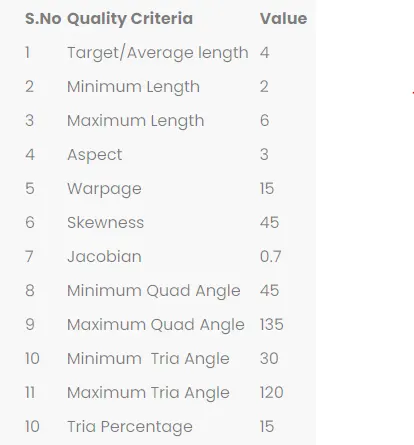
In this project for the given component, check for the geometrical errors and mesh with the given element Quality criteria. After meshing the component the thickness has to be assigned.
Procedure-
- We will first start with model importing and check for geometrical cleanup.
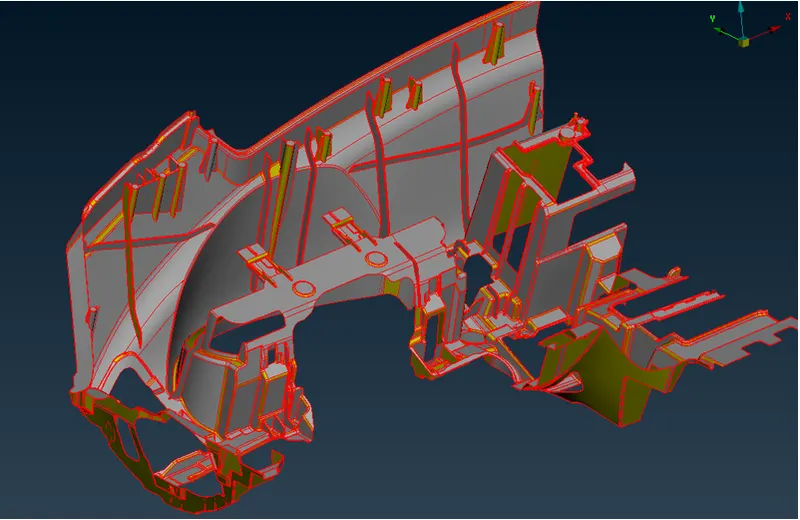
- Now for geometry check go to Tools>>checks>>geometry>>click on run.
- It is showing some errors which needs to be cleared.
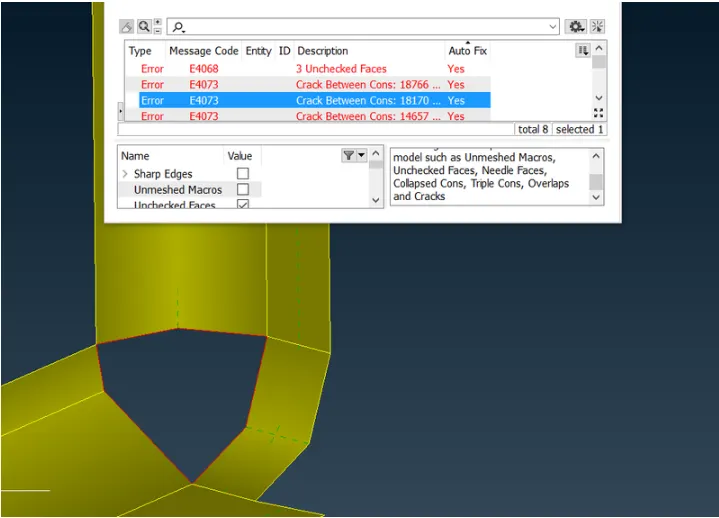
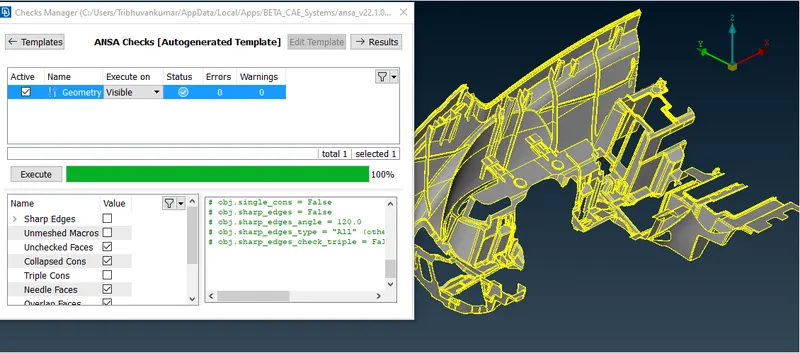
- Now After geometry cleanup go to orient and orient views as per all yellow inside, for that go to Topo>>faces>>orient.
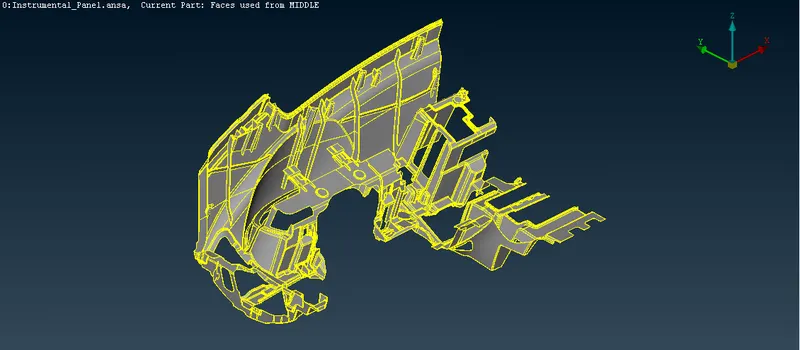
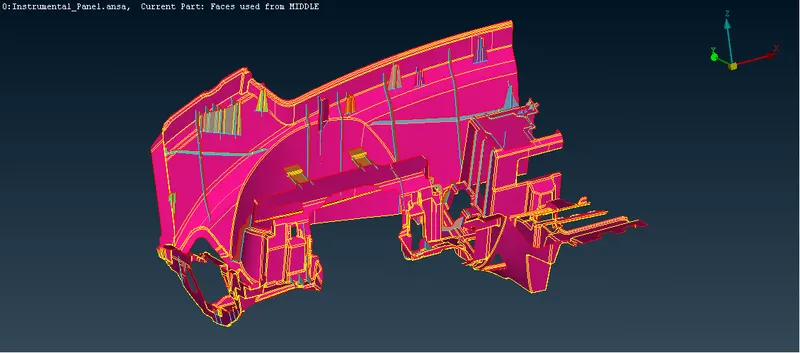
- Now we will extarct mid surface by offset method and for doing so go to topo>>faces>>Offset>>Select edges and do offset as per measured thickness.
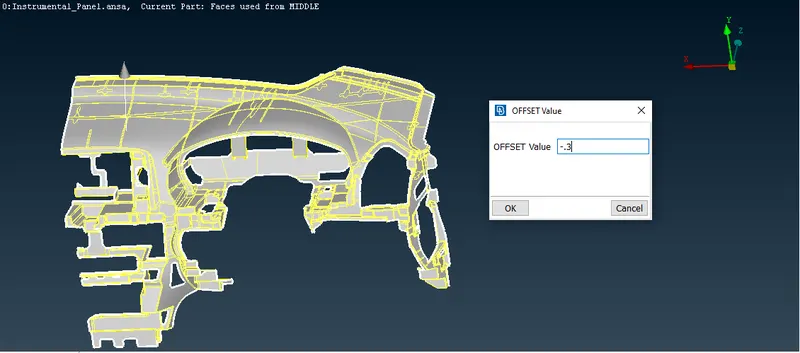
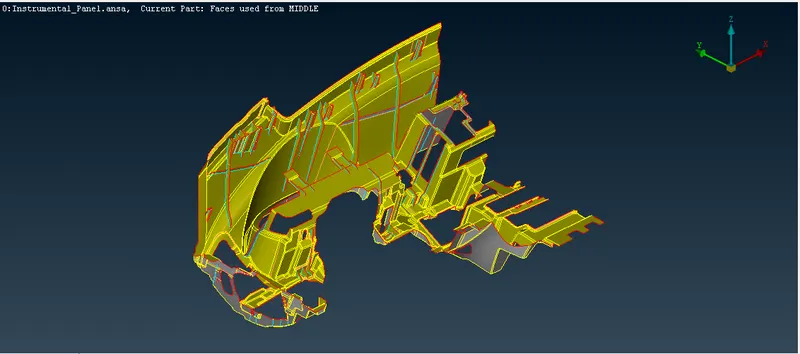
- Now by same way we will extract our mid-surface.
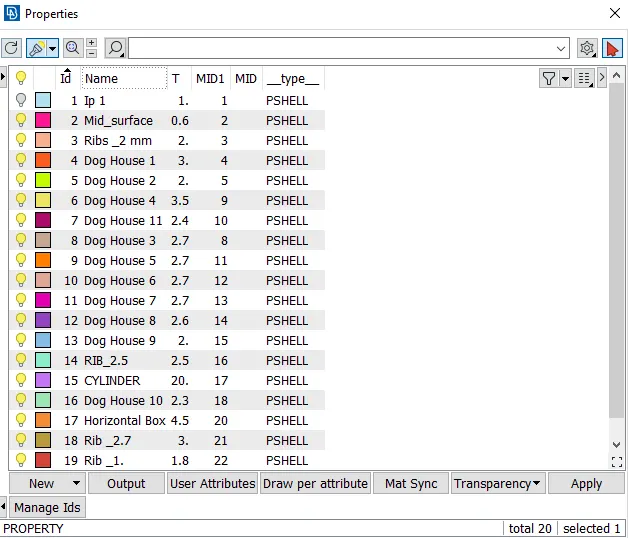
- Now we will set different PID's as per thickness we have for this mode.
- Now we have to set the mesh parameters and quality criteria for meshing.
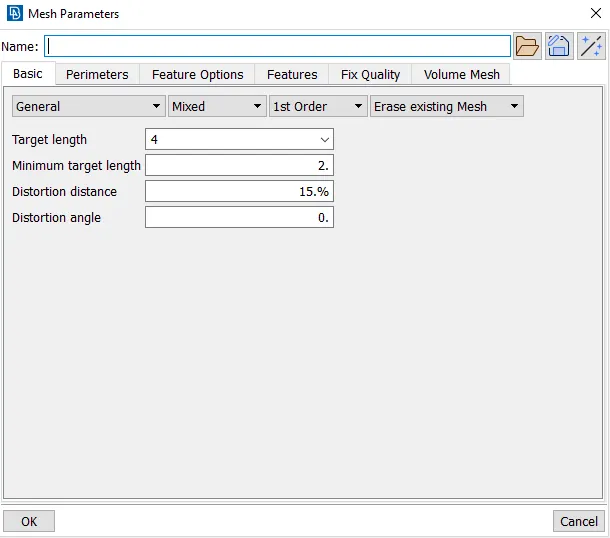
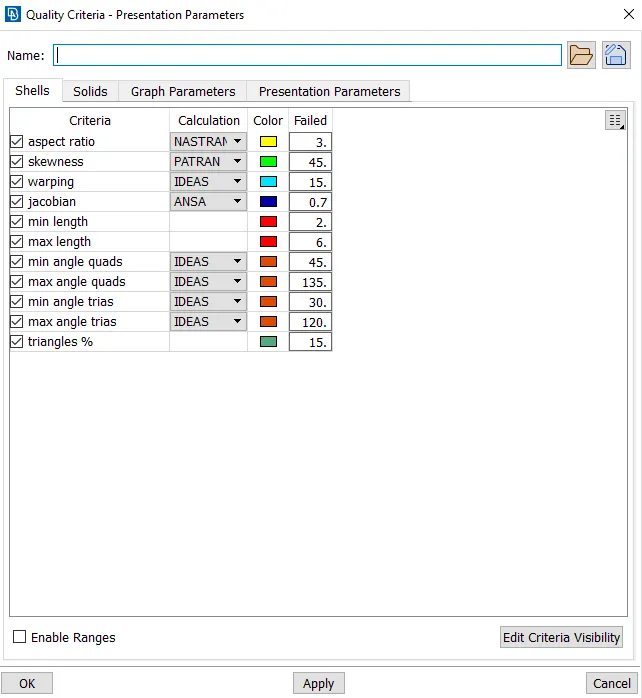
- Here mesh has been generated using batch mesh as it also gives good mesh flow, for that go to tools>>batch mesh>>select by PID and select all mid-surface PID's.
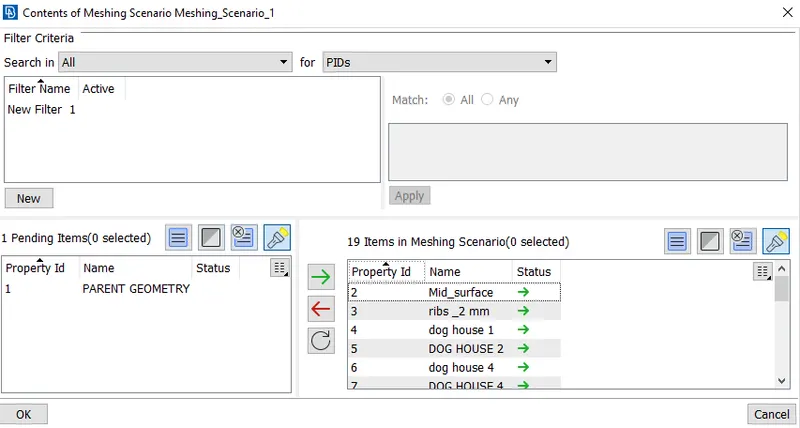
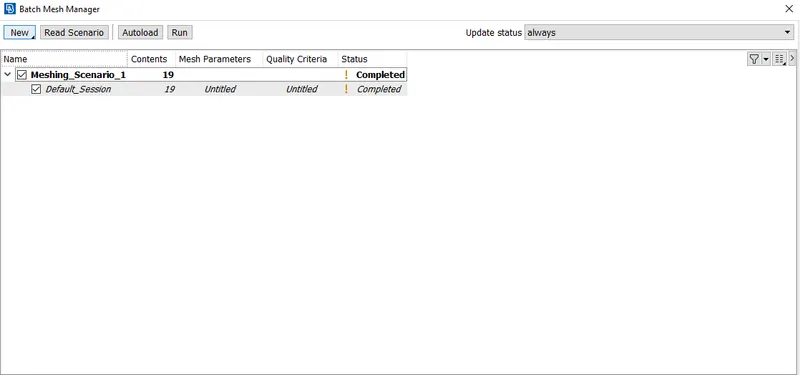
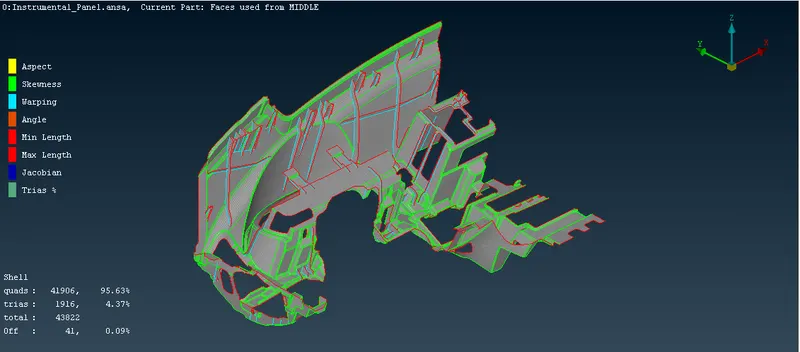
- Now it has given decent mesh flow but with 151 off items which we need to clear upto some extent.
- After clearing off elements we have only left with 41 off element which can not be cleared as area near it is very small.
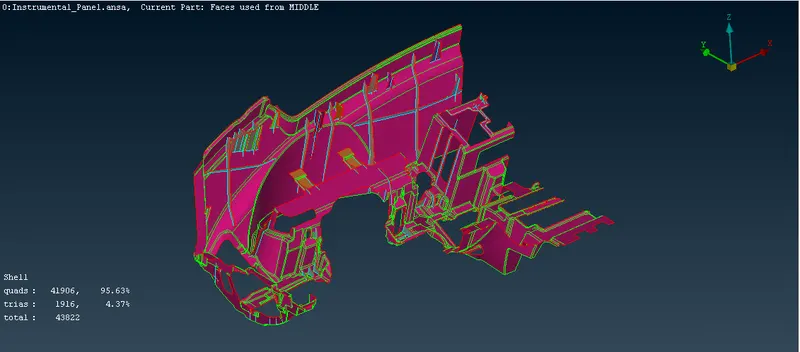
- Now final mesh model as per PID's will look like as per below.
Learning Outcome-
- Learnt about mid-surface generation of complex parts and how to work manually for mid surface generation.
- Learnt about meshing of complex plastic components with different thickness and learing quality critreria.
- Got an idea for what are differences between casting mesh and sheet metal meshing.
Conclusion-
In this project we have successfully generated mid surface for given plastic component and using batch mesh technique deployed the mesh with fewer element failures.Assigened the different thickness for all parts of the component as per measurement.