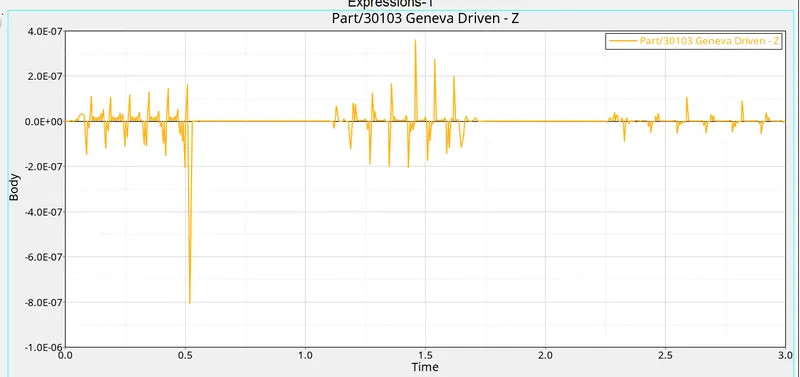
Mid Project - 2
AIM :-
To import the snap file of the internal geneva mechanism and to simulate it.
IMPORTING AND DEFINING THE MODEL :-
The snap file of the model is imported using the import geometry option by going to file --> import --> geometry. Once done, the model gets loaded.
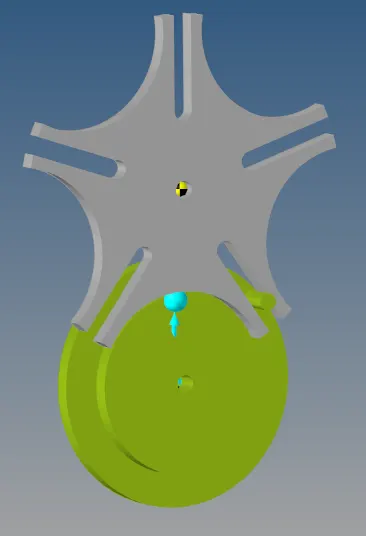
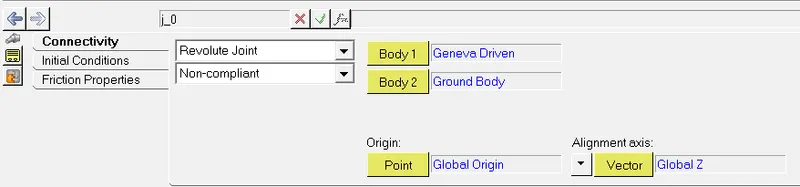
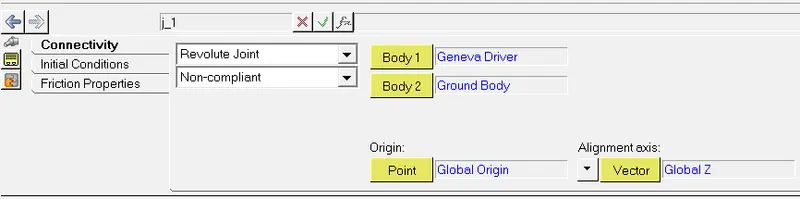
The joints for the driver and driven mechanisms are created and defined.
3D contact is established between the driven and driving mechanism.
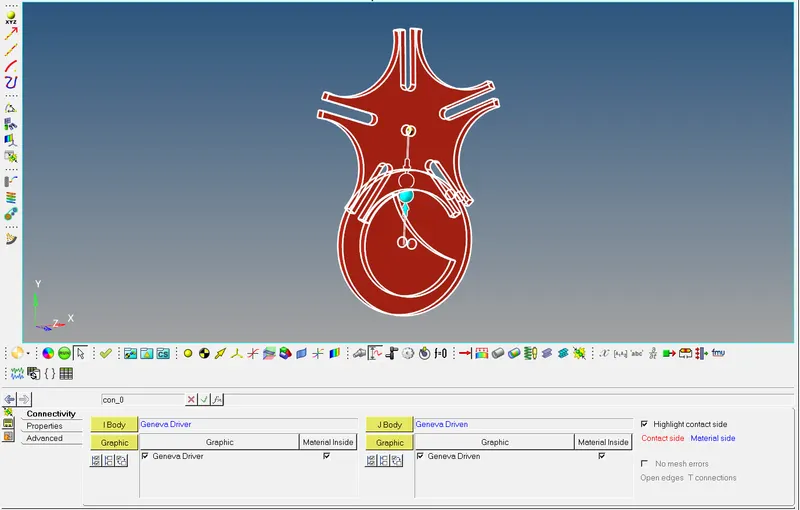
A motion is defined at the driver mechanism.
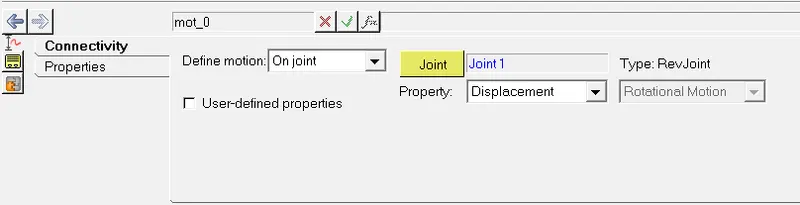
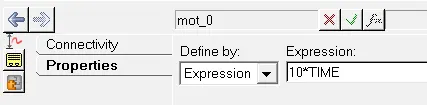
The motion is defined as an expression of the simulation time.
After the motion is defined the simulation is run and the graphs of the driven mechanism are plotted.
OUTPUT :-
The contact force and displacement of the driven mechanism are plotted.
Contact force,
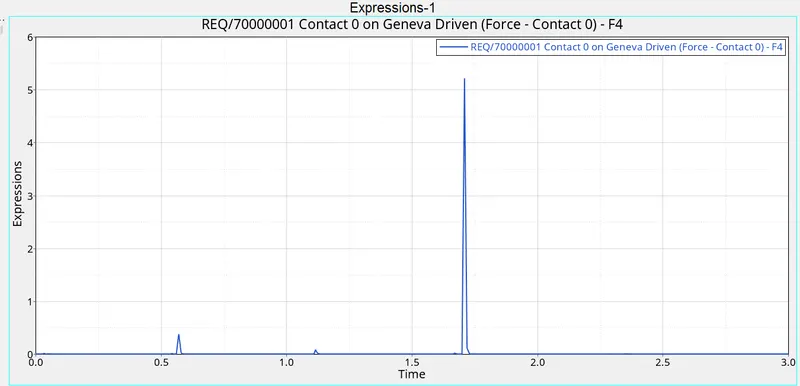
Displacement,