Adams challenge 4 - suspension creation
AIM :-
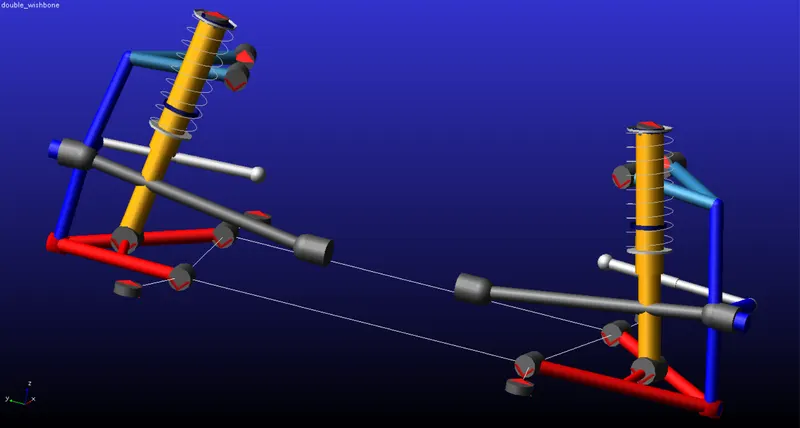
To create a double wishbone suspension system assembly using the templates from the ADAMS Car folder.
PROCEDURE :-
The procedure to setup the double wishbone is given below,
- Open File.
- Under File select New and then Subsystem.
- A dialouge box opens and the following are filled in order.
- The subsystem name is entered.
- The minor role is selected to front. This means that the subsystem created is for the front of the vehicle.
- Right click under template name and select the double wishbone template from the acar shared database.
- Once opened, the double wishbone sub system is then saved in the private database.
The procedure to construct the assembly is given below,
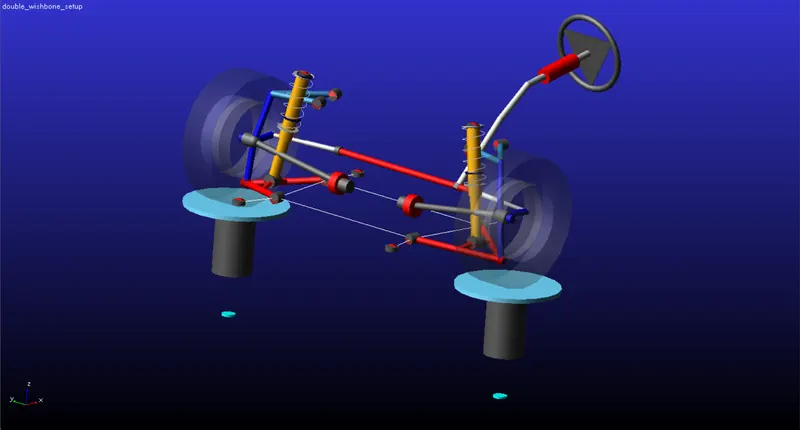
- Open File.
- Select New and the Suspension Assembly.
- The following are filled in order in the dialouge box.
- The assembly name is defined.
- Under suspension subsystem, the double wishbone subsystem which is saved in the private database is selected.
- The steering subsystem section is activated and the mdi_front_steering subsystem is selected from the acar shared database.
- Under suspension test rig section the default selection MDI_SUSPENSION_TESTING is left as is.
- Click on Apply, and the assembly is created.
CONCLUSION :-
The double wishbone suspension system is created using the templates.