Week 8-3D Tetra Meshing Challenge
- Aim: To create Teramesh for the Housing.
- Objective:
- To create a tetra mesh for the given component.
- To do the solid mesh cleanup.
- Perform the different solid mesh techniques to remove the errors.
- Method:
- In solid meshing, the ability to mesh is referred to as mappability. Mappability is directional and can be likened to putting a surface mesh on one face of the solid, then extending that mesh along a vector through the solid volume.
The ability to control the mesh pattern of a solid mesh by placing a shell mesh on the surface has been available in previous versions. To achieve this, though, the user had to put the shell mesh on the surface before the solid map function was performed and had to do it for each desired face. The solid map panel automatically places a shell mesh on the source faces and then enters into a mesh adjustment panel similar to the one in the auto mesh panel.
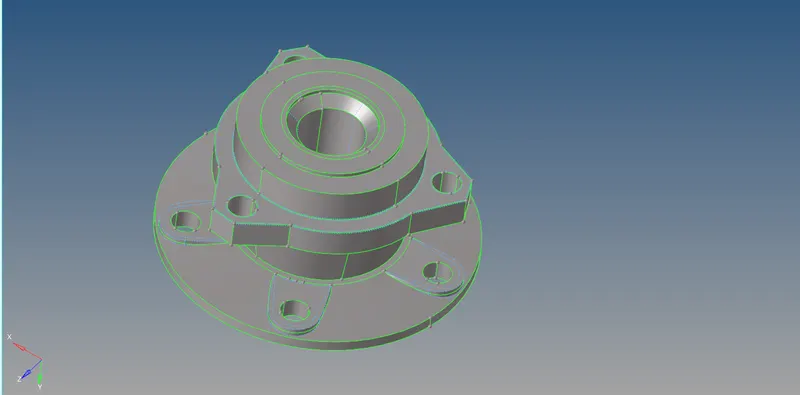
- Housing model:
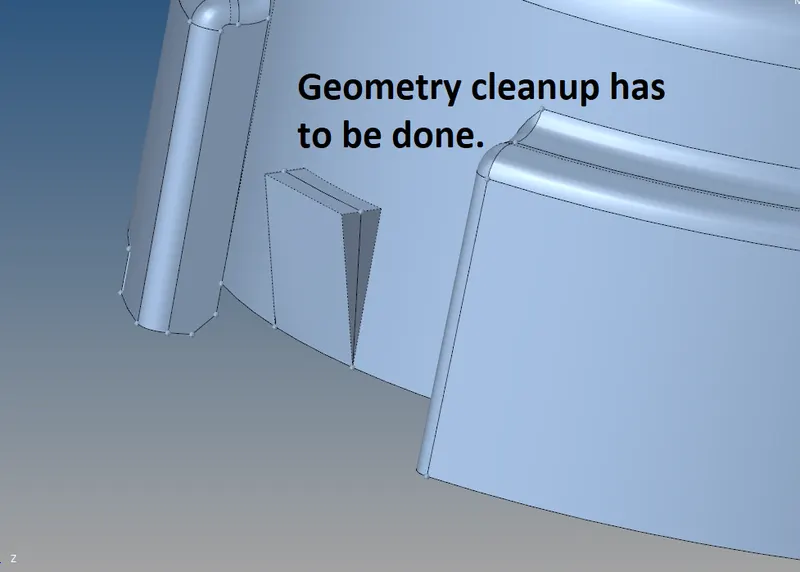
- As per the requirement the model has to mesh. Prior to mesh geometry cleanup has to be done in order to remove the regions where the elements might fail for a minimum length.
- Such areas have to be toggled and changes should be done as per the requirement. Some of the changes are shown below.
 |
 |
|
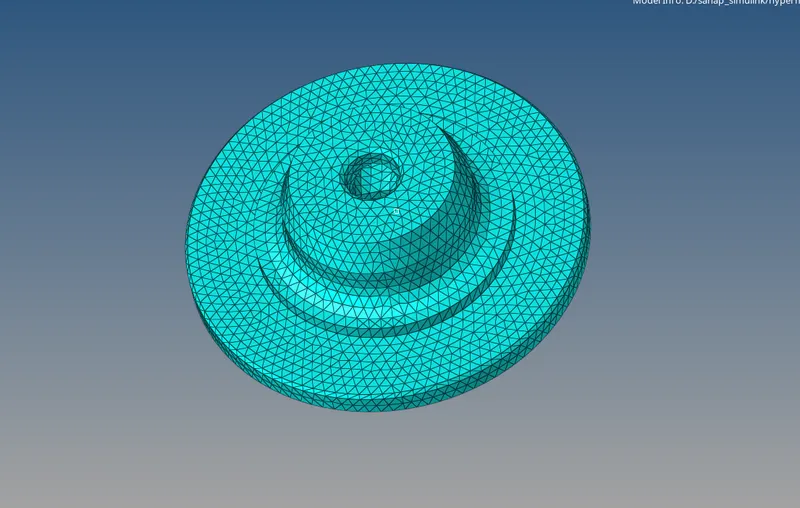
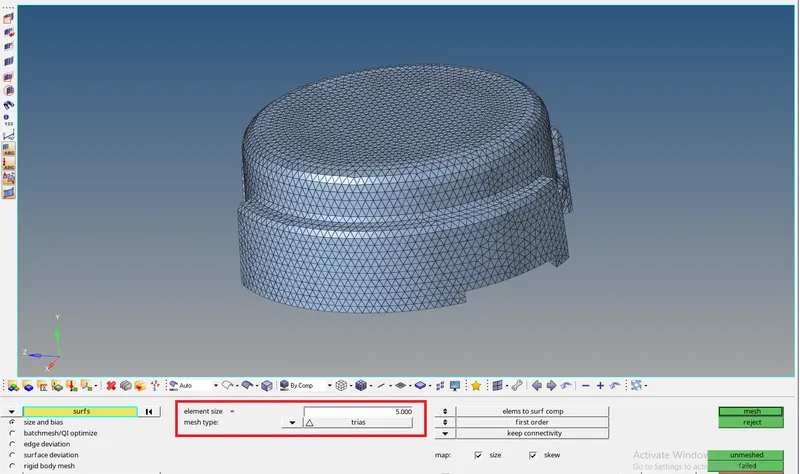
Steps to generate the mesh is shown above. |
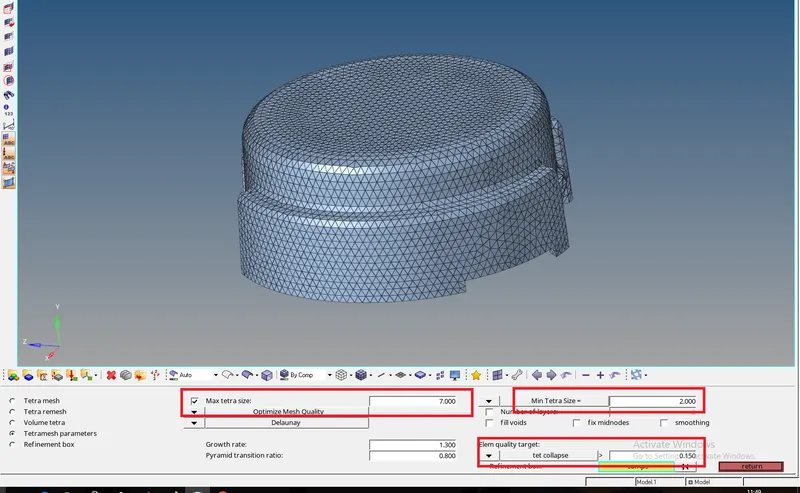
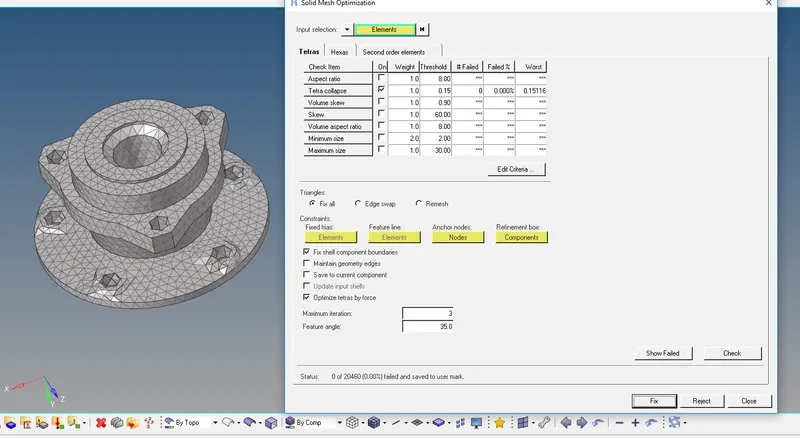
In order to remove the errors, remesh can be done. In order to set the parameters Tetramesh parameters is selected and the parameters are entered there. |
- Model 2:
|
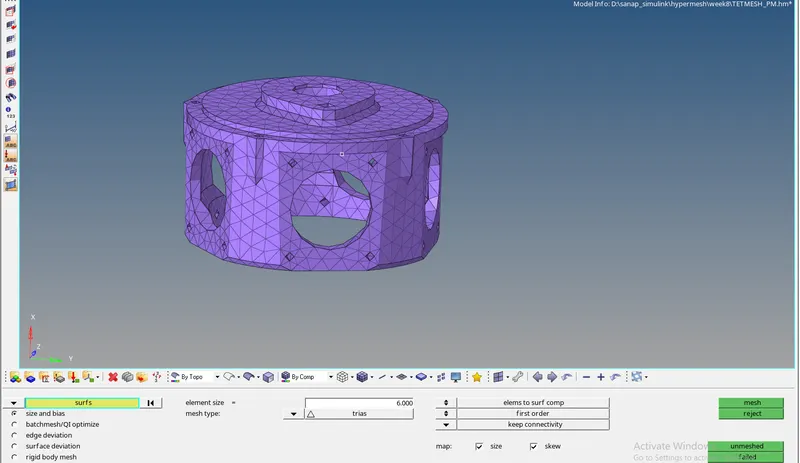
Options for performing the mesh operation. |
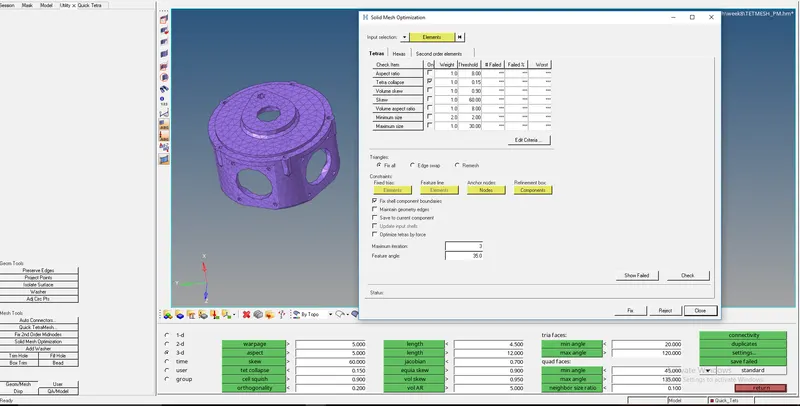 In order to remove the errors there is an option in the Utility, where autocorrelation is performed. Here the hypermesh try to remove maximum or all the errors by itself and perform the cleaning operation. In order to remove the errors there is an option in the Utility, where autocorrelation is performed. Here the hypermesh try to remove maximum or all the errors by itself and perform the cleaning operation. |
|
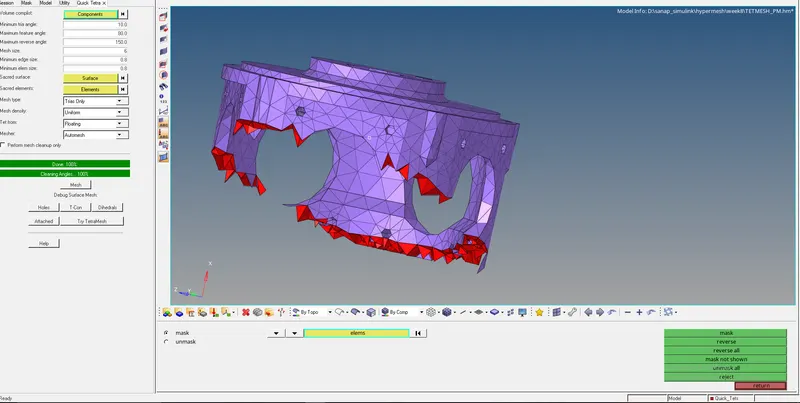
In order to auto mesh the solid, Utility tab is used. Goto View -> Browsers -> Hypermesh -> Utility -> Geom mesh -> Quick tetra mesh |
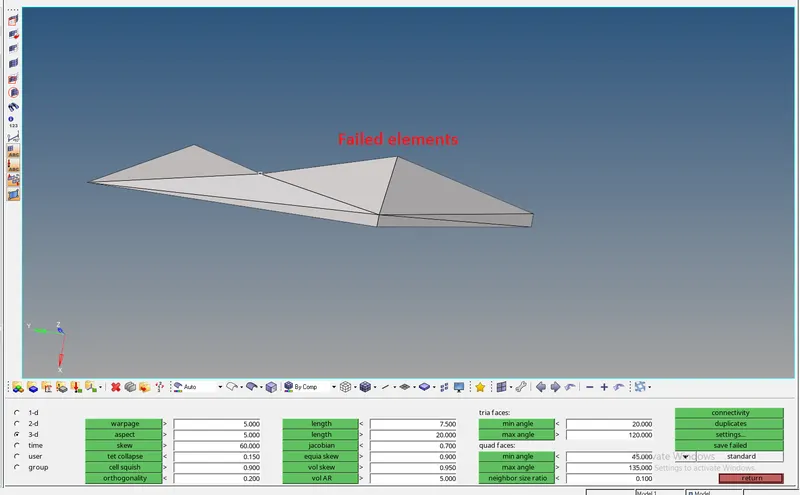
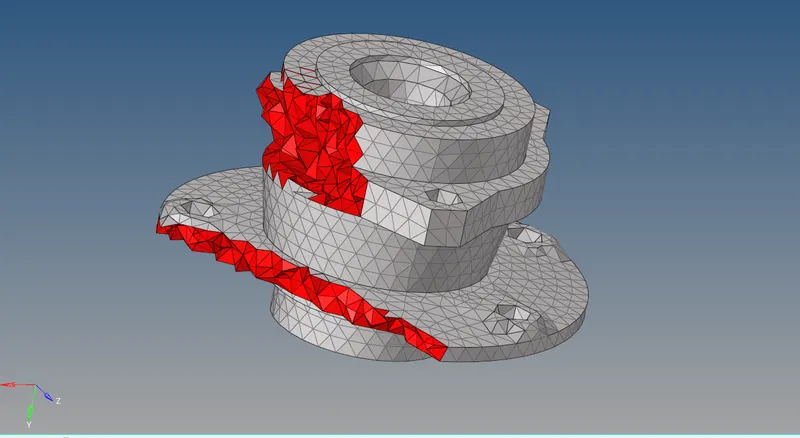
image shows a failed element, which can be removed either manually by changing the distance between two nodes or performing auto clean up. |
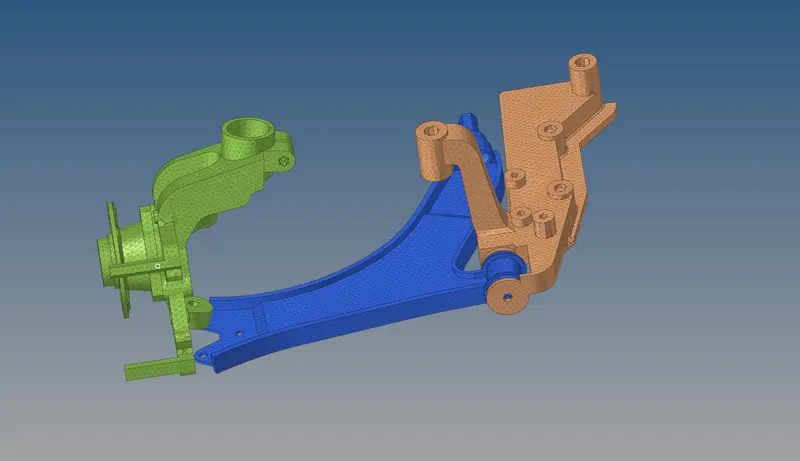
- Suspension system:
|
Geometry cleanup is needed to be performed in order to remove the constrained regions and avoid the failure of elements. This also includes the fillets which are less than the minimum criteria. |
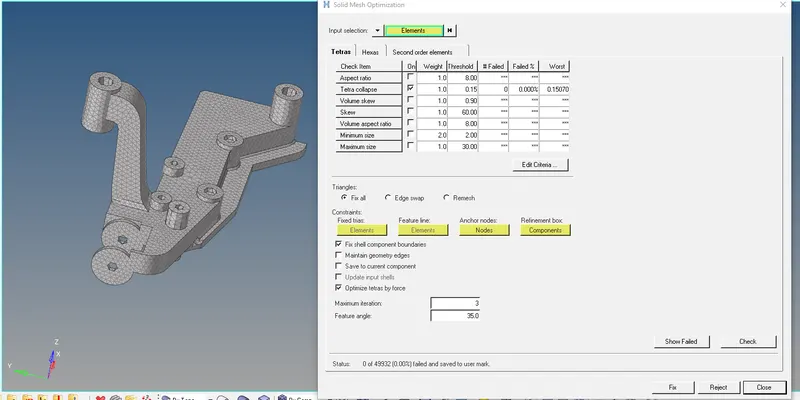
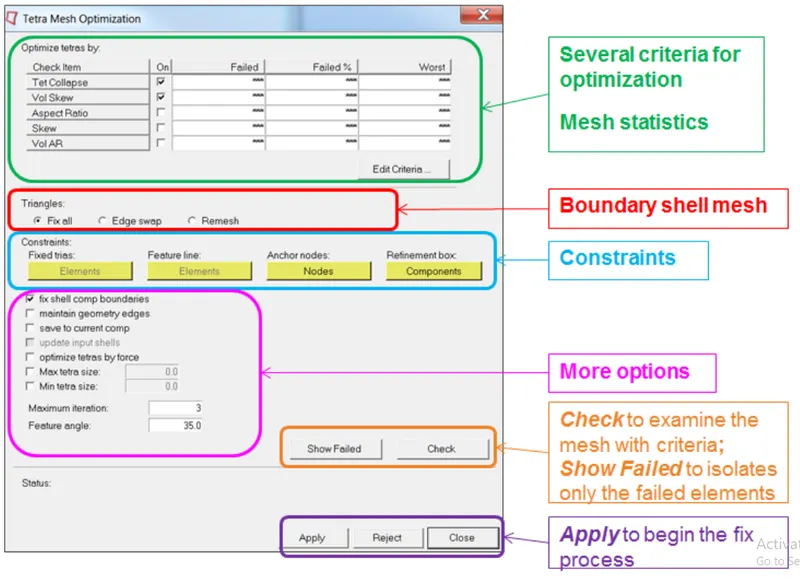
An auto-correction tool to remove the failed elements. |
|
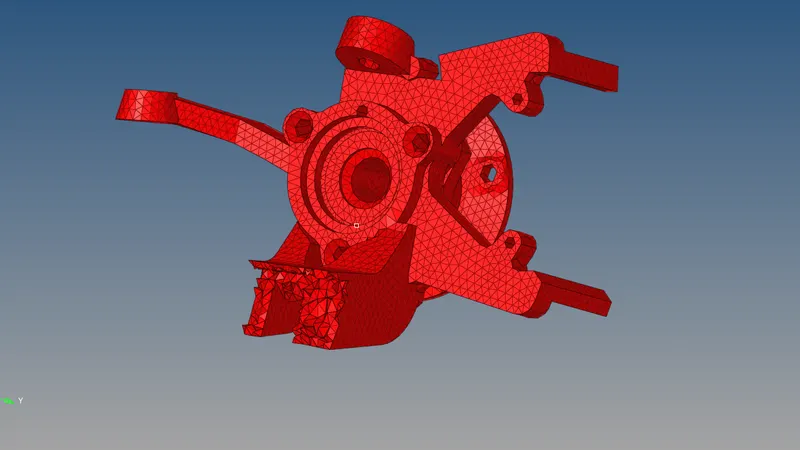
Section to show the 3D generated elements. |
 |
 |
 |
|
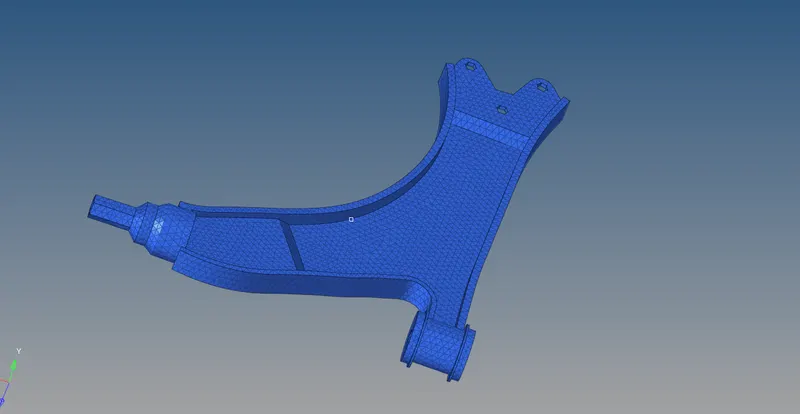
Complete assembly of the given model. |
 |
- Learning Outcome:
- To perform the auto mesh for the given solid component.
- Implementing different ways of performing auto mesh.
- Performing auto-correction technique in the tool.