Week 12:Project-1-Meshing of Door Inner Panel Challenge
Plastic component meshing:
Aim: To Mesh the given plastic component to satisfy the given quality criteria and also to assign the thickness .
Procedure:
1. First import the model into Hypermesh using Import Geometry tab.
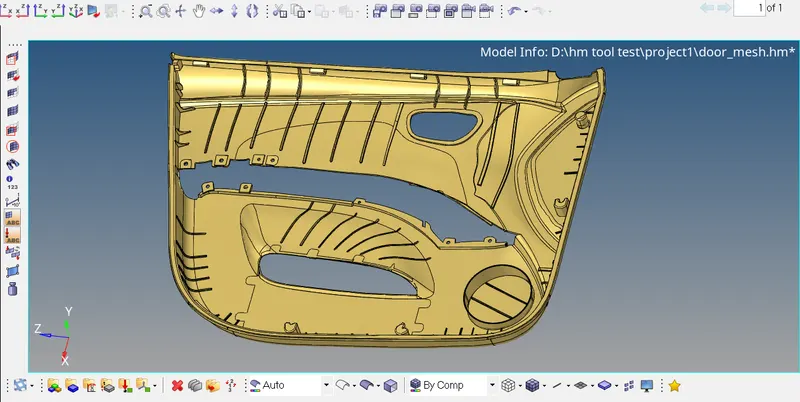
2.We observe that all the components in the model are surrfaces, so we inspect the model in topo mode to rectify the flaws in model and measure the thickness.
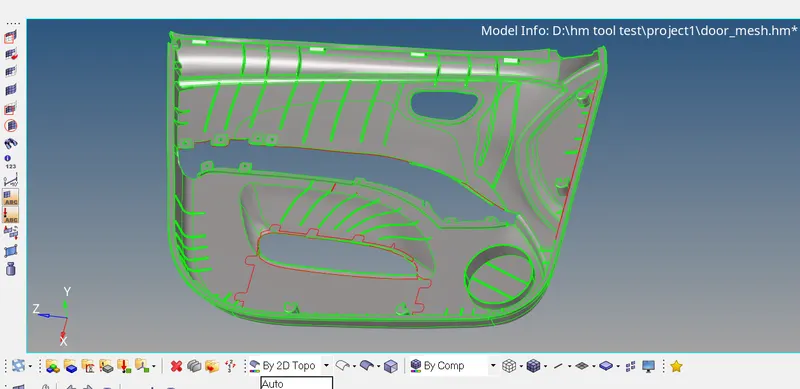
3.After observing the thickness of component, we find that the thickness for the given component is different throughout. So, we prefer to extract the midsurface using the manual midsurface using offset and extend option in surface edit option.
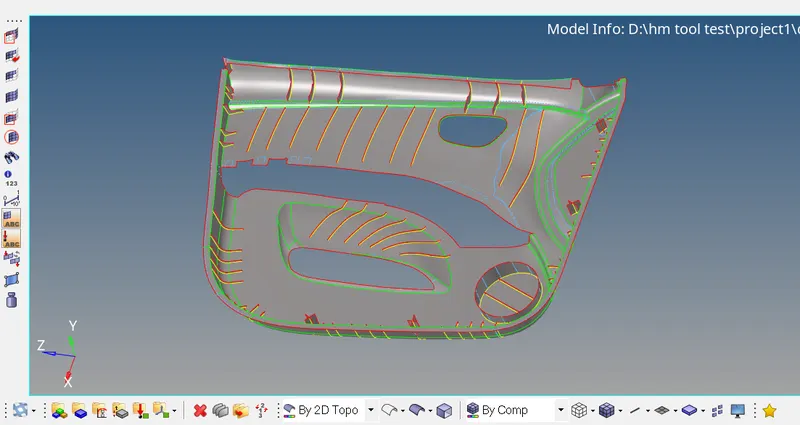
4.We will now set the criteria file settings and create a mesh using automesh and refine the mesh using rebuild mesh for a better mesh flow.
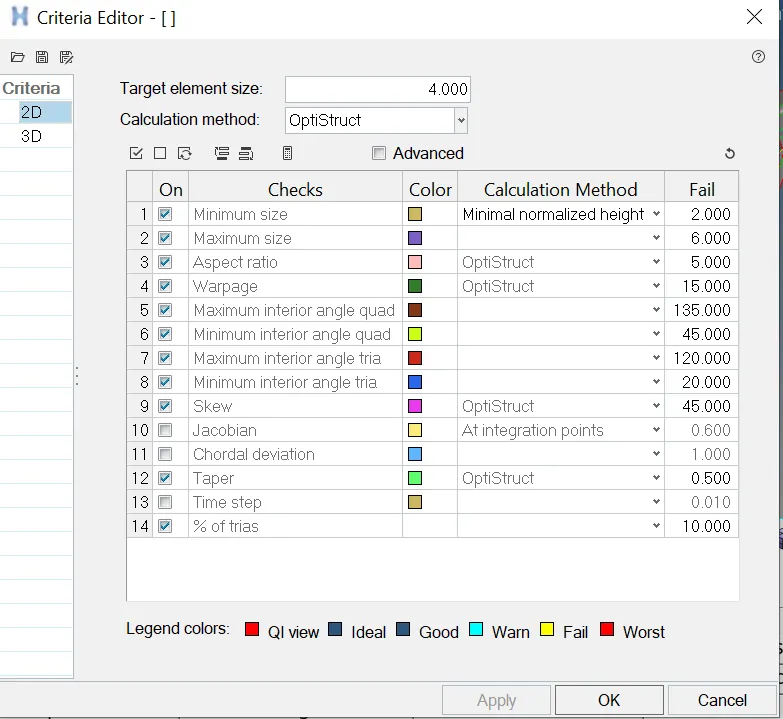
Before automeshing we work on geometry of component using quick edit option to achive better mesh flow;
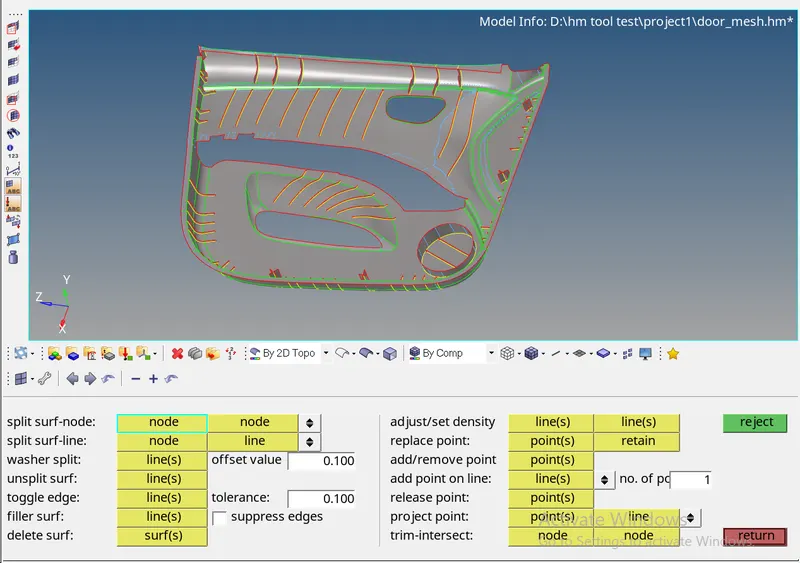
once the geometry cleanup is done the model is ready to mesh,
for meshing under 2D tab use automesh feature , specify the element size ,select surefaces and automesh;
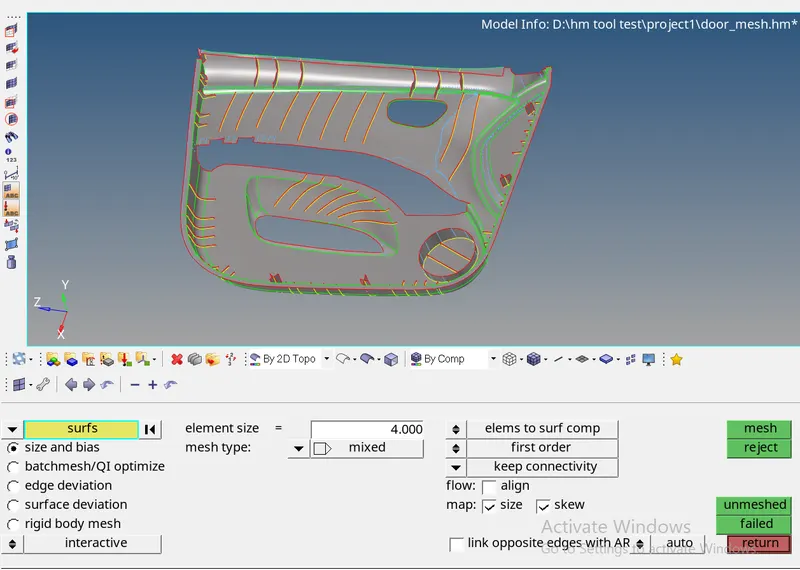
Once the mesh is generated the quality check and quality improvement of mesh is done using Quality index tab and rebuild mesh feature;
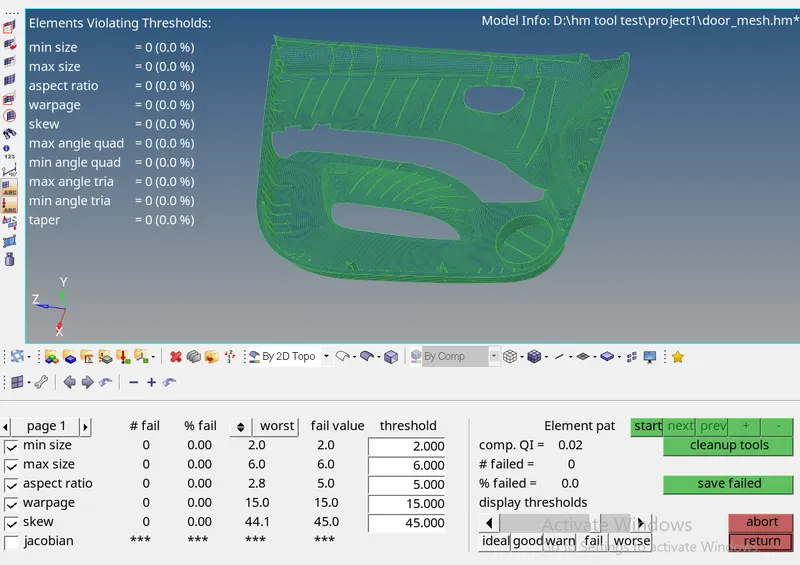
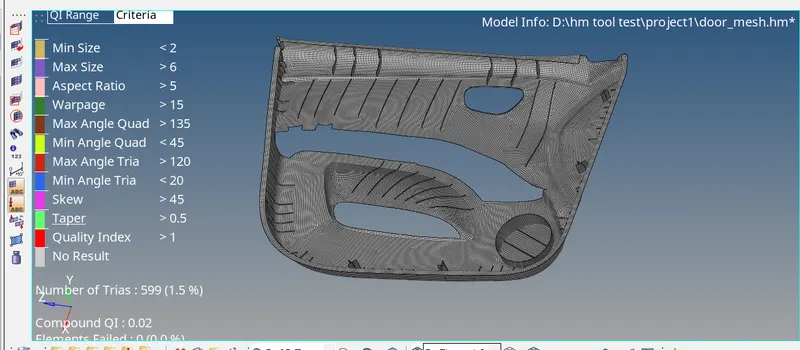
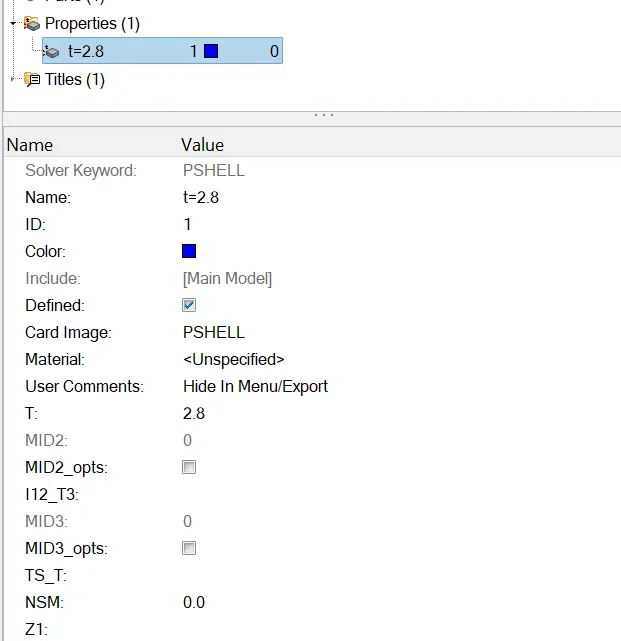
after the mesh is finalised a property card is added to assign thickness to mesh geometry;
Final mesh geometry;
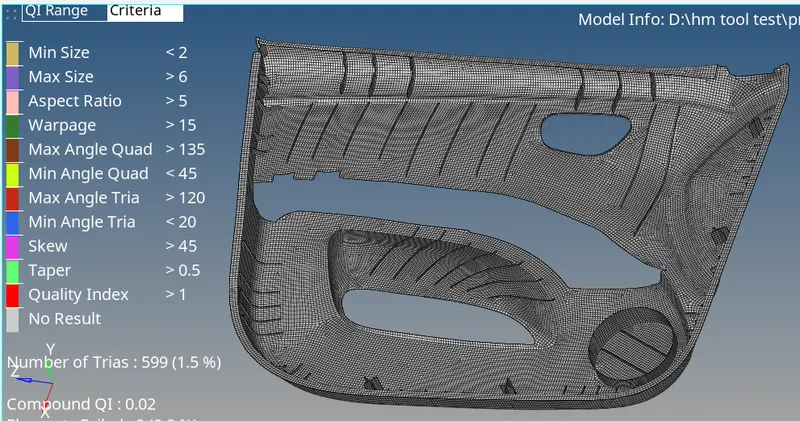
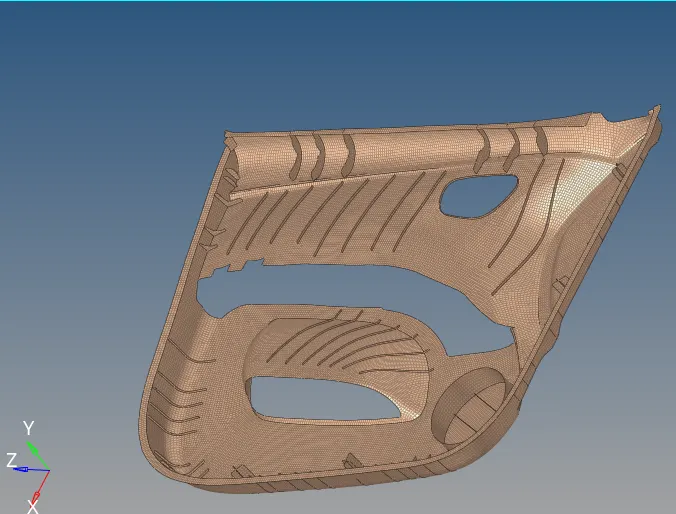
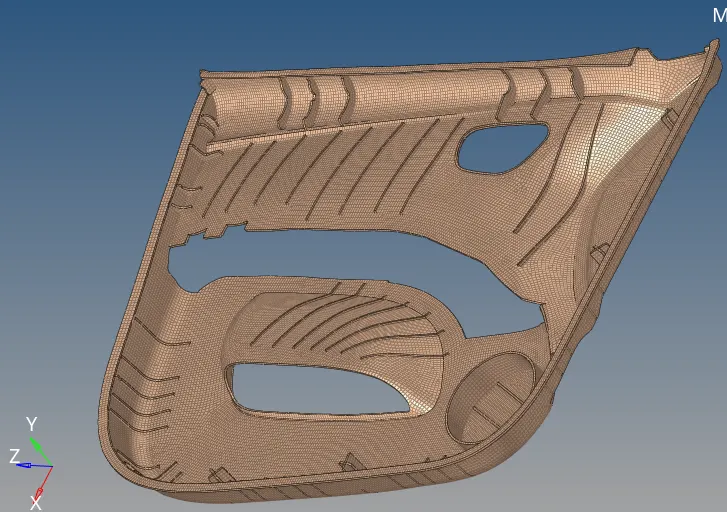
Conclusion: Hence we've succefully meshed given plastic component and fulfiled the quality criteria.