Week 6 - Creating connection for Rear door
CONNECTIONS REPRESENTATIONS OF REAR DOOR
Aim: To perform the connections of the rear door of the car with different connections techniques.
PROCEDURE:-
- Input the files rear door to ANSA.
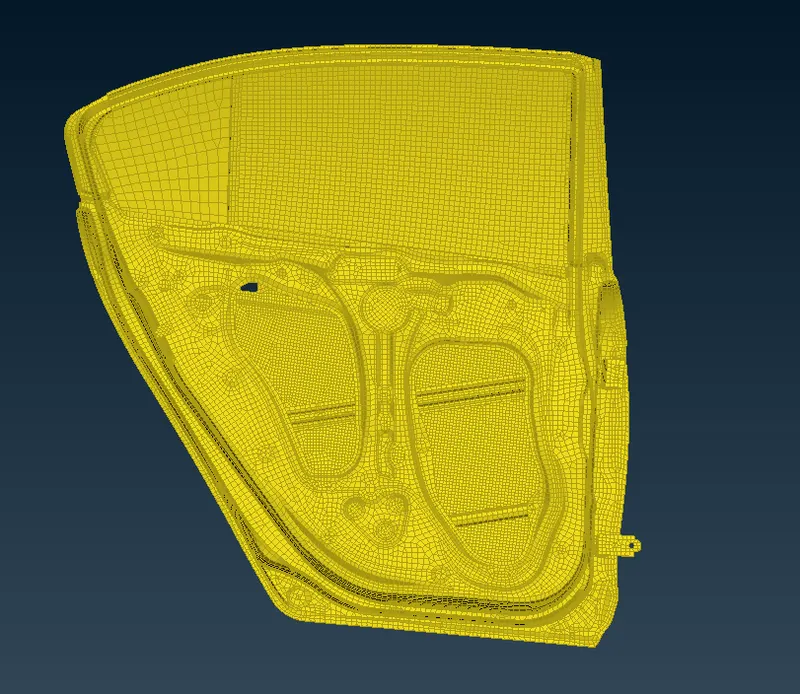
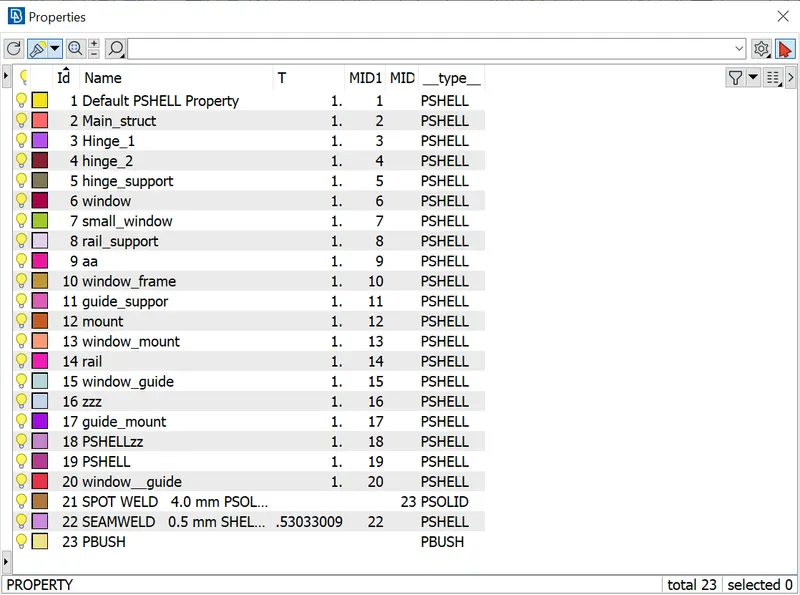
- Set seperate PID's for different spot welding parts.
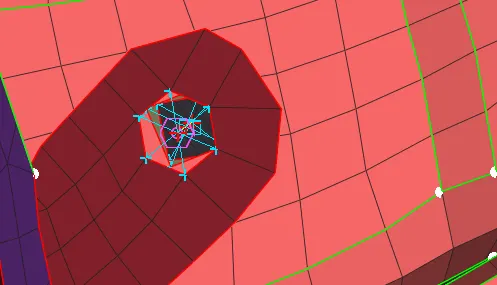
for holes there bolt is used,give a COG points to the holes in parts that need to be connected.convert the COG point to a bolt.use the connection manager and connect the parts by selecting BOLT FEATURE.
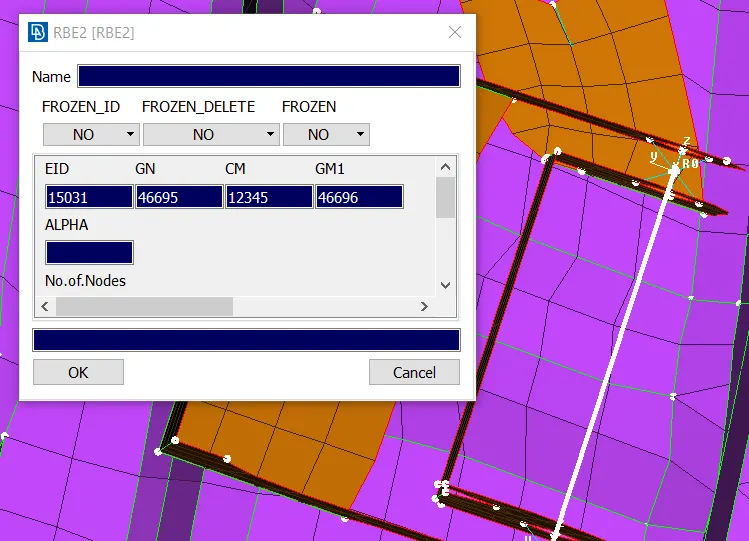
for the door hinge connections create RBE2 elements in order to make the movement of rear door towards one directons delete the six degree of freedom under NASTRAN>ELEMENT>INFO.
For connections involved in SPOT WELDING
- select the nodes and convert it into spot weld point
- RBE3-HEXA-RBE3 is the representation for spot welding.
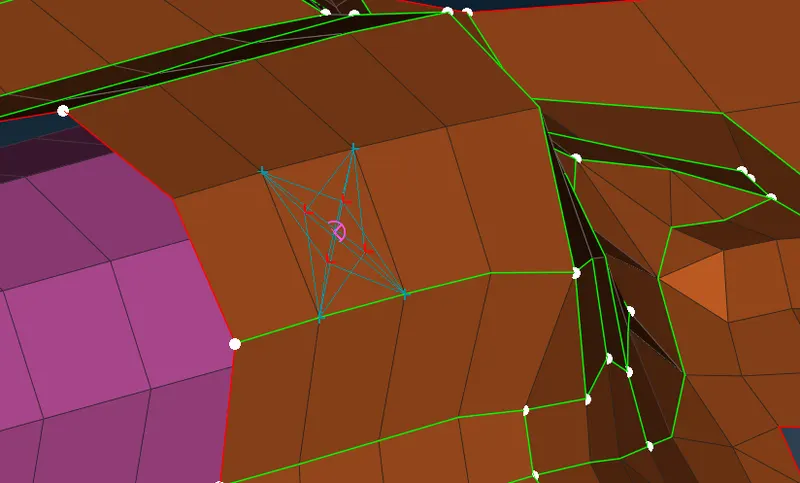
handle connections are made using RBE2 elements along with CONMi>CONM2>NODES in order to give mass representation of the handle as tonnes.
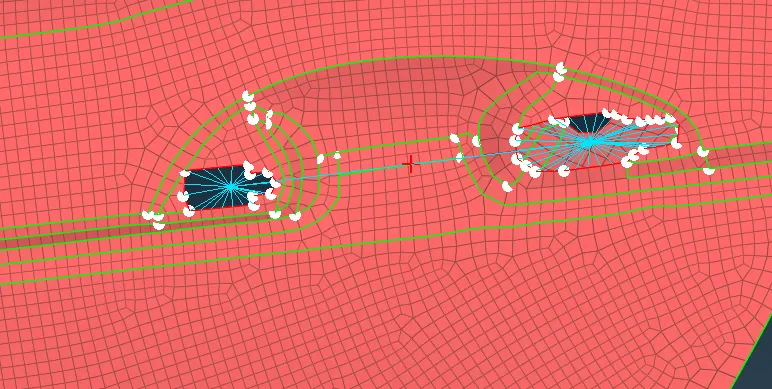
connections for windows
- create curve around the perimeter of the window.
- transform them into spot lines.
- select the lines after opening CONNECTIONS MANAGER RBE3-CBUSH-RBE3 is used to represent Window Connections because windows are connected with soft bending to absorb shocks.
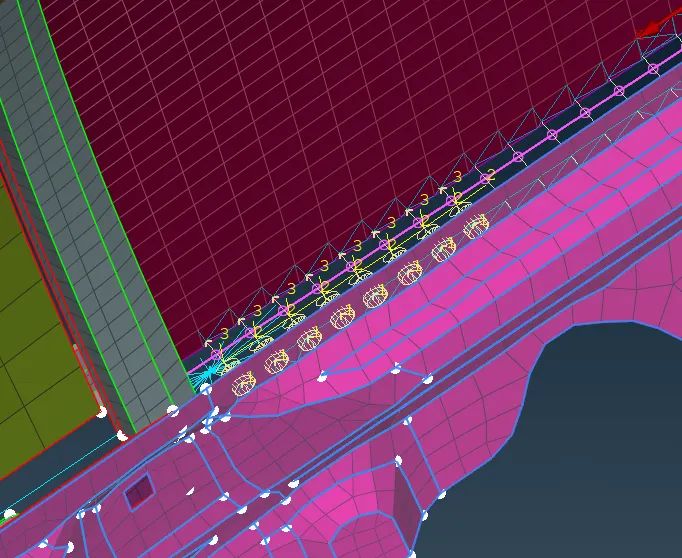
Seam weld;
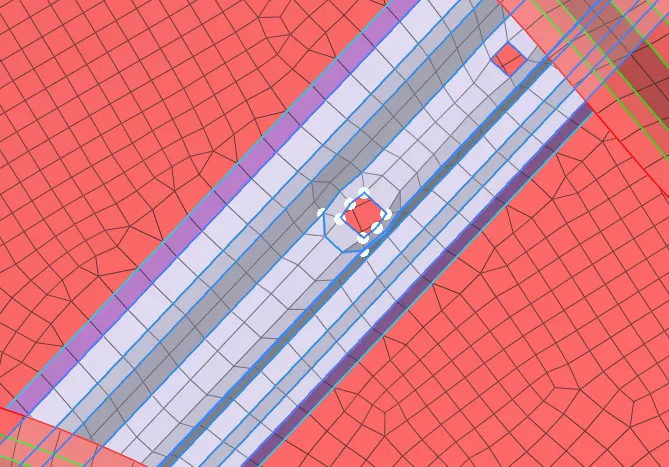
CONCLUSION:
Various connections like BOLT, Spotweld, seam weld and CBUSH are created and realized. All the given objectives are satisfied.