Week 6-Meshing of Hood Challenge
Aim: Mesh the given hood using the given quality criteria and also to assign the thickness as shown below.
Procedure:
1. First import the model into Hypermesh using Import Geometry tab.
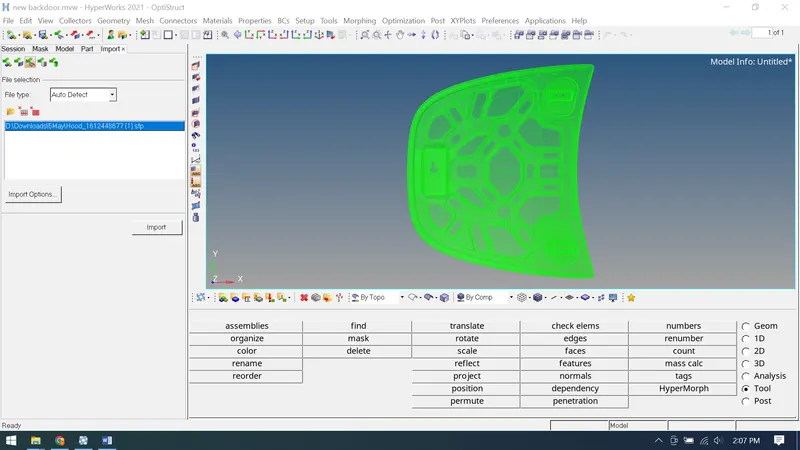
2.We observe that all the components in the model are solids, so we delete the solids and convert them into surfaces.
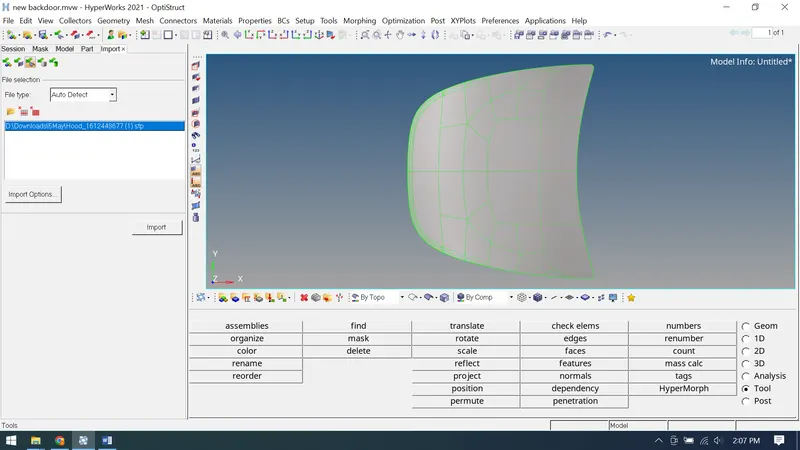
3.After observing the thickness component, we find that the thickness for the given component is same. So, we prefer to extract the midsurface using the auto midsurface option using autoextract as extraction options.
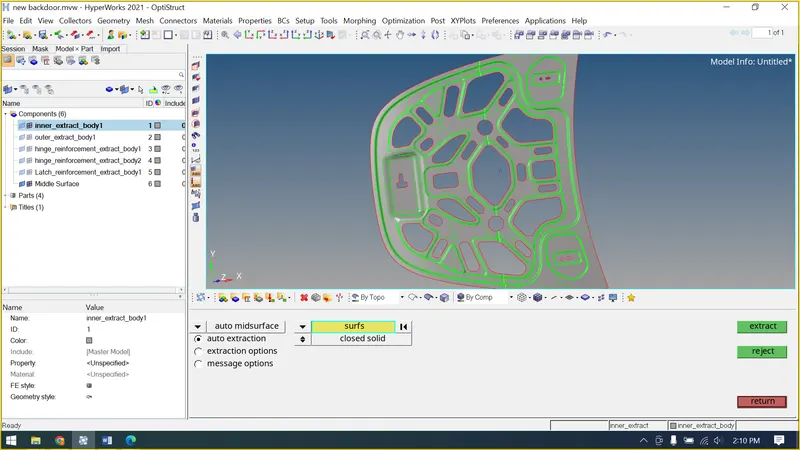
4.Now we do the geometry edit as given below for the components as shown below.
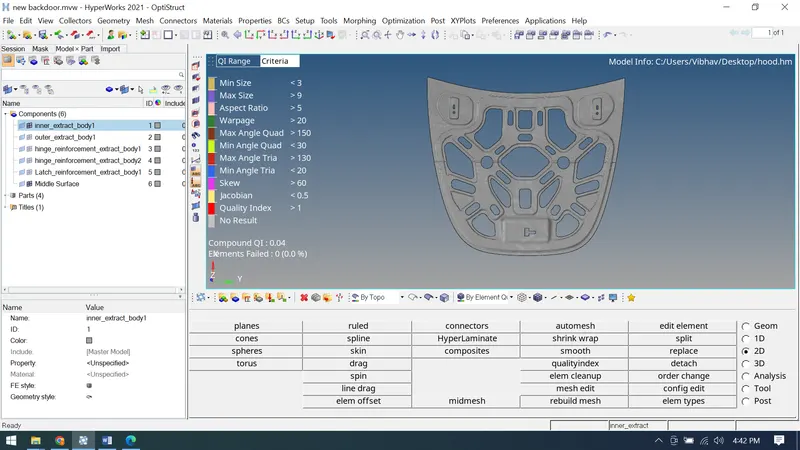
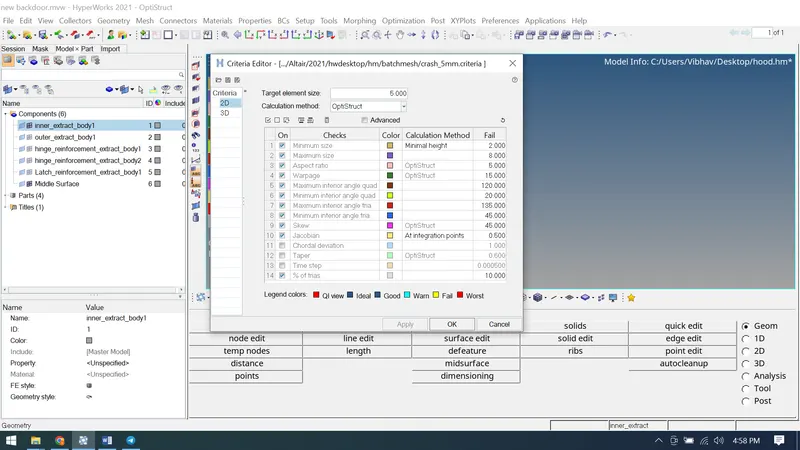
5.We will now set the criteria file settings and create a mesh using automesh and refine the mesh using rebuild mesh for a better mesh flow.
The final Hood obtained is as follows:
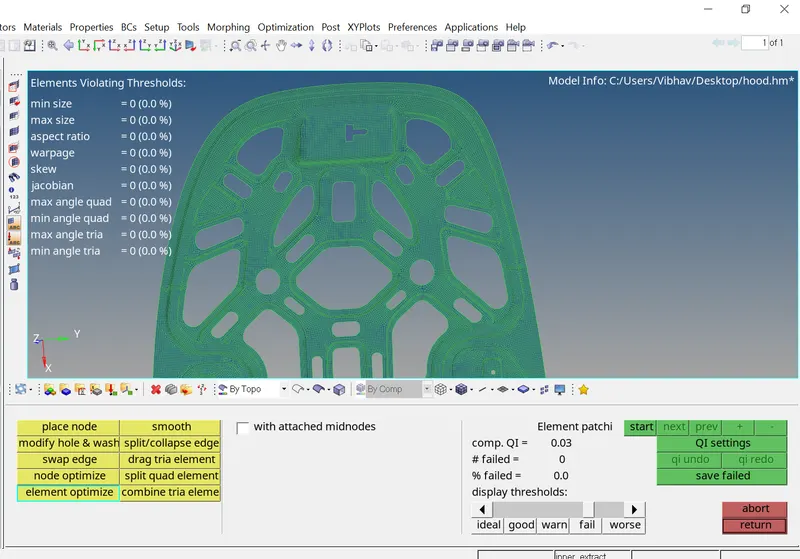
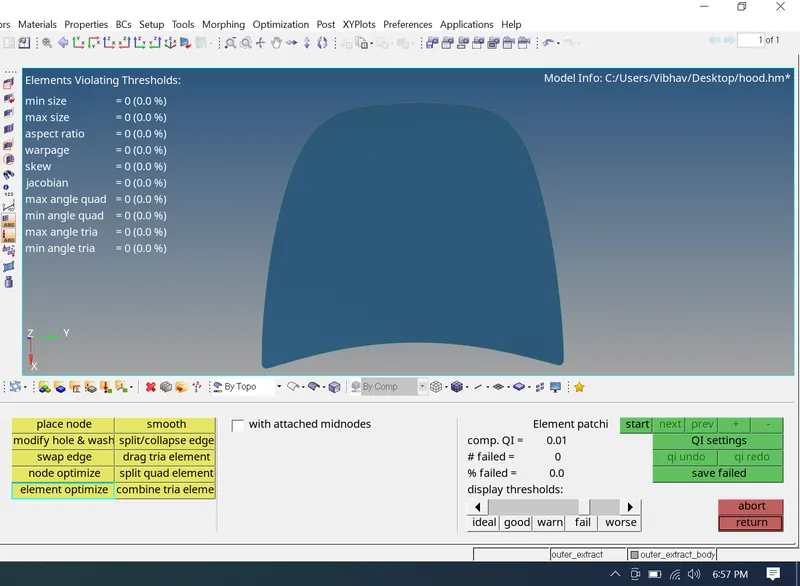
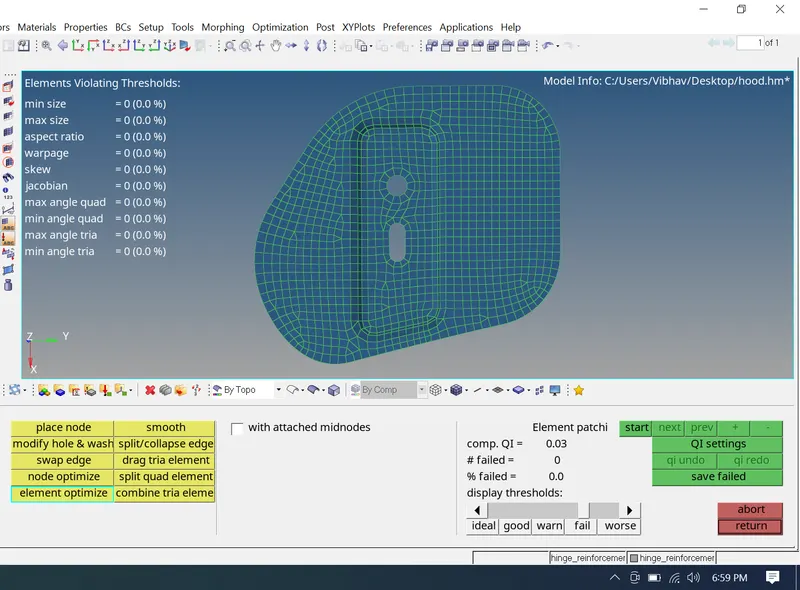
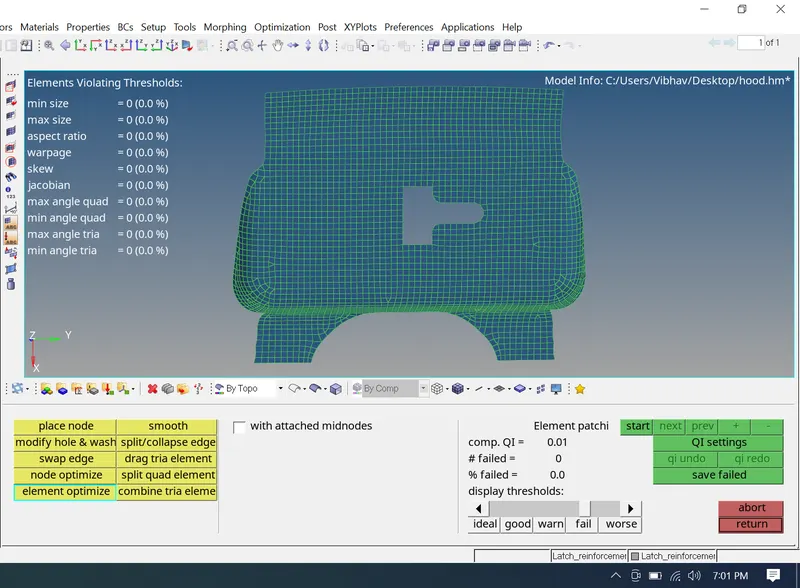
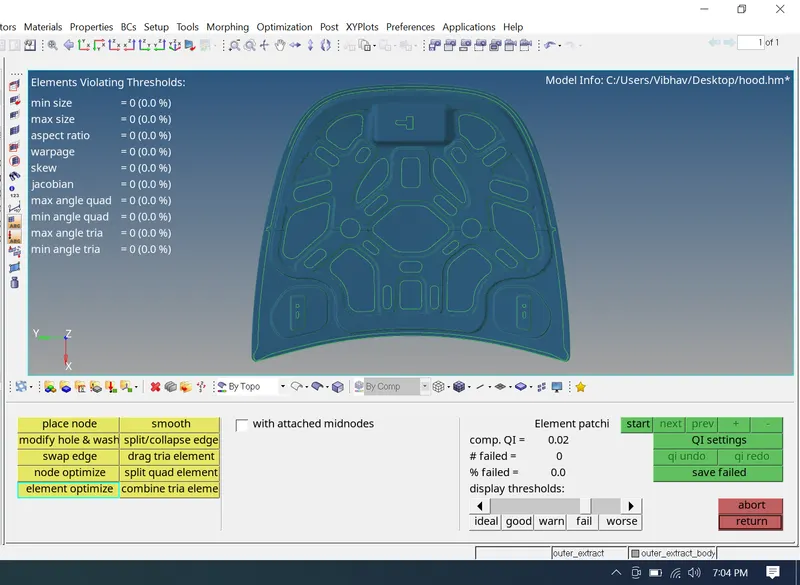
Conclusion: Hence we've succefully meshed hood assembly and fulfiled the quality criteria.