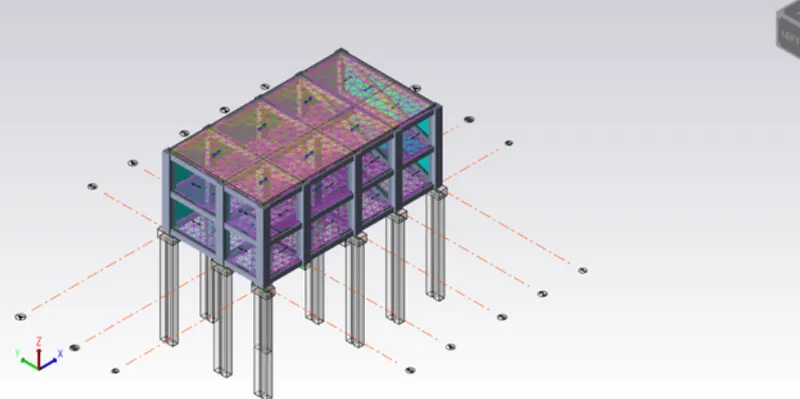
To Design slab and foundation for an RC residential building using TSD
1)
Aim - To design the slab and foundation of the model.
Tools Used - 1st Order analysis, Analysis all ( static ), Status , check panel ,Properties window etc.
Procedure -
Open the file created previously in TSD and open the 3D view.
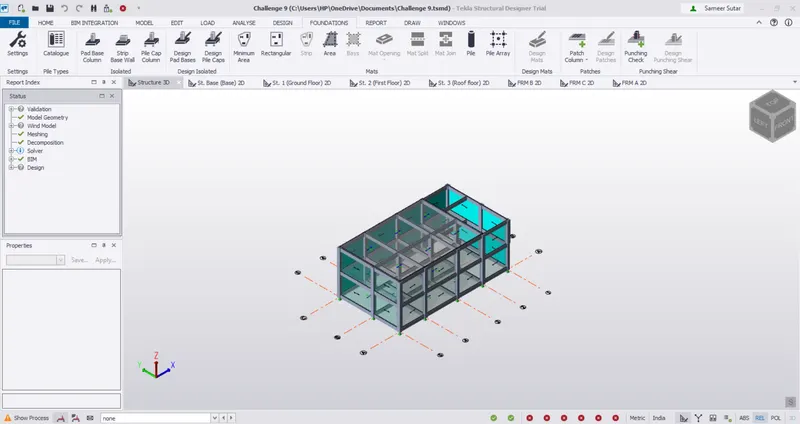
Click on 1st order analysis and perform analysis and also perform analysis all.
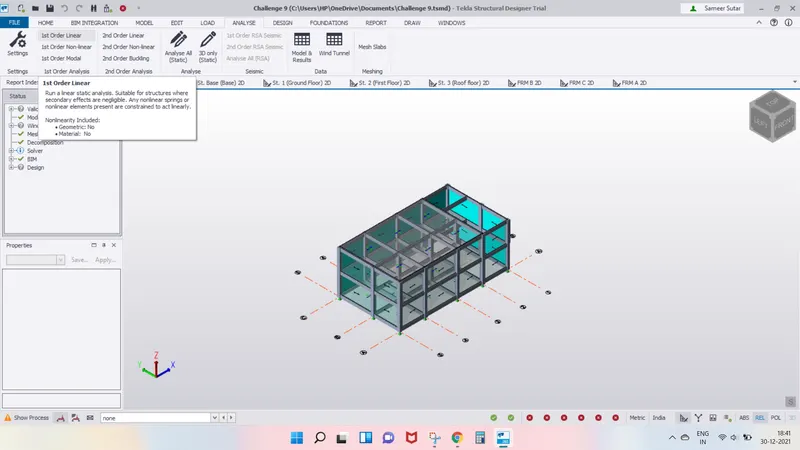
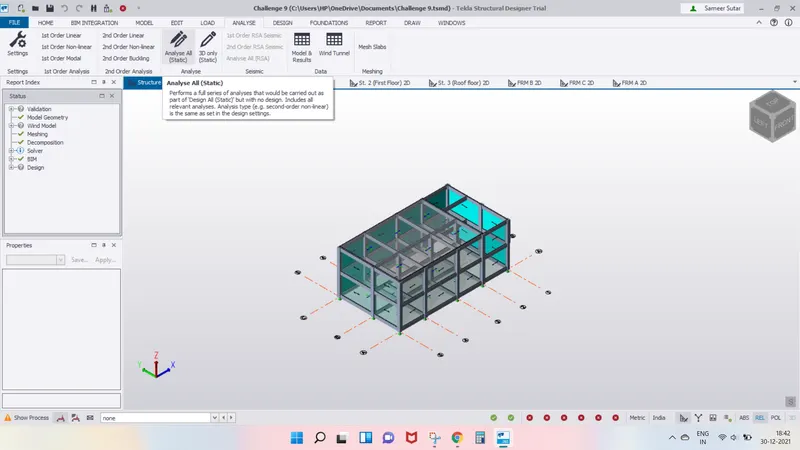
Click on status in the results view.
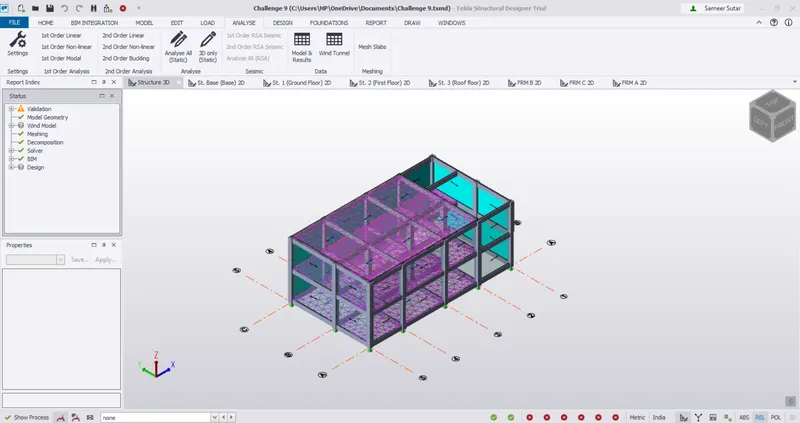
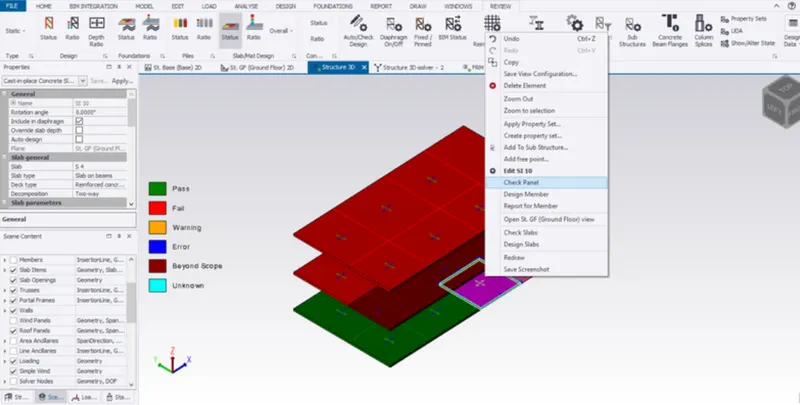
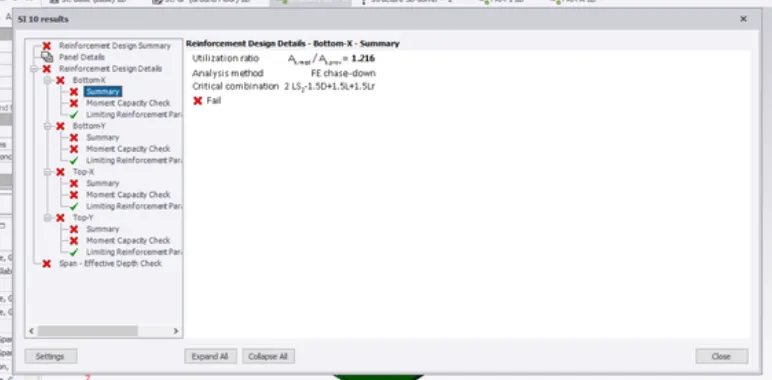
Select one tab and right click and choose check panel and see the errors that arise.
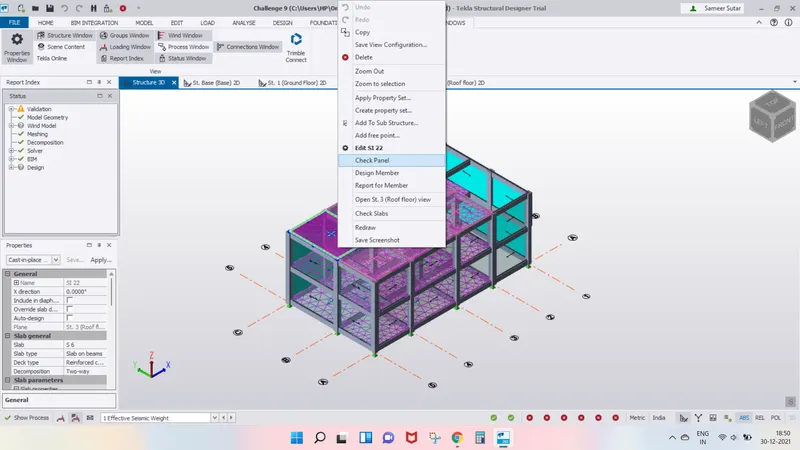
Solve the errors by carefully observing the error by changing the properties of slab and Reinforcement details such as bottom and top bars spacing between them.
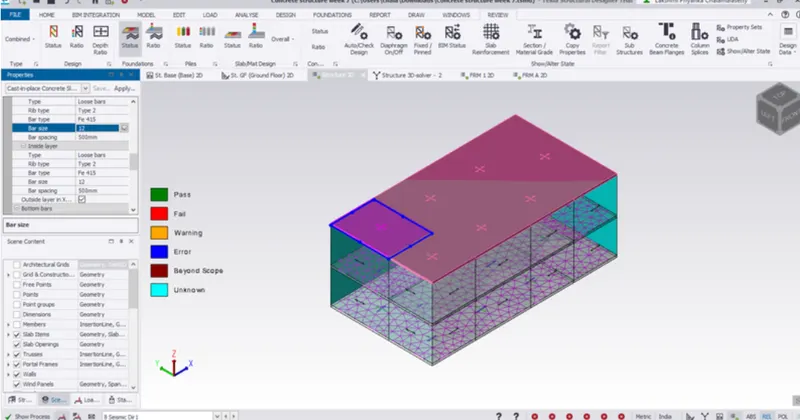
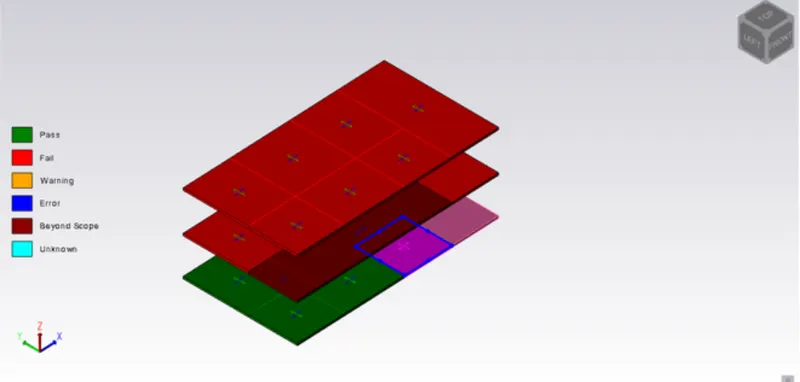
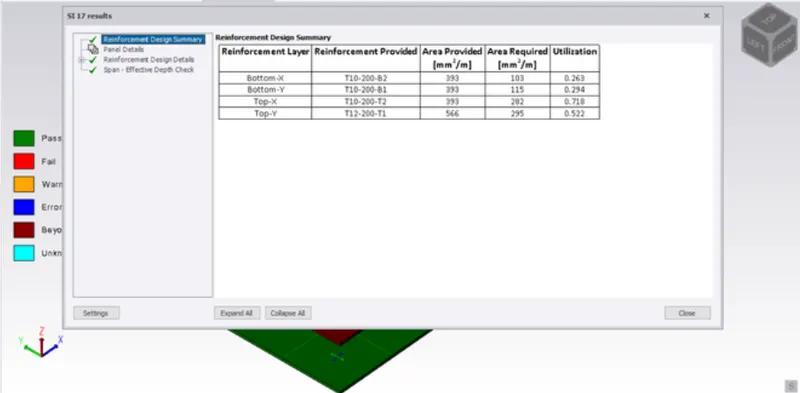
After making the necessary changes, again check the panel if there are errors, if the errors are still existing again edit the properties and check till slab is passed.
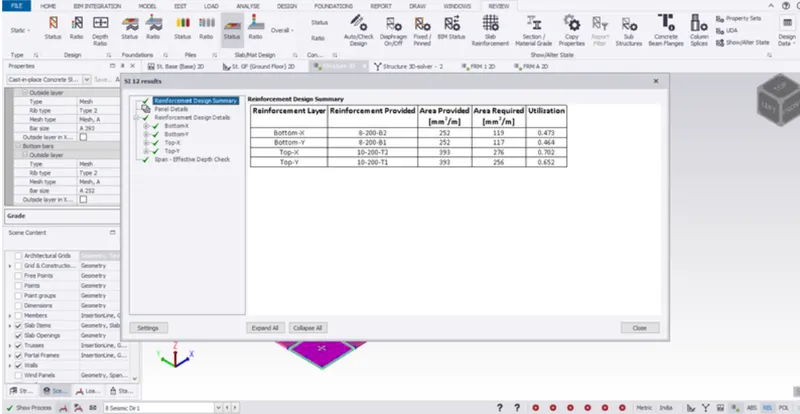
Continue the process for all the slabs of structure.
Click on catalogue in Foundations tab.
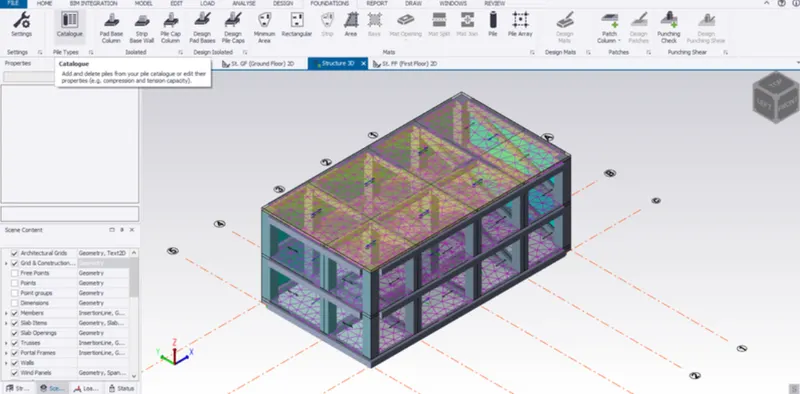
Click on add the dialogue box that appears.
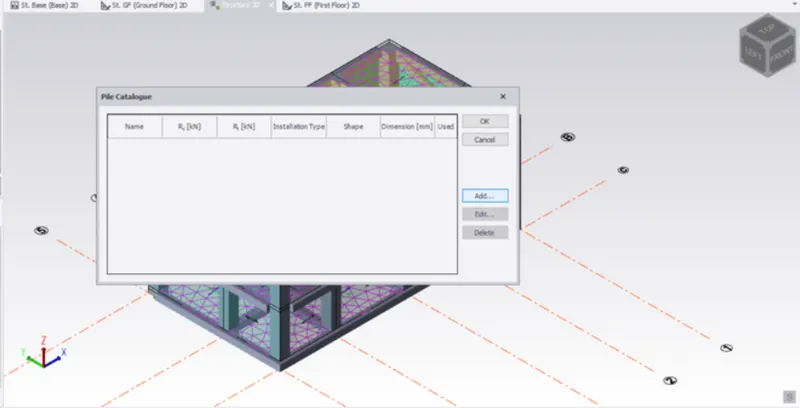
Set the properties of pile cap as shown in the picture below and press ok.
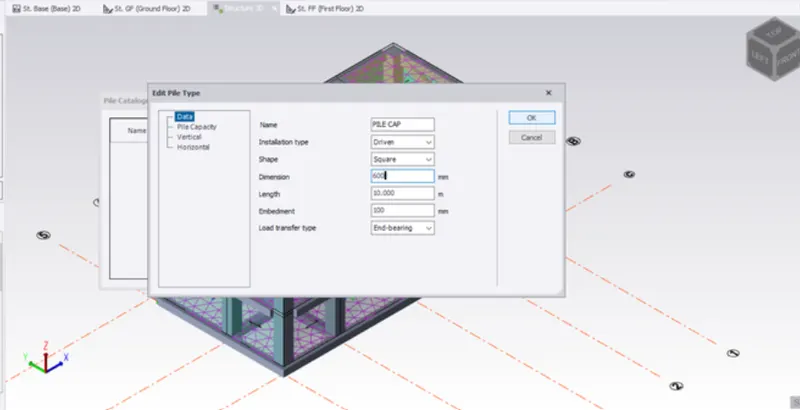
Again click ok.
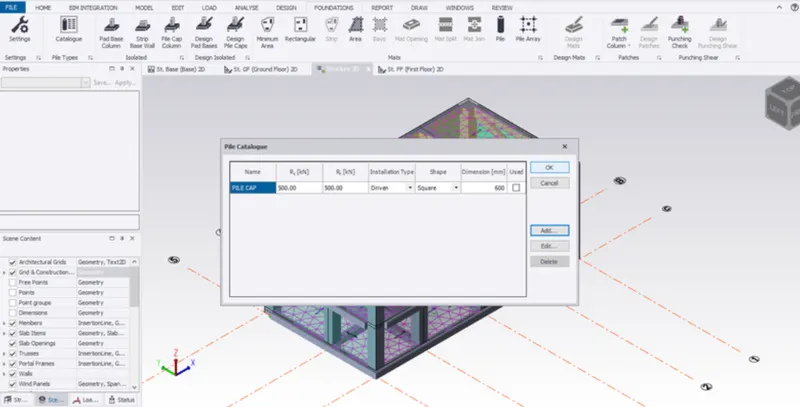
Now click on pile cap column in the foundation tab.
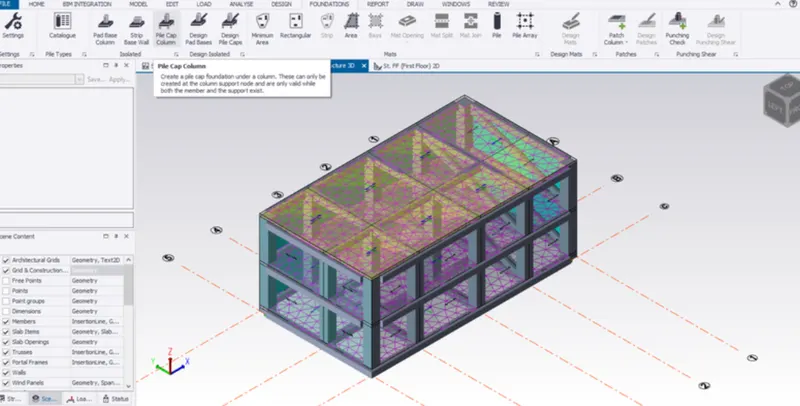
Click on column location to create pile caps under the columns.
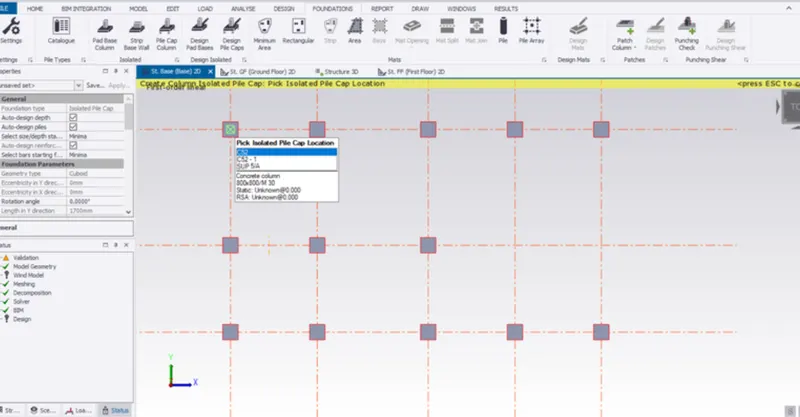
Click on validate in the model tab to check if there are any errors.
To design the slab and foundation of the model. Outline the thought process for designing of the elements (column, beam, slab and foundations).
Tools Required:
->Tekla model
->Slab
->Foundations
->Check panel
->Catalogue
->Design pile cap foundation
->Validate
->Design
->Settings
->Properties
- Firstly open the model that is created previously.
- Now select a Slab and give a right click then you can notice a dialogue box.
- Now in that dialogue box select the check panel.
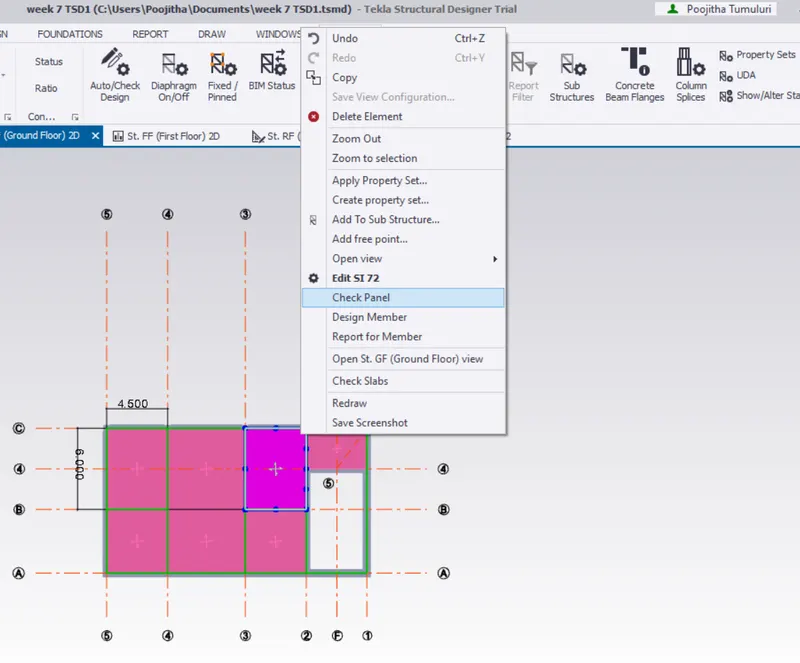
- Now a new dialogue box appears about the properties of the Slab that you select.
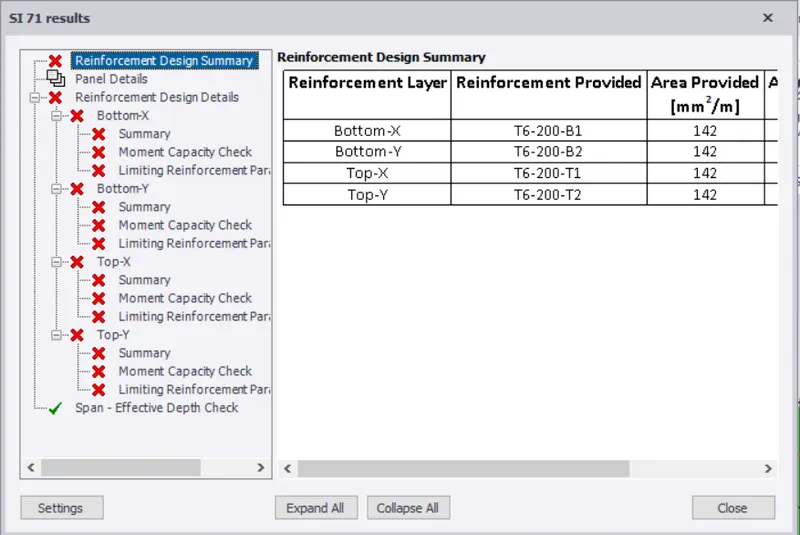
- There it will be showing you few errors.
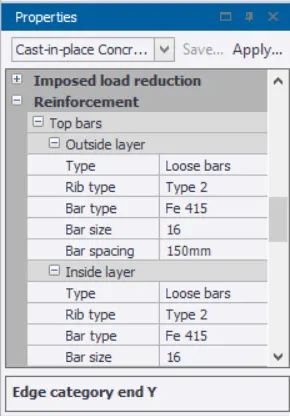
- We can correct the errors by changing the properties under the property tab.
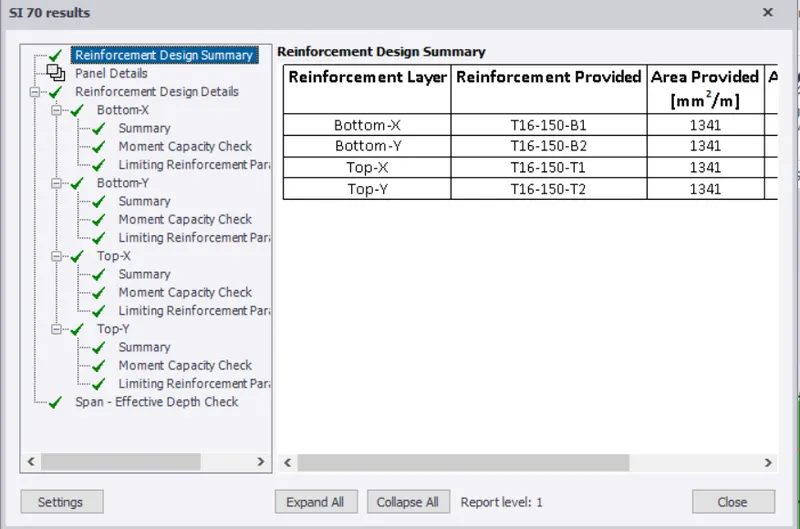
- Once that is done follow the same procedure to design all the slabs.
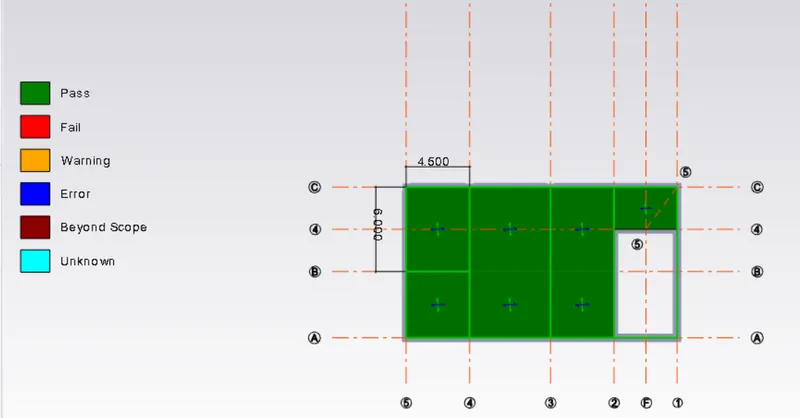
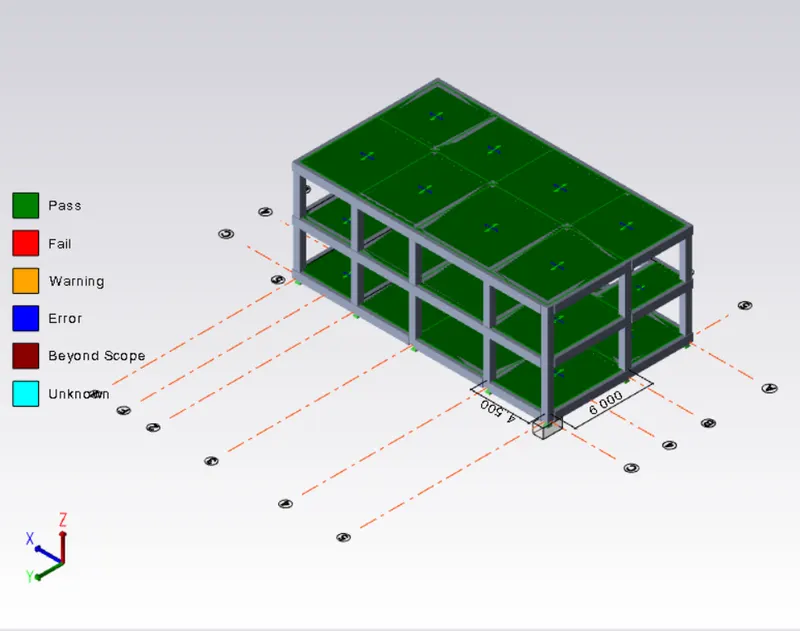
- Now for the foundations select the foundation icon.
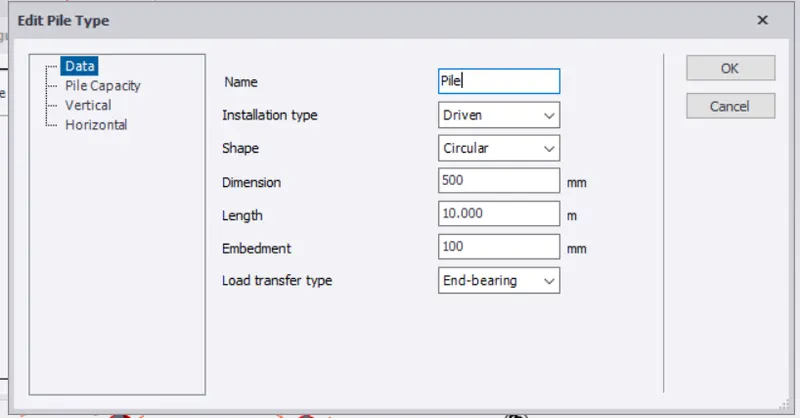
- Now you need to select the catalogue option and add desire foundation.
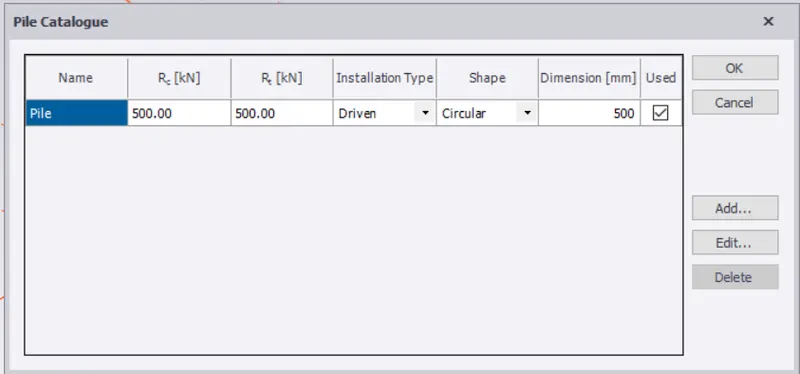
- Now you can select the pile cap column foundation option.
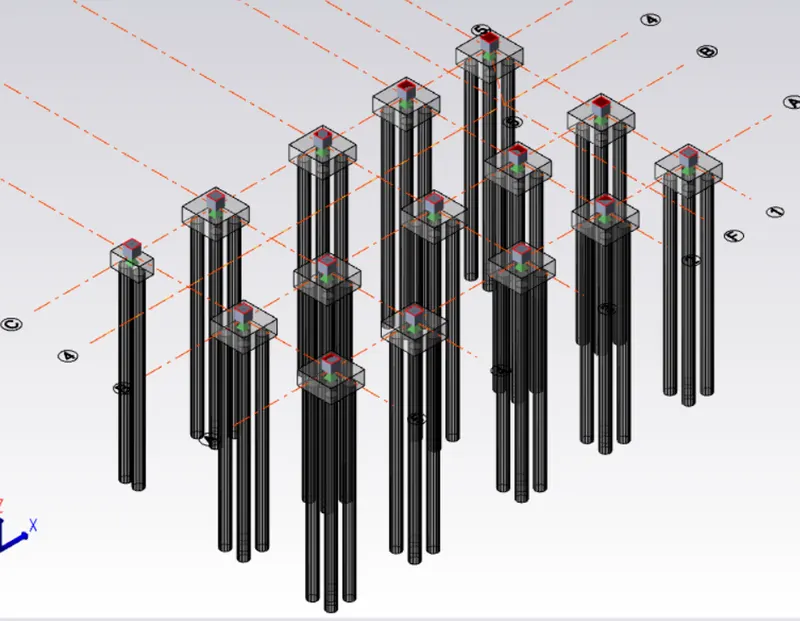
- Assign foundations for the structure.
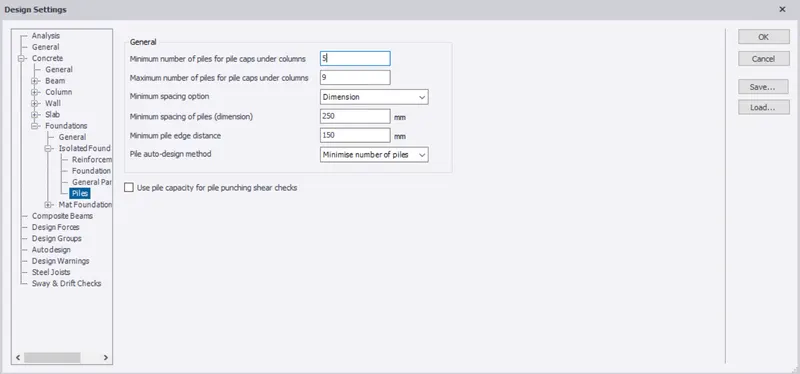
- Now design the foundation with the help of design pile cap option under the design isolated.
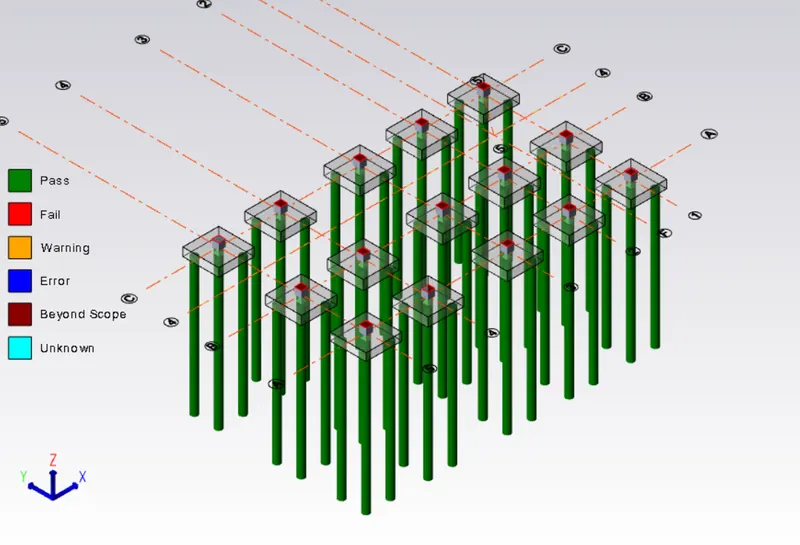
- Check for errors found.
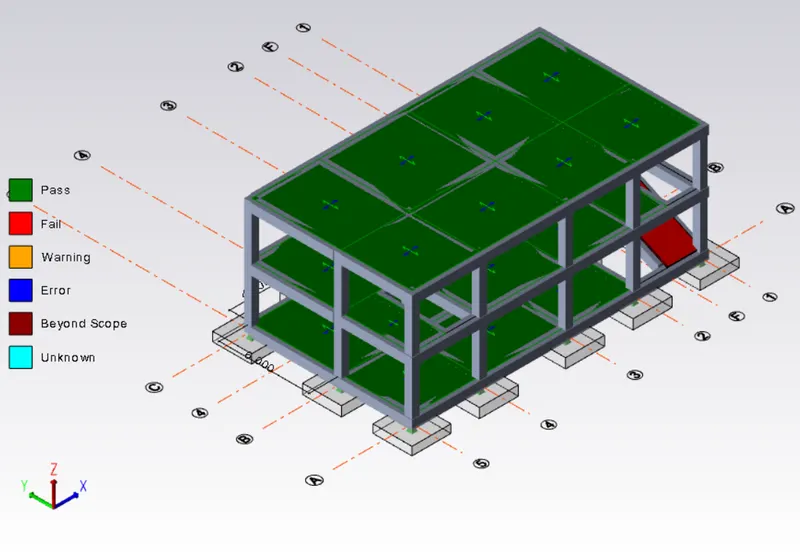
- Go to the settings option under that select the foundation option and do the required changes.
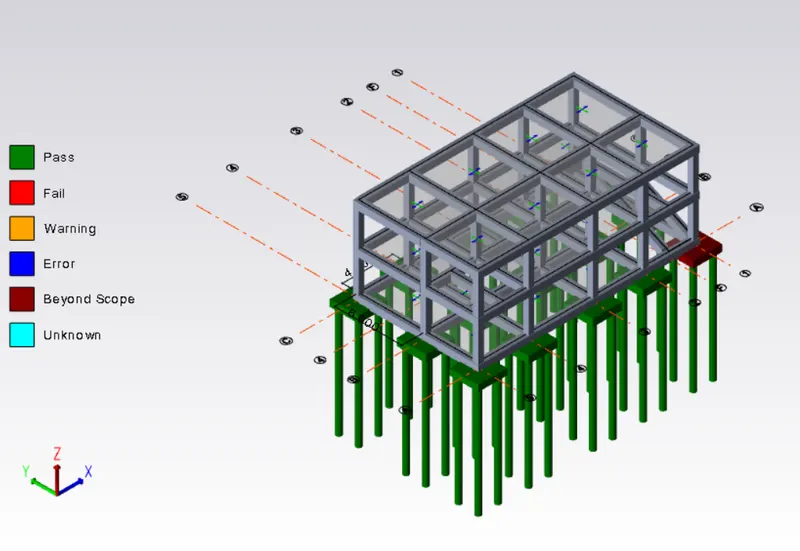
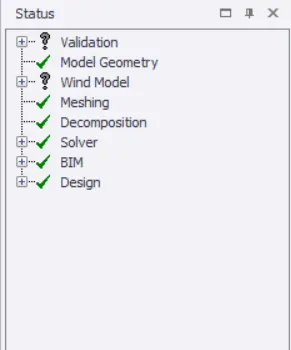
- Now you can see the structure is error free.
All the load are created.
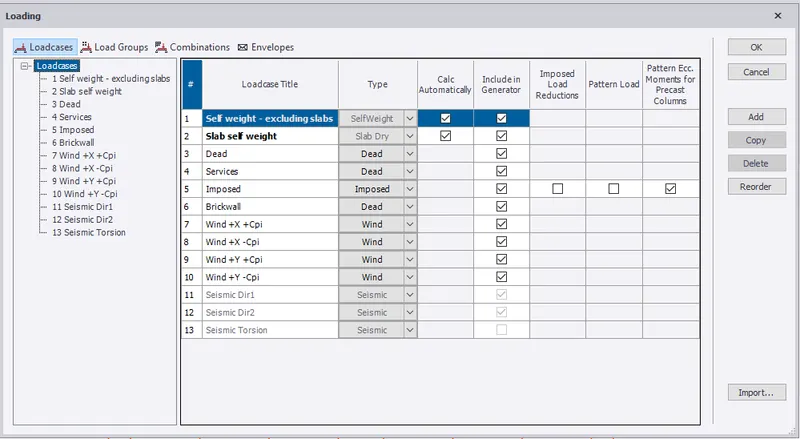
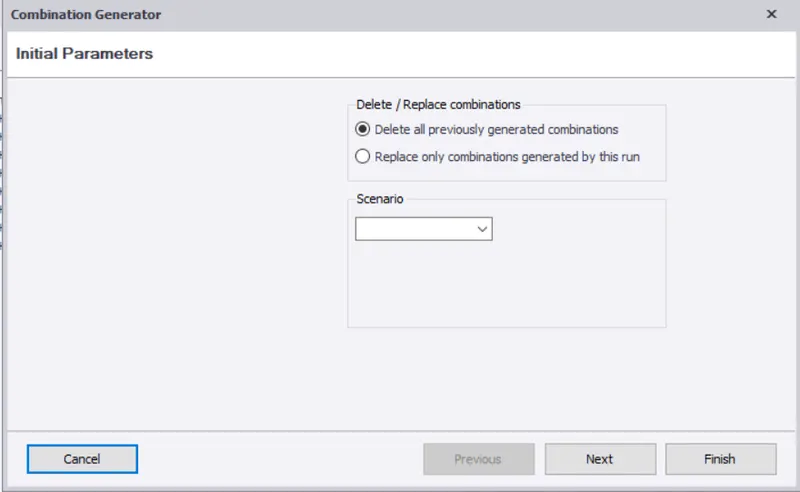
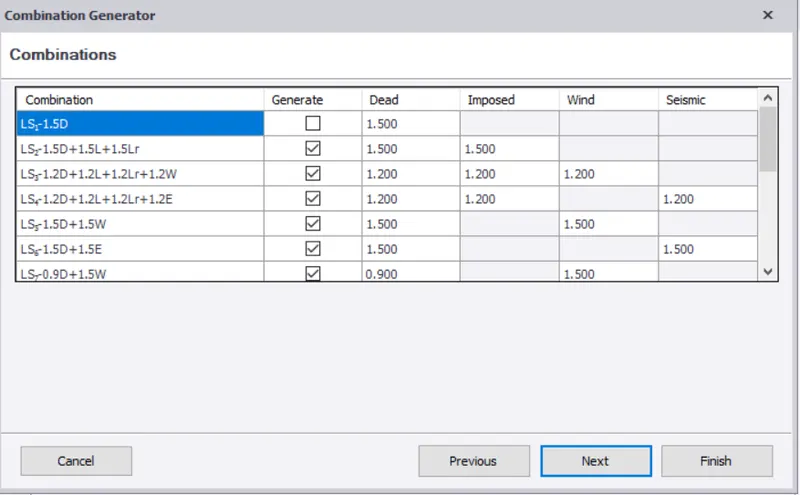
2. Load combinations by using combination generator.
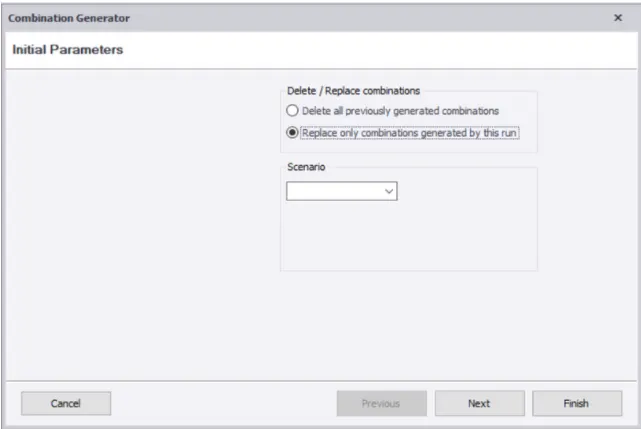
4. First order linear analysis is performed.
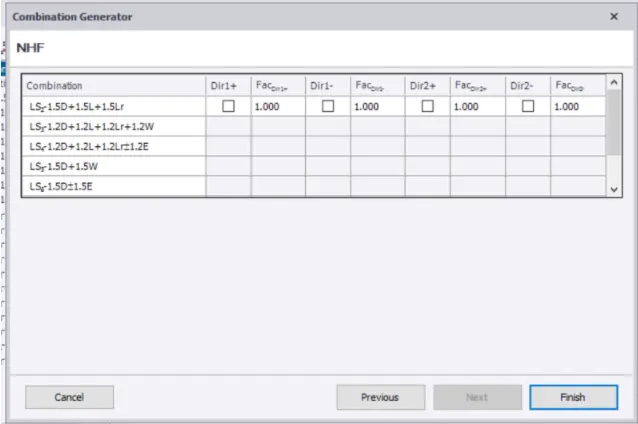
Design of Foundations:
Pile Foundations are of different types.
Based on Shape:
a) Circular
b) Sqaure
After creating the Pile Cap,right click on the pile>design member and then it is observed for checks.
Pile
Here in our design circular pile with End Bearing Capacity is selected.
- The design starts with selecting a approximate Pile cap provided with reinforcement in both the directions.
- The Depth of the pile is designed.
- The number of piles to be provided are calculated..
- The length of the pile is designed.
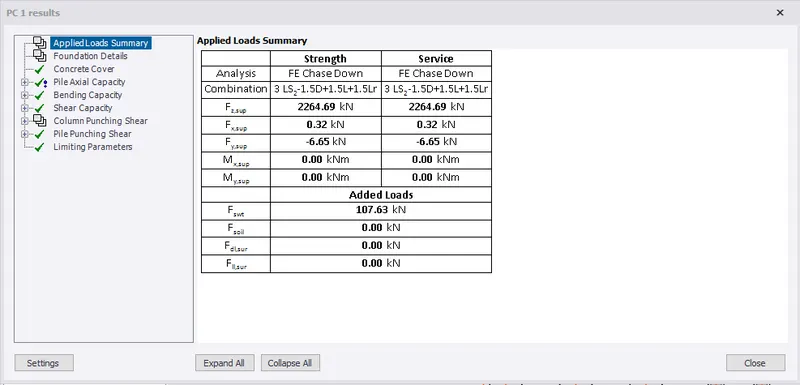
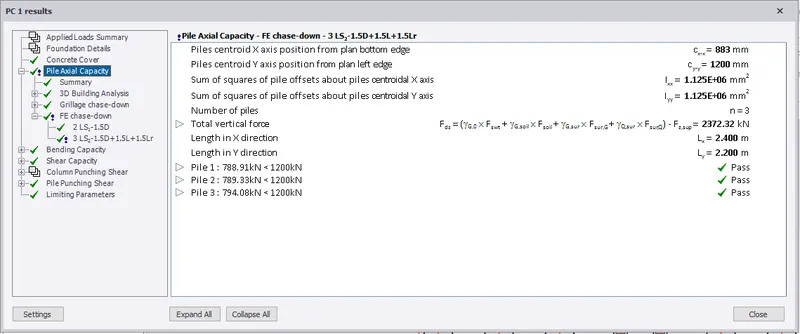
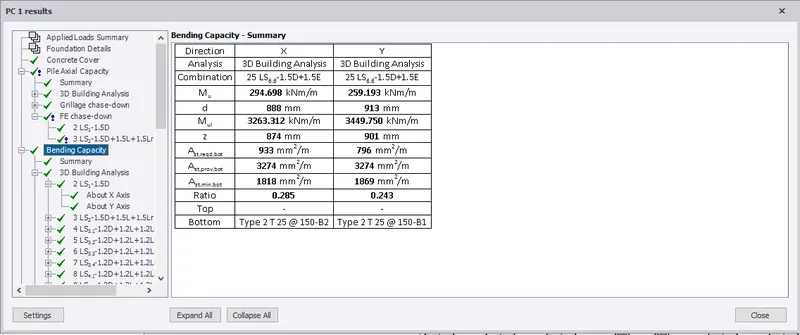
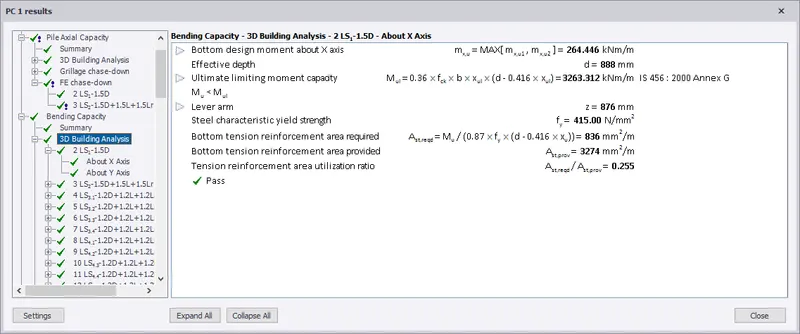
The checks for the Pile for different load combinations are shown below:
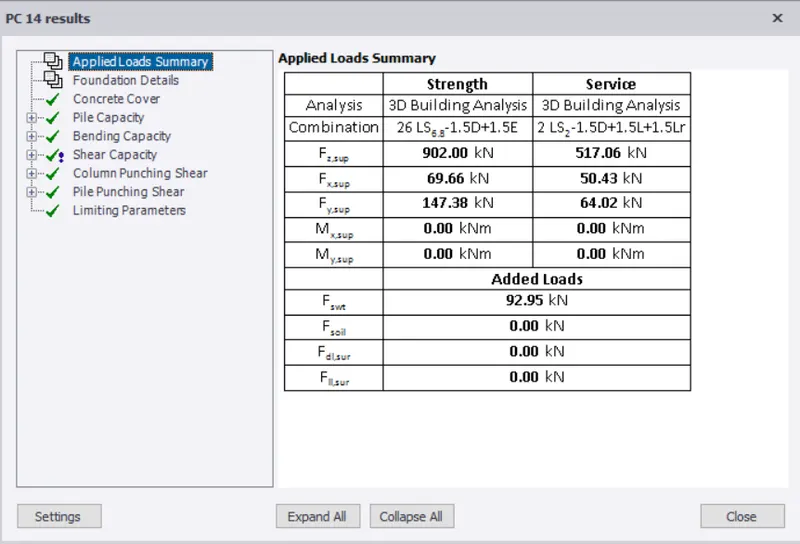
Load summary details
For the Analysis of service and strength of pile
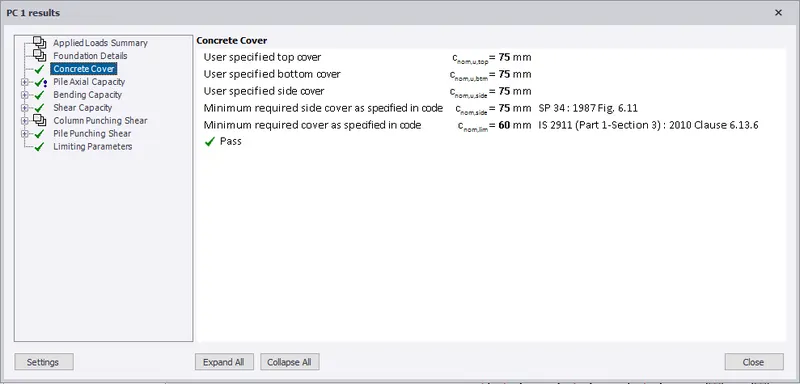
Nominal Cover for the pile is noted here
Pile Axial Capacity is checked here
Bending Capacity is checked here
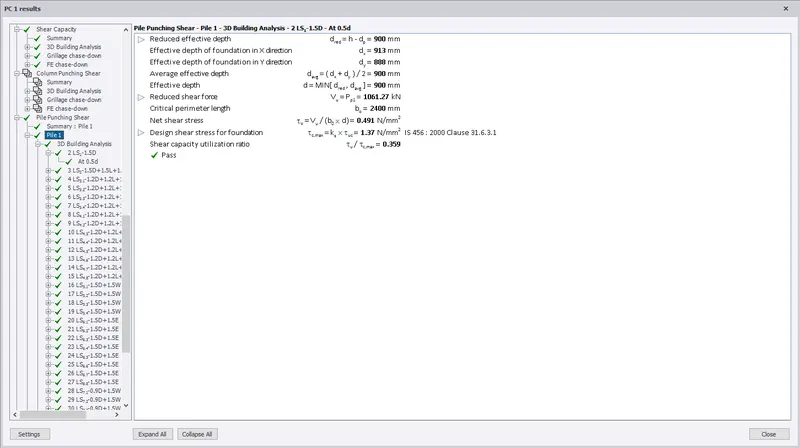
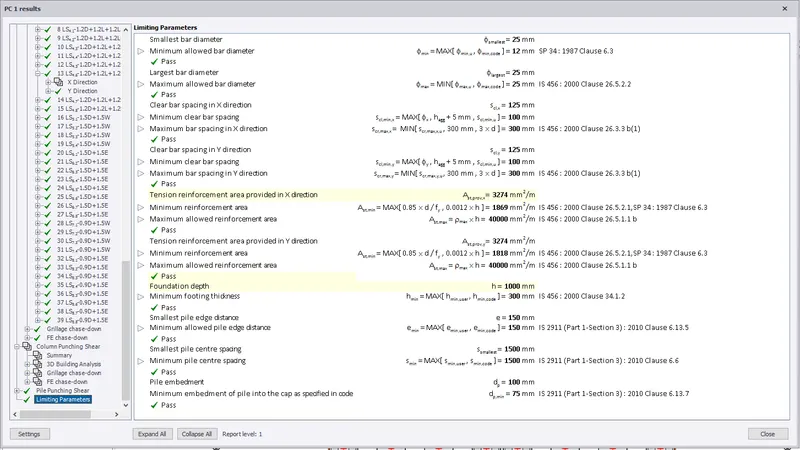
Limiting Parameters are checked
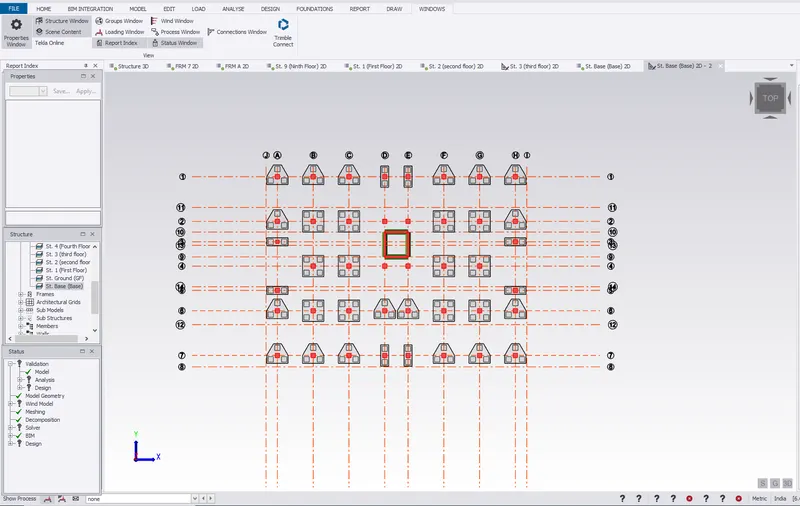
View of Pile caps in 2D
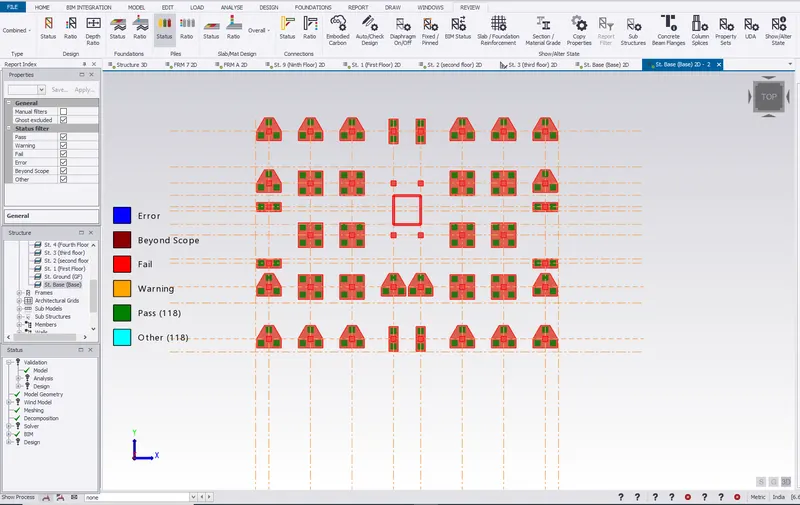
All the piles have passed
View of Piles and Pilecap in 3D
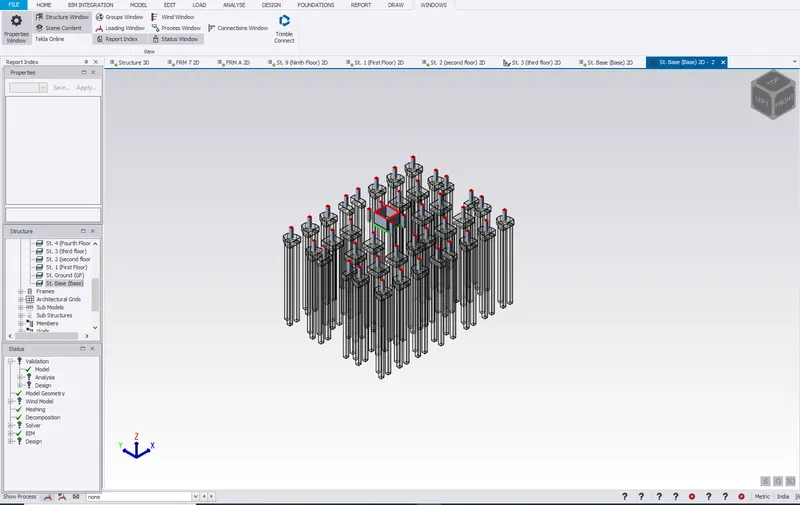
Model in 3D with pile foundation
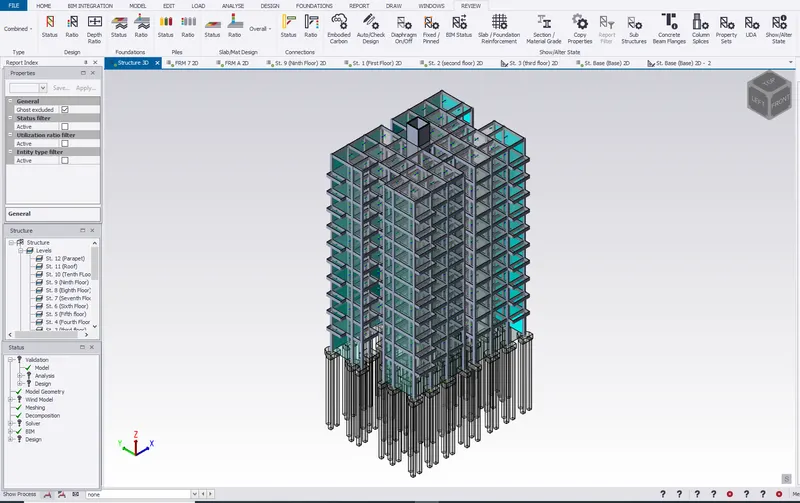
Design of Slabs:
View of Slabs with loading in 2D
Slabs:
After creating the slab:
Right click on the slab>Design member
Then it is observed for the checks.
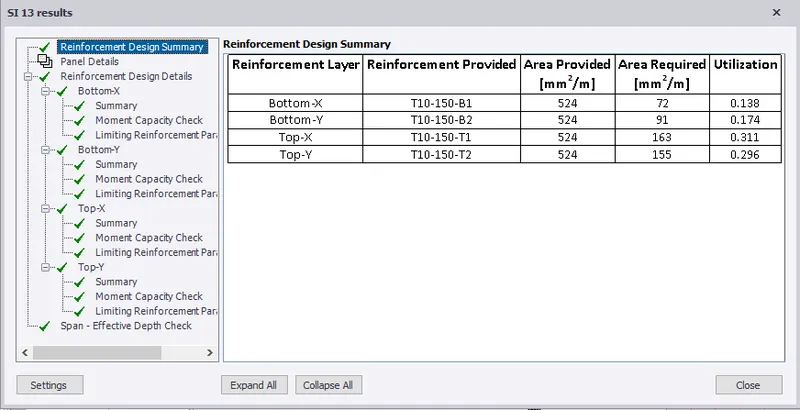
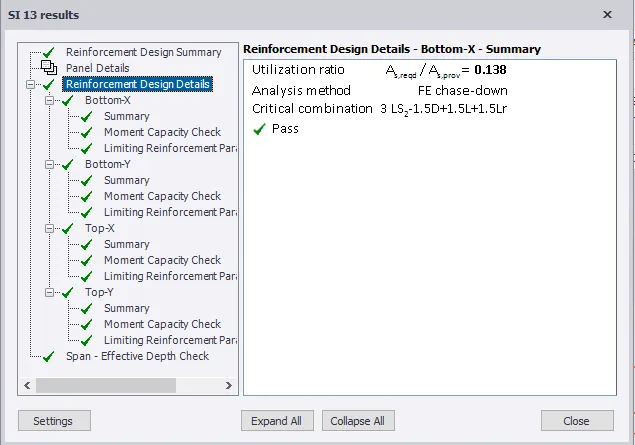
Details of slab is mentioned here:
- Two way slab
- Depth of slab=200mm
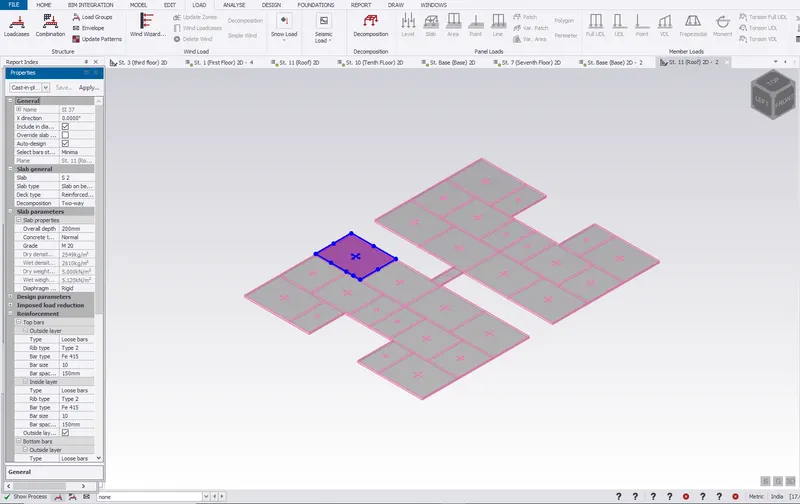
Resullt -
The slabs are designed so as to sustain against the loads.
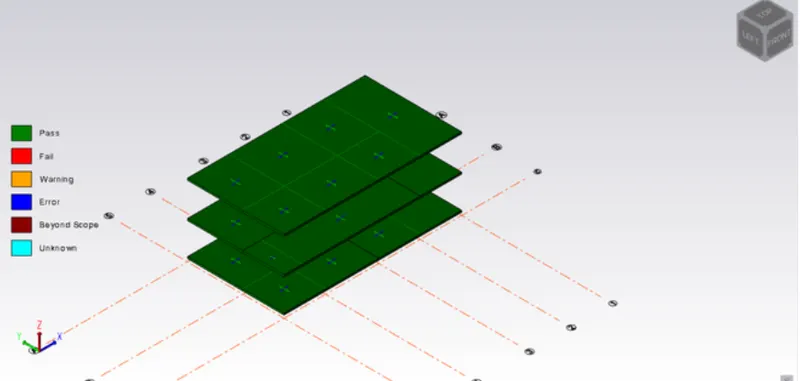
Pile caps are created and the model is validated to be error free.