3D Tetra Meshing in Hypermesh
1. Create Teramesh for Housing
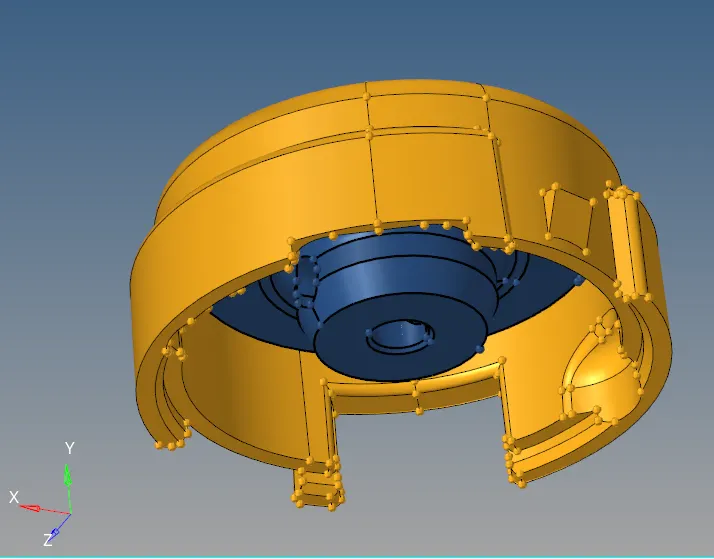
OBJECTIVE :
The component given to be meshed with below set parameters :
3D Meshing:
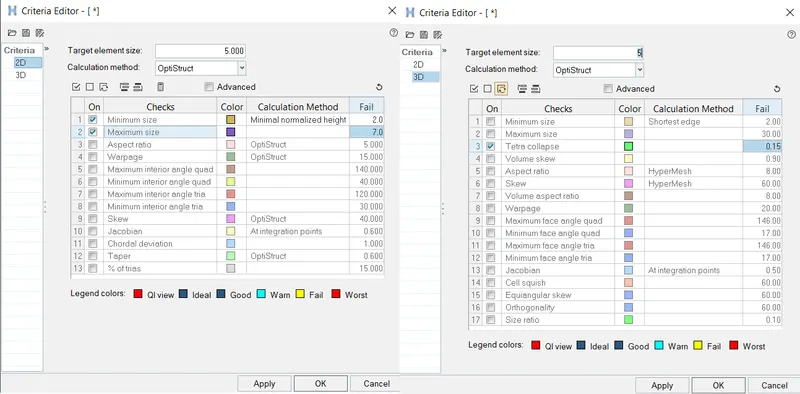
Elements sizes: Min- 2mm, Target- 5mm, Max- 7mm
Tet collapse: 0.15
COMPONENT:
PROCEDURE :
- Check for topological errors in all the components one by one
- Set the quality criteria parameter ,
click F10 > Settings > Criteria editor,
MESHING :
Press F12, for automesh > Select Surface
Mesh Type > Tria
2D MESHING:
PART :
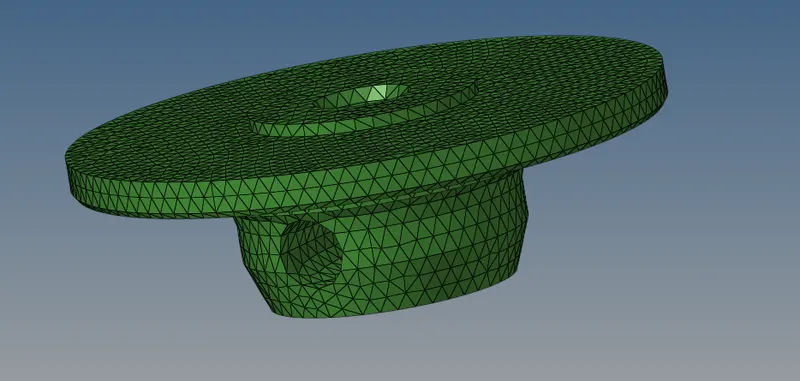
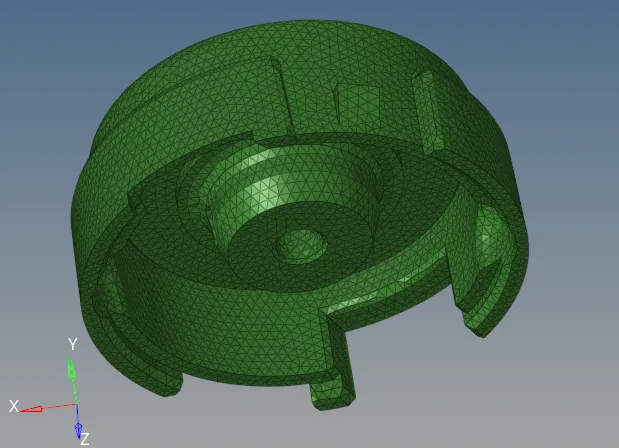
3D MESHED COMPONENT:
-Select 3D > Tetramesh

- Select Elements in the drop down box.
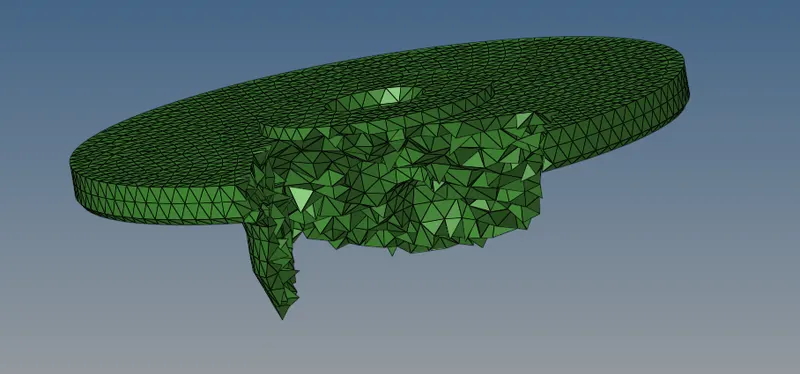
CONNECTOR - 3D MESHED PART
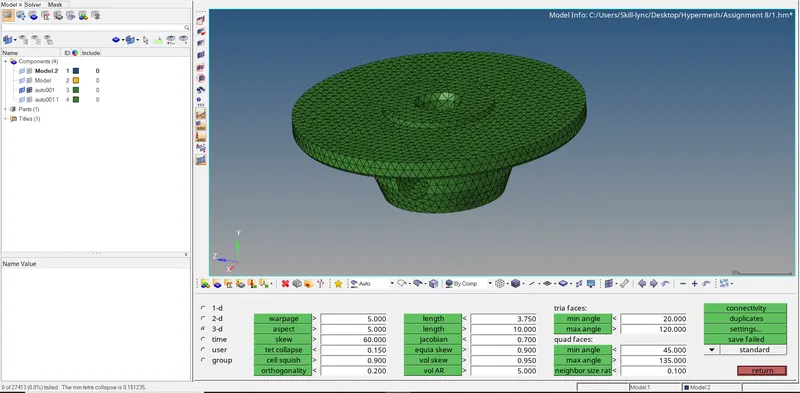
2D MESHING OF HUB:
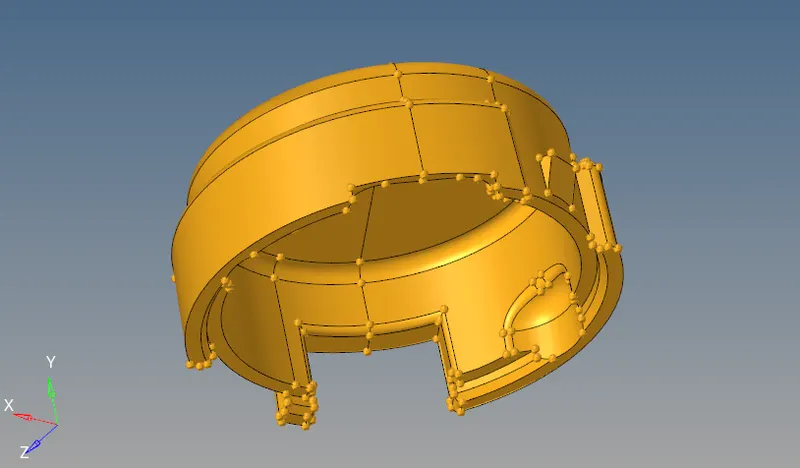
PART :
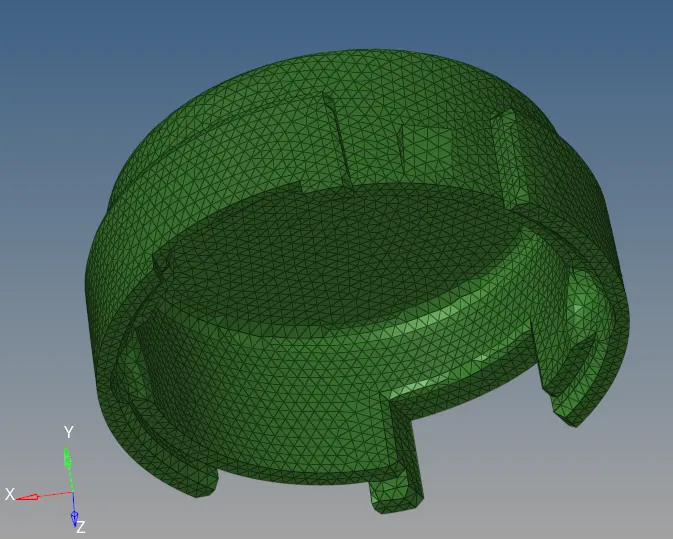
3D MESHED COMPONENT:
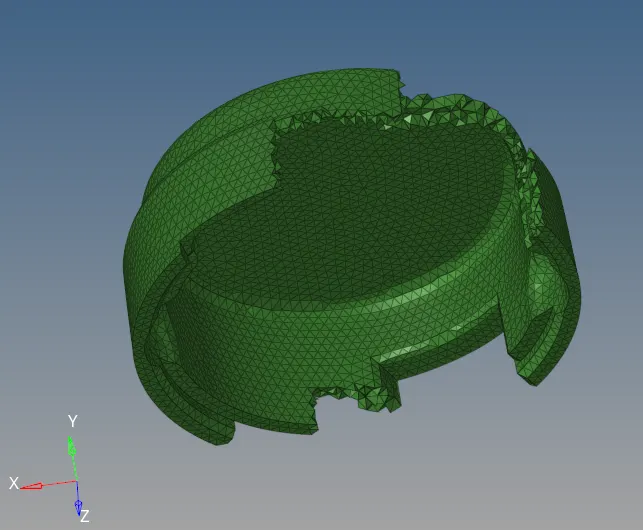
3D MESHED COMPONENT OF HUB:
-------------------------------------------------------------------------------------------------------------------------------------------
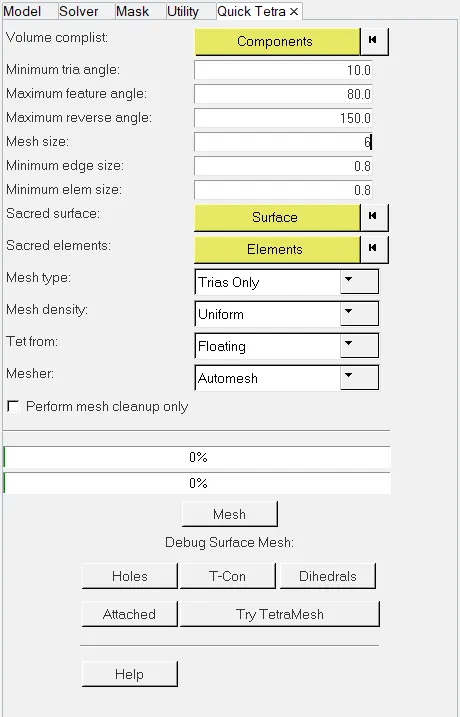
2. For the given models, Create 3D tetramesh with 6mm element size.
OBJECTIVE :
The component given to be meshed with below set parameters :
3D Meshing:
Elements sizes: Min- 2mm, Target- 5mm, Max- 7mm , Tet collapse: 0.15
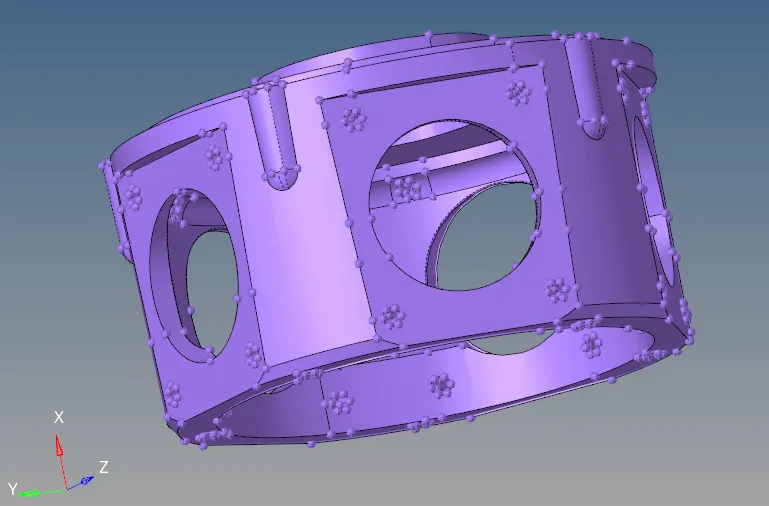
COMPONENT:
PROCEDURE :
- Check for topological errors in all the components one by one
- Set the quality criteria parameter ,
click F10 > Settings > Criteria editor,
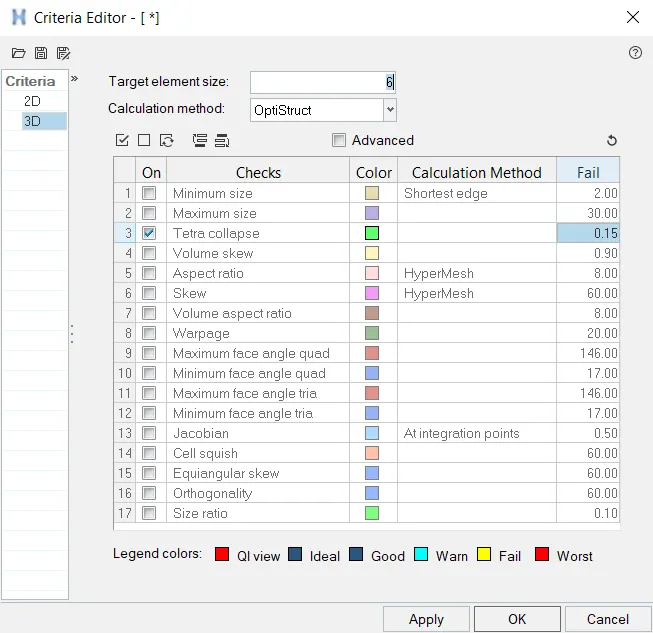
- Save the criteria setting
MESHING :
Press F12, for automesh > Select the whole component
Mesh Type > Tria
2D MESHING:
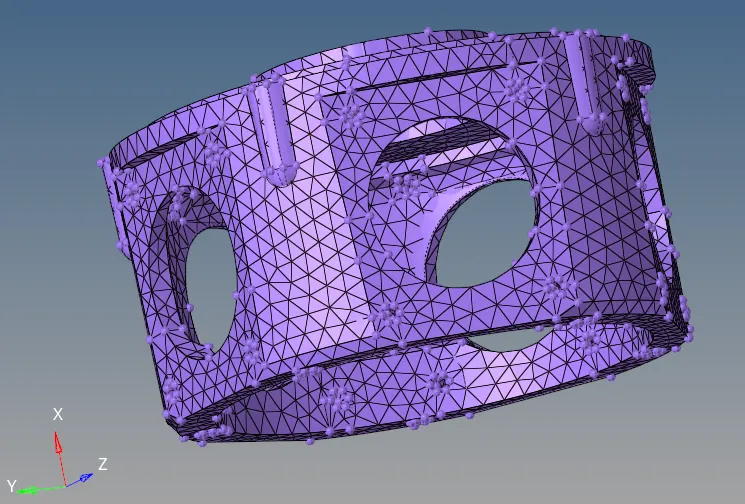
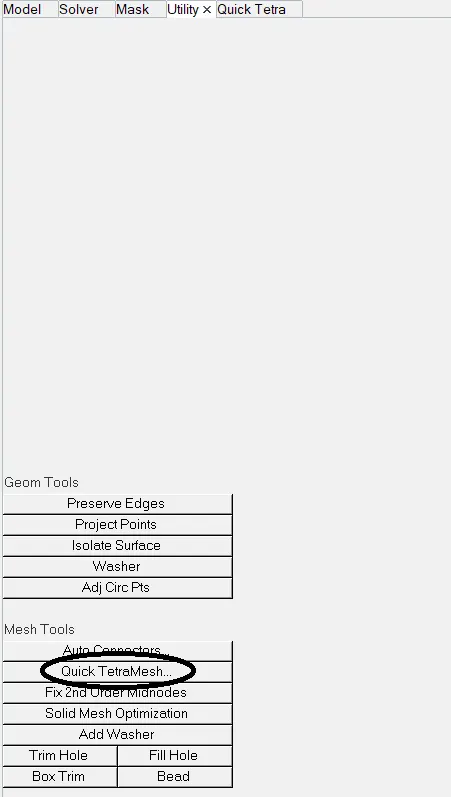
3D Meshing :
View > Browsers > Hyperworks > Utility
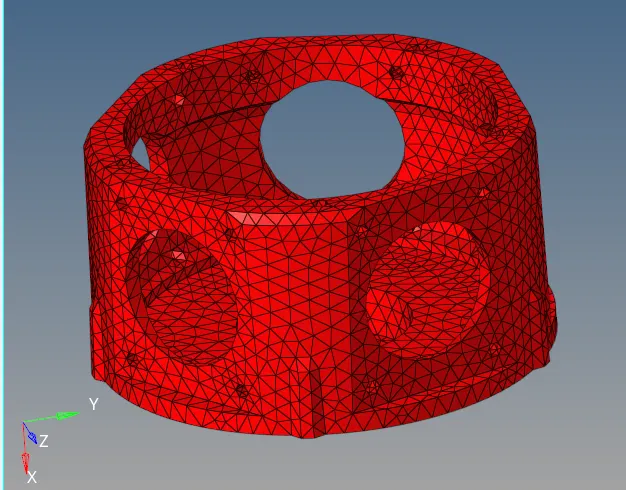
FINAL MESHED COMPONENT:
------------------------------------------------------------------------------------------------------------------------------------
3) For the given models, Create 3D tetramesh with 6mm element size.
OBJECTIVE :
The component given to be meshed with below set parameters :
3D Meshing:
Elements sizes: Min- 2mm, Target- 5mm, Max- 7mm
Tet collapse: 0.15
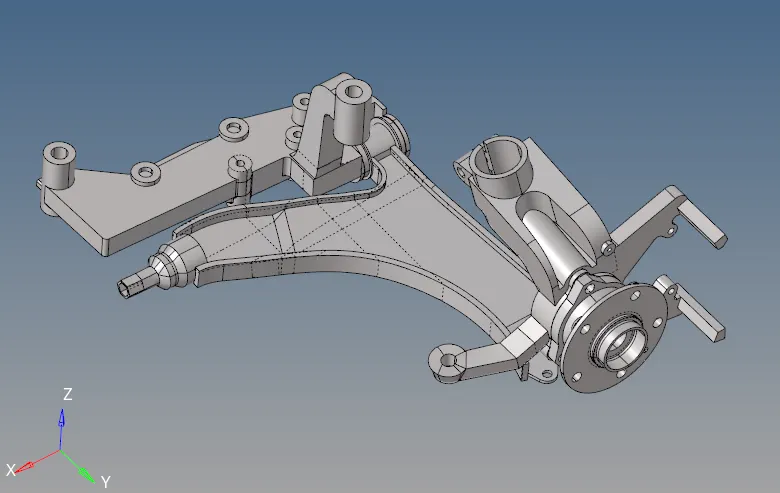
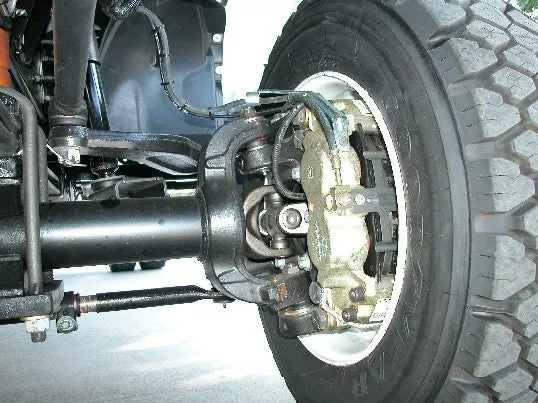
COMPONENT:
KNUCLE AXLE :
PROCEDURE :
- Check for topological errors in all the components one by one
- Set the quality criteria parameter ,
click F10 > Settings > Criteria editor,
- Save the criteria setting.
MESHING :
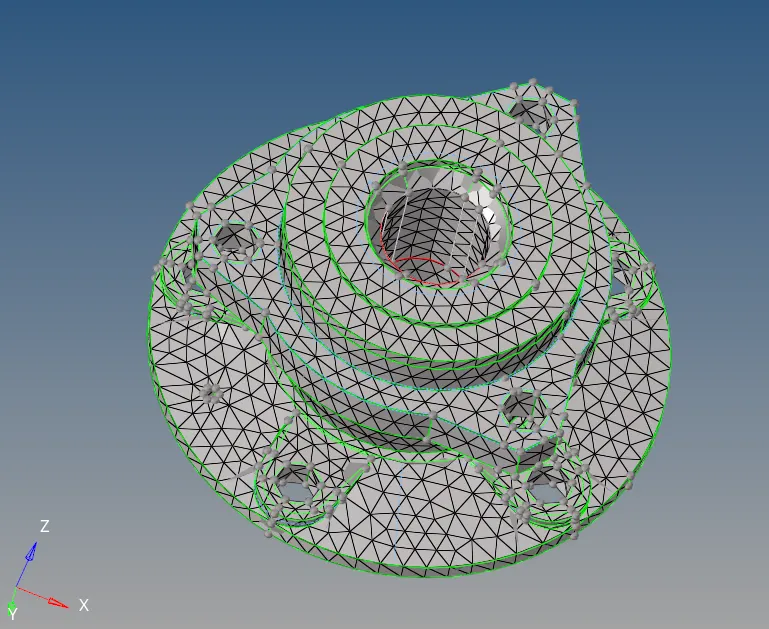
Press F12, for automesh > Select Surface
Mesh Type > Tria
2D MESHING:
PART :
- Clean the topological errors.
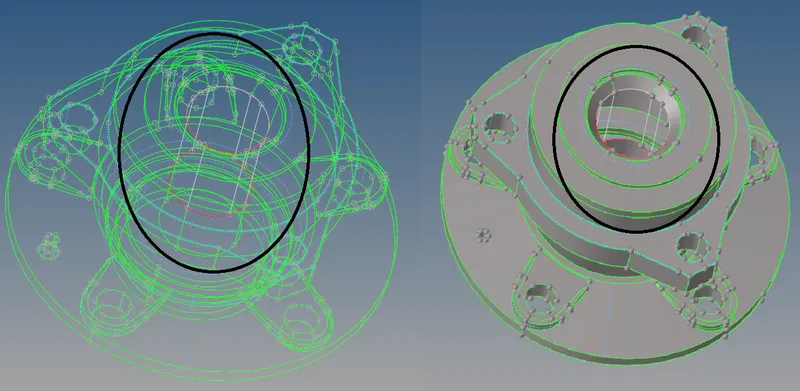
- Use surface > Ruled to patch up the missing surface

3D MESHED COMPONENT:
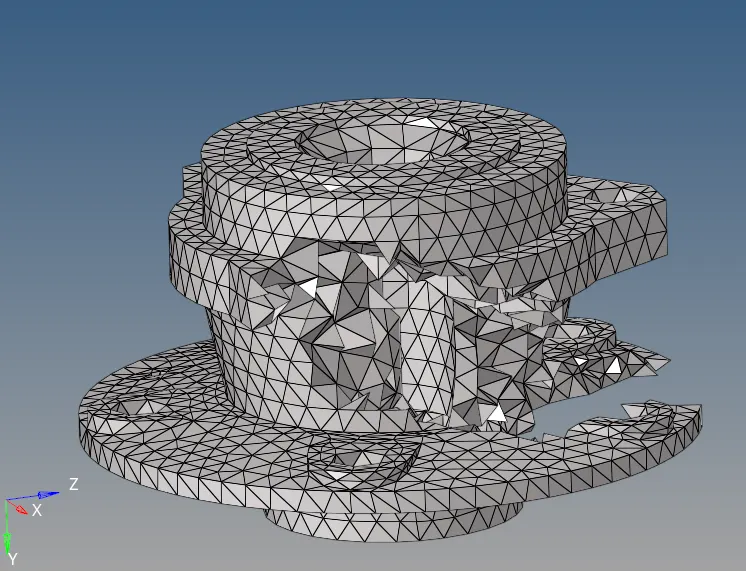
MESHED PART:
PART :
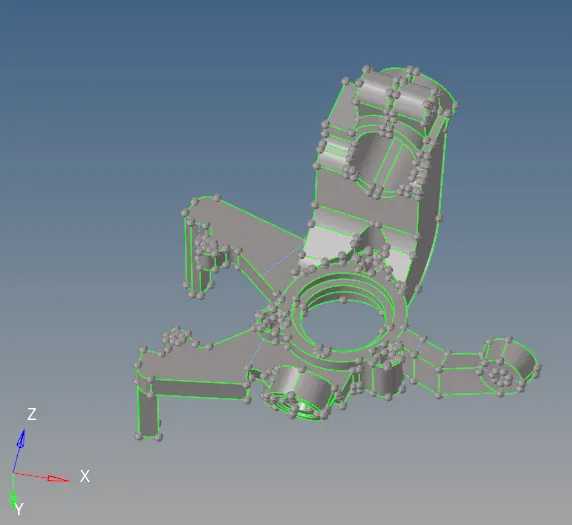
3D MESHED COMPONENT:
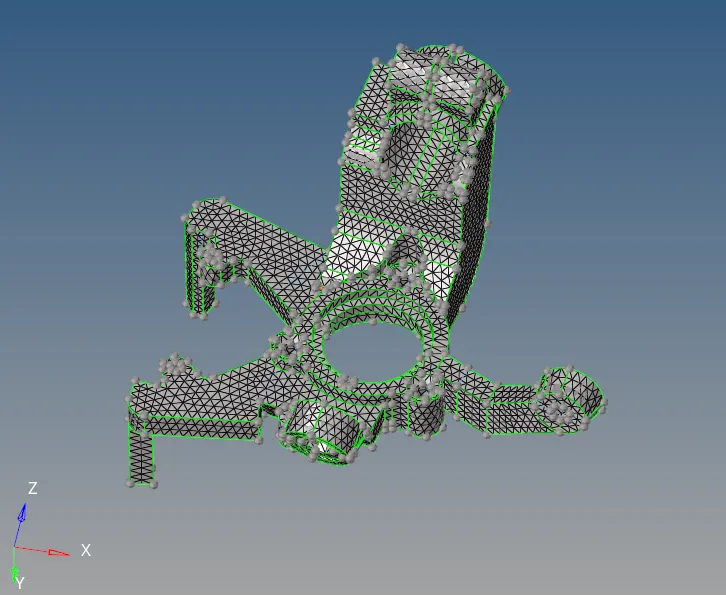
2D MESHED PART:
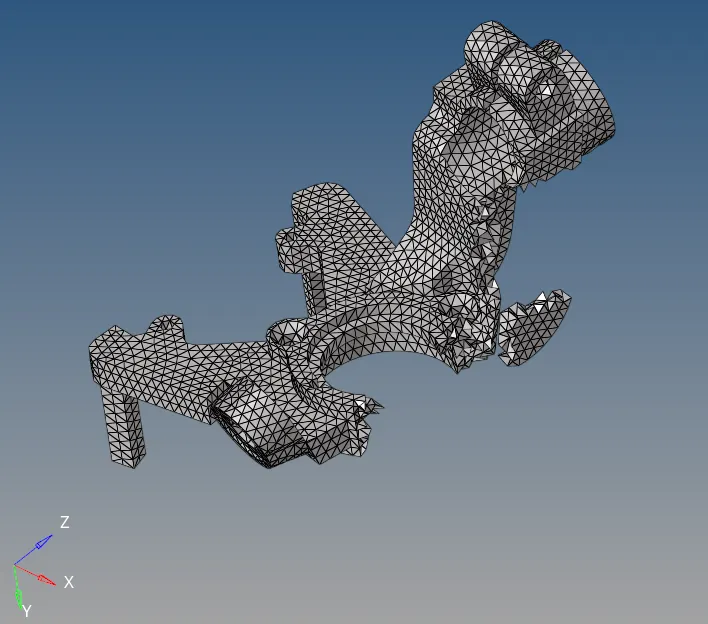
View > Browsers > Hyperworks > Utility
FINAL MESHED COMPONENT
2D MESHING:
PART :
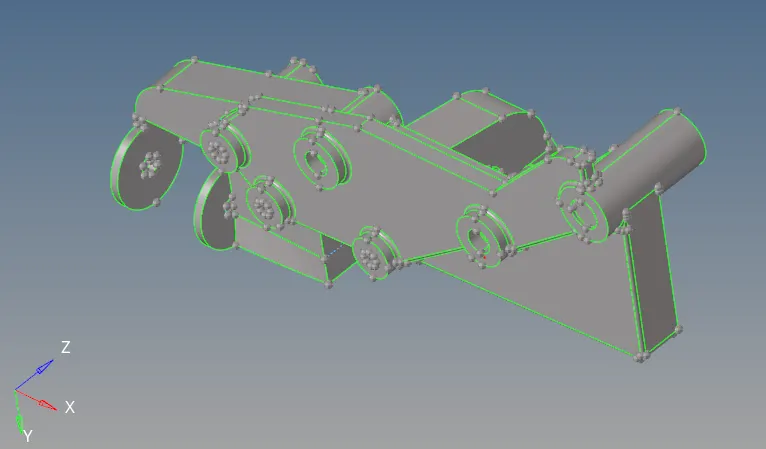
- Use surface > Ruled to patch up the missing surface
3D MESHED COMPONENT:
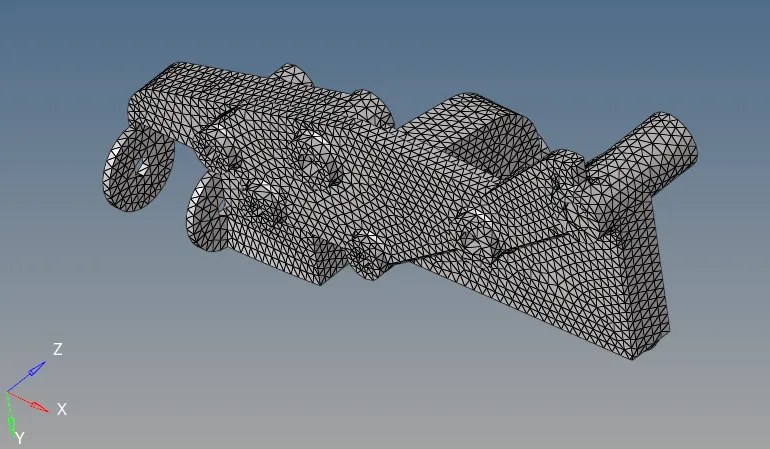
MESHED PART:
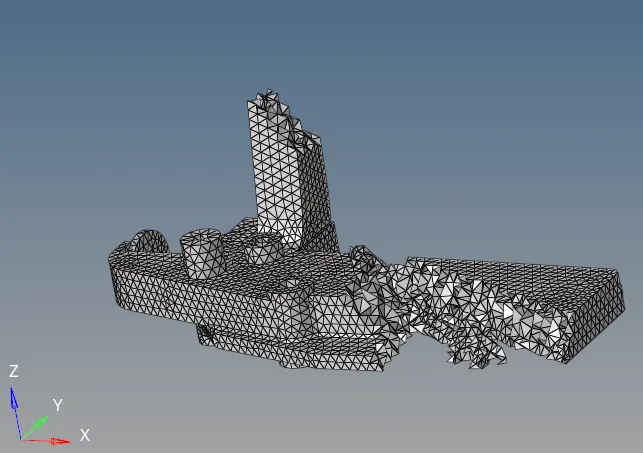
2D MESHING:
PART :
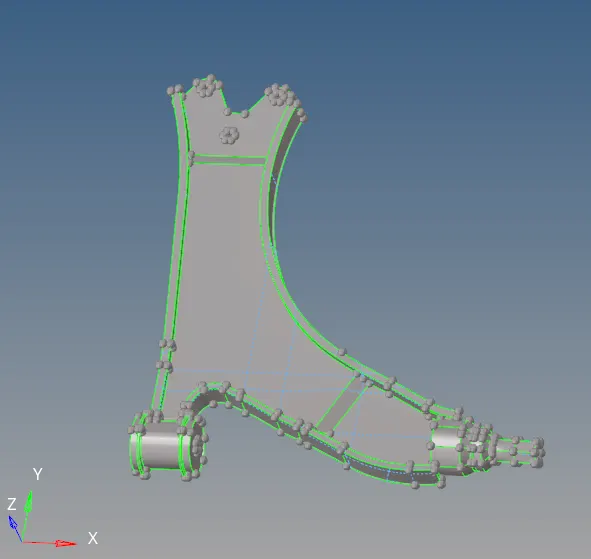
- Use surface > Ruled to patch up the missing surface
3D MESHED COMPONENT:
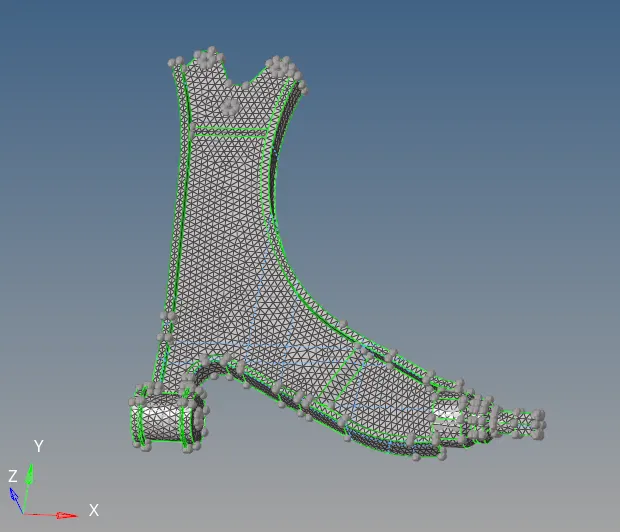
MESHED PART:
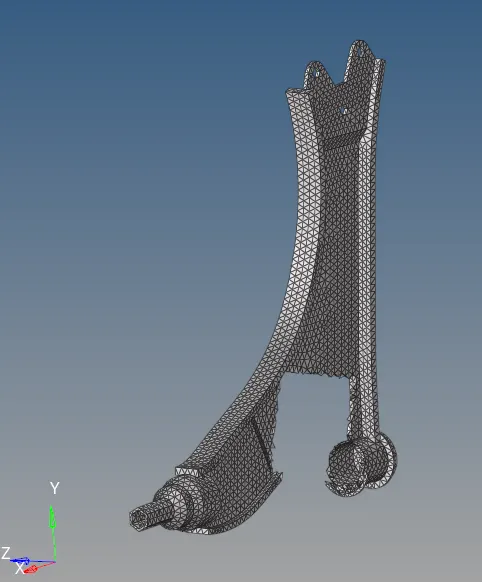
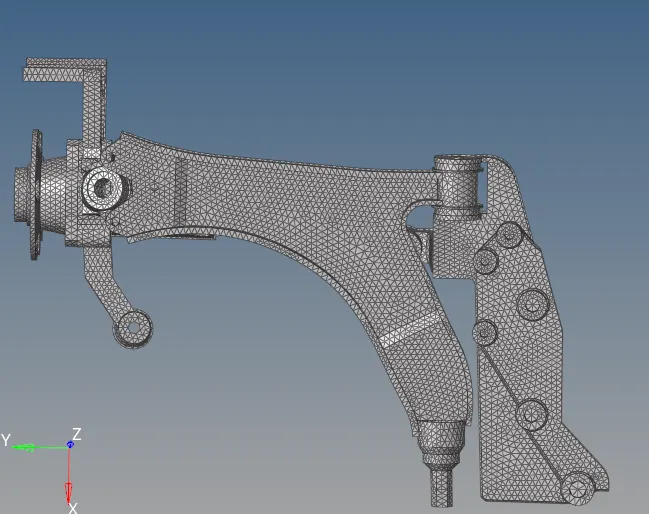
FINAL 3D MESHED PART:
------------------------------------------------------------------------------------------------------------------------------------